KM 31 BT - Coffee machine TEAM - Free user manual and instructions
Find the device manual for free KM 31 BT TEAM in PDF.



| Product type | Programmable coffee maker |
| Brand | Team |
| Model | KM 31 BT |
| Tank capacity | Approximately 1.25 L (10-12 cups) |
| Programming | 24-hour timer with built-in clock |
| Keep warm function | Heating plate for approximately 2 hours |
| Automatic shut-off | Yes, after approximately 2 hours of operation |
| Anti-drip system | Automatic anti-drip valve |
| Filter holder | Swivel, removable, compatible with paper or permanent filters |
| Display | Digital screen (time and programming) |
| Control buttons | MODE, HOUR, MIN, ON/OFF |
| Indicator lights | ON/OFF (red) and AUTO (orange) |
| Power supply | 220-240 V ~ 50 Hz (estimated) |
| Power | Approximately 1000 W (estimated) |
| Main material | Plastic and metal plate |
| Maintenance | Cleaning with non-abrasive sponge, regular descaling |
| Safety | Do not immerse, do not use near heat sources, supervision required |
| Included accessories | Glass carafe, filter holder |
| Dimensions (approx.) | 25 x 20 x 35 cm (estimated) |
| Weight (approx.) | 1.5 kg (estimated) |
Frequently Asked Questions - KM 31 BT TEAM
User questions about KM 31 BT TEAM
0 question about this device. Answer the ones you know or ask your own.
Ask a new question about this device
Download the instructions for your Coffee machine in PDF format for free! Find your manual KM 31 BT - TEAM and take your electronic device back in hand. On this page are published all the documents necessary for the use of your device. KM 31 BT by TEAM.
USER MANUAL KM 31 BT TEAM
- Main Body
- Hotplate
- Swing filter holder
- Graduated water tank
- Lid of the water tank
- Glass jug
- Lid of the glass jug
- Control buttons
- ON/OFF switch
- Pilot lights
F
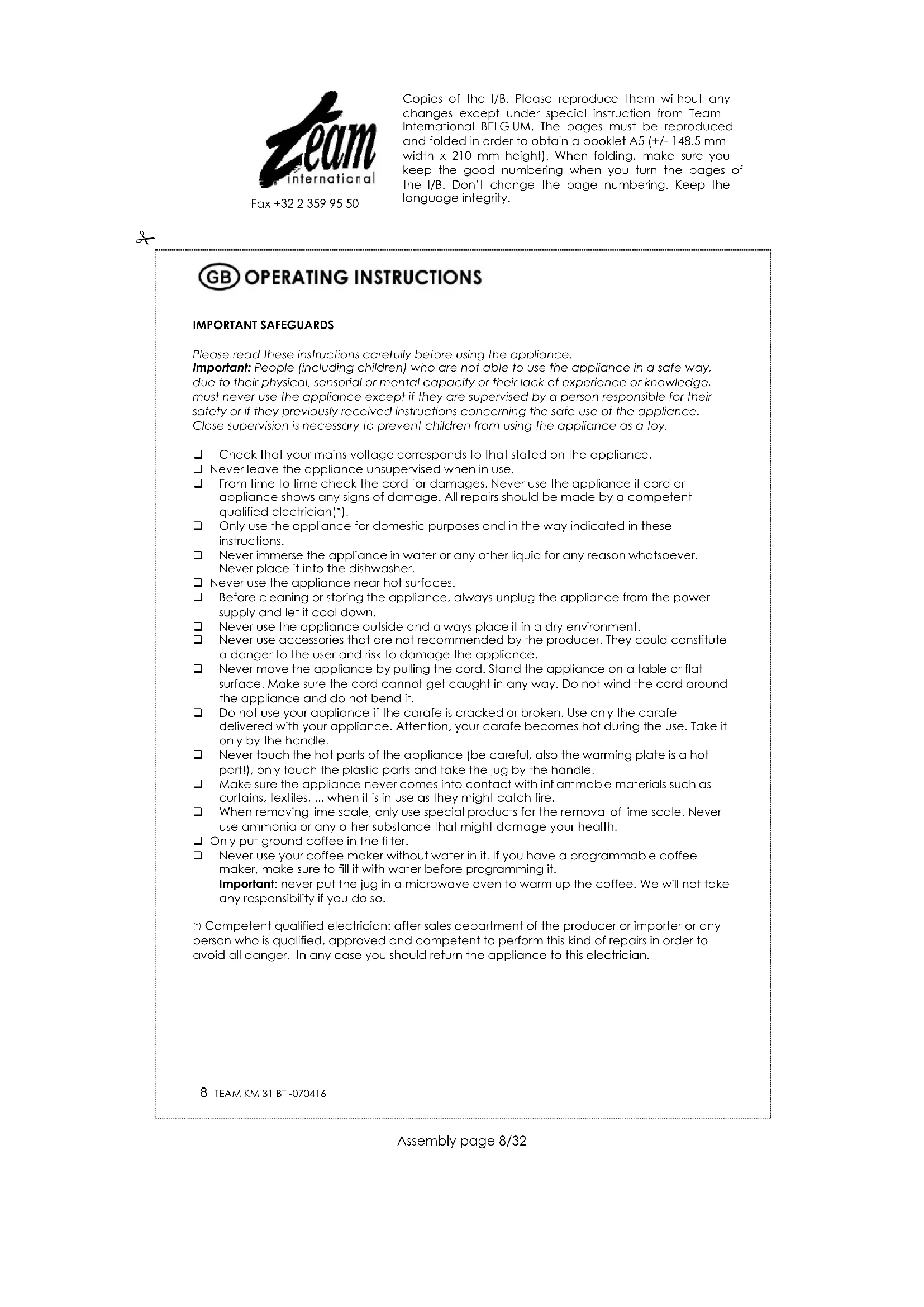
Copies of the I/B. Please reproduce them without any changes except under special instruction from Team International BELGIUM. The pages must be reproduced and folded in order to obtain a booklet A5 (+/- 148.5 mm width x 210 mm height). When folding, make sure you keep the good numbering when you turn the pages of the I/B. Don't change the page numbering. Keep the language integrity.
Fax +32 23599550

Please read these instructions carefully before using the appliance.
Important: People (including children) who are not able to use the appliance in a safe way, due to their physical, sensorial or mental capacity or their lack of experience or knowledge, must never use the appliance except if they are supervised by a person responsible for their safety or if they previously received instructions concerning the safe use of the appliance. Close supervision is necessary to prevent children from using the appliance as a toy.
Check that your mains voltage corresponds to that stated on the appliance.
Never leave the appliance unsupervised when in use.
From time to time check the cord for damages. Never use the appliance if cord or appliance shows any signs of damage. All repairs should be made by a competent qualified electrician*.
Only use the appliance for domestic purposes and in the way indicated in these instructions.
Never immerse the appliance in water or any other liquid for any reason whatsoever. Never place it into the dishwasher.
Never use the appliance near hot surfaces.
Before cleaning or storing the appliance, always unplug the appliance from the power supply and let it cool down.
Never use the appliance outside and always place it in a dry environment.
Never use accessories that are not recommended by the producer. They could constitute a danger to the user and risk to damage the appliance.
Never move the appliance by pulling the cord. Stand the appliance on a table or flat surface. Make sure the cord cannot get caught in any way. Do not wind the cord around the appliance and do not bend it.
Do not use your appliance if the carafe is cracked or broken. Use only the carafe delivered with your appliance. Attention, your carafe becomes hot during the use. Take it only by the handle.
Never touch the hot parts of the appliance (be careful, also the warming plate is a hot part!), only touch the plastic parts and take the jug by the handle.
Make sure the appliance never comes into contact with inflammable materials such as curtains, textiles, ... when it is in use as they might catch fire.
When removing lime scale, only use special products for the removal of lime scale. Never use ammonia or any other substance that might damage your health.
Only put ground coffee in the filter.
Never use your coffee maker without water in it. If you have a programmable coffee maker, make sure to fill it with water before programming it. Important: never put the jug in a microwave oven to warm up the coffee. We will not take any responsibility if you do so.
Competent qualified electrician: after sales department of the producer or importer or any person who is qualified, approved and competent to perform this kind of repairs in order to avoid all danger. In any case you should return the appliance to this electrician.
INITIAL OPERATION
When you use your appliance for the first time, pour fresh water into the water tank (without coffee) and switch on the appliance.
Once all the water has passed through, switch the appliance off and let it cool down. When it is cold enough repeat the process with fresh water. Repeat this process twice.
SETTING THE CLOCK
Plug in your coffeemaker. The time "12:00" will be displayed on the electronic digital clock.
To set the current time, press the MODE button once and 'CLOCK' will be displayed. Then press the HOUR button to set the hours, and the MIN button to change the minutes.
- By each impulse on one of those buttons, the hour or minutes will go with 1 unit but if you keep the pressure, the time will roll forward more quickly.
- When the setting is finished, wait about 10 seconds and CLOCK will be displayed or press twice successively the MODE button. In both cases, only the setted clock will stay displayed.
PROGRAMMATION
Your coffee maker has a 24 hours timing, but the programmed clock remains in the memory as long as you do not modify it.
- Check the time displayed on the clock.
- Fill the water tank with cold water by lifting the lid. The number of cups can be read on the graduated water tank. Close the lid.
- Swing the filter holder (use the tongue to make it easier), add a paper filter or permanent filter (depending on the model) and add the desired quantity of ground coffee. Then replace the filter holder in its initial position paying attention that it correctly hangs to the tank.
- Press the MODE button twice successively. The time "12:00" and 'TIMER" will be displayed on the electronic digital clock.
- Set the desired programmation time doing the same as described for the setting of the clock.
- Once the setting is finished, wait about 10 seconds and "TIMER" will disappear or press once the MODE button. In both cases the programmation time will disappear and will be replaced by the time of the clock.
- Make sure the carafe is placed correctly on the hotplate.
- Then press the ON/OFF switch twice successively and the orange AUTO pilot light will come on. The coffee machine is ready to start at the set time.
- To check or to modify the programmation time, press the MODE button twice and it will be displayed. You can now modify as you like.
- When your appliance will start at the programmed time, the orange pilot light will go out and the red ON/OFF pilot light will come on, indicating that the brewing process has started.
The hot plate allows keeping the coffee hot for about 2 hours but after this delay, your appliance will automatically cut out (both pilot lights will be off).
You can switch off your appliance anytime simply by pressing once the ON/OFF switch.
MANUAL OPERATION
- Fill the water tank with cold water by lifting the lid. The number of cups can be read on the graduated water tank. Close the lid.
- Swing the filter holder (use the tongue to make it easier), add a paper filter or permanent filter (depending on the model) and add the desired quantity of ground coffee. Then replace the filter holder in its initial position paying attention that it correctly hangs to the tank.
Make sure the carafe is placed correctly on the hotplate. - To switch on your appliance, press once the ON/OFF switch. The red pilot light will come on and the coffee will start flowing after a few seconds.
- You can switch off your appliance at each time simply by pressing twice successively the ON/OFF switch (all pilot lights will be off).
- Your coffee maker will cut out automatically after about 2 hours operation.
USE COMFORT
- When you remove the carafe from this appliance, a non-drip valve will automatically operate to stop any drops of coffee dripping onto the hotplate. Replacement of the carafe automatically opens the non-drip valve and allows any remaining coffee to filter through into the carafe.
- When the water tank is empty, wait a few seconds before removing the carafe in order to let the water in the filter flow totally.
Once the coffee ready, you can keep it warm by letting it on the hot plate. This will start to heat up as soon as the coffee maker is on (red pilot light on). With the automatic or the manual operation, the duration won't exceed about 2 hours because your coffee maker will automatically cut out after that. - Caution: when you switch your coffee maker off, the hot plate will also cut out, but it will still stay hot for a short while. So pay attention and wait until the hot plate has completely cooled down before cleaning or storing the appliance.
DESCALING AND CLEANING
- Descaling the coffee maker prolongs its life span. For decalcification only use products especially made for decalcification of coffee makers and follow their instruction manual carefully.
- Never put any part of the appliance in the dishwasher. Clean the jug with soapy water and rinse it with clear water.
- The filter holder of your coffee maker is removable in order to clean it more easily under a water pipe for example but also to avoid the manipulation of a dirty paper filter. Therefore swing it completely and pull it vertically.
To clean the plastic parts of the appliance, use a humid, non abrasive cloth.
PRACTICAL HINTS
When you notice that the coffee making process is longer than it should be it is probably time to decalcify the appliance. Do not wait until the situation gets worse. The decalcifying frequency depends on the amount of lime in water and therefore can be different from family to family. Therefore it is important to pay attention to this. A good maintenance of your appliance will prolong its lifespan. Guarantee claims will not be accepted for the replacement of a heating element full of scale.
PROTECTION OF THE ENVIRONMENT- DIRECTIVE 2002/96/EC
In order to preserve our environment and protect human health, the waste electrical and electronic equipment should be disposed of in accordance with specific rules with the
implication of both suppliers and users. For this reason, as indicated by the symbol the rating label or on the packaging, your appliance should not be disposed of as unsorted municipal waste. The user has the right to bring it to a municipal collection point performing waste recovery by means of reuse, recycling or use for other applications in accordance with the directive.