WFC300 - Weather Station HAMA - Free user manual and instructions
Find the device manual for free WFC300 HAMA in PDF.

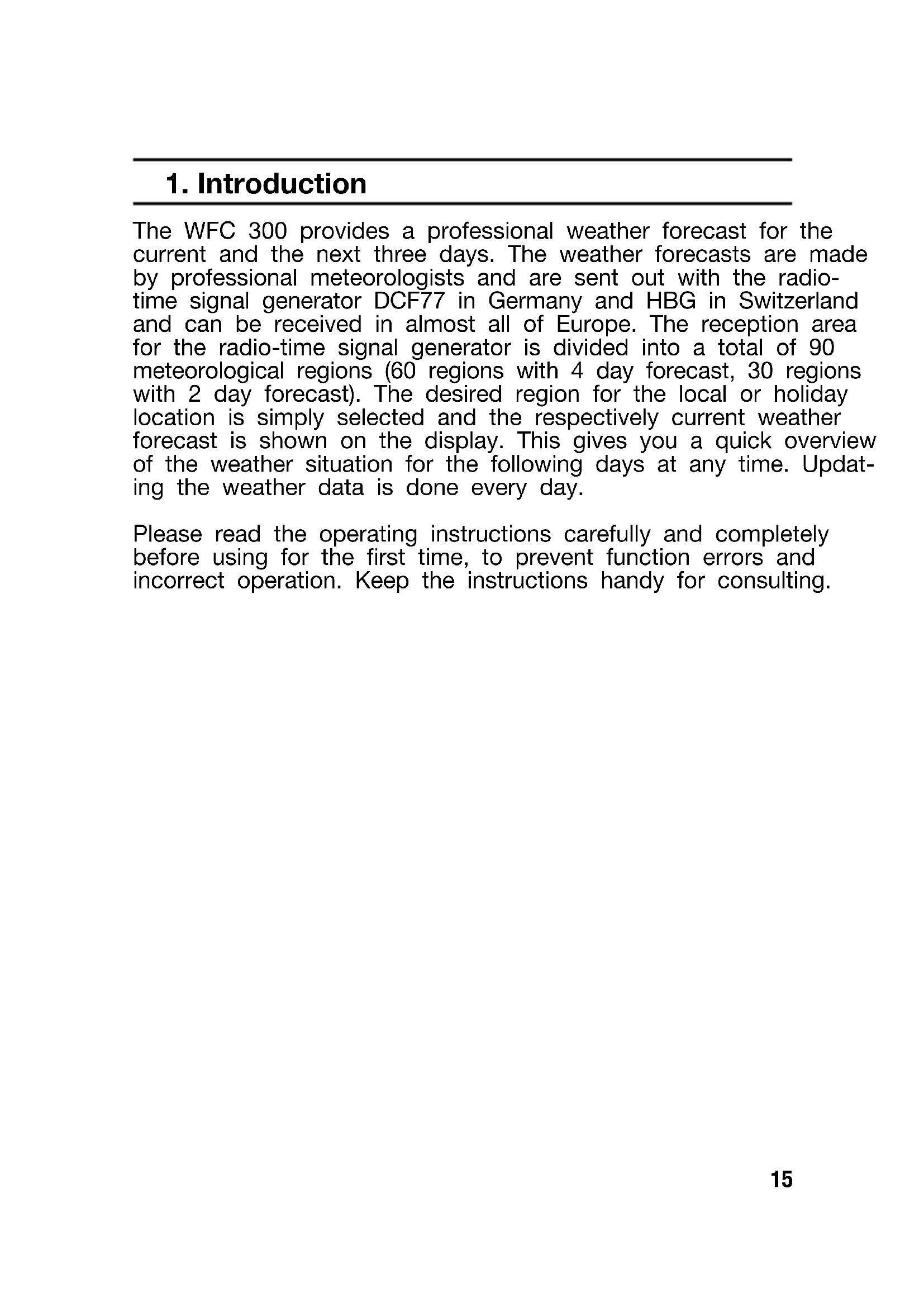


| Brand | Hama |
| Model | WFC300 |
| Product type | Weather station |
| Power supply | 3 LR6/AA batteries (1.5 V) |
| Indoor temperature range | 0 °C to 50 °C |
| Temperature accuracy | 1 °C |
| Temperature resolution | 0.1 °C |
| Weather forecasts | 4 days (60 regions) or 2 days (30 regions) |
| Time reception | DCF77 (Germany) / HBG (Switzerland) |
| Weather data update | Every 24 hours |
| Main functions | Weather display, alarm with snooze, reception test, time zone setting, adjustable contrast (1-16) |
| Display | Time, date, weather region, alarm, reception indicator |
| Maintenance and cleaning | Clean with a dry, lint-free cloth. Do not use liquid or abrasive products. |
| Safety | Do not open the device. Keep out of reach of children. Recycle used batteries in accordance with local regulations. |
| Usage | Household use only, for weather forecast indicator. Do not use for medical purposes. |
Frequently Asked Questions - WFC300 HAMA
User questions about WFC300 HAMA
0 question about this device. Answer the ones you know or ask your own.
Ask a new question about this device
Download the instructions for your Weather Station in PDF format for free! Find your manual WFC300 - HAMA and take your electronic device back in hand. On this page are published all the documents necessary for the use of your device. WFC300 by HAMA.
USER MANUAL WFC300 HAMA
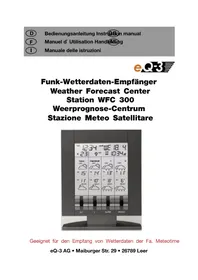
Weather Forecast Center
Station WFC 300
Weerprognose-Centrum
Weather Forecast Center WFC 300
1. Introduction
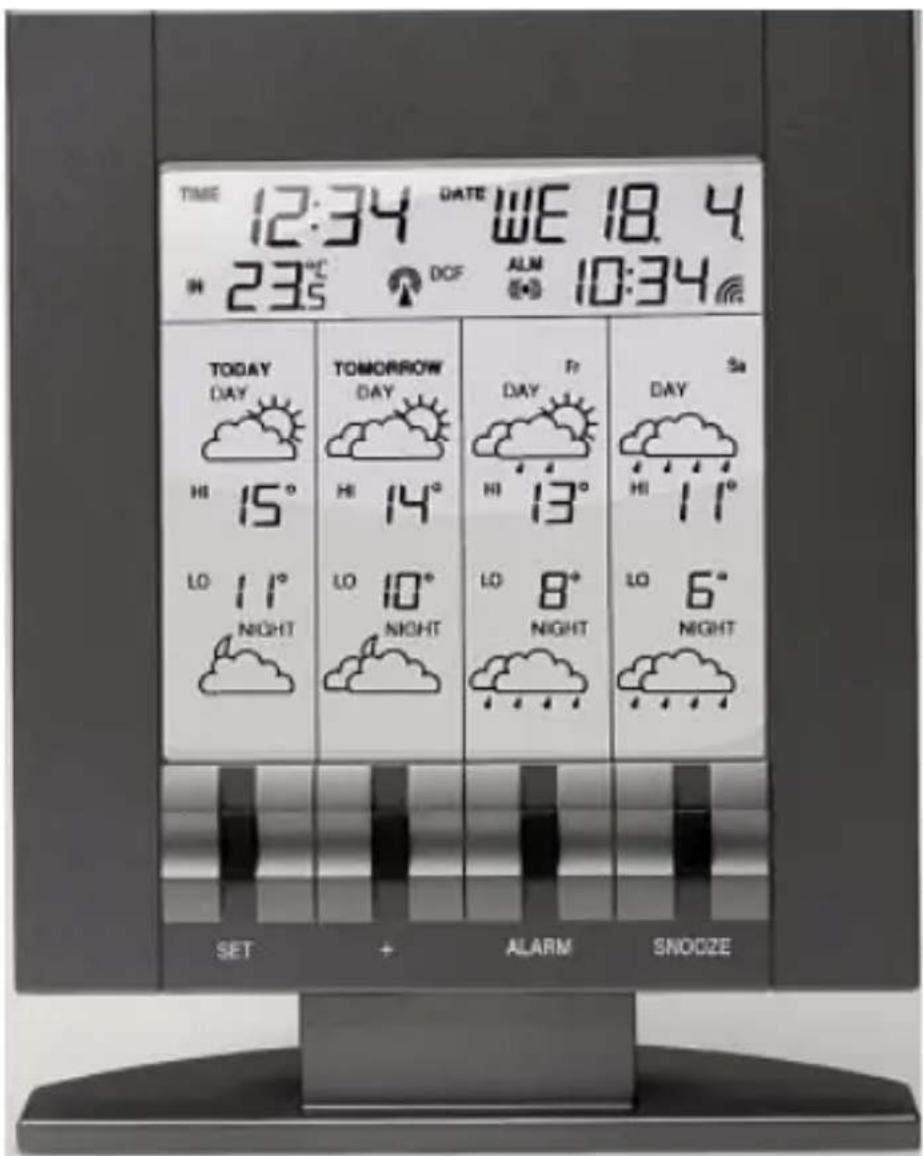
The WFC 300 provides a professional weather forecast for the current and the next three days. The weather forecasts are made by professional meteorologists and are sent out with the radio-time signal generator DCF77 in Germany and HBG in Switzerland and can be received in almost all of Europe. The reception area for the radio-time signal generator is divided into a total of 90 meteorological regions (60 regions with 4 day forecast, 30 regions with 2 day forecast). The desired region for the local or holiday location is simply selected and the respectively current weather forecast is shown on the display. This gives you a quick overview of the weather situation for the following days at any time. Updating the weather data is done every day.
Please read the operating instructions carefully and completely before using for the first time, to prevent function errors and incorrect operation. Keep the instructions handy for consulting.
2. Display
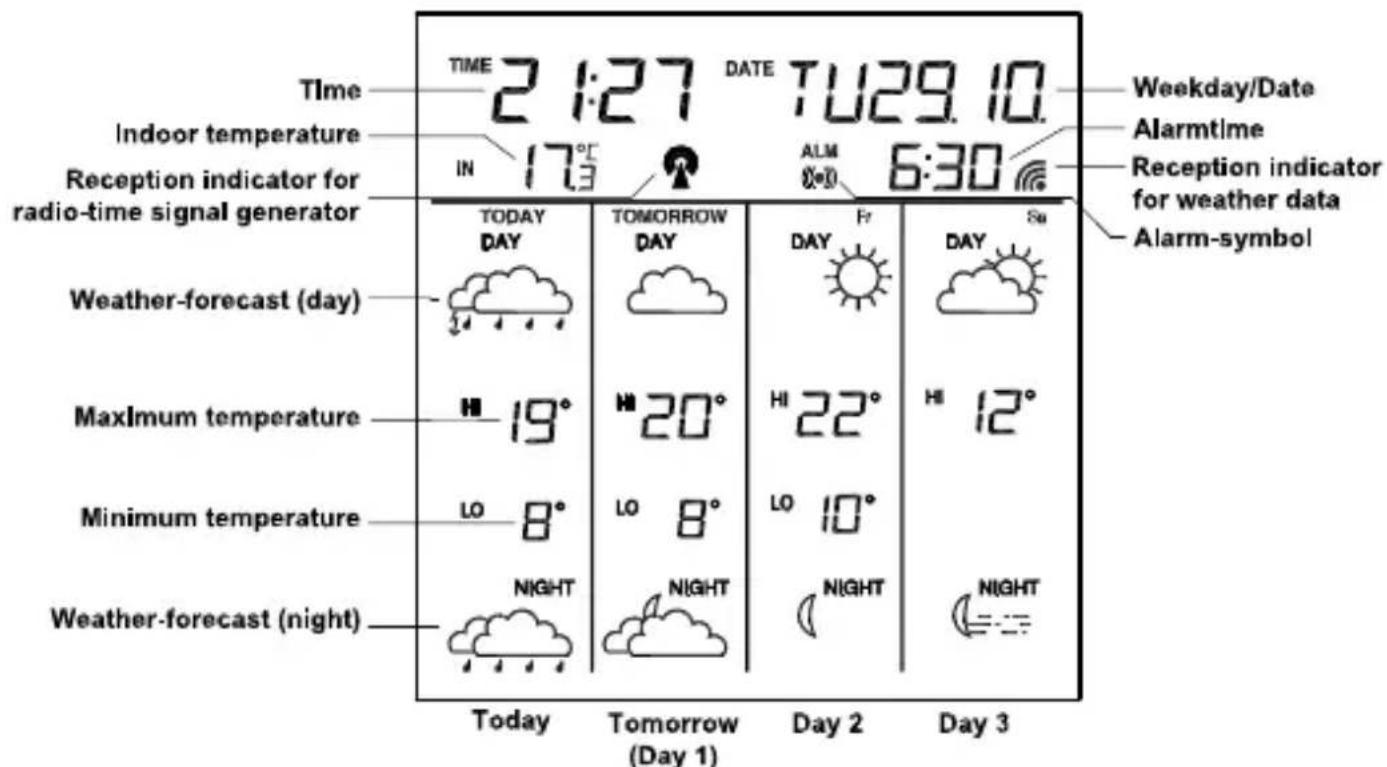
Reception indicator for weather data
- Symbol on Weather data completely received
- Symbol flashing Weather data incomplete
Reception indicator for radio-time signal generator
- Symbol flashing Initial reception of date and time
- Symbol on Time and date are current
- Symbol off Time and date have not be updated
Alarm symbol
- Symbol on Alarm function switched on
- Symbol off Alarm function switched off
- Symbol flashing Alarm active or temporarily switched off (Snoopze)
3. Choosing the installation location
Similar to a mobile telephone network or radio/TV reception, the reception of the radio-time receiver may not be perfect in all locations. Just a couple of notes to make sure that your device works with no problems.
The location of the weather station is very important. This is the reason for the new test function that allows the quality of reception to be checked in the surrounding area and to position the device in a location that has the best possible conditions.
- Switch on all potential sources of interference (e.g. television) in the area that you want to install the station during the test!
- Position the device in the location, oriented as you prefer, but at least one meter from the possible source of interference.
- Activate test mode as described.
- Monitor the reception display on the weather station. If you have found a location that has good reception, you can leave the device there and it will retrieve data automatically from the transmitter.
Note!
The time and date appear within a few minutes.
- The transfer of larger quantities of data for the forecast take much longer: In order to receive all data, the station requires 24 hours after start-up.
4. Possible sources of interference
interferences as with a radio transmitter can occur and could be caused by the following influences:
- In buildings with a lot of concrete, metal parts and electrical systems, reception problems can occur (e.g. Mall).
- Electrical devices such as television, computer, house-hold devices, etc. or transformers, land lines, radio transmitters and railways are possible direct sources of interference.
- Atmospheric influences and geographical features (mountains, etc.) can affect the propagation of the radio waves.
- The distance from the transmitter does also influence the reception. Areas such as Southern Italy or Northern Scandinavia are also critical areas because of the great distances from the transmitter.
- In all regions, so-called "dead spots" can occur making reception impossible.
- Weak batteries in the device decrease the quality of reception.
5. Commissioning and configuration
Inserting batteries/Changing batteries
- Open the battery compartment at the rear of the weather station and insert the three batteries (LR6/ Mignon/ AA), ensuring proper polarity, into the battery compartment. When disposing of dead batteries, see note on the disposal information.
Note!
All internal data is deleted when you change the batteries. The configuration parameters (weather region, time zone and contrast) must be entered again (see the following chapter). Receiving all weather data requires a period of at least 24 hours.
Calling up the configuration menu
- Press the
button for at least three seconds. The first point in the configuration menu (weather region) is called up.
Exiting the configuration menu
- Press the
button as often as required to reach the normal display again.
Setting the weather region
- After calling up the configuration menu, the setting mode is active for the weather region. The text "loc" is shown on the display. The currently defined region is shown directly to the right. Use the < + > button to select the desired region now (see Appendix).
Note!
For regions 60 - 89, the forecast is limited to 2 days. Both fields for the following days (the far right on the display) remain empty.
The data is synchronized again after changing the region. The reception of the new weather data requires at least 24 hours.
Setting the time zone
- From the start of the configuration, press the
button again for the time zone setting mode. The text "ti" is shown on the display. The currently defined time zone is shown directly to the right. Use the < + > button to select the desired time zone.
Note!
The time received from the radio-time signal generator DCF or HBG is Central European Time (CET, CEST). Setting the time zone is therefore only required for other time zones (e.g. in Portugal or Great Britain).
Contrast setting
-
From the start of the configuration, press the
button twice for the display contrast setting mode. The text "con" appears. The currently set value is displayed in the field on the right. The contrast can be set within a range from 1 to 16 using the < + > button. -
Pressing the
button again ends configuration mode.
Reception test
-
Press the < + > button for at least 3 seconds to activate the test for the reception of weather data. The text "test" is shown on the display. The reception indicator for the weather data shows the quality of reception. The reception is good if the indicator is shown, otherwise a new location must be found for installing the weather station.
-
The reception test is either ended after approx. 1 minute automatically or by actuating the < + > button.
6. Operations
Alarm function
- Press the
button for at least three seconds to set the alarm time. The text "ALM" and the hours display flash. Use the < + > button for the hour setting. By pressing the button again, the minute setting is activated. The minute display flashes. Use the < + > button for the minutes setting. Press the button again to end the setting mode for the alarm time. - Use the
button to activate or deactivate the alarm. When the alarm is active, the alarm symbol) shown on the display. - The alarm signal can be interrupted with the
button. Use the button to stop the alarm signal for five minutes. During this time, the alarm signal flashes.
Show current weather region
Press the
The text „loc“ appears with the currently defined region on the display. An overview of the coding of all available regions can be found under Appendix.
7. Intended usage, exclusion of warranty, and safety information
- This weather station is intended for private usage as an indicator for future weather. The forecasts of this device are to be used as orientation values and do not represent absolute, precise forecasts.
- The manufacturer or distributor of this weather station assumes no responsibility for incorrect values or any results that may occur because of these values.
- The weather station is not intended for medical purposes or for the information to the public.
- The manufacturer or distributor has no influence on the transferred weather data or forecasts.
- The capabilities of the weather station depend on the operational functionality of the transmission media, which the manufacturer or distributor has no influence on. Failures in the transmission media cannot be ruled out.
- This device is not a toy and contains breakable and small parts. Install the device out of the reach of children.
- Improper handling or unauthorized opening of the device voids the guarantee.
- These instructions are not to be reproduced in whole or in part without the written authorization from the manufacturer.
8. Disposal information
Do not dispose off the device as part of household garbage! Electronic devices are to be disposed of in accordance with the guidelines concerning electrical and electronic devices via the local collecting point for old electronic devices!
Observe battery regulations
According to the regulations pertaining to batteries, you are required to send used or defective batteries back to us or to hand them in to the respective local business or battery collection point.
Batteries do not belong in the household waste!
9. Technical specifications
Indoor temperature:
Range: 0 to 50^
Accuracy: ±1°C
Resolution: 0,1°C
Weather data updating: Every 24 hours
Power consumption: 3 x Battery LR6/Mignon/AA
Dimensions (L x W x H) : 30 mm x 122 mm x 133 mm
Station WFC 300
9. Specifications techniques
Alimentation: 3 x Piles LR6/Mignon/AA
Dimensions (L x W x H): 30 mm x 122 mm x 133 mm
- Symbolaan Weerdata completely received
- Symbol knippert Weerdata incomplete
The following is an overview of all weather regions. More information can be found under www.meteotime.com