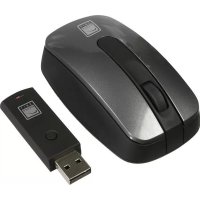
Carbon Laser RF Mouse - Mouse Speedlink - Free user manual and instructions
Find the device manual for free Carbon Laser RF Mouse Speedlink in PDF.

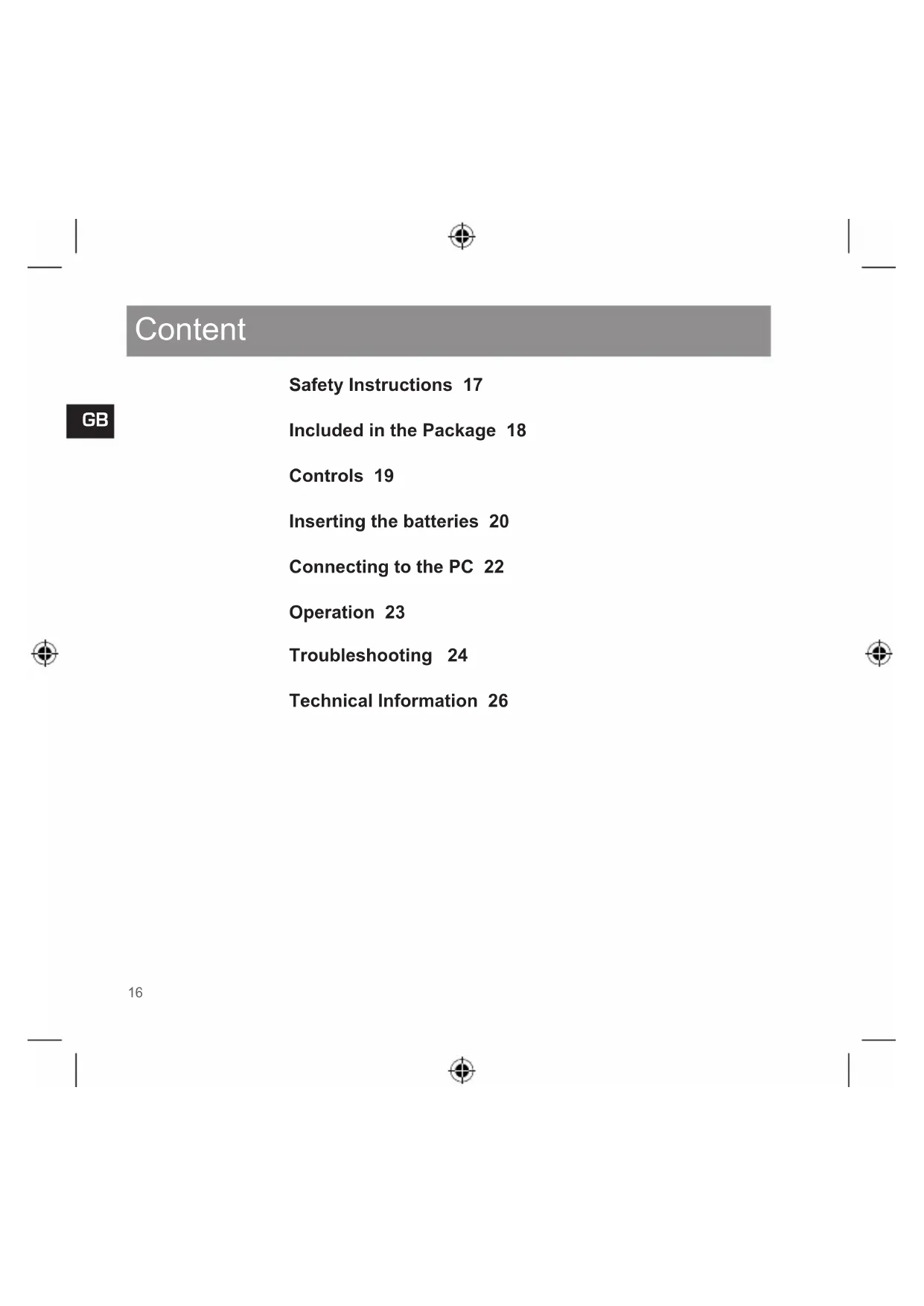


| Product Type | Wireless Mouse |
| Brand | Speedlink |
| Model | Carbon Laser RF Mouse |
| Sensor Technology | Class 1 Laser |
| Connection Type | RF 27 MHz via USB Receiver |
| Frequency | 27 MHz |
| Power Supply | 2 AAA Batteries (1.5 V each) |
| Rated Voltage | 3 V DC |
| Operating Consumption | 20 mA |
| Standby Consumption | 1 mA |
| Automatic Standby Mode | After 8 minutes of inactivity |
| Recommended Range | 1.2 m |
| Maximum Range | 2.5 m |
| Number of Buttons | 3 (Left, Right, Scroll Wheel click button) |
| Scroll Wheel | Yes, with click function |
| Dimensions (estimate) | Approx. 100 x 60 x 35 mm |
| Weight (estimate) | Approx. 100 g (with batteries) |
| Package Contents | Mouse, USB receiver, 2 AAA batteries, instruction manual |
| Safety | Class 1 laser: do not look directly. Avoid contact with used batteries. |
| Maintenance | Clean with a soft, dry cloth. Do not use liquids. |
Frequently Asked Questions - Carbon Laser RF Mouse Speedlink
User questions about Carbon Laser RF Mouse Speedlink
0 question about this device. Answer the ones you know or ask your own.
Ask a new question about this device
Download the instructions for your Mouse in PDF format for free! Find your manual Carbon Laser RF Mouse - Speedlink and take your electronic device back in hand. On this page are published all the documents necessary for the use of your device. Carbon Laser RF Mouse by Speedlink.
USER MANUAL Carbon Laser RF Mouse Speedlink
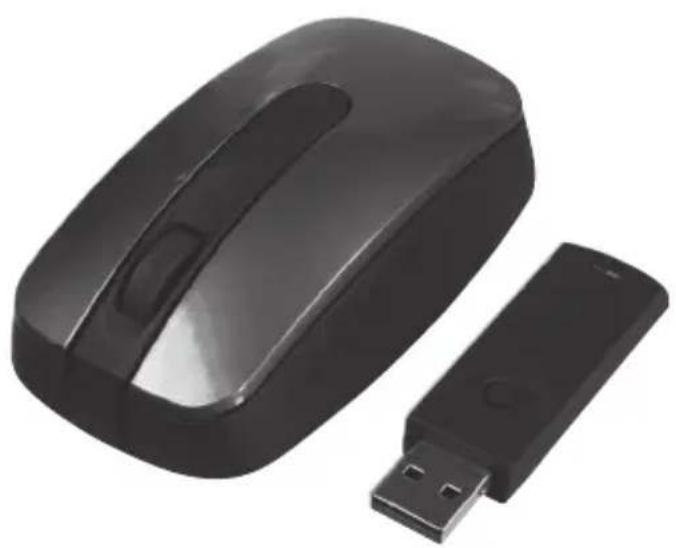
Carbon Laser RF Mouse
Wireless Mouse for Notebooks

User's Guide Bedienungsanleitung Mode d'emploi Instrucciones de manejo Manuale di istruzioni Brugsanvisning
SL-6196-SGY Version 1
Declaration of Conformity
(Carbon Laser RF Mouse)
Frequency: 27,045 MHz
EAN-Code 4027301061963
Is herewith confirmed to comply with the requirements set out in the Council Directive on the Approximation of the Laws of the Member States relating to Electromagnetic Compatibility Directive (89/336/EEC) and in the safety regulations for information technology equipment (73/23/EEC; 93/68/EEC).
For the evaluation regarding the Directives, the following standards were applied:
EN 300 220-3 :2000 V1.1.1
EN 301 489-3 V1.4.1 (2002-08)
EN 60950-1:2001
EN 60825-1:1994 + A11:1996 + A2:2001 + A1:2002
support@speed-link.com

Content
GB
Safety Instructions 17
Included in the Package 18
Controls 19
Inserting the batteries 20
Connecting to the PC 22
Operation 23
Troubleshooting 24
Technical Information 26
Safety Instructions
Disclaimer of Liability
Jollenbeck GmbH accepts no liability whatsoever for any product deficiencies or injuries to persons that occur due to careless, improper or incorrect use of the product or use of the product for purposes not recommended.
Laser
This mouse uses a Class 1 laser sensor. Pointing the laser directly at the eyes can cause blindness. Never look directly at the laser beam and never point it at other people or reflective objects such as mirrors, for instance. Never look at the laser beam with magnifying devices such as magnifying glasses, microscopes or similar.
Troubleshooting/Repairs
Do not attempt to service or repair the device yourself. Leave any maintenance to qualified experts. Do not attempt to modify the device in any way. Doing so will invalidate the warranty.
Moisture/Heat
Only use the mouse in dry, interior rooms. Do not operate the device near water and keep it away from damp areas and areas where liquids are likely to drip or be sprayed in order to prevent damage occurring.

Note: Please read the user manual carefully and follow the instructions contained herein.
Store these instructions in a handy place for future reference.
Included in the Package
GB
1 x Carbon Laser RF Mouse
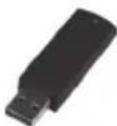
1xUSBreceiver
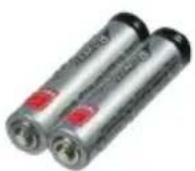
2xAAA batteries
1xUsermanual
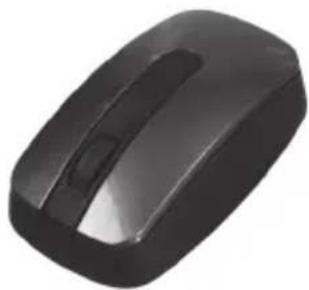
Controls
Inserting the batteries
GB
Note on handling batteries
Keep batteries out of children's reach. Do not mix old, new or different types of battery. Follow the supplier's guidelines when handling batteries. Always replace old or weak batteries promptly. Dispose of and recycle your old batteries in accordance with local regulations.
If a battery goes flat, remove all the batteries and clean the battery compartment thoroughly with a damp tissue. Avoid skin contact with the battery acid and wash your fingers thoroughly afterwards. You can also power this mouse using appropriate AAA rechargeable batteries.

Do not charge the batteries supplied with this product. These batteries cannot be recharged and will be damaged if an attempt is made to charge them.
Inserting the batteries
Inserting the batteries
Note: The mouse and receiver must be resynchronised after every battery change.
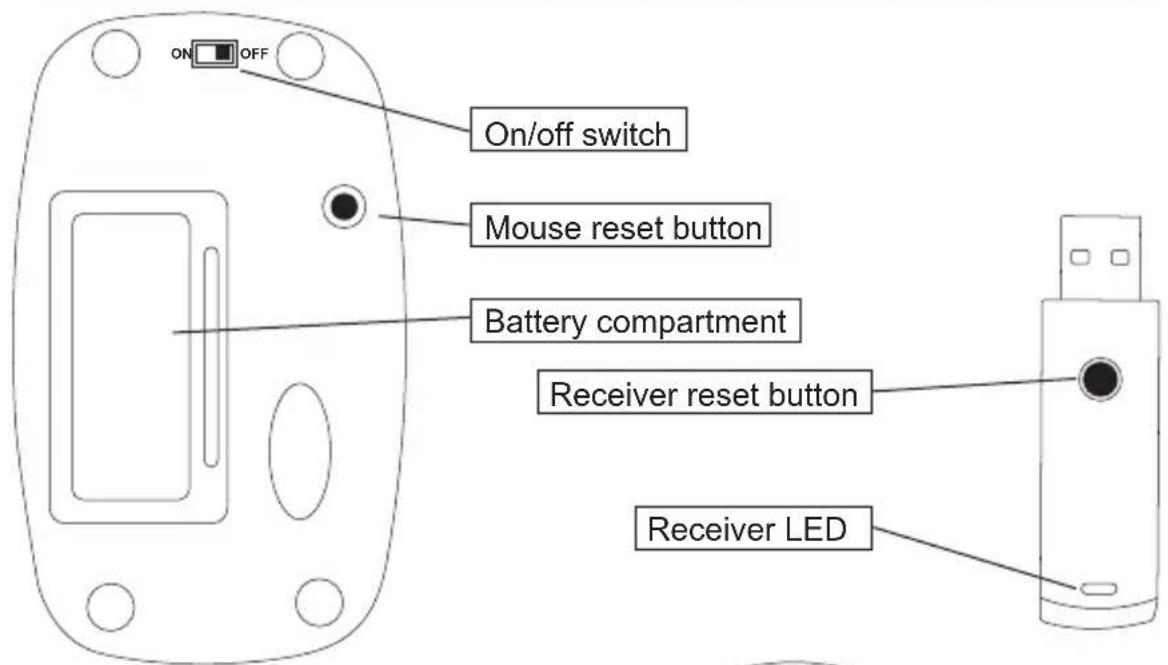
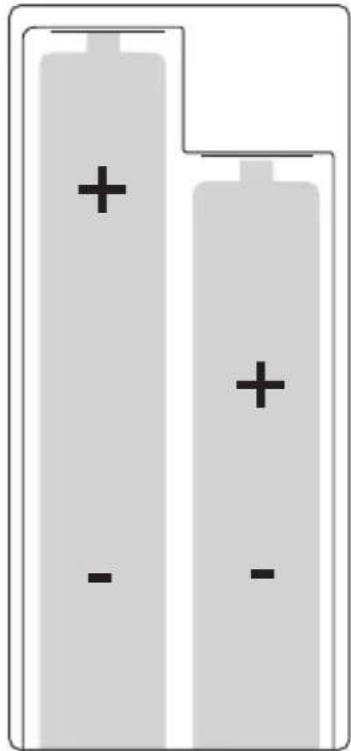
Switch the mouse off by setting the on/off switch on the underside of the mouse to OFF. Remove the battery compartment cover and insert the batteries according to the adjacent polarity markings in the battery compartment. Make sure you correctly insert the batteries according to their polarity. Insert both batteries on top of the red band in the battery compartment. If you need to change the batteries at a later date then you simply need to pull this band in order to remove the batteries. Replace the battery compartment cover.
Connecting to the PC
GB
Plug the USB receiver into any free USB port on your PC. You can also plug the receiver into a USB hub connected to your computer. The LED on the receiver will now light up and your operating system will automatically detect that a new device has been connected.
Synchronisation
Switch the mouse on by setting the on/off switch on the underside of the mouse to ON. Now press the reset button on the receiver. The LED on the receiver will start to flash slowly. Following that press the reset button on the underside of the mouse. The receiver will now search for the mouse. In doing so, the LED on the receiver will flash rapidly. As soon as
the receiver has found the mouse the LED will remain constantly lit.
As soon as you transmit data with the mouse then the receiver will show this by a rapid flashing of the LED.
If Windows prompts you to connect to the Internet to find a Windows update then select No, not this time and then click on Next.

Note for Windows 98 users: The operating system may prompt you to insert the Windows installation CD if necessary. Follow the on-screen instructions. 22

Operation
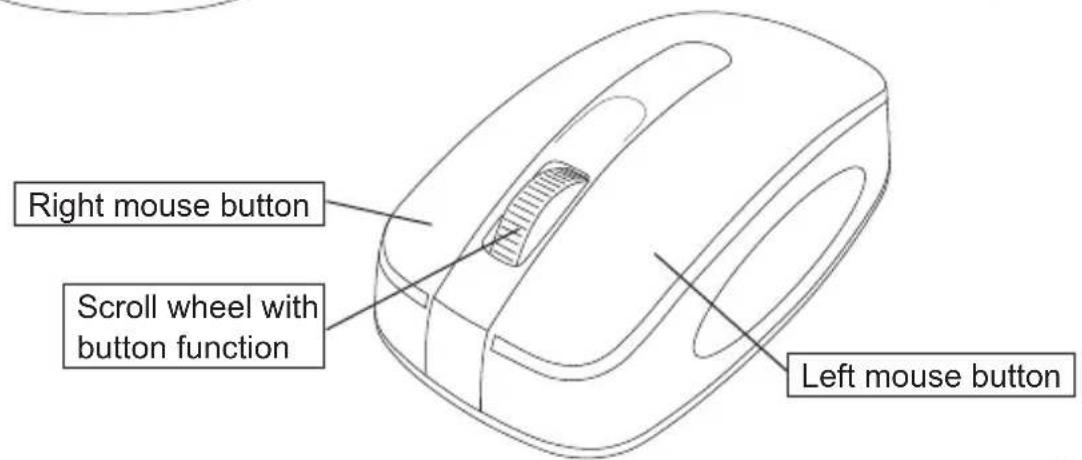
You can adjust the actions of the three buttons and the speed of the mouse pointer and scroll wheel under Control Panel > Mouse.
The mouse will automatically switch to standby mode after eight minutes of inactivity. Press any mouse button to end standby mode.
The distance between the mouse and the receiver should not exceed 1.2m A greater distance can lead to poor signal transmission and consequently to jerky mouse movement.
Switch the mouse off to increase battery life if it is not being used or if it needs to be carried around.
Troubleshooting
GB
Frequency interference
Frequency overlap of the individual frequencies may occur if multiple wireless devices are being used at the same time. If your mouse doesn't work then change the wireless frequency of the mouse. To do that, proceed as follows:
- Press the reset button on the mouse
Press the reset button on the receiver
Press any mouse button
Interference caused to other wireless systems
If any interference is caused to radio or television signals then you should first check to see if the mouse is the source of interference. To do that, switch the mouse off and
check if the interference is still occurring. If it continues, take the following steps:
- Change the position of the antenna on the affected device
- Increase the distance between the receiver and the affected device
Plug the receiver into a socket which is not on the same circuit as the affected device.
If these measures are unsuccessful then please consult with a qualified technician.
Troubleshooting
The LED on the receiver flashes when the mouse moves but the cursor stays still
Unplug the receiver from the USB port and plug it back in again. If necessary, use another USB port.
Mouse movement is jerky
Reduce the distance between the mouse and receiver. The mouse should be no more than 1.2m away from the receiver. If necessary, replace weak batteries.
Technical Information
GB
Frequency: 27MHz
Nominal voltage: 3V DC
Power consumption: 20mA
Power consumption in standby mode: 1mA
Standby mode: 8 mins.
Range:Recommended 1.2m, maximum 2.5m
Correct disposal of this product (electronic waste)
To be applied in countries of the European Union and other European countries with a separate collection system.
The markings on the product and on the associated literature show that this product must not be disposed of together with normal household waste at the end of its useful life. Please dis
pose of this device separately from other waste in order not to cause harm to the environment or human health through uncontrolled refuse disposal.
Recycle the device to facilitate the sustainable recycling of material resources.
Private users should contact the dealer from whom the product was bought, or the authorities responsible for recycling, in order to find how the device can be recycled in an environmentally friendly way.
Technical Information
Commercial users should ask their suppliers and consult the sales contract terms. This product must not be disposed of together with other commercial waste.
Jöllenbeck GmbH
Kreuzberg 2
27404 Weertzen
GERMANY
Support Hotline:
+49 (0) 4287 12 51 33
German fixed-line number
E-mail:
support@speed-link.com

Table des matieres
support@speed-link.com

Indhold
support@speed-link.com


HOTLINE
+49(0)4287125133
www.speed-link.com
Jollenbeck GmbH. This publication or parts of it may not be published or copied without the express consent of the publisher. Jollenbeck GmbH reserves the right to changes without prior notice. This product comlies with the relevant European regulations. You may request a compete declaration of conformity on our website at http://www-speed-link.com.
Jöllenbeck GmbH
Kreuzberg 2
27404 Weertzen
GERMANY
support@speed-link.com