HiRes Mini Laser Mouse - Mouse Speedlink - Free user manual and instructions
Find the device manual for free HiRes Mini Laser Mouse Speedlink in PDF.



| Product type | Compact laser mouse |
| Brand | Speedlink |
| Model | HiRes Mini Laser Mouse |
| Model number | SL-6193 |
| Sensor resolution | 1000 dpi |
| Number of buttons | 3 buttons + scroll wheel |
| Connection | USB (Plug & Play) |
| Cable type | Retractable cable |
| Compatible operating systems | Windows 98/2000/ME/XP |
| Power supply | Via USB port |
| Warranty | 2 years |
| Care | Clean with a soft, dry cloth. Do not use benzene, thinner, or chemicals. |
| Safety | Do not attempt to repair or modify the device. Avoid moisture, liquid splashes, and heat sources. |
| Proper use | Only in closed, dry rooms, with original parts. |
| Included accessories | Mouse, user manual |
| Main features | High-precision laser sensor, retractable cable, non-slip surface |
Frequently Asked Questions - HiRes Mini Laser Mouse Speedlink
User questions about HiRes Mini Laser Mouse Speedlink
0 question about this device. Answer the ones you know or ask your own.
Ask a new question about this device
Download the instructions for your Mouse in PDF format for free! Find your manual HiRes Mini Laser Mouse - Speedlink and take your electronic device back in hand. On this page are published all the documents necessary for the use of your device. HiRes Mini Laser Mouse by Speedlink.
USER MANUAL HiRes Mini Laser Mouse Speedlink
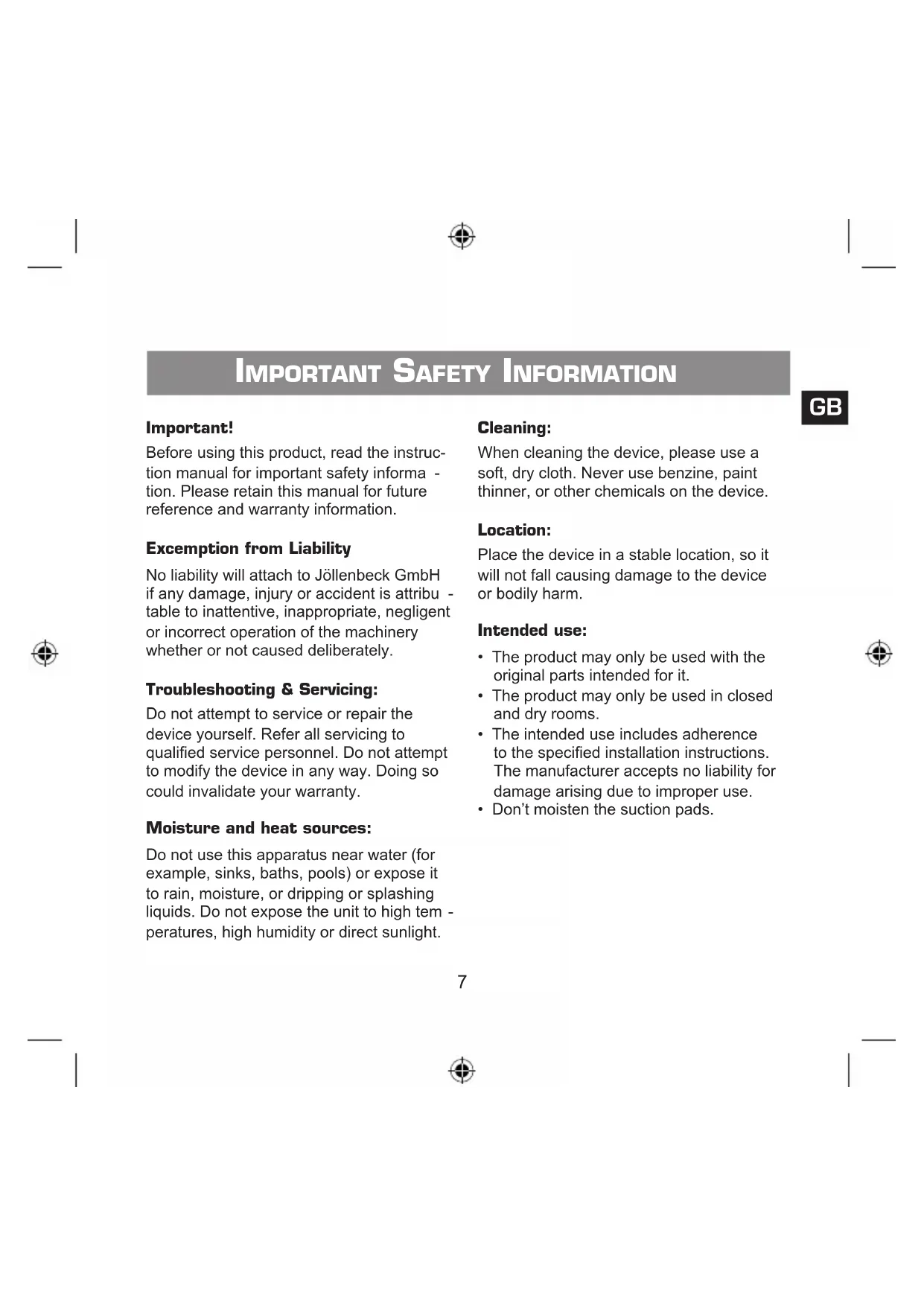
IMPORTANT SAFETY INFORMATION
Important!
Before using this product, read the instruction manual for important safety information. Please retain this manual for future reference and warranty information.
Exemption from Liability
No liability will attach to Jollenbeck GmbH if any damage, injury or accident is attributable to inattentive, inappropriate, negligent or incorrect operation of the machinery whether or not caused deliberately.
Troubleshooting & Servicing:
Do not attempt to service or repair the device yourself. Refer all servicing to qualified service personnel. Do not attempt to modify the device in any way. Doing so could invalidate your warranty.
Moisture and heat sources:
Do not use this apparatus near water (for example, sinks, baths, pools) or expose it to rain, moisture, or dripping or splashing liquids. Do not expose the unit to high temperatures, high humidity or direct sunlight.
Cleaning:
When cleaning the device, please use a soft, dry cloth. Never use benzine, paint thinner, or other chemicals on the device.
Location:
Place the device in a stable location, so it will not fall causing damage to the device or bodily harm.
Intended use:
The product may only be used with the original parts intended for it.
- The product may only be used in closed and dry rooms.
- The intended use includes adherence to the specified installation instructions. The manufacturer accepts no liability for damage arising due to improper use.
- Don't moisten the suction pads.
GB
Introduction
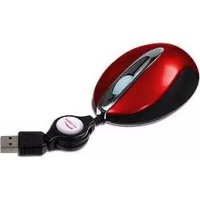
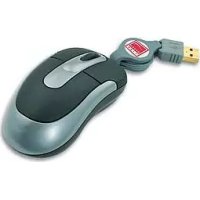
Thank you for deciding on the HiRes Mini Laser Mouse. The extremely precise laser sensor allows you to work on almost any surface and its compact form together with lower power consumption make this mouse an outstanding complement to your notebook.
Product features
- Compact laser mouse with three buttons and scroll wheel
- Retractable cable
- High-resolution laser sensor with 1000 dpi
Non-slip mouse surface
Supplied with the product
- Mouse with retractable cable
- User manual
System requirements
Windows 98/2000/Me/XP
USB port
Connecting the mouse
Unwinding the cable
Hold the cable at both ends and evenly extend the ends in opposite directions. When the cable is the length you want, allow it to lock in position with an audible click.
Connecting to the computer
Connect the USB plug of the mouse to an appropriate USB port on your computer. The plug&play function of your system will automatically detect that a new device has been connected. The operating system may also ask you to insert the Windows installation CD. Follow the instructions on the screen. Note: Please note that Windows 95/NT do not support USB operation.
Retracting the cable
Hold the cable at both ends and evenly extend the ends in opposite directions by about one centimetre. Gently reduce your pull on the cable and allow the two ends to come together in the centre.
Technical data
Model no: SL-6193
Resolution: 1000 dpi
Port:USB
Guarantee
We guarantee this product in respect of workmanship and all built-in components for a period of two years from date of purchase.
Should you need help...
Our technical support team will be happy to help with any technical problems. The hotline number can be found on the back of this manual.