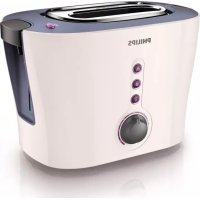
Viva Collection HD2630 - Toaster PHILIPS - Free user manual and instructions
Find the device manual for free Viva Collection HD2630 PHILIPS in PDF.



| Product type | Toaster |
| Brand | Philips |
| Model | Viva Collection HD2630 |
| Capacity | 2 slices of bread |
| Browning control | 7 levels |
| Functions | Toasting, defrosting, reheating, manual stop, bun warmer rack |
| Power supply | 220-240 V, 50-60 Hz, 900 W (estimated) |
| Dimensions (estimated) | 30 x 20 x 20 cm |
| Weight (estimated) | 1.5 kg |
| Material | Plastic and stainless steel |
| Power cord | Length not specified, storage underneath the appliance |
| Crumb tray | Removable, easy to empty |
| Cleaning | Damp cloth, do not immerse |
| Safety | Manual stop (stop button), do not leave unattended |
| Spare parts available | Crumb tray |
| Warranty | International Philips warranty |
| Intended use | Household indoor only |
Frequently Asked Questions - Viva Collection HD2630 PHILIPS
User questions about Viva Collection HD2630 PHILIPS
0 question about this device. Answer the ones you know or ask your own.
Ask a new question about this device
Download the instructions for your Toaster in PDF format for free! Find your manual Viva Collection HD2630 - PHILIPS and take your electronic device back in hand. On this page are published all the documents necessary for the use of your device. Viva Collection HD2630 by PHILIPS.
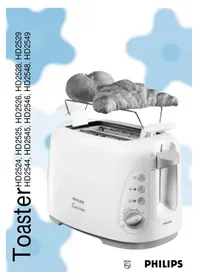
USER MANUAL Viva Collection HD2630 PHILIPS
natural_image
White Philips 3D render of a white flat-screen toaster with control buttons and a handle (no visible text or symbols on the device body)
natural_image
Diagram of three open panels with grid patterns and directional arrows indicating rotation or movement (no text or symbols)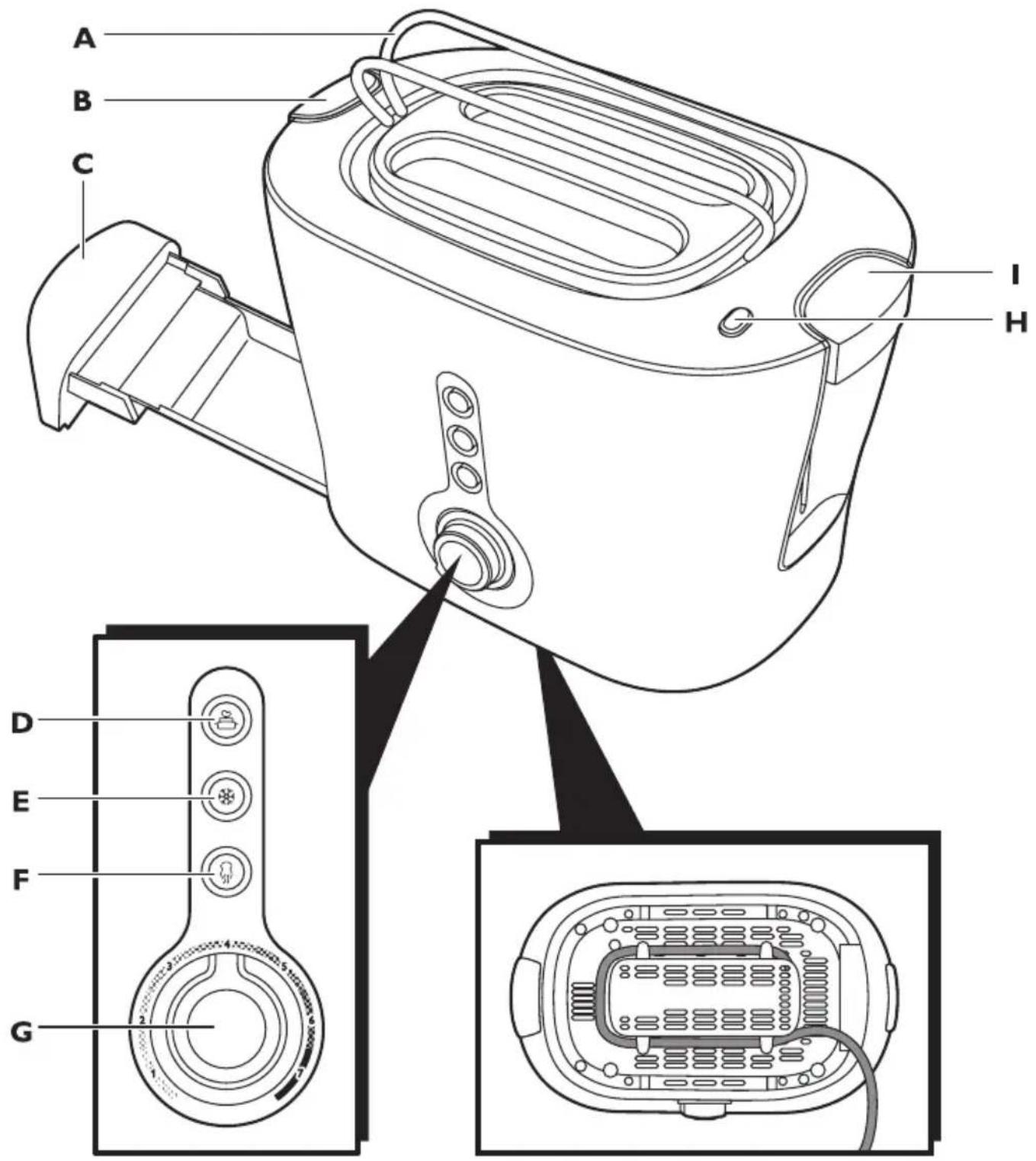
ENGLISH 6
БЪЛГАРСКИ 9
ČEŠTINA 12
DEUTSCH 15
ΕΛΛΗΝΙΚΑ 18
ESPAÑOL 21
EESTI 24
FRANÇAIS 26
HRVATSKI 29
MAGYAR 32
ITALIANO 35
КАЗАКША 38
LIETUVIŠKAI 41
LATVIEŠU 44
NEDERLANDS 46
POLSKI 49
ROMÂNĂ 52
РУССКИЙ 55
SLOVENSKY 58
SLOVENŠČINA 61
SVENSKA 63
УКРАЇНСЬКА 66
Introduction
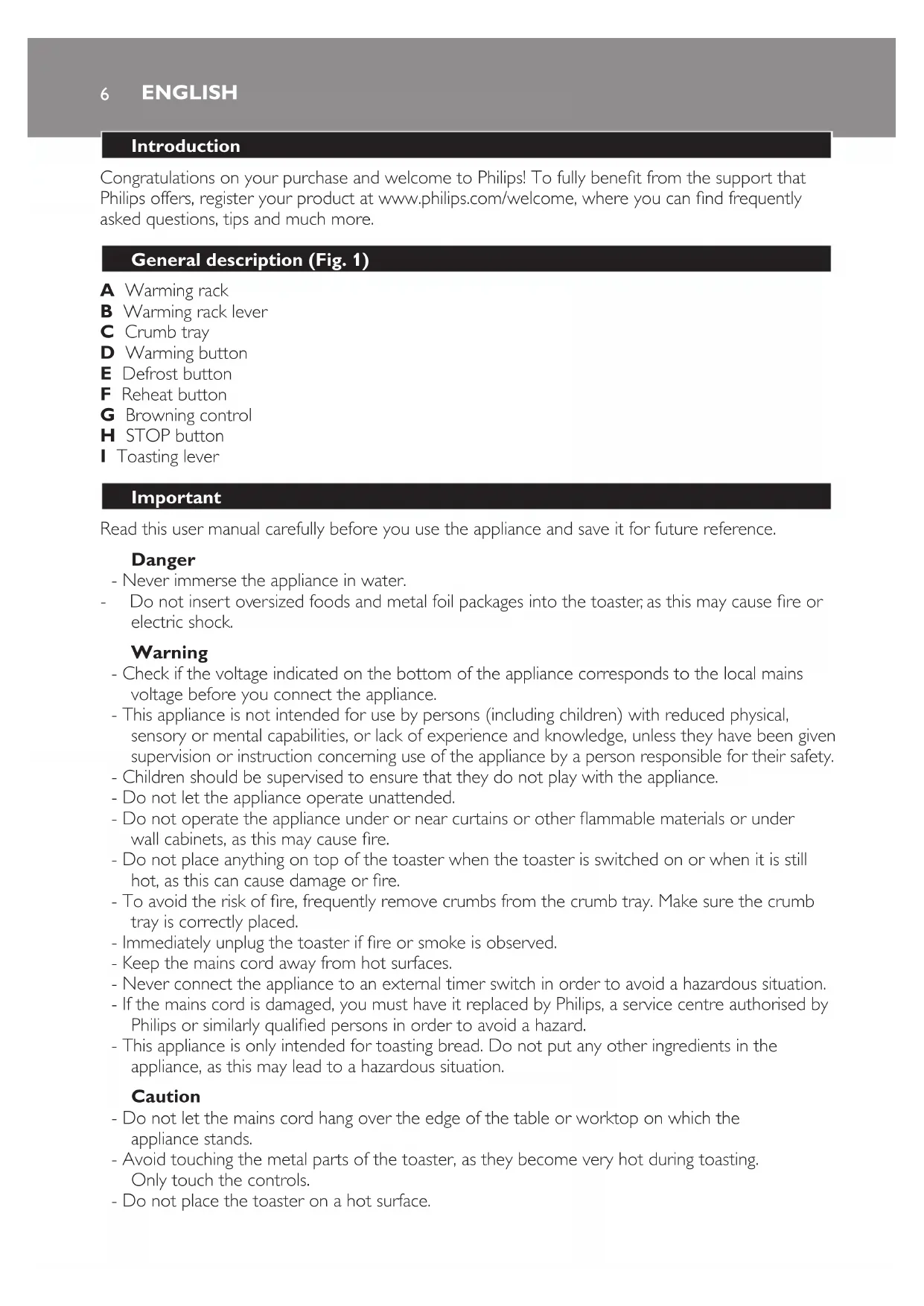
Congratulations on your purchase and welcome to Philips! To fully benefit from the support that Philips offers, register your product at www.philips.com/welcome, where you can find frequently asked questions, tips and much more.
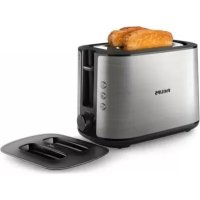
General description (Fig. 1)
A Warming rack
B Warming rack lever
C Crumb tray
D Warming button
E Defrost button
F Reheat button
G Browning control
H STOP button
■ Toasting lever
Important
Read this user manual carefully before you use the appliance and save it for future reference.
Danger
- Never immerse the appliance in water.
- Do not insert oversized foods and metal foil packages into the toaster, as this may cause fire or electric shock.
Warning
- Check if the voltage indicated on the bottom of the appliance corresponds to the local mains voltage before you connect the appliance.
- This appliance is not intended for use by persons (including children) with reduced physical, sensory or mental capabilities, or lack of experience and knowledge, unless they have been given supervision or instruction concerning use of the appliance by a person responsible for their safety.
- Children should be supervised to ensure that they do not play with the appliance.
- Do not let the appliance operate unattended.
- Do not operate the appliance under or near curtains or other flammable materials or under wall cabinets, as this may cause fire.
- Do not place anything on top of the toaster when the toaster is switched on or when it is still hot, as this can cause damage or fire.
- To avoid the risk of fire, frequently remove crumbs from the crumb tray. Make sure the crumb tray is correctly placed.
- Immediately unplug the toaster if fire or smoke is observed.
- Keep the mains cord away from hot surfaces.
- Never connect the appliance to an external timer switch in order to avoid a hazardous situation.
- If the mains cord is damaged, you must have it replaced by Philips, a service centre authorised by Philips or similarly qualified persons in order to avoid a hazard.
- This appliance is only intended for toasting bread. Do not put any other ingredients in the appliance, as this may lead to a hazardous situation.
Caution
- Do not let the mains cord hang over the edge of the table or worktop on which the appliance stands.
- Avoid touching the metal parts of the toaster, as they become very hot during toasting. Only touch the controls.
-
Do not place the toaster on a hot surface.
-
Only connect the appliance to an earthed wall socket.
- Always unplug the appliance after use.
- The toaster is intended for household use only and may only be used indoors. It is not intended for commercial or industrial use.
- If a slice of bread gets stuck inside the toaster, unplug the appliance and let it cool down before you try to remove the bread. Do not use a knife or a sharp tool, as these may cause damage to the heating elements.
- The warming rack is only intended for warming up rolls or croissants. Do not put any other ingredients on the warming rack, as this may lead to a hazardous situation.
Electromagnetic fields (EMF)
This Philips appliance complies with all standards regarding electromagnetic fields (EMF). If handled properly and according to the instructions in this user manual, the appliance is safe to use based on scientific evidence available today.
Using the appliance
1 Before first use, remove any stickers from the appliance. Then let the appliance complete a few toasting cycles without slices of bread on the highest browning setting in a properly ventilated room to prevent unpleasant smells during toasting.
2 Put one or two slices of bread in the toaster (Fig. 2).
3 Select the desired browning setting. (Fig. 3)
4 Push down the toasting lever to switch on the appliance. (Fig. 4)
- To toast frozen bread, push down the toasting lever and then press the defrost button ⚙. (Fig. 5)
- To reheat already toasted bread without making it browner, push down the toasting lever and then press the reheat button ☑. (Fig. 6)
Warming up rolls and croissants
1 Push down the warming rack lever to unfold the warming rack (Fig. 7).
Never put the rolls to be heated up directly on top of the toasting slots.
2 Push down the toasting lever and then press the warming button 📋. (Fig. 8)
Cleaning
Never use scouring pads, abrasive cleaning agents or aggressive liquids such as petrol or acetone to clean the appliance.
1 Unplug the appliance, let it cool down and clean it with a damp cloth.
2 To remove crumbs, slide the crumb tray out of the appliance and empty it (Fig. 9).
Do not hold the appliance upside down and do not shake it to remove the crumbs.
Environment
- Do not throw away the appliance with the normal household waste at the end of its life, but hand it in at an official collection point for recycling. By doing this, you help to preserve the environment (Fig. 10).
ENGLISH8
Guarantee and service
If you need service or information or if you have a problem, please visit the Philips website at www.philips.com or contact the Philips Consumer Care Centre in your country (you find its phone number in the worldwide guarantee leaflet). If there is no Consumer Care Centre in your country, go to your local Philips dealer.
yBOA
natural_image
Diagram showing three open panels with grid patterns and curved arrows indicating rotation or movement (no text or symbols)
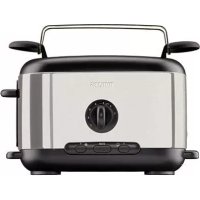
Brand : PHILIPS
Model : Viva Collection HD2630
Category : Toaster