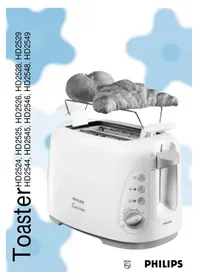
HD2528 - Toaster PHILIPS - Free user manual and instructions
Find the device manual for free HD2528 PHILIPS in PDF.

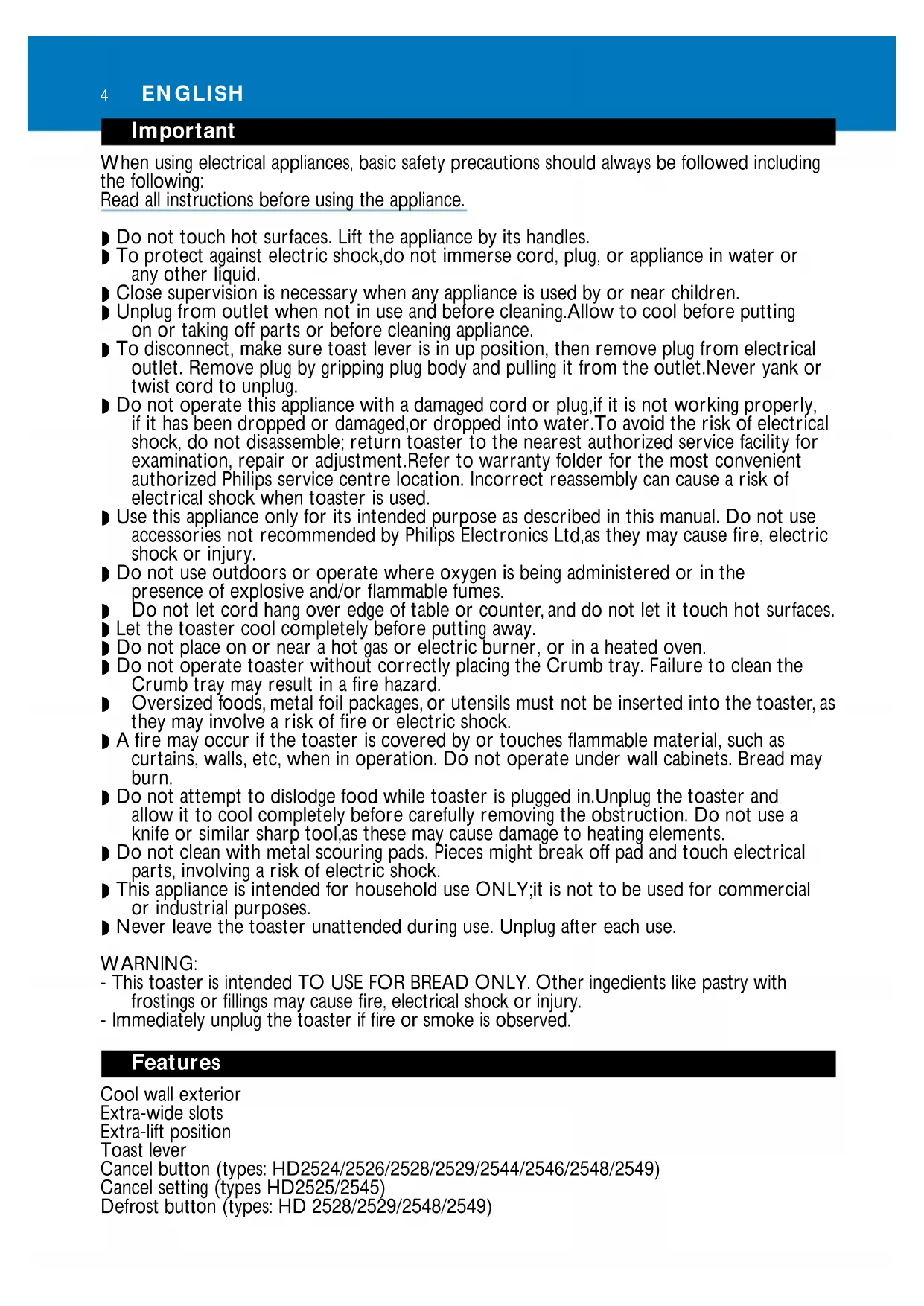


| Product Type | 2-Slice Toaster |
| Brand | Philips |
| Model | HD2528 |
| Power Supply | 220-240 V ~ 50/60 Hz |
| Capacity | 2 slices |
| Functions | Toasting, defrost, reheat, bagel, auto shut-off |
| Browning Control | Yes, adjustable from 1 to 7 |
| Auto Shut-off | Yes |
| Removable Crumb Tray | Yes |
| Cord Storage | Yes |
| Cool-Touch Exterior | Yes |
| Extra-Wide Slots | Yes |
| Cleaning | Damp cloth, removable crumb tray |
| Safety | Cool-touch walls, auto shut-off, do not immerse |
| Usage | Household only |
Frequently Asked Questions - HD2528 PHILIPS
User questions about HD2528 PHILIPS
0 question about this device. Answer the ones you know or ask your own.
Ask a new question about this device
Download the instructions for your Toaster in PDF format for free! Find your manual HD2528 - PHILIPS and take your electronic device back in hand. On this page are published all the documents necessary for the use of your device. HD2528 by PHILIPS.
USER MANUAL HD2528 PHILIPS
Toaster ^HD2524, HD2525, HD2526, HD2528, HD2529 HD2544, HD2545, HD2546, HD2548, HD2549
ENGLISH 4
DEUTsCH 7
FRANCAIS 11
NEDERLANDS 15
ESPNOL 19
ITALIANO 23
PORTUGUES 27
NORSK 31
SVENSKA 34
SUOMI 37
DANSK 40
EAAHNIKA 43
TÜRKÇE 47
Important
When using electrical appliances, basic safety precautions should always be followed including the following:
Read all instructions before using the appliance.
Do not touch hot surfaces. Lift the appliance by its handles.
To protect against electric shock,do not immerse cord, plug, or appliance in water or any other liquid.
Close supervision is necessary when any appliance is used by or near children.
Unplug from outlet when not in use and before cleaning. Allow to cool before putting on or taking off parts or before cleaning appliance.
- To disconnect, make sure toast lever is in up position, then remove plug from electrical outlet. Remove plug by gripping plug body and pulling it from the outlet.Never yank or twist cord to unplug.
- Do not operate this appliance with a damaged cord or plug, if it is not working properly, if it has been dropped or damaged, or dropped into water. To avoid the risk of electrical shock, do not disassemble; return toaster to the nearest authorized service facility for examination, repair or adjustment. Refer to warranty folder for the most convenient authorized Philips service centre location. Incorrect reassembly can cause a risk of electrical shock when toaster is used.
- Use this appliance only for its intended purpose as described in this manual. Do not use accessories not recommended by Philips Electronics Ltd,as they may cause fire, electric shock or injury.
- Do not use outdoors or operate where oxygen is being administered or in the presence of explosive and/or flammable fumes.
Do not let cord hang over edge of table or counter, and do not let it touch hot surfaces.
Let the toaster cool completely before putting away.
Do not place on or near a hot gas or electric burner, or in a heated oven.
- Do not operate toaster without correctly placing the Crumb tray. Failure to clean the Crumb tray may result in a fire hazard.
- Oversized foods, metal foil packages, or utensils must not be inserted into the toaster, as they may involve a risk of fire or electric shock.
- A fire may occur if the toaster is covered by or touches flammable material, such as curtains, walls, etc, when in operation. Do not operate under wall cabinets. Bread may burn.
- Do not attempt to dislodge food while toaster is plugged in. Unplug the toaster and allow it to cool completely before carefully removing the obstruction. Do not use a knife or similar sharp tool, as these may cause damage to heating elements.
- Do not clean with metal scouring pads. Pieces might break off pad and touch electrical parts, involving a risk of electric shock.
This appliance is intended for household use ONLY;it is not to be used for commercial or industrial purposes.
Never leave the toaster unattended during use. Unplug after each use.
WARNING:
-
This toaster is intended TO USE FOR BREAD ONLY. Other ingredients like pastry with frostings or fillings may cause fire, electrical shock or injury.
-
Immediately unplug the toaster if fire or smoke is observed.
Features
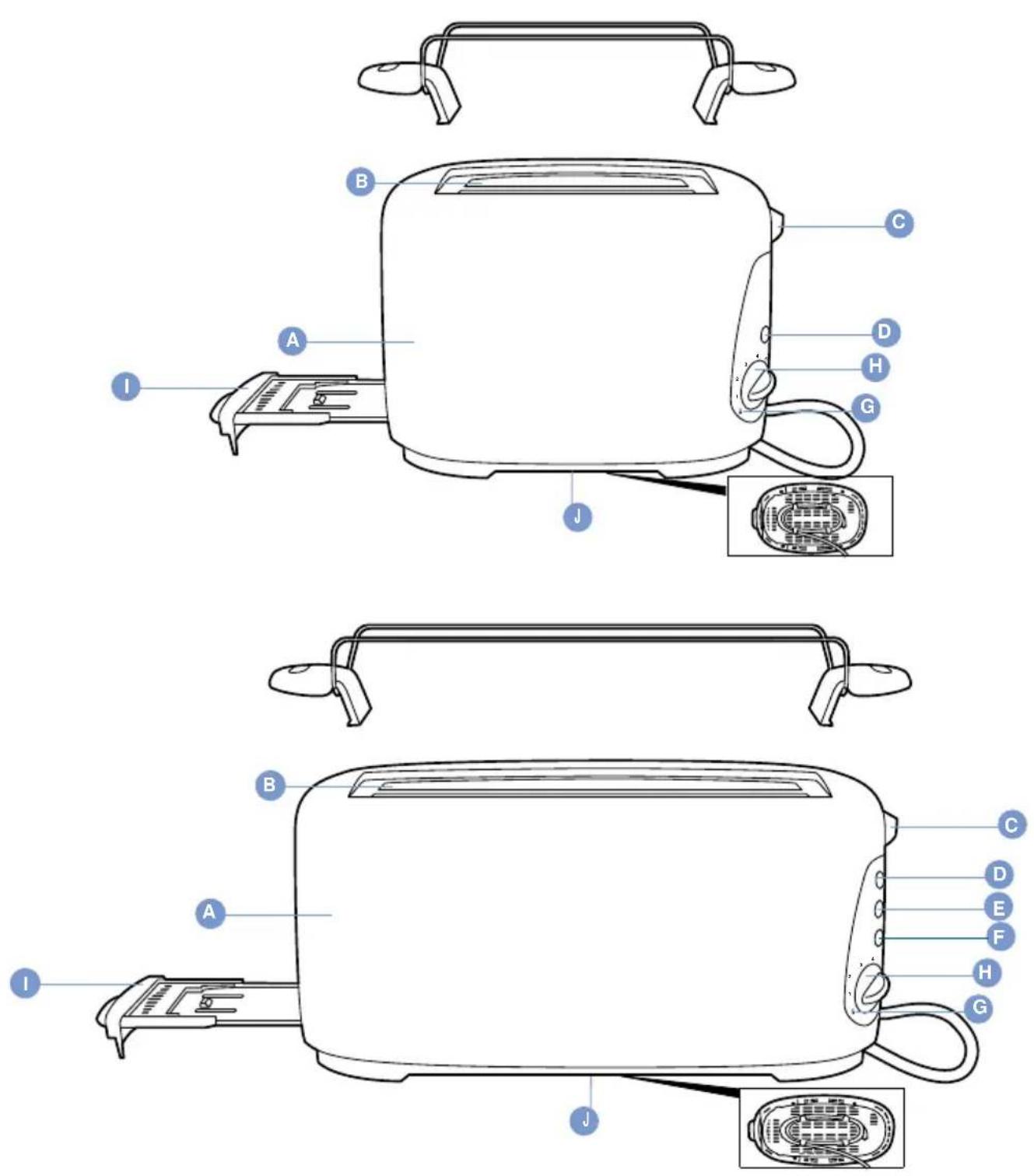
Cool wall exterior
Extra-wide slots
Extra-lift position
Toast lever
Cancel button (types: HD2524/2526/2528/2529/2544/2546/2548/2549)
Cancel setting (types HD2525/2545)
Defrost button (types: HD 2528/2529/2548/2549)
Defrost setting (types HD2524/2525/2544/2545)
Bagel button (types HD2525/2528/2529/2545/2548/2549)
Reheat setting
Browning control
Removable crumb tray
Bunwarmer (HD 2526/2529/2546/2549)
Cord storage
Auto shut-off
1) Put the appliance in a safe place, away from fire hazards such as curtains, and plug cord into electrical outlet (fig.1).
You can adjust the length of the cord by winding part of it around the brackets on the base of the appliance.
2) Put one or two slice(s) of bread in the HD2524/2525/2526/2528/2529 toaster or max. four in the HD2544/2545/2546/2548/2549 toaster.
3) Select the desired browning setting. The temperature sensor and electronic timer provide even toasting results (fig.2).
Select a low setting (1-2) for lightly toasted bread and a high setting (5-7) for a dark browning result.
NOTE: When toasting a series of slices, no re-adjustment of the browning control is required.
4) Push the toast lever down to turn the appliance on. The toast lever will only stay down if the appliance has been plugged into an electrical outlet (fig.3).
NOTE: Initially toaster heating elements may give off an unpleasant smell as they heat up. This is normal for a new appliance.
5) Toast pops up automatically when it is ready, and the toaster turns off the heating elements.
Never leave toaster unattended during use.
Metal parts of the toaster will get hot while in use. Be careful not to touch them.
- The toaster will shut off automatically. You can stop the toasting process and pop the bread up at any time by pressing the Cancel button (all types except for HD2525/2545) or by selecting the Cancel setting (only types HD2525/HD2545).
To remove smaller items, you can lift the toast lever slightly higher.
If the bread gets stuck in the toaster: unplug cord from electrical outlet, let toaster cool completely, then carefully remove the bread from the toaster. Do not use metal objects to do this and avoid touching the metal parts of the toaster.
Do not toast buttered breads.
Do not toast extremely thin or broken bread slices or very small-size slices, such as mini-baguettes, mini-bagels, small cocktail-size breads,bread sticks,etc.
Types HD2528, 2529, 2548, 2549:
1) Follow instructions 1,2 & 3 in the Toasting bread section. Push the toast lever down, then press the Defrost button (fig.4).
Types HD2524, 2525, 2526, 2544, 2545, 2546:
2) Follow instructions 1, 2 & 3 in the Toasting bread section. Select the Defrost setting ※ and then push the toast lever down (fig.5).
Toasting bagels and baguettes
1) Cut a bagel or baguette in half.
2) Put the halved parts in the toaster with the side to be toasted facing the middle heater of the toaster.
3) Follow instructions 1,2 & 3 in the Toasting bread section. Push the toast lever down, then press the Bagel button (fig.6). Types HD2525, 2528, 2529, 2545, 2548, 2549 only.
Reheating toasted bread
1) Follow the instructions 1 & 2 in the Toasting bread section and set the browning control to the Reheat setting. You will hear a click. Then push the toast lever down (fig.7).
Heating up rolls/buns or croissants
Types HD2526, 2529, 2546, 2549 only:
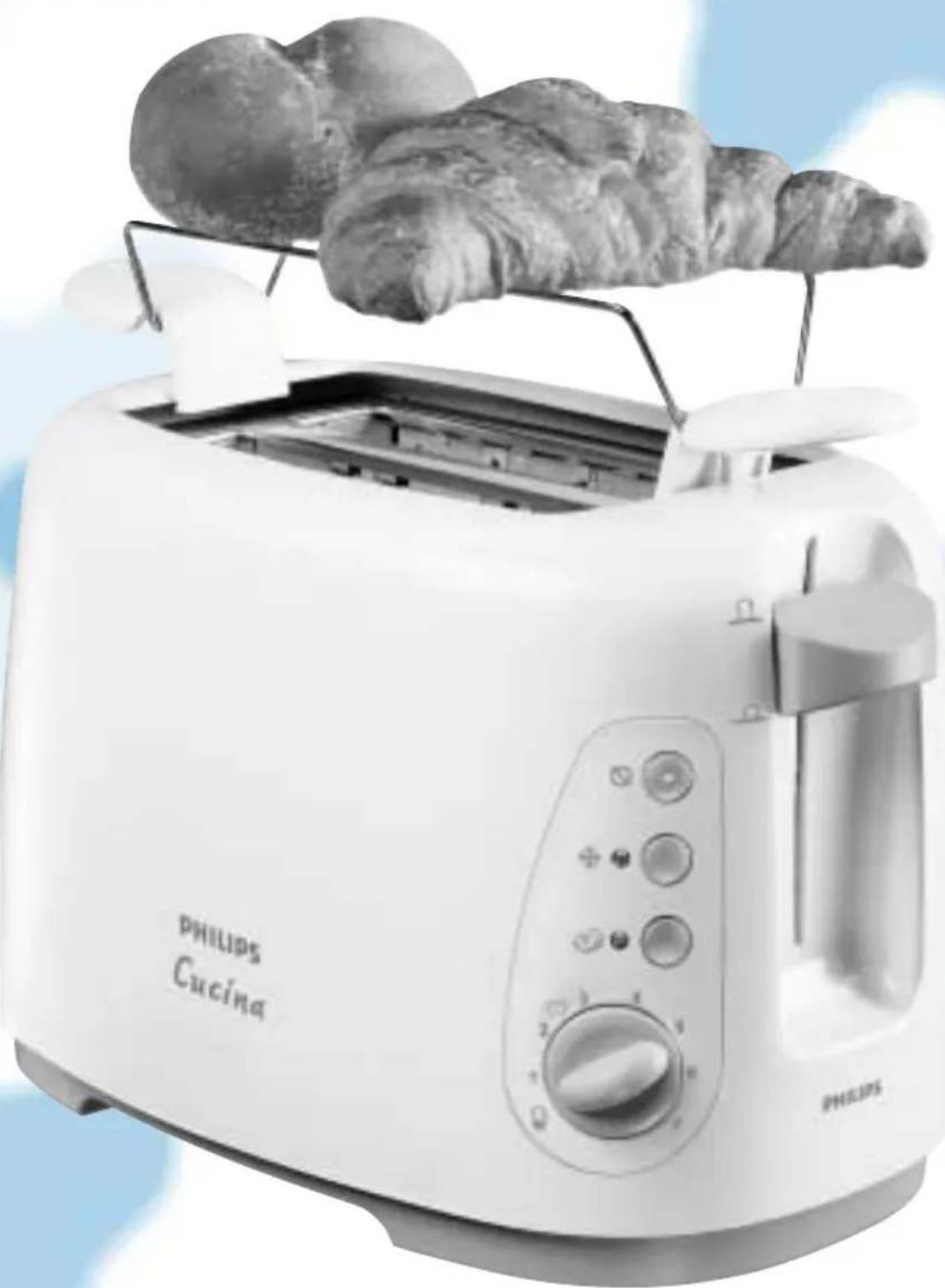
1) Mount the warming rack firmly onto the toaster. Never put the rolls to be warmed on the toaster without the warming rack to avoid damaging the toaster.
2) Put the rolls or croissants in the centre of the rack. Do not warm more than 2 items at a time.
3) Set the browning control between setting 2 and , yet not higher than .
4) Push the toast lever down to switch the appliance on.
Cleaning
1) Unplug the cord from the electrical outlet.
2) Clean the toaster with a damp cloth. Do not use abrasive cleansers.
Never immerse the appliance in water.
3) Remove crumbs from the appliance by sliding the removable crumb tray out of the toaster (fig.8).
Do not hold the appliance upside down and do not shake it to remove the crumbs.
Important:To reduce the risk of fire, frequently remove crumbs from toaster.
4) You may store the cord by winding it around the brackets on the base of the toaster (fig.1).
Information & service
If you need information or if you have a problem, please visit the Philips Web site at www.philips.com or contact the Philips Customer Care Centre in your country (you will find its phone number in the worldwide guarantee leaflet). If there is no Customer Care Centre in your country, turn to your local Philips dealer or contact the Service Department of Philips Domestic Appliances and Personal Care BV.
Wichtig
Bouton Stop (types: HD2524/2526/2528/2529/2544/2546/2548/2549)
Réglage Stop (types HD2525/2545)
Bouton Decongeler (types HD2524/2525/2544/2545)
Réglage Décongeler (types HD2524/2525/2544/2545)
Bouton Bagel (types HD2525/2528/2529/2545/2548/2549)
Types HD2528, 2529, 2548, 2549:
Pulsante cancellazione (modelli: HD2524/2526/2528/2529/2544/2546/2548/2549)
Type HD2528, 2529, 2548, 2549:
Kun type HD2528, 2529, 2548, 2549;
(Modeller HD2524, 2525, 2526, 2544, 2545, 2546:
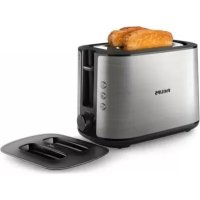
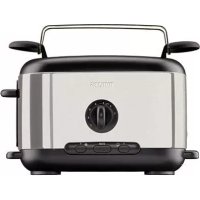
Brand : PHILIPS
Model : HD2528
Category : Toaster