USER MANUAL CARE - Spider LTD CARE FITNESS
Connection bluetooth & application
https://cloud.carefitness.com/index.php/s/E2WD22KMNBQzERL
E mail : sav@carefitness.com
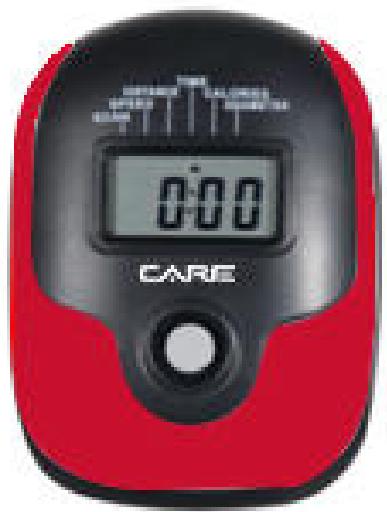
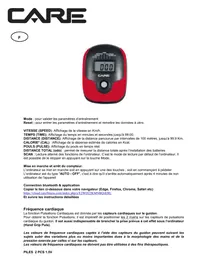
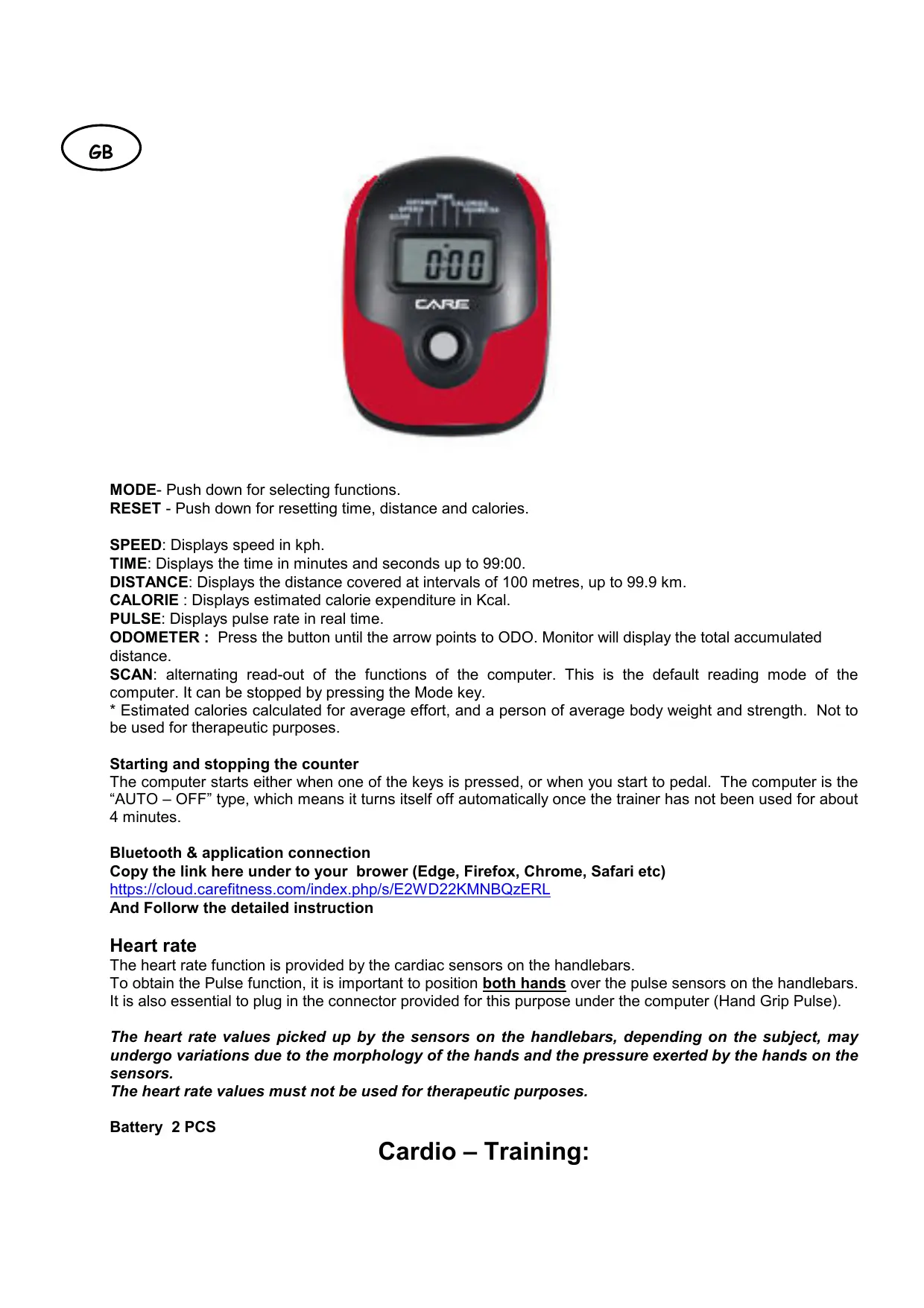
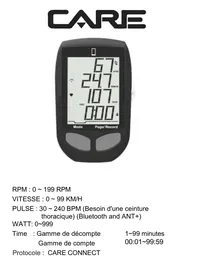
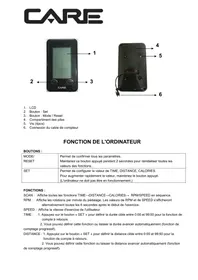
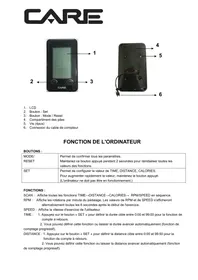
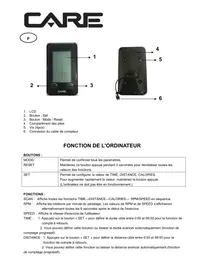
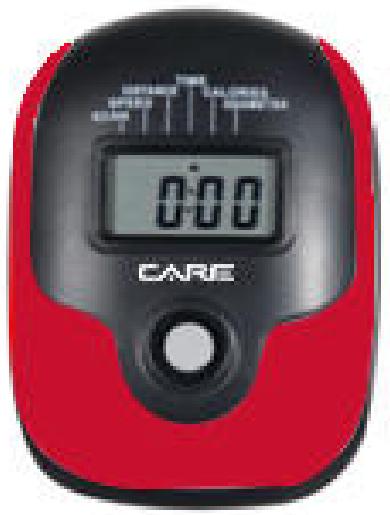
MODE- Push down for selecting functions.
RESET - Push down for resetting time, distance and calories.
SPEED: Displays speed in kph.
TIME: Displays the time in minutes and seconds up to 99:00.
DISTANCE: Displays the distance covered at intervals of 100 metres, up to 99.9km
CALORIE : Displays estimated calorie expenditure in Kcal.
PULSE: Displays pulse rate in real time.
ODOMETER : Press the button until the arrow points to ODO. Monitor will display the total accumulated distance.
SCAN: alternating read-out of the functions of the computer. This is the default reading mode of the computer. It can be stopped by pressing the Mode key.
- Estimated calories calculated for average effort, and a person of average body weight and strength. Not to be used for therapeutic purposes.
Starting and stopping the counter
The computer starts either when one of the keys is pressed, or when you start to pedal. The computer is the "AUTO-OFF" type, which means it turns itself off automatically once the trainer has not been used for about 4 minutes.
Bluetooth & application connection
Copy the link here under to your brower (Edge, Firefox, Chrome, Safari etc)
https://cloud.carefitness.com/index.php/s/E2WD22KMNBQzERL
And Followw the detailed instruction
Heart rate
The heart rate function is provided by the cardiac sensors on the handlebars.
To obtain the Pulse function, it is important to position both hands over the pulse sensors on the handlebars. It is also essential to plug in the connector provided for this purpose under the computer (Hand Grip Pulse).
The heart rate values picked up by the sensors on the handlebars, depending on the subject, may undergo variations due to the morphology of the hands and the pressure exerted by the hands on the sensors.
The heart rate values must not be used for therapeutic purposes.
Battery 2 PCS
Cardio - Training:
Before programming your training, it is essential to take account of your age, particularly for people of more than 35 years of age, as well as your physical condition. If you have a sedentary lifestyle without regular physical activity, it is vital that you consult your doctor to determine the level of intensity of your training. Once determined, do not attempt to achieve your maximum during the first training sessions. Be patient; your performance will quickly improve.
This enables you to develop your cardiovascular system (fitness of the heart / blood vessels). During Cardio-Training, the muscles need a supply of oxygen and nutritive substances. They also need to liminate waste. Our heart increases its rhythm and sends a larger amount of oxygen to the body by means of the cardiovascular system.
The more often you exercise regularly and repetitively, the more your heart will develop, just like any other muscle. In daily life, this translates into the ability to bear greater physical effort and improve your intellectual faculties.
Definition of your work Zone:
The Maximum Heart Rate (MHR) = 220 - age (180 - age for sedentary people).
The Warming Up Zone and Cooling Down Zone are equal to 55% of your MHR.
The Fat Loss Zone is between 55 / 65% of your MHR.
The Aerobic Zone is between 65 / 85% of your MHR.
The Anaerobic Zone is between 85% of your MHR and your MHR.
Make a diagram of the target zones
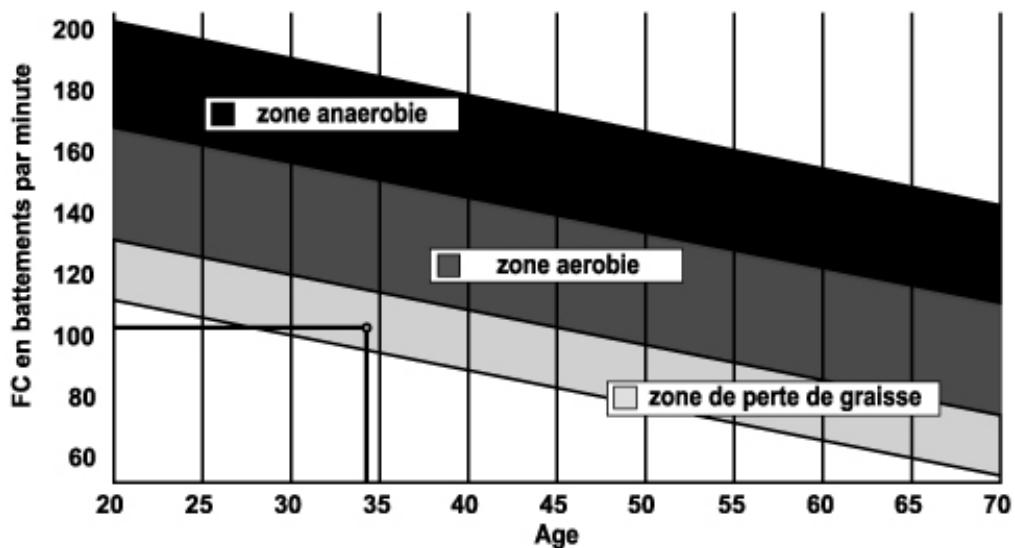
The progressive training stages:
1) A warming up phase:
Start each training session by warming up progressively (10-20 min, more if you are over 50) which will put your muscles on standby and gently increase your heart rate. Gently increase your pulse to 55% of your MHR (Maximum Heart Rate).
Keep your Heart Rate at this level for the duration of the warming up time. If you
begin your training too quickly, you are in danger of increasing the risk of tendon or muscle injury.
2) A work phase:
This is the main part of the training session. Depending on your specific goals and your initial physical condition, weight loss, improvement of cardiovascular resistance (aerobic work), development of stamina (anaerobic work), it is possible to choose the appropriate target zone.
The Fat Loss Zone, 55 - 65%
The heart rate must be low and the duration of the exercise quite long. This zone is advised for people resuming physical activity after a long period of idleness, who
are trying to eliminate excess weight or are susceptible to cardiac problems. Do not forget that for this type of training the duration of the exercise must be at least 30 minutes and the Heart Rate (HR) between 55 and 65% of the MHR. - Gradually increase from 30 to 60 minutes per session.
Exercise 3 or 4 times a week.
The Aerobic Zone, 65 - 85%
This zone is recommended for those who are in good physical condition who train
regularly. By training in this zone, you will improve your physical condition but avoid overworking.
Duration: 20 to 30 minutes per session.
- Frequency: At least 3 or 4 times a week.
The Anaerobic Zone, 85% - MHR
This zone is exclusively for experienced athletes and is never recommended without medical approval and supervision. This zone is designed only for very fit people. It is used for interval training (or for short sprints) to help you to improve or measure your level of stamina.
The time spent in this zone must be brief to avoid the risk of accident.
3) A cooling down phase:
This entails a reduction of exertion (10 to 20 min). It enables you to return your cardiovascular system to normal (55% of your MHR) and prevent or reduce muscular pain such as cramp and stiffness. You must follow the training with a session of stretching exercises while your joints
are still warm. This relaxes the muscles and helps to prevent stiffness. Stretch slowly and gently. You must never stretch until you reach the pain threshold. Hold each stretch for 30 to 60 seconds while breathing out.
Check your progress
As it improves, your cardiovascular system will have an HR which will be lower when at rest. You will take longer to reach your target zone and it will be easier for you to maintain it. Sessions will seem easier and easier and you will have more stamina in your daily life.
If, on the other hand, your HR is higher than usual when at rest, you will have to rest or reduce the intensity of your training.
Do not be discouraged by the initial sessions. Motivate yourself by scheduling specific training times. Work hard!
To order spare parts
To guarantee an efficient service, make sure you have the following items before you contact our After Sales Service:
The name or reference of the product.
The manufacturing number shown on the main chassis and on the packing box.
After Sales Service
Email: service-uk@carefitness.com
https://cloud.carefitness.com/index.php/s/E2WD22KMNBQzERL
E mail : service-de@carefitness.com
https://cloud.carefitness.com/index.php/s/E2WD22KMNBQzERL
E mail : service-it@carefitness.com
Mode: om de trainingsparameters
https://cloud.carefitness.com/index.php/s/E2WD22KMNBOzERL
De harttraining (cardiotraining):
2 tot 3 trainingen per week = circa 30 minutes per keer.
1 tot 2 trainingen per week = circa 50 minutes per keer.
E-mail: service-nl@carefitness.com
CARE
FITNESS