
ZM-PC200 - Webcam ZALMAN - Free user manual and instructions
Find the device manual for free ZM-PC200 ZALMAN in PDF.


| Product type | Webcam |
| Brand | Zalman |
| Model | ZM-PC200 |
| Video resolution | Full HD 1080p (1920 x 1080 pixels) |
| Frame rate | Up to 30 frames per second |
| Sensor | CMOS sensor |
| Field of view | 70 degrees |
| Focus | Manual (focus ring) |
| Built-in microphone | Yes, stereo |
| Connectivity | USB 2.0 (integrated cable, 1.5 m) |
| Mount | Universal clip for monitor or tripod (not included) |
| Dimensions (L x W x H) | 95 x 50 x 45 mm |
| Weight | 110 g |
| Power supply | Via USB port (5 V, 500 mA) |
| Compatible operating systems | Windows 7/8/10, macOS, Linux |
| Included software | Drivers for Windows (download available) |
| Maintenance and cleaning | Clean the lens with a dry microfiber cloth. Do not use abrasive products. |
| Safety | Do not expose to moisture or extreme temperatures. Disconnect if not used for a long time. |
| Spare parts and repairability | No detachable parts. In case of failure, contact technical support. |
| General information | Recommended for video conferencing, streaming, and video recording. |
Frequently Asked Questions - ZM-PC200 ZALMAN
User questions about ZM-PC200 ZALMAN
0 question about this device. Answer the ones you know or ask your own.
Ask a new question about this device
Download the instructions for your Webcam in PDF format for free! Find your manual ZM-PC200 - ZALMAN and take your electronic device back in hand. On this page are published all the documents necessary for the use of your device. ZM-PC200 by ZALMAN.
USER MANUAL ZM-PC200 ZALMAN
USER'S MANUAL
- Do not place the product on unstable surface. Product could be damaged.
- Wipe the product with wet tissue that has been squeezed or a dry cloth.
- Keep away from liquid.
- Keep away from humidity.
- Keep away from strong sunlight.
- Do not forcefully twist the joints of the products.
2) Caution
- Do not try to fix or disassemble the products, please contact the service center when needed.
- Warranty service does not apply to the products that have been damaged intentionally.
- When not in use for a certain period detach the product from the computer port.
- When using front USB, USB hub, keyboard USB port, the product might not work as smoothly due to the low power supply, please link directly to the desktop USB port.
2. Features
1) UVC technology applied, no need for driver installation. (Supports Win XP SP2 and above)
2) Supports high definition video filming with high quality Full HD CMOS sensor.
3) Up to 12,000,000pixel image shooting with the software.
4) Automatic white balance and face tracking
5) Built in microphone
6) Fixed focus.
3. Product Specifications
1) Supported video mode
| MJPG YUY2 |
2) Frame rate
| Full HD 1920*1080 HD 1280*720 VGA 640*480 | |
| 30fps 30fps 30fps |
3) Image Sensor
| Image Sensor |
| 1/4.5" Full HD CMOS Sensor |
4) Maximum Resolution
| Video(Hardware) Photo(Software) |
| Full HD 1920*1080 4000*3000(12M) |
5) Supports OS
| OS Yes or No | |
| Windows XP/Vista/7/8 Yes | |
| Mac OSX 10.4.8 above Yes |
6) Input Rating
| Voltage Current | |
| DC 5V 100mA |
7) Temperature and humidity
| Operation Storage | ||
| Tempeature 0~+40°C | -10~+70°C | |
| Humidity 5~80%RH | 5~80%RH |
8) Demensions and Weight
| Demensions Weight | |
| 57*29.8*81.5mm 95g |
9) System Requirements
※ Basic Requirements
- 1 GHz Intel® Core™2 Duo or above
- 512MB RAM or more
- 500MB hard drive space or more
- USB 2.0 port
- Windows XP SP2/Windows Vista/ Windows 7/ Windows 8
※ For Full HD 1080p Video Recording
- 2.4GHz Intel® Core™2 Duo
- 2GB RAM or more
- 1GB hard drive space or more
- USB 2.0 port
- Windows XP SP2/Windows Vista/ Windows 7/ Windows 8
10) EMC and Environment Regulatory

4. Components
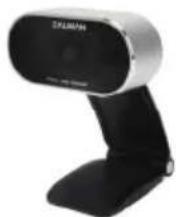


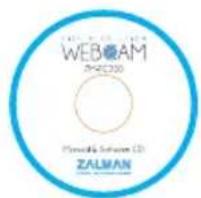
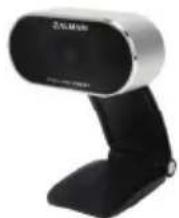
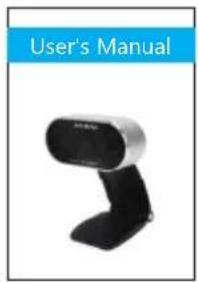
Web camera User manual Software CD Cable Clip
- Please make sure the WebCam is plugged in the USB port before installation.

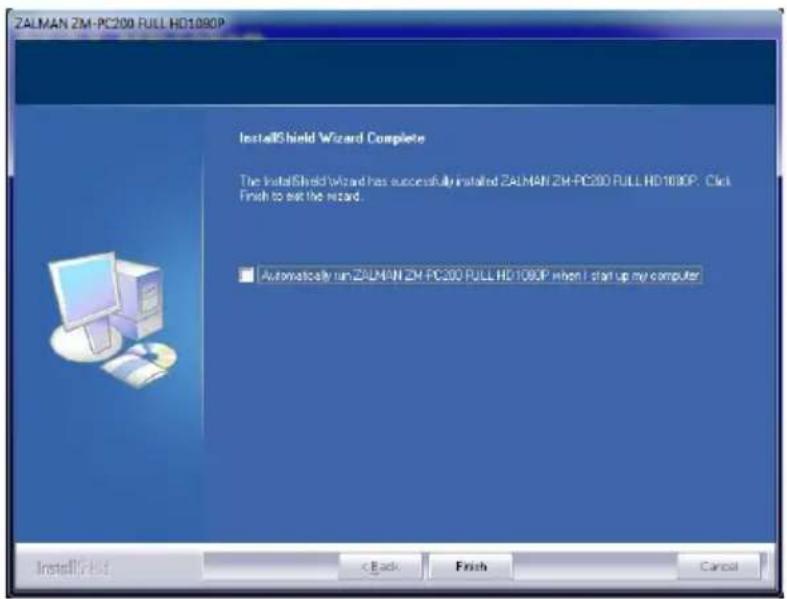
- Insert Driver/Application Disc into CD-ROM driver, open the driver directly and double click Setup.exe and the system will automatically run necessary files and display windows as following and click "Next".

- Click "Finish"

- When installation is completed, you will find a webcam Icon in your task bar.

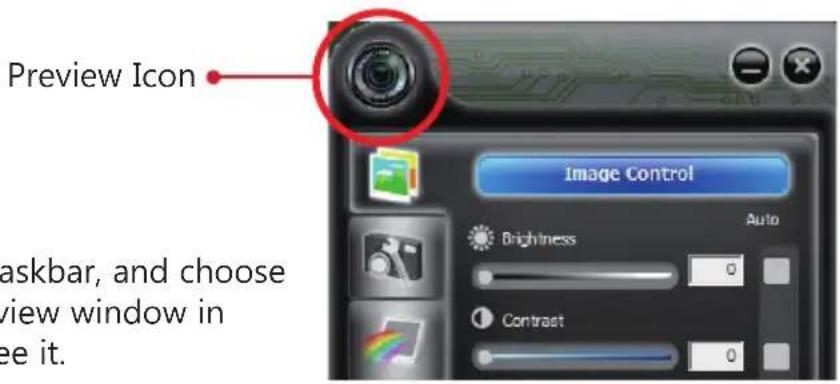
1. How to preview the picture
Right Click the Webcam Icon in the Taskbar, and choose "Show Main Panel". Left click the preview window in the upper left corner, then you can see it.
2. How to use settings and advanced setting
Click "Image Control" and "Camera Control", you can do settings and adjust the quality of the picture.

① Adjust the parameter to your favorite setting

① It's very important to set the frequency the same as your local power supply
② Click it under low-light surrounding
3. How to take a picture

Select "Photograph" icon and choose your favorable image size. Click save and choose the save disk, then click "snapshot".
4. How to adjust the resolution

Enter "Data Information" and choose "disable", you can adjust the resolution of preview window. The window size will keep VGA size.
※ Note:
High resolution will decrease picture speed(fps).
The following pages you can set image style, photo frame and filter effect for your video and pictures.

Image Style
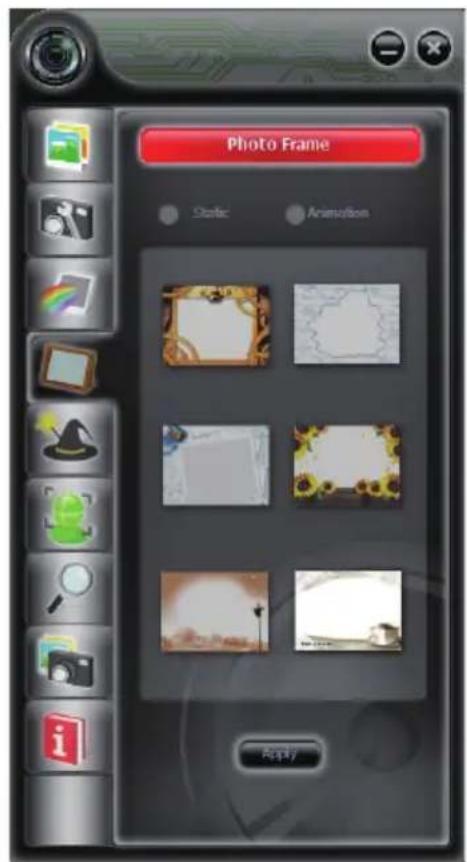
Photo Frame
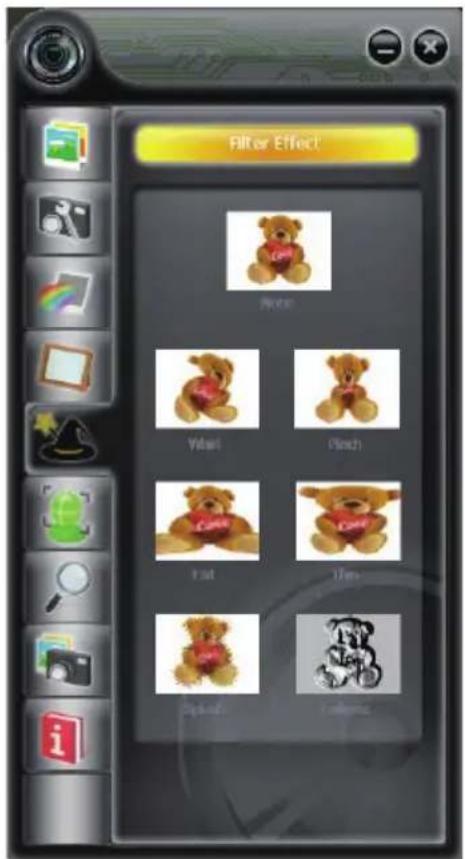
Filter Effect

Face tracking

Digital zoom
ZALAMN webcams are covered by 1 years limited warranty as stated in the terms and conditions herein.
WARRANTY PERIOD
The warranty hereof shall mean a period of 1 years from the date of purchase.
HOW TO GET SERVICE:
You may visit "Where to buy" section on ZALMAN website below to check who the local distributor in your region area. (http://www.zalman.com/Company/Network/Network_eng.asp)
WARRANTY TERMS AND CONDITIONS ON ZALMAN WEBCAMS
-
ZALMAN guarantee that the webcam you have purchased is free from manufacturing defects in materials and workmanship when dispatched from our warehouse. The receipt of purchase shall be provided as proof of the date of purchase and the warranty period commences as of that date.
-
During the warranty period, webcam will be delivered and collected by the customer.
-
Notwithstanding the foregoing, this warranty shall not be construed to come with international warranty service. The warranty service only covers webcams which have been purchased in the local country. Extra charges will apply if service or replacement is requested in a different country.
-
Proof of purchase will be required in the event of discrepancy with alternative record(s) of sale.
-
The warranty automatically becomes void if the product has been physically damaged or rendered defective –
(a) as a result of an accident, misuse, fire, lightning, malicious damage, water damage, abuse or other circumstances beyond ZALMAN's control;
(b) by the use of parts or peripherals not authorized by ZALMAN;
(c) as a result of normal wear and tear;
(d) by use in an improper operating environment;
(e) by modification of the webcam;
(f) by the serial number or product code sticker being removed or defected;
(g) as a result of servicing by anyone other than an ZALMAN authorized service centre or its authorized service agent(s)
(h) as a result of not being operated in conformity with ZALMAN's user manual.
-
The customer must ensure that the webcam is packed in appropriate packing for all handling. Any damage due to improper packing will be chargeable to the customer.
-
The ZALMAN authorized distributor(s)/reseller(s) may charge the customer at current applicable hourly rates if the technician determines that the problem is;
(a) user related;
(b) caused by changes made to the normal settings of the webcam;
(c) caused by the customer's computer or electrical power supply;
(d) due to cause(s) that are not covered by this warranty.
français
4. composants

natural_image
Exterior view of a modern office building (no signage)l'utilisateur
Software CD attache-câble

- Clicquez "Finish"

4. Komponenten

natural_image
Exterior view of a modern office building (no signage)


Web-Kamera Manual Software CD Kabel-Clip
- Clic en "Finalizar"




4. 部件
natural_image
Exterior view of a modern office building (no signage)网络摄像头 用户手册
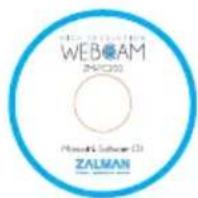
Software CD

缆线卡子
1. 安装驱动之前请先插入摄像头
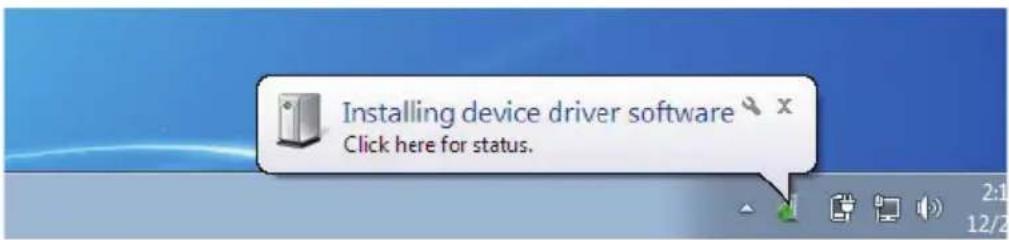
3. 点击“FINISH”

4. コンポーネント

natural_image
Two black desktop devices with visible brand logos, one labeled 'User's Manual' in blue (no other text or symbols)ウェブカメラ マニュアル

Software CD
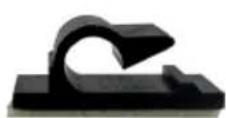
ケーブルクリップ
natural_image
Exterior view of a modern office building (no signage)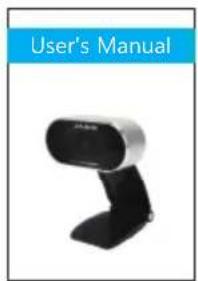




- USER'S MANUAL
- 2) Caution
- Features
- Product Specifications
- ※ Basic Requirements
- ※ For Full HD 1080p Video Recording
- Components
- How to preview the picture
- How to use settings and advanced setting
- How to take a picture
- How to adjust the resolution
- WARRANTY PERIOD
- HOW TO GET SERVICE:
- WARRANTY TERMS AND CONDITIONS ON ZALMAN WEBCAMS
- français
- composants
- Komponenten
- 部件
- 安装驱动之前请先插入摄像头
- 点击“FINISH”
- コンポーネント
Brand : ZALMAN
Model : ZM-PC200
Category : Webcam