
VINDSTYRKA 904.982.36 - Air purifier IKEA - Free user manual and instructions
Find the device manual for free VINDSTYRKA 904.982.36 IKEA in PDF.


| Product type | Air quality sensor |
| Model number | E2112 |
| Brand | IKEA |
| Input voltage | 5.0 VDC |
| Power consumption | 0.2 A (typical), recommended supply 1.0 A |
| Particle detection range | 0–1000 µg/m³ (PM2.5) |
| Radio frequency | 2405–2480 MHz |
| Output power | 8.5 dBm |
| Wireless range | 10 m (open air) |
| Operating temperature | 0 °C to 40 °C |
| Operating humidity | 0–95% RH |
| Max USB cable length | 3.0 m |
| Indoor use only | Yes |
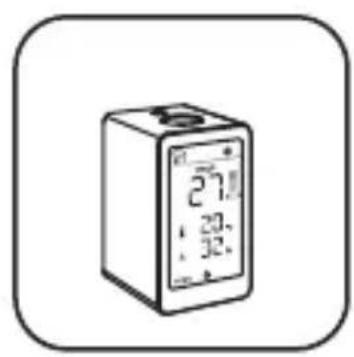
| Display | Shows PM2.5, temperature, humidity, TVOC trend, connection status |
| Connectivity | Zigbee (proprietary) for pairing with STARKVIND and DIRIGERA hub |
| Pairing capability | Connects to STARKVIND air purifier and/or DIRIGERA hub |
| Functions | Measures PM2.5, temperature, relative humidity, TVOC |
| Settings | Display brightness (3 levels), temperature unit (°C/°F), auto-off after 1 minute |
| Factory reset | Quick-press pairing button 4 times |
| Care instructions | Wipe with soft cloth dampened with mild detergent; dry with soft cloth |
| Safety features | Do not block vents, avoid moisture/dust, unplug before cleaning, use max 3 m USB cable |
| Disposal | Separate from household waste, recycle per local regulations |
| Manufacturer | IKEA of Sweden AB, Box 702, SE-343 81 Älmhult, SWEDEN |
Frequently Asked Questions - VINDSTYRKA 904.982.36 IKEA
User questions about VINDSTYRKA 904.982.36 IKEA
0 question about this device. Answer the ones you know or ask your own.
Ask a new question about this device
Download the instructions for your Air purifier in PDF format for free! Find your manual VINDSTYRKA 904.982.36 - IKEA and take your electronic device back in hand. On this page are published all the documents necessary for the use of your device. VINDSTYRKA 904.982.36 by IKEA.
USER MANUAL VINDSTYRKA 904.982.36 IKEA

Design and Quality
IKEA of Sweden
natural_image
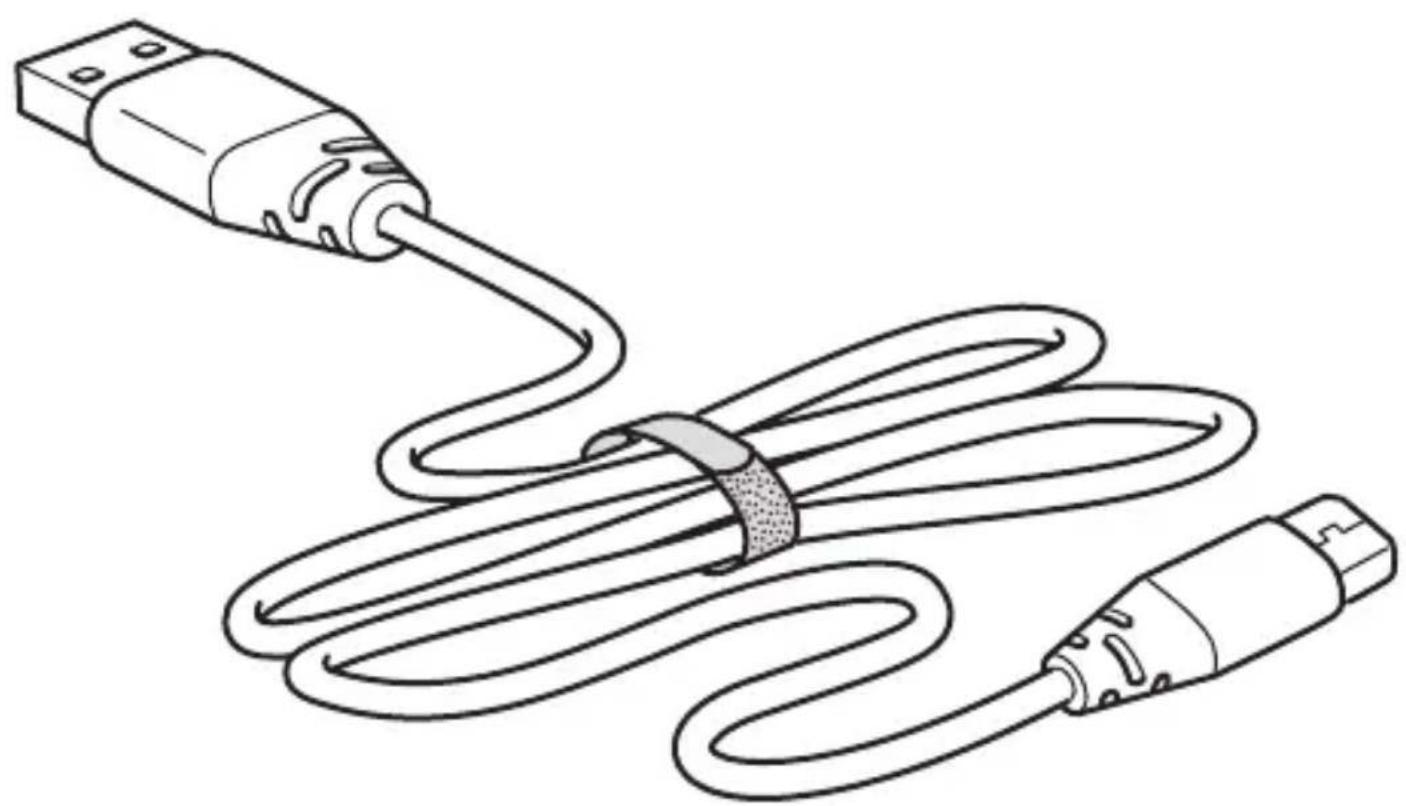
Line drawing of a USB cable with two connectors (no text or symbols)1x

natural_image
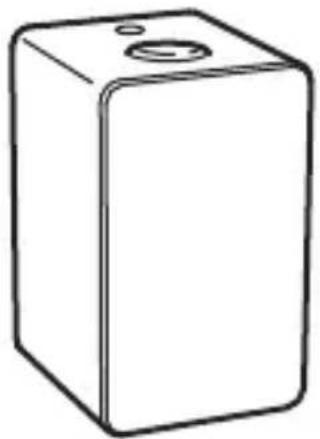
Simple line drawing of a rectangular box with a circular top and a small hole on top (no text or symbols)
natural_image
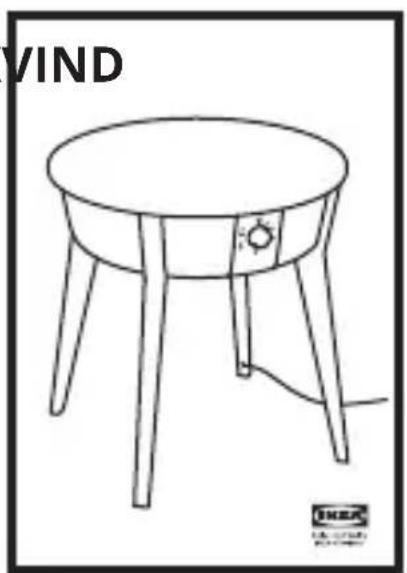
Line drawing of a round table with four legs and a small sun on top, labeled 'VIND' in the top-left corner (no other text or symbols)

Works with
IKEA Home smart

DIRIGERAVINDSTYRKA




English 10
Español 18
Portugues 26
中文 34
繁中 42
한국어 50
日本語 58
Bahasa Indonesia 66
Bahasa Malaysia 74
عربي 82
Iny 90
Tiếng Việt 98
Instructions for use
Freestanding or paired
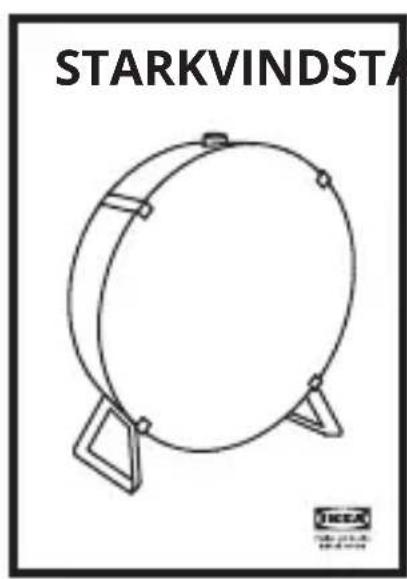
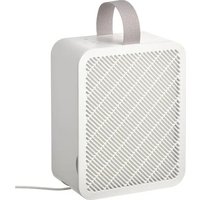
VINDSTYRKA air quality sensor can be used freestanding, but also be connected to STARKVIND air purifiers and/or DIRIGERA hub for smart products.
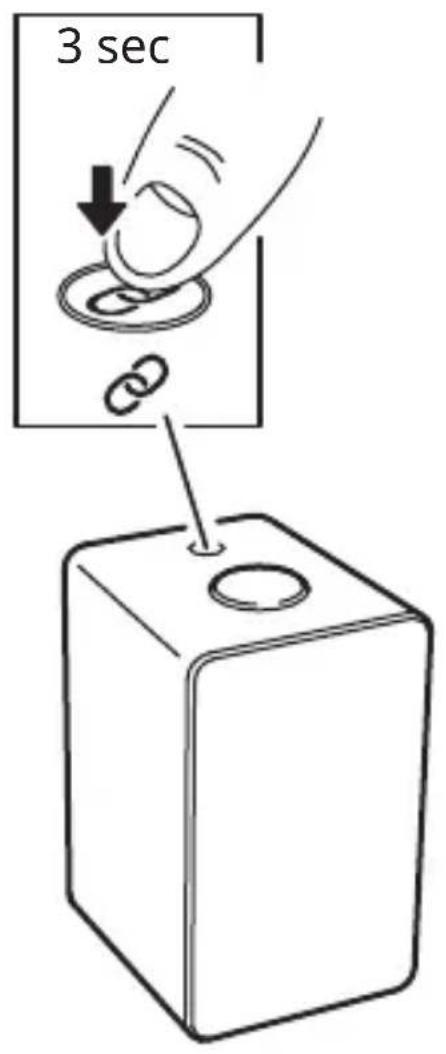
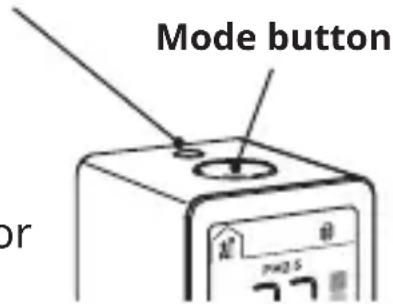
Pairing button
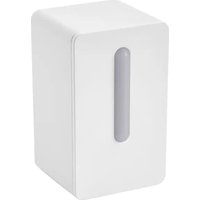
Connect VINDSTYRKA to STARKVIND air purifier
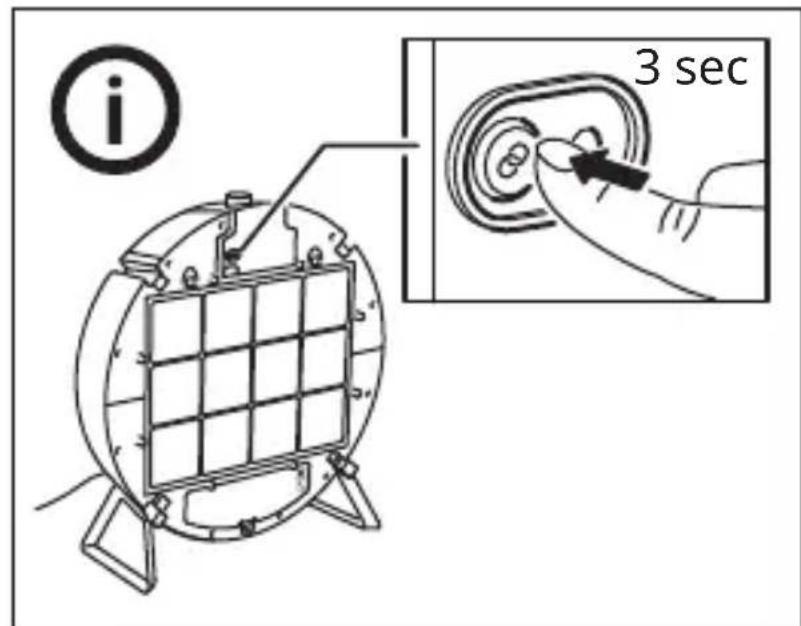
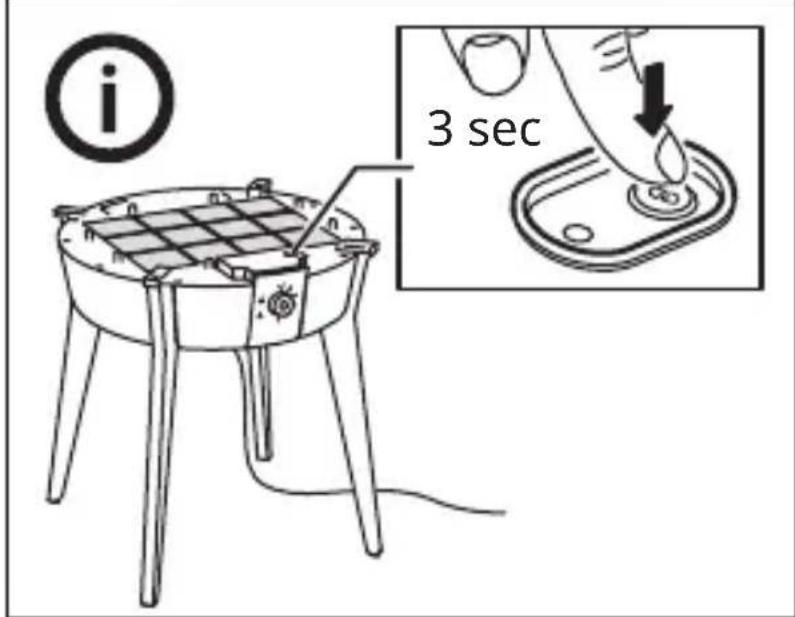
Long press the pairing buttons on VINDSTYRKA and STARKVIND at the same time to connect them. See pages 6-7. When the connection is successful, the pairing icon should stop blinking on the display.
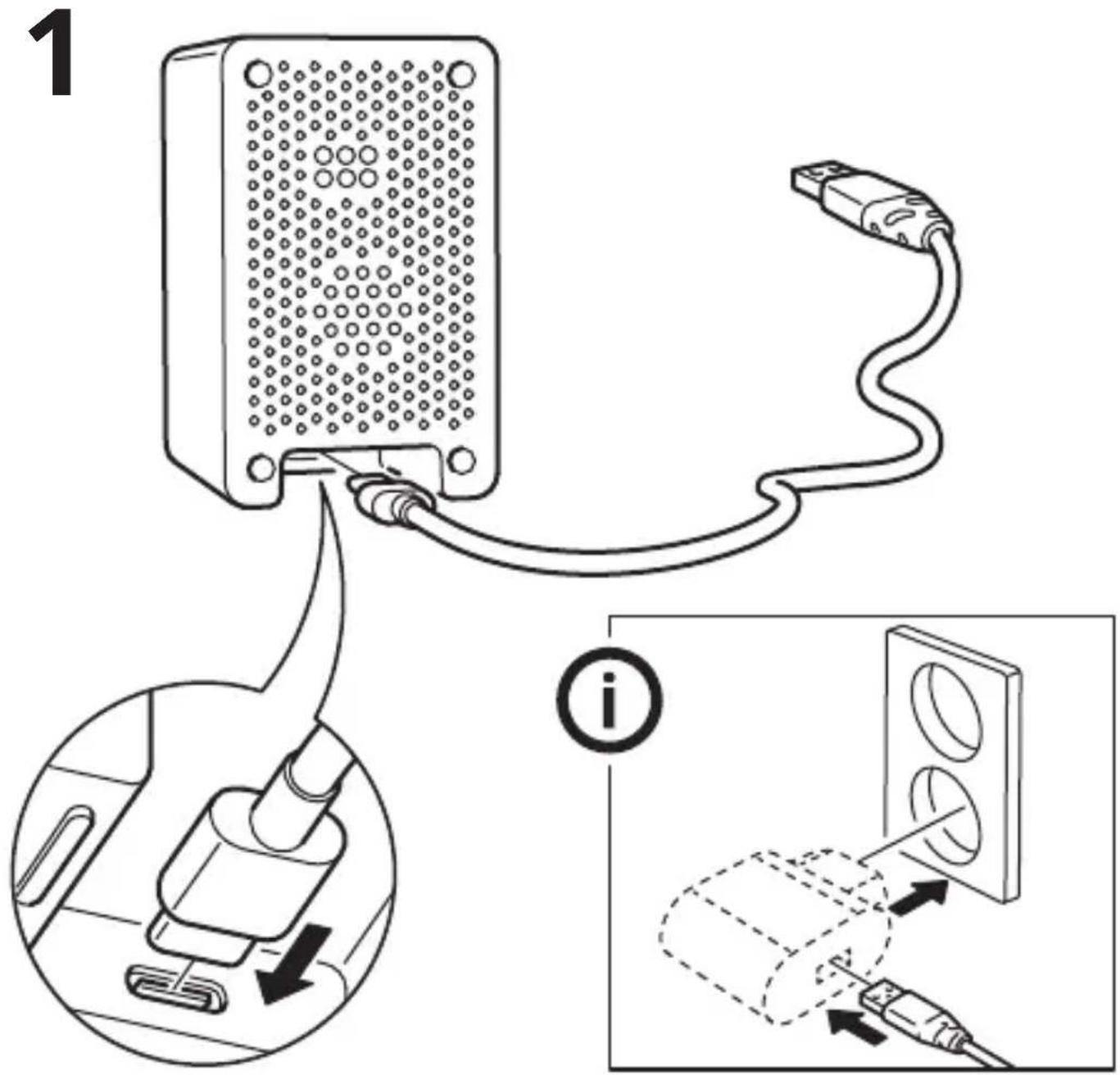
Recommended power supply:
5.0 VDC, 1.0 A (Not included)

Connect VINDSTYRKA to DIRIGERA hub
necting VINDSTYRKA to DIRIGERA hub, you'll be able to see the room's air quality in the IKEA Home smart app.
If you have an iOS device:
Go to the App Store and download the IKEA Home smart app. The app will show you how to connect VINDSTYRKA to DIRIGERA hub.
If you have an Android device:
Go to Google Play and download the IKEA Home smart app. The app will show you how to connect VINDSTYRKA to DIRIGERA hub.

Pairing: Connecting VINDSTYRKA air quality sensor to DIRIGERA hub and STARKVIND air purifier.
- When the pairing mode is activated, the pairing icon on the display should blink until VINDSTYRKA is connected to the air purifier or the hub.
- When VINDSTYRKA is connected to 1 air purifier, the following icon should be active on the display.
- When VINDSTYRKA is connected to more than 1 air purifier, the following icon should be active on the display.
- When VINDSTYRKA is connected to DIRIGERA hub, only the pairing icon should be visible on the screen.
Display on VINDSTYRKA


Shows connected air purifiers.
- PM2.5 Displays level of PM2.5 particles. PM2.5 are small inhalable particles, particles with a max. size of 2.5 micrometres. Green: 0-35 µg/m³, Yellow: 35-120 µg/m³, Red: >120 µg/m³.
Room temperature Room relative humidity
Temperature and humidity can affect the indoor comfort and wellbeing.
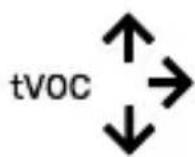
Indicates increasing, stable or decreasing level of TVOC. TVOC stands for “Total Volatile Organic Compounds” (VOC).
Settings mode
A long press on the mode button will enter the Settings mode.
Brightness

A flashing symbol means that it is possible to adjust the brightness level.
Press the mode button to select between level 1, 2, and 3.
A long press on the mode button confirms the setting and takes you to the settings for temperature.
Auto off: After 1 minute, the display brightness will return to its default setting (level 2).
Temperature unit
A flashing symbol means that it is possible to adjust the temperature.
Press the mode button to switch between Celsius and Fahrenheit.
A long press on the mode button confirms the setting and takes you back to the Settings mode.
Important!
- The product is only intended for household use under normal operating conditions.
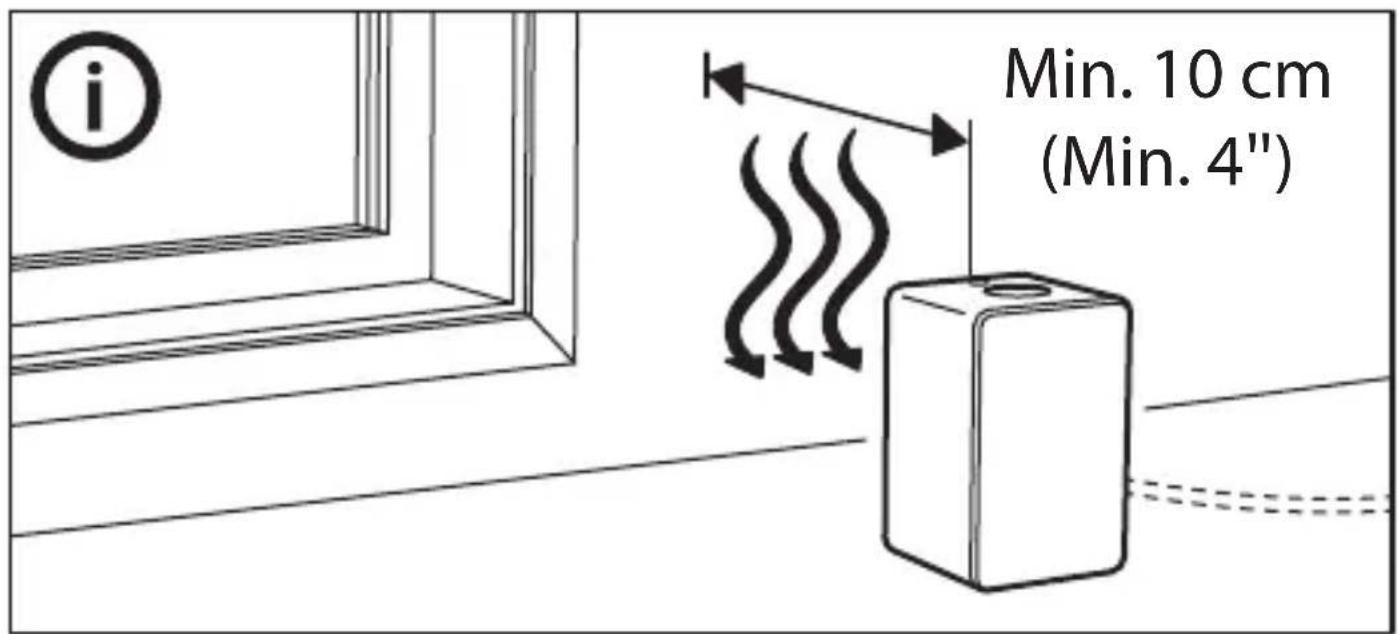
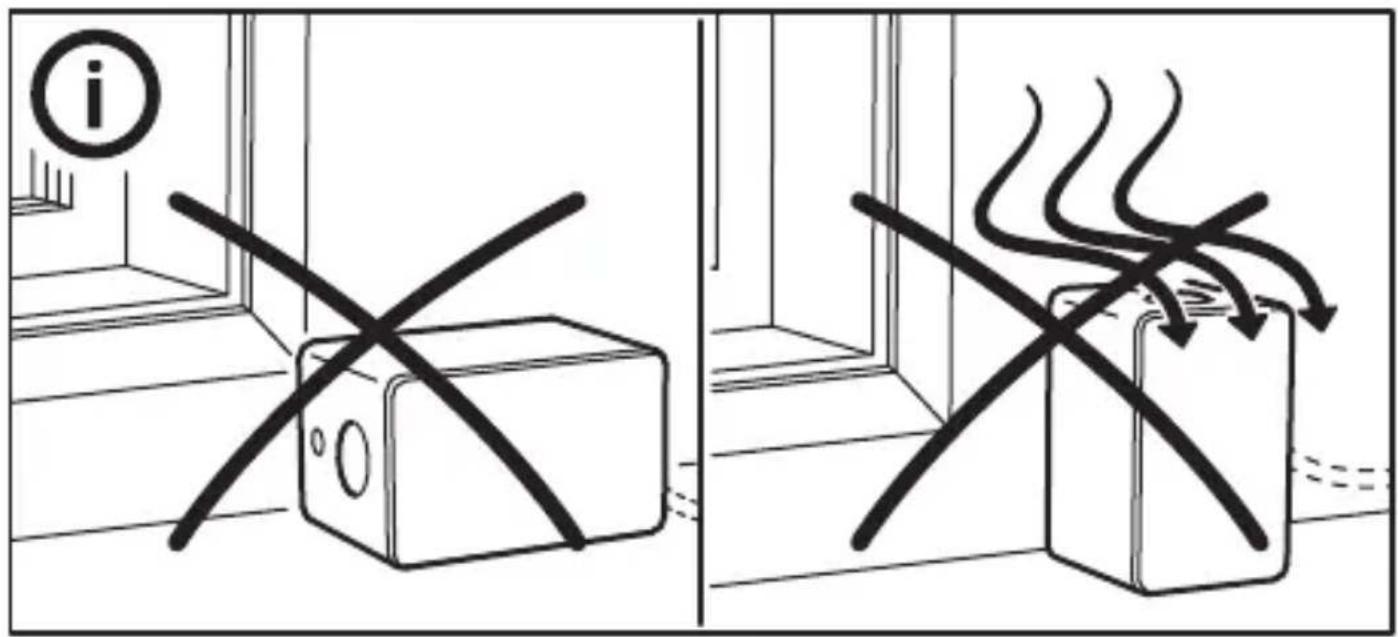
- Do not block the air intakes and outlet in the rear.
- Do not leave the product in direct sunlight or near any heat source, as it may overheat.
- The wall socket must be located near the equipment and must be easily accessible.
- Do not subject the product to wet, moist or excessively dusty environments since this can cause damage to the unit.
- Children should be supervised to ensure they do not play with the product.
- The product does not measure carbon monoxide (CO) or radon (Rn). It cannot be used as a safety device upon accidents involving combustion processes and hazardous chemicals.
- Be sure to not exceed the maximum USB cable length recommended for the device.
- Never use a damage or faulty USB cable, since this can damage or harm the power adapter or your product.
- Unplug the product from the power source before cleaning and when it is not in use.
Save these instructions for future use.
Factory reset
Quick-press the pairing button 4 times to perform a factory reset.
Care instructions
Wipe with a soft cloth moistened with a little mild detergent. Use another soft, dry cloth to wipe dry.
Note!
Never use abrasive cleaners or chemical solvents as this can damage the product.
Product servicing
Do not attempt to repair this product yourself, as opening or removing covers may expose you to dangerous voltage points or other risks.
Technical data
Model: VINDSTYRKA air quality sensor
Type: E2112
Input: 5.0 VDC, 0.2 A
Particle detection range: 0\~1000 g/m ^3
Radio range: 10 m in open air
Operating frequency: 2405\~2480MHz
Output power: 8.5 dBm
Operation temperature: 0°C to 40°C
Operating humidity: 0 to 95% RH
Max USB cable length: 3.0 m/9'8"
Indoor use only
Manufacturer: IKEA of Sweden AB
Adress: Box 702, SE-343 81 Älmhult, SWEDEN
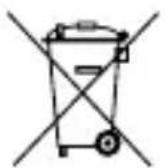
The crossed-out wheeled bin symbol indicates that the item should be disposed of separately from household waste. The item should be handed in for recycling in accordance with local environmental regulations for waste disposal. By separating a marked item from household waste, you will help reduce the volume of waste sent to incinerators or land-fill and minimize any potential negative impact on human health and the environment. For more information, please contact your IKEA store.
5,0 VCC, 1,0 A (no incluida)
natural_image
Simple line drawing of a device with a knob and pointer (no text or symbols)Conectar o VINDSTYRKA ao purificador de ar STARKVIND


- Instructions for use
- Freestanding or paired
- Connect VINDSTYRKA to STARKVIND air purifier
- Recommended power supply:
- Connect VINDSTYRKA to DIRIGERA hub
- If you have an iOS device:
- If you have an Android device:
- Display on VINDSTYRKA
- Settings mode
- Brightness
- Temperature unit
- Important!
- Save these instructions for future use.
- Factory reset
- Care instructions
- Note!
- Product servicing
- Technical data
- Conectar o VINDSTYRKA ao purificador de ar STARKVIND
Brand : IKEA
Model : VINDSTYRKA 904.982.36
Category : Air purifier