
CL02WH - Alarm Clock BLAUPUNKT - Free user manual and instructions
Find the device manual for free CL02WH BLAUPUNKT in PDF.


| Product Type | Alarm Clock Radio |
| Brand | Blaupunkt |
| Model | CL02WH |
| Power Source | 1 x AA battery (not included) |
| Calendar Range | 2000 – 2099 |
| Weekday Languages | English, German, French, Italian, Dutch, Spanish, Danish |
| Time Format | 12-hour / 24-hour selectable |
| Alarm | Yes, with snooze function |
| Snooze Duration | 5 minutes |
| Alarm Duration | 2 minutes |
| Display | LED backlight |
| Temperature Display | Indoor temperature (°C/°F selectable) |
| Temperature Range | 0°C to +50°C |
| Backlight | LED |
| Reset Button | Yes |
| Battery Backup | Maintains time/alarm settings |
| Cleaning | Wipe with a dry cloth |
| Safety | Do not expose to water or moisture; keep away from heat |
| Servicing | No user-serviceable parts; refer to qualified personnel |
| Environmental Compliance | European Directive 2002/96/EC and 2006/66/EC |
Frequently Asked Questions - CL02WH BLAUPUNKT
User questions about CL02WH BLAUPUNKT
0 question about this device. Answer the ones you know or ask your own.
Ask a new question about this device
Download the instructions for your Alarm Clock in PDF format for free! Find your manual CL02WH - BLAUPUNKT and take your electronic device back in hand. On this page are published all the documents necessary for the use of your device. CL02WH by BLAUPUNKT.
USER MANUAL CL02WH BLAUPUNKT
To achieve the utmost in enjoyment and performance, and in order to become familiar with its features, please read this manual carefully before attempting to operate this product. This will assure you years of trouble-free performance and listening pleasure.
- This safety and operating instruction should be retained for future reference.
- The apparatus should not be exposed to dripping or splashing or placed in a humid atmosphere such as a bathroom.
- Do not install the product in the following areas:
- Places exposed to direct sunlight or close to radiators.
- On top of other stereo equipment that radiate too much heat.
- Blocking ventilation or in a dusty area.
- Areas where there is constant vibration. • Humid or moist places.
- Do not place near candles or other naked flames.
- Operate the product only as instructed in this manual.
- Before turning on the power for the first time, make sure the power adaptor is properly connected.
For safety reasons, do not remove any covers or attempt to gain access to the inside of the product. Refer any servicing to qualified personnel.
Do not attempt to remove any screws, or open the casing of the unit; there are no user serviceable parts inside. Refer all servicing to qualified service personnel.
SAFETY INSTRUCTIONS
- Read Instructions - All the safety and operating instructions must be read before the product is operated.
- Retain Instructions - The safety and operating instructions should be kept with the product for future reference.
- Heed warnings - All warnings on the product and in the operating instructions should be adhered to.
- Follow instructions - All operating and users' instructions should be followed.
- Water and moisture - To reduce the risk of fire or electric shock, do not expose the product to train, dripping, splashing or excessive moisture such as in a sauna or bathroom. Do not use this product near water, for example, near a bathtub, washbowl, kitchen sink, laundry tub, in a wet basement or near a swimming pool (or similar).
- Servicing - Do not attempt to service this product yourself, as opening or removing covers may expose you to dangerous voltage or other hazards. Refer all servicing to qualified service personnel.
- The highest environmental temperature suitable for this product is 35°C.
- Battery
1). The batteries must not be exposed to excessive heat such as sunshine, fire or the like.
2). The batteries should be drawn to the environmental aspects of battery disposal.
3). Battery usage CAUTION - to prevent battery leakage which may result in body injuries, property damage, or damage to the apparatus:
- Install all batteries correctly, + and – as marked on the apparatus.
- Remove batteries when the unit is not used for a long time.
WARNING
This appliance is not intended for use by persons (including children) with reduced physical sensory or mental capabilities, or lack of experience and knowledge, unless they have been given supervision or instruction concerning use of the appliance by a person responsible for their safety. Children should be supervised to ensure that they do not play with the appliance.
- The apparatus must not be exposed to dripping or splashing and that objects filled with liquids, such as vases, must not be placed on the apparatus.
- To prevent fire or shock hazard, do not expose this equipment to hot places, rain, moisture, or dust.
- Do not locate this unit near any water sources, e.g., taps, bathtubs, washing machines, or swimming pools. Ensure that you place the unit on a dry, stable surface.
- Do not place this unit close to a strong magnetic field.
- Do not place this unit in a damp area, as the moisture will affect the life of electric components.
- If the clock is brought directly from a cold to a warm location, or is placed in a very damp room, moisture may condense on the lens inside the player. If this occurs, the system will not operate properly. Please leave the system turned on for about an hour until the moisture evaporates.
- Do not attempt to clean the unit with chemical solvents, as this might damage the finish. Wipe with a clean, dry, or slightly damp cloth.
NOTICE

This product complies with the radio interference requirements of the European Community.

Your product is designed and manufactured with high quality materials and components, which can be recycled and reused.
When this crossed-out wheeled bin symbol is attached to a product it means that the product is covered by the European Directive 2002/96/EC. Please inform yourself about the local
separate collection system for electrical and electronic products. Please act according to your local rules and do not dispose of your old products with your normal household waste. Correct disposal of your old product helps to prevent potential negative consequences for the environment and human health.
Your product contains batteries covered by the European Directive 2006/66/EC, which cannot be disposed of with normal household waste. Please inform yourself about the local rules on separate collection of batteries because correct disposal helps to prevent negative consequences for the environment and human health.
Environmental information
All unnecessary packaging has been omitted. We have tried to make the packaging easy to separate into three materials: cardboard (box), polystyrene foam (buffer) and polyethylene (bags, protective foam sheet). Your system consists of materials which can be recycled and reused if disassembled by a specialized company. Please observe the local regulations regarding the disposal of packaging materials, exhausted batteries and old equipment. Recording and playback of material might require consent. See Copyright Act 1956 and The Performer's Protection Acts 1958 to 1972.
FEATURES
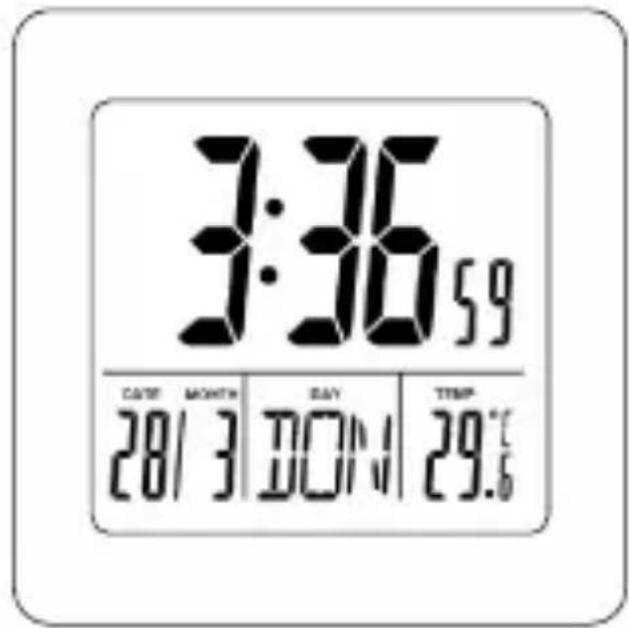
- Calendar from 2000~2099
- 7 language weekdays display: English, German, French, Italian, Dutch, Spanish and Danish
- 12/24 hours selectable.
- Alarm function & Snooze function.
- LED backlight
- Temperature display with °C/°F selectable.
- Indoor temperature range: 0°C ~ +50°C.
BATTERY ASSEMBLING
Tear off the protective film on the frame before using. Open the battery compartment cover. Insert 1xAA battery according to the correct polarity shown in the compartment.
MANUAL SETTING
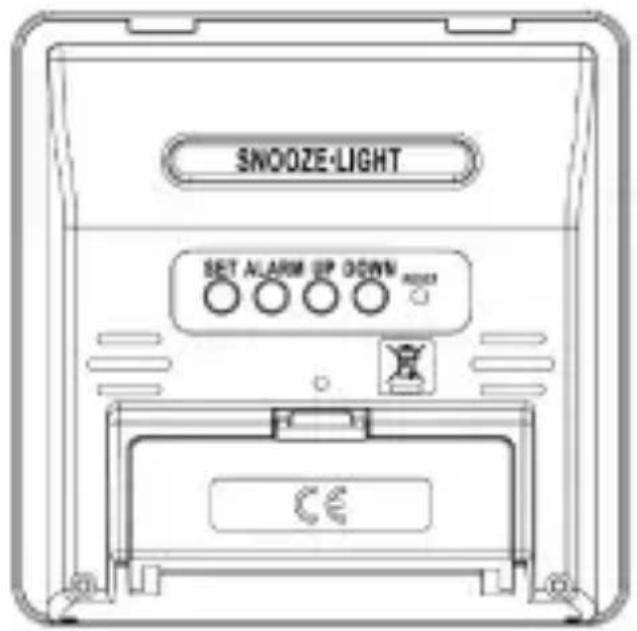
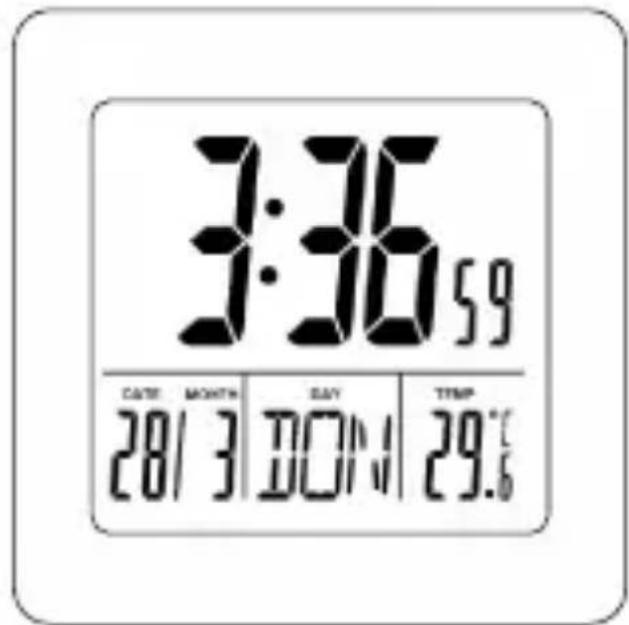
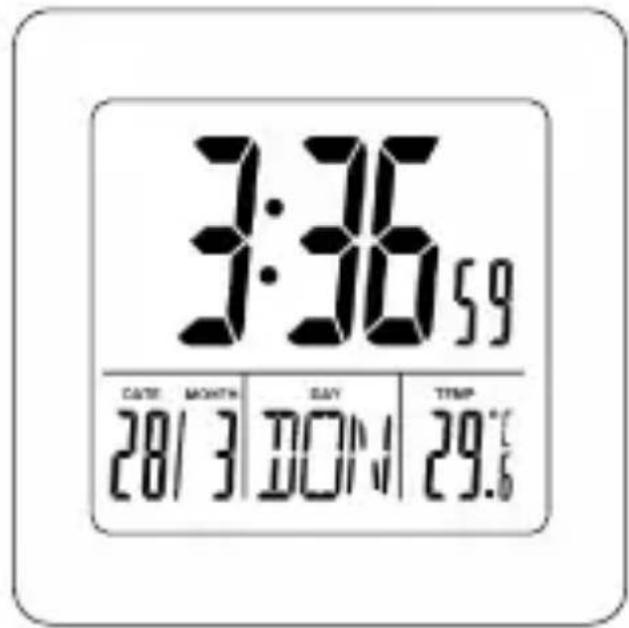
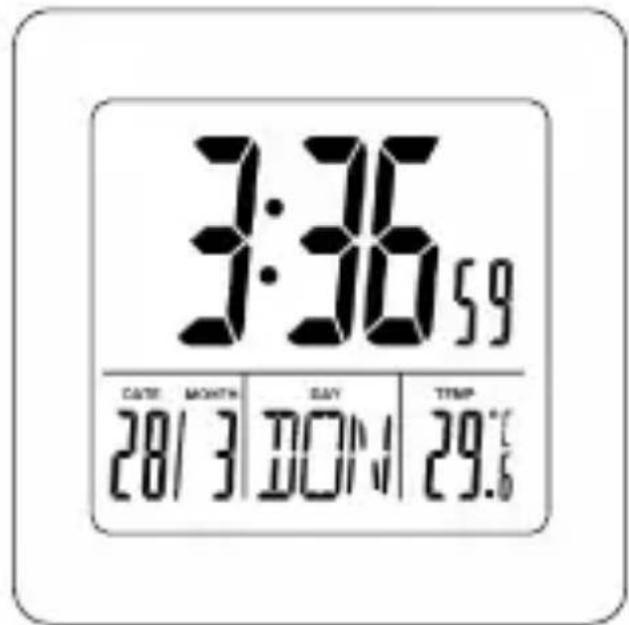
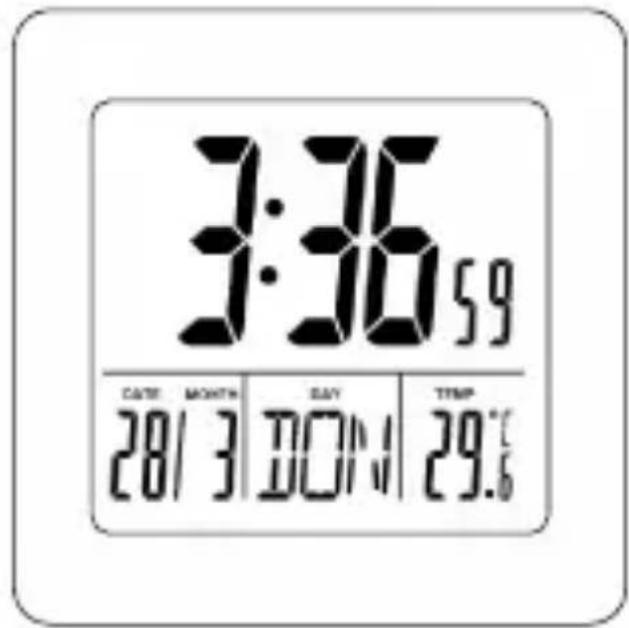
Under normal display mode, press the SET button for 3 seconds to enter time setting. The figure to be set will flash. Press UP or DOWN button to adjust. The setting order is 12/24 hr → hour → minute → year → month → date → language display of day. Press the SET button to confirm the setting.
If there is no operation within 30 seconds, it will automatically return to normal time display mode.
Press the RESET button to restart the clock.
ALARM & SNOOZE SETTING
Under normal time display, press the ALARM button for 3 seconds. The hour display will flash, and press UP or DOWN button to adjust. The setting order is hour → minute. Press the ALARM button to confirm the setting. At normal time display, press the ALARM button once to turn on the alarm; the alarm icon will show on the screen. Press the ALARM button again to turn off the alarm.
The alarm sound will last for 2 minutes and will change as below:
0-10 seconds: BI per second
11-20 seconds: BI BI per second
21-30 seconds: BI BI BI per second
30 seconds: keep BI
When the alarm rings, press the SNOOZE·LIGHT button to turn off the sound. The icon of 🎨 and Z 2 will flash, and the alarm sound will ring again after 5 minutes. When the snooze function is on, press any other button to turn off the snooze function. When the alarm rings, press any other button to cancel the alarm sound. The alarm will ring again after 24 hours.
TEMPERATURE
The indoor temperature will adjust within 3-8 minutes automatically after powering on. Press the DOWN button to change between °C/°F.
7 LANGUAGE WEEK DISPLAY
| Country | German | English | Italian | French | Dutch | Spanish | Denmark |
| Abbreviation | GER | ENG | ITA | FRE | DUT | SPA | DAN |
| Sunday | SON | SUN | DOM | DIM | ZON | DOM | SON |
| Monday | MON | MON | LUN | LUN | MAA | LUN | MAN |
| Tuesday | DIE | TUE | MAR | MAR | DIN | MAR | TIR |
| Wednesday | MIT | WED | MER | MER | WOE | MIE | ONS |
| Thursday | DON | THU | GIO | JEU | DON | JUE | TOR |
| Friday | FRE | FRI | VEN | VEN | VRI | VIE | FRE |
| Saturday | SAM | SAT | SAB | SAM | ZAT | SAB | LOR |
IMPORTANT INFORMATION
FUNCTIONS
7-LANGUAGE WEEKDAY DISPLAY
FUNCTIONS
FUNCTIONS
FUNCTIONS
Competence Centre Audio
2N-Everpol Sp. z o.o.
ul. Puławska 403A
02-801 Warsaw, Poland
phone: +48 22 331 99 59
e-mail: info@everpol.pl
www.blaupunkt.com
In case of questions or problems
Please contact our service.
Tel. 00 48 22 331 99 53
E-mail: info@blaupunkt-audio.pl
All rights reserved. All brand names are registered trademarks of their respective owners. Specifications are subject to change without prior notice.
Enjoy it.


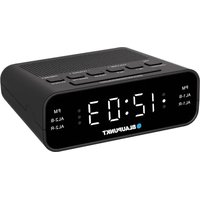

Brand : BLAUPUNKT
Model : CL02WH
Category : Alarm Clock