PBR F10 A1 - Jobsite Radio PARKSIDE - Free user manual and instructions
Find the device manual for free PBR F10 A1 PARKSIDE in PDF.


User questions about PBR F10 A1 PARKSIDE
0 question about this device. Answer the ones you know or ask your own.
Ask a new question about this device
Download the instructions for your Jobsite Radio in PDF format for free! Find your manual PBR F10 A1 - PARKSIDE and take your electronic device back in hand. On this page are published all the documents necessary for the use of your device. PBR F10 A1 by PARKSIDE.
USER MANUAL PBR F10 A1 PARKSIDE
natural_image
Black Parkside portable radio device with control panel and antenna (no visible text or symbols on device body)20 V / 12 V AKKU-BAUSTELLENRADIO / 20V / 12V SITE RADIO / 20 V / 12 V RADIO DE CHANTIER SANS FIL PBR F10 A1
DE AT CH
natural_image
Technical line drawing of a mechanical device with mounting base and wiring (no text or symbols)B
text_image
BY PACKSING OK -natural_image
Technical line drawing of a device casing with mounting holes and a central circular component (no text or symbols)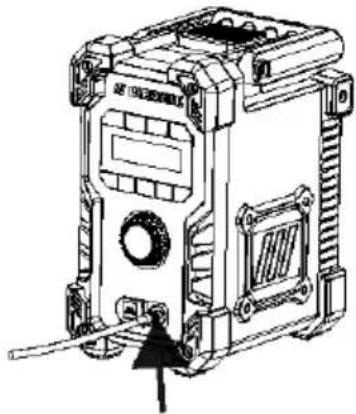
natural_image
Technical line drawing of a mechanical device with no visible text or symbols● Quick Start Guide
This information sheet is an integral part of the operating instructions. Keep it in a safe place together with the instruction manual. If you give the product to third parties, all documentation should be passed on to them as well. Before using the product, read the instruction manual and pay particular attention to the safety notes it contains.

Initial setup
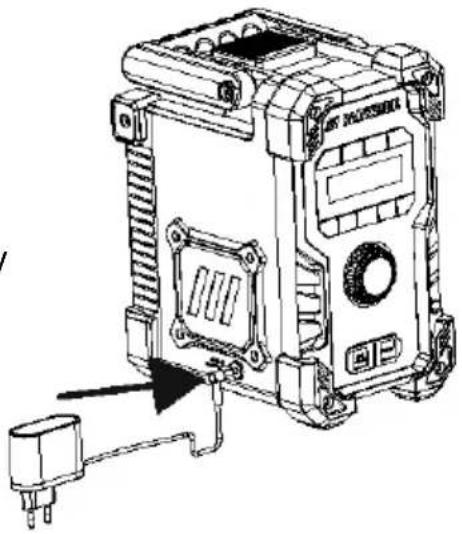
1) Insert the 12 V DC plug of the power adapter into the DC socket of speaker charging port. And then plug the AC power adapter into mains outlet.
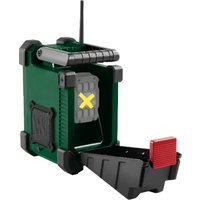
2) Alternatively, you can insert 12 V/ 20 V battery into battery socket of speaker to power up this speaker.
natural_image
Technical line drawing of a mechanical device with ports and wiring (no text or symbols)
Turning on the product
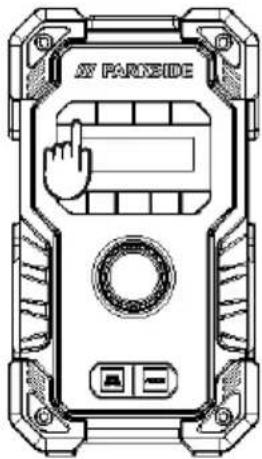
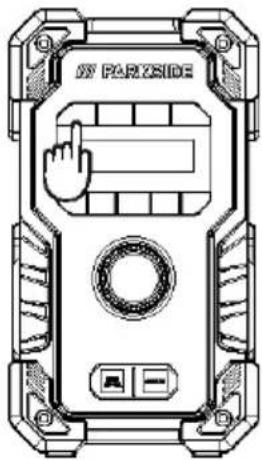
Press the Power ON/OFF button approx. 2 seconds to enter display interface, and enter into FM mode to auto start searching broadcast FM station. Press ON/OFF button again to turn into standby mode and will turn to date and time display.

Volume adjustment
text_image
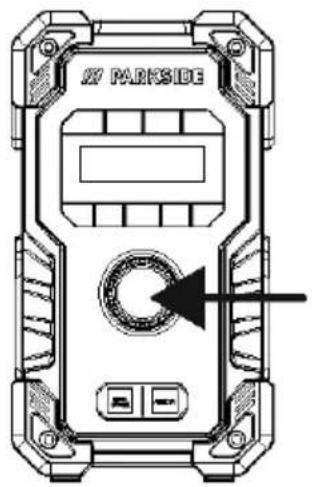
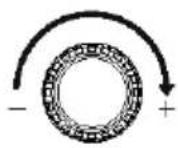
X7 PARKSIDEYou can also turn volume up/down via this rotator knob button. Turn clockwise to increase volume, and anti-clockwise to reduce volume.

Connecting to playback device via Bluetooth
text_image
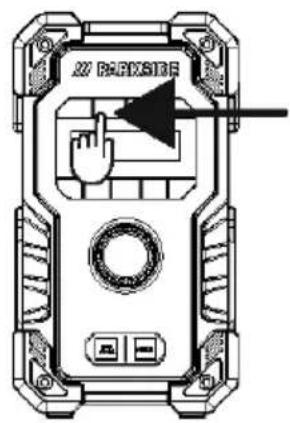
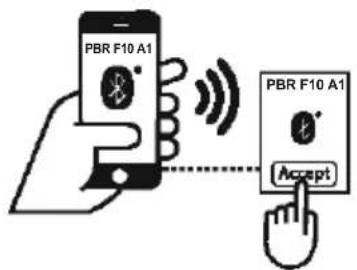
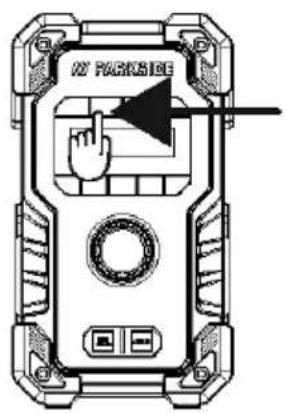
X20 PAXSIDEPress the SOURCE button to switch into Bluetooth mode and enable a Bluetooth connection. ACCEPT the product identification "PBR F10 A1" on the playback device. Then you can start to stream your music to this speaker via Bluetooth once connection ready.
text_image
PBR F10 A1 PBR F10 A1 AcceptD2
text_image
Parkside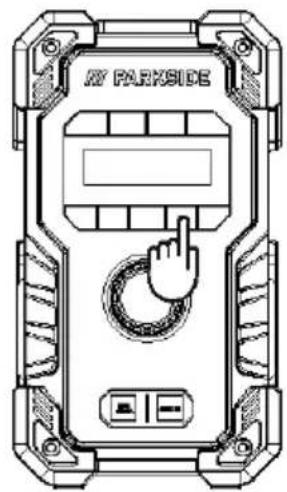
text_image
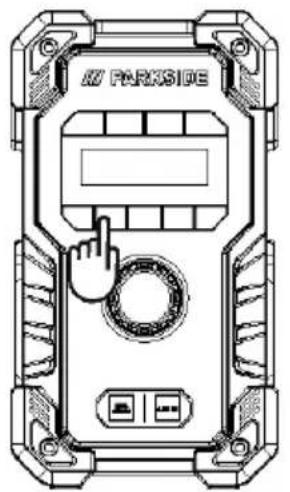
MY PARKSIDEYou can also use the Bluetooth control button "1" to "4" on speaker to playback music. Press briefly the Pause/Playback button to start play back. Press again briefly during playback to pause or continue playing.
E
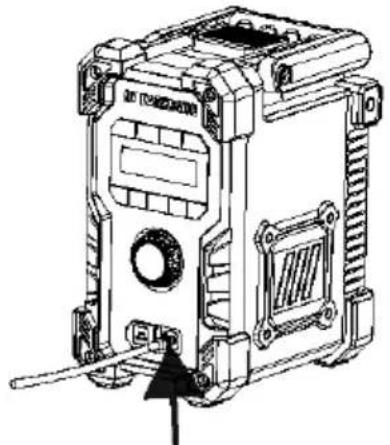
AUX IN Press the SOURCE button to switch into AUX IN mode, and then plug in the AUX cable at the front AUX IN socket to start use this function.
text_image
M2 PACKAGE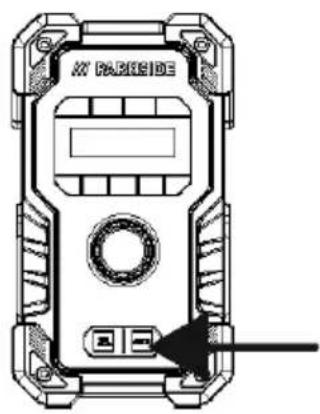
natural_image
Technical line drawing of a device casing with mounting holes and a central circular component (no text or symbols)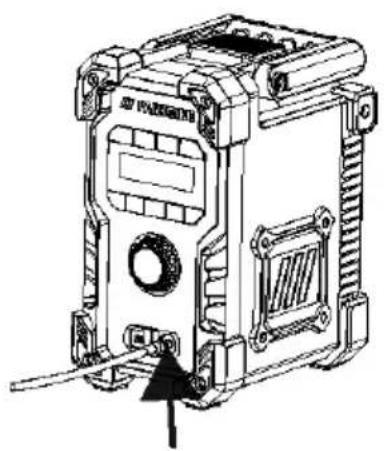
natural_image
Technical line drawing of a mechanical device with mounting holes and internal components (no text or symbols)natural_image
Technical line drawing of a mechanical device with mounting holes and a terminal block (no text or symbols)B
natural_image
Technical line drawing of a device casing with no visible text or symbols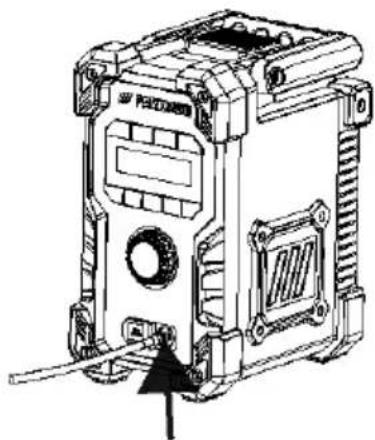
natural_image
Technical line drawing of a mechanical device with no visible text or symbols● Quick-Start-Guide
natural_image
Technical line drawing of a mechanical device with mounting holes and a terminal block (no text or symbols)B
natural_image
Technical line drawing of a device casing with mounting brackets and a central circular component (no text or symbols)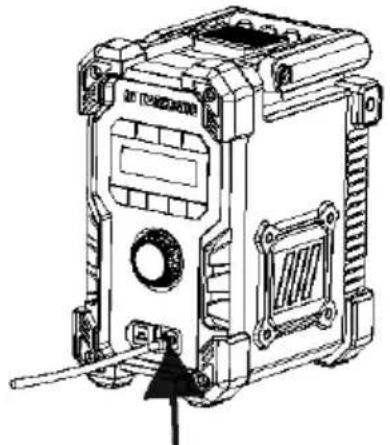
natural_image
Technical line drawing of a mechanical device with mounting brackets and a central circular component (no text or symbols)natural_image
Technical line drawing of a mechanical device with mounting holes and a power outlet (no text or symbols)B
Włączanie produktu
text_image
PARZSIDEnatural_image
Technical line drawing of a device casing with no visible text or symbols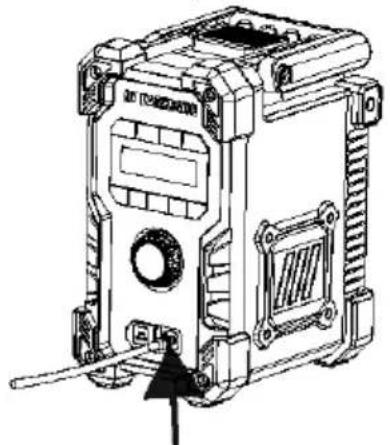
natural_image
Technical line drawing of a mechanical device with mounting brackets and a central circular component (no text or symbols)natural_image
Technical line drawing of a mechanical device with mounting holes and a terminal block (no text or symbols)
Zapnutí výrobku
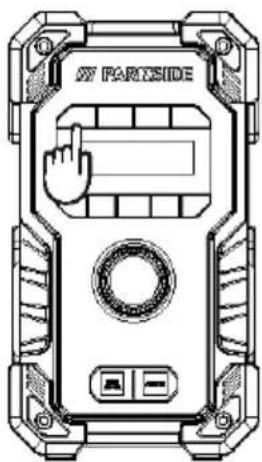
text_image
PARTSIDEnatural_image
Technical line drawing of a mechanical device casing with no visible text or symbols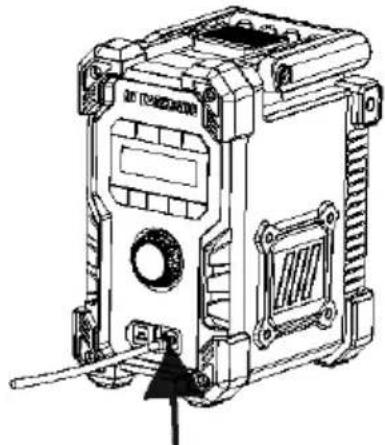
natural_image
Technical line drawing of a mechanical device with mounting brackets and a central circular component (no text or symbols)natural_image
Technical line drawing of a mechanical device with mounting bracket and connector (no text or symbols)
Zapnutie výrobku
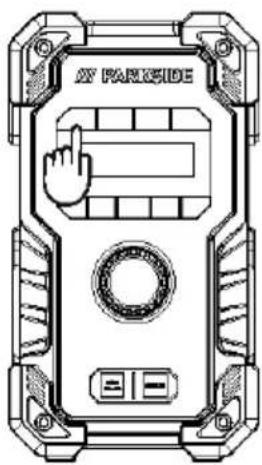
text_image
AT PARISIDEnatural_image
Technical line drawing of a device casing with mounting brackets and a central circular component (no text or symbols)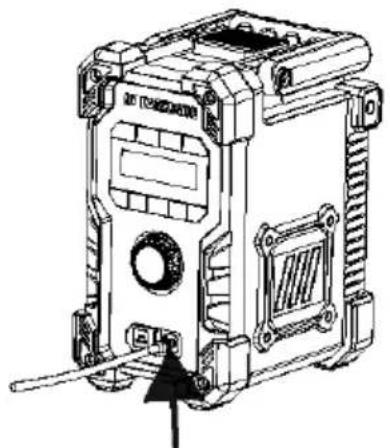
natural_image
Technical line drawing of a mechanical device with mounting holes and a central circular component (no text or symbols)natural_image
Technical line drawing of a mechanical device with mounting bracket and wiring (no text or symbols)
natural_image
Technical line drawing of a mechanical device casing with no visible text or symbols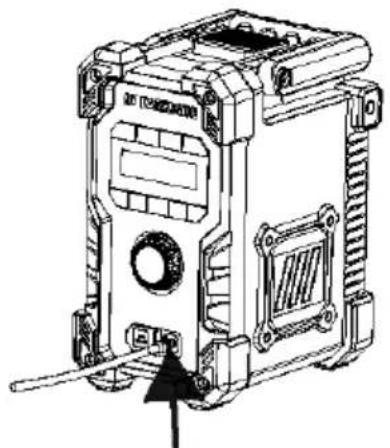
natural_image
Technical line drawing of a mechanical device with mounting holes and a central circular component (no text or symbols)- Quick-start-guide
natural_image
Technical line drawing of a mechanical device with mounting bracket and connector (no text or symbols)
natural_image
Technical line drawing of a device casing with mounting holes and a central circular component (no text or symbols)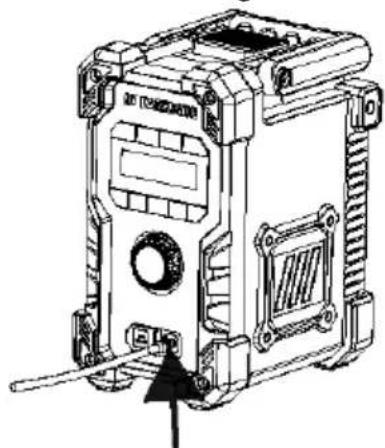
natural_image
Technical line drawing of a mechanical device with no visible text or symbols● Guida rapida
natural_image
Technical line drawing of a mechanical device with mounting bracket and connector (no text or symbols)
natural_image
Technical line drawing of a device casing with mounting brackets and a central circular component (no text or symbols)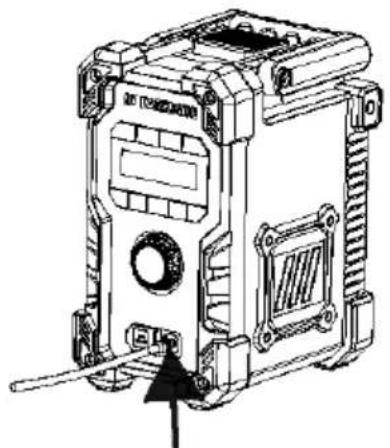
natural_image
Technical line drawing of a mechanical device with mounting holes and a central circular component (no text or symbols)natural_image
Technical line drawing of a mechanical device with mounting holes and a terminal block (no text or symbols)B
natural_image
Technical line drawing of a mechanical device casing with no visible text or symbols