Aplic 305045 - Barcode scanner

305045 - Barcode scanner Aplic - Free user manual and instructions

Find the device manual for free 305045 Aplic in PDF.

📄 60 pages English EN Download 💬 AI Question 10 questions ⚙️ Specs
Notice Aplic 305045 - page 14
View the manual : Français FR Deutsch DE English EN Español ES Italiano IT
Pick your language and provide your email: we'll send you a specifically translated version.
Product Type 1D/2D Barcode Reader
Brand Aplic
Model 305045
Power Supply 5V DC via USB port
Reading Modes Manual, automatic, continuous
Resolution > 5 mm
Laser Class Class 1 (laser safety)
ESD Protection Air discharge 15 kV
Impact Resistance Drop from 1 m onto solid surface
Ambient Temperature 0°C to 45°C
Compatible 1D Barcodes 2of5 Interleaved, Codabar, Code93, Code11, Code39, Code39 full ASCII, Code128, EAN8, EAN13, EAN128, ISBN, UCC-14, UPC-A, UPC-E, EAN14, GS1 RSS 14, GS1 RSS14 stacked, GS1 Limited
Compatible 2D Barcodes PDF417, PDF417 90 digit, QR-Code, QR-Code 90 digit, Datamatrix, Datamatrix 90 digit, Aztec, Aztec 90 digit, Hanxin Code
Package Contents Scanner with USB cable, mounting bracket, user manual
Interface USB (cable included)
Cleaning and Maintenance Soft dry cloth, device powered off and unplugged
Recycling Do not dispose of with household waste, take to WEEE collection point
Number of pages in the manual 60 pages
Available Languages FR, DE, EN, ES, IT and others on request

Frequently Asked Questions - 305045 Aplic

How to connect the barcode reader to a computer?
Connect the provided USB cable to a free USB port on your computer. Driver installation is automatic, then the device is ready to use.
How to perform a manual scan?
Press the trigger button to perform the scan. The laser must cover the entire barcode.
How to configure advanced settings (enable/disable barcode types)?
To access advanced settings, first scan the Start Configuration barcode. Then scan the codes corresponding to the desired settings. To save, scan End Configuration.
How to reset the reader to factory settings?
Scan the Restore Factory Settings barcode after entering configuration mode. This cancels all modifications.
What types of barcodes are supported?
The reader supports many 1D codes (Code39, Code128, EAN, etc.) and 2D codes (QR Code, Datamatrix, PDF417, Aztec, etc.). See the complete list in the manual.
How to clean the reader?
Make sure the scanner is unplugged from the USB port and powered off. Use a soft dry cloth to carefully wipe the device. Never immerse it in water.
Is the laser dangerous for the eyes?
No, the reader is laser class 1, meaning it is safe under normal use conditions. Nevertheless, observe laser safety rules.
What to do if the reader does not read barcodes correctly?
Check that the scanner is not held at a 90° angle to the code. The laser must cover the entire code. Also ensure the code is clean and undamaged. You can also adjust the lighting or scan mode.
How to change the beep volume?
Scan the Start Configuration barcode, then the barcode corresponding to the desired volume (low, medium, high). End with End Configuration.
How to recycle the reader at end of life?
Do not dispose of the device with household waste. Take it to a WEEE collection point (recycling center, store) or contact your municipality. The crossed-out wheelie bin symbol on the product indicates this.

User questions about 305045 Aplic

0 question about this device. Answer the ones you know or ask your own.

Ask a new question about this device

The email remains private: it is only used to notify you if someone responds to your question.

No questions yet. Be the first to ask one.

Download the instructions for your Barcode scanner in PDF format for free! Find your manual 305045 - Aplic and take your electronic device back in hand. On this page are published all the documents necessary for the use of your device. 305045 by Aplic.

USER MANUAL 305045 Aplic

natural_image Abstract geometric logo design with a stylized letter 'O' inside a partial white circle on dark background (no text or symbols)

BEDIENUNGSANLEITUNG

USER MANUAL

BARCODE-SCANNER

Mod.-Nr.: 305045

Table of contents

  1. Deutsch .... 3
  2. English 14
  3. Italiano 25
  4. Français ...... 36
  5. Español....48

QR code image containing encoded data, no visible human-readable text

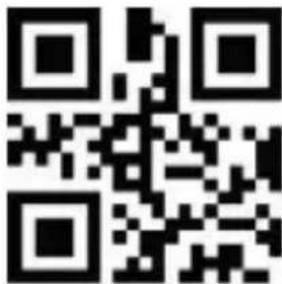
ENG: Current drivers, user manuals and other relevant documents for this product can be found on our homepage.
QR code image containing encoded data, no visible human-readable text

1D Barcodes aktivieren 2D Barcodes aktivieren
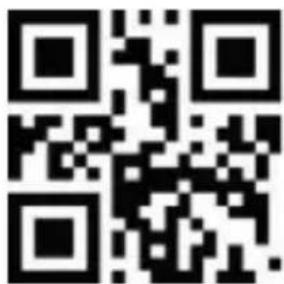
QR code image containing encoded data, no visible human-readable text

Setup starten Setup beenden
QR code image containing encoded data, no visible human-readable text

QR code image containing encoded data, no visible human-readable text

Scan-Licht konstant AUS

Scannen EIN
QR code image containing encoded data, no visible human-readable text

Signalton EIN Signalton AUS

QR code image containing encoded data, no visible human-readable text

QR code image containing encoded data, no visible human-readable text

Signalton EIN Signalton AUS

QR code image containing encoded data, no visible human-readable text

Signalton EIN Signalton AUS

QR code image containing encoded data, no visible human-readable text

Signalton EIN Signalton AUS

QR code image containing encoded data, no visible human-readable text

umwandeln

QR code image containing encoded data, no visible human-readable text

Manueller Modus Kontinuierlicher Modus
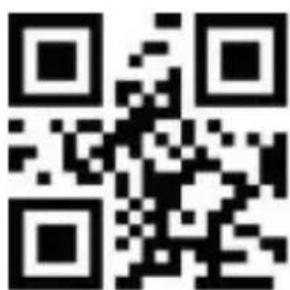
QR code image containing encoded data, no visible human-readable text

QR code image containing encoded data, no visible human-readable text

Automatischer Modus

Sensitivität
QR code image containing encoded data, no visible human-readable text

Niedrig Mittel

QR code image containing encoded data, no visible human-readable text

QR code image containing encoded data, no visible human-readable text

Hoch

USB-KBW USB Virtual Com

QR code image containing encoded data, no visible human-readable text

QR code image containing encoded data, no visible human-readable text

RS-232

QR code image containing encoded data, no visible human-readable text

9600 1200

QR code image containing encoded data, no visible human-readable text

QR code image containing encoded data, no visible human-readable text

QR code image containing encoded data, no visible human-readable text

2400 4800

QR code image containing encoded data, no visible human-readable text

19200 38400

QR code image containing encoded data, no visible human-readable text

QR code image containing encoded data, no visible human-readable text

QR code image containing encoded data, no visible human-readable text

57600 115200

Aktivieren

QR code image containing encoded data, no visible human-readable text

Deaktivieren

Eingabesprachen
QR code image containing encoded data, no visible human-readable text

Englisch Russisch

QR code image containing encoded data, no visible human-readable text

QR code image containing encoded data, no visible human-readable text

QR code image containing encoded data, no visible human-readable text

Deutsch Schwedisch

QR code image containing encoded data, no visible human-readable text

QR code image containing encoded data, no visible human-readable text

QR code image containing encoded data, no visible human-readable text

Terminatoren

QR code image containing encoded data, no visible human-readable text

Terminator AUS

QR code image containing encoded data, no visible human-readable text

Terminator Enter

QR code image containing encoded data, no visible human-readable text

Terminator Enter + Shift Terminator TAB
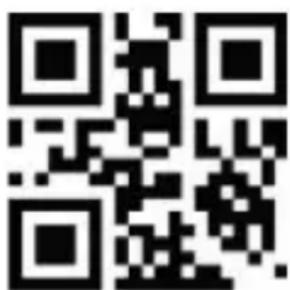
QR code image containing encoded data, no visible human-readable text

Thank you for choosing an aplic product. Please read the following user manual carefully so as to get the most from the product you have purchased. Before using the product, first check that the delivered item is complete, accurate and undamaged.

1. Scope of delivery

  • Barcode Scanner with USB connection cable
  • Mounting
  • User manual

2. Technical data

Power supply DC 5V (viaUSB)
Scanning modes• Manual scanning• Automatic scanning• Continuous scanning
Resolution > 5mm
Laser class Class 1 (lasersafety regulations)
ESD protection 15kV airdischarge
Shock resistance Fallingheight from 1m onto solid surface
Compatible 1D barcodes2of5 Interleaved, codabar, Code93, Code 11,Code39, Code39 full ASCII, Code128, EAN8, EAN13, EAN128, ISBN, UCC-14, UPC-A, UPC-E, EAN14, GS1 RSS 14, GS1 RSS14 stacked, GS1 Limited
Compatible 2D barcodesPDF 417, PDF417 90 digit, QR-Code, QR-Code 90 digit, Datamatrix, Datamatrix 90 digit, Aztec, Aztec 90 digit, Hanxin Code etc.
Ambient temperature 0°CC-45°C

2.1 Advanced setting options

Aplic 305045 - Advanced setting options - 1

Note: A document with barcodes for advanced settings is available in our download portal (downloads.ganzeinfach.de). Use this only if you are very familiar with the process and know how to handle the settings.

3. Product details
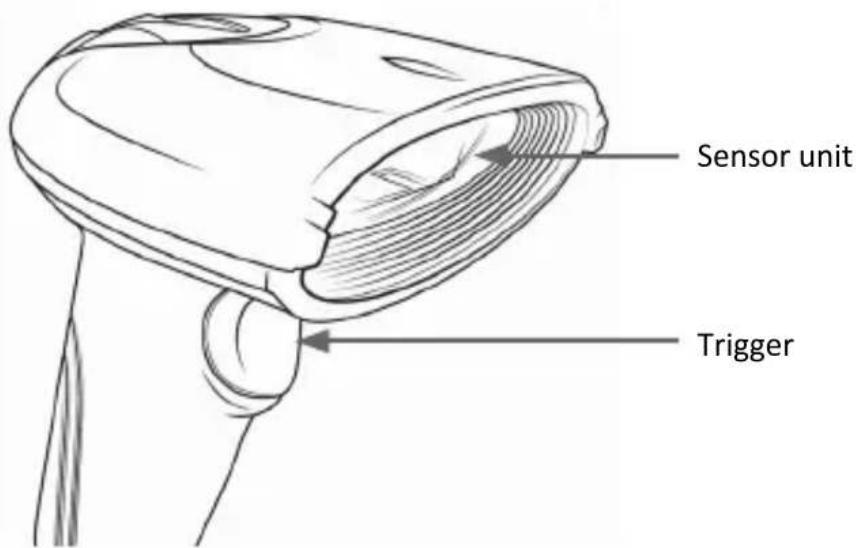
Sensor unit Trigger

4. Initial use

Take the device and the accessories out of the package and remove all packaging material. Connect the USB cable to a free USB port of your computer. The driver is installed automatically. The device is now ready to be used.

5. Scanning angle

To ensure correct scanning, make sure that the scanner is not held at a 90° angle to the barcode. The scanner has to be pointed towards the barcode and the laser should cover the entire barcode. If this is not the case, errors might occur.

6. Advanced settings

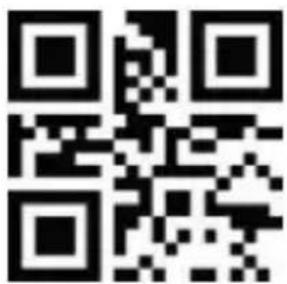
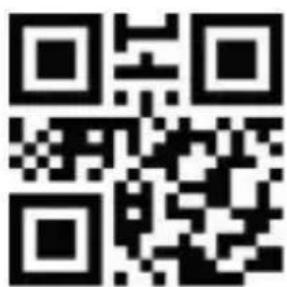
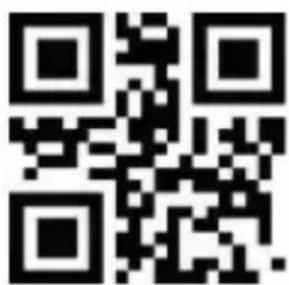
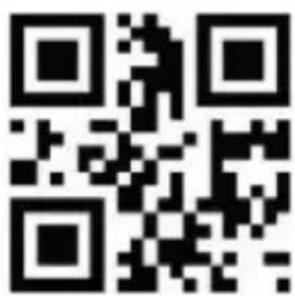
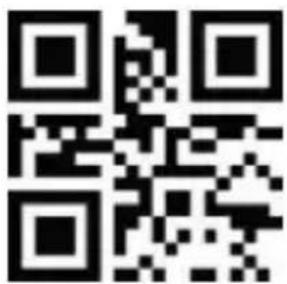
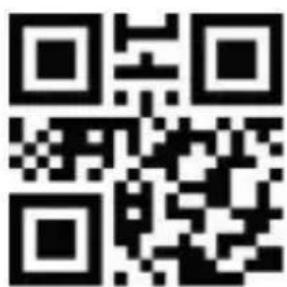
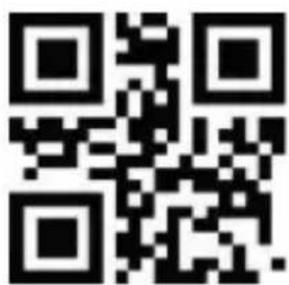
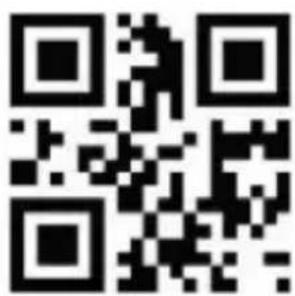
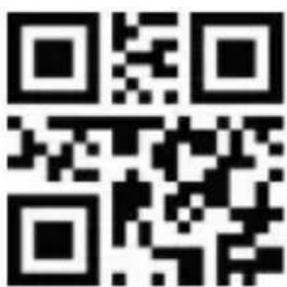
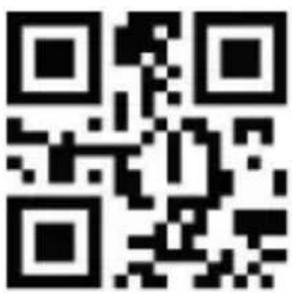
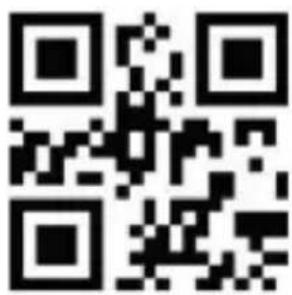
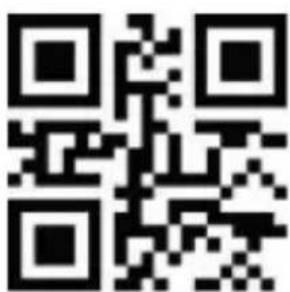
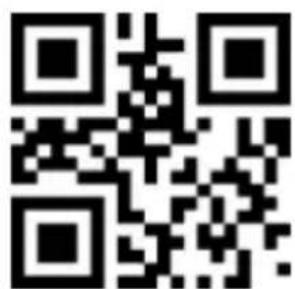
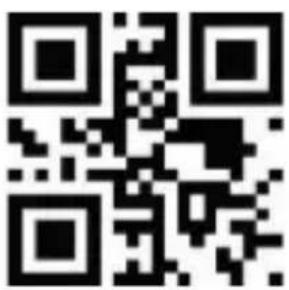
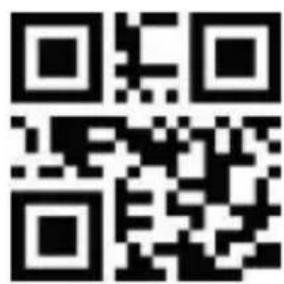
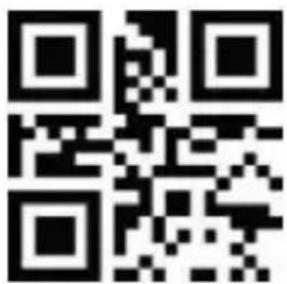
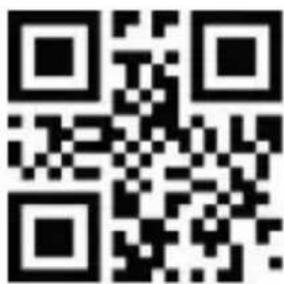
You can use the advanced settings for additional settings such as enabling or disabling certain types of code. Scan the following barcodes to configure the scanner.

Aplic 305045 - Advanced settings - 1

Note: Scan the "Start setup" barcode before making any changes to the settings (Setup). To save the changes to the settings (Setup), scan the "Exit Setup" barcode.

To see all the supported 1D and 2D barcodes (such as MSI and Datalogic 2of5), scan the following codes in the setup mode.

CAUTION! The device may respond slowly during this process!

To cancel the settings, reset the device to factory settings
QR code image containing encoded data, no visible human-readable text

Enable 1D barcode Enable 2D barcode

QR code image containing encoded data, no visible human-readable text

Advanced settings
QR code image containing encoded data, no visible human-readable text

Start Setup Exit Setup

QR code image containing encoded data, no visible human-readable text

QR code image containing encoded data, no visible human-readable text

Reset to factory settings

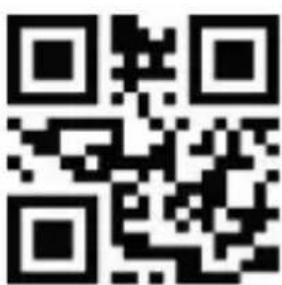
Light settings
QR code image containing encoded data, no visible human-readable text

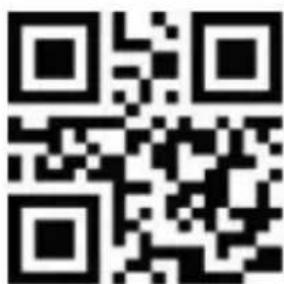
Scanning light permanently ON Scanning light ON only
QR code image containing encoded data, no visible human-readable text

when scanning
QR code image containing encoded data, no visible human-readable text

Scanning light permanently OFF

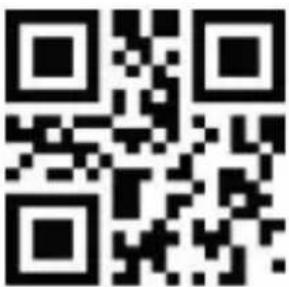
Endpoint settings
QR code image containing encoded data, no visible human-readable text

Endpoint permanently ON

QR code image containing encoded data, no visible human-readable text

Endpoint ON only when scanning

QR code image containing encoded data, no visible human-readable text

Endpoint permanently OFF

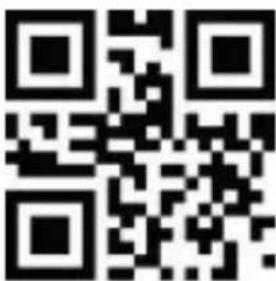
Beep settings

General beep settings
QR code image containing encoded data, no visible human-readable text

Beep ON Beep OFF

QR code image containing encoded data, no visible human-readable text

QR code image containing encoded data, no visible human-readable text

Beep volume low

QR code image containing encoded data, no visible human-readable text

Beep volume medium

QR code image containing encoded data, no visible human-readable text

Beep volume high

Beep decoding
QR code image containing encoded data, no visible human-readable text

Beep ON Beep OFF

QR code image containing encoded data, no visible human-readable text

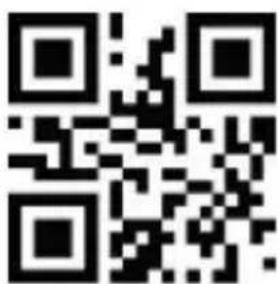
Beep after making a setting
QR code image containing encoded data, no visible human-readable text

Beep ON Beep OFF Beep when switching on
QR code image containing encoded data, no visible human-readable text

QR code image containing encoded data, no visible human-readable text

Beep ON Beep OFF

QR code image containing encoded data, no visible human-readable text

CapsLock settings

QR code image containing encoded data, no visible human-readable text

No change Change everything to up-

QR code image containing encoded data, no visible human-readable text

per-case

QR code image containing encoded data, no visible human-readable text

Change everything to low- er-case

QR code image containing encoded data, no visible human-readable text

Invert upper / lower case

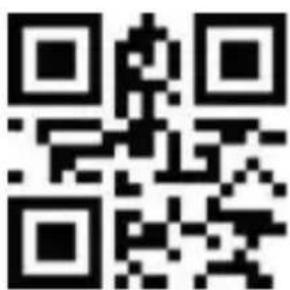
Scan mode

  • Manual mode: Press the Trigger button to scan.
    • Continuous mode: Continuous scan
    • Automatic mode: Scans automatically when bar codes are detected.
QR code image containing encoded data, no visible human-readable text

Manual mode Continuous mode

QR code image containing encoded data, no visible human-readable text

QR code image containing encoded data, no visible human-readable text

Automatic mode

Sensitivity
QR code image containing encoded data, no visible human-readable text

Low

QR code image containing encoded data, no visible human-readable text

Medium

QR code image containing encoded data, no visible human-readable text

High

Interface setting
QR code image containing encoded data, no visible human-readable text

USB-KBW USB Virtual Com

QR code image containing encoded data, no visible human-readable text

QR code image containing encoded data, no visible human-readable text

RS-232

Aplic 305045 - Scan mode - 10

Note: You have the option of changing the interface setting. The default setting is "USB-KBW". Make changes only if you are absolutely sure about the effects and functions.

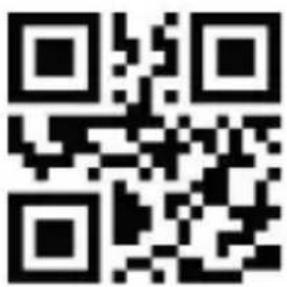
Baud rate setting
QR code image containing encoded data, no visible human-readable text

9600 1200

QR code image containing encoded data, no visible human-readable text

QR code image containing encoded data, no visible human-readable text

QR code image containing encoded data, no visible human-readable text

2400 4800

QR code image containing encoded data, no visible human-readable text

QR code image containing encoded data, no visible human-readable text

QR code image containing encoded data, no visible human-readable text

19200 38400

QR code image containing encoded data, no visible human-readable text

57600 115200

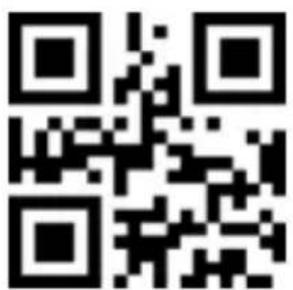
Special character EAN128
QR code image containing encoded data, no visible human-readable text

ON OFF

QR code image containing encoded data, no visible human-readable text

Input languages
QR code image containing encoded data, no visible human-readable text

English Russian

QR code image containing encoded data, no visible human-readable text

QR code image containing encoded data, no visible human-readable text

QR code image containing encoded data, no visible human-readable text

French Spanish

QR code image containing encoded data, no visible human-readable text

German Swedish

QR code image containing encoded data, no visible human-readable text

QR code image containing encoded data, no visible human-readable text

QR code image containing encoded data, no visible human-readable text

Italian Japanese

QR code image containing encoded data, no visible human-readable text

Turkish-Q Turkish-F

QR code image containing encoded data, no visible human-readable text

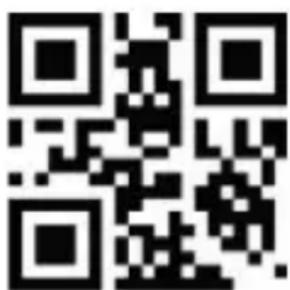
Terminators

QR code image containing encoded data, no visible human-readable text

Terminator OFF

QR code image containing encoded data, no visible human-readable text

Terminator Enter

QR code image containing encoded data, no visible human-readable text

Terminator Enter + Shift Terminator TAB
QR code image containing encoded data, no visible human-readable text

Scan the desired barcode to change a terminator. The barcode scanner will then execute the configured terminator after every scanned code. Scan "Terminator OFF" to turn off the terminator.

8. Cleaning and Care

Ensure that the barcode scanner is not connected to any USB port before cleaning. Use a soft dry cloth to clean and wipe the barcode scanner with it carefully. For cleaning, never immerse the device in water!

9. Safety instructions and disclaimer

Never try to open the device to repair or make modifications. Avoid contact with the mains voltage. Do not short-circuit the product. The device is not waterproof, hence please use it only in dry surroundings. Protect it from high humidity, water and snow. Keep the device away from high temperatures.

Do not expose the device to sudden changes in temperature or strong vibrations, as this could damage the electronic components.

Check the device for any damage before using it. The device should not be used if it was subject to impact or has been damaged in some other manner. Please comply with the local regulations and restrictions. Do not use the device for purposes other than those described in the user manual. This product is not a toy. Keep it out of the reach of children or mentally disabled persons.

Any repair or modifications to the device, which is not carried out by the original supplier will void any warranty and guarantee claims. The device should only be used by those who have read and understood this user manual. The specifications of the device may be changed without prior intimation.

10. Disposal instructions

In line with the European WEEE directive, electrical and electronic devices should not be disposed of along with domestic waste. Their components have to be separately sent for recycling or disposal, because improper disposal of toxic and dangerous components may permanently damage the environment.

According to the Electrical and Electronic Equipment Act (ElektroG), you are obliged (as a consumer) to return (free of charge) all electrical and electronic devices to the manufacturer, the point of sale, or public collection points at the end of their service life. The relevant local laws regulate the details in this regard.

The symbol displayed on the product, in the user manual or/and on the packaging refers to these regulations. With this manner of sorting, recycling and disposal of used devices, you make an important contribution towards protecting our environment. For information on authorised collection points in your area, please contact your local city or municipal administration.


Aplic 305045 - Disposal instructions - 1

Aplic 305045 - Disposal instructions - 2

Aplic 305045 - Disposal instructions - 3

WEEE Guideline: 2012/19/EU

WEEE Register no.: DE 67896791

The company WD Plus GmbH hereby certifies that the device 305045 complies with the fundamental requirements and the other relevant stipulations of the directive. A complete conformity statement can be obtained from: WD Plus GmbH, Wohlenbergstraße 16, 30179 Hanover
QR code image containing encoded data, no visible human-readable text

QR code image containing encoded data, no visible human-readable text

Avvia setup Termina setup
QR code image containing encoded data, no visible human-readable text

Segnale acustico ON

QR code image containing encoded data, no visible human-readable text

OFF

OFF

Segnale acustico ON

QR code image containing encoded data, no visible human-readable text

Inverti maiuscole/mi- nuscole

Modalità Scan
QR code image containing encoded data, no visible human-readable text

Modalità automatica

Sensibilità
QR code image containing encoded data, no visible human-readable text

Basso Medio

QR code image containing encoded data, no visible human-readable text

QR code image containing encoded data, no visible human-readable text

Alto

USB-KBW USB Virtual Com

QR code image containing encoded data, no visible human-readable text

QR code image containing encoded data, no visible human-readable text

RS-232

QR code image containing encoded data, no visible human-readable text

9600 1200

QR code image containing encoded data, no visible human-readable text

QR code image containing encoded data, no visible human-readable text

QR code image containing encoded data, no visible human-readable text

2400 4800

QR code image containing encoded data, no visible human-readable text

19200 38400

QR code image containing encoded data, no visible human-readable text

QR code image containing encoded data, no visible human-readable text

QR code image containing encoded data, no visible human-readable text

57600 115200

Inglese russo

QR code image containing encoded data, no visible human-readable text

QR code image containing encoded data, no visible human-readable text

QR code image containing encoded data, no visible human-readable text

Francese Spagnolo

QR code image containing encoded data, no visible human-readable text

Tedesco Svedese

QR code image containing encoded data, no visible human-readable text

QR code image containing encoded data, no visible human-readable text

QR code image containing encoded data, no visible human-readable text

Italiano Giapponese

QR code image containing encoded data, no visible human-readable text

Turco-Q Turco-F

QR code image containing encoded data, no visible human-readable text

Terminatori

QR code image containing encoded data, no visible human-readable text

Terminatore OFF

QR code image containing encoded data, no visible human-readable text

Terminatore Invio

QR code image containing encoded data, no visible human-readable text

QR code image containing encoded data, no visible human-readable text

Démarrer la configuration

QR code image containing encoded data, no visible human-readable text

Terminer la configuration

QR code image containing encoded data, no visible human-readable text

Cible constante ACTIVÉE

QR code image containing encoded data, no visible human-readable text

Cible constante DÉS- ACTIVÉE

Signal so- nore ACTIVÉ
QR code image containing encoded data, no visible human-readable text

Signal sonore DÉSACTIVÉ

QR code image containing encoded data, no visible human-readable text

Signal sonore ACTIVÉ Signal sonore

QR code image containing encoded data, no visible human-readable text

DÉSACTIVÉ

Signal sonore DÉSACTIVÉ

QR code image containing encoded data, no visible human-readable text

Signal sonore ACTIVÉ

QR code image containing encoded data, no visible human-readable text

Signal sonore DÉSACTIVÉ

QR code image containing encoded data, no visible human-readable text

Mode manuel Mode continu

QR code image containing encoded data, no visible human-readable text

QR code image containing encoded data, no visible human-readable text

Mode automatique

Sensibilité
QR code image containing encoded data, no visible human-readable text

Faible Moyenne

QR code image containing encoded data, no visible human-readable text

QR code image containing encoded data, no visible human-readable text

Élevé

USB-KBW USB Virtual Com

QR code image containing encoded data, no visible human-readable text

QR code image containing encoded data, no visible human-readable text

RS-232

QR code image containing encoded data, no visible human-readable text

9600 1200

QR code image containing encoded data, no visible human-readable text

QR code image containing encoded data, no visible human-readable text

QR code image containing encoded data, no visible human-readable text

2400 4800

QR code image containing encoded data, no visible human-readable text

QR code image containing encoded data, no visible human-readable text

QR code image containing encoded data, no visible human-readable text

19200 38400

QR code image containing encoded data, no visible human-readable text

57600 115200

Activez Désactiver

QR code image containing encoded data, no visible human-readable text

Langues de saisie
QR code image containing encoded data, no visible human-readable text

Anglais Russe

QR code image containing encoded data, no visible human-readable text

QR code image containing encoded data, no visible human-readable text

QR code image containing encoded data, no visible human-readable text

Français Espagnol

QR code image containing encoded data, no visible human-readable text

Allemand Suédois

QR code image containing encoded data, no visible human-readable text

QR code image containing encoded data, no visible human-readable text

QR code image containing encoded data, no visible human-readable text

Italien Japonais

QR code image containing encoded data, no visible human-readable text

Turc-Q Turc-F

QR code image containing encoded data, no visible human-readable text

Terminateurs

QR code image containing encoded data, no visible human-readable text

Terminateur Entrée

QR code image containing encoded data, no visible human-readable text

Terminateur TAB

barras 2D

Ajustes avanzados
QR code image containing encoded data, no visible human-readable text

ración

QR code image containing encoded data, no visible human-readable text

apagada

QR code image containing encoded data, no visible human-readable text

QR code image containing encoded data, no visible human-readable text

Cambiar todo a minúsculas

QR code image containing encoded data, no visible human-readable text

Modo manual Modo continuo

QR code image containing encoded data, no visible human-readable text

QR code image containing encoded data, no visible human-readable text

Modo automático

Bajo Medio

QR code image containing encoded data, no visible human-readable text

QR code image containing encoded data, no visible human-readable text

Alto

Ajuste de la interfaz

QR code image containing encoded data, no visible human-readable text

USB-KBW USB Virtual Com

QR code image containing encoded data, no visible human-readable text

QR code image containing encoded data, no visible human-readable text

RS-232

QR code image containing encoded data, no visible human-readable text

9600 1200

QR code image containing encoded data, no visible human-readable text

QR code image containing encoded data, no visible human-readable text

QR code image containing encoded data, no visible human-readable text

2400 4800

QR code image containing encoded data, no visible human-readable text

19200 38400

QR code image containing encoded data, no visible human-readable text

QR code image containing encoded data, no visible human-readable text

QR code image containing encoded data, no visible human-readable text

57600 115200

Activar Desactivar

QR code image containing encoded data, no visible human-readable text

Idiomas de entrada
QR code image containing encoded data, no visible human-readable text

Inglés Ruso

QR code image containing encoded data, no visible human-readable text

QR code image containing encoded data, no visible human-readable text

QR code image containing encoded data, no visible human-readable text

Francés Español

QR code image containing encoded data, no visible human-readable text

Alemán Sueco

QR code image containing encoded data, no visible human-readable text

QR code image containing encoded data, no visible human-readable text

QR code image containing encoded data, no visible human-readable text

Italiano Japonés

QR code image containing encoded data, no visible human-readable text

Turco-Q Turco-K

QR code image containing encoded data, no visible human-readable text

Terminadores
QR code image containing encoded data, no visible human-readable text

Terminador apagado

QR code image containing encoded data, no visible human-readable text

Terminador Enter

QR code image containing encoded data, no visible human-readable text

Terminador Enter + Shift

QR code image containing encoded data, no visible human-readable text

Terminador TAB

MO-FR 9:30am - 18pm CET
QR code image containing encoded data, no visible human-readable text

Manual assistant
Powered by Anthropic
Waiting for your message
Product information

Brand : Aplic

Model : 305045

Category : Barcode scanner