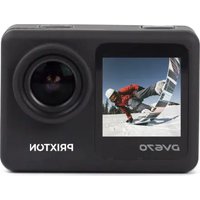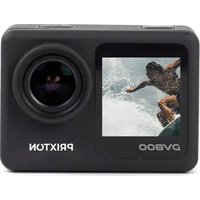
DV800 - Camcorder Prixton - Free user manual and instructions
Find the device manual for free DV800 Prixton in PDF.


| Product type | Action camcorder |
| Brand | Prixton |
| Model | DV800 |
| Dimensions | 61 x 32 x 44 mm |
| Weight | 64 g |
| Power supply | Lithium-ion battery 900 mAh, 5 V / 1 A |
| Battery life | Approximately 90 minutes |
| Rear screen | 2.0-inch IPS |
| Front screen | 1.3-inch IPS |
| Max video resolution | 5K |
| Max photo resolution | 24 megapixels |
| Lens | 170° wide-angle |
| Waterproof | Up to 30 m with case |
| Connectivity | Wi-Fi, HDMI, USB 2.0 |
| Storage | Micro SD card up to 128 GB (Class 10) |
| Recording modes | Video, Slow motion, Loop, Time-lapse |
| Photo modes | Single, Auto, Burst, Timer |
| Main features | Electronic Image Stabilization (EIS), distortion correction, WiFi, HDMI |
| Safety | Avoid shocks, heat, magnetic interference; do not expose to water without locked case |
| Maintenance and cleaning | Store in a cool, dry, dust-free place |
| Spare parts and repairability | Removable battery, waterproof housing; manufacturer warranty and support at prixton.com |
Frequently Asked Questions - DV800 Prixton
User questions about DV800 Prixton
0 question about this device. Answer the ones you know or ask your own.
Ask a new question about this device
Download the instructions for your Camcorder in PDF format for free! Find your manual DV800 - Prixton and take your electronic device back in hand. On this page are published all the documents necessary for the use of your device. DV800 by Prixton.
USER MANUAL DV800 Prixton
natural_image
Simple grayscale icon of a camera with a square lens and concentric circles (no text or symbols)WARNING: Please lock the waterproof housing before putting it into water, otherwise it can result in leaks that may damage or destroy your camera. Water will damage both the camera and the battery, which could cause an explosion or fire. Your warranty does not cover water damage resulting from user error.
Accessories:
natural_image
Exterior view of a white and black industrial device with circular components (no visible text or symbols)Carcasa impermeable
natural_image
Close-up of a black mechanical clamp or bracket component (no visible text or symbols)Soporte para bicicleta
natural_image
Close-up of a black camera mount with adjustable lever and mounting base (no text or symbols visible)natural_image
Black rectangular electronic device with a gold circular button and two side handles (no visible text or symbols)Montaje para casco
natural_image
Close-up of black plastic clip components (no text or symbols visible)Venda
natural_image
Two rectangular blocks, one white and one black-yellow, arranged side by side (no text or symbols visible)Adhesivos 3M
Cable USB
Batería
Montar tu cámara
Empezando
natural_image
Person skiing on a snowy slope with mountain background (no visible text or symbols)Grabación de Video
natural_image
Person skiing on a snowy slope with trees and sky in background (no visible text or symbols)Grabación Lenta
natural_image
Skier in action on a snowy slope under clear blue sky (no text or symbols visible)Grabación en Bucle
natural_image
Person skiing on a snowy slope under clear blue sky (no text or symbols visible)Ráfaga
natural_image
Skier in green jacket skiing on a snowy slope with trees and sky background (no visible text or symbols)natural_image
Skier in yellow jacket skiing on a snowy slope under blue sky (no text or symbols visible)Fotografía
natural_image
Person in a green jacket skiing on a snowy slope under blue sky (no text or symbols visible)Automático
natural_image
Person skiing on a snowy slope with trees in the background (no visible text or symbols)Temporizador
Configuración
natural_image
Four black-and-white grid icons: circular, play button, gear, and refresh symbol (no text or labels)Reproducción
natural_image
Close-up of a black mechanical component with a blue arrow pointing downward (no text or symbols visible)Conexión WIFI:
Pantalla LCD: 2.0" IPS +1.3" IPS
Thank you for purchasing the action camera. We recommend you to spend some time reading this instruction manual. Read all the safety instructions carefully before use and keep this instruction manual for future reference.
Warning
- Keep it safe from falling and dropping.
- Keep it away from any strong magnetic interference objects like electrical machine to avoid strong radio waves that might cause damage to the product and affect the sound or image quality.
- Don't expose the product directly to high temperature and strong sunlight.
- We recommend you to use high quality Micro SD Card (Class 10) for the best results.
- Don't place your Micro SD card near strong magnetic objects to avoid data error.
- In case of overheating, unwanted smoke or unpleasant smell from the device, unplug it immediately from the power outlet to prevent hazardous fire.
- Keep it safe from children while charging.
- Store the device in a cool, dry and dust free location.
Product Features
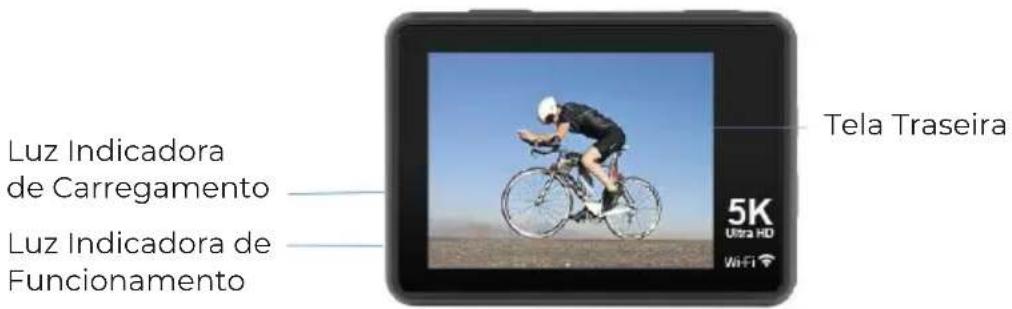
With a waterproof housing, the device supports you to film 30 meters under water scene. 2.0" back screen display for convenient videos and image playback.
1.3" front screen display for convenient self-picture.
Detachable battery supports easy replacement and extend product lifespan.
Videos recording function available while charging.
HD 24 Megapixel wide angle lens.
HDMI HD video output function
WIFI Function
Support Micro SD card memory expandable up to 128GB (Maximum).
Support multiple video recording formats: 5K/4K/2.7K/1080P/720P.
Support MP4 recording format.
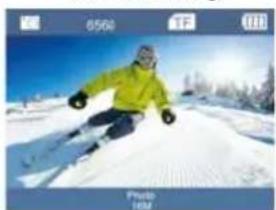
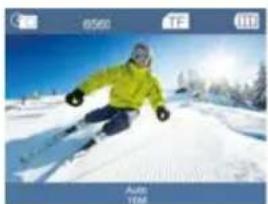
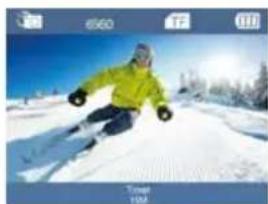
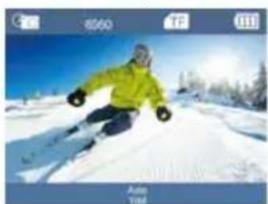
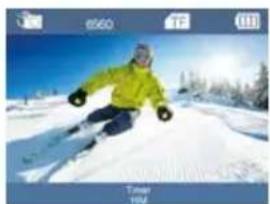
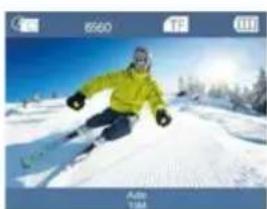
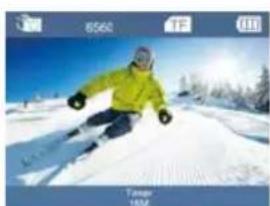
Support multiple photo shooting modes: Photo, Auto, Burst, Timer.
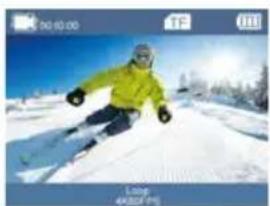
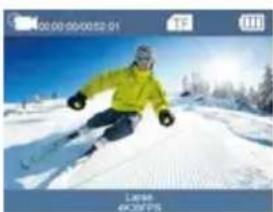
Support multiple video shooting modes: Video, Slow, Loop, Lapse.
Product Overview
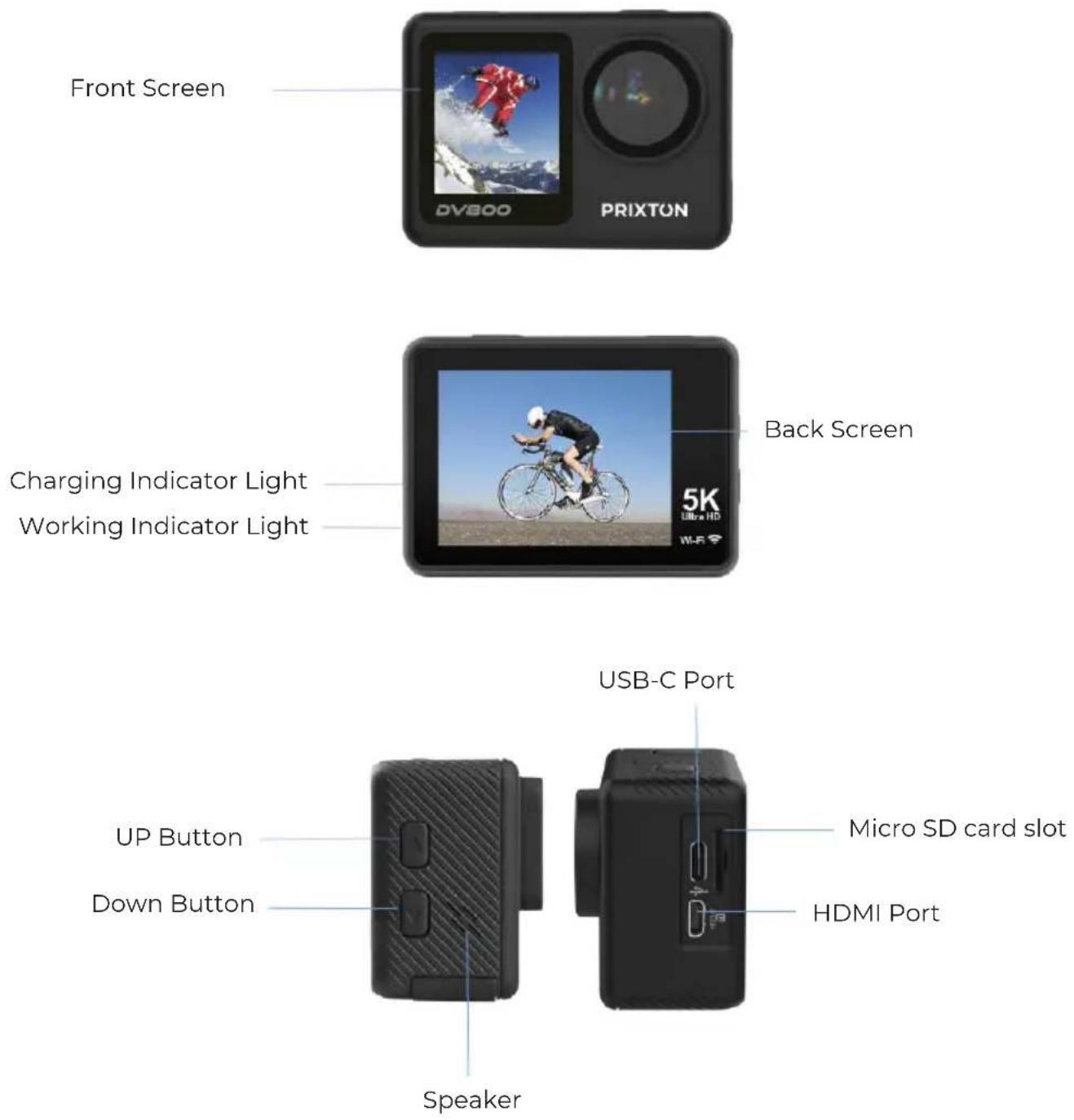
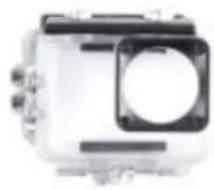
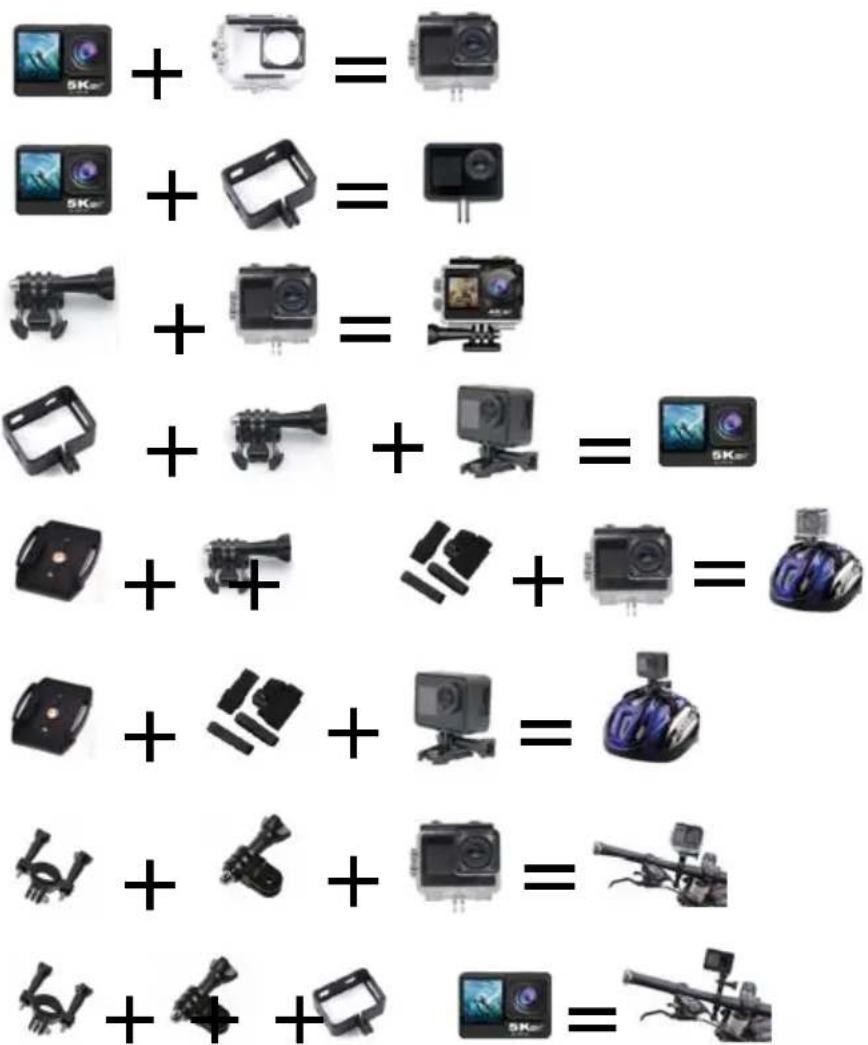
Waterproof Housing
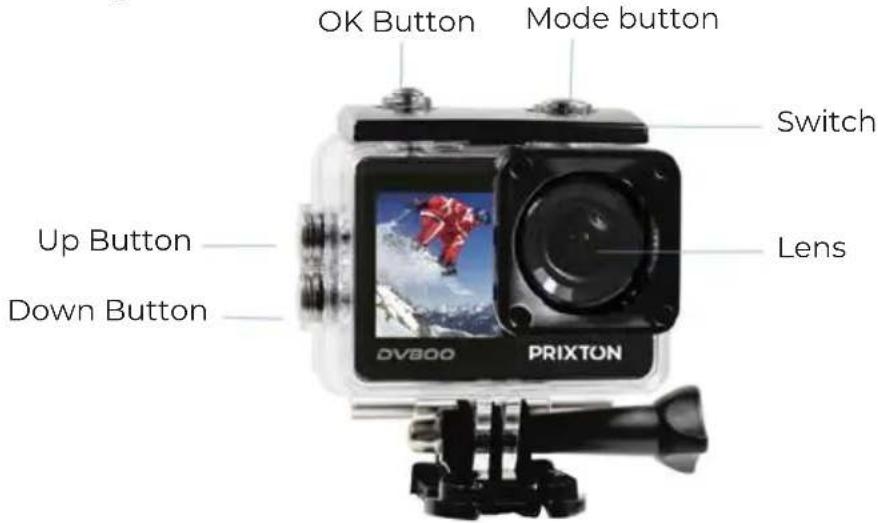
WARNING: Please lock the waterproof housing before putting it into water, otherwise it can result in leaks that may damage or destroy your camera. Water will damage both the camera and the battery, which could cause an explosion or fire. Your warranty does not cover water damage resulting from user error.
Accessories:
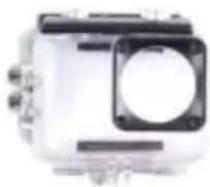
natural_image
Exterior view of a white industrial device with black components and a circular housing (no visible text or symbols)Waterproof Housing
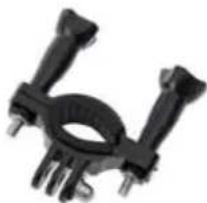
natural_image
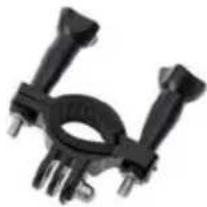
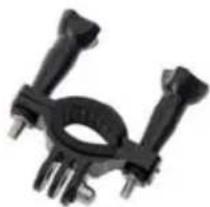
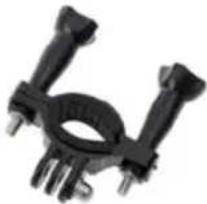
Close-up of a black mechanical clamp or bracket component (no visible text or symbols)Bicycle Bracket
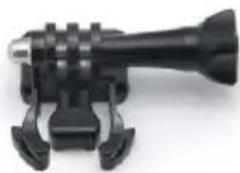
natural_image
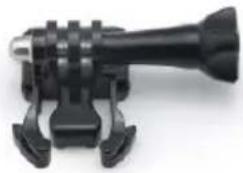
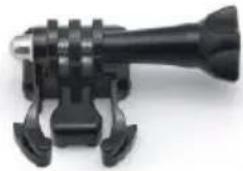
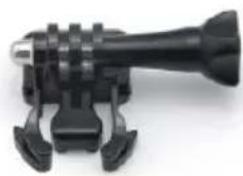
Close-up of a black mechanical device with adjustable lever and mounting base (no visible text or symbols)Adapter Mount 1

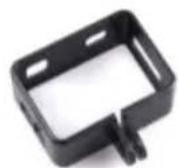
Clip
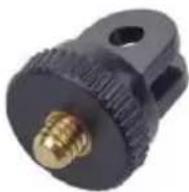
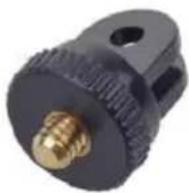
Adapter Mount 2
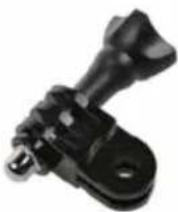
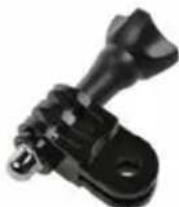
Adapter Mount 3
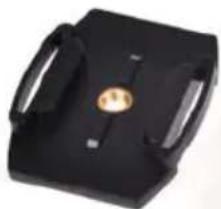
natural_image
Black rectangular electronic device with two handles and a central gold-colored button (no visible text or symbols)Helmet Mount
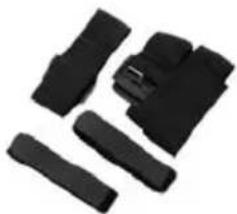
natural_image
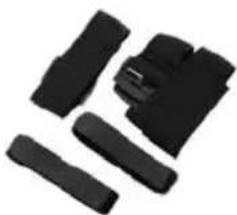
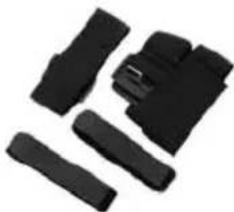
Collection of black plastic clip components arranged in a row (no text or symbols visible)Bandage
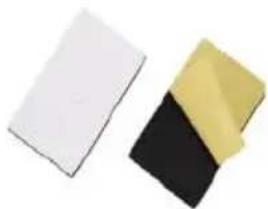
natural_image
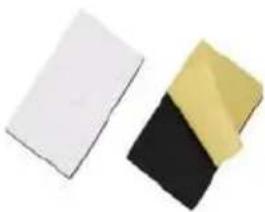
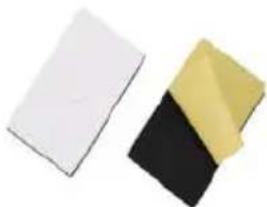
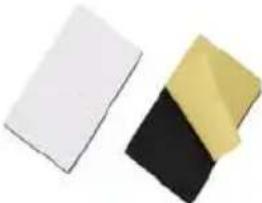
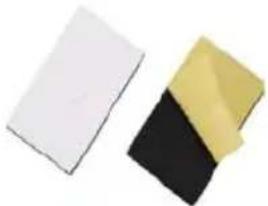
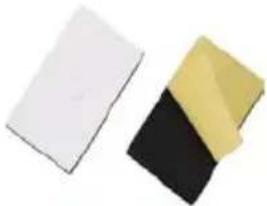
Two rectangular objects, one white and one black with yellow top, arranged side by side (no text or symbols visible)3M Adhesives
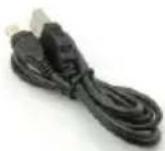
USB Cable
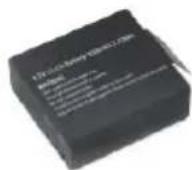
Battery
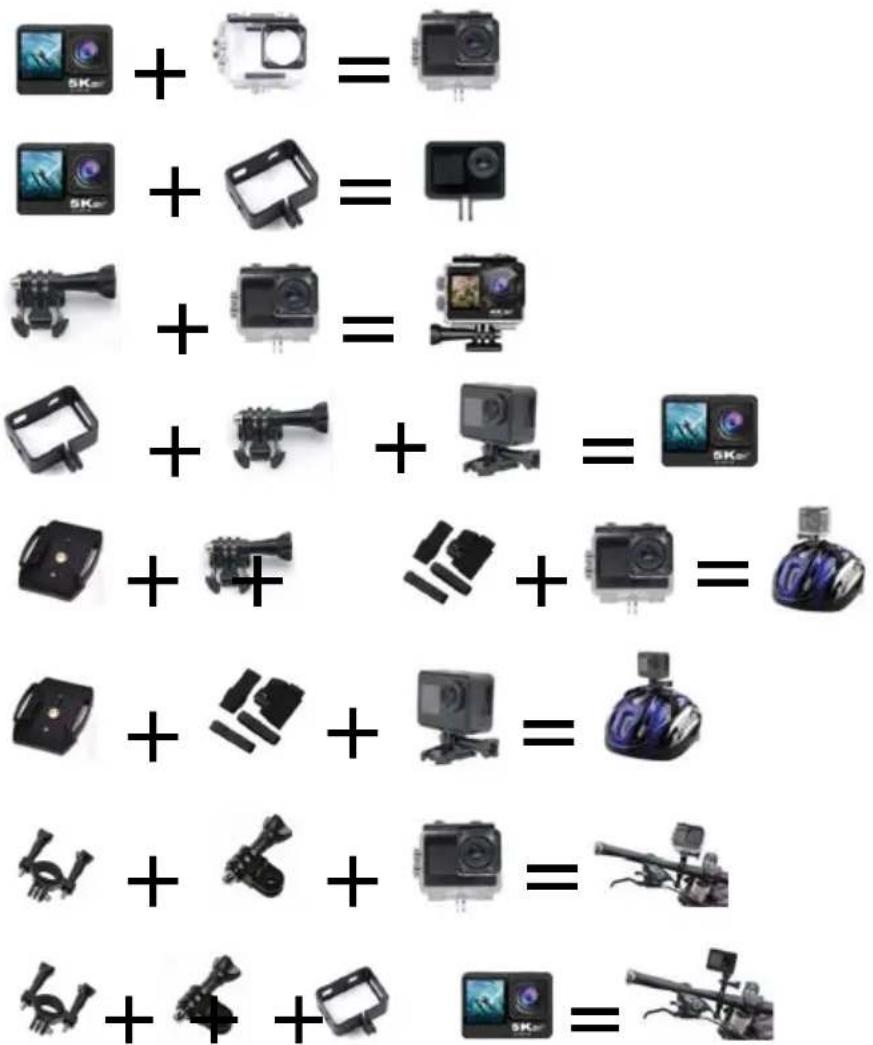
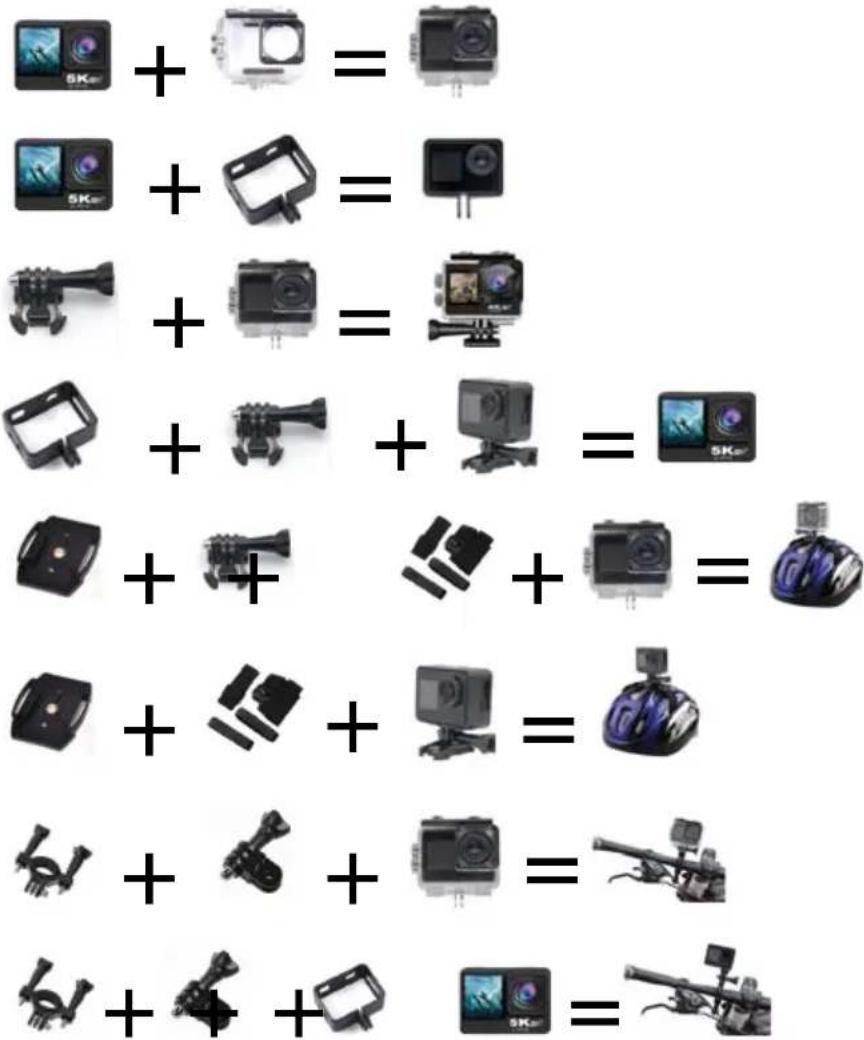
Mounting Your Camera
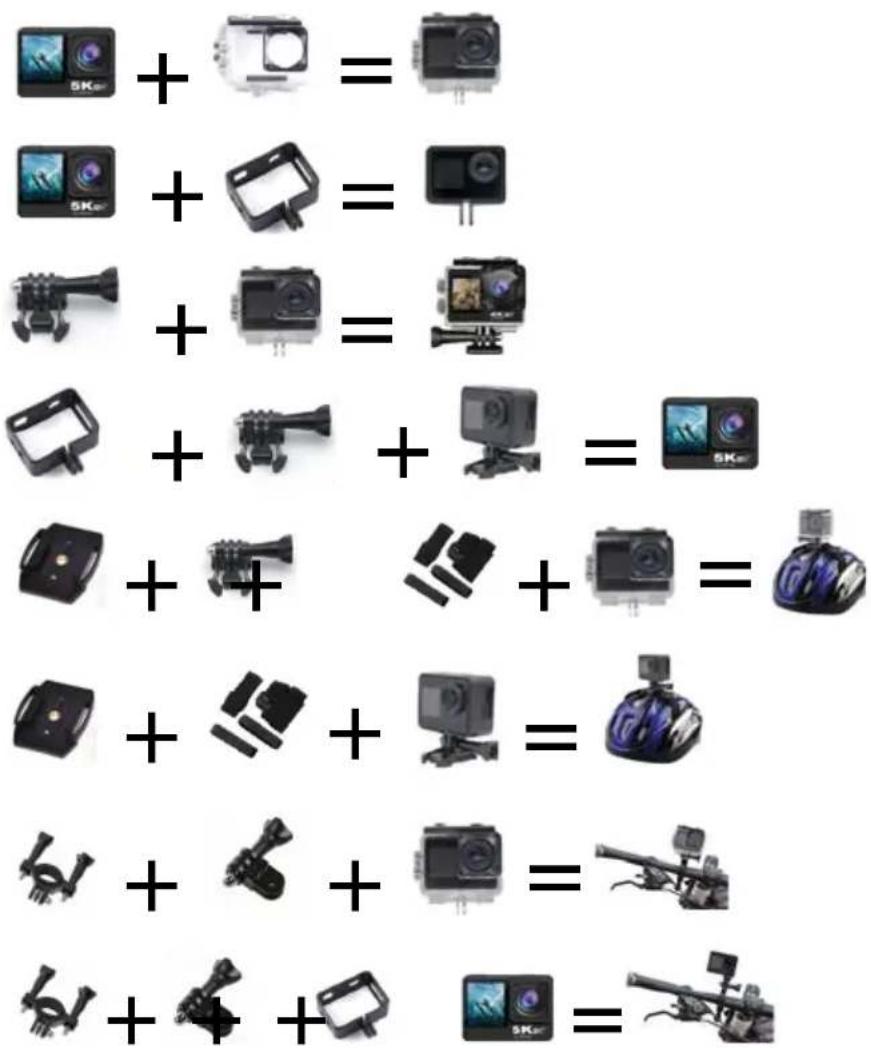
Getting Started
Power On: Press and hold the Mode Button for about 3 seconds.
Power Off: Press and hold the Mode Button for about 3 seconds.
Function Overview
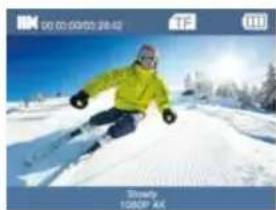
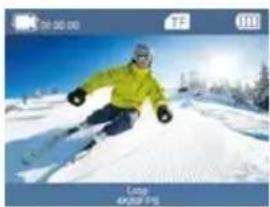
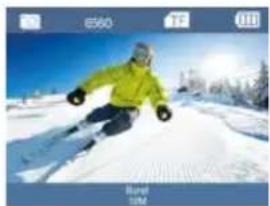
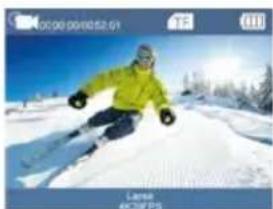
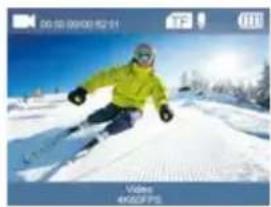
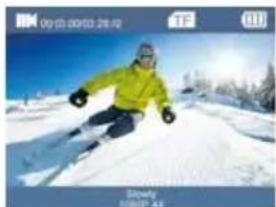
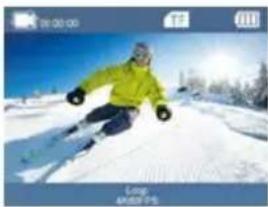
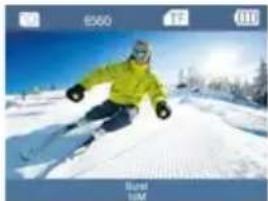
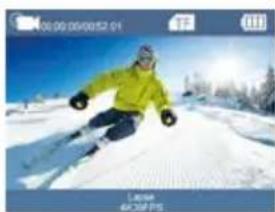
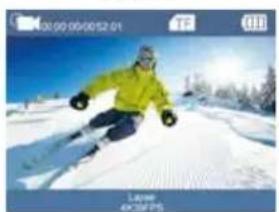
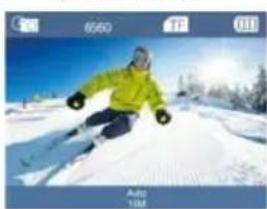
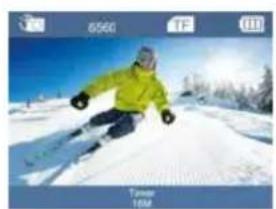
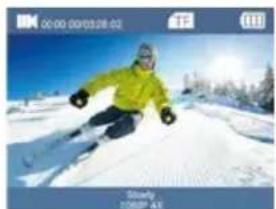
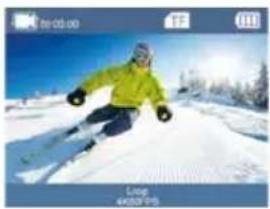
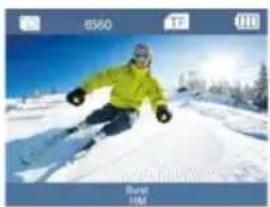
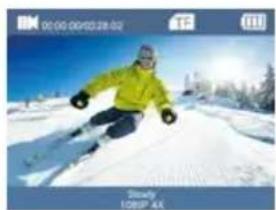
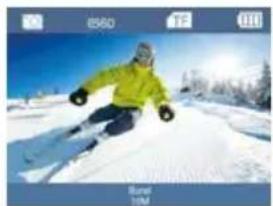
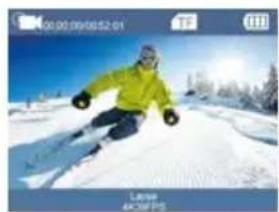
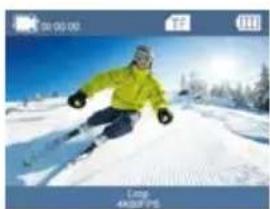
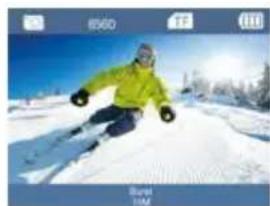
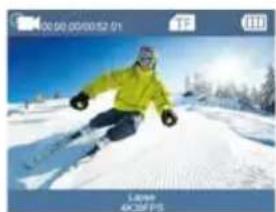
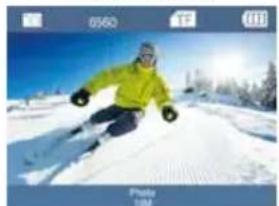
Turn the camera on and repeatedly press the Mode Button to cycle through camera modes.
natural_image
Skier in a bright green jacket skiing on a snowy slope under a clear blue sky (no text or symbols visible)Video Recording
natural_image
Skier in a snowy mountain slope with trees and clear blue sky (no text or symbols visible)Slowly Recording
natural_image
Skier in a bright yellow jacket carving a snowy slope against a blue sky (no text or symbols visible)Loop Recording
natural_image
Skier in a bright yellow jacket skiing on a snowy slope under a clear blue sky (no text or symbols visible)Burst
natural_image
Person skiing on a snowy slope under clear blue sky (no text or symbols visible)Lapse Recording
natural_image
Person skiing on a snowy slope with trees in the background (no visible text or symbols)Photo
natural_image
Person skiing on a snowy slope with trees and sun in background (no text or symbols visible)Auto
natural_image
Skier in a bright yellow jacket skiing on a snowy slope with trees and sky in the background (no text or symbols visible)Timer
Settings
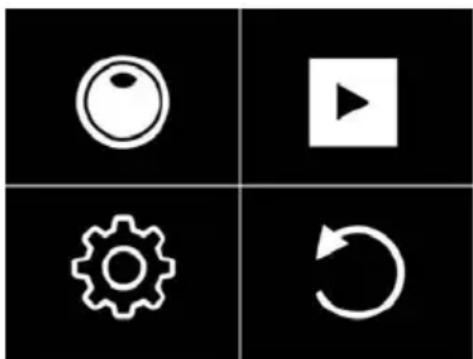
Turn the camera on and long press the OK Button, press Up/Down Button to cycle through camera settings.
natural_image
Four black square icons: circular, play button, gear, and refresh symbol (no text or labels)Mode Setting
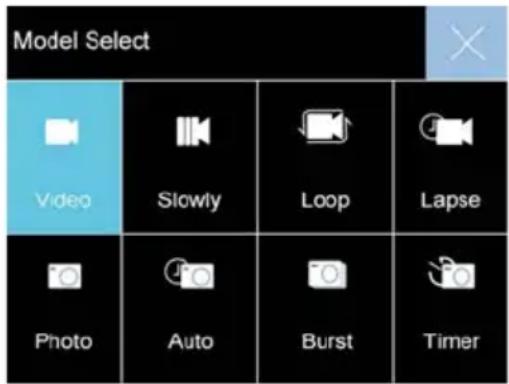
Choose the 🔗 to enter mode setting and press Up/Down Button to cycle through Video/Photo Mode.
Video Mode: Video/Slowly/Loop/Lapse
Photo Mode: Photo/Auto/Burst/Timer
PlayBack
Playing back videos and photos:
(1) Verify the camera is in Playback menu
(2) Press Up/Down Button to select files, press OK Button to playback video or photo.
System Setting
If need to set the Video/Photo setting, verify it is in Video/Photo interface correspondingly, long press OK Button and choose the 📋 to enter setting interface. When the Setting interface appears, repeatedly press the Up/Down Button to cycle through main options, press the OK button to select your preferred option.
Press Mode Button to select Video/Photo setting mode, System setting mode or exit.
Video Settings
Recording Resolution: 5K, 4K60FPS, 4K30FPS, 2.7K30FPS, 1080P120/60/30FPS, 720P240/120/60/30FPS
Slow Motion Recording Resolution: 1080P4X, 1080P 2X, 720P 8X, 720P 4X
Loop Video Duration: 2 minutes, 3 minutes, 5 minutes
Time-lapse Recording Interval: 0.5s/1s/2s/5s/10s/30s/60s
Electronic Image Stabilization (EIS): On/Off (4K30FPS, 2.7K30FPS, 1080P60FPS, 1080P30FPS support)
Distortion Correction: On/Off (4K30FPS, 2.7K30FPS, 1080P60FPS, 1080P30FPS, 720P60FPS, 720P30FPS support)
White Balance: Auto/Sunny/Cloudy/Incandescent/Fluorescent
Exposure Setting: -3, -2, -1, 0, 1, 2, 3
Metering Mode: Average Metering / Center Metering / Spot Metering / Matrix Metering
Sharpness: High/Middle/Low
Video Quality: High/Middle/Low
ISO: Auto/100/200/400/800/1600/3200/6400
Time Watermark: On/Off
Audio Recording: On/Off
Photo Settings
Pixel Resolution: 24/20/16/12/10M
Auto Photo Interval: 3s/10s/15s/20s/30s
Burst Photo Frequency: 3P/S, 5P/S, 10P/S
Timer Countdown: 3S/5S/10S/20S
White Balance: Auto/Sunny/Cloudy/Incandescent/Fluorescent
Exposure Setting: -3, -2, -1, 0, 1, 2, 3
Metering Mode: Average Metering / Center Metering / Spot Metering / Matrix Metering
Sharpness: High/Middle/Low
Long Exposure: Auto/2S/5S/10S/15S/20S/30S
ISO: Auto/100/200/400/800/1600/3200/6400
Time Watermark: On/Off
System Settings
Image Rotation: On/Off
WIFI: On/Off
WIFI Information: WIFI ID and WIFI Password
Reset WIFI: Confirm/Cancel
Light Source Frequency: Auto/50Hz/60Hz
LED Indicator: On/Off
Auto Screen Saver: Off/30S/1 Minute/2 Minutes
Auto Power Off: Off/3 Minutes/5 Minutes/10 Minutes
Button Prompt: High/Middle/Low/Off
Driving Mode: On/Off
Language: English/German/French/Spanish/Italian/Traditional Chinese/Simplified Chinese /Japanese/Russian/Korean/Polish/Portuguese/Thai
Time Format: YYYY/MM/DD, MM/DD/YYYY, DD-MM-YYYY
Time Set: Hour/Minute/Second
Date Set: Year/Month/Day
Format: Format/Cancel
Device Info: Product Model/Software Version/Update Time
Factory Reset: Confirm/Cancel
Press Mode Button to select the last option ⏻ and press OK Button to exit the Settings Menu.
Insert Micro SD card
Please select the brand Micro SD card Class 10 max 128GB, formatted on the computer and then inset the Micro SD card slot.
Battery
Install and remove the battery:
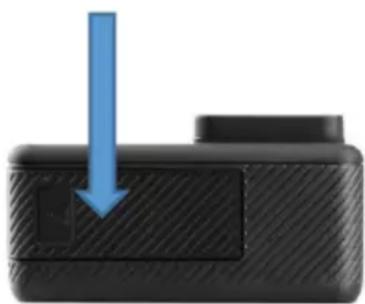
Install the battery: put the battery into the battery compartment according to the indicating arrow.
natural_image
Close-up of a black electronic device with a blue downward arrow pointing to a small square button (no text or symbols visible)Remove the battery: open the battery compartment to take the battery out; Charge the battery (the RED LED light at the left will be on).
Battery Charging:
- Connect the computer or the power adapter can be charged.2. Connect to the car charger can be charged in the car.
- Can be charged while in video function.
Indicator light
Working LED light: Blue light
Charging LED right: Red light, keep constant red when in charging, and will be off when charging full.
Video Mode
- To record video, verify the camera is in Video mode.
- If the video icon displays "■" on screen, press the OK Button to start video recording accompanied with the blue light flashing.
- Press OK Button again to stop the video, the blue light will stop flashing and emit a beep sound.
Photo Mode
- To take photo, verify the camera is in Photo Mode.
- If the photo icon "O" displays on screen, press OK Button to take photos.
Back & Front Screen Switching
Long press Down Button, Back screen and Front screen can be switched to the video and photo, the back screen goes off after switching the front screen display, and the front screen goes off after switching the back screen display.
Connect HDMI
Connect camera to HDMI-TV via HDMI cable, current operation can display in high definition HDMI-TV screen.
Connect PC
Connect camera to PC and turn on camera, screen will display with 2 modes: USB Mode,
Charging Mode. Press Up and Down Button to choose the mode you prefer.
USB Mode: Press OK Button to enter the USB mode for playback the video and photo.
Charging Mode: Press OK Button for charging.
APP Installation
Please download and install "XDV-PRO" APP on your smart phone:
For Android: Search and install "XDV-PRO" on Google Play store.
For iPhone: Search and install "XDV-PRO" on Apple APP store.
Or scan the QR code to download:

WIFI Connection:
- After camera is power on, press and hold the Up Button, WIFI information will display.
- Search the WIFI ID "X17-xxxx" in your smart phone or tablet, and enter the password "1234567890".
- Open "XDV-PRO" APP program, you can preview the shooting screen on the APP, videos and photos can be remote, files can be play backed/ downloaded/ deleted/ shared.
- For APP installation, your phone system requires to be Android 4.1 and above or IOS 7 or more.
Noted: Android smart phone can not use data and WIFI network at the same time. So when you connect the Camera WIFI in your phone, if the following prompt appears, pls click "CONNECT" to connect to the WIFI properly.
This WLAN network has no Internet access. Connect anyway?
CANCEL
CONNECT

Please kindly confirm that the phone is connected to the Camera WIFI network, and then enter the APP. Only in this way, you can remote the camera by APP successfully.
If you experience connection problems with the mobile terminal and the camera, deactivate the internet data and try the operation again.
Parameters
LCD: 2.0" IPS + 1.3" IPS Screen
LENS: 170-degree wide-angle lens
Language: English
Video: 5K, 4K60FPS, 4K30FPS, 2.7K30FPS, 1080P120/60/30FPS, 720P240/120/60/30FPS
Video Format: MP4
Compression Format: H.264
Photo: 24/20/16/12/10M
Memory: Micro SD up to 128GB
Video Mode: Video/Slow/Loop/Lapse
Photo Mode: Photo/Auto/Burst/Timer
WIFI: Support
HDMI: Support
Waterproof Depth: 30 meters with waterproof case
Light Source Frequency: Auto/50Hz/60Hz
USB: USB 2.0
Input: 5V 1A
Battery Power: 1.5W
Battery: 900mAh
Video Time: About 90 minutes
Charge Time: About 3 hours
System: Windows XP/Vista or above/WIN7/Mac OS
Size: 61x32x44mm
Weight: 64g
Note: Specifications could be subjected to modification due to upgrading or updating, please regard the actual product as a standard form.
Note: Videos recorded in 5K can be viewed in the XDV-PRO app and on PCs once downloaded from the Micro SD card. Please note that due to the codec used in videos of this resolution, they cannot be viewed on smartphones.
Warranty policy
This product complies with the warranty law in force in the country of purchase. When you have a problem that you can not solve, you must access the web www.prixton.com and click on the contact option to send us your assistance form.
These technical and electrical specifications are those of typical units and may be changed without prior notice in order to provide improved equipment.
Simplified EU Declaration Of Conformity
We, La Trastienda Digital located in Avenida Cervantes 49, módulo 25, Basauri 48970, Bizkaia hereby declare that the following goods, imported and selling at European market:
| BRAND | MODEL NAME DESCRIPTION | CATEGORY |
| Prixton DV800 | Action camDual Sreen 5K | Leisure |
Are in compliance with the EC Council Directive of 2014/53/EU (EM DIRECTIVE) and harmonized standards and with the board of the 16th of April 2014.
The complete text of the UE Declaration of conformity is available anytime at this website address:
www.prixton.com
LA TRASTIENDA DIGITAL
natural_image
Exterior view of a white cylindrical device with a black square and circular cutout (no visible text or symbols)Boîtier étanche
natural_image
Close-up of a black mechanical clamp or bracket component (no visible text or symbols)Support pour vélo
natural_image
Close-up of a black mechanical device with lever and mounting bracket (no visible text or symbols)natural_image
Black rectangular electronic device with a central gold-colored button and two side handles (no visible text or symbols)natural_image
Collection of black plastic clip components (no text or symbols visible)Bandeau
natural_image
Two rectangular blocks, one white and one black-yellow, placed side by side on a white background (no text or symbols)Adhésifs 3M
Câble USB
Batterie
Mise en route
natural_image
Person skiing on a snowy slope under blue sky (no text or symbols visible)natural_image
Skier in action on a snowy slope under clear blue sky (no text or symbols visible)natural_image
Skier in action on a snowy slope under blue sky (no text or symbols visible)natural_image
Person skiing on a snowy slope with blue sky background (no text or symbols visible)Mode Rafale
natural_image
Skier in green jacket skiing on a snowy slope under clear blue sky (no text or symbols visible)natural_image
Skier in a snowy slope with trees and sun in the background (no text or symbols visible)Photo
natural_image
Person skiing on a snowy slope with trees and sky in background (no text or symbols visible)Automatique
natural_image
Skier in a bright yellow jacket skiing on a snowy slope with trees and blue sky in the background (no text or symbols visible)Minuterie
Paramètres
natural_image
Four black square icons: circular, play button, gear, and refresh symbol (no text or labels)Réglage du mode
Lecture
natural_image
Close-up of a black electronic device with a blue arrow pointing downward to a small square button (no text or symbols visible)Connexion WIFI :
Photo : 24/20/16/12/10M
natural_image
Exterior view of a white cylindrical device with black mounting brackets and a circular cutout (no visible text or symbols)Custodia impermeabile
natural_image
Close-up of a black mechanical clamp or bracket component (no visible text or symbols)natural_image
Close-up of a black mechanical device with adjustable lever and mounting base (no visible text or symbols)natural_image
Black rectangular electronic device with a gold circular button and two side handles (no visible text or symbols)Fissaggio per casco
natural_image
Collection of black plastic clips or connectors on white background (no text or symbols)Fascia per la testa
natural_image
Two rectangular blocks, one white and one yellow, arranged side by side (no text or symbols visible)Adesivi 3M
Cavo USB
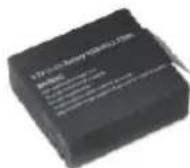
Batteria
natural_image
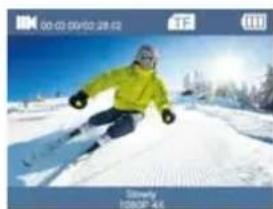
Person skiing on a snowy slope with blue sky background (no visible text or symbols)Registrazione video
natural_image
Skier in yellow jacket on a snowy slope under blue sky (no text or symbols visible)Registrazione lenta
natural_image
Person skiing on a snowy slope with mountain background (no visible text or symbols)natural_image
Person skiing on a snowy slope with trees in the background (no visible text or symbols)Raffica
natural_image
Skier in yellow jacket on snowy slope under blue sky (no text or symbols visible)natural_image
Person skiing on a snowy slope under clear blue sky (no text or symbols visible)Foto
natural_image
Person in a green jacket skiing on a snowy slope with trees and sky in the background (no text or symbols visible)Automatico
natural_image
Person skiing on a snowy slope with trees in the background (no visible text or symbols)Timer
Impostazioni
natural_image
Four white icons (circle, play button, gear, refresh) on black background, no text or symbols presentRiproduzione
Intervallo Registrazione Time-lapse: 0.5s/1s/2s/5s/10s/30s/60s
Intervallo Foto Automatica: 3s/10s/15s/20s/30s
Frequenza Foto Raffica: 3P/S, 5P/S, 10P/S
natural_image
Close-up of a black textured object with a blue downward arrow indicating compression or disassembly (no text or symbols)Connessione WIFI:
natural_image
Exterior view of a white and black industrial camera module (no visible text or symbols)natural_image
Close-up of a black mechanical clamp or bracket component (no visible text or symbols)Fahrradhalterung
natural_image
Close-up of a black camera module with adjustable lever and mounting base (no text or symbols visible)Adapterhalterung 1
Clip
Adapterhalterung 2
Adapterhalterung 3
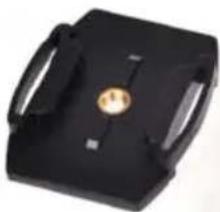
natural_image
Black rectangular electronic device with a gold circular button and handle (no visible text or symbols)Helmmontage
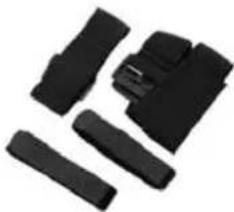
natural_image
Collection of black plastic clip components on white background (no text or symbols)Bandage
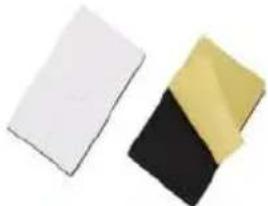
natural_image
Two rectangular plastic sheets, one white and one black with yellow top, arranged side by side (no text or symbols visible)3M-Klebebänder

USB-Kabel
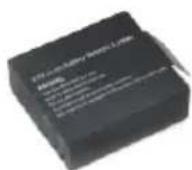
Akku
Kamera montieren
Erste Schritte
natural_image
Skier in a snowy slope with mountain background (no visible text or symbols)Videoaufnahme
natural_image
Skier in a snowy slope with trees and clear blue sky (no text or symbols visible)Langsame Aufnahme
natural_image
Skier in a snowy landscape with trees and clear blue sky (no text or symbols visible)Schleifen-Aufnahme
natural_image
Person skiing on a snowy slope with trees and sky in background (no visible text or symbols)Serienaufnahme
natural_image
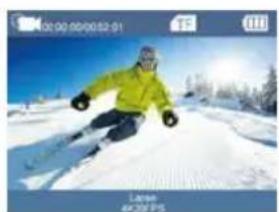
Skier in action on a snowy slope under clear blue sky (no text or symbols visible)Zeitrafferaufnahme
natural_image
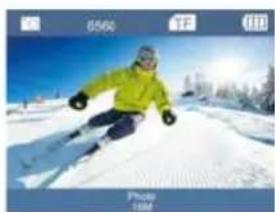
Skier in a snowy landscape with blue sky and trees (no text or symbols visible)Foto
natural_image
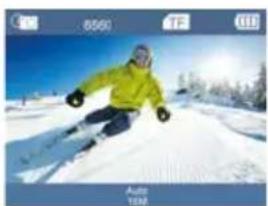
Person skiing on a snowy slope with trees in the background (no visible text or symbols)Automatisch
natural_image
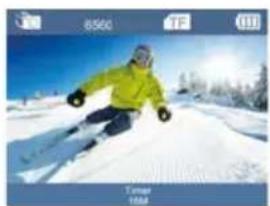
Person skiing on a snowy slope with trees in the background (no visible text or symbols)Timer
Einstellungen
natural_image
Four black-and-white grid icons: circular, play button, gear, and refresh symbol (no text or labels)Moduseinstellung
Wiedergabe
natural_image
Close-up of a black textured object with a blue arrow pointing downward (no text or symbols visible)WLAN-Verbindung:
Lente grande angular HD de 24 megapixels.

natural_image
Exterior view of a white and black industrial device with circular opening (no visible text or symbols)natural_image
Close-up of a black mechanical clamp or bracket component (no visible text or symbols)natural_image
Close-up of a black mechanical device with a cylindrical protrusion and mounting base (no visible text or symbols)natural_image
Black rectangular electronic device with a gold circular button and two side handles (no visible text or symbols)natural_image
Collection of black plastic clip components arranged in two rows (no text or symbols visible)Bandagem
natural_image
Two rectangular blocks, one white and one black-yellow, arranged side by side (no text or symbols visible)Adesivos 3M
Cabo USB
Bateria
Montando Sua Câmera
Primeiros Passos
natural_image
Person skiing on a snowy slope with trees and sky in background (no visible text or symbols)Gravação de Vídeo
natural_image
Skier in yellow jacket skiing on a snowy slope under blue sky (no text or symbols visible)natural_image
Person skiing on a snowy slope with blue sky background (no text or symbols visible)Gravação em Loop
natural_image
Person skiing on a snowy slope with trees in the background (no visible text or symbols)Explosão de Fotos
natural_image
Skier in a snowy landscape wearing a yellow jacket and winter gear, with trees and clear sky in the background (no visible text or symbols)natural_image
Person skiing on a snowy slope with trees in the background (no visible text or symbols)Foto
natural_image
Person skiing on a snowy slope with trees in the background (no visible text or symbols)Automático

natural_image
Skier in a bright yellow jacket skiing on a snowy slope, with trees and distant hills in the background (no text or symbols visible)Temporizador
Configurações
natural_image
Four black square icons: circular, play button, gear, and refresh symbol (no text or labels)Reprodução
natural_image
Close-up of a black electronic device with a blue downward arrow pointing to a small square button (no text or symbols visible)Conexão WIFI:
natural_image
Exterior view of a DVE00 PRIXTON digital camera with visible screen and camera module (no text or symbols on device body)natural_image
Exterior view of a white industrial device with black components and a circular housing (no visible text or symbols)Waterdichte behuizing
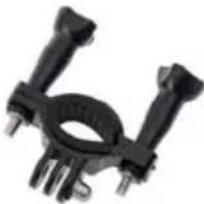
natural_image
Close-up of a black mechanical clamp or bracket component (no visible text or symbols)Fietsbeugel
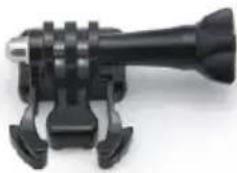
natural_image
Close-up of a black mechanical device with adjustable arms and mounting feet (no visible text or symbols)Adapterbevestiging 1
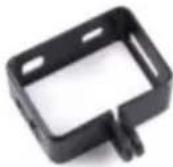
Clip
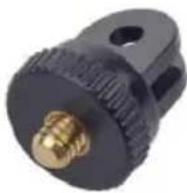
Adapterbevestiging
2
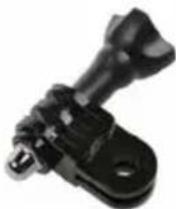
Adapterbevestiging
3
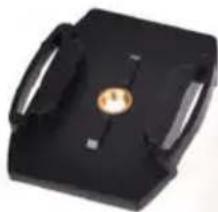
natural_image
Black rectangular electronic device with a central gold button and two side handles (no visible text or symbols)Helmbevestiging
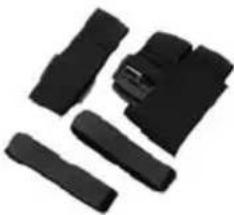
natural_image
Collection of black plastic clip components (no text or symbols visible)Verband
natural_image
Two rectangular blocks, one white and one black-yellow, arranged side by side (no text or symbols visible)3M-lijm
USB-kabel
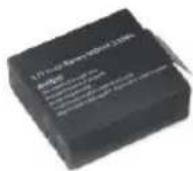
Batterij
natural_image
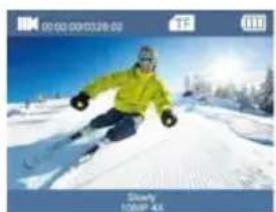
Person skiing on a snowy slope with trees and sky in the background (no visible text or symbols)Videoregistratie
natural_image
Skier in green jacket on snowy slope under blue sky, no visible text or symbolsLangzaam opnemen
natural_image
Person skiing on a snowy slope with trees and sky in background (no visible text or symbols)Loopopname
natural_image
Person in green jacket skiing on a snowy slope with trees and blue sky in background (no text or symbols visible)Burstopname
natural_image
Skier in a yellow jacket skiing on a snowy slope under blue sky (no text or symbols visible)Tijdsvervalopname
natural_image
Person skiing on a snowy slope under clear blue sky (no text or symbols visible)Foto
natural_image
Person skiing on a snowy slope with trees in the background (no visible text or symbols)Auto
natural_image
Skier in a yellow jacket skiing on a snowy slope with trees and blue sky (no text or symbols visible)Timer
Instellingen
natural_image
Four black square icons: eye, play button, gear, and refresh symbol (no text or labels)Modusinstelling
Afspelen
Automatisch foto-interval: 3s/10s/15s/20s/30s
natural_image
Close-up of a black mechanical component with a blue downward arrow indicating compression or disassembly (no text or symbols)WIFI-verbinding:
LCD: 2,0 inch IPS + 1,3 inch IPS-scherm
LENS: 170-graden groothoeklens
Taal: Engels
Video: 5K, 4K60FPS, 4K30FPS, 2.7K30FPS, 1080P120/60/30FPS, 720P240/120/60/30FPS
Videoformaat: MP4