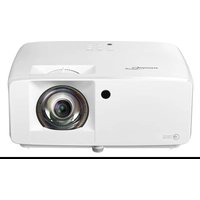
ZK430ST - Projector OPTOMA - Free user manual and instructions
Find the device manual for free ZK430ST OPTOMA in PDF.


User questions about ZK430ST OPTOMA
0 question about this device. Answer the ones you know or ask your own.
Ask a new question about this device
Download the instructions for your Projector in PDF format for free! Find your manual ZK430ST - OPTOMA and take your electronic device back in hand. On this page are published all the documents necessary for the use of your device. ZK430ST by OPTOMA.
USER MANUAL ZK430ST OPTOMA
natural_image
Line drawing of a projector with front panel and side vent (no text or symbols)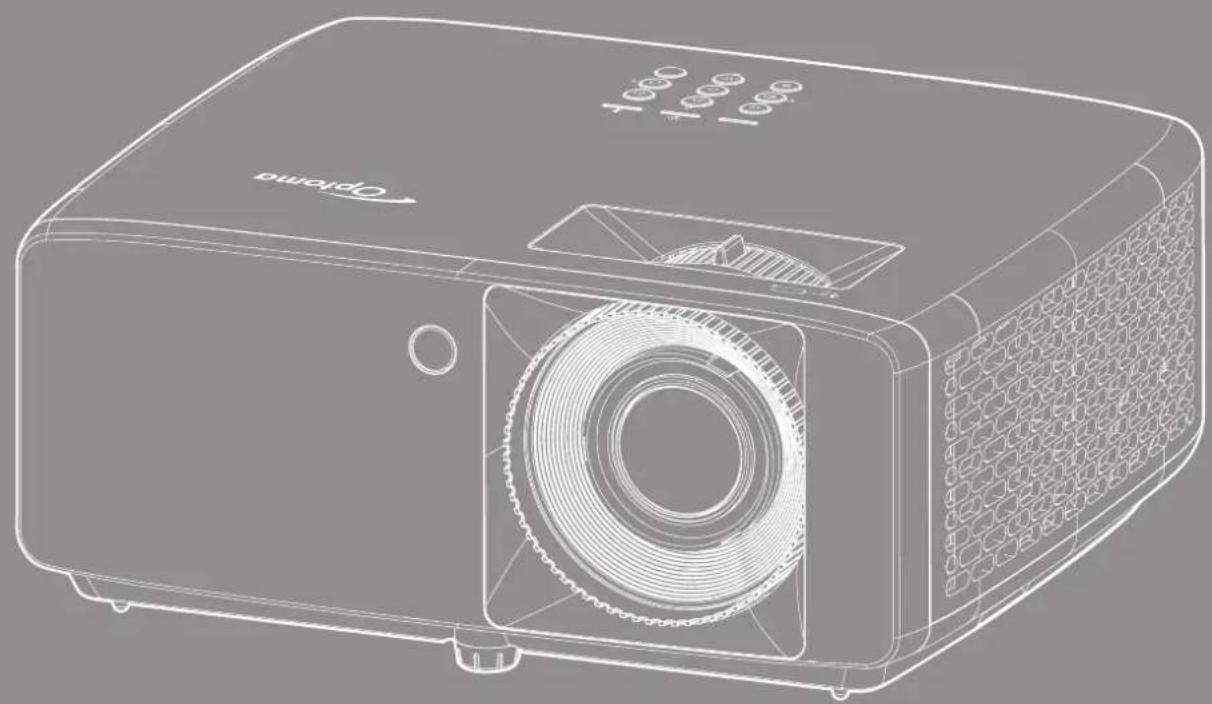
natural_image
Line drawing of a projector with visible internal components and ventilation slots (no text or symbols)4 ایمنی
IEC 60825-1:2014, EN 60825-1:2014+A11:2021, EN 50689:2021 CLASS 1 CONSUMER LASER PRODUCT RISK GROUP 2, Complies with 21 CFR 1040.10 and 1040.11 except for conformance as a Risk Group 2 LIP as defined in IEC 62471-5:Ed.1.0. For more information see Laser Notice No. 57, dated May 8, 2019. IEC 60825-1:2014 等級1雷射產品RG2危險等級 IEC 60825-1:2014 1类激光产品RG2危险等级
"WARNING: MOUNT ABOVE THE HEADS OF CHILDREN."
Additional warning against eye exposure for close exposures less than 1 m.
"AVERTISSEMENT : INSTALLER AU-DESSUS DE LA TÊTE DES ENFANTS."
text_image
CAUTION ELECTRIC SHOCK Keep ground wire connectednatural_image
Line drawing of a battery with coiled cable and terminal connector (no text or symbols)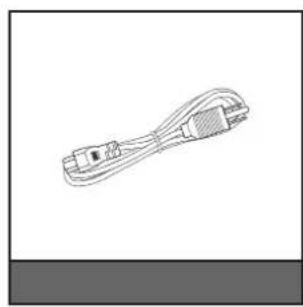
natural_image
Line drawing of a USB cable with connector port (no text or symbols)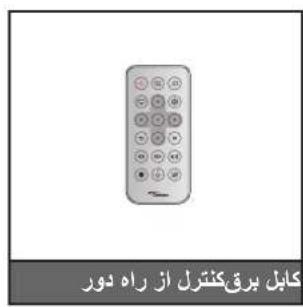
natural_image
Illustration of a projector with a circular lens and ventilation grille (no text or symbols on the device itself)
text_image
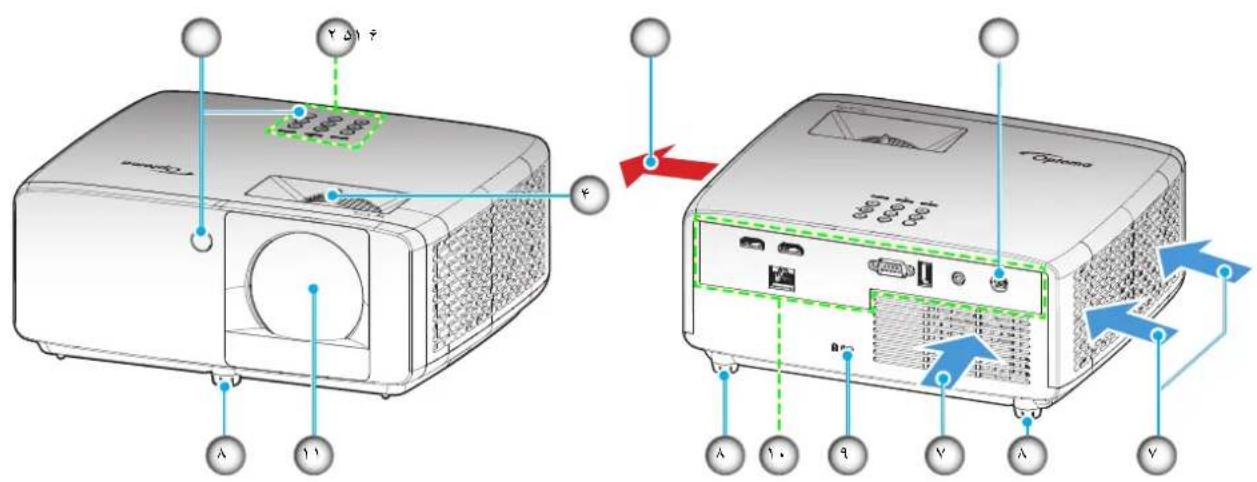
Diagram showing front and back views of a projector with labeled ports and connectors4K مدل برد کوتاه
text_image
Diagram showing front and back views of a projector with labeled ports and buttons, including Chinese text annotations.توجه:
text_image
Cleaner 3.5natural_image
Line drawing of a person sitting in a chair facing a projector mounted on a wall, with no text or symbols present.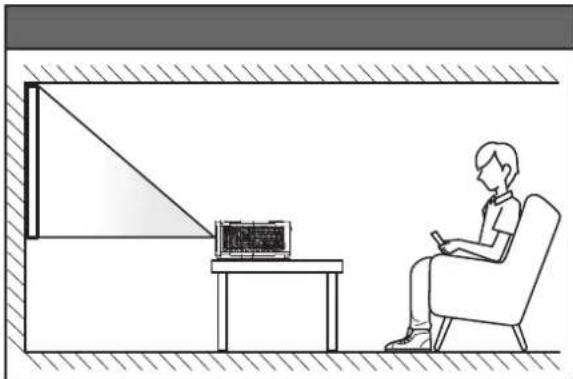
natural_image
Line drawing of a person sitting in a chair watching a small screen on a desk (no text or symbols present)پایه عقب س town عقب
natural_image
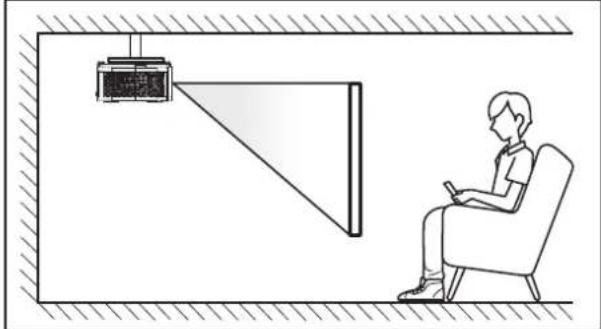
Line drawing of a person sitting in a chair watching a projector mounted on a wall, with no visible text or symbols.
natural_image
Line drawing of a person sitting in a chair watching television from a desk (no text or symbols)text_image
Diagram showing a structural frame with red X marks indicating prohibition or restriction, symbolizing restricted or blocked components.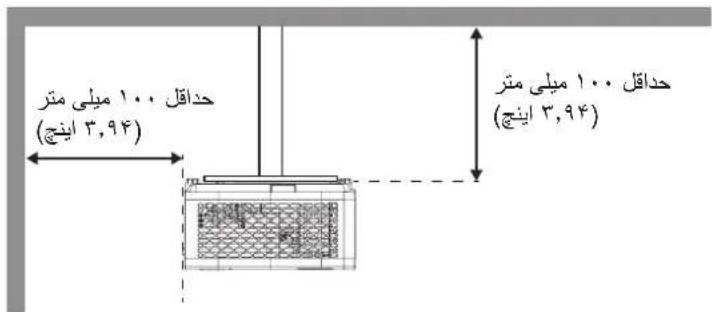
natural_image
Illustration of hands using a pliers to adjust or clamp a small object, with red arrows indicating direction (no text or symbols)- اند تا باز شود...

text_image
C0.0225 3kΩtext_image
CR2625 3½-∞ی خود بگذارید...
text_image
Diagram showing a projector with control buttons and a remote control, illustrating the use of a power switch.روشن
natural_image
Four geometric diagrams showing rectangles and semicircles with internal lines, arranged horizontally (no text or symbols)يازنشانی کنید
- "روشن" را به گزینه "RDPC RDCP RDCP RDCP RDCP RDCP RDCP RDCP RDCP RDCP RDCP RDCP RDCP RDCP RDCP RDCP RDCP RDCP RDCP RDCP RDCP RDCP RDCP RDCP RDCP RDCP RDCP RDCP RDCP RDCP RDCP RDCP RDCP RDCP RDCP RDCP RDCP RDCP RDCP RDCP RDCP RDCP RDCP RDCP RDCP RDCP RDCP RDCP RDCP RDCP RDCP RDCTRDPSD
text_image
Settings com IP settings IP assignment: Manual IPv4 address: IPv4 subnet prefix length: 24 IPv4 gateway: IPv4 DNS servers: Edit IPv4 On IP address 192.168.0.100 Subnet prefix length 24 Gateway 192.168.0.254 Preferred DNS 192.168.0.1 Save Canceltext_image
Diagram showing connection between an electronic device and a laptop via RJ-45 Ethernet, with labeled ports and cables.text_image
Settings Windows Settings Find a setting System Display, sound, notifications, power Devices Bluetooth, printers, mouse Phone Link your Android, iPhone Network & Internet Wi-FL airplane mode, VPN Personalization Background, lock screen, colors Apps Uninstall, defaults, optional featurestext_image
Settings Home Find a setting Network & Internet Status Ethernet Dial-up VPN Proxy Status Ethernet Dial-up VPN Proxy Status Network status Ethernet com You're connected to the Internet If you have a limited data plan, you can make this network a metered connection or change other properties. Ethernet From the last 30 days 62.77 GB Properties Data usagetext_image
Settings . com IP 10 base with IP to help control data size, on and network IP settings IP assignment: Manual IPv4 address: IPv4 subnet prefix length: 24 IPv4 gateway: IPv4 DNS servers: Edittext_image
Projector Web Server Projector Name:Optoma 1080P Admin Change Username and Password for Webpage Enter User Name admin Reusing passwords is not recommended. Password cannot be blank. Password needs to be at least eight single-byte characters in length and use a mix of the following 3 types of letters. Uppercase letters Lowercase letters Digits Confirm New password The user name and password are used by the Web Control function. Changing the current settings may interrupt the connection For details, refer to the user's manual. Change PJLink Password Enter New password Reusing passwords is not recommended. The password is used for the communication control via a LAN (including Ricoh application software). Changing the current settings may interrupt the connection For details, refer to the user's manual. Confirm New password Applytext_image
Optoma Projector Web Server Projector Name: Optoma 1080P Login Admin > General Setup System Status General Setup Projector Control Network Setup Alert Setup Creation Reset to Default Reboot System Projector Name Optoma 1080P Apply Change User name and password for Webpage Enter User name admin Enter Old password - Enter New password - Confirm New password - • Reusing passwords is not recommended. • Password cannot be blank. • Password needs to be at least eight single-byte characters in length and use a mix of the following 3 types of letters: • Uppercase letters • Lowercase letters: • Digits • The user name and password are used by the Web Control function. Changing the current settings may interrupt the connection. For details, refer to the user's manual. Apply PJLink Setting PJLink Password Enable Disable Current Password - New Password - Confirm Password - • Reusing passwords is not recommended. • The password is used for the communication control via a LAN (including Rieoh application software). Changing the current settings may interrupt the connection. For details, refer to the user's manual. Applyکنترل پروژکتور
text_image
All Apps Documents Web More Best match Command Prompt App Search the web cmd - See web results Command Prompt App Open Run as administrator Open file location File to Start File to toolbar cmd۲ را باز کنید.. C
natural_image
Pure electrical circuit lines without any symbols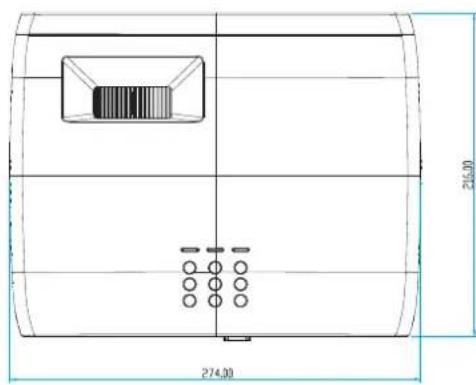
text_image
246.30 274.30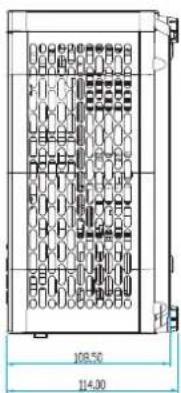
text_image
108.50 114.30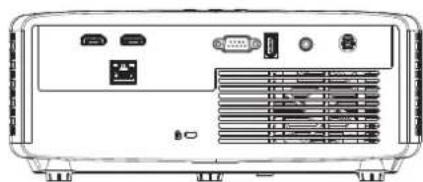
natural_image
Front view of a portable electronic device chassis with ports and connectors (no visible text or labels)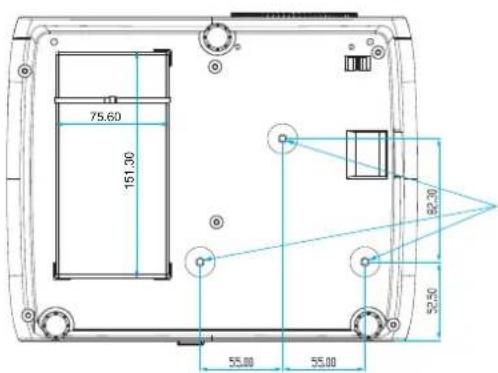
text_image
75.60 151.30 82.30 55.00 55.00 55.50- *M4
واحد: ميلى مترى
natural_image
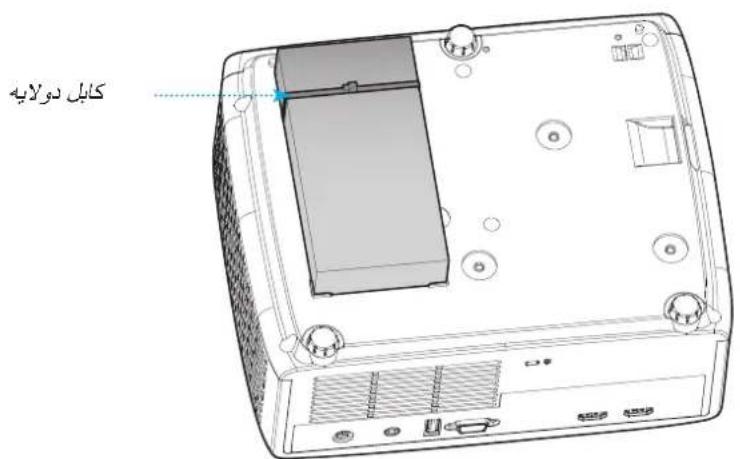
Diagram showing a device rear panel with internal components and a close-up view of the front panel (no text or symbols present)٢ ١٥ مَحْم كَنِيد
https://www.optoma.com/jp/
9VΛ9-7Λ9-ΛΛΛ
A7·1-A9V-Δ1.


services@optoma.com
Fremont, Ca 94539
https://www.optoma.com/tw/

.Optoma Technology, Inc 47697 Westinghouse Drive.

9VΛ9-ΥΛ9-ΛΛΛ Λ9·1-Λ9Υ-Δ1·

Room 2001, 20F, Building 4, No.1398 Kaixuan Road,
services@optoma.com
Fremont, Ca 94539

Shanghai, 200052, China
9YΛ9-YΛ9-ΛΛΛ
A9·1-A9V-Δ1.


services@optoma.com
Fremont, Ca 94539


.Optoma Technology, Inc 47697 Westinghouse Drive.
https://www.optoma.com/au/

Unit 1, Network 41, Bourne End Mills
Hemel Hempstead, Herts,
HP1 2UJ, United Kingdom
A..791 1977(.)4+
ΛΛΛ 991 1977 (.) 47+

service@tsc-europe.com
www.optoma.eu
تلفن خدمات
991842 1977(·) 44+
Benelux BV
The Netherlands
www.optoma.nl

Bâtiment E
https://www.optoma.com/kr/