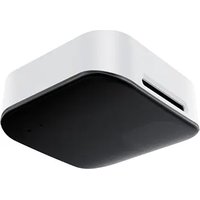
RoomSensor Pro - Video conferencing system Yealink - Free user manual and instructions
Find the device manual for free RoomSensor Pro Yealink in PDF.


| Product type | Video conferencing system (environmental sensor) |
| Brand | Yealink |
| Model | RoomSensor Pro |
| Power supply | Power adapter 5V/1.2A or PoE IEEE 802.3af |
| Connectivity | Ethernet (Internet port), wireless (Wi-Fi) |
| Integrated sensors | Temperature, humidity, light |
| Light indicators | Wireless network status indicator, system status indicator |
| Ports | USB-A, Internet, Power |
| Operating temperature | -10 °C to 45 °C |
| Operating humidity | 5% to 90% non-condensing |
| Storage temperature | -30 °C to 70 °C |
| Mounting | Ceiling (3M adhesive strip, expansion screws, special screws depending on ceiling type) |
| Recommended installation height | Less than 3 meters from the floor, above the center of the table |
| Cleaning | Soft, dry, antistatic cloth; disconnect the device before cleaning |
| Safety | Do not expose to water, do not disassemble, use only approved accessories |
| Box contents | RoomSensor Pro, mounting bracket, 3M adhesive strip, extension cable (optional), alignment stickers, shim, quick start guide |
| Warranty | Limited to the device itself under normal use as per the manual |
| Manufacturer | YEALINK NETWORK TECHNOLOGY CO., LTD., Atlanta, GA, USA, made in China |
Frequently Asked Questions - RoomSensor Pro Yealink
User questions about RoomSensor Pro Yealink
0 question about this device. Answer the ones you know or ask your own.
Ask a new question about this device
Download the instructions for your Video conferencing system in PDF format for free! Find your manual RoomSensor Pro - Yealink and take your electronic device back in hand. On this page are published all the documents necessary for the use of your device. RoomSensor Pro by Yealink.
USER MANUAL RoomSensor Pro Yealink
For more information please scan
Installation video
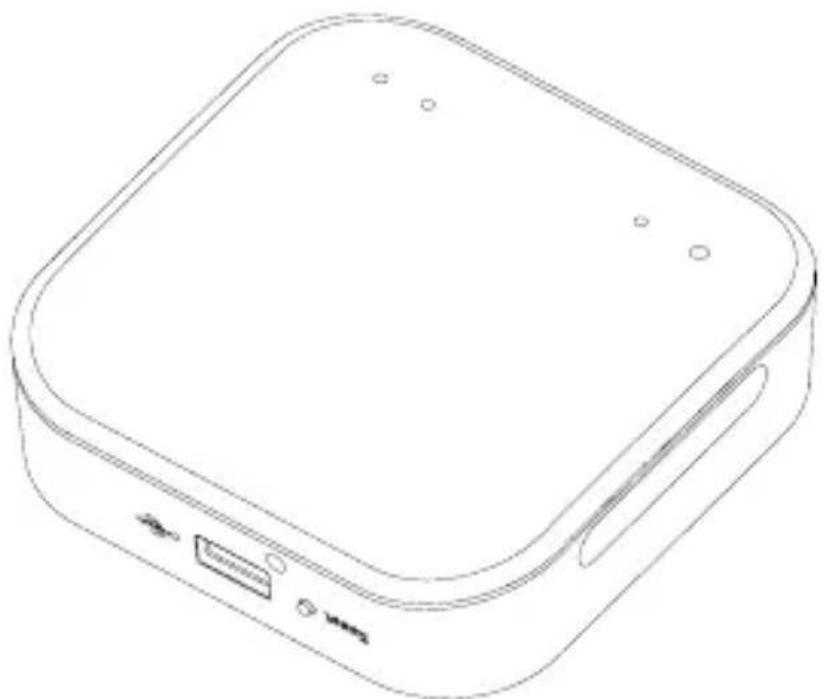
natural_image
Line drawing of a rectangular electronic device with ports and buttons (no text or symbols)Table of Contents
English....1
Deutsch....7
Français....13
Español....19
1 Package Contents
We recommend that you use the accessories provided or approved by Yealink. The unapproved third-party accessories may result in reduced performance.
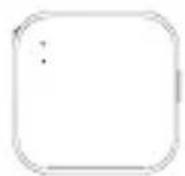
RoomSensor Pro
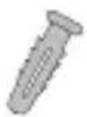
× 5
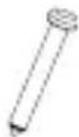
× 5
6 × 30 mm
T4 × 30 mm
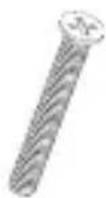
× 5
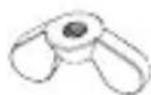
× 5
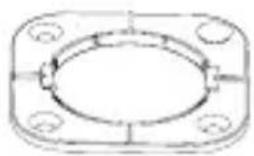
natural_image
Technical line drawing of a flange with bolt holes and central bore (no text or symbols)M4×4 mm Stand
M4×30 mm
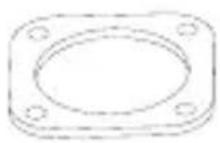
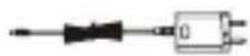
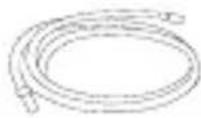
(Optional)
3M Tape Power ExtePowerAdapter (5V/1.2A)
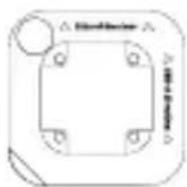
×2
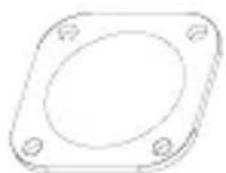
Locating stickers Shim
Quick Start Guide

Installation
Note:
- It is recommended to install the RoomSensor Pro at a height less than 3 meters from the ground.the ground.
- It is recommended to install it directly above the center of the meeting room table during installation. during installation.
- Please wipe the ceiling at the respective location with a dry paper towel before installation.
1 Glue locating sticker
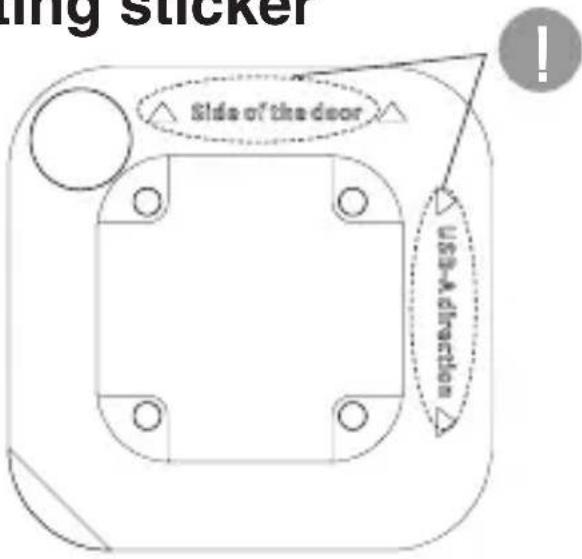
Please adhere to the ceiling according to the text instructions on the stickers based on the actual environment.
2 Install the stand
Install using 3M tape
Suitable for all ceilings.
3M Tape
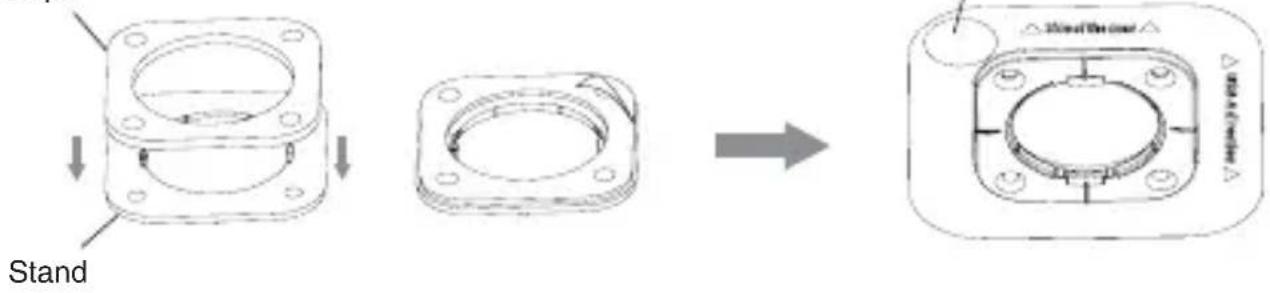
If you want to route the wiring through the wall, please make a hole for threading here.
Install using expansion screws
Suitable for plasterboard ceilings.
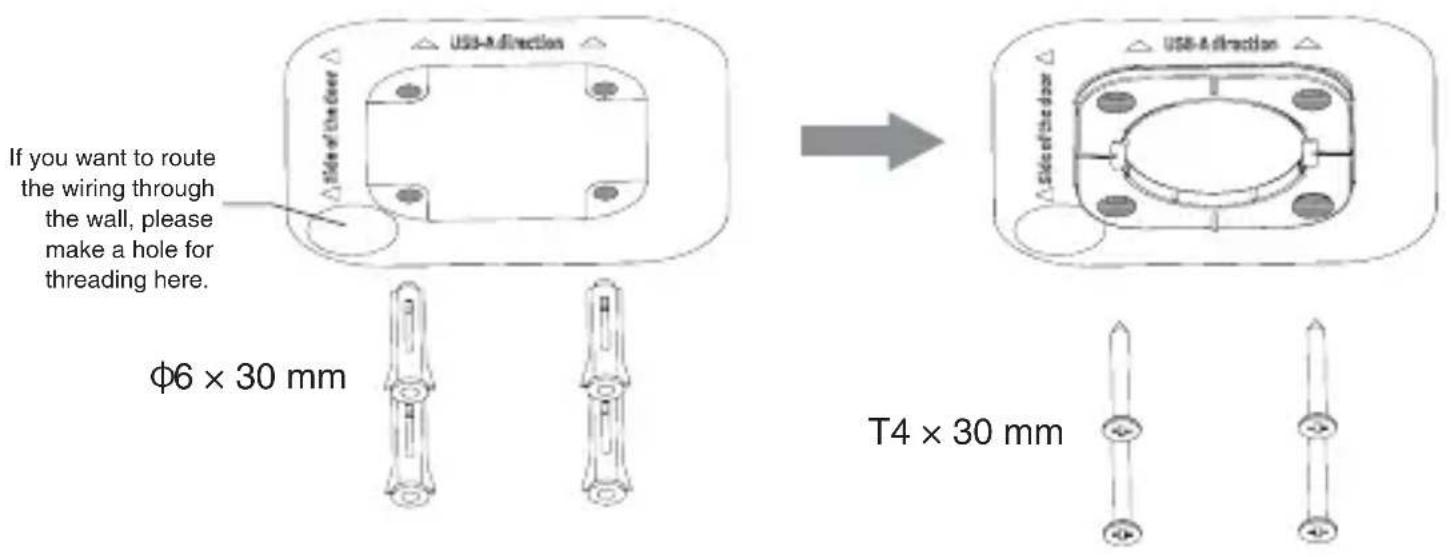
Note:
If you choose to run exposed wiring instead of routing it within the wall, you will need to use the shim. Peel off the backing of the shim and attach it to the stand (the flat side). Then, secure the stand onto the locating sticker, stand onto the locating sticker.
Install using special-shaped screws
Suitable for aluminum suspended ceilings.
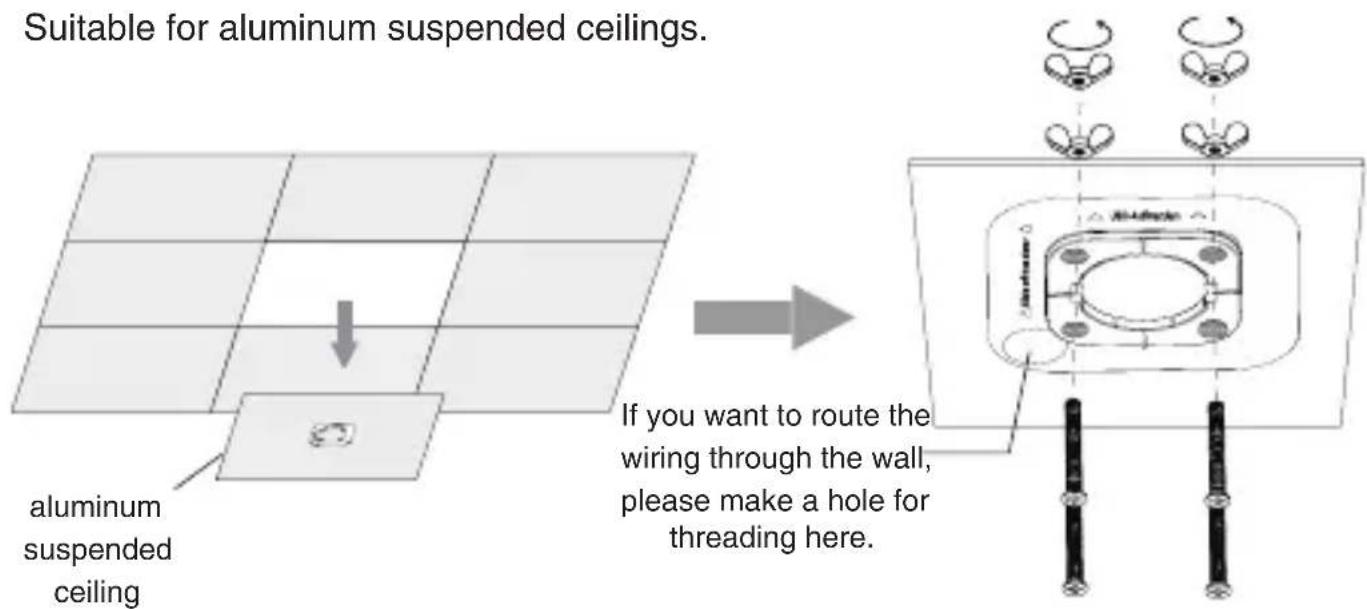
Note:
If you choose to run exposed wiring instead of routing it within the wall, you will need to use the shim. Peel off the backing of the shim and attach it to the stand (the flat side). Then, secure the stand onto the locating sticker. stand onto the locating sticker.
2 Route the wiring and install the RoomSensor Pro onto the stand
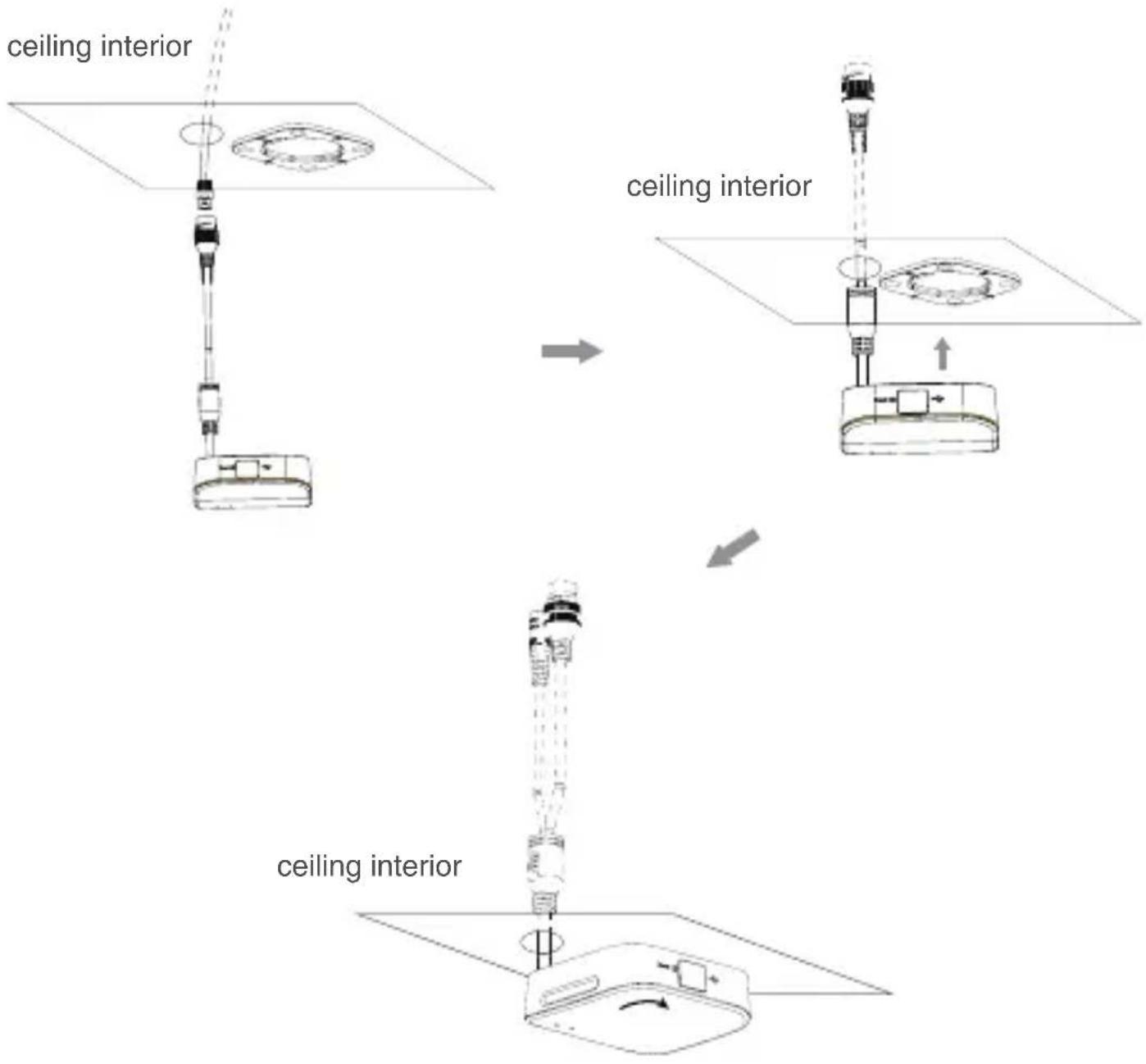
4
Connection
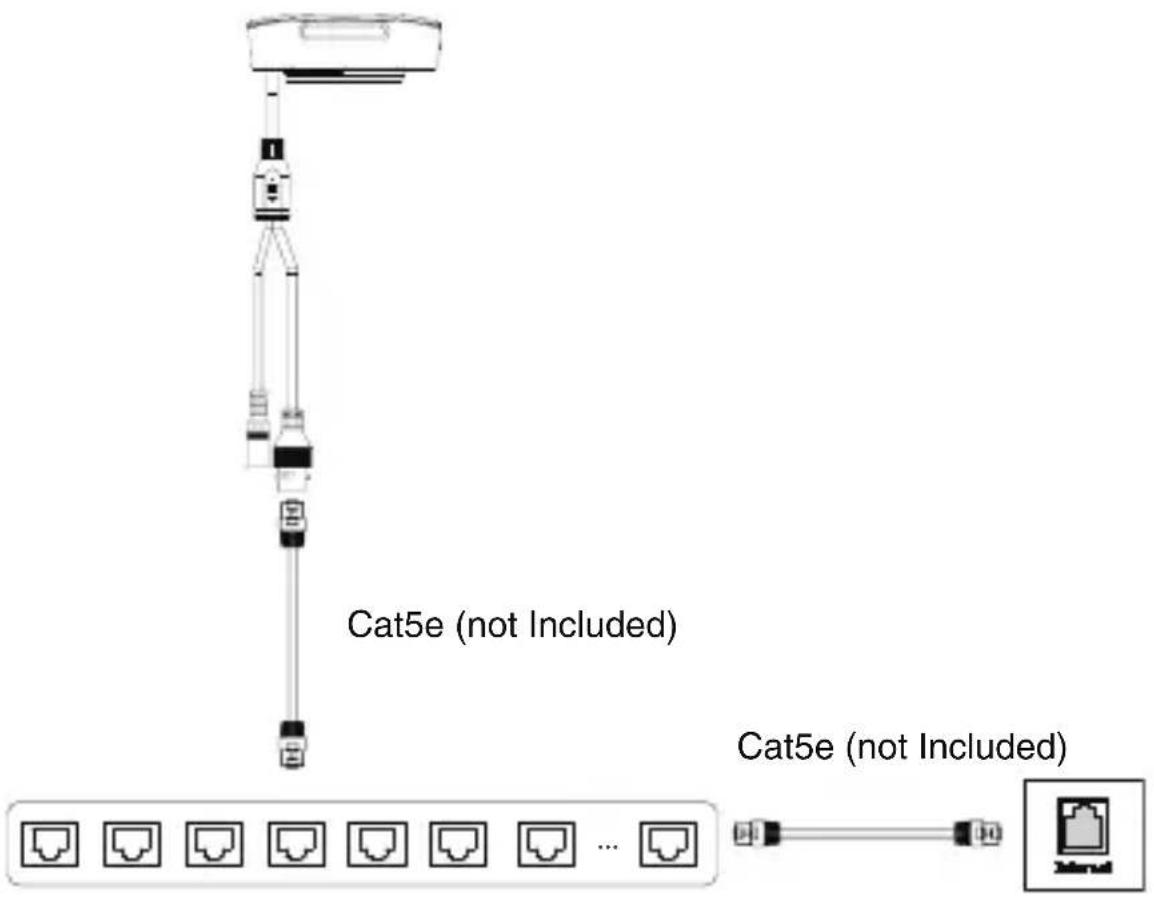
IEEE 802.3af compliant PoE Hub/Switch
Note:
You can also connect the power cable and network cable to supply power and internet*.internet*.
*Provides network support for future firmware updates.
1 Lieferumfang
natural_image
Technical line drawing of a mechanical flange component with mounting holes and internal cavity (no text or symbols)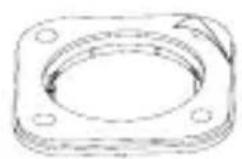

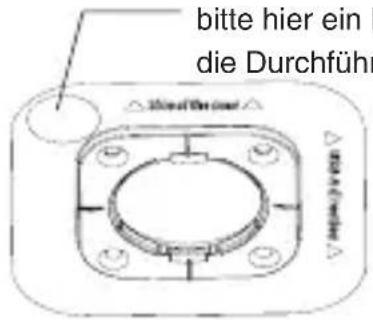
natural_image
Technical line drawing of a flange with bolt holes and central bore (no text or symbols)
natural_image
Technical line drawing of a mechanical flange component with mounting holes and internal cavity (no text or symbols)

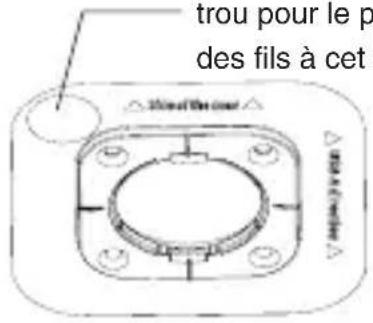
natural_image
Technical line drawing of a flange with bolt holes and central bore (no text or symbols)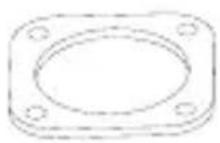
natural_image
Technical line drawing of a mechanical flange component with mounting holes and internal cavity (no text or symbols)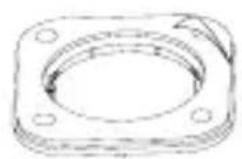

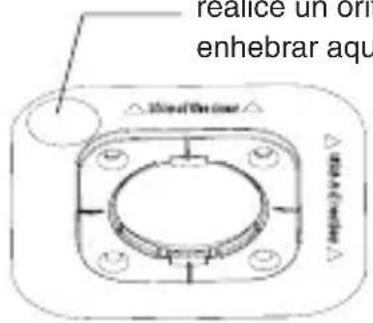
Operating Ambient Temperatures
- Operating temperature: +14 to 113°F (-10 to 45°C)
• Relative humidity: 5% to 90%, noncondensing
- Storage temperature: -22 to +158°F (-30 to +70°C)
Warranty
Our product warranty is limited only to the unit itself, when used normally in accordance with the operating instructions and the system environment. We are not liable for damage or loss resulting from the use of this product, or for any claim from a third party. We are not liable for problems with Yealink device arising from the use of this product; we are not liable for financial damages, lost profits, claims from third parties, etc., arising from the use of this product.
DC symbol

is the DC voltage symbol.
Restriction of Hazardous Substances Directive (RoHS)
This device complies with the requirements of the EU RoHS Directive. Statements of compliance can be obtained by contacting support@yealink.com.
Safety Instructions
Save these instructions. Read these safety instructions before use!
The following basic safety precautions should always be followed to reduce risk of fire, electrical shock, and other personal injury.

General Requirements
- Before you install and use the device, read the safety instructions carefully and observe the situation during operation.
- the main plug is used as disconnect device, the socket-outlet should be near the Switching Adapter and it should be easily accessible.
- During the process of storage, transportation, and operation, please always keep the device dry and clean.
- During the process of storage, transportation, and operation, please avoid collision and crash of the device.
- Please attempt not to dismantle the device by yourself. In case of any discrepancy, please contact the appointed maintenance center for repair.
- Without prior written consent, no organization or individual is permitted to make any change to the structure or the safety design of the device. Yealink is under no circumstance liable to consequences or legal issues caused by such changes.
- Please refer to the relevant laws and statutes while using the device. Legal rights of others should be respected as well.

Environmental Requirements
- Do not cover ventilation openings, this equipment is not intended to be used on soft support.
- The marking information is located at the exterior of the bottomPlace the device at a well-ventilated place. Do not expose the device under direct sunlight.
- Keep the device dry and free of dusts.
- Place the device on a stable and level platform.
- Please place no heavy objects on the device in case of damage and deformation caused by the heavy load.
- Keep at least 10 cm between the device and the closest object for heat dissipation.
- Do not place the device on or near any inflammable or fire-vulnerable object, such as rubber-made materials.
- Keep the device away from any heat source or bare fire, such as a candle or an electric heater.
- Keep the device away from any household appliance with strong magnetic field or electromagnetic field, such as a microwave oven or a refrigerator.

Operating Requirements
- Do not let a child operate the device without guidance.
- Do not let a child play with the device or any accessory in case of accidental swallowing.
- Please use the accessories provided or authorized by the manufacturer only.
- The power supply of the device shall meet the requirements of the input voltage of the device. Please usethe provided surge protection power socket only.
- Before plugging or unplugging any cable, make sure that your hands are completely dry.
-
Do not spill liquid of any kind on the product or use the equipment near water, for example, near a bathtub, washbowl, kitchen sink, wet basement or near a swimming pool.
-
Do not tread on, pull, or over-bend any cable in case of malfunction of the device.
- During a thunderstorm, stop using the device and disconnect it from the power supply. Unplug the power plug and the Asymmetric Digital Subscriber Line (ADSL) twisted pair (the radio frequency cable) to avoid lightning strike.
- If the device is left unused for a rather long time, disconnect it from the power supply and unplug the power plug.
- When there is smoke emitted from the device, or some abnormal noise or smell, disconnect the device from the power supply, and unplug the power plug immediately. Contact the specified maintenance center for repair.
- Do not insert any object into equipment slots that is not part of the product or auxiliary product.
- Before connecting a cable, connect the grounding cable of the device first. Do not disconnect the grounding cable until you disconnect all other cables.

Cleaning Requirements
- Before cleaning the device, stop using it and disconnect it from the power supply.
- Use a piece of soft, dry and anti-static cloth to clean the device.
- Keep the power plug clean and dry. Using a dirty or wet power plug may lead to electric shock or other perils.

ENVIRONMENTAL RECYCLING
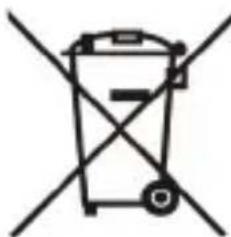
natural_image
Simple line drawing of a trash bin with crossed lines indicating no waste or prohibition (no text or symbols)
Never dispose of the device with domestic waste
Ask your Town Council about how to dispose of it in an environmentally friendly way. The cardboard box, plastic packaging and player components may be recycled in accordance with prevailing recycling regulations in your country.
Always adhere to prevailing regulations
Those who fail to do so may be fined or prosecuted in accordance with the law. The crossed out garbage can that appears on the device means that when it has reached the end of its useful life, it should be taken to a special waste disposal centre and treated separately to general urban waste.
EU Regulatory Information
Support Frequency Bands and Power:
Bluetooth 2.4 GHz < 20 dBm;
Troubleshooting
The unit cannot supply power to Yealink device.
There is a bad connection with the plug.
-
Clean the plug with a dry cloth.
-
Connect it to another wall outlet.
The usage environment is out of operating temperature range.
- Use in the operating temperature range.
The cable between the unit and the Yealink device is connected incorrectly.
- Connect the cable correctly.
You cannot connect the cable properly.
-
You may have connected a wrong Yealink device.
-
Use the correct power supply.
Some dust, etc., may be in the port.
- Clean the port.
Contact your dealer or authorized service facility for any further questions.
Contact Information
YEALINK NETWORK TECHNOLOGY CO.,LTD.
No.666 Hu'an Rd,Huli District Xiamen City, Fujian, P.R.C
YEALINK (EUROPE) NETWORK TECHNOLOGY B.V.
Sir Winston Churchilln 299 k, 2288DC Rijswijk
YEALINK (USA) NETWORK TECHNOLOGY CO., LTD.
999 Peachtree Street Suite 2300, Fulton, Atlanta, GA, 30309, USA
Made in China
Sicherheitshinweise
natural_image
Symbol of a trash bin with no text or labels, featuring a crossed-out box and a solid black rectangle below (no readable text or symbols)No.666 Hu'an Rd,Huli District Xiamen City, Fujian,VR China
YEALINK (EUROPE) NETWORK TECHNOLOGY B.V.
Sir Winston Churchilln 299 k, 2288 DC Rijswijk
YEALINK (USA) NETWORK TECHNOLOGY CO., LTD.
999 Peachtree Street Suite 2300, Fulton, Atlanta, GA. 30309, USA
No.666 Hu'an Rd,Huli District Xiamen City,Fujian,Chine
YEALINK (EUROPE) NETWORK TECHNOLOGY B.V.
Sir Winston Churchilln 299 k, 2288 DC Rijswijk
YEALINK (USA) NETWORK TECHNOLOGY CO., LTD.
No.666 Hu'an Rd,Huli District Xiamen City, Fujian Repubblica Popolare cinese
YEALINK (EUROPE) NETWORK TECHNOLOGY B.V
Sir Winston Churchilln 299 k, 2288 DC Rijswijk
YEALINK (USA) NETWORK TECHNOLOGY CO., LTD.
999 Peachtree Street Suite 2300, Fulton, Atlanta, GA, 30309, USA
Made in China
About Yealink
Yealink (Stock Code: 300628) is a global-leading provider of Unified Communication & Collaboration Solutions specialized in video conferencing, voice communications, and collaboration, dedicated to helping every person and organization embrace the power of "Easy Collaboration, High Productivity".
With best-in-class quality, innovative technology, and user-friendly experiences, Yealink is one of the best providers in more than 140 countries and regions, ranks No.1 in the global market share of IP Phone, and is the Top 5 leader in the video conferencing market (Frost & Sullivan, 2021).
Technical Support
Visit Yealink WIKI (http://support.yealink.com/) for firmware downloads, product documents, FAQ, and more. For better service, we sincerely recommend you to use Yealink Ticketing system (https://ticket.yealink.com) to submit all your technical issues.
YEALINK(XIAMEN) NETWORK TECHNOLOGY CO.,LTD.
Web: www.yealink.com
Copyright©2023 YEALINK(XIAMEN) NETWORK
TECHNOLOGY CO.,LTD.All rights reserved.