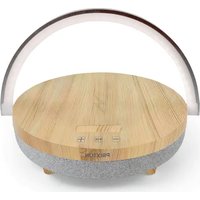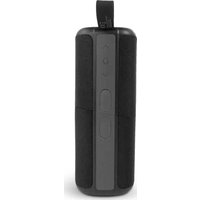
Aloha - Speaker Prixton - Free user manual and instructions
Find the device manual for free Aloha Prixton in PDF.


| Brand | Prixton |
| Model | Aloha |
| Product type | Portable Bluetooth speaker |
| Dimensions (estimated) | 180 x 80 x 80 mm |
| Weight (estimated) | 500 g |
| Power | Built-in rechargeable battery via Micro-USB port |
| Battery life | Approximately 6 hours (estimated) |
| Connectivity | Bluetooth (version not specified), TWS (True Wireless Stereo) |
| Main functions | Music playback, answer/end calls, volume control, track switching, stereo pairing (TWS) |
| LED indicator lights | Flashing blue (pairing), solid blue (connected), solid red (charging), flashing red (low battery), flashing white (playing) |
| Care and cleaning | Wipe with a soft, dry cloth. Do not use abrasive products or immerse in water. |
| Safety | Do not open the device. Avoid extreme temperatures and humidity. Disconnect charger after use. |
| Spare parts and repairability | No user-serviceable parts. For any repairs, contact after-sales service via www.prixton.com |
| General information | Compliant with Directive 2014/53/EU. Manufacturer: La Trastienda Digital SL, Spain. |
Frequently Asked Questions - Aloha Prixton
User questions about Aloha Prixton
0 question about this device. Answer the ones you know or ask your own.
Ask a new question about this device
Download the instructions for your Speaker in PDF format for free! Find your manual Aloha - Prixton and take your electronic device back in hand. On this page are published all the documents necessary for the use of your device. Aloha by Prixton.
USER MANUAL Aloha Prixton
natural_image
Line drawing of a cylindrical device with a handle and control buttons (no text or symbols)ALTAVOZ INALÁMBRICO 2 EN 1
2 IN 1 WIRELESS SPEAKER
CONEXIÓN BLUETOOTH
natural_image
Pure diagram of concentric square layers with a central dark circle and a small rectangle, no text or symbols present.Luz indicadora
natural_image
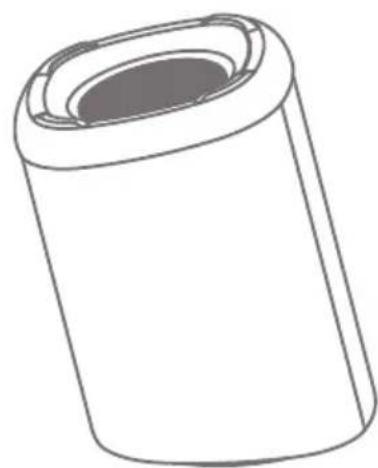
Simple line drawing of a cylindrical object with a recessed top (no text or symbols)Step 1 Power On
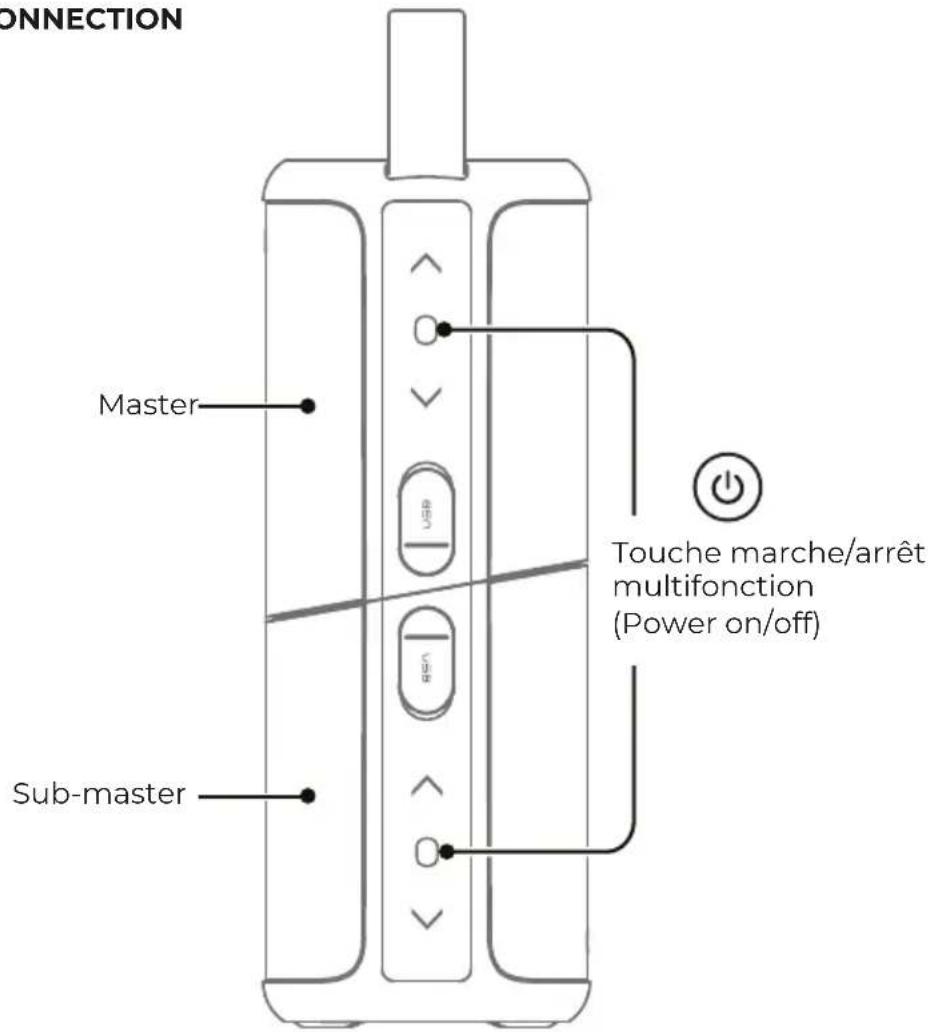
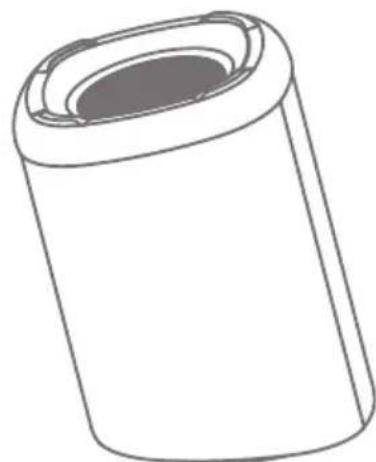
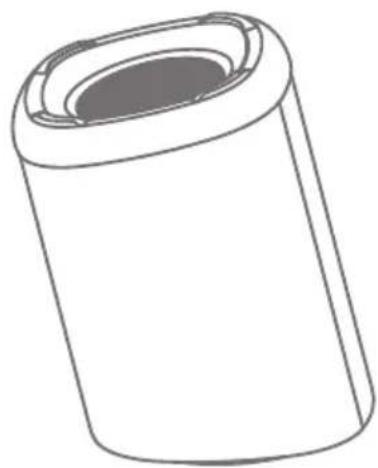
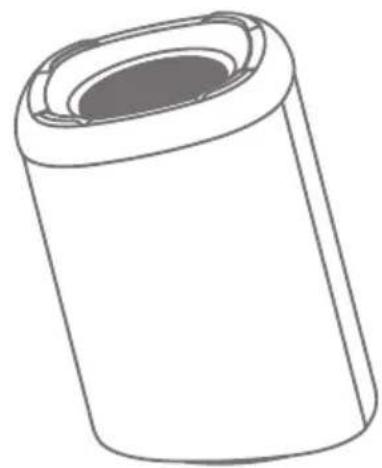
Long press master and sub-master simultaneously for 2S, you will hear a prompt tone of power on. Then the speakers will be connected automatically with a beep sound and the indicator light of sub-master will keep blue, master indicator light will keep flashing.
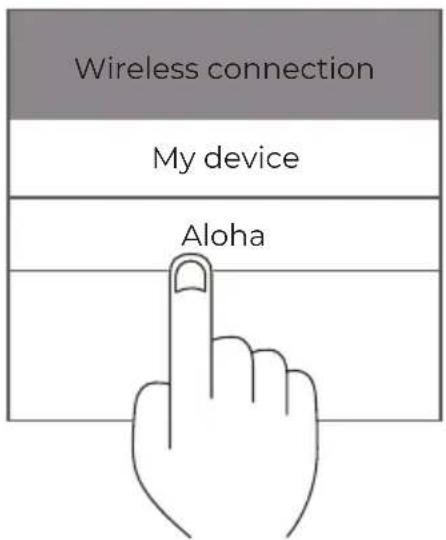
Step 2 Choose the device
Find "Aloha" in your bluetooth list and select it.

Step 3 Pairing Success
The LED indicators on both speakers will keep blue once bluetooth is paired and a beep sound will be heard. You can play music now.
BASIC OPERATION
natural_image
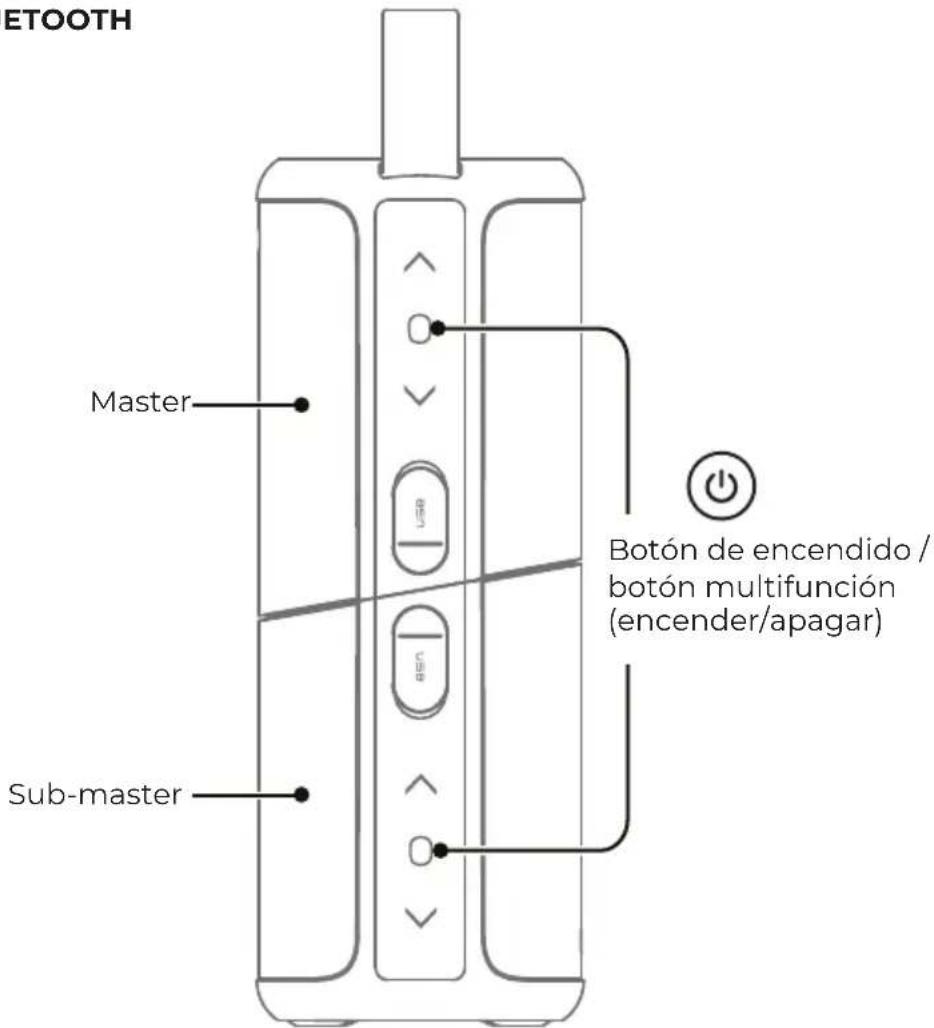
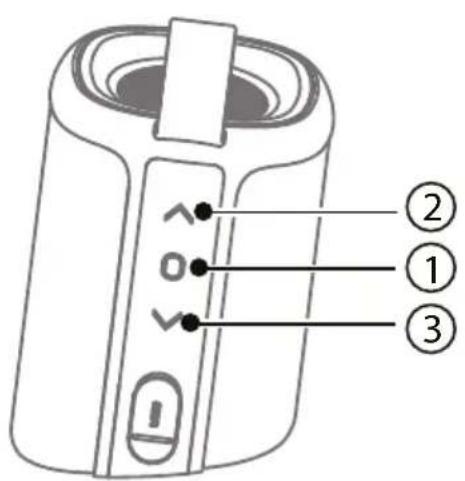
Simple line drawing of a cylindrical object with a hollow top (no text or symbols)① Power Button/Multi-function Button
• Long press ① for 2s to Power On/OFF
• Short press ① to play/pause during music playing
- Short press ① on master speaker to answer/end an incoming call
- Short press ① twice on master speaker to reject a call
- Short press ① twice to disconnect bluetooth
- Short press ① three times to disconnect TWS
②③Volume Button
- Short press ② to turn the volume up/Long Press ② to next track
- Short press ③ to turn the volume down/Long press ③ to previous track
- Short press ②③ simultaneously to turn on/off flashing white LED during music playing
Note: Both speakers can be controlled mutually after paired. If you are not able to connect two speakers successfully, long press ② ③ simultaneously of each speaker for 3S to connect quickly.
INTERFACE INSTURCTIONS
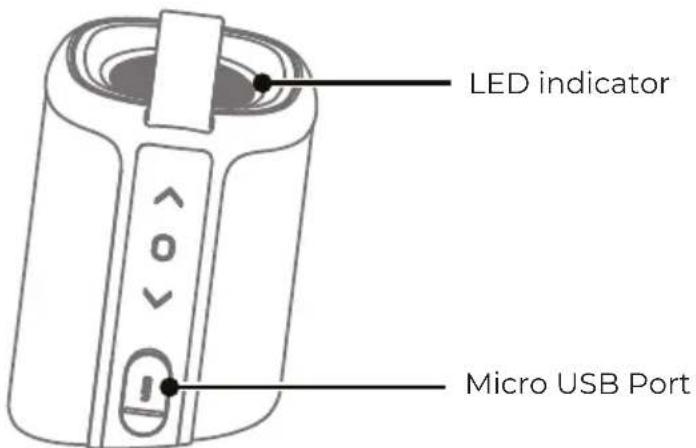
| LED Description | |
| Blue Flahing | Bluetooth Pairing, Out of bluetooth Range |
| Blue On Bluetooth Connected Successfully | |
| Red On Charging | |
| Red Flashing Low Battery | |
| White Flashing | Music Playing |
| LED Off Fully charge, power off | |
It will be powered off automatically if bluetooth is unconnected for more than 10 minutes.
FREQUENTLY ASKED QUESTIONS
Q: What kind of charger should we use for the speaker?
A:All common USB chargers can be used, while we suggest the ones above 5V/0.8A.
Q: What if there is noise or discontinuous sound when playing?
A:The speaker can be normally used within 10m under no obstruction environment. If it is over 10m or with obstruction, there might be noise or discontinuous sound.
Q: Why will the speaker shut down automatically when it is working?
A:When there is no bluetooth pairing 10 minutes, the speaker will shut down automatically to reduce power consumption.
Q: The speaker cannot connect the once-paired cellphone.
A: First, remove the then short press the power button twice quickly to restart paring mode.
Q: The speaker cannot be started up in a normal situation.
A: Please plug in the charger and try in a few minutes.
*This speaker supports mobile phones and tablet PCs etc. Here this User Manual is illustrated based on mobile phones.
Warranty policy
This product complies with the warranty law in force in the country of purchase. When you have a problem that you can not solve, you must access the web www.prixton.com and click on the contact option to send us your assistance form.
These technical and electrical specifications are those of typical units and may be changed without prior notice in order to provide improved equipment.
Simplified EU Declaration Of Conformity
We, La Trastienda Digital located in Avenida Cervantes 49, módulo 25, Basauri 48970, Bizkaia hereby declare that the following goods, imported and selling at European market:
| BRAND | MODEL NAME DESCRIPTION | CATEGORY |
| Prixton ALOHA | Speaker | Audio |
Are in compliance with the EC Council Directive of 2014/53/EU (EM DIRECTIVE) and harmonized standards and with the board of the 16th of April 2014.
The complete text of the UE Declaration of conformity is available anytime at this website address:
www.prixton.com
LA TRASTIENDA DIGITAL
BLUETOOTH CONNECTION
Étape 1 : Allumer
natural_image
Pure diagram of concentric circular layers with a central dot, no text or symbols presentTémoin lumineux
Étape 3 : Jumelage
natural_image
Simple line drawing of a cylindrical container with a lid (no text or symbols)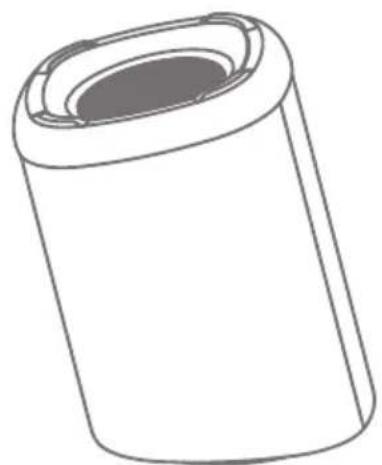
natural_image
Simple line drawing of a cylindrical object with a recessed top (no text or symbols)natural_image
Pure diagram of concentric circular layers with a central dot, no text or symbols presentLeuchtanzeige
Schritt 3: Kopplung
natural_image
Simple line drawing of a cylindrical object with a hollow top (no text or symbols)natural_image
Pure diagram of concentric circular layers with a central dark circle and a small rectangular top (no text or symbols)Luz indicadora
Passo 3: Emparelhamento
natural_image
Simple line drawing of a cylindrical object with a hollow top (no text or symbols)
natural_image
Simple line drawing of a cylindrical container with a lid (no text or symbols)① Aan-uitknop/Multifunctionele knop