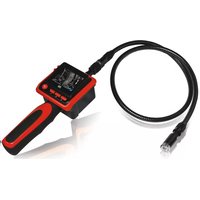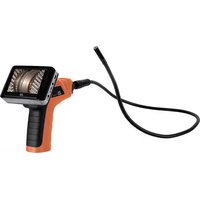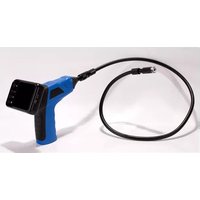
Findoo Fix - Inspection camera dnt - Free user manual and instructions
Find the device manual for free Findoo Fix dnt in PDF.


| Brand | dnt |
| Model | Findoo Fix |
| Product type | Inspection camera |
| Category | Portable inspection camera with monitor |
| Image sensor | CMOS |
| Number of pixels (sensor) | 704 x 576 (PAL) |
| Viewing angle | 50° |
| Minimum illumination | 0 Lux (integrated LED lighting) |
| Camera diameter | 16 mm |
| Cable length | Not specified in the manual, estimate: about 1 m |
| Monitor screen | 2.4" TFT-LCD |
| Screen resolution | 480 x 240 pixels |
| Video system | PAL |
| Video output | Yes, video jack |
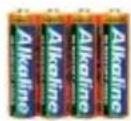
| Power supply | 4 AA batteries (alkaline provided) |
| Dimensions (handheld device without cable) | 186 x 145 x 41 mm |
| Weight (handheld device without cable) | 530 g |
| Main functions | Visual inspection with LED lighting, 180° image rotation, brightness/contrast adjustment, wireless monitor transmission |
| Included accessories | Hook, magnet, mirror, cable with mini camera, TFT monitor |
| Care and cleaning | Clean dry cloth, store in a clean dry place |
| Safety | Keep away from magnetic cards and mechanical watches; do not expose to moisture, dust, temperatures >60°C; keep out of reach of children |
| Spare parts and repairability | Replaceable batteries (AA); dnt customer service for repair; contact support before sending |
| Warranty | In accordance with legal provisions; free repair or replacement of material or manufacturing defects |
| General information | Manual available in French, German, English, Dutch; CE declaration of conformity |
Frequently Asked Questions - Findoo Fix dnt
User questions about Findoo Fix dnt
0 question about this device. Answer the ones you know or ask your own.
Ask a new question about this device
Download the instructions for your Inspection camera in PDF format for free! Find your manual Findoo Fix - dnt and take your electronic device back in hand. On this page are published all the documents necessary for the use of your device. Findoo Fix by dnt.
USER MANUAL Findoo Fix dnt
natural_image
Line drawing of an endoscopic medical device with a coiled tube and three rod-like connectors (no text or symbols)Inhalt
natural_image
Silhouette of a handheld electric drill bit (no text or symbols visible)natural_image
Black handheld digital camera with control buttons (no visible text or symbols)
4 x AA Batterien
Geräteansicht
Handgerät
natural_image
Line drawing of a device with a screen and tool, no text or symbols presentnatural_image
Simple line drawing of a car interior with a door, seat, and tool (no text or symbols)natural_image
Line drawing of a mechanical component with a directional arrow (no text or symbols)text_image
Diagram showing transformation of cylindrical components into a rectangular housing, with arrows indicating assembly or transformation.natural_image
Line drawing of a mechanical assembly with a handle and shaft (no text or symbols)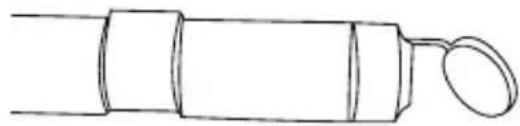
natural_image
Simple line drawing of a cylindrical object with a looped end (no text or symbols)
natural_image
Line drawing of a hand holding a digital camera with a screen and keypad (no text or symbols)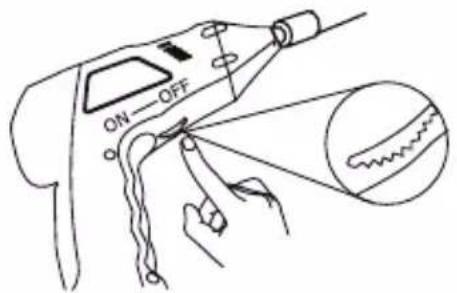
text_image
ON OFFSecurity instructions ....11
delivery content 12
Appliance description
Appliance description 13
Getting started
Insert batteries ....14
Installing imager head cable 14
Installing the accessories ....15
Operation....15
Technical specification 16
Disposal of electrical and electronic equipment .....17
Service information 17
Declaration of Conformity ....17
Warranty regulations ....35

Please read this information carefully before you use the two way radio.
General instructions
- Don't place the unit on unstable location, if it falls down, people may be injured.
● The unit is not a toy, please beware of small children. - If you connect the unit to other electronic devices, please study also the security instruction of this device.
- If you have any question regarding the unit, how it works, the safety or the correct connection please contact our technical support or ask any specialist.
● The seller will not be liable for any damages caused by misuse of the product and any claim from third parties.
Environmental conditions
- Don't drop or shake the unit, it might be damaged.
- Avoid too high pressure to the LC-display, it might be damaged.
- Don't leave the unit where the temperature is higher than 60^ , e.g. in cars with closed windows in the summertime, near heaters or any other type of heat source.
- Don't use the unit in rooms with high humidity e.g. bathrooms. Parts of the apparatus, tube and mini camera, are water proofed See technical specifications for details
- Don't use the unit at dusty places.
Technical problems
- In case any foreign material or liquid gets into the product, please immediately remove the power cord. Before you use it again, ask your authorised dealer to check the product carefully.
- Please do not hesitate to contact our service center.
Packaging material
- Please don't keep any packaging material within reach of small children. It can become a dangerous toy.
Maintenance
- Please remove the battery in case you don't use the product for a longer period of time. Leaking batteries can damage the product. Store the product at a clean and dry place.
- For cleaning use dry and soft cloth.
Delivery content
Delivery content
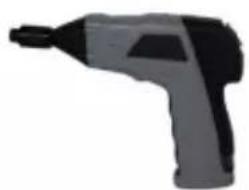
natural_image
Silhouette of a handheld electric drill bit (no text or symbols visible)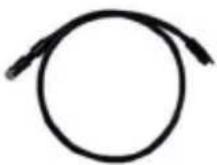
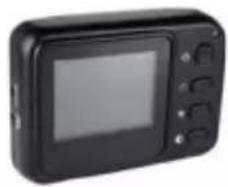
natural_image
Black handheld digital camera with control buttons (no visible text or symbols)Hand grib Tube with mini camera TFT monitor
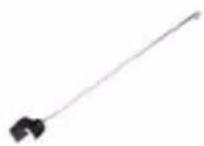
Hook
Magnet
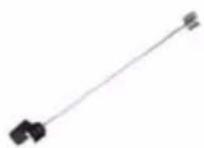
Mirror
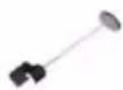
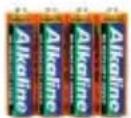
4 x AA Batteries
Appliance description
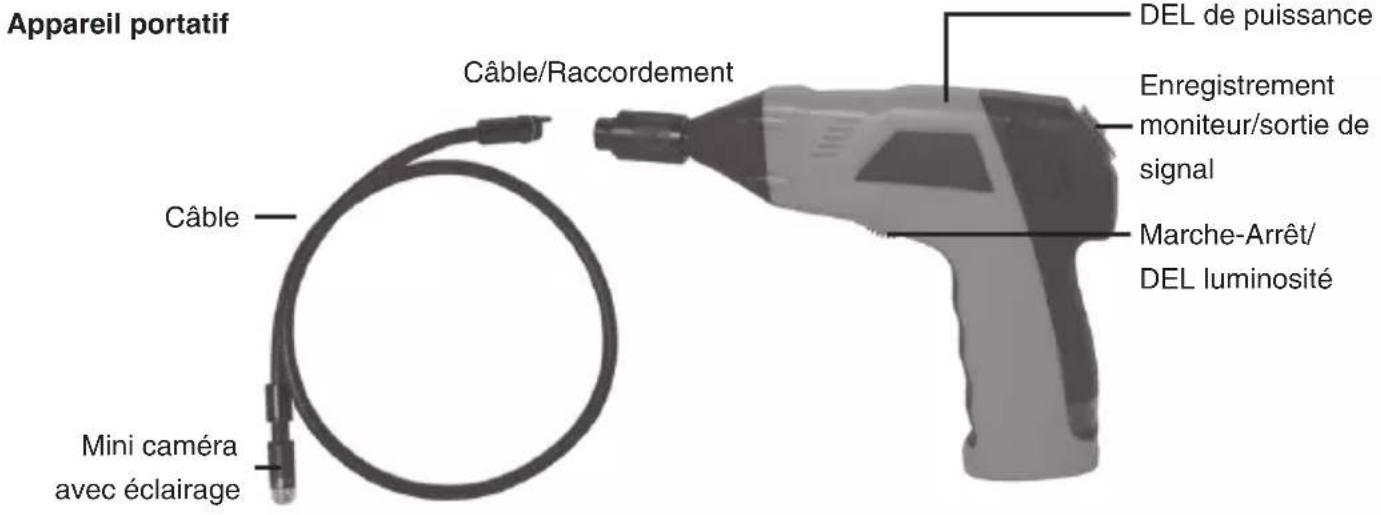
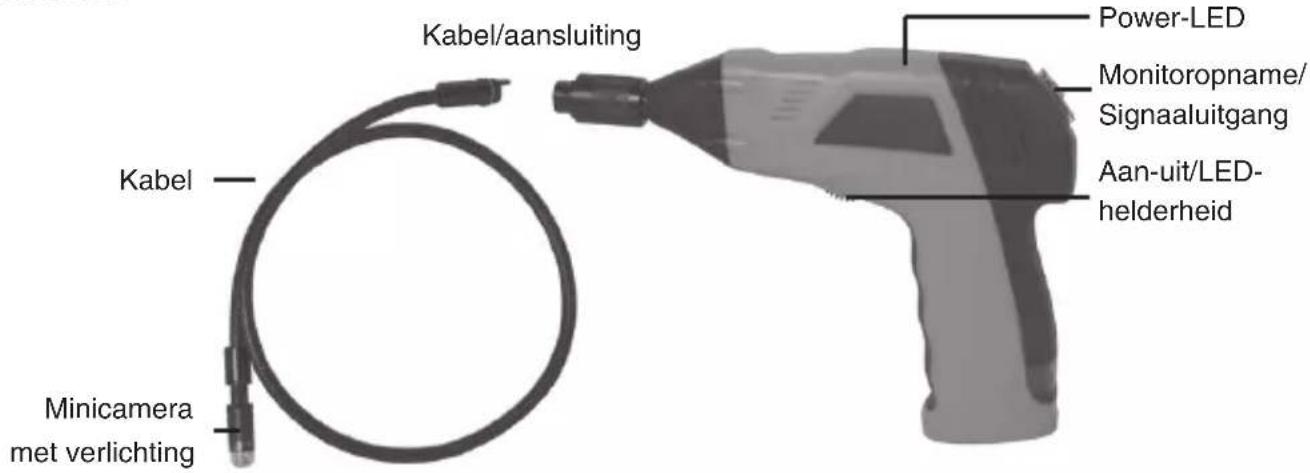
Hand grip
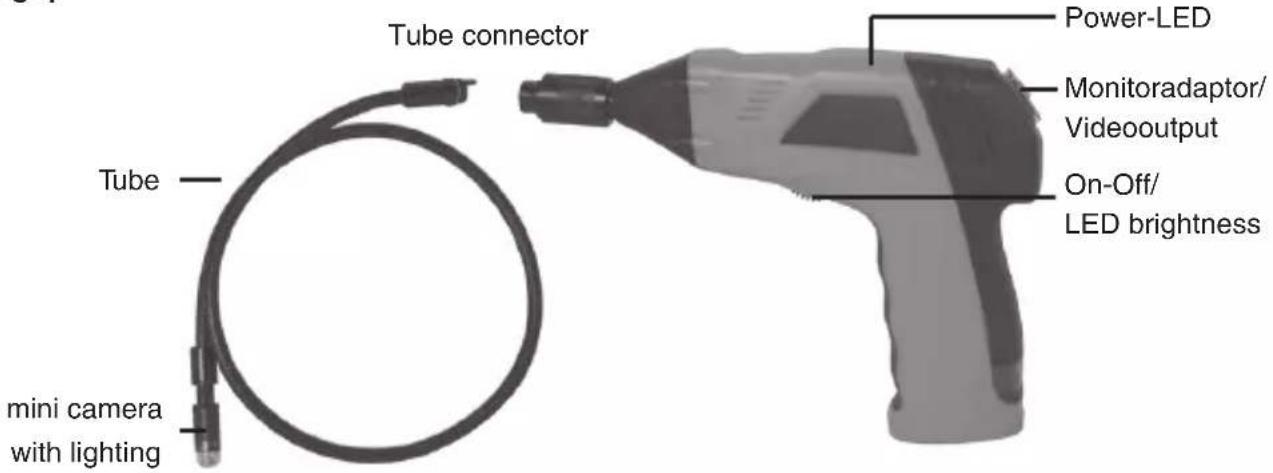
text_image
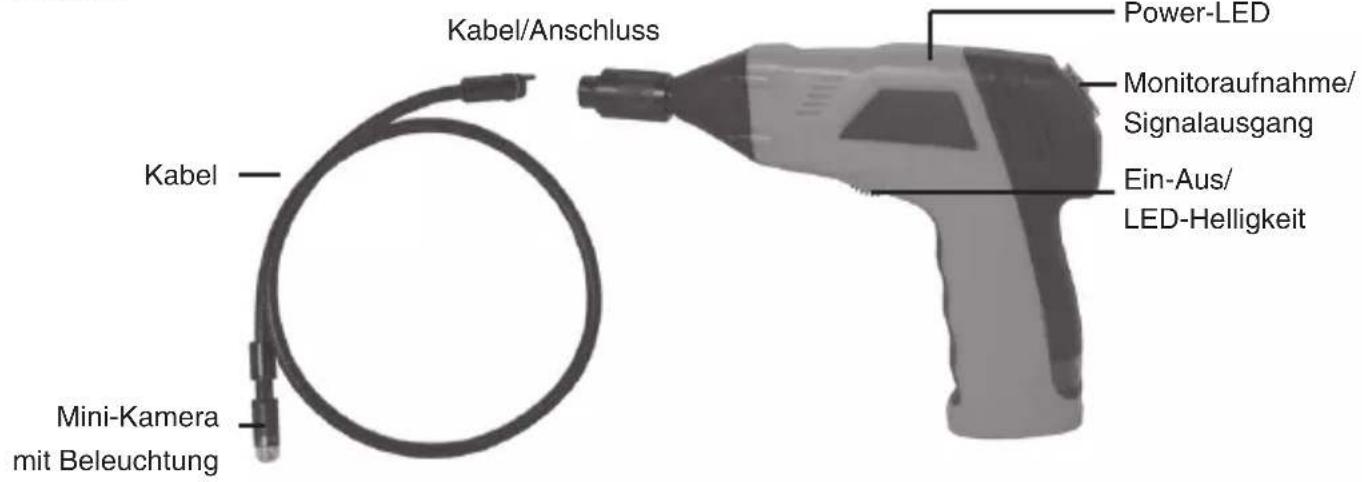
Tube connector Power-LED Monitoradaptor/ Videoutput On-Off/ LED brightness Tube mini camera with lightingMonitor
text_image
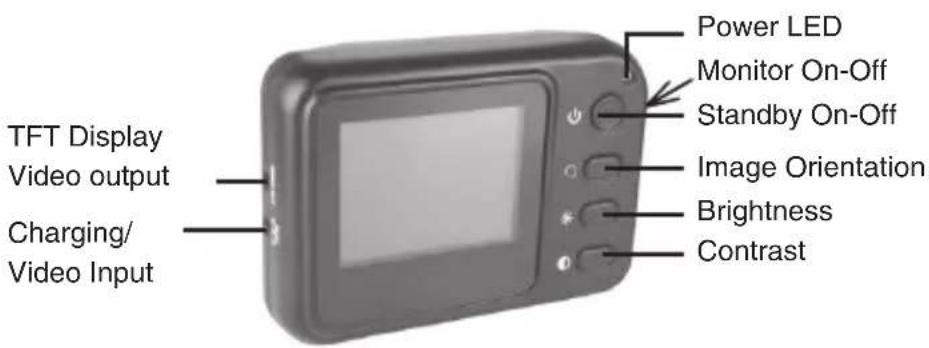
TFT Display Video output Charging/ Video Input Power LED Monitor On-Off Standby On-Off Image Orientation Brightness ContrastMonitor mount Video input
natural_image
Close-up of a rectangular electronic device with a central slot and mounting holes (no visible text or symbols)Getting started
Insert Batteries
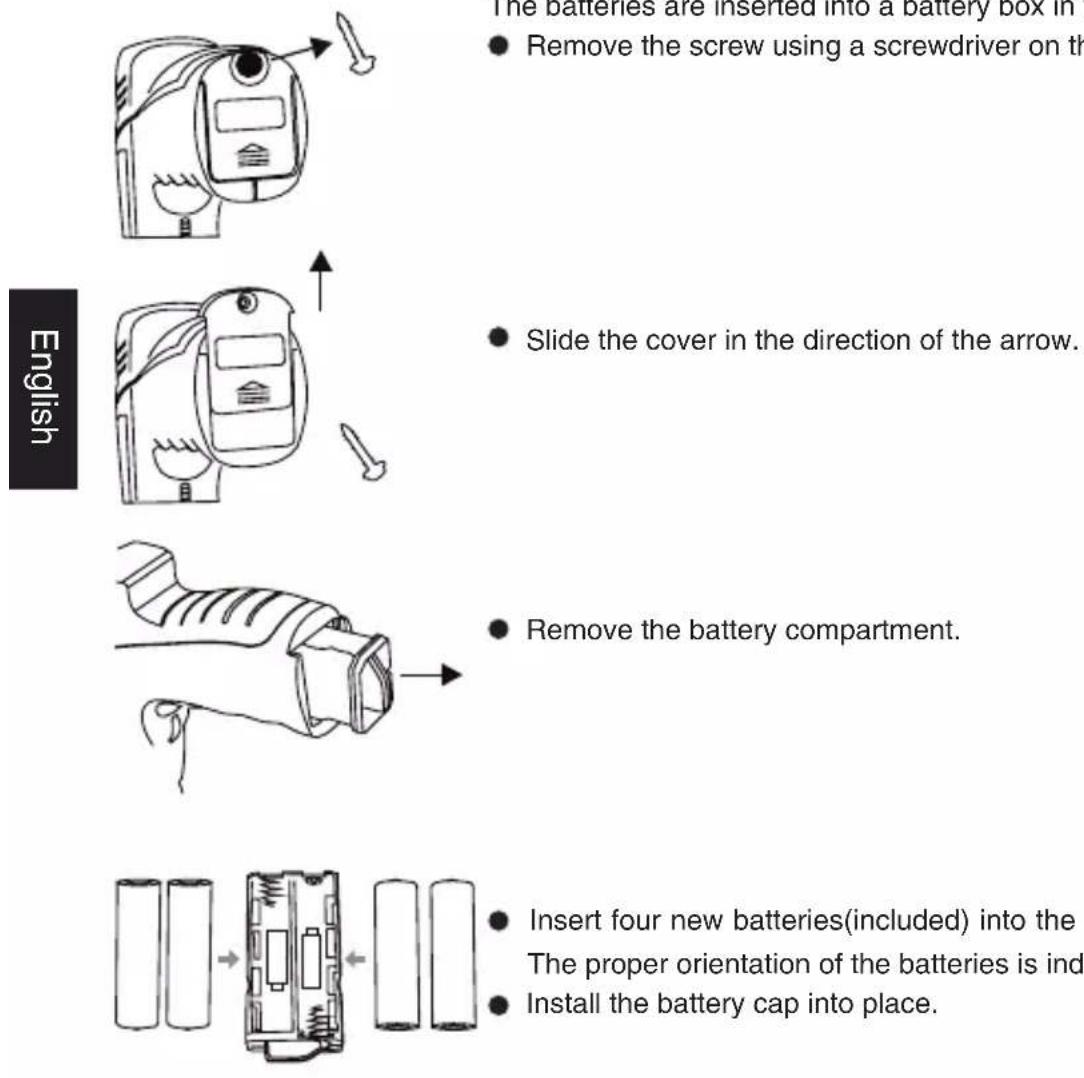
The batteries are inserted into a battery box in the grip.
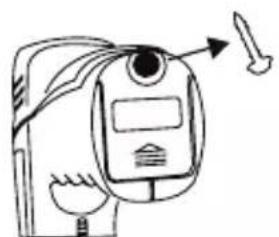
- Remove the screw using a screwdriver on the lower side of the grip.
- Slide the cover in the direction of the arrow.
- Remove the battery compartment.
- Insert four new batteries(included) into the slots of the battery compartment. The proper orientation of the batteries is indicated on the compartment.
• Install the battery cap into place.

Always exchange a complete set of new batteries.
Installing the imager head cable
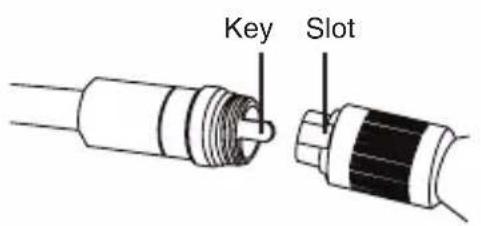
To use the Findo the imager head cable must be connected to the hand grip. Be sure that the key and slot are properly aligned. Once they are aligned, fi nger tighten the knurled knob to hold the connection in place.
text_image
Key Slot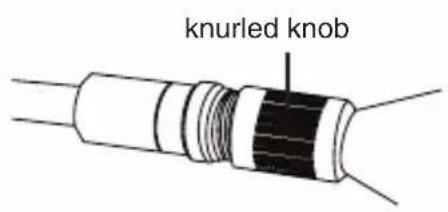
text_image
knurled knobInstalling the accessory
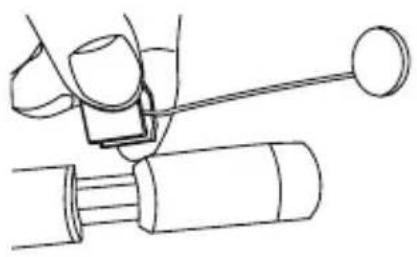
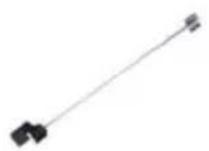
The accessories consist of 3 parts, a mirror, a magnet and a hook, which are all attached to the imager head on the same way. The accessories have 2 mounting positions at the imager head.
natural_image
Line drawing of a mechanical assembly with a lever and shaft (no text or symbols)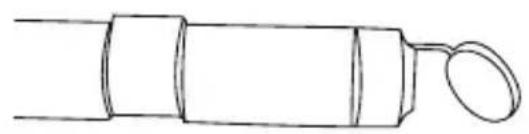
natural_image
Simple line drawing of a cylindrical object with a looped end (no text or symbols)Operation
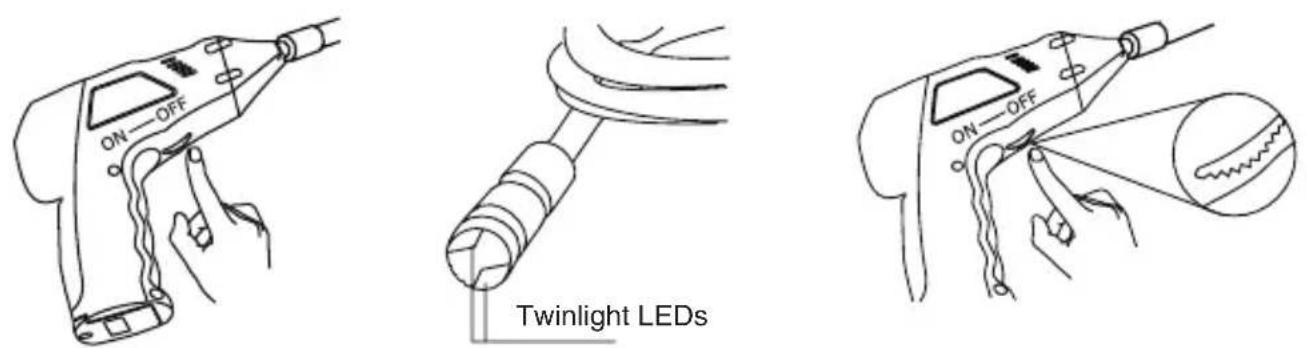
Turn on the power at the bottom side of the hand grip. The power indicator lights. The switch acts also as a dimmer for the twin LEDs at the imager head.

Don't buckle the tube. The min. should not go below 15 cm.
Operating
Slide the power On-Off switch on the right side of the monitor on position. Now turn the monitor on with the Standby button. The Power LED indicates green. Setup a suitable lighting with the hand grip. At the monitor you can adjust the brightness and the contrast, which also depends on the pre-setting of the Twin LEDs
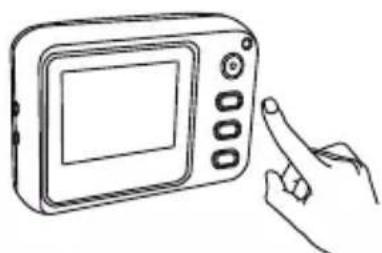
natural_image
Line drawing of a hand holding a digital camera with a screen and keypad (no text or symbols)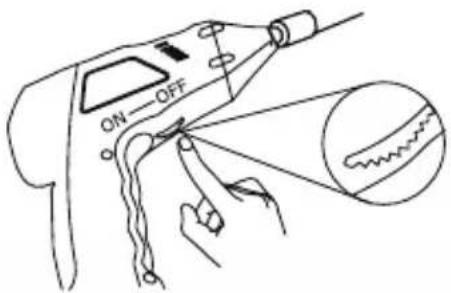
text_image
ON OFFIf the Image Orientation button is pressed, the picture orientation turns 180° or is mirrored.
The signal transmission from hand grip to monitor uses the connector if the monitor is mounted on the hand grip.

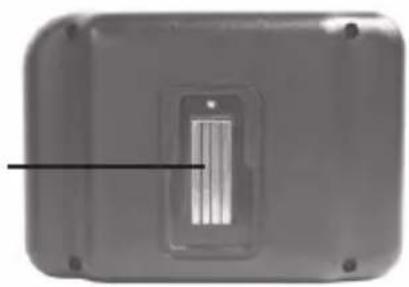
The monitor works, if it is mounted on the handgrip. The power supply as well as the video transmission uses the connector on the rear side of the monitors cabinet.
Technical specifications
Hand grip
Image sensor CMOS
Total pixel 704 x 576 (PAL)
View angle 50^
min. illumination 0 Lux
Power Supply 4xAA batteries
Dimensions 186 x 145 x 41(mm) (without fl exible tube)
Weight 530g
Camera diameter 16mm
Monitor
Display 2.4" TFT-LCD
Pixel 480 x 240
Videosystem PAL
Video output level 0,9-1,3Vpp an 75Ohm
Dimensions 100x70x30mm
Weight 140g
Operating temperature -10°C\~+50°C/+14°C\~+122°C
Operation humidity 15\~85%RH
Declaration of conformity
Hereby, dnt GmbH, declares that this Findoo Fix is in compliance with the essential requirements and other relevant provisions of Directive 1999/5/EC. The declaration of conformity for this product can be downloaded from:
http://www.dnt.de/conformity
Disposal of electrical and electronic equipment
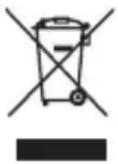
This symbol on the product or in the instructions means that your electrical and electronic equipment should be disposed at the end of its life separately from your household waste. There are separate collection systems for recycling in the EU.
For more information, please contact the local authority or your retailer where you purchased the product.
Service information
In case of complaints your device shows a defect, please consult your dealer or contact the service department of dnt to agree a servicing.
Service time: Monday until Thursday from 8.00-17.00h
Friday from 8.00-16.00h
Hotline/service: +49 6074 3714 31
E-mail: support@dnt.de
Please do not send your device to our address without request by our service team. The expense and the risk of the loss are for debits of the sender. We reserve to refuse the unrequested shipment or return corresponding goods to the sender at buyer's risk and expense.
natural_image
Silhouette of a handheld electric drill bit (no text or symbols visible)natural_image
Black digital camera with control buttons and display screen (no visible text or symbols)
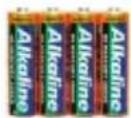
Piles 4 X AA
Vue de l'appareil
natural_image
Simple line drawing of a device with a screen and tool, no text or symbols presentnatural_image
Diagram of a car interior showing dashboard, seatbelt, and directional arrows (no text or symbols)natural_image
Line drawing of a mechanical component with an arrow indicating direction (no text or symbols)text_image
Diagram showing battery cell structure with arrows indicating assembly or transformation stepsnatural_image
Line drawing of a mechanical assembly with a cylindrical component and a handle (no text or symbols)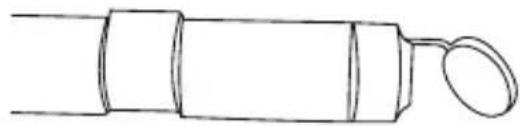
natural_image
Simple line drawing of a cylindrical object with a looped end, resembling a stylized pen or tool (no text or symbols)Fonctionnement
natural_image
Line drawing of a hand holding a digital camera with a screen and keypad (no text or symbols)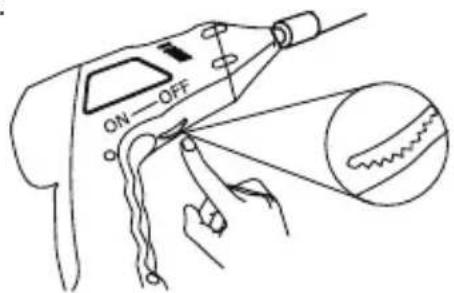
text_image
ON OFFDimensions 100x70x30mm
Poids 140g
Plage de température -10^ +50^/+14^ +122^
natural_image
Silhouette of a handheld electric drill bit (no text or symbols visible)natural_image
Black handheld digital camera with control buttons (no visible text or symbols)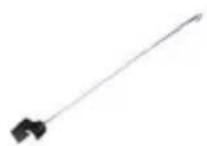
Haak Magneet Spiegel
4 x AA batterijen
Toestelaanzicht
Handtoestel
natural_image
Close-up of a rectangular electronic device with a vertical slot and mounting holes (no visible text or symbols)Inbedrijfstelling
Batterijen inleggen
natural_image
Line drawing of a device with a tool and a screen, no text or symbols presentnatural_image
Diagram of a car interior showing dashboard, seatbelt, and directional arrows (no text or symbols)natural_image
Line drawing of a mechanical component with an arrow indicating direction (no text or symbols)text_image
Diagram showing battery cell structure with arrows indicating assembly or transformation from left to right panelsnatural_image
Line drawing of a mechanical assembly with a cylindrical component and a rod (no text or symbols)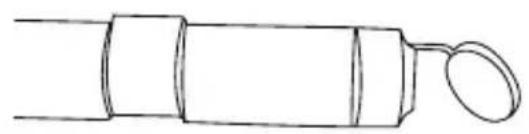
natural_image
Simple line drawing of a cylindrical object with a looped end (no text or symbols)Bedrijf
natural_image
Line drawing of a hand holding a digital camera with a screen and keypad (no text or symbols)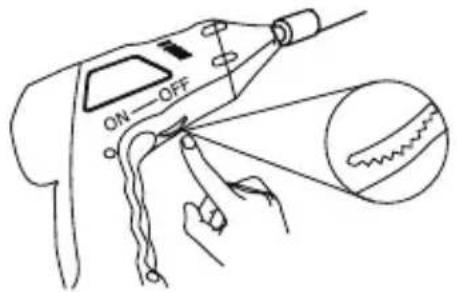
text_image
ON-OFFCamera diameter 16mm
Monitor
Display 2.4" TFT-LCD
Pixel 480 x 240
Videosysteem
PAL
Videoniveau
0,9-1,3Vpp an 75Ohm
Afmetingen 100x70x30mm
Gewicht
140g
Temperatuurbereik
-10^ C +50^ C / + 14^ F +122^ F
Vochtigheidsgraad
15\~85%RH
CE-verklaring
Warranty regulations
- In general the European warranty regulations are valid. Warranty starts with receipt of unit. In a warranty case, please submit the unit together with invoice, unit pass and error description. Without these documentary evidence we are not obliged to a warranty performance.
- During warranty period we repair all constructional or material defects which are caused by a manufacturing fault. It is in the decision of the manufacturer to change or replace defective parts/units. Further claims are excluded. Changed parts will automatically go over into our property. We will not be held responsible for future damages.
- Manipulation on the unit through non-authorized companies/persons automatically leads to an end of warranty period.
- Excluded of warranty claims are damages due to improper treatment, not following the manual, oxidation of batteries, permanent usage.
- The initial warranty period is not extended because of repair or replacement of parts.
- These warranty regulations are valid in the Federal Republik of Germany.
Application de la garantie
Stamp and signature of the dealer