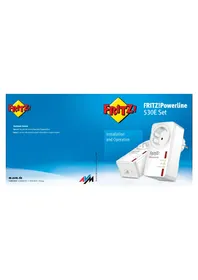
FRITZ!Powerline 530E Set - Powerline Adapter AVM - Free user manual and instructions
Find the device manual for free FRITZ!Powerline 530E Set AVM in PDF.


| Product type | CPL adapter (Powerline) |
| Brand | AVM |
| Model | FRITZ!Powerline 530E Set |
| Transmission speed | Up to 500 Mbit/s (gross) |
| Network interface | Fast Ethernet (100 Mbit/s), 1 RJ45 port |
| Integrated power socket | Yes, 16 A / 3600 W |
| Encryption | AES 128-bit |
| Compatibility | IEEE P1901, CPL 200/500/1200 Mbit/s |
| Display | 3 status LEDs (Power, LAN, Powerline) |
| Power supply | Mains 230 V, 50 Hz |
| Power consumption | Average 2 W, standby 0.5 W |
| Dimensions (without plug) | 115 mm x 60 mm x 48 mm |
| Weight | 150 g |
| Operating temperature | 0°C to +40°C |
| Safety | For indoor dry use; do not open; clean with damp cloth |
| Firmware update | Via FRITZ!Box or FRITZ!Powerline software |
Frequently Asked Questions - FRITZ!Powerline 530E Set AVM
User questions about FRITZ!Powerline 530E Set AVM
0 question about this device. Answer the ones you know or ask your own.
Ask a new question about this device
Download the instructions for your Powerline Adapter in PDF format for free! Find your manual FRITZ!Powerline 530E Set - AVM and take your electronic device back in hand. On this page are published all the documents necessary for the use of your device. FRITZ!Powerline 530E Set by AVM.
USER MANUAL FRITZ!Powerline 530E Set AVM
Support : en.avm.de/service/support-request/your-support-request
en.avm.de
©AVM GmbH - Alt Moabit 95 · D-10559 Berlin · Germany

Documentation release 06/2016.41.13.7.008

FRITZ!Powerline
530E Set
Installation and Operation
English 4
Deutsch 16
Español 28
Français 40
Italiano 52
Nederlands 64
Package Contents and Device Features
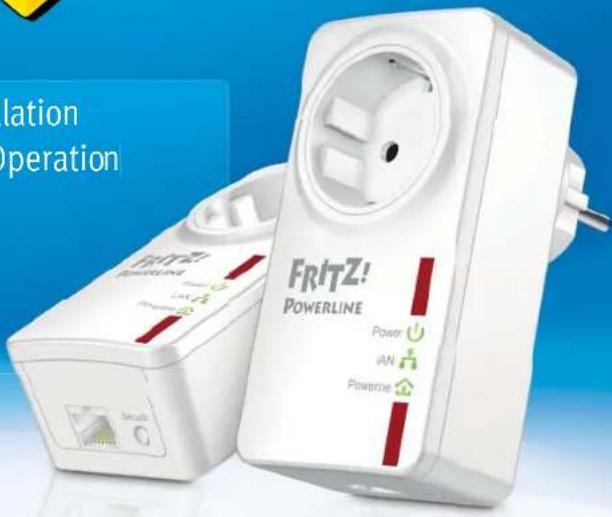
FRITZ!Powerline 530E
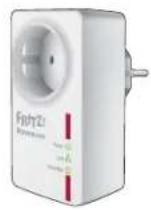
• 1 FRITZ!Powerline 530E
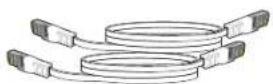
• 1 LAN cable
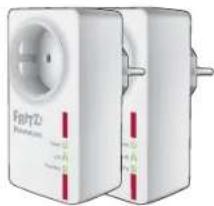
FRITZ!Powerline 530E Set
natural_image
Two white electrical connectors with red and green labels, one with a circular vent (no visible text or symbols)• 2 FRITZ!Powerline 530E
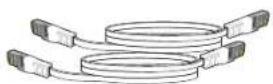
• 2 LAN cable

- Power supply
• Interface to the powerline network

Status display
• Three LEDs show the connection status

LAN port
• For connecting network devices
• For connecting with an Ethernet home network

Power outlet
• Line filter to protect connections from interference
• Connecting multi-outlet strips

Button
• Security: Establish a secure powerline connection
- Reset: Factory settings
Security
● Operate FRITZ!Powerline 530E in a dry place that is free of dust and protected from direct sunlight, and provide for sufficient ventilation.
- Connect the FRITZ!Powerline 530E to easily accessible outlets.
● FRITZ!Powerline 530E is intended for indoor use only. Never let liquids get inside the device.
- Do not open FRITZ!Powerline 530E. Opening and/or repairing the device can present a hazard.
- Remove FRITZ!Powerline 530E from the mains before cleaning. Clean the device using a moist cloth.
This Is the FRITZ!Powerline 530E
This quick introduction shows you the possibilities for deploying and operating FRITZ!Powerline 530E. Comprehensive information is presented in the PDF manual available on our website at en.avm.de/service/manuals/fritzpowerline.
With FRITZ!Powerline 530E Set you can transmit data over the electrical wiring in your household at gigabit speeds. Via this connection your network devices can conveniently exchange data, and can access your home network and connect to your Internet router.
To launch operation, insert the FRITZ!Powerline devices in any outlets and connect them with your FRITZ!Box, your computer and other network devices – that's all.
With the AVM FRITZ!Powerline software you manage your powerline network and can view detailed information about connections.
As the FRITZ!Powerline 530E is preconfigured and encrypted upon delivery, it is ready for immediate use.
Have fun with your FRITZ!Powerline 530E!
Optimizing the data rate
A powerline network is influenced by many factors. With the following steps you can contribute to an optimal data rate in your powerline network:
- Insert powerline devices directly into wall outlets.
- Connect multi-outlet strips to the outlet on your powerline adapter.
• The data rate in a powerline network drops
– for connections over multiple phases
- when junction boxes are located on the path between your powerline devices
- when the connection has to pass through a circuit breaker, dimmer or ballast
– whenever power drills or vacuum cleaners are used.
Attempt to minimize these influences.
• The quality of your powerline network can also be managed and optimized using the AVM FRITZ!Powerline software.
AVMFRITZ!Powerline
With the AVM FRITZ!Powerline software you manage your powerline network.
In the AVM FRITZ!Powerline user interface
- you see all FRITZ!Powerline devices as well as the powerline devices from other manufacturers that combine to make up your powerline network.
- you see whether the powerline network is encrypted securely
- you see the connection data of your powerline devices
- you can switch the LEDs of your FRITZ!Powerline devices on and off
- you can perform a fi rmware update for your FRITZ!Powerline devices
You can download AVM Powerline free of charge at
en.avm.de/service/fritzpowerline/software-for-fritzpowerline and use it in the operating systems Windows 10, 8.1/8/7 and Vista.
Status Display
| LED FRITZ!Powerline 530E | ||
| (K56C) | on has electrical power | |
| fl ashingslowly | is on standby | |
| off has no electrical power | ||
| (TACS) | on the LAN port is in use | |
| off no LAN cable is connected or the device on the LAN cableis switched off | ||
| (SO3D) | on is connected with the powerline network and ready fordata exchange | |
| fl ashing implementing security settings or restarting | ||
| off did not detect any compatible powerline devices or didnot detect any devices that use the same network key | ||
FRITZ!Powerline in Your FRITZ!Box
FRITZ!Powerline 530E and other powerline devices are components of your FRITZ!Box home network and are listed in powerline profit les in the FRITZ!Box user interface.
In the FRITZ!Box user interface
● powerline devices are displayed with names and device information
- you can start updates for FRITZ!Powerline devices
- you can determine the data rate for your powerline network and the network devices connected with it
- you can switch off the LEDs of your FRITZ!Powerline devices
| Name | FRITZPowerline |
| Manufacturer | AVM GmbH |
| Model | FRITZPowerline 530E |
| Connected bus | LAN-1 |
| Powerline firmware | 1.1.103 |
| Speed class | 500 Mb/s |
| Encryption | Individual |
| Connected network device | MAC address: no further en |
| Device information | C0 25 96 D3/9C 14 |
Establishing a Powerline Network with FRITZ!Powerline 530E Set
-
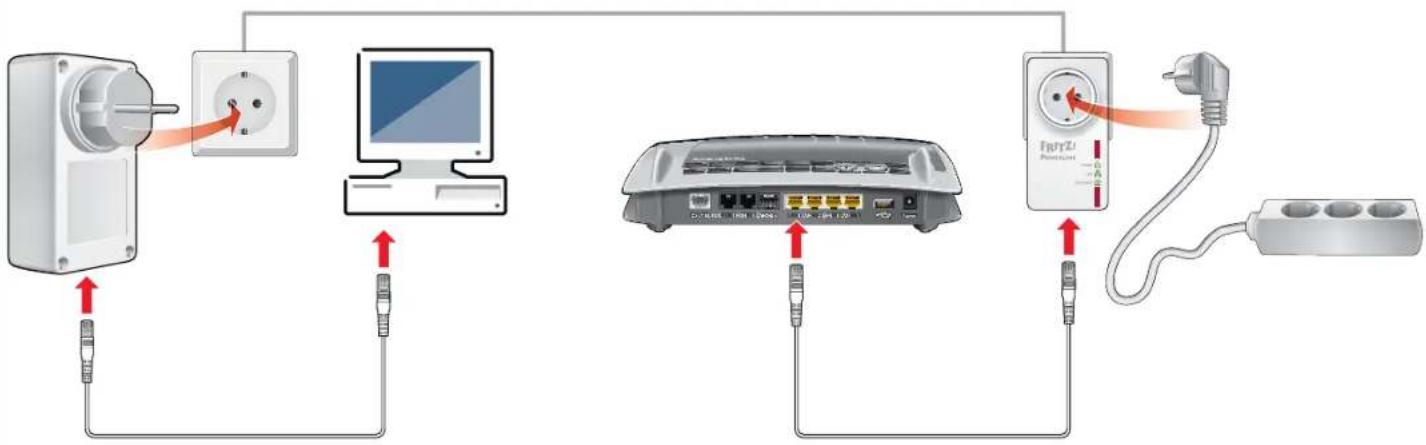
Plug the FRITZ!Powerline devices into any outlets in your home.
-
Connect your FRITZ!Box and computers or other network devices using the white LAN cables.
-
The powerline network is established, automatically encrypted, and can be used immediately.
Powerline network with FRITZ!Powerline 530E Set
flowchart
graph TD
    A["Power Outlet"] --> B["Switch"]
    B --> C["Computer"]
    C --> D["Router"]
    D --> E[" charger"]
    E --> F["Plug"]
    style A fill:#f9f,stroke:#333
    style B fill:#ccf,stroke:#333
    style C fill:#cfc,stroke:#333
    style D fill:#fcc,stroke:#333
    style E fill:#cff,stroke:#333
    style F fill:#ffc,stroke:#333
Expanding the Powerline Network of the FRITZ!Powerline 530E Set
-
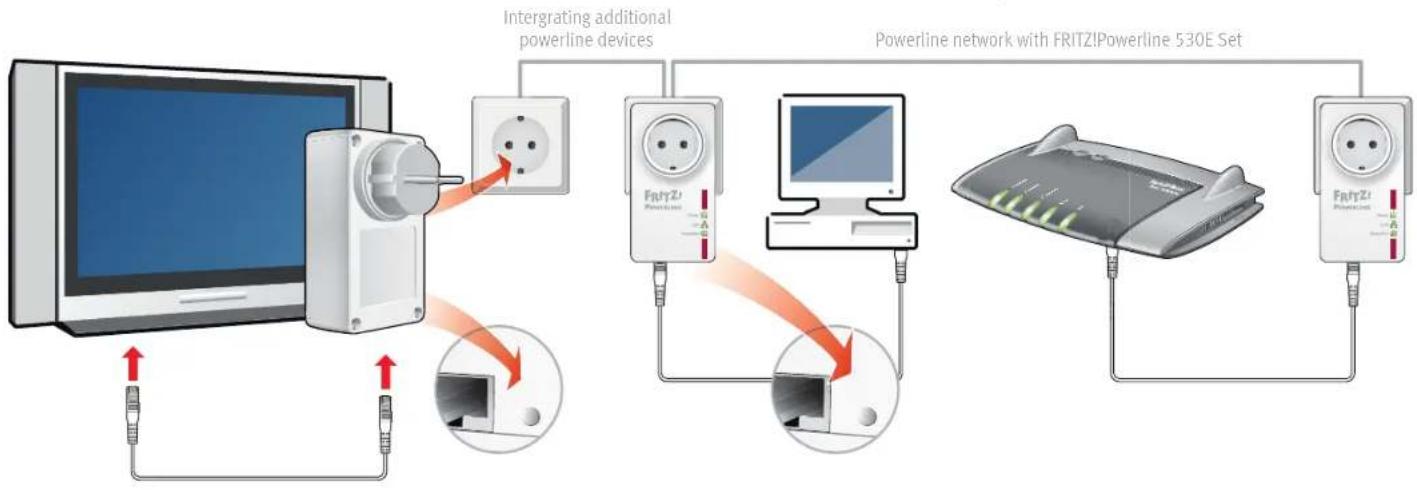
Plug the powerline device that is to expand the network into an electrical outlet.
-
Press the "Security" button for one second to establish a new connection.
-
Within 2 minutes, press the "Security" button on a powerline device already connected to your existing powerline network and hold it down for one second.
flowchart
graph TD
    A["Powerline Device"] -->|USB Cable| B["Powerline Network"]
    B -->|USB Cable| C["Powerline Network with FRITZ! Powerline 530E Set"]
    C -->|USB Cable| D["Powerline Network"]
    D -->|USB Cable| E["Powerline Network"]
    E -->|USB Cable| F["Powerline Network"]
    F -->|USB Cable| G["Powerline Network"]
    G -->|USB Cable| H["Powerline Network"]
    H -->|USB Cable| I["Powerline Network"]
    I -->|USB Cable| J["Powerline Network"]
    J -->|USB Cable| K["Powerline Network"]
    K -->|USB Cable| L["Powerline Network"]
    L -->|USB Cable| M["Powerline Network"]
    M -->|USB Cable| N["Powerline Network"]
    N -->|USB Cable| O["Powerline Network"]
    O -->|USB Cable| P["Powerline Network"]
    P -->|USB Cable| Q["Powerline Network"]
    Q -->|USB Cable| R["Powerline Network"]
    R -->|USB Cable| S["Powerline Network"]
    S -->|USB Cable| T["Powerline Network"]
    T -->|USB Cable| U["Powerline Network"]
    U -->|USB Cable| V["Powerline Network"]
    V -->|USB Cable| W["Powerline Network"]
    W -->|USB Cable| X["Powerline Network"]
    X -->|USB Cable| Y["Powerline Network"]
    Y -->|USB Cable| Z["Powerline Network"]
    Z -->|USB Cable| AA["Powerline Network"]
    AA -->|USB Cable| AB["Powerline Network"]
    AB -->|USB Cable| AC["Powerline Network"]
    AC -->|USB Cable| AD["Powerline Network"]
    AD -->|USB Cable| AE["Powerline Network"]
    AE -->|USB Cable| AF["Powerline Network"]
    AF -->|USB Cable| AG["Powerline Network"]
Technical Specifications
● Dimensions: 115 mm high x 60 wide x 48 mm deep (without plug)
230 V, 50 Hz A/C
0 °C to +40 °C
● Average power consumption: 2 W
● Power consumption on standby: ca. 0.5 W
● Weight: approx. 150 g
● Expands your home network using the wiring in your house
● Powerline transmission at up to 500 Mbit/s (gross) in the home network for HD video, music, photos, NAS links, surfing, and gaming
- Socket for maximum load of 16 A / 3600 W
- Fast Ethernet (100 Mbit/s) for connecting computer, smart TV, Blu-ray, sound system and game consoles
● Powerline connection at the push of a button: secure encryption with AES 128-bit
● Compatible with IEEE P1901
● Compatible with 200 Mbit/s, 500 Mbit/s and 1200 Mbit/s powerline devices
- Update (firmware) via FRITZ!Box or with the AVM FRITZ!Powerline software
Disposal
In accordance with the Electrical and Electronic Equipment Act, FRITZ!Powerline 530E and its cable may not be disposed with household waste. Please bring these to your local collection points for disposal.

Declaration of CE Conformity
AVM declares herewith that the device is compliant with the basic requirements and the relevant rules in directives 2014/30/EU, 2014/35/EU, 2009/125/EC and 2011/65/EU.
The long version of the declaration of CE conformity is available at en.avm.de/ce.
natural_image
Two white electrical connectors with red and green labels, one with a circular power outlet (no readable text or symbols)• 2 FRITZ!Powerline 530E
• 2 LAN-Kabel

• Stromversorgung
| STOCKS trading with analysts from Deutsche Bank plc and other |
Date: 2016
natural_image
Two white electrical wall-mounted power strip devices with red and green labels, no visible text or symbols on the device body.• 2 FRITZ!Powerline 530E
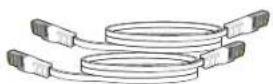
• 2 cables LAN

natural_image
Two white electrical fuse holders with red and green labels, no visible text or symbols on the devices themselves.• 2 FRITZ!Powerline 530E
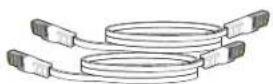
• 2 câbles LAN

natural_image
Two white electrical wall-mounted power outlets with red indicator lights, no visible text or symbols on the devices themselves.• 2 FRITZ!Powerline 530E
• 2 cavi LAN

natural_image
Two white electrical fuse holders with red and green labels, no visible text or symbols on the devices themselves.• 2 FRITZ!Powerline 530E
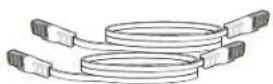
• 2 LAN-kabels

- Stroomvoorziening
| Name | FRITZIPowerline |
| Manufacturer | AVM GmbH |
| Model | FRITZIPowerline 630E |
| Connected wire | LAN1 |
| Powerline firmware | 1.1.103 |
| Speed class | 500 Mb/s |
| Encryption | Individual |
| Connected network device | MAC address: no further inf |
| Device information | C0 25.96 03:30.14 |
Update
No regulation is available.
Throughput
| The data throughput displayed describes the physical data rate of | |
| Send | 412 Mb/s |
| Receive | 264 Mb/s |
LED Display
| All LED displays for the device status of the Foreline adapter ca |
| LED display on |