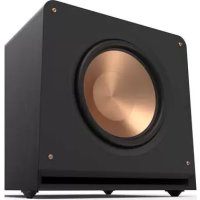
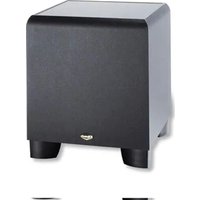
Reference Premiere RP1600SW - Subwoofer KLIPSCH - Free user manual and instructions
Find the device manual for free Reference Premiere RP1600SW KLIPSCH in PDF.


| Product Type | Active subwoofer |
| Brand | Klipsch |
| Model | Reference Premiere RP1600SW |
| Built-in amplifier | Yes |
| Power supply | Mains |
| Line input (L/LFE) | Yes, RCA |
| Right input (R) | Yes, RCA |
| WA-2 port (optional wireless) | Yes, compatible 2.4 GHz, range 15 m |
| Gain control (LEVEL) | Yes, rotary |
| Low-pass filter (LOWPASS) | Adjustable, 50-160 Hz |
| Phase selector | 0° / 180° |
| Power on | Auto / On / Off |
| Indicator light | Green when operating |
| Recommended placement | In a corner, on the same wall as the front speakers |
| Finish | Durable vinyl |
| Care and cleaning | Dusting or dry cloth; avoid abrasive products and solvents |
| Safety | Disconnect before any connection |
| Product registration | Online at klipsch.com/register |
| Warranty | Keep the receipt for any claim |
| Included accessories | Power cable, user manual |
Frequently Asked Questions - Reference Premiere RP1600SW KLIPSCH
User questions about Reference Premiere RP1600SW KLIPSCH
0 question about this device. Answer the ones you know or ask your own.
Ask a new question about this device
Download the instructions for your Subwoofer in PDF format for free! Find your manual Reference Premiere RP1600SW - KLIPSCH and take your electronic device back in hand. On this page are published all the documents necessary for the use of your device. Reference Premiere RP1600SW by KLIPSCH.
USER MANUAL Reference Premiere RP1600SW KLIPSCH
|
一
1
[Non-Text]
[Non-Text]
[Non-Text]
[Non-Text]
[Non-Text]
[Non-Text]
[Non-Text]
[Non-Text]
[Non-Text]
[Non-Text]
[Non-Text]
[Non-Text]
|
一
[Non-Text]
[Non-Text]
[Non-Text]
[Non-Text]
[Non-Text]
[Non-Text]
[Non-Text]
[Non-Text]
[Non-Text]
[Non-Text]
[Non-Text]
[Non-Text]
[Non-Text]
[Non-Text]
[Non-Text]
[Non-Text]
—
|
[Non-Text]
[Non-Text]
[Non-Text]
[Non-Text]
[Non-Text]
[Non-Text]
[Non-Text]
[Non-Text]
[Non-Text]
[Non-Text]
[Non-Text]
[Non-Text]
REFERENCE PREMIERE
LOUD AND PROUD SINCE 1946
In 1946, Paul W. Klipsch revolutionized the audio industry by creating our proprietary horn technology and the acoustic principles that are the driving force behind our highly acclaimed signature sound.
Today, we remain true to PWK's vision and pack the better part of a century's worth of sweat and genius into every product we make. These speakers are the result of our obsession with that aural perfection.
Experience the power, detail and emotion of Klipsch. We are the Keepers of the Sound ® .

ENGLISH
REFERENCE PREMIERE SUBWOOFERS
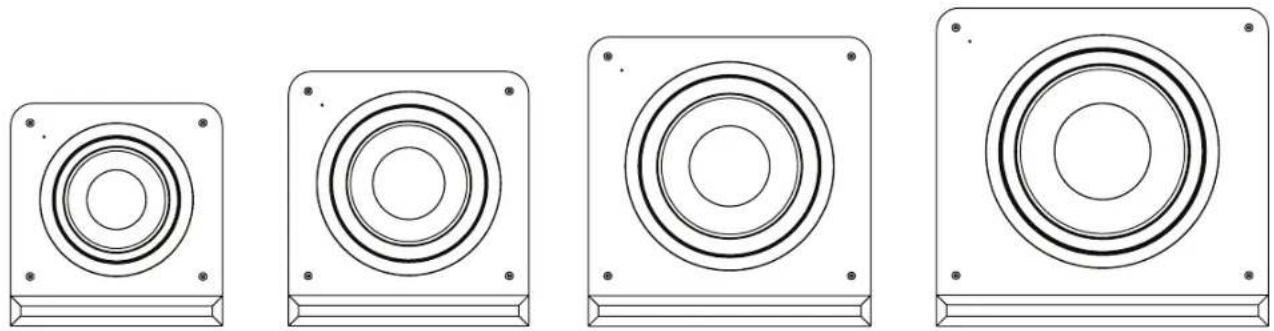
RP-1000SW RP-1200SW RP-1400SW RP-1600SW
INSPECTION
We want your new speaker system to look as good as it did leaving the factory! Please check promptly for any transit damage. Carefully unpack your new speaker system and verify the components against the packing list. In extreme circumstances, items may have become
damaged in transit. If any damage is discovered, notify the delivery service and dealer where the system was purchased. Make a request for inspection, and follow their instructions for evaluation. Be sure to keep the product's original shipping carton.
POSITIONING YOUR REFERENCE PREMIERE SUBWOOFER
Klipsch powered subwoofers are designed to reproduce deep bass and deliver the impact that makes your movies and music come alive. For optimum performance, place your subwoofer in a corner of the room on the same wall as your front channel speakers. (refer to Figure 1). Please note that room placement can have a dramatic effect on the performance of your powered subwoofer. Corner placement, as suggested above, will increase the amount of bass output, while placing the subwoofer along the middle of a wall, or out in the room will decrease the amount of bass output. Experiment with a number of different placement options and control settings to find the one that best suits your particular room and taste. When choosing your subwoofer's location, keep in mind that you will need to connect the subwoofer's built-in amplifier to an AC power outlet.
![graph TD A["Sub"] -->|6' - 15'| B["TV"] B --> C["C"] C --> D["L"] C --> E["R"] D --> F["X"] E --> G["Z"] F --> H["Device"] G --> H style A fill:#f9f,stroke:#333 style B fill:#ccf,stroke:#333 style C fill:#cfc,stroke:#333 style D fill:#fcc,stroke:#333 style E fill:#cff,stroke:#333 style F fill:#ffc,s…](/content/2026/04/628232/images/30fa3586167ac96cfd7c6f3d6f06a4160f5ff8d58928414fc27a01aaa43b5aee.jpg)
FIGURE 1
SPEAKER PLACEMENT IN LISTENING AREA
CONNECTIONS AND CONTROLS
CAUTION: Ensure that the subwoofer is unplugged from the AC wall outlet before making any connections.
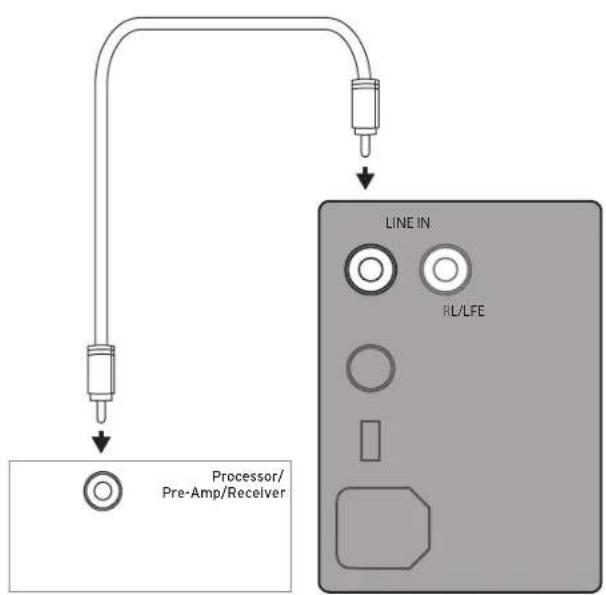
"LINE IN" Connection - Most of today's surround receivers (and pre-amplifiers) have a line level subwoofer output labeled Subwoofer Pre Out, Sub Out, SW Out, etc. If you have this output, connect one end of a subwoofer cable to it and connect the other end of the cable into the subwoofer line input labeled L/LFE. This connection allows the subwoofer to operate with both music and surround sound movies (refer to your receiver manual). In absence of a subwoofer output on your receiver, as an alternative hookup, you can connect Left and Right channel Pre-Amp Outputs from your receiver (if provided) to the L/LFE and R inputs on the subwoofer.
WA-2 Port Connection - For wireless connectivity of your new Klipsch Reference Premiere subwoofer, the optional WA-2 Wireless subwoofer kit is available. The WA-2 will only operate with select Klipsch, Energy, Mirage and Jamo brand subwoofers that have a "WA Port" input. The WA-2 is a 2.4 GHz product designed to wirelessly transmit a signal up to a 50 foot radius. See klipsch.com for more details.
Level - If your subwoofer is connected to a Subwoofer Output of a surround receiver, first set the subwoofer volume level control in the receiver to the "half way" or "0 dB" position. Then increase the volume (or gain) of the subwoofer up until the subwoofer's volume level matches the output of your main speakers. After this setup is completed, the volume control on your system's main amplifier or pre-amplifier will be the volume control for both your subwoofer and speakers together. If your subwoofer is connected to the L/R Pre-Amp Outputs of a receiver there will be no subwoofer volume in that receiver to set before setting the subwoofer's gain control.
"LOWPASS" Control - The crossover point chosen determines where low bass frequencies are "handed off" from the speakers to the subwoofer. If setting the crossover point in the receiver, turn the Lowpass Filter knob on the subwoofer to the farthest point right (160Hz). Set the crossover point based on the size of the main left/right speakers you are using in the system. As a general rule, for larger, floorstanding speakers, set the crossover point between 50Hz-90Hz. If using small bookshelf or "satellite" speakers for the mains, set the crossover point between 90Hz-150Hz. The smaller the speaker, the higher the setting until the bass frequencies blend well between the speakers and your subwoofer once your system is completely hooked up. If your receiver does not have a crossover point setting, set the Lowpass Filter on the subwoofer instead within the same recommended settings (see receiver manual for additional speaker setup info).
"PHASE" 0/180 - This control is used to acoustically match the subwoofer's output to your main speakers. Select the position, either 0° or 180° , in which your subwoofer has more output at the listening position.
"POWER" AUTO/ON/OFF -When this switch is in the "ON/AUTO/STANDBY" position, the subwoofer will automatically turn "on" when it senses a signal. It will automatically go into "standby mode" after 15-20 minutes with no signal. When this switch is in the "OFF" position, the subwoofer will remain "off" until the switch is manually turned back to the "ON/AUTO/STANDBY" position.
Power LED indicator - Located on the front baffle, this LED indicates the operating status of the built-in amplifier. The LED will light green when the amplifier is on and receiving a signal. If the LED is dark and not lit, the amplifier is off. For more information on the controls mentioned in this manual and on bass management, see your dealer or visit www.klipsch.com
FIGURE 2
RP-1000SW, RP-1200SW, RP-1400SW AND RP-1600SW SUBWOOFER HOOK UP

Left and Right pre-outs on Processor/Pre-Amp/Receiver connected to Left and Right line inputs on subwoofer amplifier
OR

LFE Output on Processor/Pre-Amp/Receiver connected to LFE input on subwoofer amplifier
CARE AND CLEANING
Your subwoofer has a durable vinyl finish that should only require dry dusting or cleaning with a dry cloth. Avoid the use of abrasive or solvent-based cleaners and harsh detergents. The brush attachment of your vacuum should remove any dust from your subwoofer enclosure.
PRODUCT REGISTRATION
Register your product online at www.klipsch.com/register
- Keep up-to-date on new products and promotions.
- Your personal information will never be resold.
- This registration information is not used for warranty purposes.
Please retain your receipt for warranty claims.
REFERENCE PREMIERE
FRENCH
CAISSONS DE GRAVES REFERENCE PREMIERE
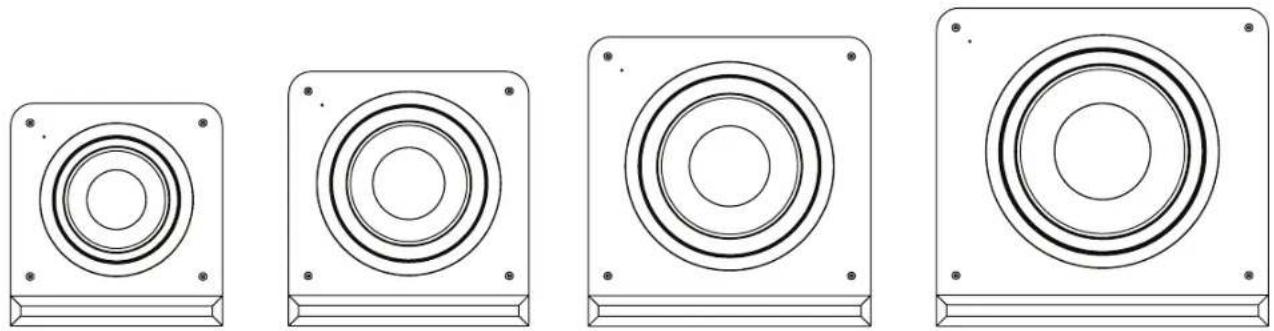
RP-1000SW RP-1200SW RP-1400SW RP-1600SW
INSPECTION
ENTRETIEN ET NETTOYAGE
GERMAN
REFERENCE PREMIERE-SUBWOOFER
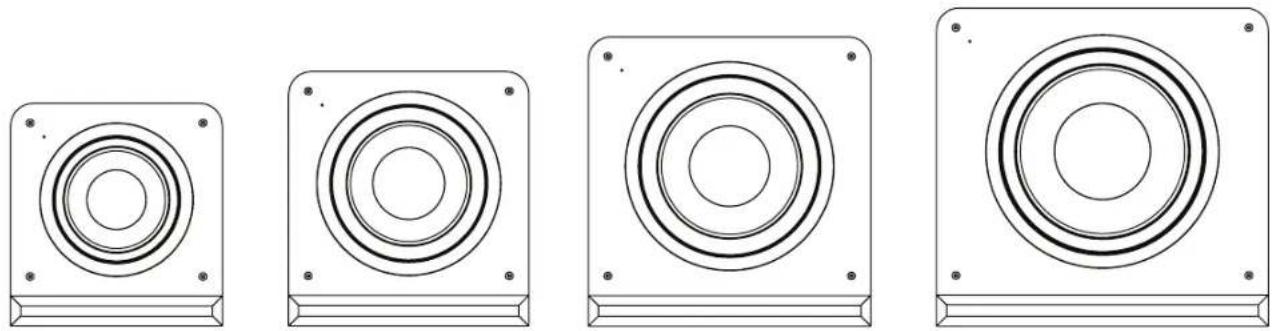
RP-1000SW RP-1200SW RP-1400SW RP-1600SW
INSPEKTION
SPANISH
SUBWOOFERS REFERENCE PREMIERE
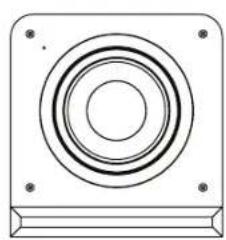

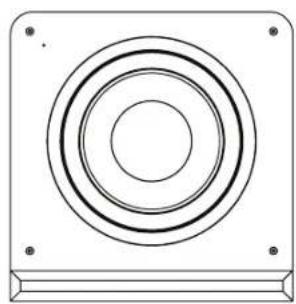

RP-1000SW RP-1200SW RP-1400SW RP-1600SW
INSPECCIÓN
CUIDADO Y LIMPIEZA
PORTGUESE
SUBWOOFERS REFERENCE PREMIERE
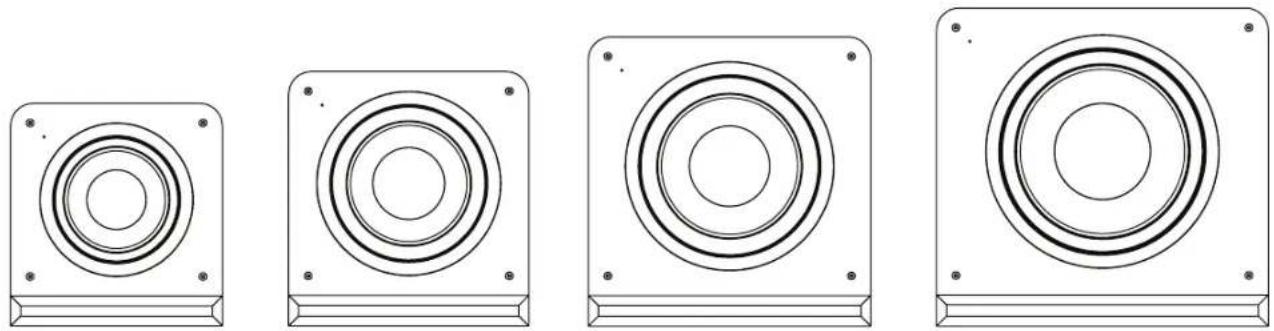
RP-1000SW RP-1200SW RP-1400SW RP-1600SW
INSPEÇÃO
OU

CUIDADO E LIMPEZA
ITALIAN
SUBWOOFER REFERENCE PREMIERE

RP-1000SW RP-1200SW RP-1400SW RP-1600SW
ISPEZIONE
CHINESE
参考系列低音炮
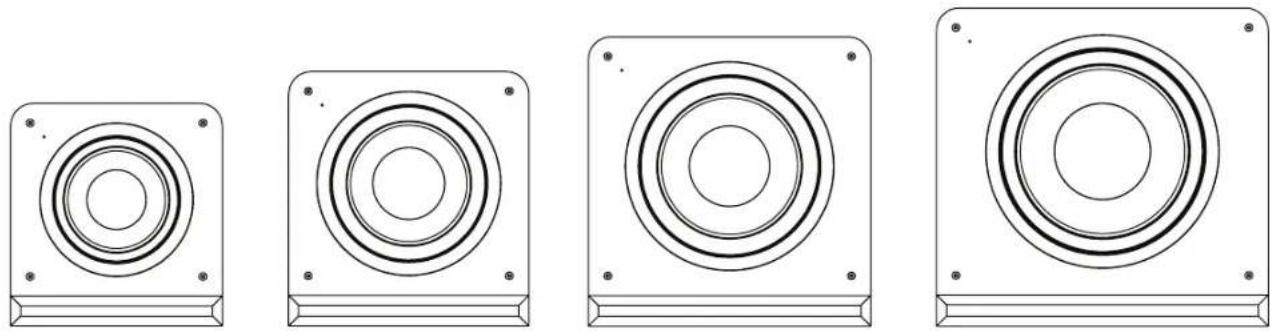
RP-1000SW RP-1200SW RP-1400SW RP-1600SW
开箱检查
或
保养和清洁

RP-1000SW RP-1200SW RP-1400SW RP-1600SW
الفحص
KEEPERS OF THE SOUND
3502 WOODVIEW TRACE, INDIANAPOLIS, IN, USA
KLIPSCH.COM
©2022. Klipsch Group, Inc. Klipsch Group, Inc. is a wholly owned subsidiary of Vox International Corporation.
Kipsch and Keepers of the Sound are trademarks of Klipsch Group, Inc., registered in the United States and other countries.
V01 220310
- REFERENCE PREMIERE
- LOUD AND PROUD SINCE 1946
- REFERENCE PREMIERE SUBWOOFERS
- INSPECTION
- POSITIONING YOUR REFERENCE PREMIERE SUBWOOFER
- CONNECTIONS AND CONTROLS
- CARE AND CLEANING
- PRODUCT REGISTRATION
- CAISSONS DE GRAVES REFERENCE PREMIERE
- ENTRETIEN ET NETTOYAGE
- REFERENCE PREMIERE-SUBWOOFER
- INSPEKTION
- SUBWOOFERS REFERENCE PREMIERE
- INSPECCIÓN
- CUIDADO Y LIMPIEZA
- INSPEÇÃO
- CUIDADO E LIMPEZA
- SUBWOOFER REFERENCE PREMIERE
- ISPEZIONE
- 参考系列低音炮
- 开箱检查
- 保养和清洁
- KEEPERS OF THE SOUND
Brand : KLIPSCH
Model : Reference Premiere RP1600SW
Category : Subwoofer