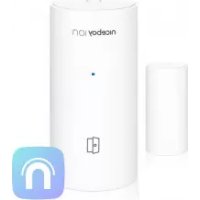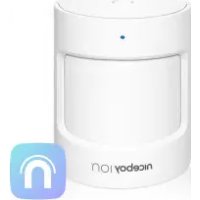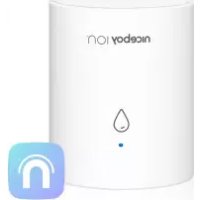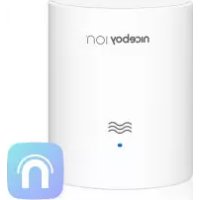
ION ORBIS Meteo Sensor - Smart Home Niceboy - Free user manual and instructions
Find the device manual for free ION ORBIS Meteo Sensor Niceboy in PDF.



| Product Type | Smart home gateway/bridge with weather sensor |
| Brand | Niceboy |
| Model | ION ORBIS Meteo Sensor (ORBIS Bridge) |
| Dimensions (L x W x H) | 60 x 60 x 15 mm |
| Wireless protocol | Wi-Fi IEEE 802.11 b/g/n (2.4 GHz), Zigbee 3.0, Bluetooth 5.0 |
| Operating frequency | 2400 MHz - 2483.5 MHz |
| Max transmission power (Zigbee) | 9.99 dBm |
| Power supply | AC adapter 100-240 V~, 50/60 Hz, output 5 V / 1 A (Micro USB) |
| Operating temperature | -10 °C to +50 °C |
| Operating humidity | 10 - 90 % RH, non-condensing |
| Indoor range without obstacles | Up to 90 meters |
| MESH support | Yes |
| Max number of connected devices | 128 |
| Package contents | Detection unit, magnetic unit, 3M sticker, user manual |
| Required app | Niceboy ION (iOS / Android) |
| Main functions | Smart home control center, Zigbee/Bluetooth sensor pairing, weather monitoring, automation |
| LED indicators | WiFi (red): steady = connected, blinking = ready to connect, unstable = disconnected; Status (blue): steady = active not connected, blinking = pairing mode, stable = connected |
| Care and cleaning | Clean with a soft, dry cloth. Do not use liquids or abrasive cleaners. |
| Safety | Do not expose to water, heat sources, or extreme temperatures. Repairs by authorized professionals only. Not intended for children. |
| General information | Indoor household use only. Complies with EU directives 2014/53, 2014/30, 2014/35, 2011/65. Manufacturer: RTB media s.r.o., Czech Republic. Made in China. |
Frequently Asked Questions - ION ORBIS Meteo Sensor Niceboy
User questions about ION ORBIS Meteo Sensor Niceboy
0 question about this device. Answer the ones you know or ask your own.
Ask a new question about this device
Download the instructions for your Smart Home in PDF format for free! Find your manual ION ORBIS Meteo Sensor - Niceboy and take your electronic device back in hand. On this page are published all the documents necessary for the use of your device. ION ORBIS Meteo Sensor by Niceboy.
USER MANUAL ION ORBIS Meteo Sensor Niceboy
PRODUCT INTRODUCTION
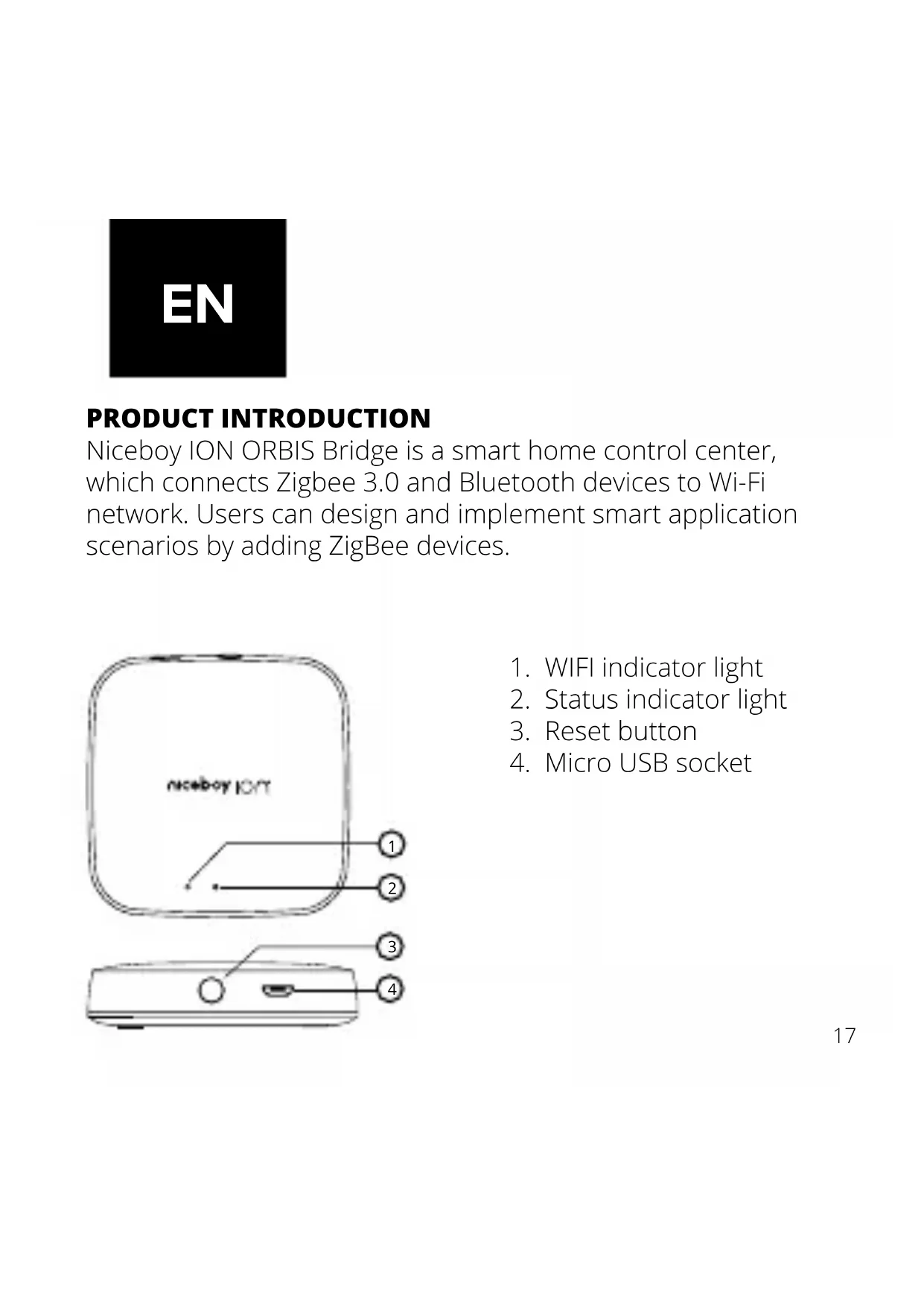
Niceboy ION ORBIS Bridge is a smart home control center, which connects Zigbee 3.0 and Bluetooth devices to Wi-Fi network. Users can design and implement smart application scenarios by adding ZigBee devices.
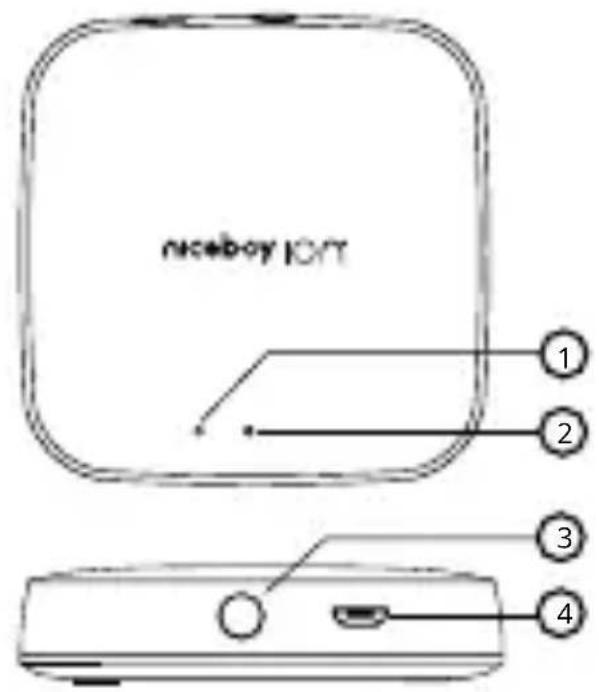
text_image
niceboy IOIT 1 2 3 4- WIFI indicator light
- Status indicator light
- Reset button
- Micro USB socket
WIFI INDICATOR LIGHT (RED LIGHT)
Steady on Successful connection
Blinks Ready for connection
Steady off Successful configuration but the network is disconneted
STATUS INDICATOR (BLUE LIGHT)
Steady on Activate, not connected
Blinks Pairing mode, ready to connect
Steady off Connected
QUICK SETUP
- Plug the hub into the socket and wait until red and blue indicator lights turn on. Make sure your mobile Phone is connected with 2.4 GHz Wi-Fi network and that Bluetooth is on.
- Hold the reset button for 5 seconds until the status indicator light (blue light) starts flashing rapidly. If the blue light wont start flashing rapidly, press once the reset button and then hold the reset button for 5s.
- Open the Niceboy ION app and then tap “+” in the top right corner to enter “Add Device page”. The app will find the Bridge automatically. If not, select “Sensors”, then click on „Bridge“. Confirm that you reset the device and that its blinking rapidly (step 2). The app will start looking for a new device. Once the device is found, just add it to the app.
INSTALLATION
- To ensure steady communication between the hub and its accessories, it is recommended to install the hub at the center of the area where the accessories are located.
- Depending on the local environment, the indoor transmission distance reaches up to 90 meters between the hub and bridge accessories without barriers, such as walls.
WARNINGS
- This product is NOT a toy. Please keep children away from this product.
- This product is designed for indoor use only. Do NOT use in humid environments or outdoors.
- Beware of moisture, do NOT spill water or other liquids onto the product.
- Do NOT place this product near a heat source. Do NOT place it in an enclosure unless there is normal ventilation.
- Do NOT attempt to repair this product by yourself.
-
All repairs should be performed by an authorized professional.
-
This product is only suitable for improving the entertainment, convenience of your home life and reminding you about the device status. It should NOT be used as security equipment for home, building, warehouse or any other places.
- If a user violates the product use instructions, the manufacturer will NOT be liable for any
SPECIFICATIONS
Model: ORBIS Bridge
Dimensions: 60 x 60 x 15 mm
Wireless Protocol: Wi-Fi IEEE 802.11 b/g/n
(2412-2472 MHz), Zigbee
3.0 (2405-2483,5 MHz),
Bluetooth 5.0 (2,4 GHz)
Input: 100—240V\~, 50/60Hz, 1A
5V
Operating Temperature: -10^ - +50^
Operating Humidity: 10 - 90% RH, no con-
densation
Maximum Transmit Power (Zigbee): 9.99 dBm
Working Frequency: 2400 MHz - 2483.5 MHz
Packing list: Sensor unit, magnet unit,
3M sticker, manual
MESH Support: YES
Maximum devices: 128
Range without barriers: up to 90 meters
RTB Media s.r.o. hereby declares that the type of radio equipment ORBIS Bridge sensor complies with Directives 2014/53 / EU, 2014/30 / EU, 2014/35 / EU, and 2011/65 / EU. The full content of EU Declaration of Conformity is available on the following websites: https://niceboy.eu/cs/podpora/prohlaseni-o-shode-mM38CtmYvX693IHwvu4CWpk3vjGrvnC
USER INFORMATION FOR DISPOSING ELECTRICAL AND ELECTRONIC DEVICES (HOME USE)
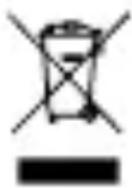
This symbol located on a product or in the product's original documentation means that the used electrical or electronic products may not be disposed together with the communal waste. In order to dispose of these products correctly, take them to a designated collection site, where they will be accepted for free. By disposing of a product in this way, you are helping to protect precious natural resources and helping to prevent any potential negative impacts on the environment and human health, which could be the result of incorrect waste disposal. You may receive more detailed information from your local authority or nearest collection site. According to national regulations, fines may also be given out to anyone who disposes of this type of waste incorrectly. User information for disposing electrical and electronic devices.
(Business and corporate use)
In order to correctly dispose of electrical and electronic devices for business and corporate use, refer to the product's manufacturer or importer. They will provide you with information regarding all disposal methods and, according to the date
stated on the electrical or electronic device on the market, they will tell you who is responsible for financing the disposal of this electrical or electronic device. Information regarding disposal processes in other countries outside the EU. The symbol displayed above is only valid for countries within the European Union. For the correct disposal of electrical and electronic devices, request the relevant information from your local authorities or the device seller.
Information on all frequency bands in which the radio equipment operates and intentionally transmits radio waves as well as the maximum radio frequency power transmitted in the frequency band in which the radio equipment is operated is included in the instructions and safety information.