Arctic Air - Air Conditioning Livington - Free user manual and instructions
Find the device manual for free Arctic Air Livington in PDF.

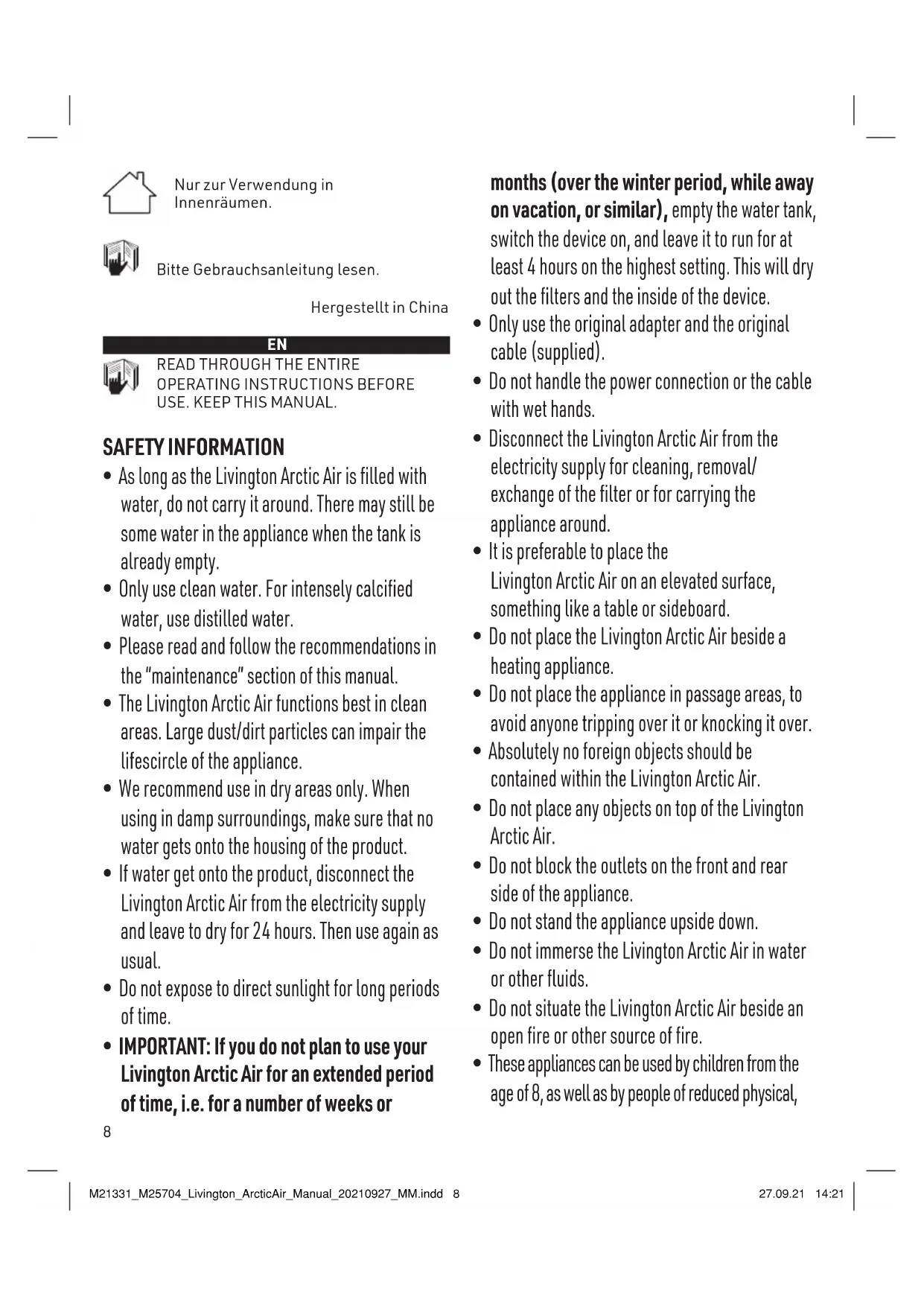


| Product Type | Personal evaporative air cooler |
| Brand | Livington |
| Model | Arctic Air (17013-G) |
| Power Supply | 5V DC, 1.5A - 2.0A via USB mains adapter (included) |
| Water Tank Capacity | 750 ml |
| Battery Life | Approximately 8 hours on low speed mode |
| Fan Speeds | 3 (Low, Medium, High) |
| LED Lighting | Yes, multiple fixed colors and rainbow mode |
| Water Filter | Replaceable, recommended change every 6 months |
| Low Water Level Indicator | Yellow flash every 60 seconds |
| Safety | Automatic fan shut-off when filter cover is removed |
| Recommended Use | On an elevated surface (table, desk) for better air distribution |
| Maintenance | Clean the tank once a week with a non-abrasive cloth |
| Cable and Adapter | USB cable and mains adapter supplied |
| Usage | Indoor only |
| Made in | China |
Frequently Asked Questions - Arctic Air Livington
User questions about Arctic Air Livington
0 question about this device. Answer the ones you know or ask your own.
Ask a new question about this device
Download the instructions for your Air Conditioning in PDF format for free! Find your manual Arctic Air - Livington and take your electronic device back in hand. On this page are published all the documents necessary for the use of your device. Arctic Air by Livington.
USER MANUAL Arctic Air Livington
natural_image
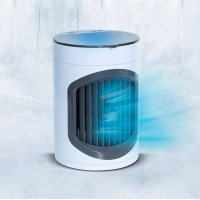
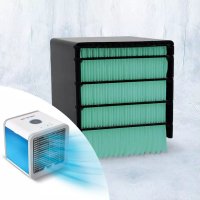
White ARETIC AIR device with airflow lines, no visible text or symbols on the device bodytext_image
A B G H I EI IO NED LED C D E F J KDE
A. On/Off Switch
B. Air Inlet (back)
C. Air Outlet (front)
D. Ventilator speed Regulator
E. Light switch
F. Water tank (750 ml)
G. Display lights
H. Speed
I. Ventilator
J. USB Cable
K. USB Power supply
NL
READ THROUGH THE ENTIRE OPERATING INSTRUCTIONS BEFORE USE. KEEP THIS MANUAL.
SAFETY INFORMATION
- As long as the Livingston Arctic Air is filled with water, do not carry it around. There may still be some water in the appliance when the tank is already empty.
- Only use clean water. For intensely calcified water, use distilled water.
- Please read and follow the recommendations in the "maintenance" section of this manual.
- The Livingston Arctic Air functions best in clean areas. Large dust/dirt particles can impair the lifescircle of the appliance.
- We recommend use in dry areas only. When using in damp surroundings, make sure that no water gets onto the housing of the product.
- If water get onto the product, disconnect the Livingston Arctic Air from the electricity supply and leave to dry for 24 hours. Then use again as usual.
- Do not expose to direct sunlight for long periods of time.
- IMPORTANT: If you do not plan to use your Livingston Arctic Air for an extended period of time, i.e. for a number of weeks or
months (over the winter period, while away on vacation, or similar), empty the water tank, switch the device on, and leave it to run for at least 4 hours on the highest setting. This will dry out the filters and the inside of the device.
- Only use the original adapter and the original cable (supplied).
- Do not handle the power connection or the cable with wet hands.
- Disconnect the Livingston Arctic Air from the electricity supply for cleaning, removal/exchange of the filter or for carrying the appliance around.
- It is preferable to place the Livingston Arctic Air on an elevated surface, something like a table or sideboard.
- Do not place the Livingston Arctic Air beside a heating appliance.
- Do not place the appliance in passage areas, to avoid anyone tripping over it or knocking it over.
- Absolutely no foreign objects should be contained within the Livingston Arctic Air.
- Do not place any objects on top of the Livingston Arctic Air.
- Do not block the outlets on the front and rear side of the appliance.
- Do not stand the appliance upside down.
- Do not immerse the Livingston Arctic Air in water or other fluids.
- Do not situate the Livingston Arctic Air beside an open fire or other source of fire.
- These appliances can be used by children from the age of 8, as well as by people of reduced physical,
sensory or mental capabilities or lack of experience and/or knowledge provided they have been supervised or instructed in respect of the safe use of the appliance and have understood the possible resulting dangers. Children must not play with the appliance. Cleaning and user-maintenance must not be carried out by children, unless they are older than 8 years and supervised. Children younger than 8 years are to be kept away from the appliance and the connection cable. The most extreme care is required when an air conditioning unit is to be used within the vicinity of children and if it is to be left operating while unsupervised.
- The appliance can only be fully switched off by disconnecting from the power supply.
- The manufacturer assumes no responsibility for damages resulting from non-compliance of these instructions.
- A replaceable water filter is designed specifically for this product. If the filter is broken or damaged, you can buy a replacement part. For this purpose, please contact our customer service. You will find the contact details on the last page of the instruction manual.
- If the supplied cable does not work correctly, please contact customer service in order to avoid possible dangers.
- When removing the cover for changing of the filter, the ventilator switches itself off and the water tank begins to blink red until the cover is put back on. This is a safety device.
TIPS:
- Place the Livingston Arctic Air on a raised surface, something like a dining table, desk or a sideboard.
- After refilling of the water tank and before use, let the filter absorb water for at least 3 minutes. This will provide you quicker with cooler air.
- You will feel the best effect if you sit directly in front of the Livingston Arctic Air.
- With one filling the Livingston Arctic Air operates at the lowest level for approximately 8 hours. Also when the water tank is already empty, the filter remains damp and the Livingston Arctic Air continues to cool.
- The colder the water used, the cooler the effect. You may, therefore, also use iced water or water with ice cubes.
- After prolonged non-use of the device, the filter may start to give off a faint odour. This is completely normal, and the smell will disappear shortly after dampening and using again.
SETTING UP:
- Place the Livingston Arctic Air on a level base (see illustration 1).
- Open the water tank and fill it up (see illustration 2). For this we recommend a jug or beaker.
- Plug the broader end of the cable into the power supply and connect the power supply to a socket. Then plug the narrower end of the cable into the connection jack on the rear side of the Livingston Arctic Air (see illustration 3). NOTE: You can also connect the broader USB-end to a computer. Only use the adapter supplied by the manufacturer.
USE:
- Press the on/off switch to power up the Livingston Arctic Air (see illustration 4).
- Set the speed of the ventilator by pressing
the control switch. You have a choice of three modes - LO, MED and HI (low, medium and high). The display lights beside the switch will show you at which speed the Livingston Arctic Air is currently operating (see illustration 5).
- Select the light colour by pressing the control switch. You have the choice of continual colours or colour-changing mode (see illustration 6). COLOUR SEQUENCE: Blue, red, white, blue-green, purple, yellow, green. Click all colours once to get to the colour change mode. Click again to turn off the colour completely.
- To switch off, press the On/Off switch again. IMPORTANT: If you do not plan to use the Arctic Air for a few days, leave the device to run with an empty water tank in the highest setting for at least 5 minutes to allow the filter to dry.
LOW WATER LEVEL: If the water level is low, the tank will blink three times, every 60 seconds in the colour YELLOW. When the tank is refilled, the light will illuminate again as normal.
MAINTENANCE:
Before cleaning, disconnect the appliance from the power supply. We recommend cleaning the interior of the water tank and the appliance once a week. Use a non-abrasive cloth and, if necessary, a mild detergent. To achieve the best results, we recommend replacing the filter every 6 months.
FILTER REPLACEMENT:
The water filter should be replaced every 6 months or when you get the impression that your Livingston Arctic Air is no longer functioning as it should. The water tank lights up in YELLOW until a filter is inserted again. To do this, keep the ventilator speed regulator and the light switch pressed down for 3 seconds until the tank no longer lights up in YELLOW. To order the filter, please contact our customer service. You will find the contact details on the last page of the instruction manual.
-
Disconnect the Livingston Arctic Air from the power supply.
-
Lightly press the unlocking device below the front air outlet and pull off the air outlet downwards. Put it beside (see illustration 7).
- Carefully pull the filter out of the appliance (see illustration 8).
- Insert the new filter in the Livingston Arctic Air, by following the markings on the filter (see illustration 9).
- Insert the top plug of the front air outlet in the opening and snap the locking device securely back into place (see illustration 10).
FOR HOME USE ONLY
TECHNICAL DATA:
Model Number: 17013-G
Product Capacity Level: 5V DC 1,5A - 2,0A

Safety Class II

Safety Class III

This product complies with European guidelines.
Environmental Guidelines
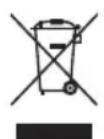
Do not dispose of the product at the end of its lifespan with the normal household refuse. Take it to a collection point for the recycling of electric and electronic appliances. This is identifiable by the symbol on the product, in the instruction manual and on the packaging. Find out about collection points that are operated by your retailer or local authority. The reuse and recycling of old appliances is an important contribution to the protection of our environment.
Only to be used in interior spaces.

Please read these instructions.
Made in China
FR

LIRE LE MODE D'EMPLOI EN ENTIER AVANT UTILISATION. CONSERVER CE MODE D'EMPLOI.
CONSIGNES D'AVERTISSEMENT
text_image
M MEDIASHOPImporteur | Importer | Importateur | Importatore | Importeur | Importör | Dovozce | Dodávatel' | Importator:
CH: MediaShop AG | Industriering 3 | 9491 Ruggell | Liechtenstein
office@mediashop-group.com | www.mediashop.tv
DE | AT | CH: 0800 37 6 36 06 - kostenlose Servicehotline
HU: +36 96 961 000 | CZ: +420 234 261 900 SK: +421 220 990 800 | RO: +40 318 114 000 ROW: +423 388 18 00