USER MANUAL GLX 8 GIGASET
For online support, please scan the QR code:
Or use the link:
www.gigaset.com/service
Under Downloads you will find the quick start guide in digital form.
text_image
Gigaset
text_image
1
2
3
4
5
6
7 PQRS 8 TUV 9 WXYZ
* + 0 - # *
text_image
13*
14
Gigaset
IP-88
natural_image
Illustration of a smartphone with a key inserted, showing internal components (no text or symbols)
B
natural_image
Illustration of a mobile phone with a cable being inserted, showing its front panel and screen (no text or symbols on the device itself)
C
natural_image
Illustration of a mobile phone with 'Capgem' branding and three upward arrows pointing to its screen (no text or symbols on the device itself)
D
natural_image
Illustration of a generic mobile phone with a logo and stylized design (no readable text or symbols)
6
D
E
text_image
Diagram of a mobile phone car interior with labeled buttons and internal components
F
natural_image
Diagram of a mobile phone casing showing internal components and a black arrow pointing to a specific area (no text or symbols present)
text_image
Diagram of a mobile phone showing the internal panel with an arrow pointing to the screen, indicating a location or movement.
H
natural_image
Line drawing of a mobile phone casing with visible screen and buttons (no text or symbols)
I
natural_image
Diagram of a mobile phone showing the front panel and back panel with an upward arrow, no text or symbols present.
J
natural_image
Line drawing of a mobile phone with keypad and trigger mechanism (no text or symbols)
Deutsch 7
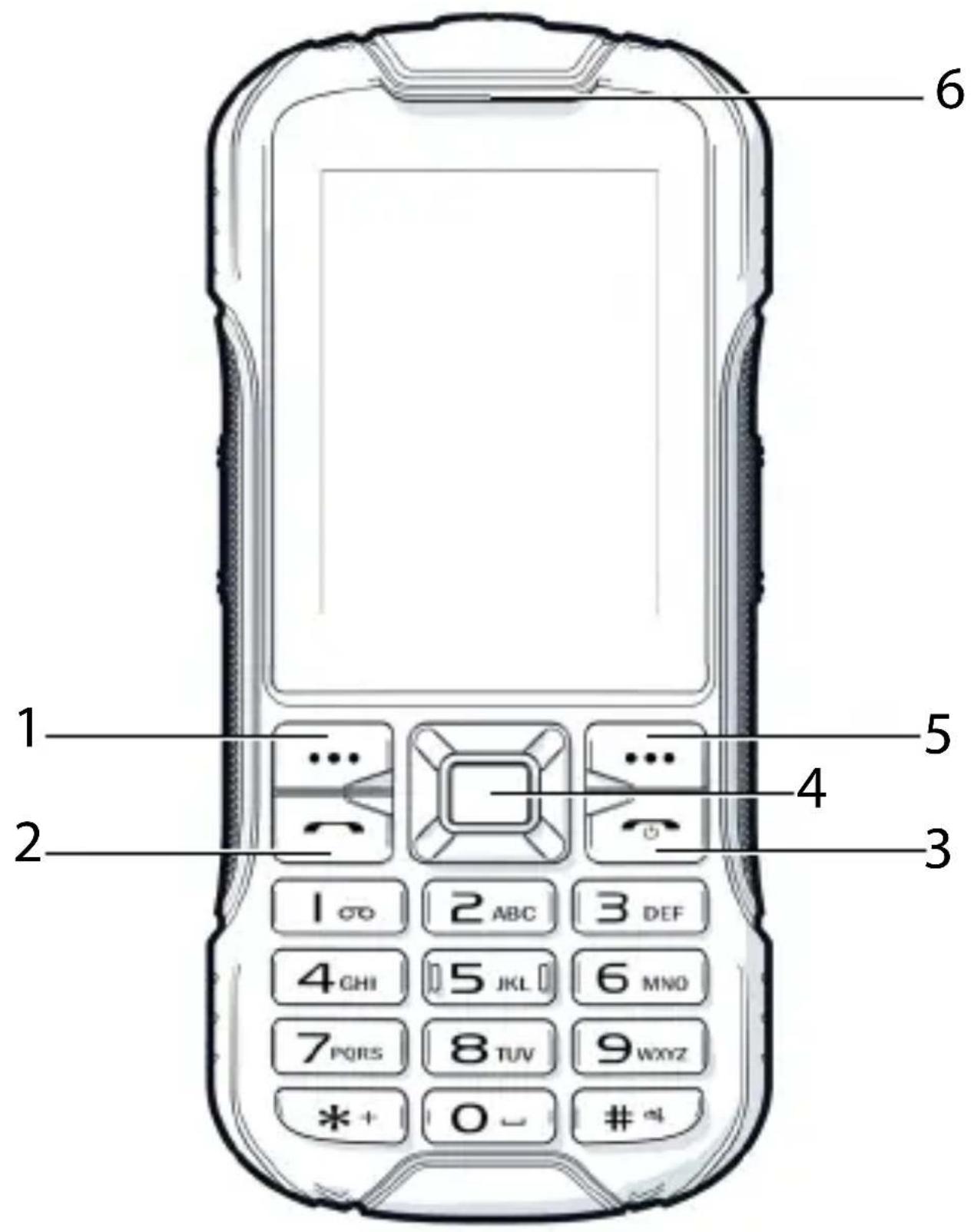
1 Main menu
2 Talk key
Answer call; open call list
3 On/Off key
End call; cancel function; back to menu; switch device on/off
4 Control key:
OK – main menu
Press up – alarm
Press down – FM
Press left – SMS
Press right – calculator
5 Directory
6 Receiver
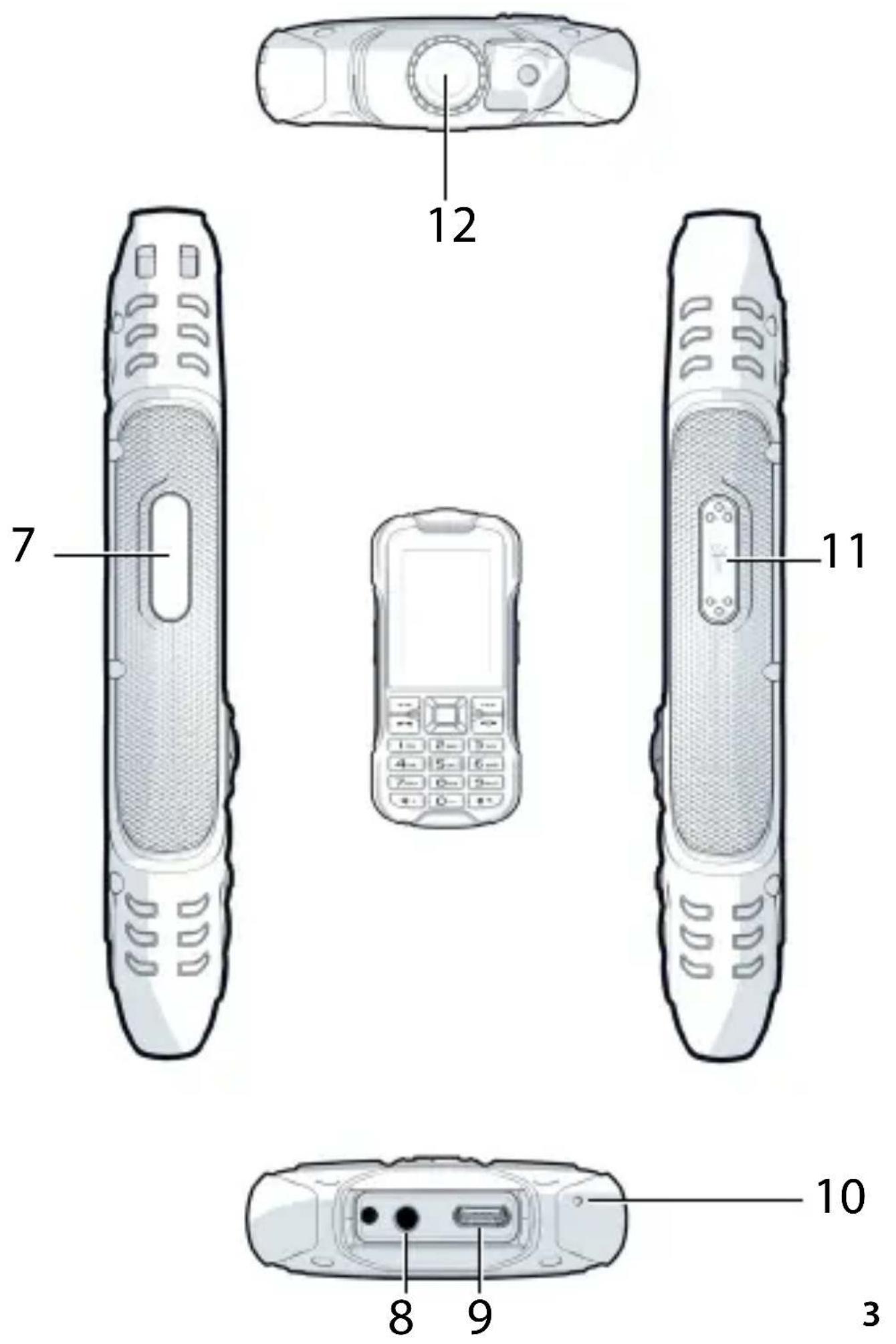
7 Side key:
Select profile; volume; ringtones
8 Headset socket
9 USB-C socket
10 Microphone
11 Torch side key
12 Torch
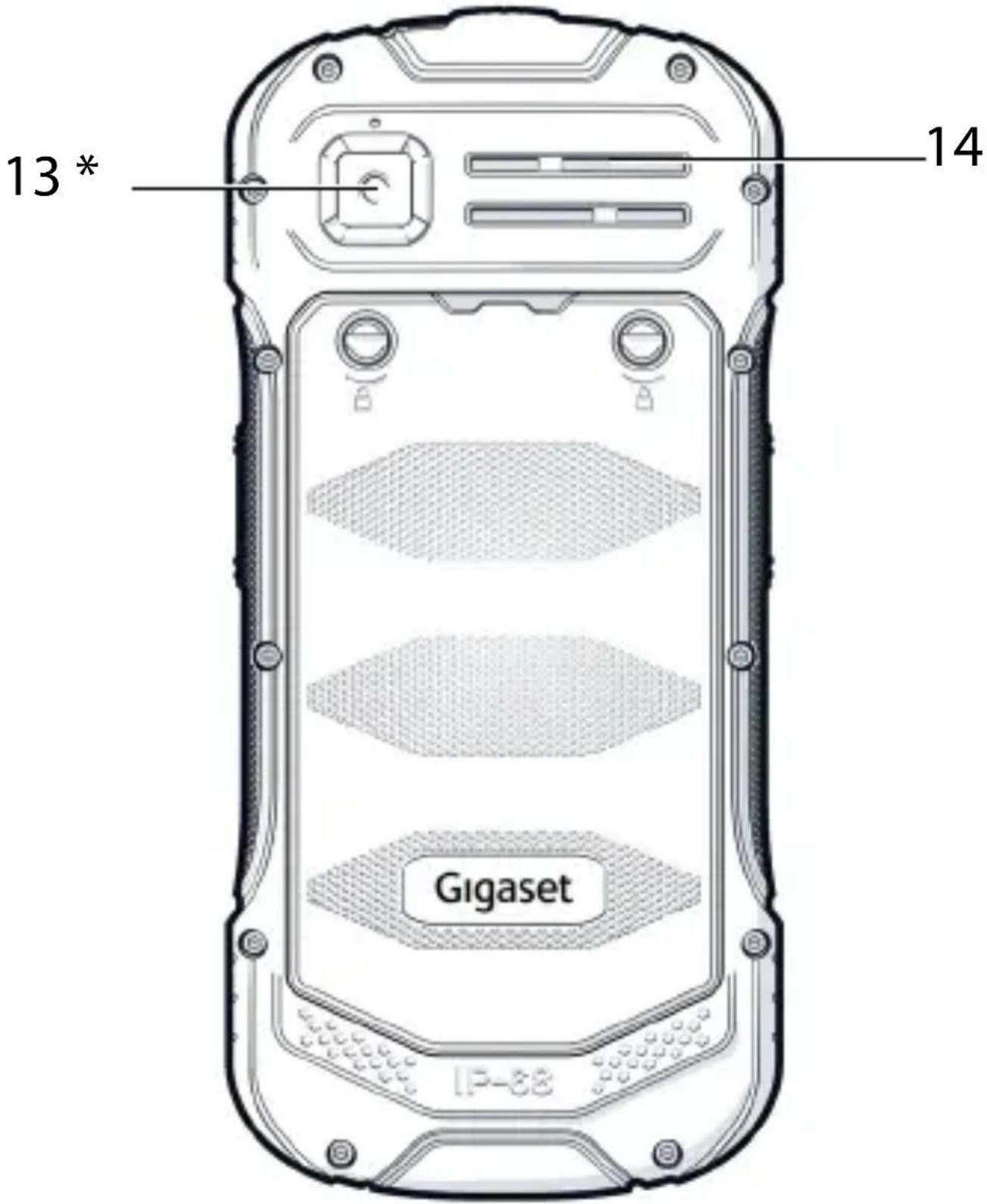
13 Rear camera
* Lite version without camera
14 Loudspeaker
English 25
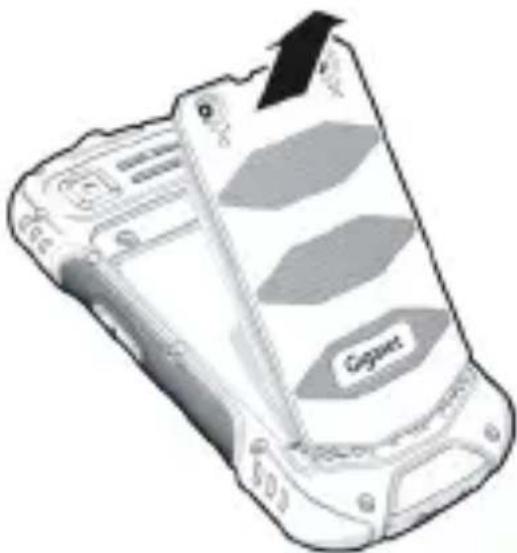
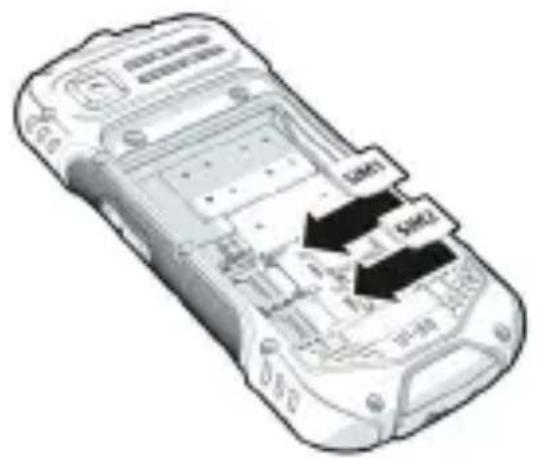
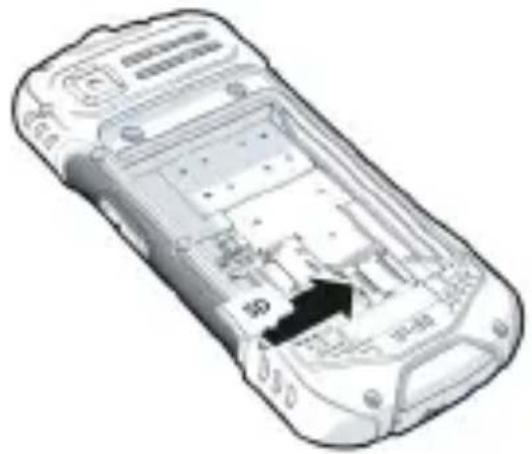
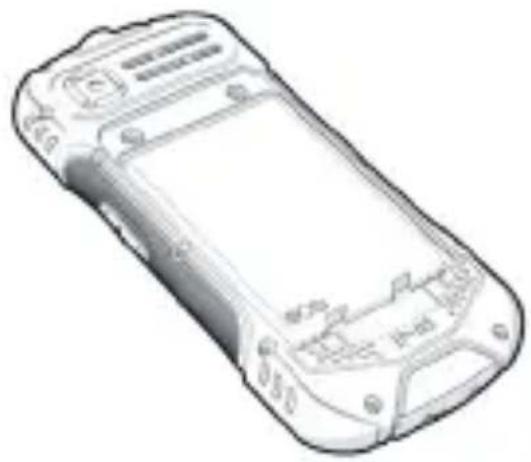
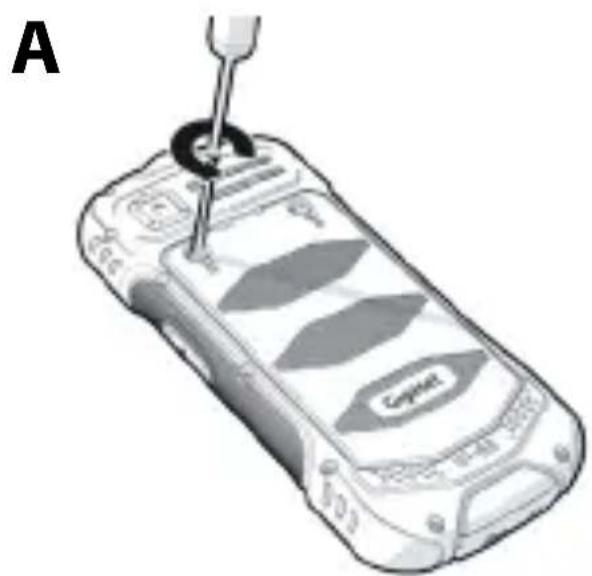
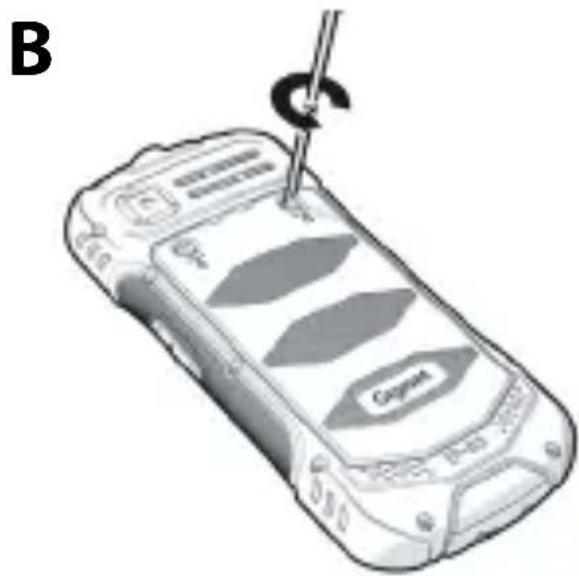
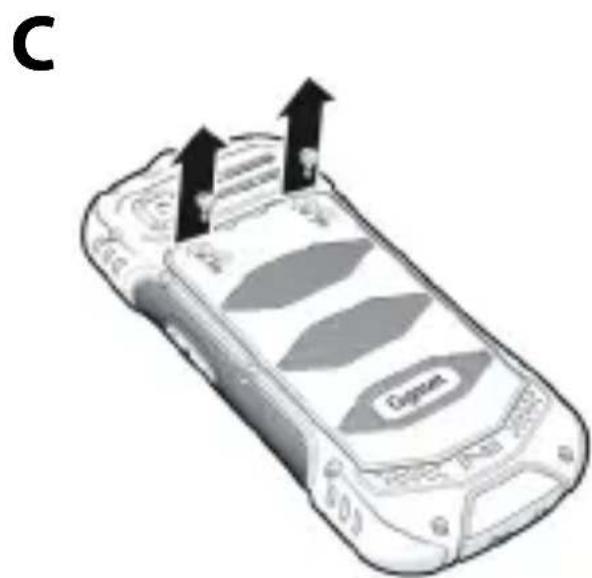
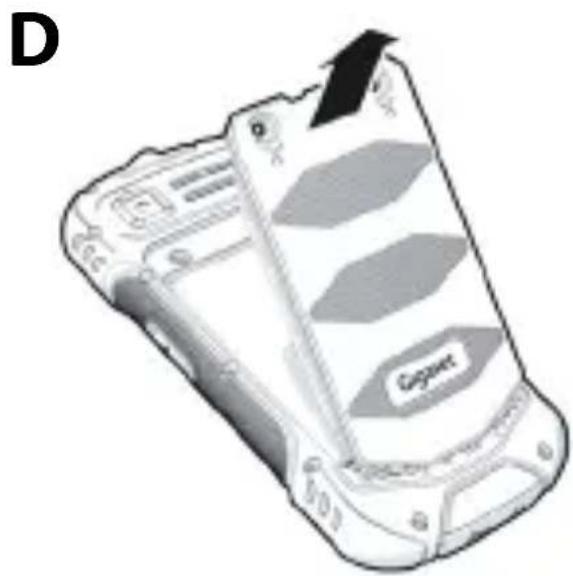
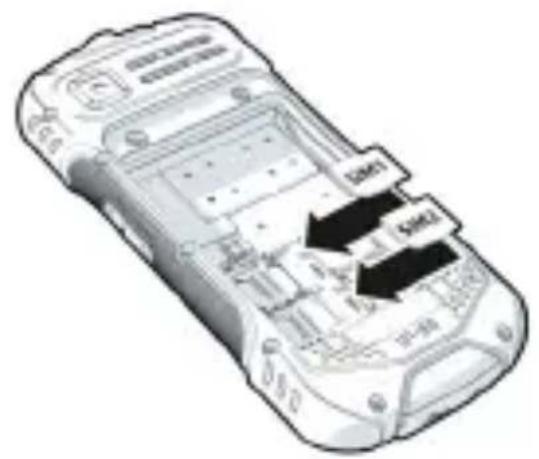
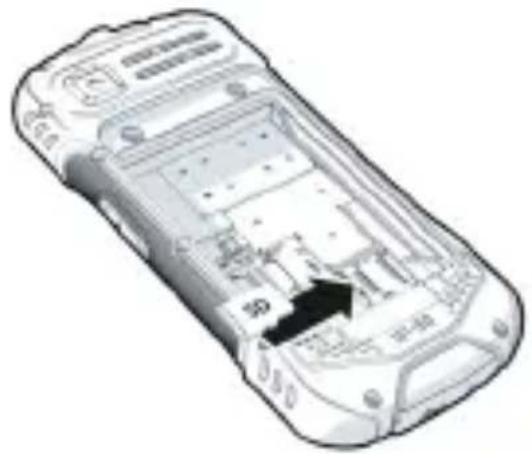
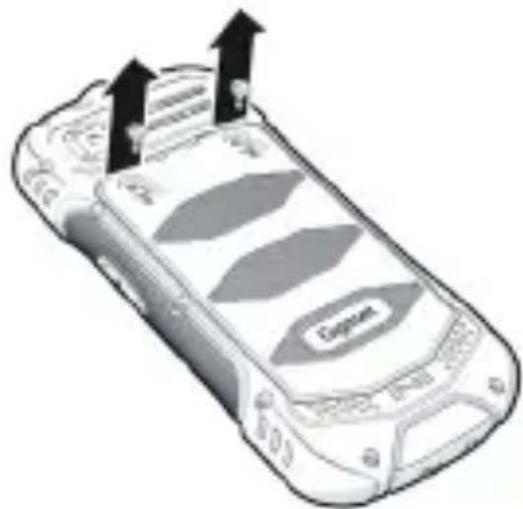
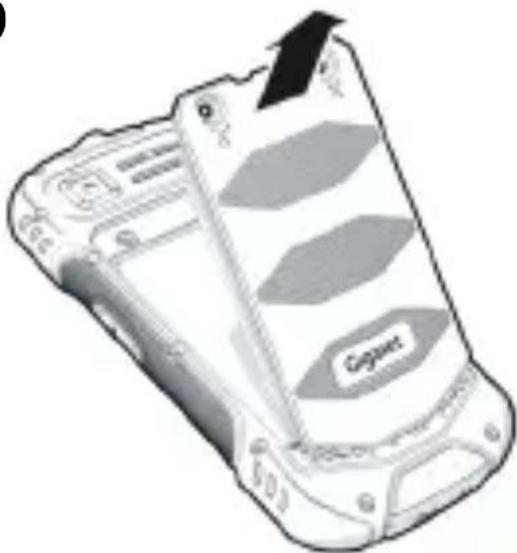
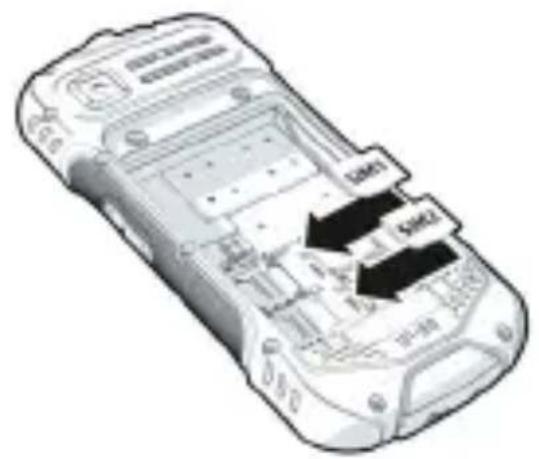
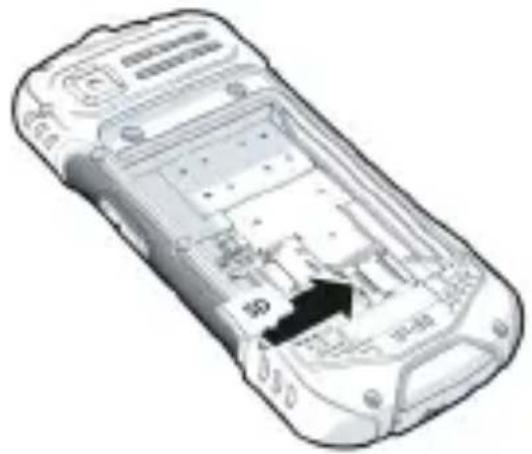
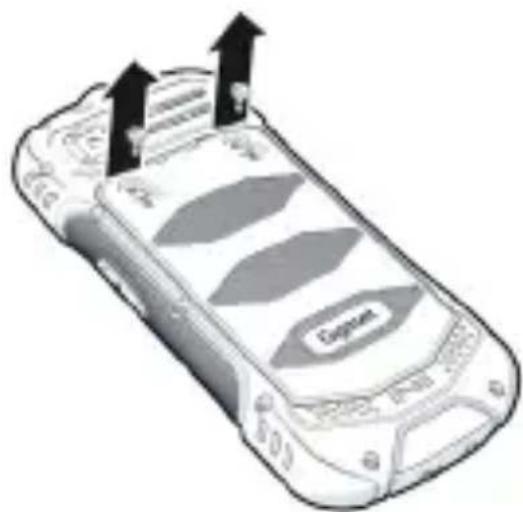
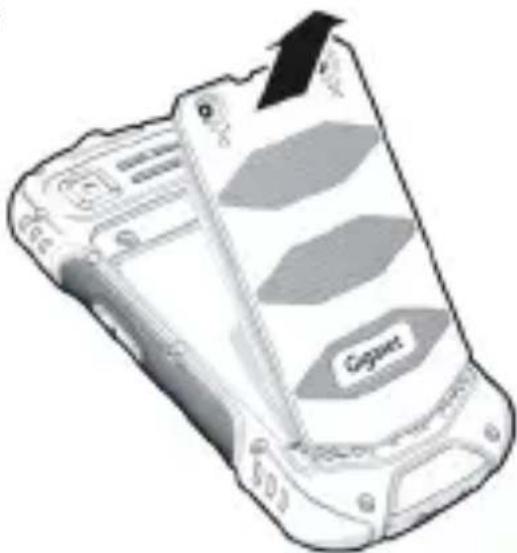
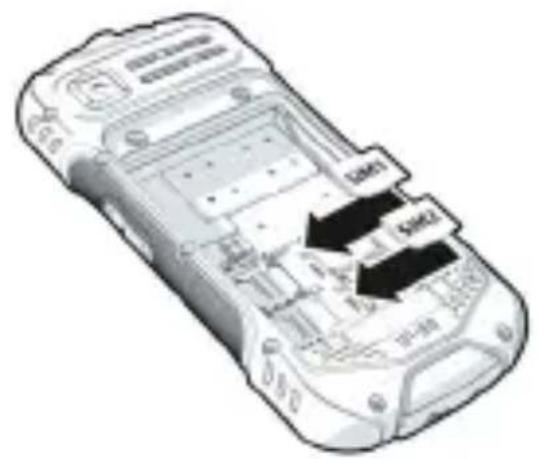
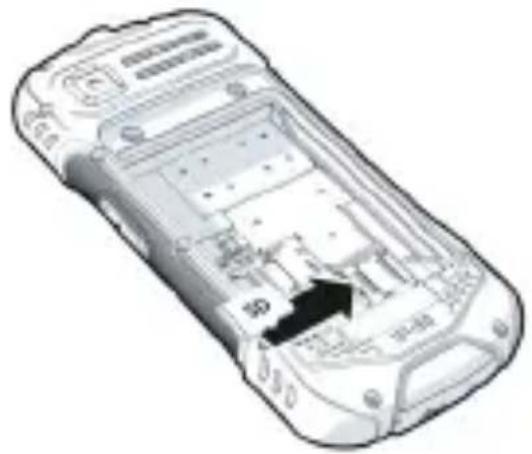
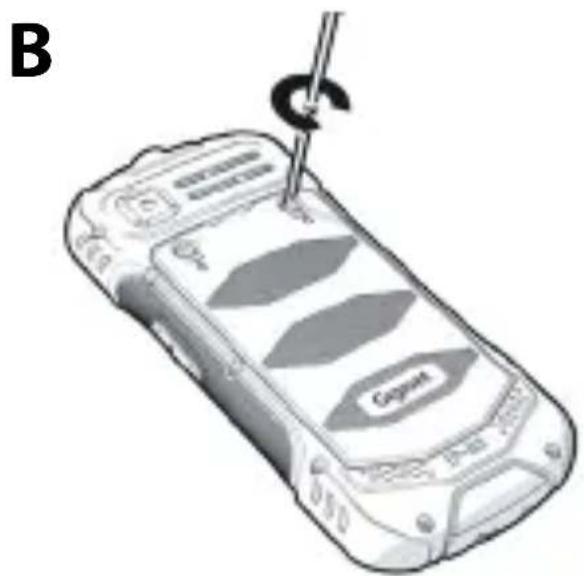
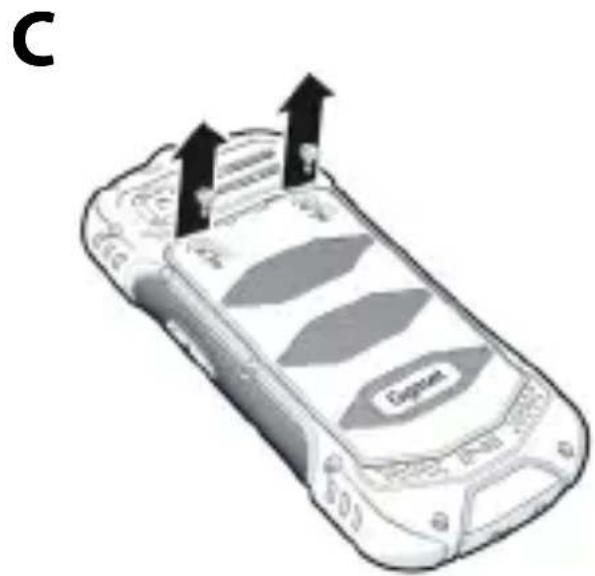
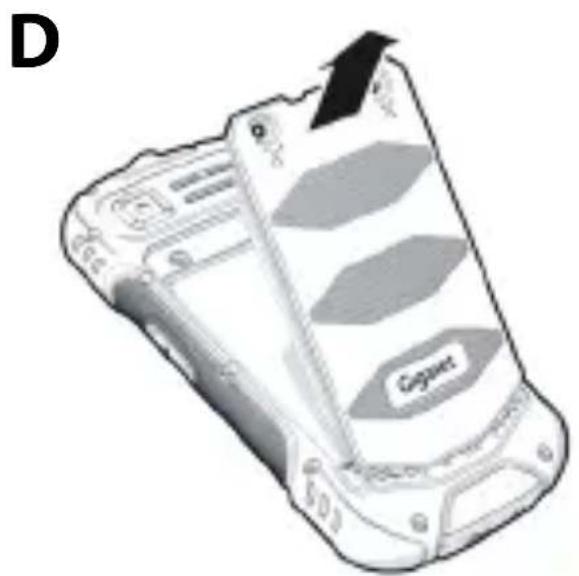
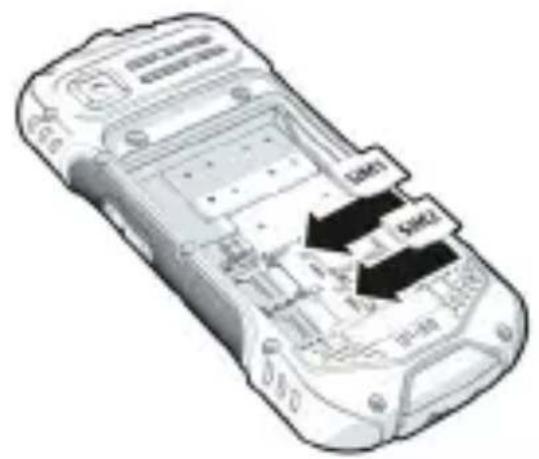
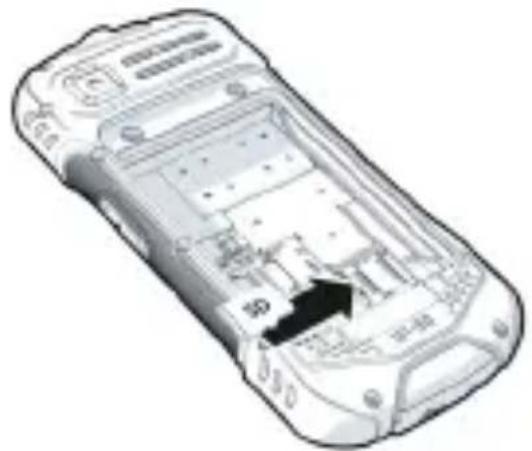
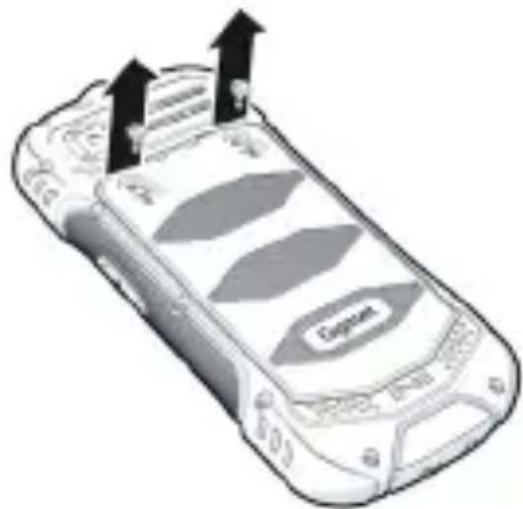
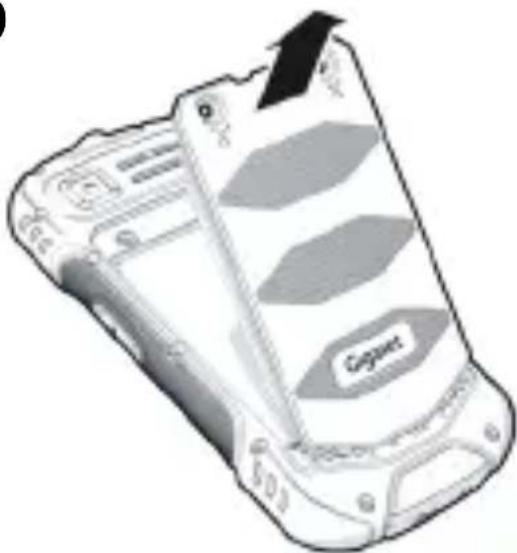
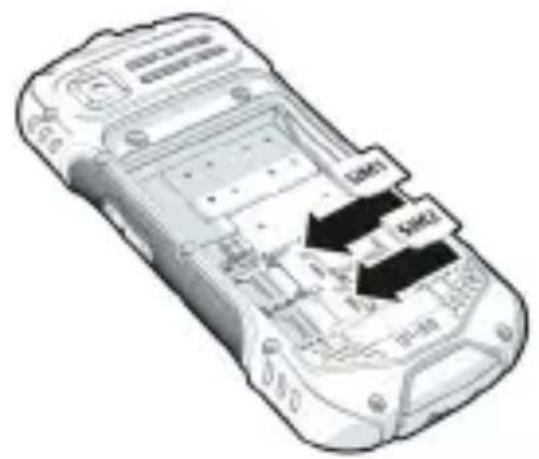
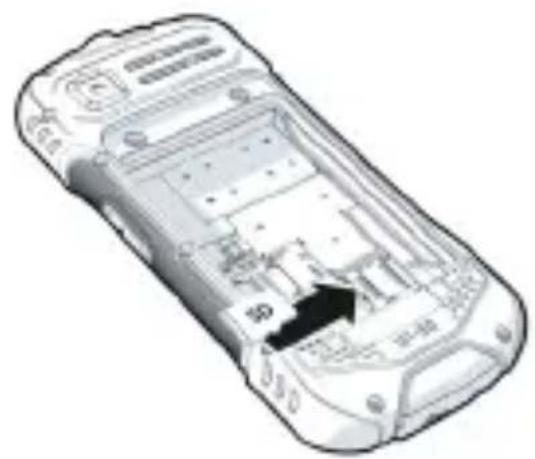
Inserting micro SIM cards and memory cards
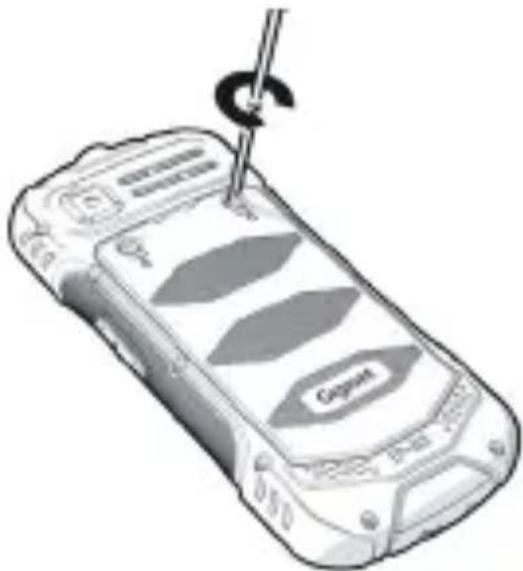
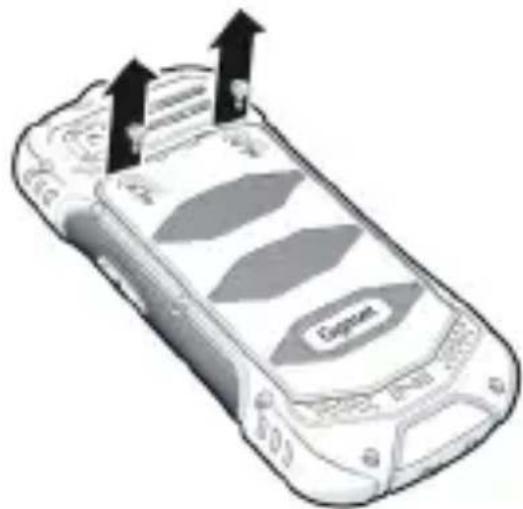
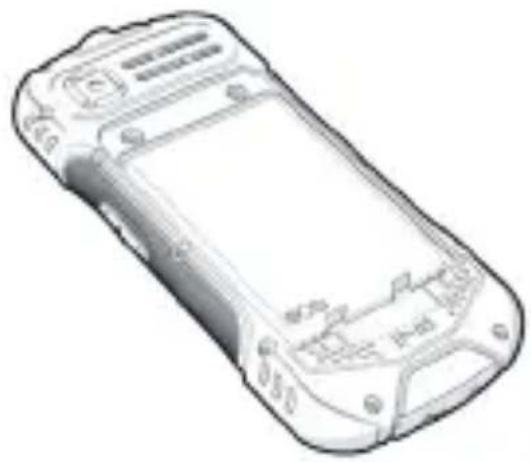
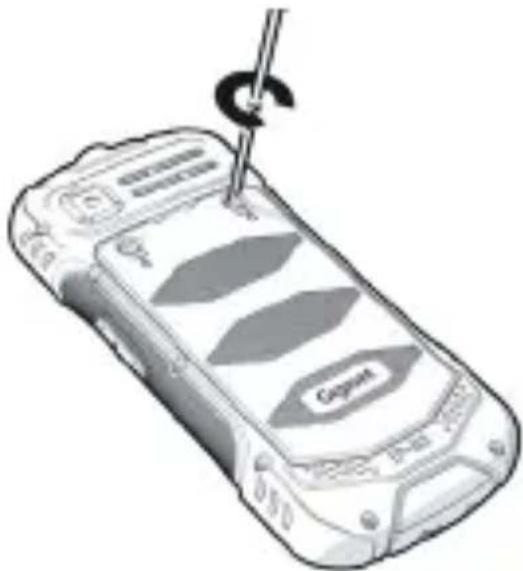
You can insert two micro SIM cards and a memory card into the mobile phone.

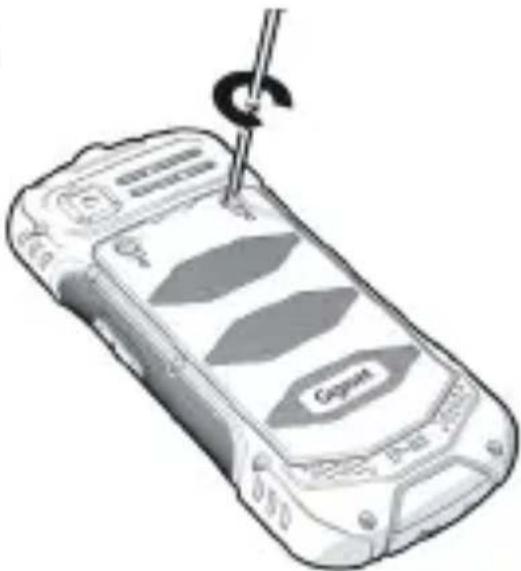
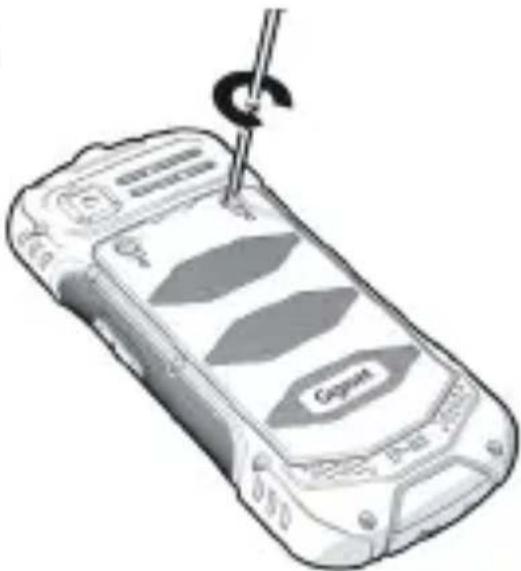
The screwdriver is included in the delivery.
natural_image
Illustration of a mobile phone with a screwdriver inserted, showing internal components (no text or symbols)
natural_image
Illustration of a mobile phone with a hook and a label 'Cognet' on its screen (no text or symbols on the device itself)
text_image
C
natural_image
Illustration of a foldable smartphone with a 'Capgem' logo on its side panel (no text or symbols on the device itself)
26 English
E
text_image
Diagram of a mobile phone with labeled buttons and ports, showing internal layout and directional arrows.
F
natural_image
Diagram of a mobile phone casing showing internal circuitry and labeled components (no readable text or symbols)
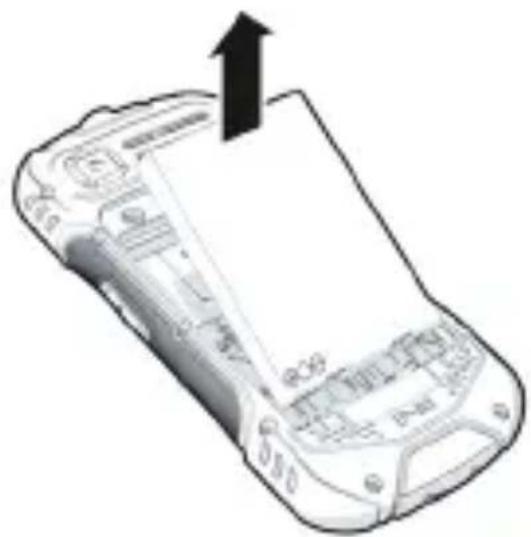
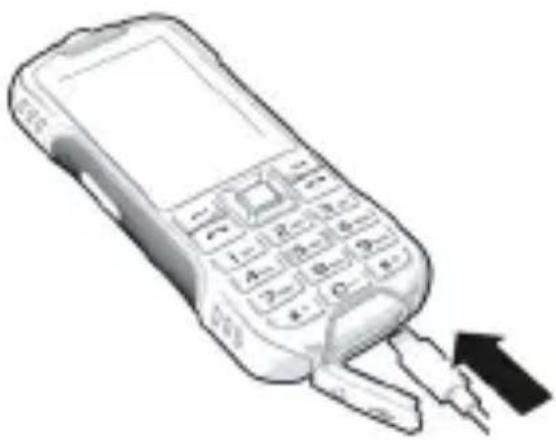
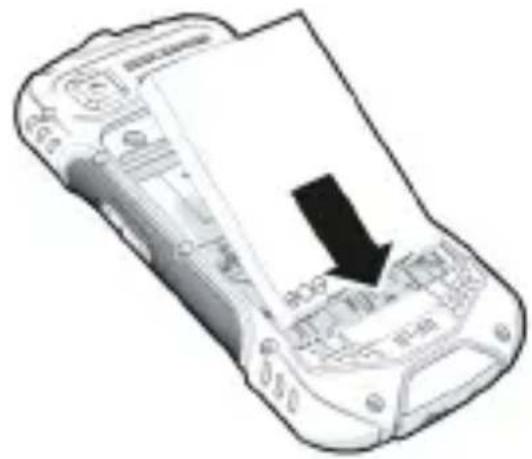
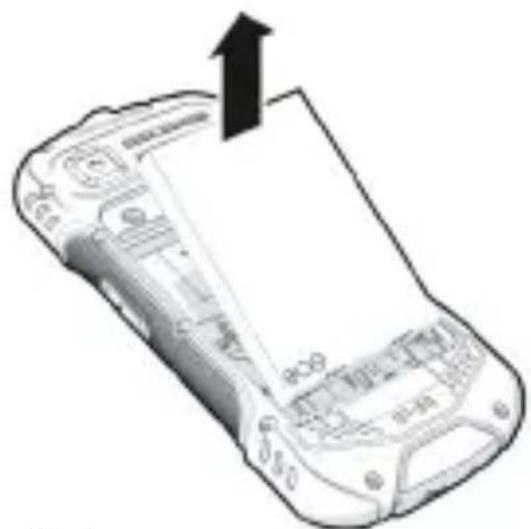
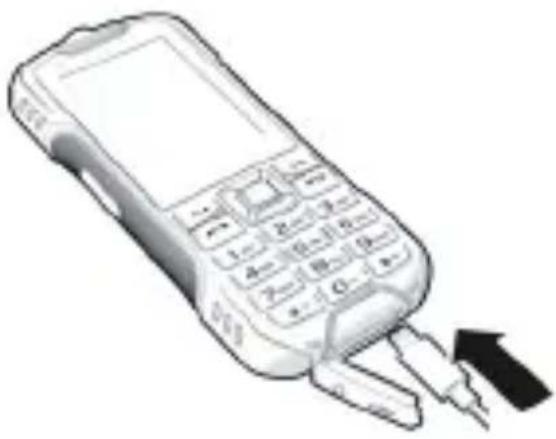
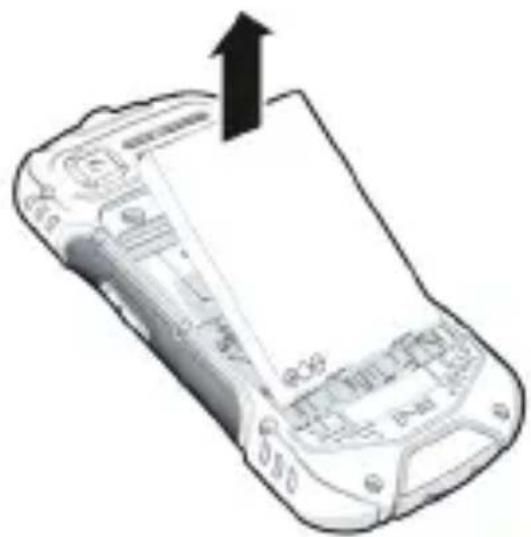
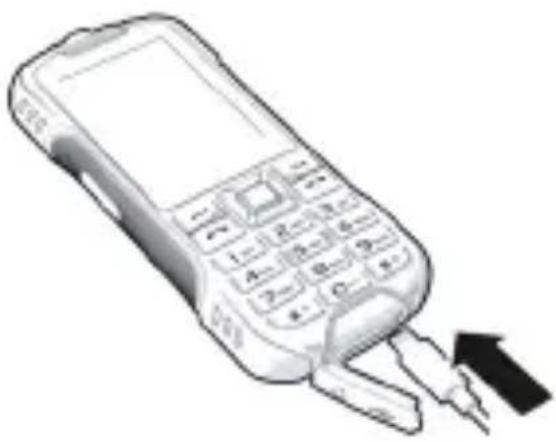
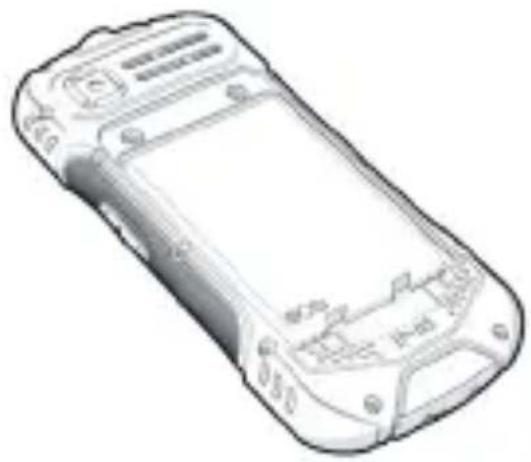
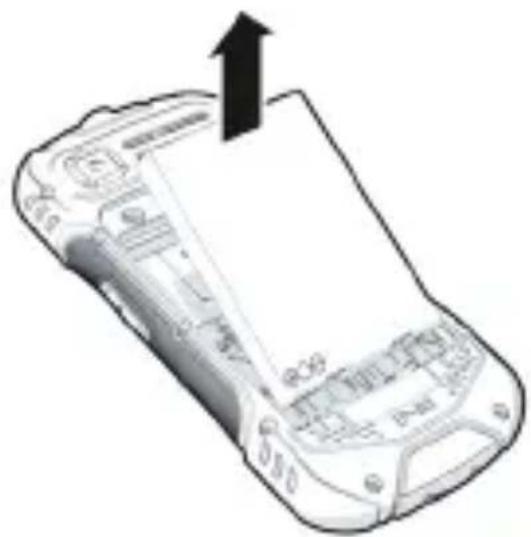
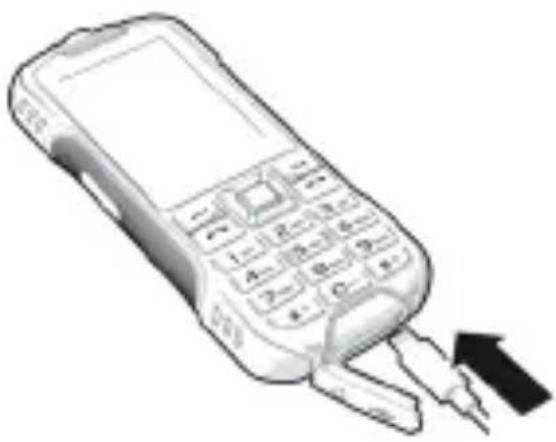
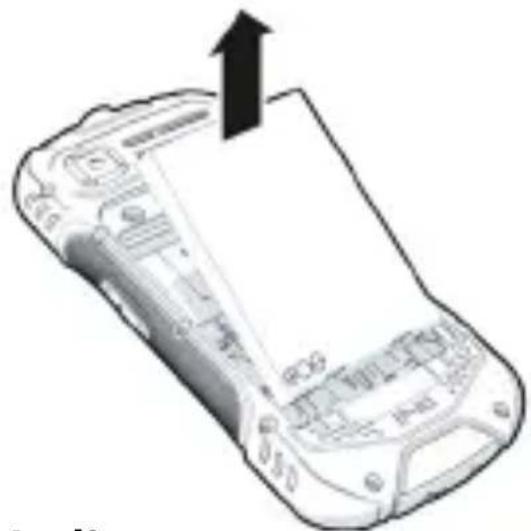
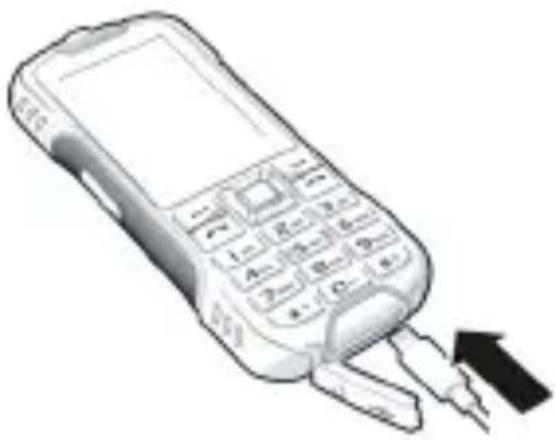
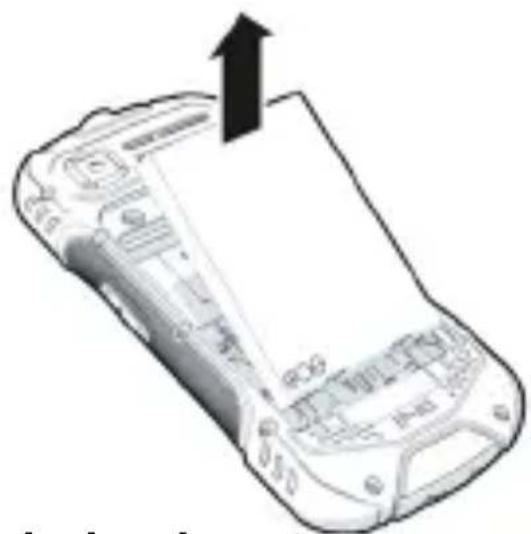
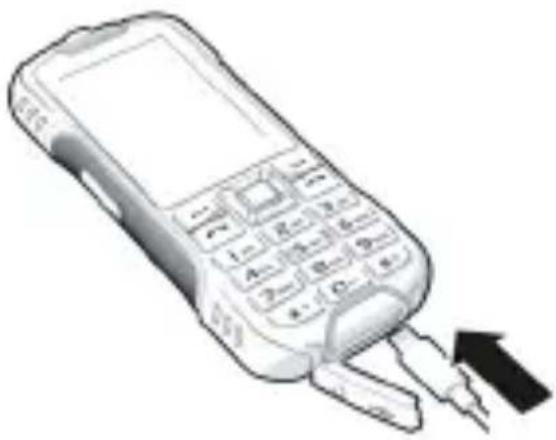
Inserting, removing and charging the battery
G
natural_image
Line drawing of a mobile phone casing with visible screen and buttons (no text or symbols)
I
natural_image
Diagram of a mobile phone casing with an upward arrow indicating orientation (no text or symbols present)
J
natural_image
Illustration of a mobile phone with keypad and trigger mechanism (no text or symbols)
English 27
Locking/unlocking the device
- Have your mobile phone ready to lock and unlock.
- First press the main menu key and then press the star key *briefly.
Changing the password
- Select Settings.
- Select Security.
- Select Modify the cellphone password.

The default password of the device is: 0000
Making a call
- Enter the phone number including the area code 📄.
- Press the talk key .
- If your mobile phone requests it, select the SIM card to be used.
- Press the control key .
- To end the call, press the on/off key.
28 English
For international calls:
- Press the star key * + twice, to enter the + sign for the area code.
- Enter the area code. .

Answering a call
- Press the talk key .
- Select Answer.
Sending messages
- Press the main menu key . •••
- Select Message.
-
Press the control key or press the main menu key ...
-
Select Write message.
-
Press the control key .
-
Select New SMS or New MMS.
-
Press the control key or press the main menu key .
-
Enter the phone number of the recipient in the field or press the control key to add recipient from contacts.
-
Press the main menu key and select OK.
- Enter your message.
- Select Send.
- Press the control key

Camera
- To turn on the camera, press the main menu key
...
- Select Camera.
- To take a picture, select Capture.
Bluetooth
- Press the main menu key . •••
- Select Application to go to Bluetooth settings.
Safety precautions
Please read these instructions carefully. Failure to comply presents a risk of injury and damage to a device, as well as breaches of applicable laws.
Please explain the contents of this document as well as the potential risks associated with using this device to your children.
- For your own safety, only use original, approved accessories from Gigaset for your mobile phone. Using incompatible accessories can damage the mobile phone and entail hazardous situations.
Original accessories can be purchased from Gigaset Customer Service (see Section Customer service).
- Only use the enclosed accessories together with this appliance.
- Your mobile phone offers protection class IP68 (dust- and water-resistant). In the event of contact with water, please comply with the following instructions: Never submerge your mobile phone in deep water. Do not use your mobile phone underwater for more than 30 minutes at a maximum water depth of 1,2 m.

If the device has been immersed in water, please dry it with a cloth to remove any water drops from the openings (receiver/ speaker / microphone).

To avoid dust and moisture entering the USB and headphone jacks, make sure that they are always properly closed with the appropriate covers or sealing plugs when not in use. This helps to ensure the longevity of the device and to prevent possible malfunctions due to external influences.
- Permitted temperature range for charging: 0-45°C.
High temperatures can shorten the life of electronic devices and damage the battery; plastic parts can deform or melt. Using or keeping your mobile phone in refrigerated areas can result in condensation on the inside, which will destroy the electronic circuitry.
- Switch off your mobile phone when in potentially explosive areas and observe all warning signs. Potentially explosive areas also include places where switching off vehicle engines is normally recommended. It is at these kinds of places that flying sparks can be the cause of explosions or fires with resulting injuries, and there may be a risk to life.
These areas include petrol stations, chemical factories, transport and storage systems for hazardous chemicals, spaces under ship decks, areas in which the air contains chemical substances or fine particles (such as dust or metal powder particles).
- Short-circuiting, disassembling and modifying your mobile phone are not permitted because they present a risk of injury, electric shock, fire or damage to the charger.
Battery and charging

Not replacing the battery properly can pose a risk of explosion.
Dispose of used batteries in line with the instructions (Chapter Waste and environmental protection).
- Never burn or heat batteries, and do not dispose of them in environments which are at risk of heat or fire to prevent battery fluid escaping, overheating, explosion and fire. Do not disassemble, weld and/or modify the battery. Do not keep the battery where it is exposed to strong mechanical effects.
- Do not use any sharp objects (such as screwdrivers) to touch or pierce the battery. There is a risk that battery fluid will escape or the battery will overheat, explode or catch fire and burn. Crushing, heating and burning batteries are strictly prohibited.
- The battery electrolyte coming into contact with eyes can cause a loss of eyesight. If electrolyte does enter an eye, please do not rub
32 English
the eye with a hand. Immediately wash the affected eye thoroughly with clear water and consult a doctor. The electrolyte coming into contact with skin (or clothing) presents a risk of skin burns. Immediately wash the skin or clothing thoroughly with soap and clear water, and consult a doctor if required.
- Never use batteries for purposes other than those specified. Never use a damaged battery. If the battery becomes hot, discolours, deforms or becomes leaky whilst being used, charged or kept in a safe place, it must be replaced immediately by a new battery for safety reasons.
- The battery temperature rises during the charging process. Do not keep the battery together with ignitable products in the same drawer as this poses a risk of fire.
- Do not charge the battery for longer than 12 hours.
- Only charge the mobile phone indoors. Whilst the phone is charging, do not use the phone for calls or dial any numbers.
- The socket must be easily accessible during the charging process.
• Electrical storms pose a risk of electric shocks.
- Do not use the charger when the power cable is damaged or no battery is inserted in your mobile phone because this poses a risk of electric shock and fire.
- Only use authorised plug-in power supplies.
- To extend the service life of your battery, avoid very high and very low temperatures; the optimum range is between 15 and 35^ .
- It is harmful if the battery is kept at 100% charge level for long periods of time.
- Switched-on wireless connections, such as Bluetooth, increase the power consumption of the device. You can switch these off if they are not required. The brightness of the display also has a major influence on power consumption. If you set your display to a low brightness level and switch off wireless connections that are not required, the operating time of the device will be longer.
Volume
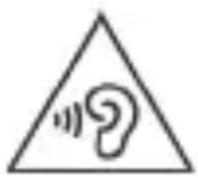
High volumes can impair hearing. Listening to music or conversation with headphones set to a loud volume can be unpleasant and permanently impair hearing.
To prevent loss of hearing, do not have the volume turned up too high for long periods.
Use in hospitals / medical devices
- The function of medical equipment near your mobile phone can be impaired. Bear in mind the technical conditions of the environment in question (such as in a doctors' surgery).
- If you use a medical device such as a pacemaker, please consult the manufacturer of the product before using the product. You will be provided information on the sensitivity of your mobile phone to external, high-frequency energy sources.
- Heart pacemakers, implantable cardioverter defibrillators: When you switch on your mobile phone, ensure that the distance between your mobile phone and an implant is at least 20 cm. To reduce potential interference, use your mobile phone on the opposite side to the implant. Please switch your mobile phone off immediately if interference occurs. Do not keep your mobile phone in a shirt pocket.
- Hearing aids, cochlear implants: Some digital wireless devices can interfere with hearing aids and cochlear implants. Please consult the manufacturers of these products if interference occurs.
- Other medical devices: If you and the people around you use other medical devices, please contact the relevant manufacturer for information on whether such devices are protected from radio frequency signals in the environment. You can also consult your doctor about this.
34 English
Emergency calls
- Ensure your mobile phone is switched on and connected to the mobile network. Enter the emergency number as required and speak.
- Tell the person at the emergency call centre your location.
- Do not end the conversation until the person at the emergency call centre asks you to.
Children and pets
- Keep your mobile phone, chargers and accessories out of the reach of children and pets. Children and/or pets can swallow the small parts, posing a risk of suffocation and other hazards. A child may only use your mobile phone under the supervision of an adult.
Aeroplanes, vehicles and road safety
- Switch off your mobile phone in aeroplanes.
Please observe applicable restrictions and regulations. Wireless devices can interfere with the function of aeronautical equipment. Follow the instructions issued by flight personnel when using your mobile phone.
- The absolute priority for every vehicle driver and everyone in a vehicle is safety on the roads and for road users. Using your mobile phone whilst driving can be distracting and therefore lead to dangerous situations. You may also be violating applicable laws.
Defective devices
- Dispose of faulty devices carefully or have them repaired by our Customer Service team. These devices could interfere with other wireless services.
- Careless handling of your mobile phone, such as dropping it, can shatter the display and damage the electronic circuitry and sensitive parts inside.
- Do not use your mobile phone if the device is cracked or shattered. Fragments of glass or plastic can injure hands and face.
- Never point the flash light directly at the eyes of people or animals. Pointing a flash light too near to human eyes poses a risk of temporary loss of eyesight or impairment of vision.
English 35
- Do not paint or lacquer your mobile phone. Lacquer and paint can damage the parts of your mobile phone and may cause malfunction.
Customer service
If you have problems with your mobile phone, please contact a Gigaset dealer or the Gigaset Service Centre from where you can also purchase accessories (such as batteries and chargers).
If you need help, go to www.gigaset.com/service
Warranty document
Unless otherwise specified, the guarantor (hereinafter referred to as "Gigaset Technologies") grants the consumer (customer) a durability warranty under the following conditions (warranty conditions), without prejudice to the consumer's statutory rights relating to defects. The customer's warranty rights are not limited by this warranty. Warranty rights can be asserted free of charge. This warranty represents an obligation on the part of the guarantor in addition to the statutory warranty rights that can be asserted free of charge for defect claims.
Warranty conditions:
- New devices (telephones, smartphones) and their components in which a defect is detected within 24 months from the date of purchase resulting from a manufacturing and/or materials fault will, at the customer's discretion, be exchanged free of charge for a technologically current device or repaired by Gigaset Technologies. This durability warranty applies for 12 months from the date of purchase for parts subject to wear (all moving parts that can be replaced by the customer itself, e.g. spare parts, batteries, keyboards, housing).
- This warranty does not apply in the event a defect to devices is attributable to improper treatment and/or a failure to follow the operating guides.
- This warranty does not cover any services provided by the appointed dealer or by the customer himself (e.g. installation, configuration, software downloads). Manuals and, where applicable, accompanying software on a separate data carrier are also excluded from the warranty.
36 English
- Proof of purchase plus date of purchase are required as evidence of a valid warranty. Warranty claims must be asserted within two (2) months of the awareness of a warranty event.
- Replaced devices or their components returned to Gigaset Technologies during the course of an exchange are transferred to the ownership of Gigaset Technologies.
- This warranty applies to new devices acquired within the European Union. These will be exchanged free of charge for a technologically current device or repaired by Gigaset Technologies. The warrantor is Gigaset Technologies GmbH, Frankenstraße 2, D-46395 Bocholt.
- No further or different claims arising from this manufacturer's warranty will be accepted. Gigaset Technologies accepts no liability for operational interruptions, loss of profit and loss of data, software additionally installed by the customer or other information. The customer is responsible for safeguarding these. The liability disclaimer does not apply if liability is mandatory, for example under the Product Liability Act, in cases of wilful intent, gross negligence, injury to life, limb and health or breach of material contractual obligations. Claims for damages in respect of breach of material contractual obligations are however limited to foreseeable losses typical for the contract, unless liability is as a result of wilful intent, gross negligence, injury to life, limb and health or under the Product Liability Act.
- Successful assertion of a warranty claim does not extend the term of the warranty.
- Unless there is a warranty event, Gigaset Technologies reserves the right to charge the customer for an exchange or repair. Gigaset Technologies will inform the customer of this in advance.
- Any change to the rules governing burden of proof to the detriment of the customer is not connected with the above rules.
- Federal German law applies to this warranty, to the exclusion of the United Nations Convention on Contracts for the International Sale of Goods (CISG). This choice of law does not deprive the consumer of the protection he/she would have been granted under provisions that cannot be derogated from by agreement, according to the law of the country in which he/she has her habitual residence ('favourability principle").
English 37
Please contact the warrantor's customer services to redeem and assert this warranty. You can find the relevant telephone number in our Service Portal at www.gigaset.com/service.
Exclusion of liability
Your handset's display consists of pixels. Each pixel consists of three sub-pixels (red, green, blue).
It may be the case that a sub-pixel is missing or has a colour deviation. A warranty claim is only valid if the maximum number of permitted pixel errors is exceeded.
| Description Maximum number of per- mitted pixel errors |
| Colour illuminated sub-pixels 1 | |
| Dark sub-pixels 1 | |
| Total number of coloured and dark sub-pixels | 1 |

Signs of wear on the display and casing are excluded from the warranty.
Certain content and services which can be accessed using this device are the property of third parties and are protected by copyrights, patents, trademarks and/or other laws for the purpose of safeguarding intellectual property. Such content and services are provided solely for non-commercial, private usage.
You may not use content or services which has/have not been authorised by the owner of particular content or a service provider. Without limiting the generality of the foregoing, except as expressly specified by the owner of the content or the service provider, the modification, reproduction, dissemination, uploading, publication, transmission, translation, sale, creation of derived works, distribution of content or services shown on this device are not permitted in any form and on any medium.
38 English
Authorisation
This device is intended for use worldwide. Use outside the European Economic Area (with the exception of Switzerland) is subject to national approval.
Country-specific requirements have been taken into consideration.
Gigaset Technologies GmbH hereby declares that the following radio equipment types are in compliance with Directive 2014/53/EU:
Gigaset GLX 8 / Gigaset GLX 8 LITE
The full text of the EU declaration of conformity is available at the following internet address:
www.gigaset.com/docs.
If this product will as well be imported into the UK:
Gigaset Technologies GmbH hereby declares that the following radio equipment types are in compliance with the Radio Equipment Regulations 2017:
Gigaset GLX 8 / Gigaset GLX 8 LITE
The full text of the UK declaration of conformity is available at the following internet address:
www.gigaset.com/docs.
This declaration could also be available in the
"International Declarations of Conformity" or "European Declarations of Conformity" files.
Therefore please check all of these files.
Waste and environmental protection
Further information on environmentally friendly products and processes is available on the Internet at www.gigaset.com.
Correct disposal of this product
(Directive for electric and electronic equipment (WEEE))
(Applicable in countries with waste separation systems)

This label on the product, accessory or in documentation indicates that the product and its electronic accessories (such as charger, headphones and USB cable) may not be disposed of in household waste.
To avert potential environmental harm and health risks from unmanaged waste disposal, recycle responsibly with the aim of encouraging sustainable reuse of raw materials.
Private users should turn to the dealers from where they bought their products, or contact the authorities responsible, who are able to provide information on where parts can be taken for disposal in an environmentally friendly manner.
Commercial users should please contact their suppliers and check the general terms of their purchase agreement.
This product and the electronic accessory parts may not be disposed of with other commercial waste.
This "WEEE" is compatible with the RoHS Directive.
Delete all personal data from your mobile phone before disposing of it.
Never burn or heat the mobile telephone and do not dispose of it in environments which are at risk of heat or fire to prevent overheating, explosion or fire or the battery fluid escaping.
Correct disposal of batteries in this product
(Applicable in countries with waste separation systems)
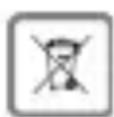
This label on the battery, in the manual or on the packaging denotes that the batteries in this product may not be disposed of in household waste.
Not disposing of batteries properly means the substances inside pose a health risk and a risk to the environment.
To protect natural resources and encourage environmentally responsible reuse of material resources, please separate batteries from other waste streams and dispose of them at your local, free collection point for used batteries.
40 English
About radiation
THIS DEVICE SATISFIES THE INTERNATIONAL DIRECTIVES FOR EXPOSURE BY RADIO WAVES.
Your mobile device has been developed so as not to exceed internationally recommended exposure thresholds for radio waves.
These directives have been specified by an independent scientific organisation (ICNIRP) and include a high margin of safety which should guarantee the safety of all regardless of age and state of health. The directives on exposure to radio waves use a unit called the specific absorption rate (SAR).
The highest SAR values in the ICNIRP Directives for this device model: The SAR threshold for mobile devices is 2.0 W/kg (head/body). The SAR threshold for mobile devices is 4.0 W/kg (limbs).
The highest SAR value for this phone model and detection conditions:
SAR on head (while on phone) 0.554 W/kg
SAR on body (worn in trouser pocket for example)
0.822 W/kg
SAR on limbs (worn on arm for example) 1.404 W/kg
The SAR values for wearing on the body are determined at a distance of 5 mm. To comply with the HF exposure directives for wearing on the body, the device should be positioned at least this distance away from the body.
Technical data
| Frequency Bands | maximum power | |
| 2G 900MHz 35.5 dBm | |
| 1800MHz 32.5 dBm |
| 3G B1 25.7 dBm | | |
| B8 25.7 dBm |
| 4G B1 25.7 dBm | | |
| B3 25.7 dBm |
| B7 25.7 dBm |
| B8 25.7 dBm |
| B20 25.7 dBm |
| BT/EDR 20.0 dBm | | |
Operating times
Talk duration: about 15 h (2G/3G); 11 h (4G)
Low power mode time:about 450 h (2G/3G); 218 h (4G)
Accessories
Only use Gigaset approved chargers, batteries and cables. Unapproved accessories can damage the device.
42 English
Power adapter/charger
| Manufacturer Shenzhen Zhongfuxin TechnologyCo.,Ltd. Commercial registration number:914403003058866150Floor 4, Building B, Fuyong Hubin Industrial Zone, No.18,Xintian Res-ervoir Road, Fuyong Street,Baoan District, Shenzhen, China |
| Model identifier C39280-Z4-C801 |
| Input voltage 100-240 V / 0,2 A |
| Input AC frequency 50/60 Hz |
| Output voltage 5,0 V |
| Output current 1,0 A |
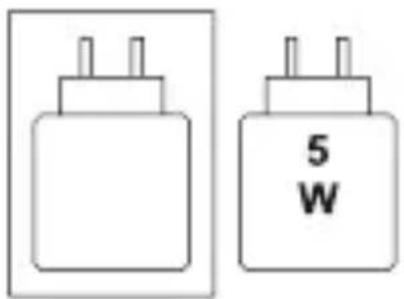
| Output power 5 W |
| Average active efficiency >73,8 % |
| No-load power consumption < 0,07 W |
text_image
5
W
Battery
Technology: Li-Polymer
Capacity: 2500 mAh
Partnumber: V30145-K1310-X483
English 43
1 Menú principal
2 Tecla de descolgar
natural_image
Illustration of a smartphone with a key inserted, showing internal components (no text or symbols)
B
natural_image
Illustration of a mobile phone with a hook attached to its side panel (no text or symbols on the device itself)
C
natural_image
Illustration of a mobile phone with 'Capgem' branding and three upward arrows pointing to its screen (no text or symbols on the device itself)
D
natural_image
Illustration of a generic mobile phone with a logo and stylized design (no readable text or symbols)
Español 45
E
text_image
Technical diagram of a mobile phone casing with labeled buttons and internal components
F
natural_image
Diagram of a mobile phone casing showing internal components and a black arrow pointing to a specific area (no text or symbols present)
text_image
Diagram of a mobile phone showing the internal panel with an arrow pointing to the screen, indicating a location or movement.
H
natural_image
Line drawing of a mobile phone casing with visible screen and buttons (no text or symbols)
I
natural_image
Diagram of a mobile phone showing the front panel and back panel with an upward arrow, no text or symbols present.
J
natural_image
Illustration of a mobile phone with keypad and plug, showing a black arrow pointing to the right side (no text or symbols present)
46 Español
natural_image
Illustration of a mobile phone with a key inserted, showing its logo and three stylized design elements (no text or symbols on the device itself)
B
natural_image
Illustration of a mobile phone with a hook attached to its side panel (no text or symbols visible)
C
natural_image
Illustration of a mobile phone with 'Capitax' branding and three upward arrows indicating orientation (no text or symbols on the device itself)
D
natural_image
Illustration of a smartphone with a 'Cognet' logo on its side panel, showing front and back views (no text or symbols beyond the logo)
66 Français
E
text_image
Technical diagram of a mobile phone casing with labeled buttons and internal components
F
natural_image
Diagram of a mobile phone casing showing internal components and a black arrow pointing to a specific area (no text or symbols present)
text_image
Diagram of a mobile phone showing the internal panel with an arrow pointing to the screen, indicating a location or movement.
H
natural_image
Line drawing of a mobile phone casing with visible screen and buttons (no text or symbols)
|
natural_image
Diagram of a mobile phone showing front panel and back cover with an upward arrow (no text or symbols)
J
natural_image
Illustration of a mobile phone with keypad and plug, showing a black arrow pointing to the right side (no text or symbols present)
Français 67
natural_image
Simple line drawing of a trash bin with two crossed lines indicating no waste or prohibition (no text or symbols)
natural_image
Two electrical plug terminals, one with three leads and the other labeled '5 W' (no additional text or symbols)
Accumulateur
natural_image
Illustration of a mobile phone with a screwdriver inserted, labeled 'A' (no text or symbols on the device itself)
natural_image
Illustration of a mobile phone with a hook attached to its top (no text or symbols on the device itself)
text_image
C
natural_image
Illustration of a smartphone with a 'Capara' logo and arrow, no readable text or symbols beyond the logo design
Italiano 91
E
text_image
Diagram of a mobile phone with labeled buttons and ports, showing internal layout and function keys.
F
natural_image
Diagram of a mobile phone casing showing internal components and a black arrow pointing to a specific area (no text or symbols present)
natural_image
Line drawing of a mobile phone casing with visible buttons and front panel (no text or symbols)
I
natural_image
Line drawing of a mobile phone casing with an upward arrow indicating motion (no text or symbols)
J
natural_image
Illustration of a mobile phone with a keypad and two inserted keys, emitting a black arrow (no text or symbols)
92 Italiano
natural_image
Illustration of a smartphone with a key inserted, showing internal components (no text or symbols)
B
natural_image
Illustration of a mobile phone with a hook attached to its side panel (no text or symbols on the device itself)
C
natural_image
Illustration of a mobile phone with 'Capgem' branding and three upward arrows pointing to its screen (no text or symbols on the device itself)
D
natural_image
Illustration of a generic mobile phone with a logo and stylized design (no readable text or symbols)
112 Nederlands
E
text_image
Diagram of a mobile phone with labeled buttons and ports, showing internal layout and function keys.
F
natural_image
Diagram of a mobile phone casing showing internal components and a black arrow pointing to a specific area (no text or symbols present)
natural_image
Line drawing of a mobile phone casing with visible buttons and front panel (no text or symbols)
I
natural_image
Line drawing of a mobile phone casing with an upward arrow indicating motion (no text or symbols)
J
natural_image
Illustration of a mobile phone with a keypad and two inserted keys, emitting a black arrow (no text or symbols)
Nederlands 113
(Gigaset is a Member of VTech Group of Companies)
Subject to availability.
All rights reserved. Rights of modification reserved.
www.gigaset.com
This user guide is made of 100 % recycled paper
A31008-N1222-R101-3-4N43
Acknowledgment
Some of the translations in this document were created with the support of modern machine translation technologies. We would like to thank these tools for helping us provide content more quickly and efficiently.
If you have any suggestions or feedback regarding the translations, please do not hesitate to contact us.