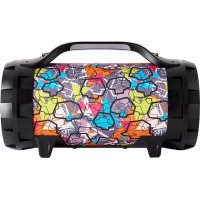
BT50 - Bluetooth speaker BIGBEN - Free user manual and instructions
Find the device manual for free BT50 BIGBEN in PDF.

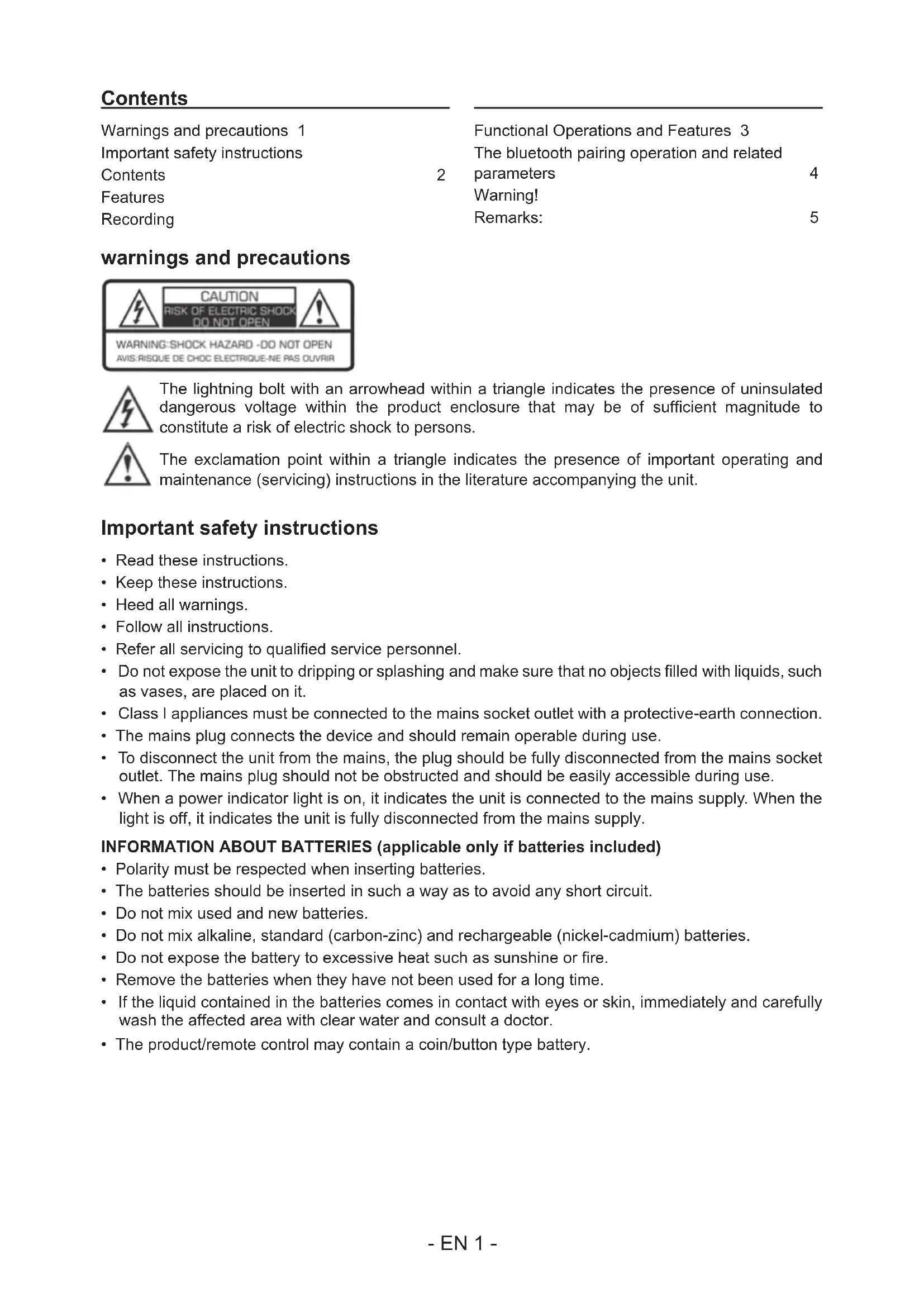


| Product type | Portable Bluetooth speaker |
| Brand | Bigben |
| Model | BT50 |
| Dimensions (approx.) | 250 x 150 x 150 mm |
| Weight (approx.) | 1.5 kg |
| Power supply | Built-in rechargeable battery, DC 9V input |
| Battery life | Approximately 2 hours of continuous playback |
| Connectivity | Bluetooth, 3.5 mm auxiliary input, USB, micro SD card reader |
| Main functions | MP3 playback, FM radio, recording, karaoke, microphone |
| Supported audio formats | MP3 (via USB/micro SD) |
| FM radio | Automatic search, stores up to 60 stations |
| Recording | On USB key or micro SD from FM, AUX, or external microphone |
| Microphone input | Yes, with volume and reverb controls |
| Headphone output | Yes, 3.5 mm jack |
| Display | LED display |
| Maintenance and cleaning | Wipe with a soft, dry cloth. Do not use abrasive products. |
| Safety | Respect battery polarities, do not expose to liquids, disconnect before cleaning. |
| Spare parts and repairability | Contact Bigben after-sales service for any repairs. |
| General information | Made in China. Customer service: sav.audio@bigben.fr |
Frequently Asked Questions - BT50 BIGBEN
User questions about BT50 BIGBEN
0 question about this device. Answer the ones you know or ask your own.
Ask a new question about this device
Download the instructions for your Bluetooth speaker in PDF format for free! Find your manual BT50 - BIGBEN and take your electronic device back in hand. On this page are published all the documents necessary for the use of your device. BT50 by BIGBEN.
USER MANUAL BT50 BIGBEN
customerservice@bigben-interactive.be
ESPANA, sat@bigbeninteractive.es
ITALIA, support@bigbeninteractive.it
www/bigben.eu
bigben
BT50
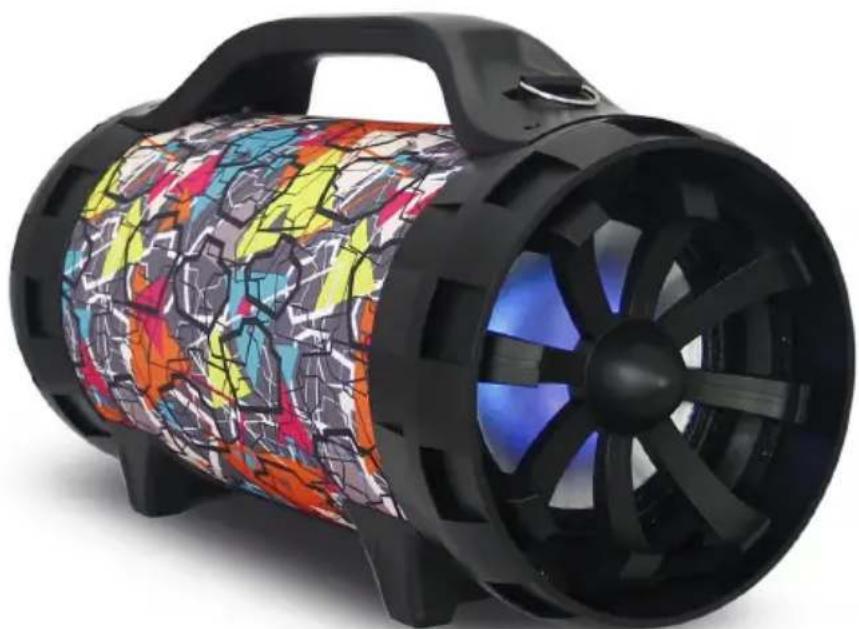
BLUETOOTH SPEAKER WITH LIGHTS
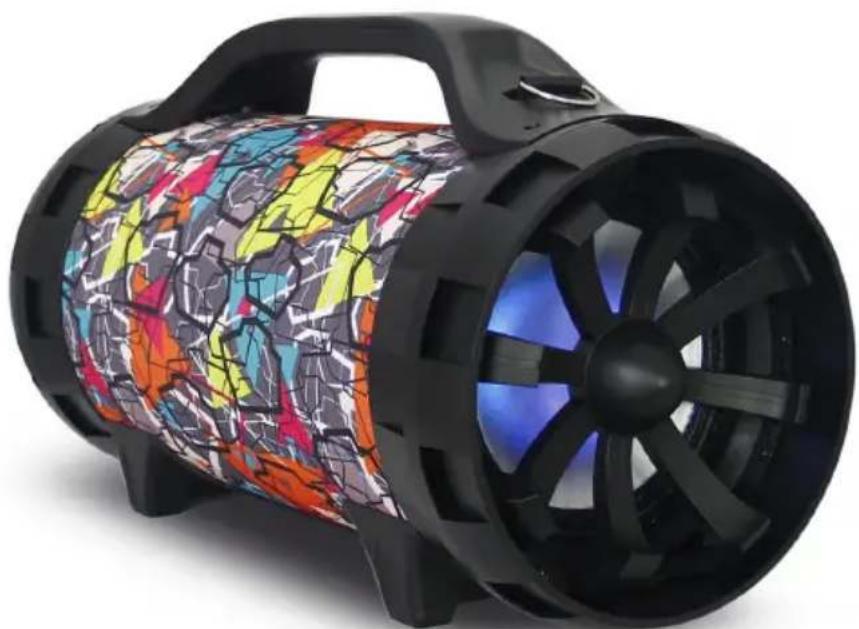
OPERATING INSTRUCTIONS
PLEASE READ OPERATING INSTRUCTIONS CAREFULLY BEFORE USE AND KEEP FOR FUTURE REFERENCE.
Contents
Warnings and precautions 1
Important safety instructions
Contents
Features
Recording
2 parameters 4
Warning!
Remarks: 5
warnings and precautions
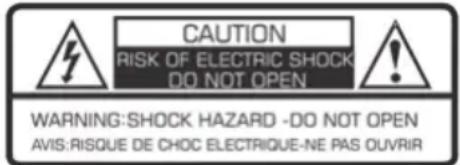

The lightning bolt with an arrowhead within a triangle indicates the presence of uninsulated dangerous voltage within the product enclosure that may be of sufficient magnitude to constitute a risk of electric shock to persons.

The exclamation point within a triangle indicates the presence of important operating and maintenance (servicing) instructions in the literature accompanying the unit.
Important safety instructions
- Read these instructions.
- Keep these instructions.
Heed all warnings. - Follow all instructions.
Refer all servicing to qualified service personnel. - Do not expose the unit to dripping or splashing and make sure that no objects filled with liquids, such as vases, are placed on it.
Class I appliances must be connected to the mains socket outlet with a protective-earth connection. - The mains plug connects the device and should remain operable during use.
- To disconnect the unit from the mains, the plug should be fully disconnected from the mains socket outlet. The mains plug should not be obstructed and should be easily accessible during use.
- When a power indicator light is on, it indicates the unit is connected to the mains supply. When the light is off, it indicates the unit is fully disconnected from the mains supply.
INFORMATION ABOUT BATTERIES (applicable only if batteries included)
- Polarity must be respected when inserting batteries.
- The batteries should be inserted in such a way as to avoid any short circuit.
- Do not mix used and new batteries.
- Do not mix alkaline, standard (carbon-zinc) and rechargeable (nickel-cadmium) batteries.
- Do not expose the battery to excessive heat such as sunshine or fire.
- Remove the batteries when they have not been used for a long time.
- If the liquid contained in the batteries comes in contact with eyes or skin, immediately and carefully wash the affected area with clear water and consult a doctor.
- The product/remote control may contain a coin/buttn type battery.
WARNING
Do not ingest the battery. Chemical burn hazard. This product contains a coin/button cell battery. If the coin/button cell battery is swallowed, it can cause severe internal burns in just 2 hours and can lead to death. Keep new and used batteries away from children. If the battery compartment does not close securely, stop using the product and keep it away from children. If you think batteries might have been swallowed or placed inside any part of the body, seek immediate medical attention.
CAUTION
Danger of explosion if battery is incorrectly replaced.
Replace battery only with the same or equivalent type.
Contents
- 1 x Outdoor Bluetooth Speaker
- 1 x Charging cable
- 1 x User manual
- 1 x Aux in 3.5mm cable
- 1 x Shoulder strap
Features
- Ultra-large magnetic circuit high-sensitivity speaker with high penetrating power, low-frequency shock and perfect medium-/high-frequency representation.
- The latest decoding chips supporting stably playback of MP3 in up to 32GB U disk/TF card.
- FM radio reception - high-quality digital radio with automatic channel search and storage of up to 60 channels.
- 3.5mm AUX audio input for each connection to a wide range of sound sources.
- Built-in high-capacity battery for consecutive playback of up to 2 hours.
- Connect the microphone, adjustable reverberation, voice and Karaoke function to present outstanding performance.
- Battery with built-in recharging protection to present a long and stable service life.
- Built-in low battery and full recharging indication. Human-oriented use.
- With belt/handle design for best choice of mobile speaker.
- Outputs to earphone or external sound sources.
- Record your favorite FM radio station or other AUX sound source to enjoy the music wherever you like.
- Microphone input recording to act as your personal business assistant.
- With BLUETOOTH function.
Recording
- Recording in AUX Mode:
Connect a storage device (USB/TF card) and press Mode key to enter AUX mode.
Short press Record key to start recording for a time depending on the storage capacity. During recording, the input signal should be in proper strength as you like.
- Recording in FM Receiving Mode:
Connect a storage device (USB/TF card) and press Mode key to enter FM mode. Select your favorite radio station and short press record key to start recording for a time depending on the storage capacity. During recording, keep the device in a proper location where the radio signal will be received best to ensure optimized recording performance.
3. Recording via External Microphone:
Connect a storage device (USB/TF card) and short press RECORD key to start recording for a time depending on the storage capacity. During recording, tune the "-ECHO+" knob to the minimum. It is noticeable that the microphone should be located a proper distance away from the speaker to prevent any howl-round or noise.
Notes: This product starts recording from the time as displayed on the LED screen.
Functional Operations and Features
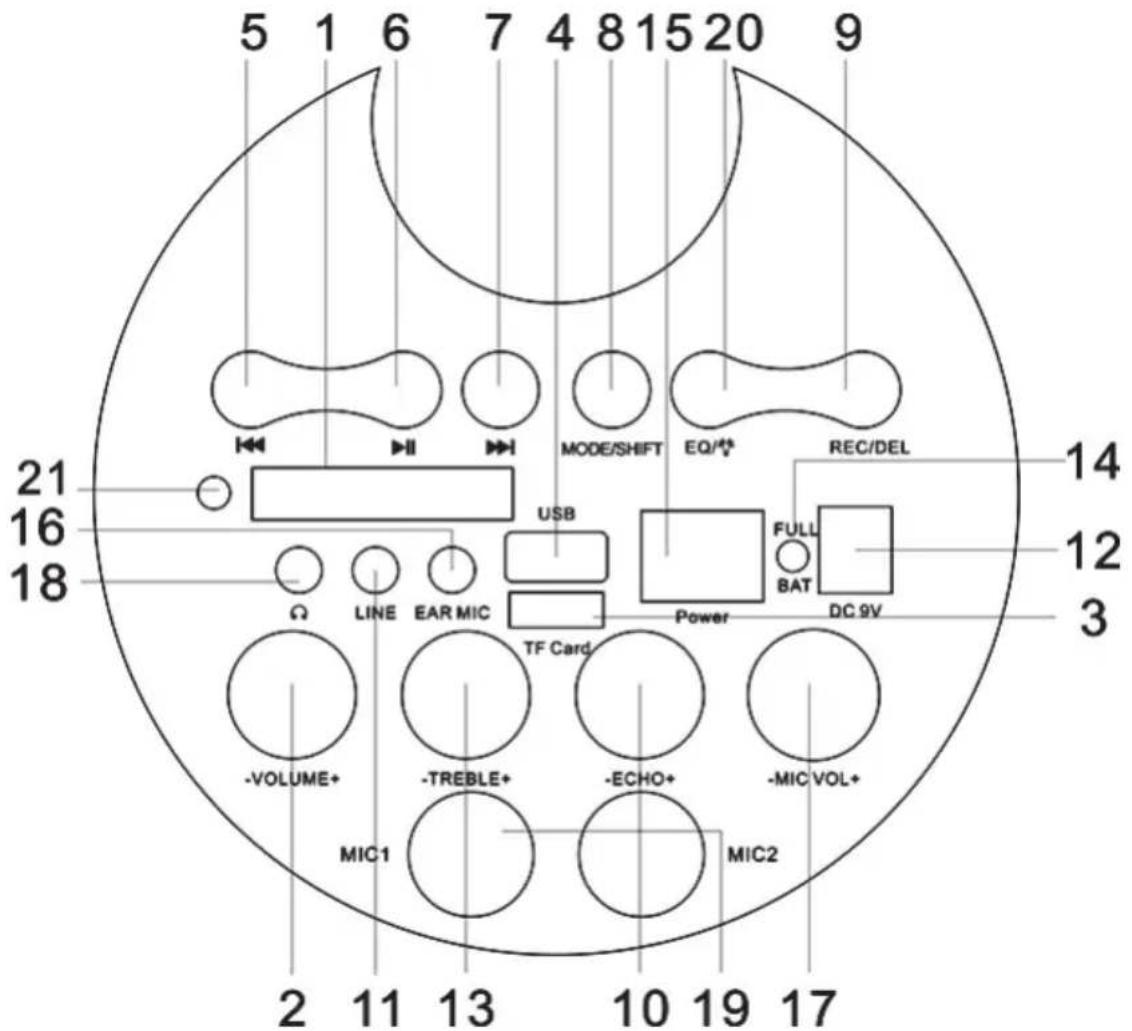
- LED Screen
- Master Volume: In MP3/FM/AUX mode, use it to regulate volume output from the speaker.
- TF Port: Read audio files in MP3 format in TF card in capacity up to 32G (FAT32).
- USB Port: Read audio files in MP3 format in USB storage device in capacity up to 32G (FAT32).
- In USB/TF card reading status, short press it to go to the previous track. In FM receiving status, short press it to select the previous channel after a full station search has been executed.
-
In USB/TF card reading status, short press it to play/pause, or long press it to select one of two playback sequencing modes (All - play all tracks in sequence; ONE - repeat one track). In FM receiving status, long press it to execute a full search (it is recommended to execute at least one full search before using radio receiving function. All founded stations will be saved even in poweroff). In AUX input / FM radio status, short press it to toggle between mute and normal volume.
-
In USB/TF card reading status, short press it to go to the next track. In FM receiving status, short press it to select the next channel after a full station search has been executed.
- Mode/SHIFT: short press it to toggle between USB/TF and FM receiving modes. long press it to toggle between recording folder and MP3 folder.
- Recording/DEL: Short press it to enable recording (USB/TF storage device need be connected first). During recording, reverberation should be tuned to the minimum. Long press it to delete a recording file. Recording in AUX or FM mode is available.
- Reverberation: Microphone reverberation regulating knob.
- LINE IN: External sound source input port (plug-and-play).
- DC 9V recharging: DC 9V recharging port.
- TREBLE: The control knob of treble.
- Recharging indicator light: When recharger is connected, the red light turns on. When the device is fully recharged, the blue light turns on.
- Power switch: “-” - ON; “-” OFF.
- EAR MIC: headphone/MIC Port.
- Microphone volume: Microphone volume regulating knob.
- Earphone: Earphone port.
- Microphone input: Microphone input jack
-
EQ/:Environment Switching:In USB/TF reading status short press it to select an environment mode (from square, meeting ,home,hall and personal). Long press it to control the flash light switch.
-
Remote Control Receiver
The bluetooth pairing operation and related parameters
- ON/OFF: switch the power to ON, press the key "MODE" to enter the mode of Bluetooth, the display screen will show "BLUE".
-
Switch on the Bluetooth function of Mobile phone and searching, while the Mobile phone shows "AP-M95", click the connect directly. mobile phone connection do not need password, if need password, please input "0000" to go on pairing. After success pairing, the speaker will send out a voice of prompt. it is success pairing between mobile phone and Bluetooth speaker.
-
Play the music of your mobile bphone directly and will give out beautiful voice from speaker.
CAUTION:
Please Be sure to charge while music distorted.
Warning!
- Make sure that battery is inserted the right way and with the right polarity
- Remove exhausted battery from the product
- The supply terminals should not be short-circuited
- Dispose of battery safely
Remarks:
Don't discard the electrical and electronic appliances in the regular waste disposal.
- Take them to a collection point.
-
Some components in these appliances may be hazardous to health and the environment.
-
If there is an incoming call while "BT50" is connected to your cell phone for music playback, it will pause at once when you answer the call and resume after the call ended. (Sometimes it will pause after end the call, it depends on your cell phone.)
- The Bluetooth® word, mark and logo are registered trademarks owned by Bluetooth SIG, Inc. and any use of such marks by Bigben Interactive is under license. Other trademarks and trade names are those of their respective owners.
- Hereby, Bigben Interactive SA, declares that the "BT50" device complies with the essential requirements of the directive 1995/5/EC of the European Parliament and of the Council of 9 March 1999 on radio equipment and telecommunications terminal equipment and the mutual recognition of their conformity.
To download the full statement, please visit our website: http://www/bigben-interactive.co.uk/support and the section <
Manufactured by BIGBEN INTERACTIVE SA
396, Rue de la Voyette
CRT2-FRETIN
CS 90414
59814 LESQUIN Cedex - France
www/bigben.eu
Made in China



REACH


Fabricant:BigbenInteractiveFRANCE
396, Rue de la Voyette, C.R.T. 2 Fretin, CS 90414 - 59814 LESQUIN Cedex
customerservice@bigben-interactive.be
ESPANA, sat@bigbeninteractive.es
ITALIA, support@bigbeninteractive.it
www/bigben.eu
bigben
BT50
ALTAVOZ BLUETOOTH CON LUCES
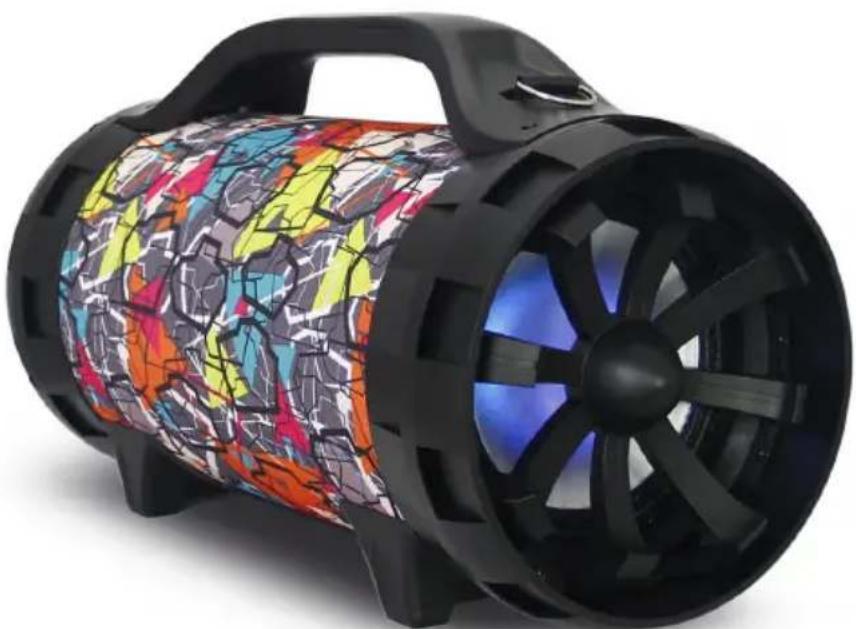
customerservice@bigben-interactive.be
ESPANA, sat@bigbeninteractive.es
ITALIA, support@bigbeninteractive.it
www/bigben.eu
bigben
IT
BT50
ALTOPARLANTE BLUETOOTH CON LUCI
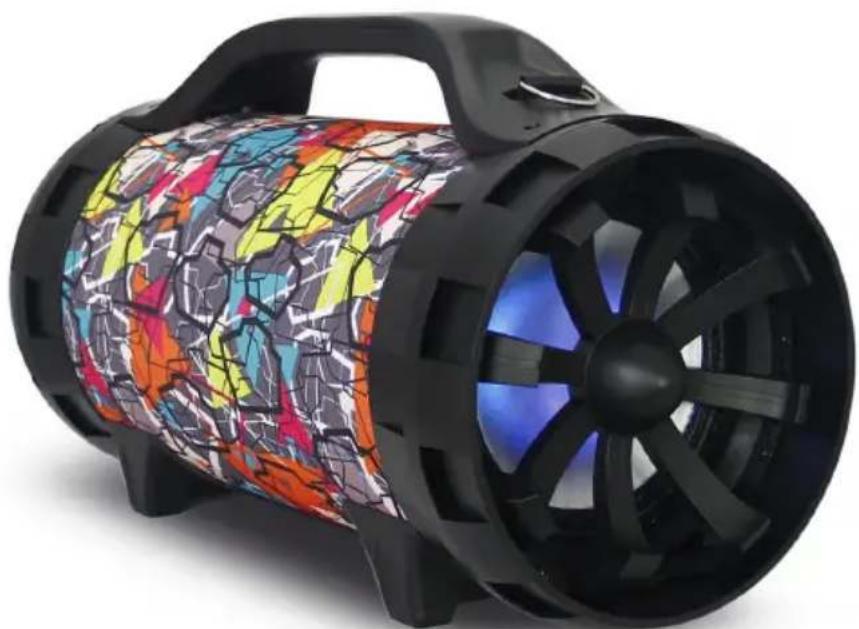
ISTRUZIONI PER L'USO
PRIMA DI UTILIZZARE IL PRODOTTO, LEGGERE ATTENTAMENTE LE ISTRUZIONI PER L'USO E CONSERVARLE PER CONSULTAZIONI FUTURE.
Indices
customerservice@bigben-interactive.be
ESPANA, sat@bigbeninteractive.es
ITALIA, support@bigbeninteractive.it
www/bigben.eu
bigben
PT
BT50
ALTIFALANTE BLUETOOTH COM LUZES
customerservice@bigben-interactive.be
ESPANA, sat@bigbeninteractive.es
ITALIA, support@bigbeninteractive.it
www/bigben.eu
bigben
BT50
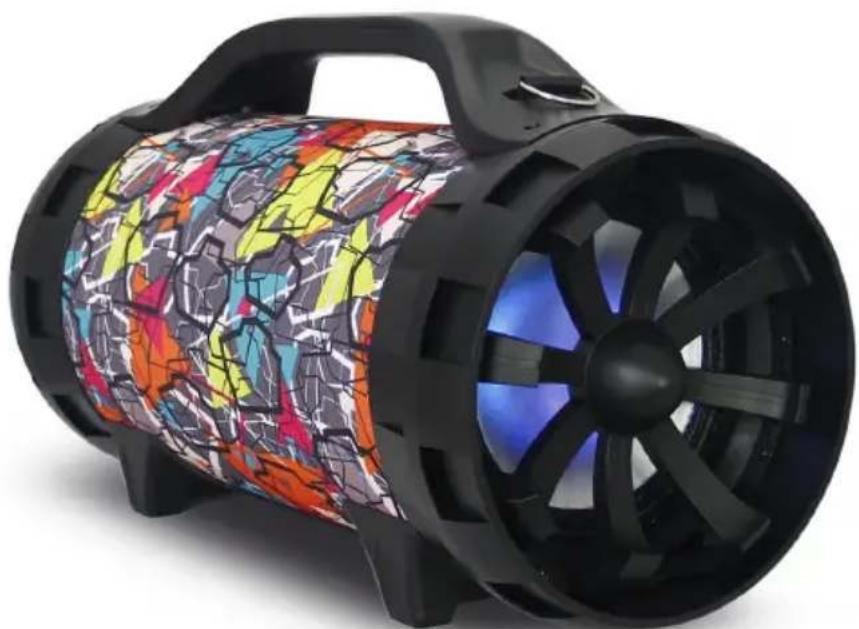
BLUETOOTH-LAUTSPRECHER MIT LICHTERN
BEDIENUNGSANLEITUNG
customerservice@bigben-interactive.be
ESPANA, sat@bigbeninteractive.es
ITALIA, support@bigbeninteractive.it
www/bigben.eu
bigben
BT50
customerservice@bigben-interactive.be
ESPANA, sat@bigbeninteractive.es
ITALIA, support@bigbeninteractive.it
www/bigben.eu