HG00092A - Lighting Livarno Lux - Free user manual and instructions
Find the device manual for free HG00092A Livarno Lux in PDF.



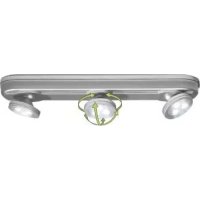
| Product type | Indoor LED light fixture |
| Brand | Livarno Lux |
| Model | HG00092A |
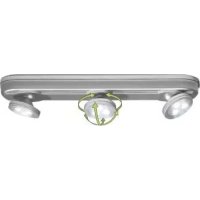
| Number of spots | 3 movable spots |
| Bulb type | Non-replaceable LED (4 LEDs per spot for 102738-14-01, 3 LEDs for 102738-14-02) |
| Power per spot | 0.06 W max |
| Total power | 0.18 W max |
| Power supply | 6 AAA 1.5 V batteries (included) |
| Usage area | Indoor, dry rooms |
| Functions | On/off, 2 brightness levels (single press: bright, double press: dim) |
| Spot tilt | Approximately 45° |
| Package contents | 1 lamp, 1 mounting plate, 6 AAA batteries, 2 screws, 2 adhesive pads, 1 instruction manual |
| Assembly | Fixation with screws or adhesive pads on a flat wooden surface |
| Cleaning | Dry lint-free cloth; for stubborn stains, cloth moistened with neutral dish soap |
| Safety | Do not use if damaged; batteries: do not recharge, short-circuit, or dispose in fire; keep out of reach of children |
| Warranty | 3 years (excluding normal wear) |
| Dimensions (approx.) | Approx. 30 cm length |
| Weight (approx.) | Approx. 500 g |
Frequently Asked Questions - HG00092A Livarno Lux
User questions about HG00092A Livarno Lux
0 question about this device. Answer the ones you know or ask your own.
Ask a new question about this device
Download the instructions for your Lighting in PDF format for free! Find your manual HG00092A - Livarno Lux and take your electronic device back in hand. On this page are published all the documents necessary for the use of your device. HG00092A by Livarno Lux.
USER MANUAL HG00092A Livarno Lux
ED UNDER-CABINET LIGHT
GB IE
LED UNDER-CABINET LIGHT
Assembly and safety advice
FI
KAAPIN ALLE ASENNETTAVA LED-VALAISIN
General Safety Information......Page 7
Battery safety information ...... Page 9
Use
Installation......Page 11
Before use......Page 12
Start-up ...... Page 12
Switching swivel
spots on/off......Page 12
Replacing batteries.....Page 13
Cleaning and Care ...... Page 14
LED Under- cabinet light
- Intendeduse
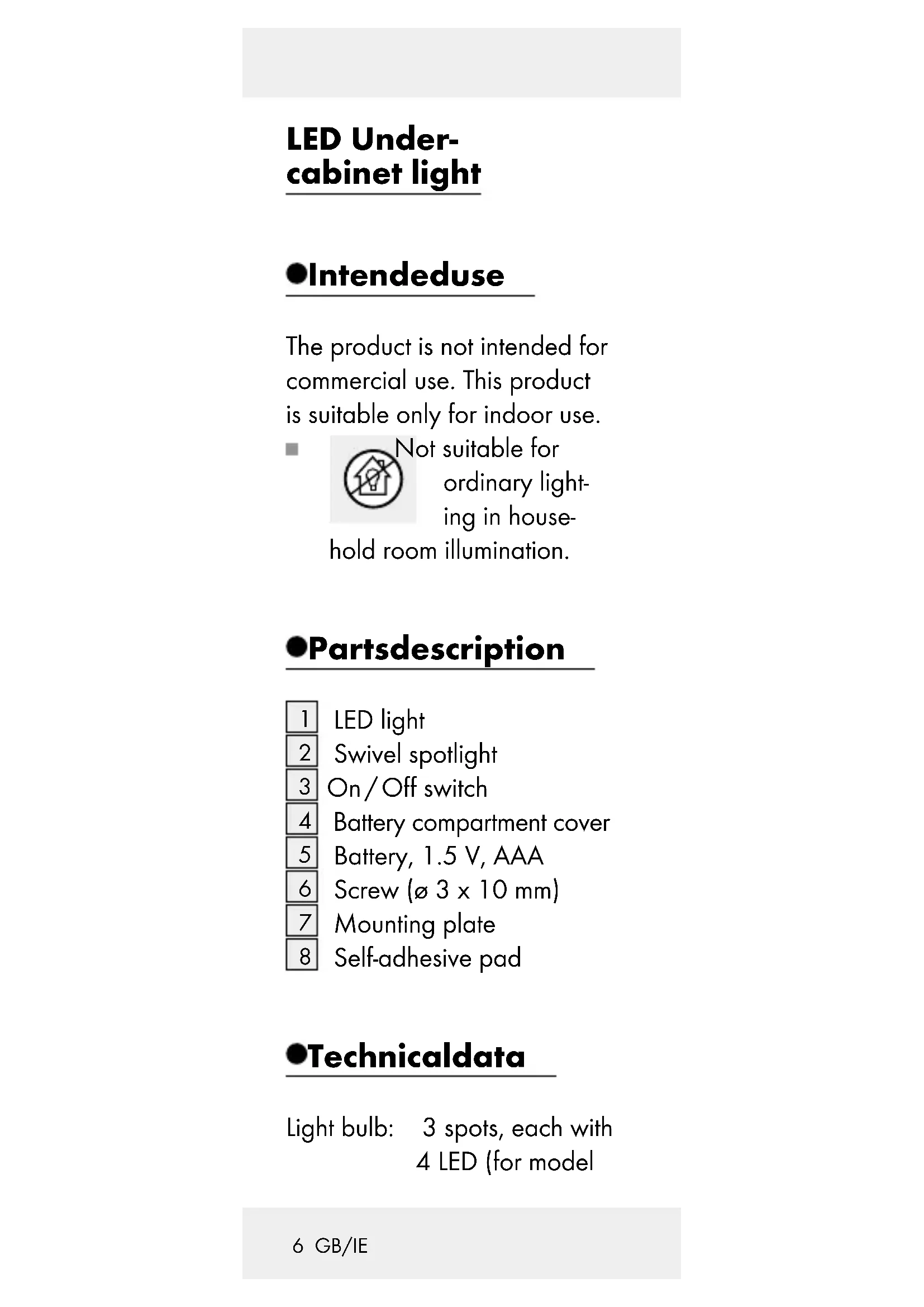
The product is not intended for commercial use. This product is suitable only for indoor use.
Not suitable for ordinary lighting in household room illumination.
Partsdescription
1 LED light
2 Swivel spotlight
3 On/Off switch
4 Battery compartment cover
5 Battery, 1.5 V, AAA
6 Screw (ø 3 x 10 mm)
7 Mounting plate
8 Self-adhesive pad
●Technicaldata
Light bulb: 3 spots, each with 4 LED (for model
102738-14-01)
and each with 3
LED (for model
102738-14-02),
max. 0.06W each
(LEDs not replace-
able)
Batteries: 6 x 1.5 V ---,
type AAA
- Contents
1 Lamp
1 Mounting plate
6Batteries
2 Screws ( 3 x 10 mm)
2 Self-adhesive pads
1 Instructions for use

General
Safety
Information
PLEASE READ THE INSTRUC-
TIONS PRIOR TO USE! PLEASE
KEEP THE INSTRUCTIONS
FOR USE IN A SAFE PLACE!
- Check the product for damage before use. Never use a damaged product.
This appliance can be used by children aged from 8 years and above and persons with reduced physical, sensory or mental capabilities or lack of experience and knowledge if they have been given supervision or instruction concerning use of the appliance in a safe way and understand the hazards involved. Children shall not play with the appliance. Cleaning and user maintenance shall not be made by children without supervision.
■ Never use the light if any defects have been identified.
■ LED cannot be replaced.

This light is solely suitable for use in dry, closed
indoor spaces.
●Batterysafety information

WARNING!
RISK OF
FATAL INJU-
RIES! Batteries are not intended for children. Do not leave batteries lying around. They may otherwise be swallowed by children or pets. If accidentally swallowed seek immediate medical attention.

EXPLOSION
HAZARD!
Never recharge
non-rechargeable batteries, short-circuit and/or open batteries.

EXPLOSION
HAZARD!
Never throw
batteries into fire or water. The batteries may otherwise explode.
Keep batteries away from children; do not throw into fire, short-circuit or take them apart.
Avoid contact with the skin, eyes and mucous membranes. In the event of contact with battery acid, thoroughly flush the affected area with clean water and seek immediate medical attention.
If necessary, clean the batteries and device contacts before inserting batteries.
When inserting the battery ensure the correct polarity! This is indicated in the battery compartment.
■ Only use the same type of batteries.
■ Remove batteries from the device after extended periods of non-use.
■ Promptly remove drained batteries from the product. There is an increased risk of leaks!
- Avoid extreme conditions and temperatures which may impact batteries, e.g. on radiators. Otherwise there is an increased risk of leaking.
Failure to follow safety instructions may drain batteries beyond their end voltage. This will then pose a risk of leaking.
If the batteries have leaked inside the product, please remove them immediately to prevent product damage!
Batteries do not belong in household refuse!
The law requires every consumer to properly dispose of batteries.
Use
Installation
☐ Secure the mounting plate 7 to a level wooden surface using the screws 6 or adhesive pads 8 included. Refer to figures C or D, respectively.
Place the eyes on the bottom part of the LED light 1 onto the mounting plate and latch in the LED light,
sliding it sideways as illustrated in Figure E.
Beforeuse
The batteries 5 are factory installed.
☐ Pull the two insulating strips out of the two battery compartments to activate.
Start-up
For both model 102738-14-01 and 102738-14-02, the swivel spotlights 2 can be tilted approx. 45^ in any direction (see Fig. A or B).
• Switchingswivel spots on / off
The LED light 1 is controlled using the On / Off switch 3. This button has three settings:
Press on/off switch once: high light output.
Press on/off switch
again: low light output.
Press the on / off switch
again: turns the light off.
• Replacing batteries
☐ Slide the mounting plate 7 and remove from the bracket. There are two battery compartments at the rear centre of the LED light (see Fig. F).
☐ Press the handle on the battery compartment slightly toward the compartment and lift the battery compartment cover 4 to open the battery compartment.
☐ Insert batteries in the compartment as indicated.
☐ Replace the battery cover to close the battery compartment.
□ Apply light pressure until the handle locks in again.
- Cleaning and Care
☐ Use a dry, soft and lint-free cloth for cleaning and care. Use a slightly dampened cloth and a mild detergent to remove stubborn dirt.
●Disposal

The packaging is made from eco-friendly materials.
Dispose of packaging through municipal recycling containers.
Contact your municipality for information on how to dispose of the worn-out product.
To protect the environment, please do not dispose of the
Worn-out product in your household waste, but dispose of properly.
Contact your municipality for information regarding collection
facilities and their opening hours.
Defective or used batteries must be recycled in accordance with Directive 2006/66/CE. Return batteries and / or the device to the recycling facilities offered.
Environmental damage due to improper bat- tery disposal!
Never dispose of batteries in your household waste. They may contain toxic heavy metals and are subject to hazardous waste regulations. The chemical symbols of the heavy metals are: Cd = cadmium, Hg = mercury, Pb = lead. Therefore dispose of used batteries through your municipal collection site.
Warranty
The device has been manufactured to strict quality
guidelines and meticulously examined before delivery. In the event of product defects you have legal rights against the retailer of this product. Your legal rights are not limited in any way by our warranty detailed below.
The warranty for this device is 3 years from the date of purchase. Should this device show any fault in materials or manufacture within 3 years from the date of purchase, we will repair or replace it – at our choice – free of charge to you.
The warranty period begins on the date of purchase. Please keep the original sales receipt in a safe location. This document is required as your proof of purchase. This warranty becomes void if the device has been damaged or improperly used or maintained.
The warranty applies to faults in material or manufacture. This warranty does not cover
product parts subject to normal wear, thus possibly considered consumables (e.g. batteries) or for damage to fragile parts, e.g. switches, rechargeable batteries or glass parts.
CE
WAARSCHU- WING! LEVENSGE-
Last Information Update
Tietojen tila · Informationsstatus

- ED UNDER-CABINET LIGHT
- LED UNDER-CABINET LIGHT
- KAAPIN ALLE ASENNETTAVA LED-VALAISIN
- Use
- LED Under- cabinet light
- - Intendeduse
- Partsdescription
- ●Technicaldata
- - Contents
- General
- Safety
- Information
- ●Batterysafety information
- WARNING!
- RISK OF
- FATAL INJU-
- EXPLOSION
- HAZARD!
- Installation
- Beforeuse
- Start-up
- • Switchingswivel spots on / off
- Press on/off switch
- Press the on / off switch
- • Replacing batteries
- - Cleaning and Care
- ●Disposal
- Environmental damage due to improper bat- tery disposal!
- Warranty
- WAARSCHU- WING! LEVENSGE-
Brand : Livarno Lux
Model : HG00092A
Category : Lighting