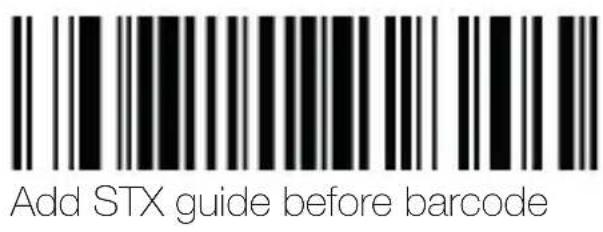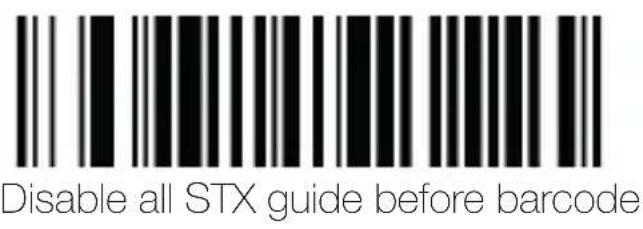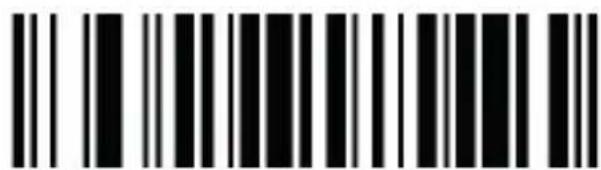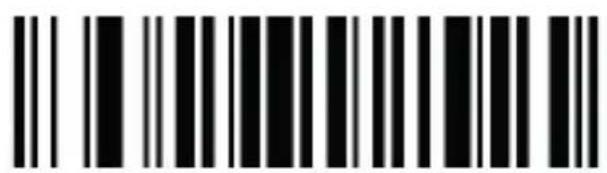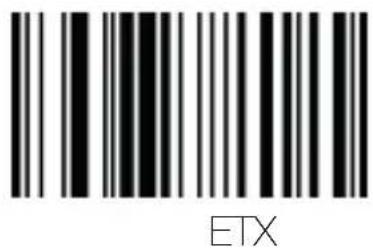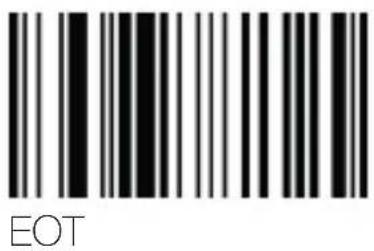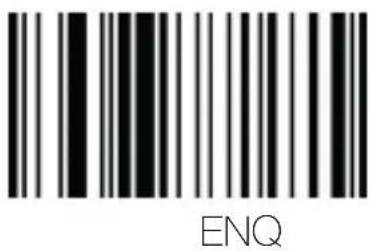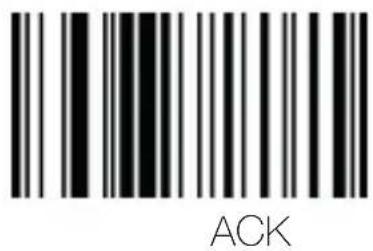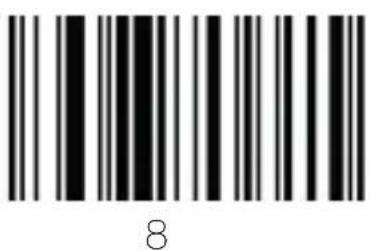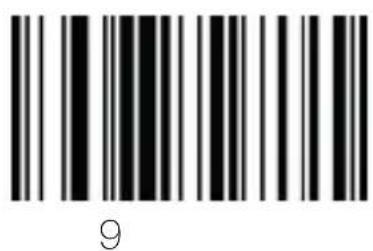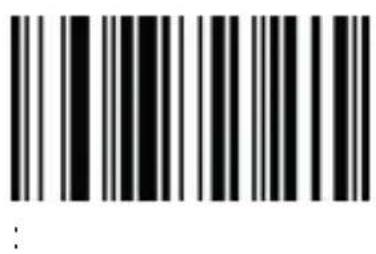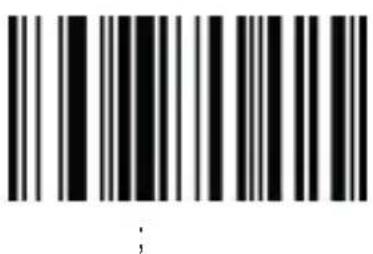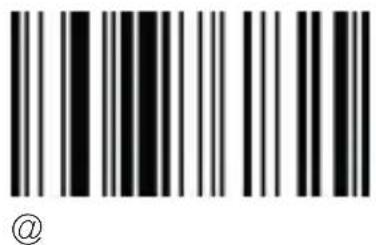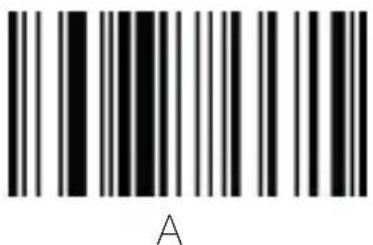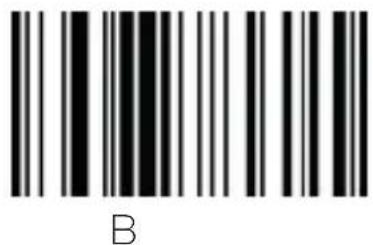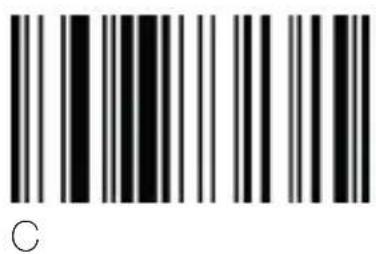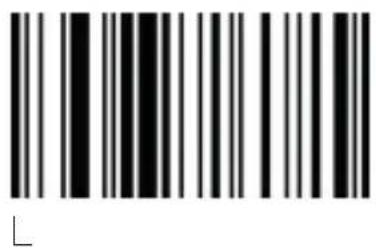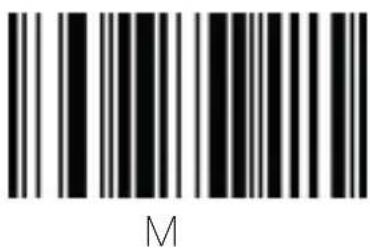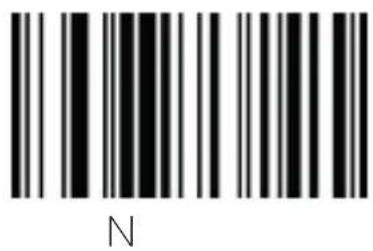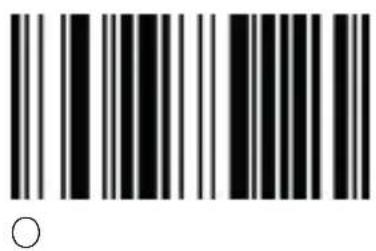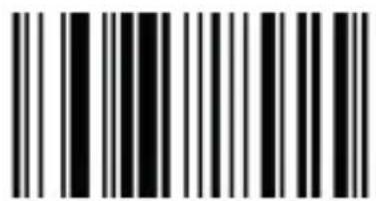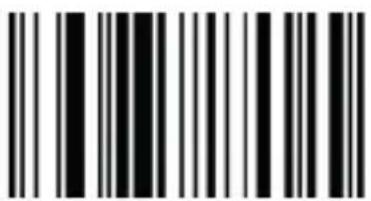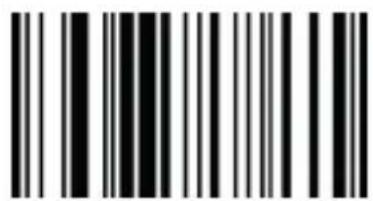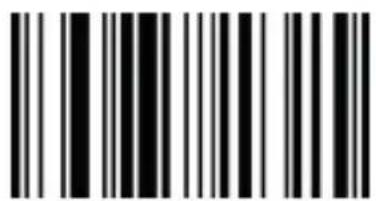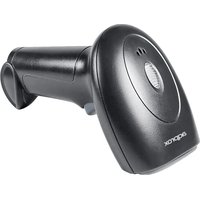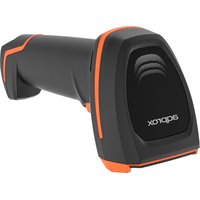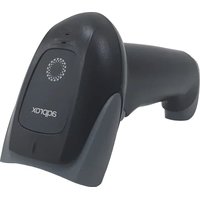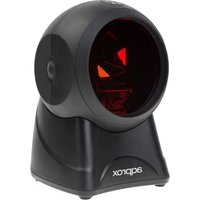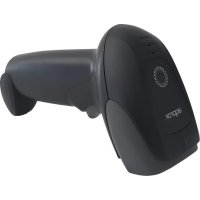
Aqprox appLS11 - Barcode scanners

appLS11 - Barcode scanners Aqprox - Free user manual and instructions

Find the device manual for free appLS11 Aqprox in PDF.

📄 30 pages English EN Download 💬 AI Question 10 questions ⚙️ Specs
Notice Aqprox appLS11 - page 10
View the manual : Français FR English EN Español ES Português PT
Pick your language and provide your email: we'll send you a specifically translated version.
Product type 1D barcode scanner
Brand Aqprox
Model appLS11
Supported symbologies Standard 1D barcodes
Connection interface USB
Power supply Via USB port (5 V)
Dimensions (L x W x H) Approximately 16 x 6 x 8 cm
Weight Approximately 150 g
Housing material ABS plastic
Trigger mode Manual (push button) or automatic (presentation)
Configuration By scanning programming barcodes
Window maintenance Clean with a soft cloth (like lens cleaning cloth); do not use solvents
Safety instructions Do not open the device; avoid moisture and liquids; use recommended voltage
Recycling Follow WEEE directive; do not dispose with household waste
Operating temperature 0°C to 40°C
Manufacturer warranty Standard warranty (subject to manual conditions)
Package contents Scanner, USB cable, user manual

Frequently Asked Questions - appLS11 Aqprox

How to start the appLS11 scanner?
Connect the scanner to a computer via the USB cable. The scanner starts automatically and is ready to use.
How to turn off the scanner?
Simply unplug the USB cable from the computer. The scanner has no power button.
What to do if the scanner becomes unresponsive?
Unplug the scanner, then plug it back in after a few seconds. This performs a forced restart.
How to clean the reading window?
Use a soft, dry cloth (like lens cleaning cloth). Avoid solvents and do not spray liquid directly on the window.
What types of barcodes can the scanner read?
It reads all common 1D barcodes (EAN, UPC, Code 39, Code 128, etc.).
How to configure the scanner?
Scan the 'Enable setup code' barcode from the manual to enter configuration mode, then scan the desired programming barcodes. To exit, scan 'Disable setup code'.
Can I use the scanner with a smartphone or tablet?
Yes, provided that the device supports OTG (On-The-Go) mode via USB. An adapter may be necessary.
Is the scanner compatible with my software?
Generally yes, as it emulates a keyboard. Scanned data is sent as keystrokes.
How to restore factory settings?
Scan the 'Restore all factory settings' barcode provided in the manual (system settings page).
What to do in case of hardware malfunction?
Contact Aqprox after-sales service. Do not open the device, as this would void the warranty.

User questions about appLS11 Aqprox

0 question about this device. Answer the ones you know or ask your own.

Ask a new question about this device

The email remains private: it is only used to notify you if someone responds to your question.

No questions yet. Be the first to ask one.

Download the instructions for your Barcode scanners in PDF format for free! Find your manual appLS11 - Aqprox and take your electronic device back in hand. On this page are published all the documents necessary for the use of your device. appLS11 by Aqprox.

USER MANUAL appLS11 Aqprox

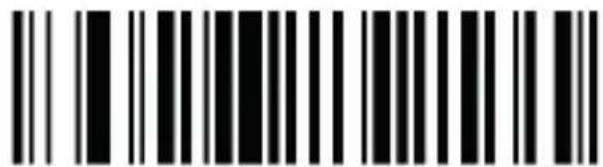
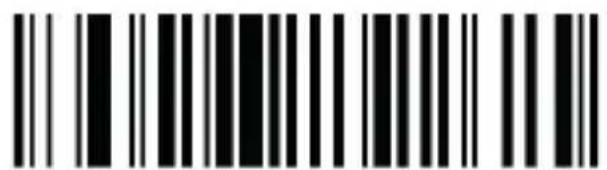
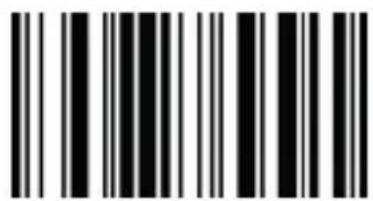
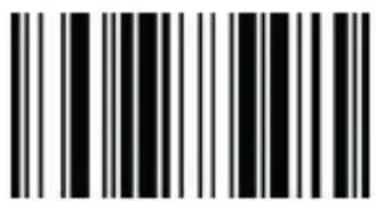
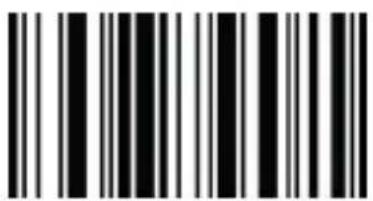
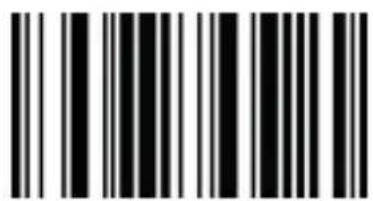
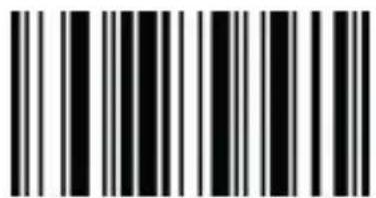
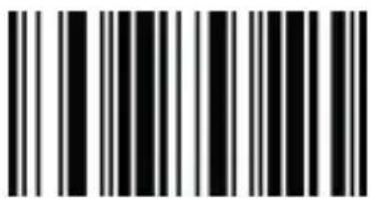
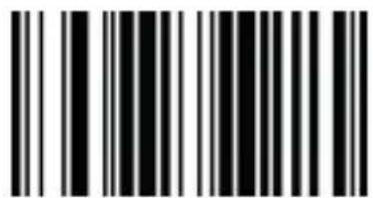
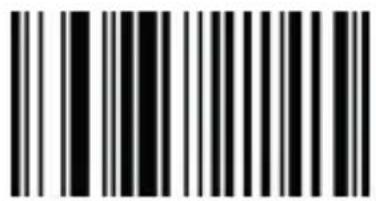
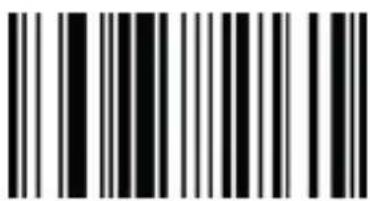
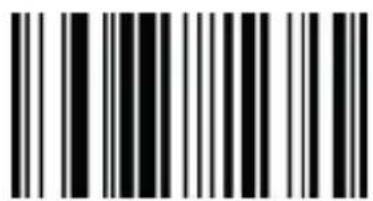
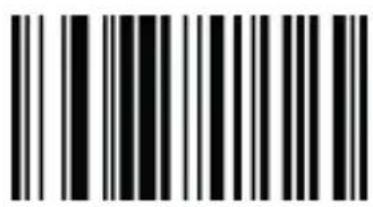
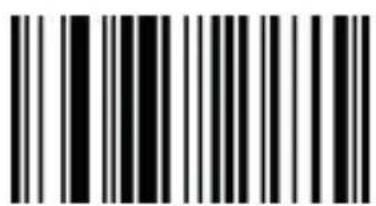
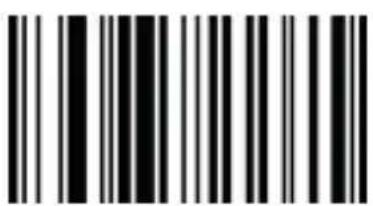
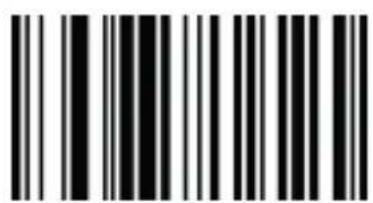
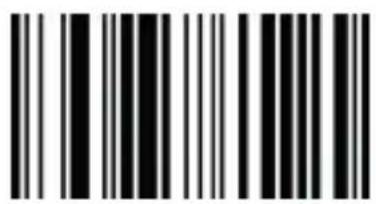
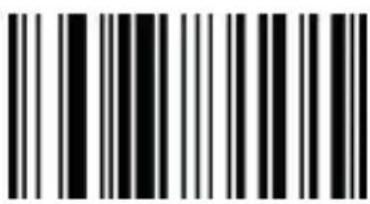
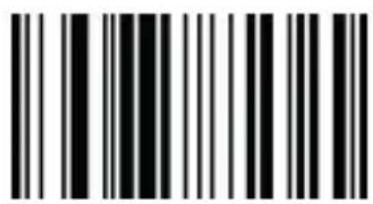
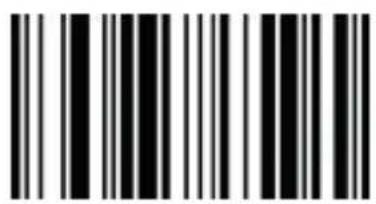
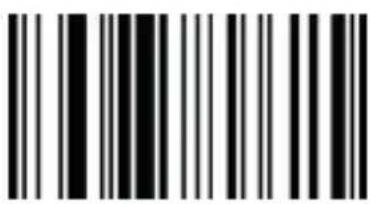
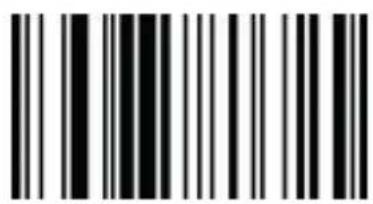
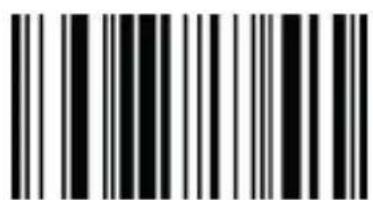
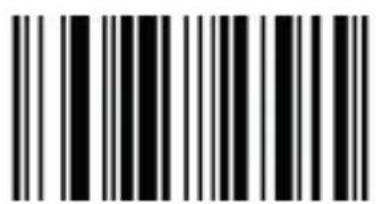
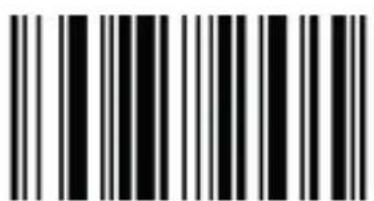
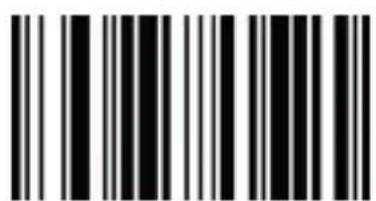
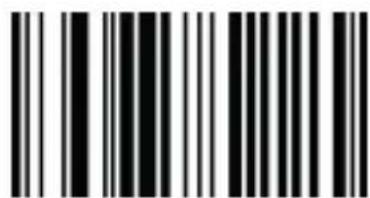
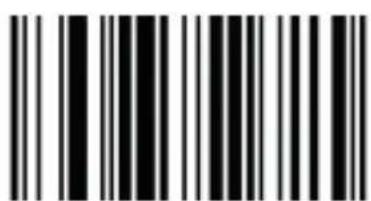
Enable set up code Disable set up code

Aqprox appLS11 - 1
5. Interfaces

USB HID (w cable, default) USB-COM

6. Modo de escaneo
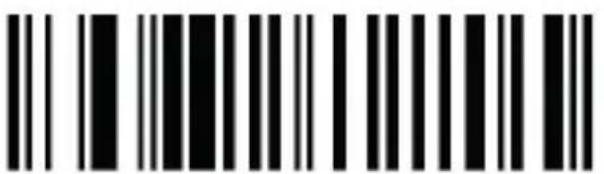
Aqprox appLS11 - Modo de escaneo - 1

Please carefully read all the contents of the manual before using the products described in this manual to ensure that the product is safely and effectively preserved for future use. Do not disassemble the terminal or tear off the seal on the terminal. Otherwise, we will not be responsible for the warranty or replacement of the terminal.

appLS11 is a high performance barcode reader. It can quickly decode any 1D barcode symbology, perfect for customer-facing applications.

1.1. Product display
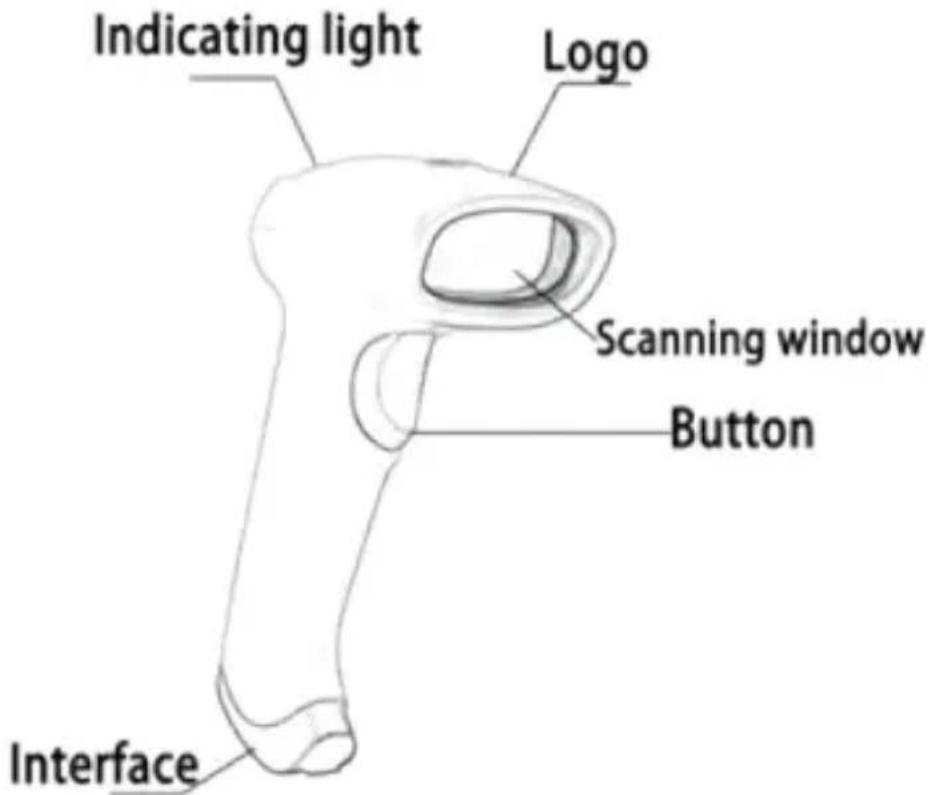
Aqprox appLS11 - Product display - 1

1.2. Start-up, shutdown, standby and restart

Start-up: Connect host computer with scanner, which will automatically start-up and in working state.

Shutdown: Remove the USB which is connected with host computer. Restart: If the scanner crashes or doesn't respond, please switch it off and restart.

1.3. Maintenance

  • The window must be kept clean, the supplier do not bear the guarantee responsibility due to the improper maintenance.

· Avoid the window being wear and tear or scratched by hard object
· Use the hairbrush to remove the stain on the window
· Clean the window with a soft cloth, such as lens cleaning cloth
- Spraying liquid onto the window is prohibited.
- Prohibit any cleaning solvents, except for the cleaning water.

2. Restore factory defaults
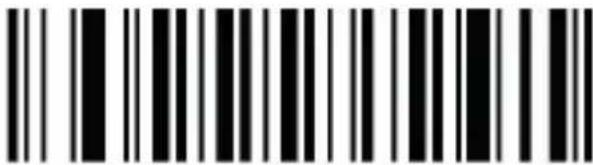
Aqprox appLS11 - Restore factory defaults - 1

Restore all factory defaults

3. Version info
Aqprox appLS11 - Version info - 1

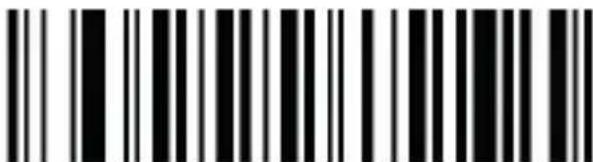
Display the version number

Aqprox appLS11 - Version info - 2

Enable set up code – Disable set up code

3. Interfaces

Aqprox appLS11 - Interfaces - 1

USB HID (w cable, default) USB-COM

4. Scan mode

Aqprox appLS11 - Scan mode - 1

Default scanning mode Continuous scanning mode

5. Sound

Aqprox appLS11 - Sound - 1
Enable sound (default) Disable sound

Aqprox appLS11 - Sound - 2
High volume Low volume

6. Case conversion

Aqprox appLS11 - Case conversion - 1
Disable All caps

Aqprox appLS11 - Case conversion - 2
All lowercase Case to case conversion

7. Inverse barcode
Aqprox appLS11 - Inverse barcode - 1
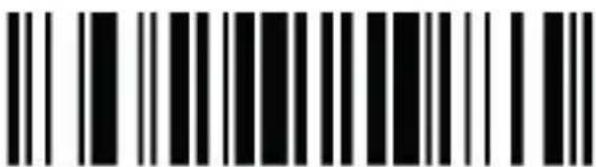
Reverse image recognition

8. Prefix / Suffix set up

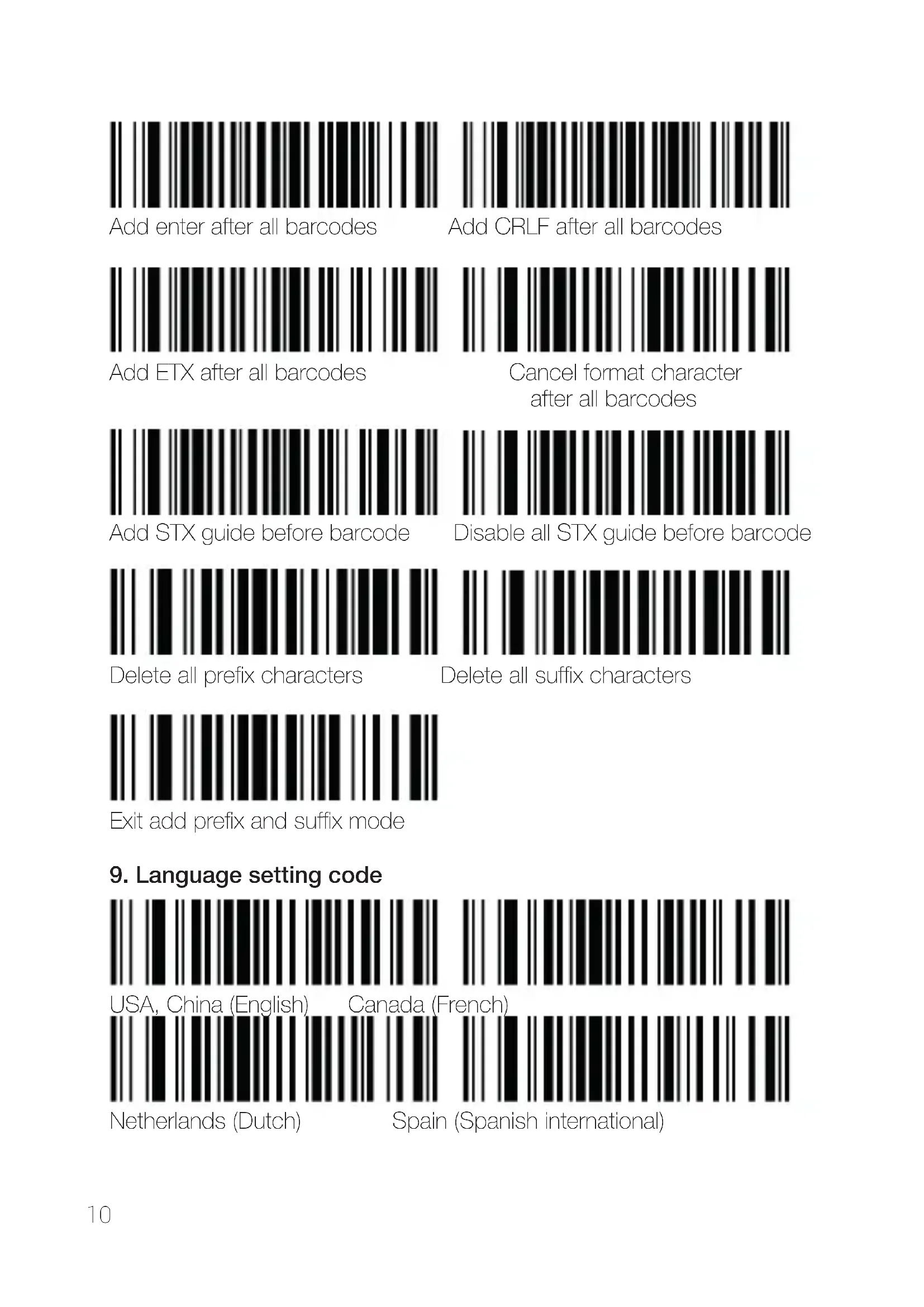
Aqprox appLS11 - Prefix / Suffix set up - 1
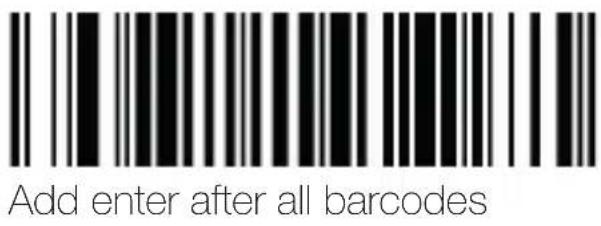
Enter add prefix mode Enter add suffix mode
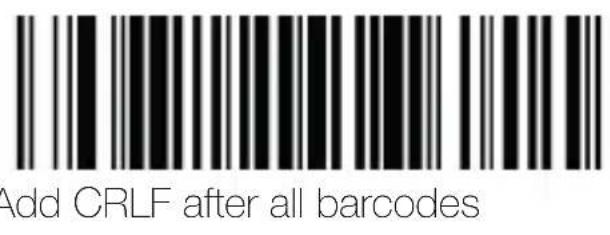
Aqprox appLS11 - Prefix / Suffix set up - 2

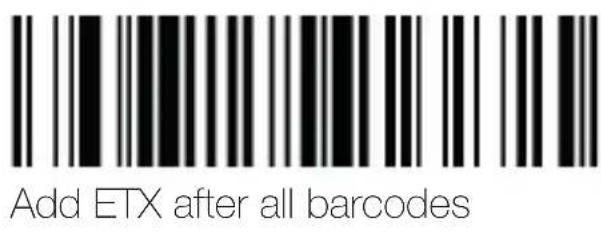
Aqprox appLS11 - Prefix / Suffix set up - 3

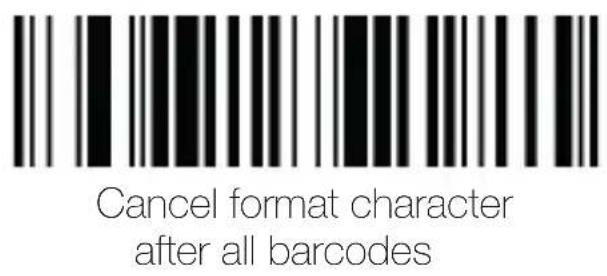
Aqprox appLS11 - Prefix / Suffix set up - 4

Aqprox appLS11 - Prefix / Suffix set up - 5

Aqprox appLS11 - Prefix / Suffix set up - 6

Aqprox appLS11 - Prefix / Suffix set up - 7

Aqprox appLS11 - Prefix / Suffix set up - 8

Aqprox appLS11 - Prefix / Suffix set up - 9
Delete all suffix characters

Delete all prefix characters
Aqprox appLS11 - Prefix / Suffix set up - 10
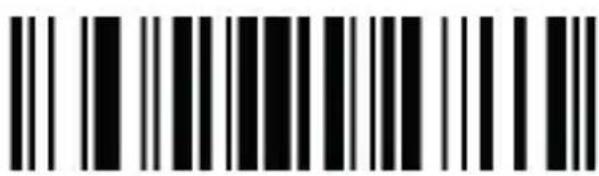
Exit add prefix and suffix mode

Aqprox appLS11 - Prefix / Suffix set up - 11
9. Language setting code

Aqprox appLS11 - Prefix / Suffix set up - 12

Aqprox appLS11 - Prefix / Suffix set up - 13
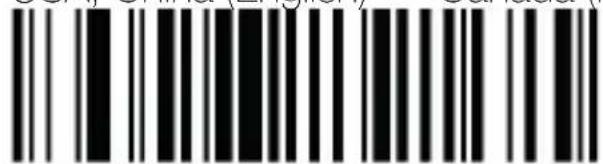
USA, China (English) Canada (French)
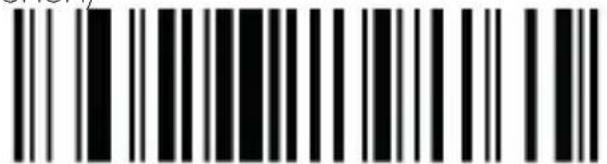
Aqprox appLS11 - Prefix / Suffix set up - 14
Netherlands (Dutch)
Spain (Spanish international)

Aqprox appLS11 - Prefix / Suffix set up - 15

Aqprox appLS11 - Prefix / Suffix set up - 16

Aqprox appLS11 - Prefix / Suffix set up - 17

Aqprox appLS11 - Prefix / Suffix set up - 18
Germany (German) Norway (northern Sami)

Aqprox appLS11 - Prefix / Suffix set up - 19
Sweden, Finland (Swedish, Finnish) Slovakia (Slovak)

Aqprox appLS11 - Prefix / Suffix set up - 20
Portugal (Portuguese) Czech republic (Czech)

Aqprox appLS11 - Prefix / Suffix set up - 21
Belgium (Dutch) Turkish-F

Aqprox appLS11 - Prefix / Suffix set up - 22

Aqprox appLS11 - Prefix / Suffix set up - 23

Aqprox appLS11 - Prefix / Suffix set up - 24

Aqprox appLS11 - Prefix / Suffix set up - 25

Aqprox appLS11 - Prefix / Suffix set up - 26
10. ISSN / ISBN
Enable 5 bits add on code
Enable 2 bits add on code
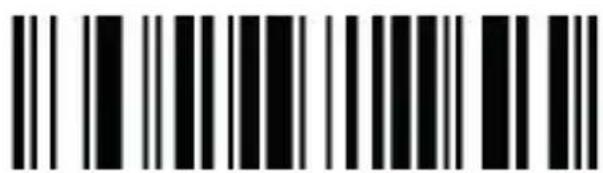
Aqprox appLS11 - Prefix / Suffix set up - 27
Enable 2 bits adn 5 bits add on code

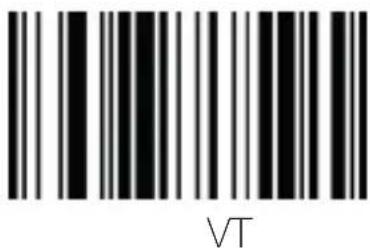
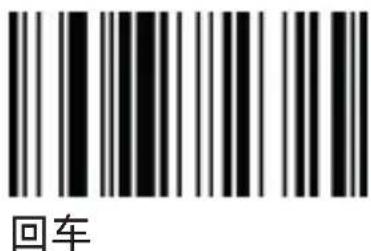
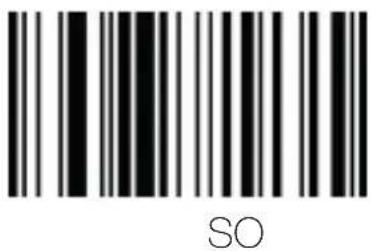
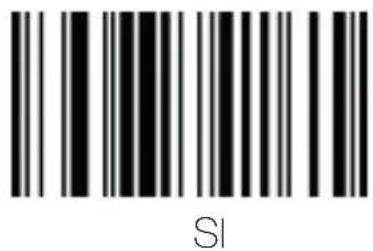
11. Character table
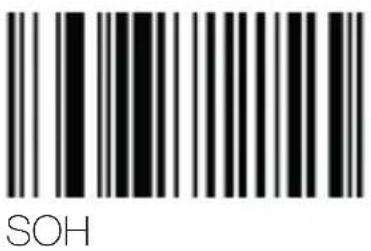
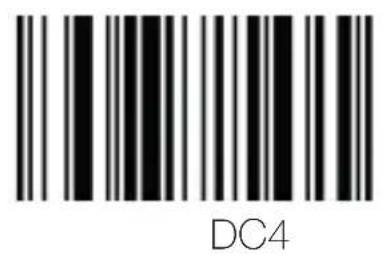
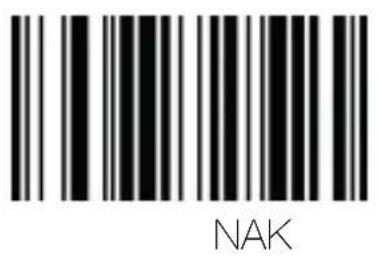
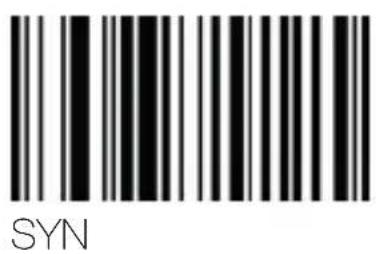
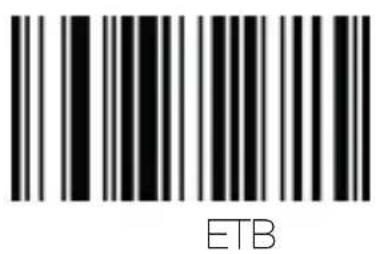
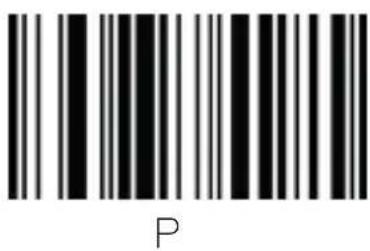
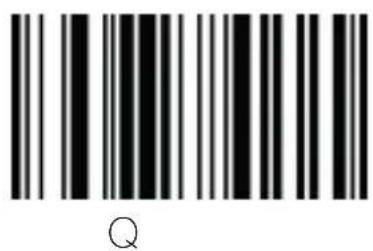
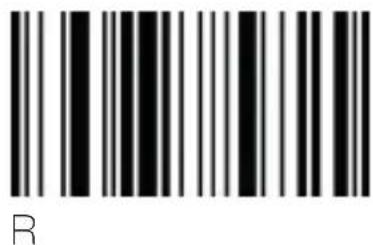
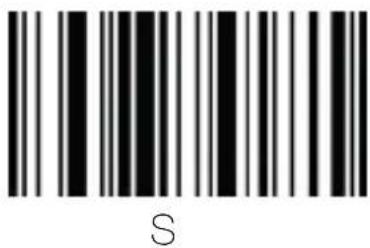
Aqprox appLS11 - Character table - 1
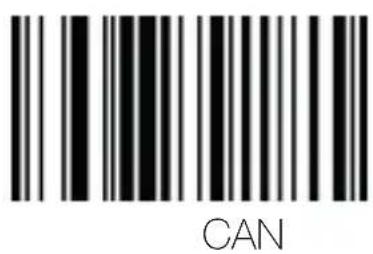
Aqprox appLS11 - Character table - 2
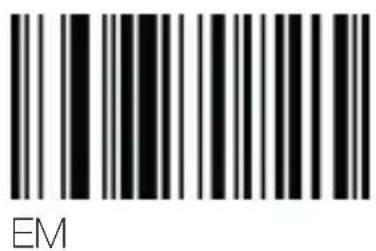
Aqprox appLS11 - Character table - 3
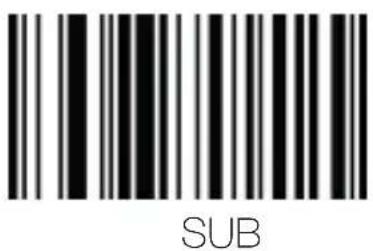
Aqprox appLS11 - Character table - 4
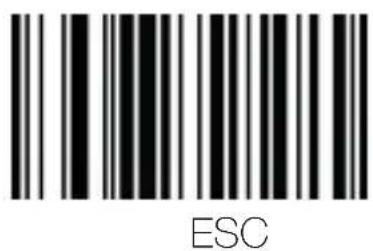
Aqprox appLS11 - Character table - 5
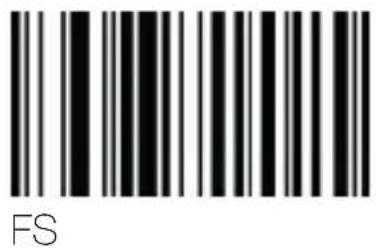
Aqprox appLS11 - Character table - 6
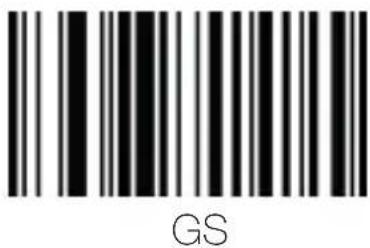
Aqprox appLS11 - Character table - 7
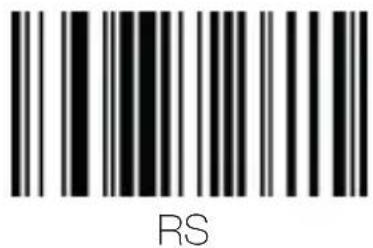
Aqprox appLS11 - Character table - 8
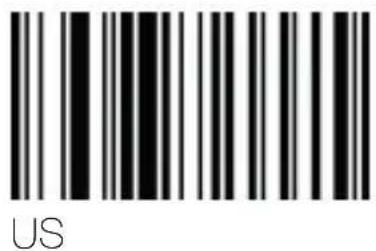
Aqprox appLS11 - Character table - 9
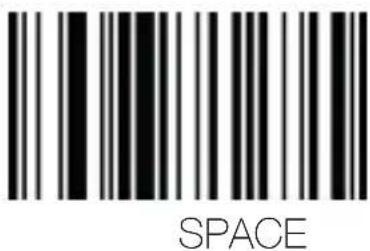
Aqprox appLS11 - Character table - 10
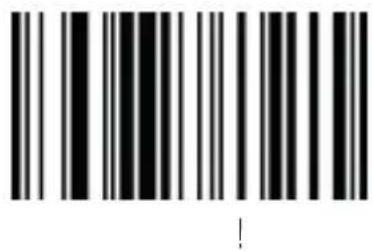
Aqprox appLS11 - Character table - 11
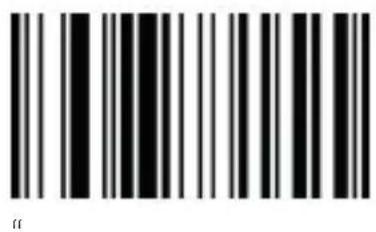
Aqprox appLS11 - Character table - 12
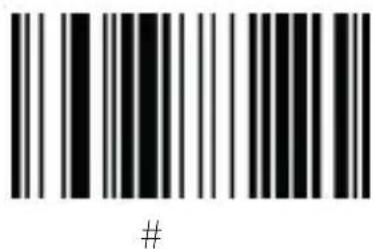
Aqprox appLS11 - Character table - 13
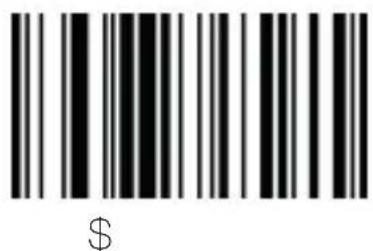
Aqprox appLS11 - Character table - 14
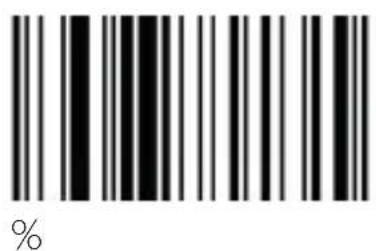
Aqprox appLS11 - Character table - 15
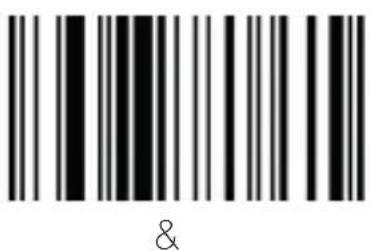
Aqprox appLS11 - Character table - 16
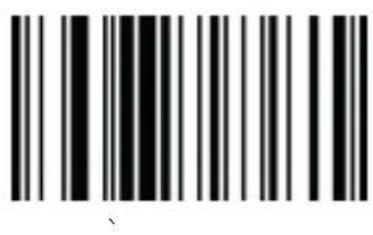
Aqprox appLS11 - Character table - 17
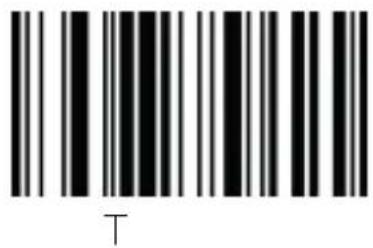
Aqprox appLS11 - Character table - 18
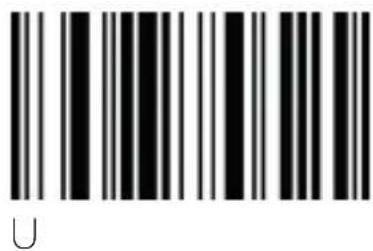
Aqprox appLS11 - Character table - 19
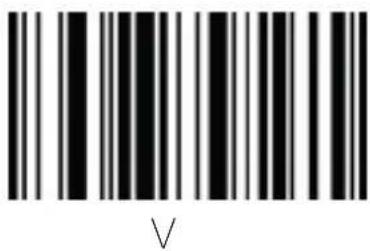
Aqprox appLS11 - Character table - 20
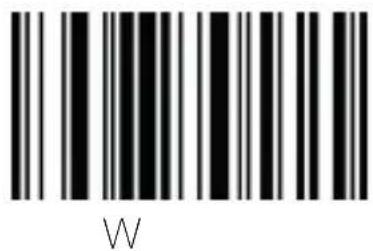
Aqprox appLS11 - Character table - 21
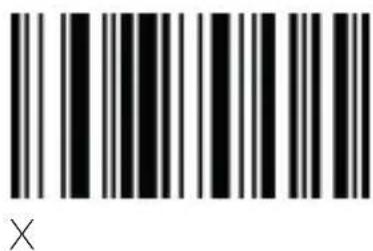
Aqprox appLS11 - Character table - 22
Aqprox appLS11 - Character table - 23
Aqprox appLS11 - Character table - 24
Aqprox appLS11 - Character table - 25

Aqprox appLS11 - Character table - 26

Aqprox appLS11 - Character table - 27

Aqprox appLS11 - Character table - 28

Aqprox appLS11 - Character table - 29

Aqprox appLS11 - Character table - 30

Aqprox appLS11 - Character table - 31

Aqprox appLS11 - Character table - 32

Aqprox appLS11 - Character table - 33

Aqprox appLS11 - Character table - 34

Aqprox appLS11 - Character table - 35

Aqprox appLS11 - Character table - 36

Aqprox appLS11 - Character table - 37

Aqprox appLS11 - Character table - 38

Aqprox appLS11 - Character table - 39

Aqprox appLS11 - Character table - 40

Aqprox appLS11 - Character table - 41

Aqprox appLS11 - Character table - 42

Aqprox appLS11 - Character table - 43

Aqprox appLS11 - Character table - 44

Aqprox appLS11 - Character table - 45

Aqprox appLS11 - Character table - 46

Aqprox appLS11 - Character table - 47

Aqprox appLS11 - Character table - 48

Aqprox appLS11 - Character table - 49

Aqprox appLS11 - Character table - 50

Aqprox appLS11 - Character table - 51

Aqprox appLS11 - Character table - 52

Aqprox appLS11 - Character table - 53

Aqprox appLS11 - Character table - 54

Aqprox appLS11 - Character table - 55

Aqprox appLS11 - Character table - 56

Aqprox appLS11 - Character table - 57

Aqprox appLS11 - Character table - 58

Aqprox appLS11 - Character table - 59

Aqprox appLS11 - Character table - 60

Aqprox appLS11 - Character table - 61

Aqprox appLS11 - Character table - 62

Aqprox appLS11 - Character table - 63

Aqprox appLS11 - Character table - 64

Aqprox appLS11 - Character table - 65

Aqprox appLS11 - Character table - 66

Aqprox appLS11 - Character table - 67

Aqprox appLS11 - Character table - 68

Aqprox appLS11 - Character table - 69

Aqprox appLS11 - Character table - 70

Aqprox appLS11 - Character table - 71

Aqprox appLS11 - Character table - 72

Aqprox appLS11 - Character table - 73

Aqprox appLS11 - Character table - 74

Aqprox appLS11 - Character table - 75

Aqprox appLS11 - Character table - 76

Aqprox appLS11 - Character table - 77

Aqprox appLS11 - Character table - 78

Aqprox appLS11 - Character table - 79

Aqprox appLS11 - Character table - 80

Aqprox appLS11 - Character table - 81

Aqprox appLS11 - Character table - 82

Aqprox appLS11 - Character table - 83

Aqprox appLS11 - Character table - 84

Aqprox appLS11 - Character table - 85

Aqprox appLS11 - Character table - 86

Aqprox appLS11 - Character table - 87

Aqprox appLS11 - Character table - 88

Aqprox appLS11 - Character table - 89

Aqprox appLS11 - Character table - 90

Aqprox appLS11 - Character table - 91
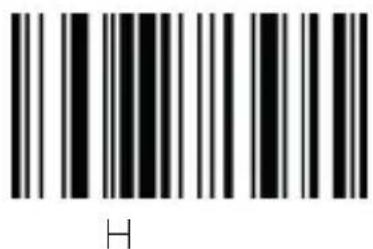
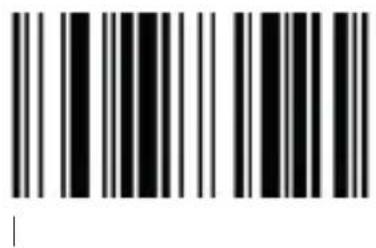
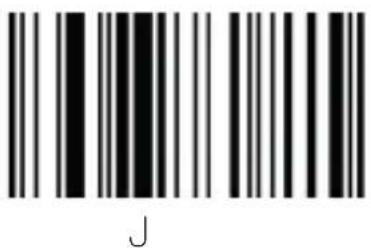
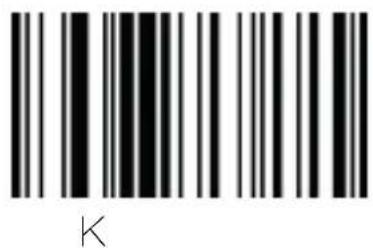
[
Aqprox appLS11 - Character table - 92
\

Aqprox appLS11 - Character table - 93
]

Aqprox appLS11 - Character table - 94
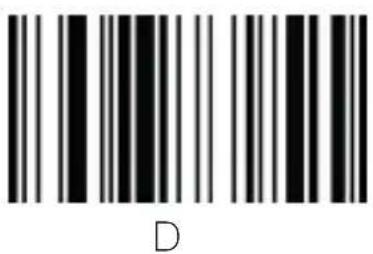
A

Aqprox appLS11 - Character table - 95

Aqprox appLS11 - Character table - 96
(3)

Aqprox appLS11 - Character table - 97
a

Aqprox appLS11 - Character table - 98
b

Aqprox appLS11 - Character table - 99
C

Aqprox appLS11 - Character table - 100
d

Aqprox appLS11 - Character table - 101
e

Aqprox appLS11 - Character table - 102
f

Aqprox appLS11 - Character table - 103
9

Aqprox appLS11 - Character table - 104
h

Aqprox appLS11 - Character table - 105
i

Aqprox appLS11 - Character table - 106
j

Aqprox appLS11 - Character table - 107
K

Aqprox appLS11 - Character table - 108
1

Aqprox appLS11 - Character table - 109
m

Aqprox appLS11 - Character table - 110
n

Aqprox appLS11 - Character table - 111
O

Aqprox appLS11 - Character table - 112
p

Aqprox appLS11 - Character table - 113
9

Aqprox appLS11 - Character table - 114
r

Aqprox appLS11 - Character table - 115
S

Aqprox appLS11 - Character table - 116
t

Aqprox appLS11 - Character table - 117
U

Aqprox appLS11 - Character table - 118
V

Aqprox appLS11 - Character table - 119
W

Aqprox appLS11 - Character table - 120
X

Aqprox appLS11 - Character table - 121
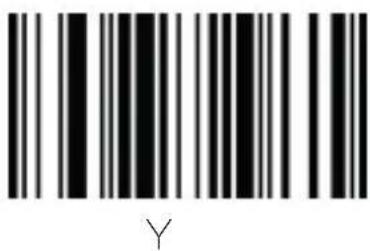
Y

Aqprox appLS11 - Character table - 122
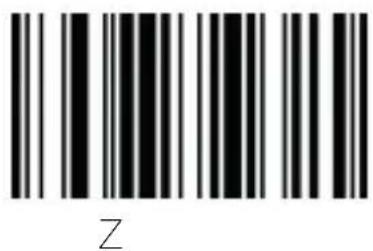
Z

Aqprox appLS11 - Character table - 123
{

Aqprox appLS11 - Character table - 124
1

Aqprox appLS11 - Character table - 125
}

Aqprox appLS11 - Character table - 126

Aqprox appLS11 - Character table - 127
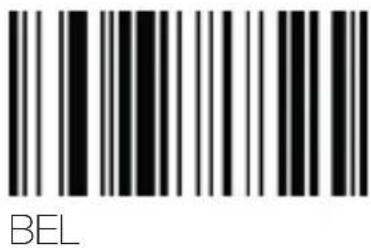
Detele

Aqprox appLS11 - Character table - 128
F1

Aqprox appLS11 - Character table - 129
F2

Aqprox appLS11 - Character table - 130
F3

Aqprox appLS11 - Character table - 131
F4

Aqprox appLS11 - Character table - 132
F5

Aqprox appLS11 - Character table - 133
F6

Aqprox appLS11 - Character table - 134
F7

Aqprox appLS11 - Character table - 135
F8

Aqprox appLS11 - Character table - 136
F9

Aqprox appLS11 - Character table - 137
F10

Aqprox appLS11 - Character table - 138
F11

Aqprox appLS11 - Character table - 139
F12

Aqprox appLS11 - Character table - 140
Insert

Aqprox appLS11 - Character table - 141
Home

Aqprox appLS11 - Character table - 142
Page

Aqprox appLS11 - Character table - 143

Aqprox appLS11 - Character table - 144
Delete

Er

Aqprox appLS11 - Character table - 145
Page down

Aqprox appLS11 - Character table - 146
Left arrow

Aqprox appLS11 - Character table - 147

Aqprox appLS11 - Character table - 148
Down arrow

12. Safety, maintenance and recycling instructions

  • Caution: Never open the device, the internal parts are danger, electrical shock.
  • Do not install this unit near water, for example, in a wet basement, in an unprotected outdoor installation or in any area classified as a wet.
  • Do not insert objects of any kind into this unit through openings as they may touch voltage points and short out parts that could result in fire or electric shock.
  • Do not spill any liquid on the unit. Danger of explosion!
  • Do not crush power cables, danger of short circuit!
  • Always connect to the manufacturer's recommended tension.
  • Clean the product with a soft and dry cloth.
  • Follow local regulations for disposing of the product.

13. Recycled

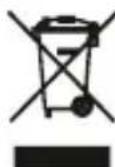
AEEREI-RAE 558 - In this manual, the container (bien) symbol indicates that the product is subject to the European directive 2002/96/EC, electrical and electronic products, batteries, and other accessories must necessarily be subject to a selective collection.

At the end of the life of the devise, make use of the recycling bins. This gesture will help reduce the health risks and preserve the environment. Municipalities and distributor, will provide essential details on recycling your old device. If this device carries an internal battery, it must be removed and deposited separately for proper management.
Aqprox appLS11 - Recycled - 1

1. Introdução

Enable set up code Disable set up code

5. Interfaces

Aqprox appLS11 - Interfaces - 1

6. Mode de balayage

Aqprox appLS11 - Mode de balayage - 1

7. Son

Aqprox appLS11 - Son - 1

Aqprox appLS11 - Son - 2

The content of this guide is subject to typographical errors

www.approxpv.es
Manual assistant
Powered by Anthropic
Waiting for your message
Product information

Brand : Aqprox

Model : appLS11

Category : Barcode scanners