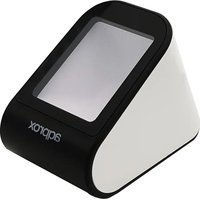
appLS20DESK+ - Barcode scanners Aqprox - Free user manual and instructions
Find the device manual for free appLS20DESK+ Aqprox in PDF.


| Product Type | Professional 2D Barcode Scanner |
| Brand | Aqprox |
| Model | appLS20DESK+ |
| Interface | USB (USB-KBW, USB-COM) |
| Scanning Technology | CMOS |
| Light Source | 5600K LEDs (illumination) |
| Processor | 32-bit |
| Resolution | 640 x 480 pixels |
| Reading Accuracy | ≥5 mil / 0.127 mm (PCS90%, Code 39) |
| Depth of Field | 0 mm - 300 mm |
| Scanning Modes | Continuous, Auto Detection |
| Scanning Angles | Pitch ±45°, Roll ±360°, Skew ±40° |
| Supported 1D Symbologies | UPC-A, UPC-E, EAN-8, EAN-13, Code 128, GS1-128, Code 39, Code 93, Code 11, Interleaved 2 of 5, Matrix 2 of 5, Industrial 2 of 5, Strande 2 of 5, Codabar, MSI Plessey, GS1 Databar, China Post, etc. |
| Supported 2D Symbologies | QR Code, Data Matrix, PDF417, Micro PDF 417, GS Datamatrix, etc. |
| Weight | 235 g (USB version) |
| Dimensions (L x W x H) | 125 x 88 x 100 mm |
| Power Supply | DC 5V, 400 mA (operating) |
| Operating Temperature | -20 °C to 50 °C |
| Storage Temperature | -40 °C to 70 °C |
| Humidity | 5% to 95% (non-condensing) |
| Drop Height | 1.5 m |
| Maintenance and Cleaning | Clean with a soft, dry cloth. Respect a maximum ambient temperature of 30 °C. |
| Safety | Do not open the device. Do not expose to water. Use approved cables. Do not dispose of in fire. |
| Recycling | Compliant with Directive 2002/96/EC (WEEE). Recycle separately at end of life. |
Frequently Asked Questions - appLS20DESK+ Aqprox
User questions about appLS20DESK+ Aqprox
0 question about this device. Answer the ones you know or ask your own.
Ask a new question about this device
Download the instructions for your Barcode scanners in PDF format for free! Find your manual appLS20DESK+ - Aqprox and take your electronic device back in hand. On this page are published all the documents necessary for the use of your device. appLS20DESK+ by Aqprox.
USER MANUAL appLS20DESK+ Aqprox
natural_image
Red diagonal arrow pointing left, isolated on white background (no text or symbols)Introducción
Please carefully read all the contents of the manual before using the products described in this manual to ensure that the product is safely and effectively preserved for future use. Do not disassemble the terminal or tear off the seal on the terminal. Otherwise, we will not be responsible for the warranty or replacement of the terminal.
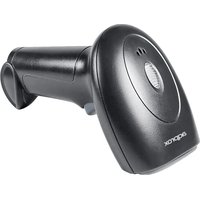
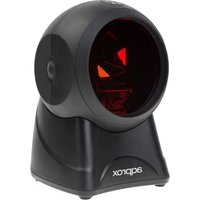
appLS20DESK+ is a professional 2D scanning platform. It can read various screen brightness of the phones 1D 2D barcodes. Large window design, large viewing angle, support all kinds of screen size mobile phones. Excellent performance provides users with very comfortable using experience.
- Read all mainstream 1D 2D barcodes in the market easily.
- High brightness, dark environment scanning, low power consumption.
- Support multiple systems and languages, secondary development.
Performance
- Interface: USB
- Scan type: CMOS
- Light source: 5600K LEDs (Lighting)
- CPU: 32-bit
- Resolution: 640*480
- Reading precision: ≥5mil/0.127mm (PCS90%, Code 39)
- Depth of field: 0mm-300mm
- Scan mode: Continuous, Auto Sense
- Scan angle (test conditions: CODE39, 10mil/0.25mm, PCS90%): Pitch: ±45° / Roll: ±360° / Skew: ±40°
- Print contrast signal: ≥25%
- Ambient light: Dark environment, indoor natural light
- Symbologies: 1D: UPC-A, UPC-E, EAN-8, EAN-13, Code 128, GS1-128, Code 39, Code 93, Code 11, Interleaved 2 of 5, Matrix 2 of 5, Industrial 2 of 5, Strande 2 of 5, Codabar (NW-7), MSI Plessey, GS1 Databar (RSS), China Post, etc. 2D: GS Datamatrix, QR Code, Data Matrix, PDF417, Micro PDF
417, etc.
- Weight: ≈235g (USB)
- Dimension: (L)125mm * (W)88mm *(H)100mm
- Communication: USB (USB-KBW, USB-COM)
- Power Supply: DC 5V @400mA (Work)
- Operating: -20°C to 50°C
- Storage: -40°C to 70°C
- Humidity: 5% to 95% (non-condensing)
- Drop height: 1.5m
Depth of field
| Barcode | Precision | Nearest | Farthest | |
| Code 39 | 0.127mm(5mil) | 20mm | 50mm | |
| Code 39 | 0.5mm(20mil) | 20mm | 170mm | |
| UPC/EAN | 0.33mm(13mil) | 0mm | 160mm | |
| QR Code | 20.0mil | 0mm | 120mm | |
| PDF 417 | 6.8mil | 0mm | 70mm | |
| Wechat pay | 5.6 inch screen | 20mm | 300mm | |
Test Condition: T=25°C, Illumination=200LUX, PCS=0.9
Setup Code Function
The setup code can be turned off. When the scanner is set to “On”, the setting function will work with setup code is scanned. When the scanner is set to “Off”, the error tone will appear and the setting function will not work with setup code is scanned. The default is “On”.
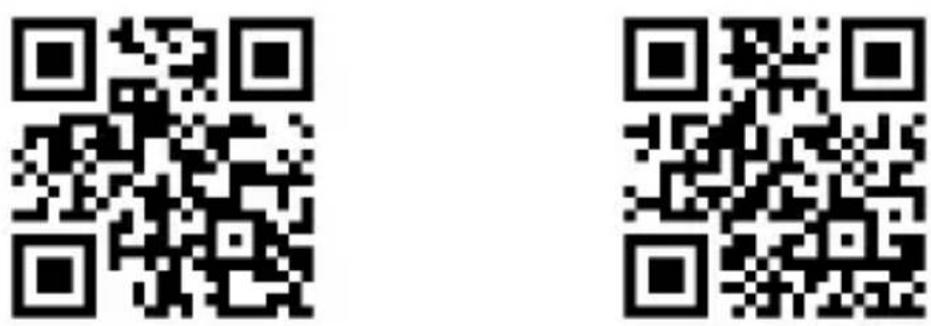
On*
Off
Factory Default and Version
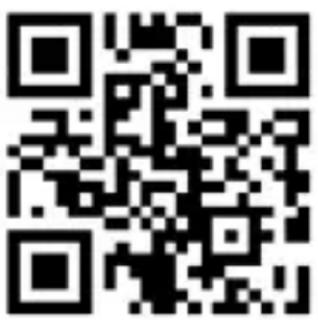
Factory default
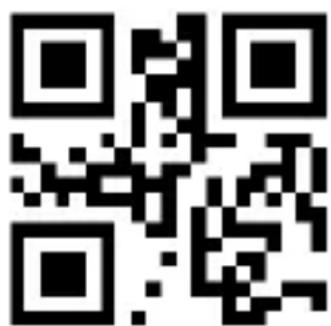
Version
User Default Setting
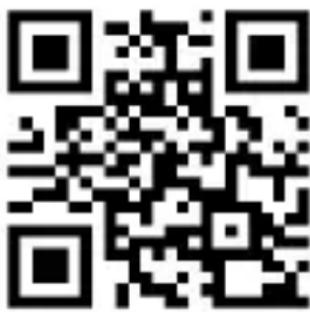
Users can save their frequently used configuration as user default settings. By scanning “Save user default settings”, the current configuration information of the device can be saved as user default settings.

Save user default settings
Restore usar default settings
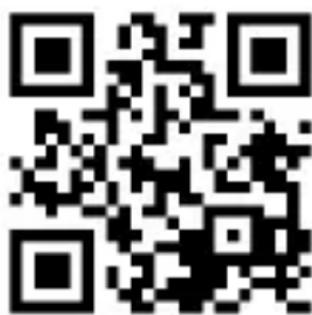
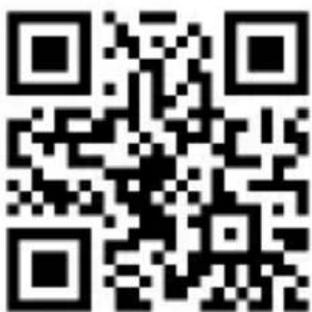
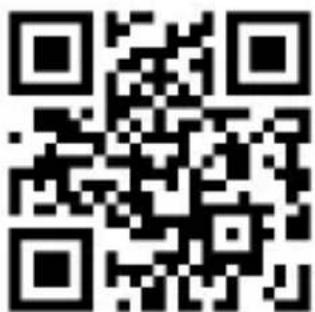
Sound

On*
Off
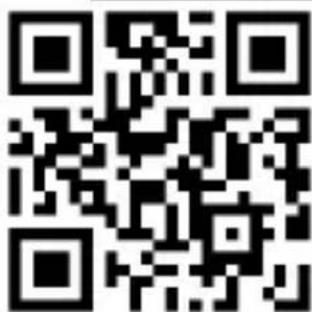
Low volumen Medium volume High volume*
Inverse Settings
Normal barcode: dark barcode with light background. Inverted barcode: light barcode with dark background.
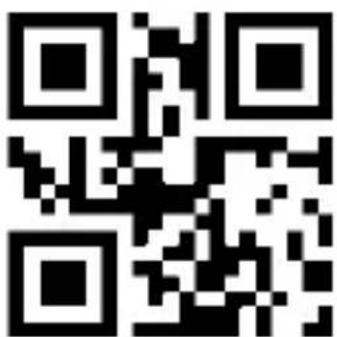
Normal**
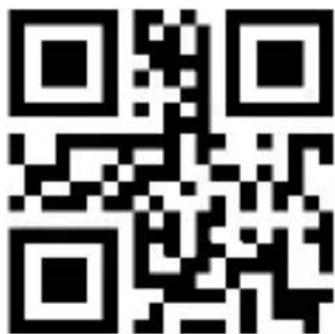
Normal and Inverse
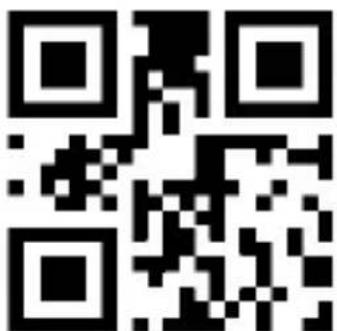
1D inverse: On
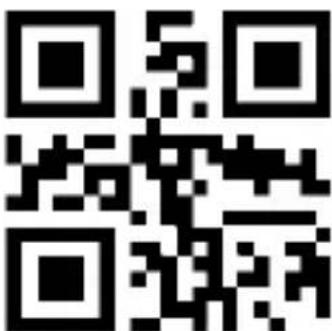
1D inverse: Off**
National Keyboard Layout
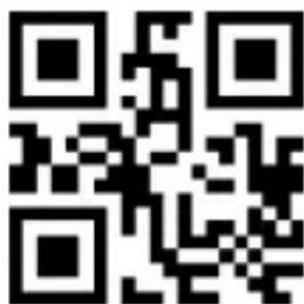
American English

German
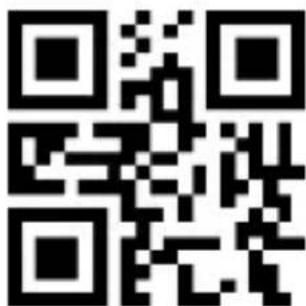
British English
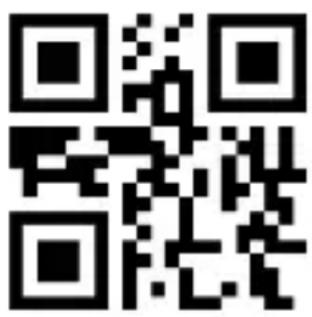
Spanish*
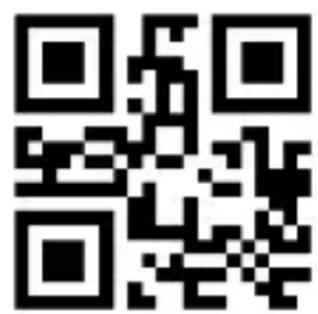
French
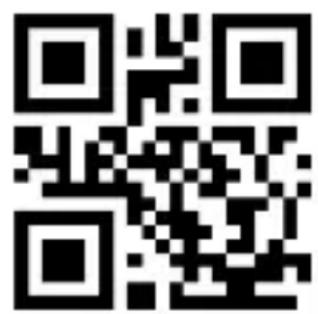
Italian
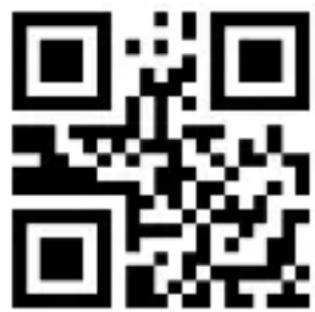
Portuguese
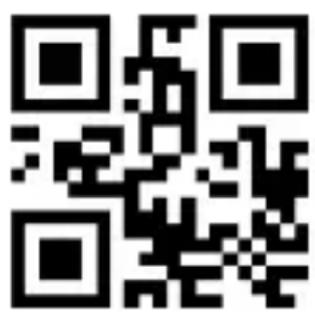
Turkish-Q
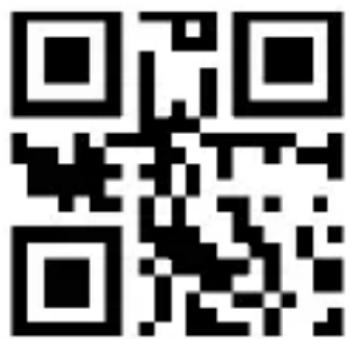
Greece
The Alt Combination Outputs ASCII Characters
To enable the device to input any ASCII character (hexadecimal value between 0x00 and 0xFF) in any language format, the virtual keyboard can be set to Alt combined output ASCII character mode.
Use this feature to select any of the following modes according to the needs of the actual application:
Mode 1: ASCII characters between 0x20 and 0xFF that are not supported by the current keyboard layout of the reading engine are output using Alt combination mode.
Mode 2: ASCII characters between 0x20 and 0xFF are output in Alt mode.
Mode 3: ASCII characters between 0x00 and 0xFF are output in Alt mode.
Note: If Mode 3 and control character escape are enabled, control characters (0x00 to 0x1F) will output the Ctrl key combination.
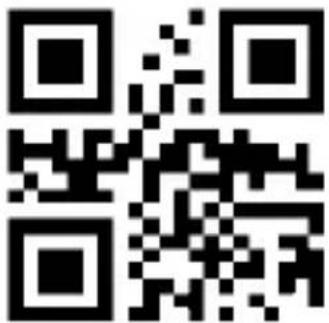
Alt composition is not used**
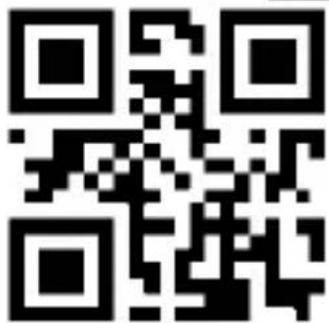
Mode 1
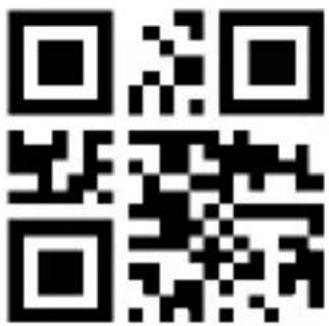
Mode 2
Mode 3
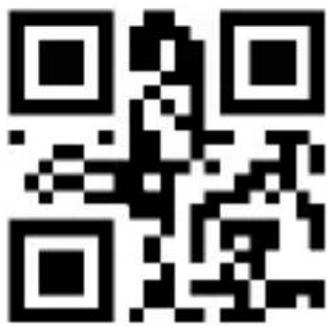
Control Character Escape Output Ctrl Key Combination
ASCII control characters with hexadecimal values between 0x00 and 0x1F can be set to escape to output composite control keys, which can be used in applications where composite control keys are required. The correspondence between ASCII values and function keys or control compound keys is shown in Appendix: Control Character Escape Table (check www.approxtpv.com).
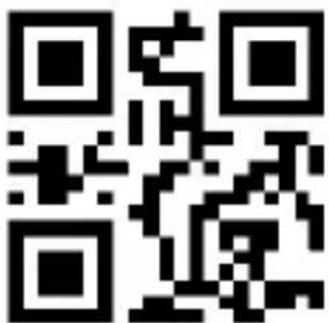
No escaping is used**
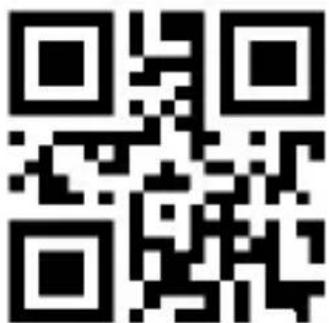
Escaping is used
Toggle Case
By setting the scanner's character case conversion function, you can convert the letters of the scanner output data to case and lowercase.
For example, if the barcode content is aBC123, set the scanner to “all lowercase”, and the host will get the data as “abc123”. The default is Normal.
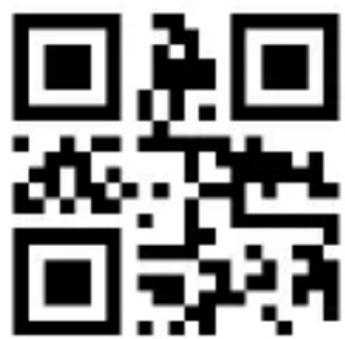
Normal**
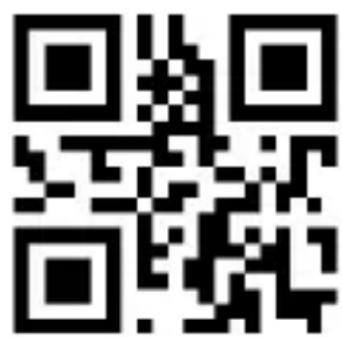
Upper
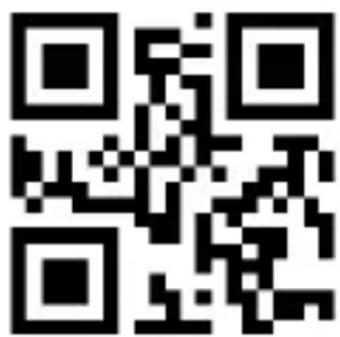
Lower
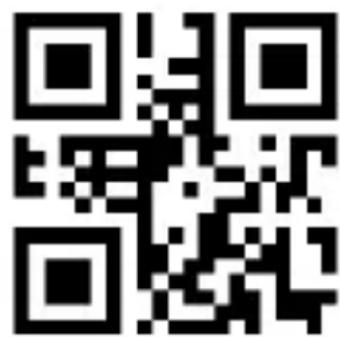
Inverse
Continuous
After setting, the scanner will be in continuous scanning state without triggering and the scanning engine starts to scan the code immediately.
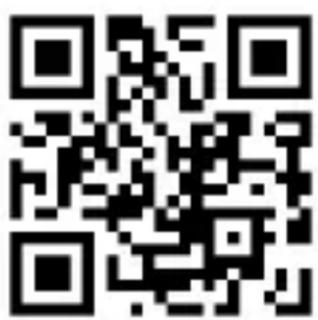
Continuous
Induction
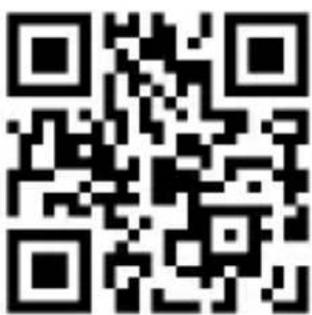
Induction Sensitivity
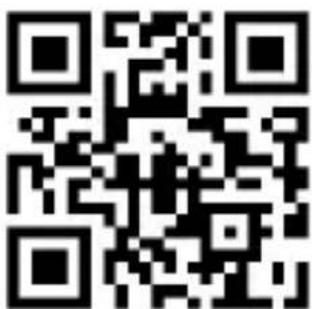
Very high
High*
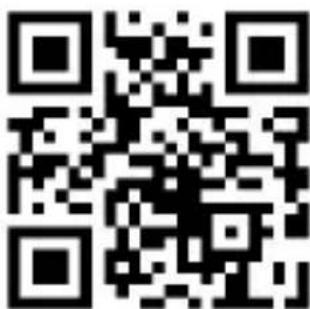
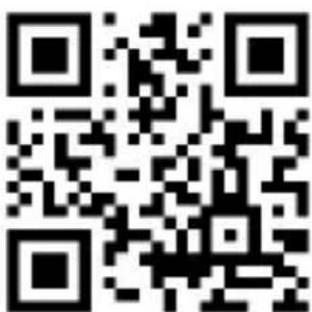
Medium
Low
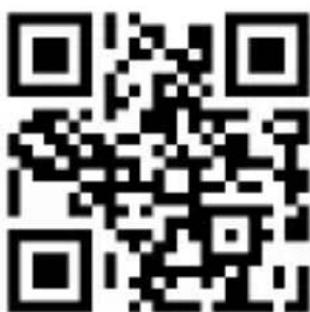
Start Character STX
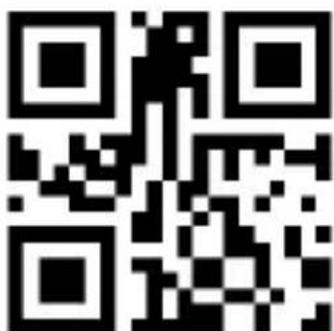
Off**
On
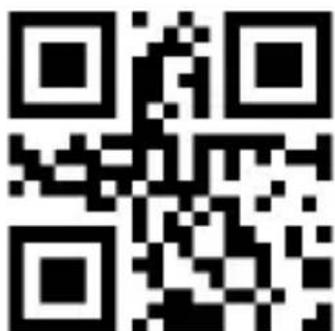
Terminator Setting
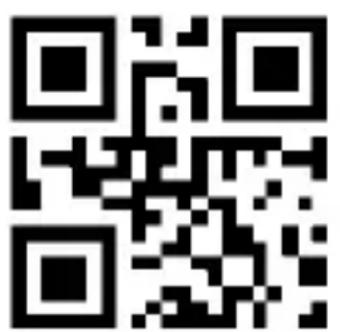
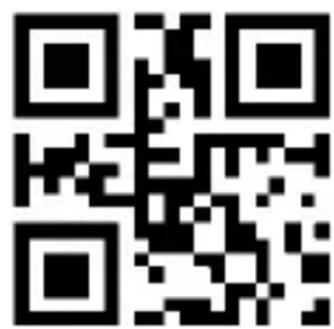
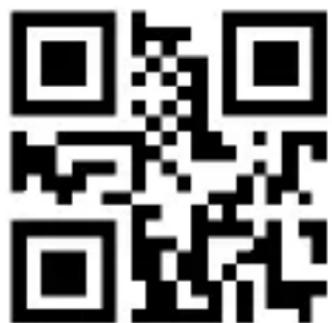
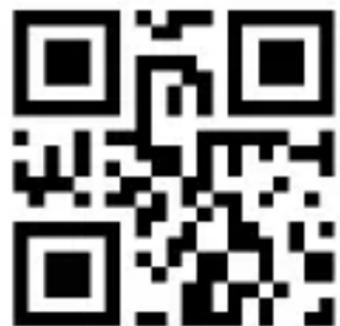
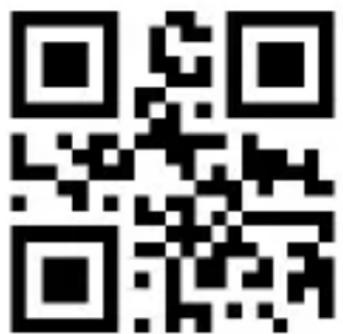
ETX (0x03)
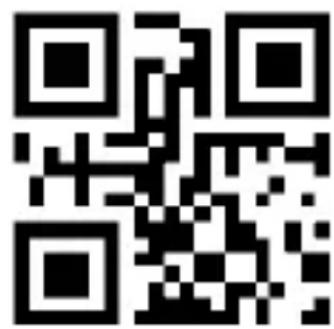
None
* For custom suffixes and prefixes you can find the advanced manual in our website www.approxtpv.es.
Global Setting
All barcode types
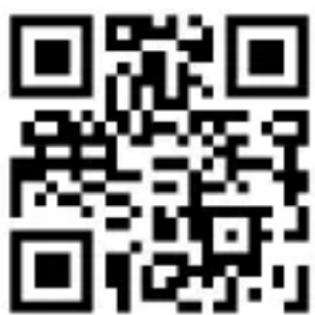
On
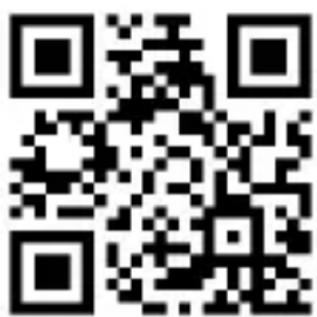
Off
All 1D barcode
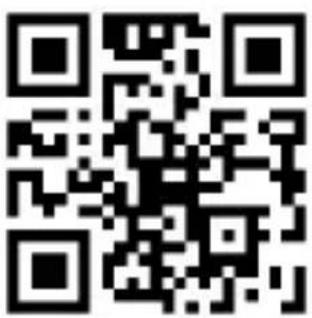
On
Off
All 2D barcode
On
Off
Enable Datamatrix
Enable Datamatrix
EAN-13
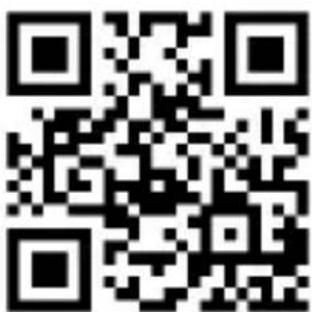
On*
Off
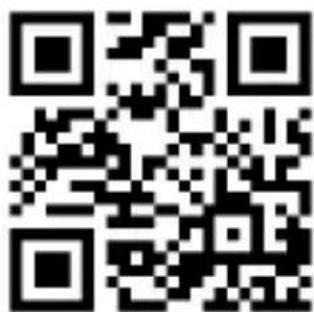
2/5 Additional Digits
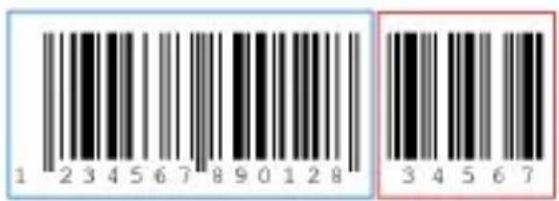
Additional digits refer to the 2 or 5 digital barcodes appended to the normal barcode, as shown in the figure below. The blue wire frame on the left is the normal barcode, and the red wire frame on the right is the additional digit. The default is closing the additional digits.
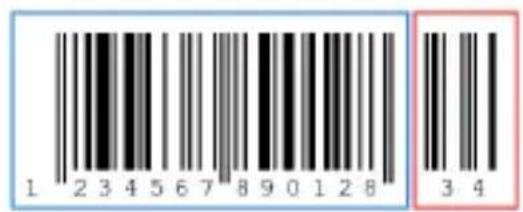
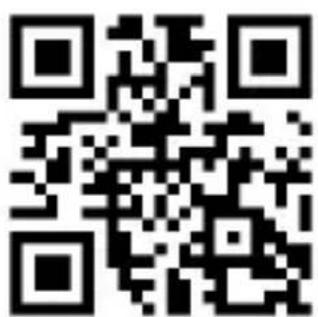
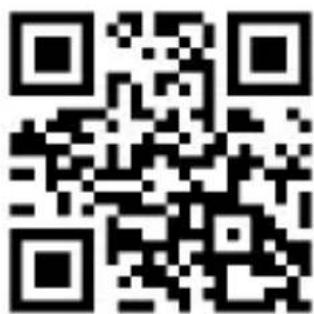
2 additional digits: On 2 additional digits: Off*
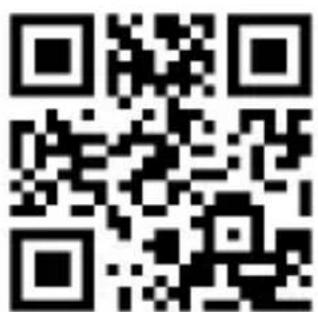
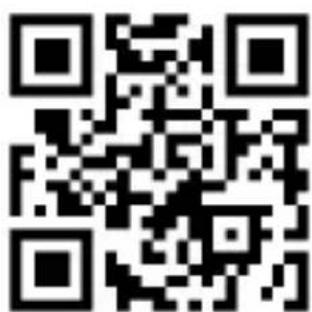
5 additional digits: On 5 additional digits: Off*
Convert to ISBN
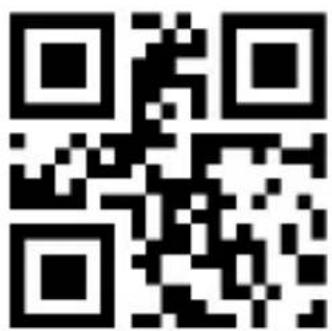
On
Off*
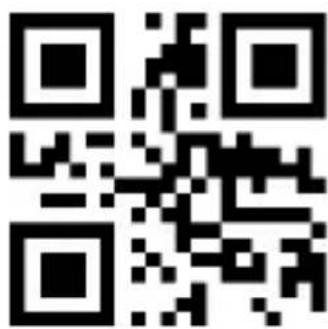
Convert to ISSN
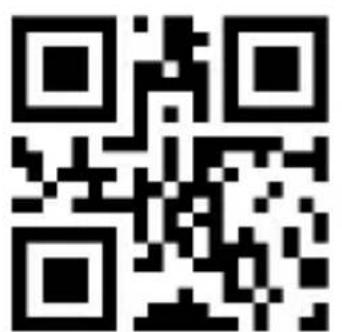
On
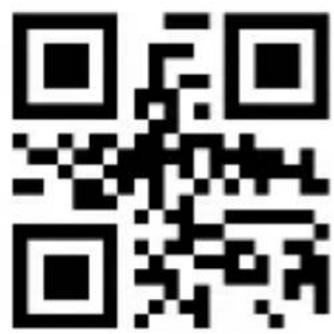
Off*
Safety, maintenance and recycling instructions
- Caution: Never open the device, the internal parts are danger, electrical shock.
- Do not install this unit near water, for example, in a wet basement, in an unprotected outdoor installation or in any area classified as a wet.
- Do not insert objects of any kind into this unit through openings as they may touch voltage points and short out parts that could result in fire or electric shock.
- Do not spill any liquid on the unit. Danger of explosion!
- Do not crush power cables, danger of short circuit!
- Always connect to the manufacturer's recommended tension.
- Clean the product with a soft and dry cloth.
- Follow local regulations for disposing of the product.
Recycled
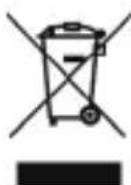
AEE REI-RAEE 5548 In this manual, the container (bin) symbol indicates that the product is subject to the European directive 2002/96 / EC, electrical and electronic products, batteries, and batteries and other accessories must necessarily be subject to a selective collection.
At the end of the life of the device, make use of the recycling bins. This gesture Will help reduce the health risks and preserve the environment.
Municipalities and distributors, Will provide essential details on recycling your old device. If this device carries an internal battery, it must be removed and deposited separately for proper management.
Introduction
Brand : Aqprox
Model : appLS20DESK+
Category : Barcode scanners