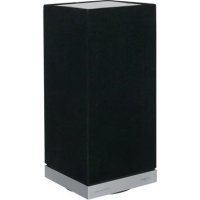
Fjord Mini - Loudspeaker TANGENT - Free user manual and instructions
Find the device manual for free Fjord Mini TANGENT in PDF.




| Product type | Bluetooth speaker |
| Brand | TANGENT |
| Model | Fjord Mini |
| Design | Jacob Jensen |
| Materials | High quality |
| Control | Touch button |
| Touch functions | Turn on, turn off, volume, call management |
| LED indicator | White (power on, pairing), Red (charging, low battery) |
| Connectivity | Bluetooth |
| NFC | Yes (on top) |
| Charging | Via charging station |
| Battery life | Not specified |
| Battery | Rechargeable, LED indicator |
| Hands-free function | Yes |
| Power supply | Mains via included adapter |
| Safety instructions | Do not expose to water, do not block ventilation |
| Cleaning | Dry cloth |
| Recycling | Separate disposal of device and battery |
| Weight | Not specified |
| Dimensions | Not specified |
| Power | Not specified |
| Included accessories | Charging station, power adapter |
| Compatibility | Smartphones, Bluetooth tablets |
Frequently Asked Questions - Fjord Mini TANGENT
User questions about Fjord Mini TANGENT
0 question about this device. Answer the ones you know or ask your own.
Ask a new question about this device
Download the instructions for your Loudspeaker in PDF format for free! Find your manual Fjord Mini - TANGENT and take your electronic device back in hand. On this page are published all the documents necessary for the use of your device. Fjord Mini by TANGENT.
USER MANUAL Fjord Mini TANGENT
With your new Tangent fjord mini - Design by Jacob Jensen
Choosing a wireless speaker for your home has until now often meant a compromise between technical features, acoustic performance, ease of operation, an aesthetic quality. With Tangent fjord mini, this compromise is eliminated for the first time, allowing you to bring home a design piece that satisfies demanding ears, critical eyes, and curious fingers.
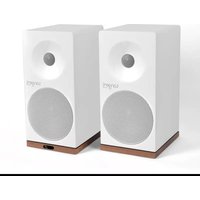
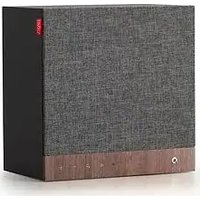
Tangent fjord mini is a small wireless speaker with a big sound. It appears as a minimalistic sculpture in the home, inviting operation all by itself. The high-quality materials and seductive finger-touch button makes Tangent fjord mini a physical expression for the satisfaction we experience, when quality in all aspects makes form and function unite on a higher level.
We wish you many hours of enjoyment together with Tangent fjord mini - Design by Jacob Jensen.
Best regards
Tangent
Quick start guide:
- Unpack your Tangent fjord
- Switch the ON/OFF at the bottom to ON, for activating the touch sensor at the top of the unit.
- Power the unit ON by using a short press at the touch sensor
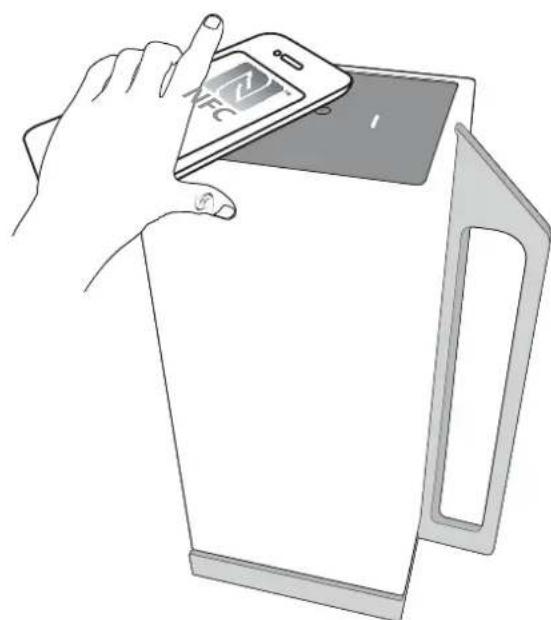
- The unit will now go into pairing mode and you can find it at your smart phone.[If your smart phone has NFC and it is enabled you can use that for pairing] NFC is located at the top of the unit.]
- You are now connected with your device and can play music.
- For power OFF the fjord mini, you must use a long press at the touch sensor.
- Charge your Tangent fjord when needed.
Touch key functions:
- Turn on Short press
- Turn off Long press (in operating mode and pairing mode)
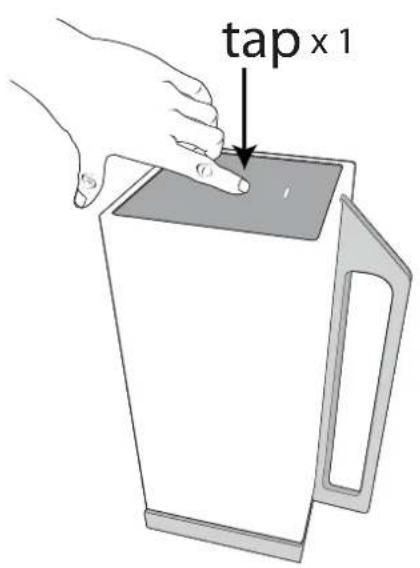
Volume up Slow press (tap x 1) when playing music
Volume down Fast press (multiple tapping) when playing music - Cancel pairing list Double press in pairing mode
- Answer call Short press when incoming call
- Reject call Long press when incoming call
End call Short press when calling - Accept call waiting Double press when call waiting
LED:
- White Power
- White flashing BT pairing
Red Charge indication (OFF when charge is over) - Red flashing Battery is low
1
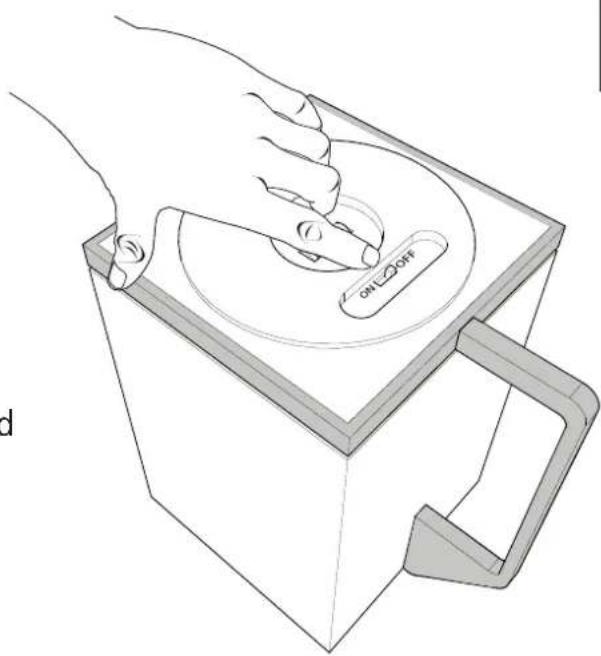
- Touch sensor ON/OFF
Switch the ON/OFF at the bottom to ON, for activating the touch sensor at the top of the unit. (This is only to prevent unintended start-up during transport.)
UK
2
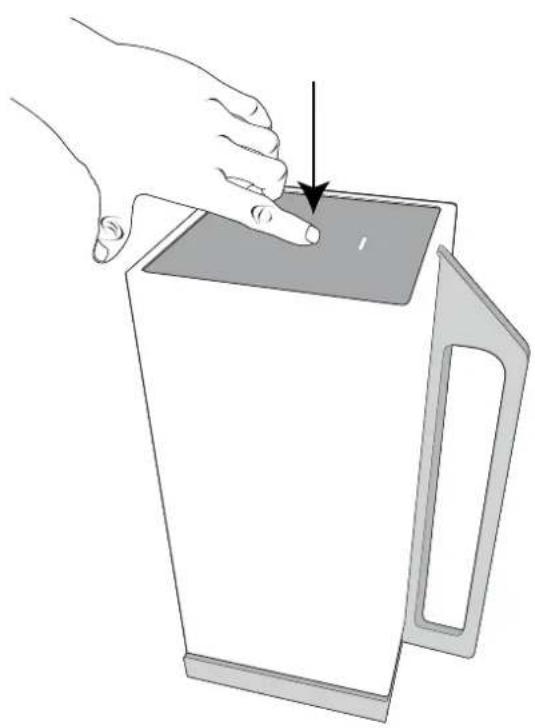
- Power ON
Power the unit ON by using a short press at the touch sensor
3
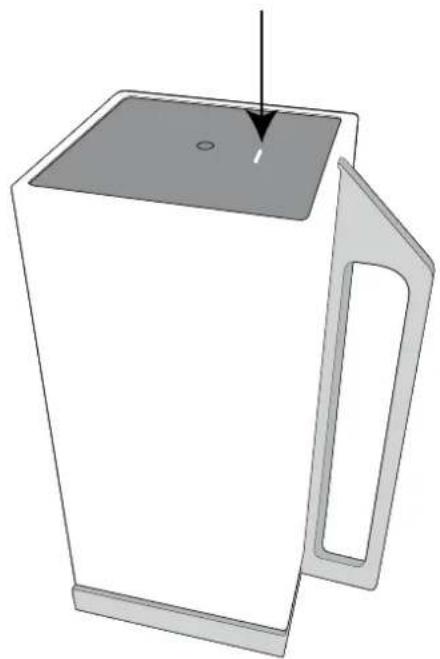
- White LED will turn on and will start flashing. (white flashing LED = Bluetooth pairing mode)
4
- Pair your device by searching for bluetooth devices and select "Fjord mini"
- IF your device have NFC you can use this for pairing (NFC is located at the top of the fjord mini.
- When you are connected to the fjord mini the LED will be solid

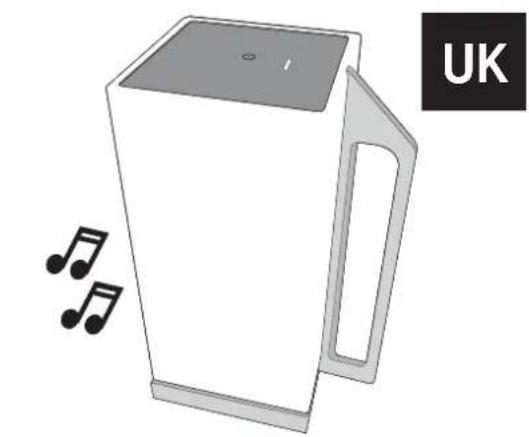
Now you are connected and can play music

Volume up
To turn the volume up on the speaker you must slow press (tap x 1) repeatedly when playing music When you hear a beep the volume is at maximum.
Volume down
To turn the volume down on the speaker you must fast press (multiple tapping) when playing music
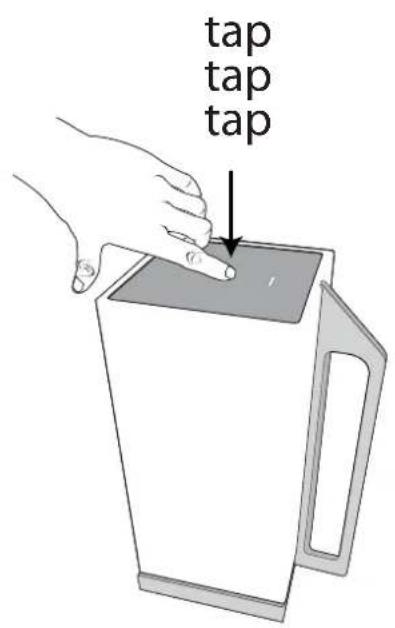
8
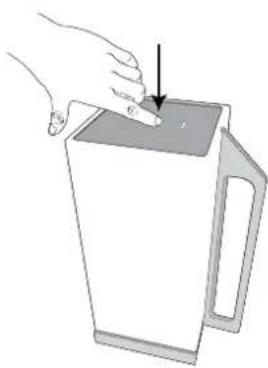
- Answer call
To answer a incoming call, use a short press.
9
End call
To end a call, use a short press.
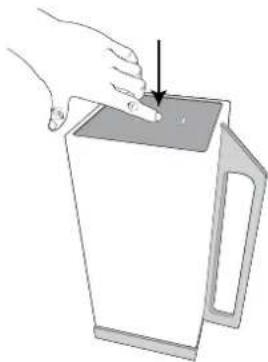
10
Reject call
To reject a call, use a long press.

11
- Accept call waiting
To accept a call waiting, use a double press.

12
- Low Battery
When battery is running low, the LED will flash red.
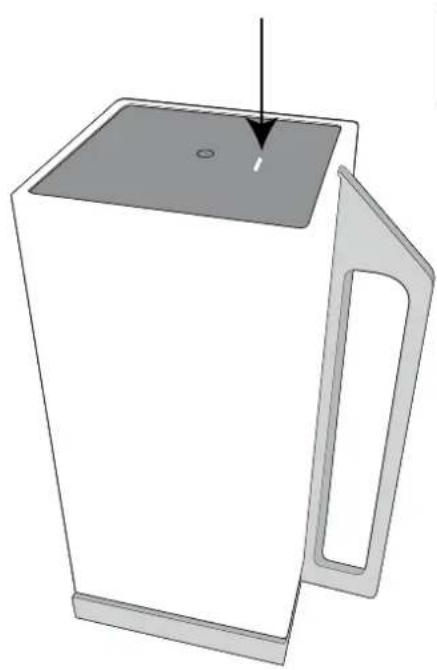

13
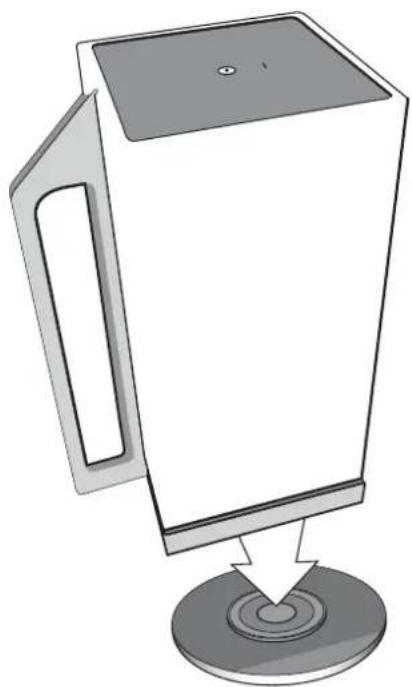
Battery charging
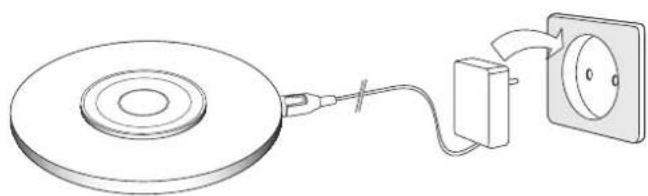
For charging the fjord mini it must be placed on the charge dock. LED will be red during charging and will turn off when fully charged.
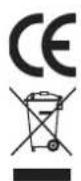
This symbol on the product or in the instructions means that your electrical and electronic equipment should be disposed at the end of its life separately from your household waste. There are separate collection systems for recycling in the EU. For more information, please contact the local authority or your retailer where you purchased the product.
Important Safety Instructions:
WARNING: TO REDUCE THE RISK OF FIRE OR ELECTRIC SHOCK, DO NOT EXPOSE THIS SPEAKER TO RAIN OR MOISTURE.
To reduce the risk of electrical shock, fire, etc.:
1. Do not place unit near any heat source such as radiators, heat registers, stoves, or other apparatus (including amplifiers) that produce heat.
2. Do not block any ventilation openings of unit.
3. The unit shall not be exposed to dripping or splashing and no objects filled with liquids, such as vases, shall be placed on the unit.
4. Do not place any heavy loads onto the unit, and do not step on it, the load may fall and cause serious injury to the unit.
5. Please read Rating Labels at the back of unit for power input and other safety information.
6. This unit is intended to be used only with the power supply provided.
7. Protect the power cord from being walked on or pinched particularly at the plugs, convenience receptacles, and at any point where they exit from the unit.
8. Never unplug your unit by pulling on the power cord. Always grasp the plug firmly and pull straight out from the outlet.
9. Repair or replace all electric service cords that have become frayed or otherwise damaged immediately. Do not use a cord that shows cracks or abrasion damage along its length, the plug, or the connector end.
10. To prevent fire or shock hazard, do not use this plug with an extension cord or other outlet unless the blades can be fully inserted to prevent blade exposure.
11. To prevent fire or shock hazard, do not expose unit to rain or moisture.
12. During lightning or raining days, unplug the unit for additional protection during thunderstorms or when the unit is not used for prolonged periods. This will prevent damage to the unit from lightning and power surges.
13. Do not attempt to carry out any service work yourself. By opening or removing the cabinet, you may be exposed to dangerous voltage or other hazards. Any service work should be carried out by qualified technicians.
14. The battery of the unit shall not be exposed to excessive heat such as sunshine, fire or the like.
15. In the interests of safety and to avoid unnecessary energy consumption, never leave the unit switched on while unattended for long periods of time, e.g. overnight, while on holiday or while out of the house. Switch it off and disconnect the mains plug from the mains socket.
16. Clean only with dry cloth
17. Please pay attention to the environmental aspects of battery disposal. Battery must be recycled or disposed of properly. This product must not be disposed together with the domestic waste. This product has to be disposed at an authorized place for recycling of electrical and electronic appliances. By collecting and recycling waste, you help save natural resources, and make sure the product is disposed in an environmental friendly and healthy way.
18. DO NOT disassemble or replace the battery. If you suspect there is something wrong with the battery, please carry the unit to the service center for help
FÉLICITATIONS

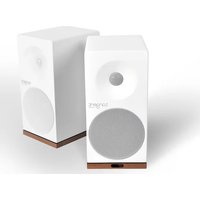

Brand : TANGENT
Model : Fjord Mini
Category : Loudspeaker