
MTSA2 - Sander BLACK & DECKER - Free user manual and instructions
Find the device manual for free MTSA2 BLACK & DECKER in PDF.



| Product Type | Multi-purpose sander (power tool attachment) |
| Brand | Black & Decker |
| Model | MTSA2 |
| Use | Sanding wood, metal, plastic and painted surfaces (household use) |
| Power Supply | Via 14.4V (H1 version) or Max (H1 version) cordless power tool |
| No-load speed | 0-7500 min⁻¹ (14.4 V) / 0-8500 min⁻¹ (Max) |
| Weight | 1.3 kg |
| Sound pressure level (LpA) | 76.4 dB(A) (uncertainty K = 3 dB(A)) |
| Sound power level (LWA) | 87.4 dB(A) (uncertainty K = 3 dB(A)) |
| Vibration (sanding) | 4.5 m/s² (uncertainty K = 1.5 m/s²) |
| Main functions | Sanding, polishing, stripping, brushing (depending on accessories) |
| Start-up | By variable pressure speed selector |
| Abrasive paper type | Pre-cut sheets with diamond points |
| Dust extraction adapter | Yes, supplied with vacuum adapter |
| Maintenance and cleaning | Carefully remove dust after sanding; clean tool from particles |
| Safety | Hold the tool by insulated surfaces; wear a dust mask; do not use without abrasive paper |
| Spare parts | Abrasive sheets, replacement diamond points, dust extraction adapter |
| Warranty | 24 months (excluding professional use, negligence or unauthorized repair) |
Frequently Asked Questions - MTSA2 BLACK & DECKER
User questions about MTSA2 BLACK & DECKER
0 question about this device. Answer the ones you know or ask your own.
Ask a new question about this device
Download the instructions for your Sander in PDF format for free! Find your manual MTSA2 - BLACK & DECKER and take your electronic device back in hand. On this page are published all the documents necessary for the use of your device. MTSA2 by BLACK & DECKER.
USER MANUAL MTSA2 BLACK & DECKER
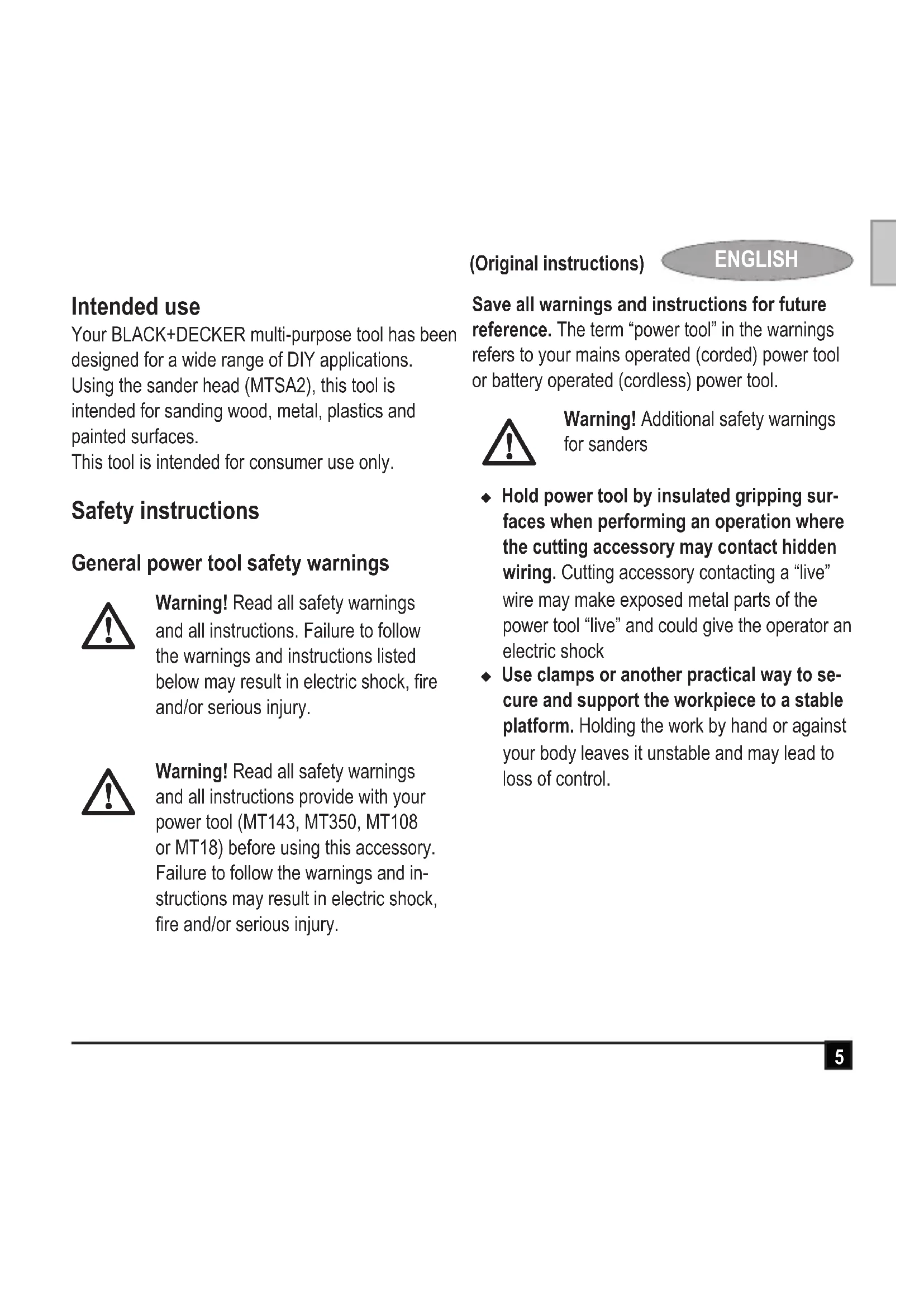
Your BLACK+DECKER multi-purpose tool has been designed for a wide range of DIY applications. Using the sander head (MTSA2), this tool is intended for sanding wood, metal, plastics and painted surfaces.
This tool is intended for consumer use only.
Safety instructions
General power tool safety warnings

Warning! Read all safety warnings and all instructions. Failure to follow the warnings and instructions listed below may result in electric shock, fire and/or serious injury.

Warning! Read all safety warnings and all instructions provide with your power tool (MT143, MT350, MT108 or MT18) before using this accessory. Failure to follow the warnings and instructions may result in electric shock, fire and/or serious injury.
(Original instructions)
ENGLISH
Save all warnings and instructions for future reference. The term "power tool" in the warnings refers to your mains operated (corded) power tool or battery operated (cordless) power tool.

Warning! Additional safety warnings for sanders
Hold power tool by insulated gripping surfaces when performing an operation where the cutting accessory may contact hidden wiring. Cutting accessory contacting a "live" wire may make exposed metal parts of the power tool "live" and could give the operator an electric shock
Use clamps or another practical way to secure and support the workpiece to a stable platform. Holding the work by hand or against your body leaves it unstable and may lead to loss of control.
ENGLISH
(Original instructions)

Warning! Contact with or inhalation of dusts arising from sanding applications may endanger the health of the operator and possible bystanders. Wear a dust mask specifically designed for protection against dust and fumes and ensure that persons within or entering the work area are also protected.
Thoroughly remove all dust after sanding.
Take special care when sanding paint which is possibly lead based or when sanding some woods and metal which may produce toxic dust:
Do not let children or pregnant women enter the work area.
Do not eat, drink or smoke in the work area.
Dispose of dust particles and any other debris safely.
The intended use is described in this instruction manual. The use of any accessory or attachment or performance of any operation with this tool other than those recommended in this instruction manual may present a risk of personal injury and/or damage to property.
Features (fig. A)
Tool shown is MT143. Other tools are available for use with this tool head.
This tool includes some or all of the following features.
- Sander head
- Sanding base
Assembly
Warning! Before assembly, remove the battery from the tool.
Fitting and removing sanding sheets (fig. A)
The sanding head uses pre-cut sanding sheets.
Lock the tool by setting the forward/reverse slider (2) to the centre position.
Before fitting a new sheet, remove the two additional diamond tips (12).
To fit a sanding sheet, line it up with the sanding base (11) as shown.
Press the sheet firmly and evenly onto the sanding base, making sure that the holes in the sheet coincide with the holes in the base.
To remove the sheet, pull it off the sanding pad.
Warning! Never use the sanding head without a sanding sheet or accessory in place.
Replacing the diamond sanding tip (fig. B)
Sanding sheets are supplied with two replacement diamond tips. The diamond tip can be reversed when worn. When both sides are worn, replace the diamond tip.
Lock the tool by setting the forward/reverse slider (2) to the centre position.
To reverse the tip, remove it, turn it 180^ and press it back onto the base.
To replace the tip, pull the old tip off the base and press a new one onto the base.
Warning! When removing the tip from the pad, be careful not to pull the pad off the sanding base.
Fitting and removing the dust extraction adaptor (fig. C)
Line up the dust extraction adaptor (13) with the sanding head (10) as shown.
Press the adaptor firmly and evenly in to the sanding base.
Connect a vacuum cleaner to the dust extraction adaptor.
To remove, pull the dust extraction adaptor (13) out of the sanding head (10).
(Original instructions)
ENGLISH
Use
Warning! Let the tool work at its own pace. Do not overload.
Sanding
Note: Ensure the forward reverse slider (2) is not in the locked position.
To switch the tool on, press the variable speed switch (1). The tool speed depends on how far you press the switch.
To switch the tool off, release the variable speed switch.
Hints for optimum use
Sanding
Do not exert too much pressure on the tool.
Regularly check the condition of the sanding sheet. Replace when necessary.
- When sanding new layers of paint before applying another layer, use extra fine grit.
- On very uneven surfaces, or when removing layers of paint, start with a coarse grit. On other surfaces, start with a medium grit. In both cases, gradually change to a fine grit for a smooth finish.
Consult your retailer for more information on available accessories for sanding, polishing, stripping and scrubbing.
ENGLISH
(Original instructions)
Accessories
The performance of your tool depends on the accessory used. BLACK+DECKER and Piranha accessories are engineered to high quality standards and designed to enhance the performance of your tool. By using these accessories you will get the very best from your tool.
Technical data
| MTSA2 (14.4V) (H1) | MTSA2 (Max) (H1) | ||
| No-load speed min | -1 | 0-7500 0-8500 | |
| Weight | kg 1.3 | 1.3 |
| Level of sound pressure according to EN 60745: |
| Sound pressure (LpA) 76.4 dB(A), uncertainty (K) 3 dB(A) |
| Sound power (LWA) 87.4 dB(A), uncertainty (K) 3 dB(A) |
| Vibration total values (triax vector sum) according to EN 60745: |
| Sanding (ah) 4.5 m/s2, uncertainty (K) 1.5 m/s2 |
Guarantee
Black & Decker is confident of the quality of its products and offers an outstanding guarantee. This guarantee statement is in addition to and in no way prejudices your statutory rights. The guarantee is valid within the territories of the Member States of the European Union and the European Free Trade Area.
If a Black & Decker product becomes defective due to faulty materials, workmanship or lack of conformity, within 24 months from the date of purchase, Black & Decker guarantees to replace defective parts, repair products subjected to fair wear and tear or replace such products to ensure minimum inconvenience to the customer unless:
The product has been used for trade, professional or hire purposes;
The product has been subjected to misuse or neglect;
The product has sustained damage through foreign objects, substances or accidents;
Repairs have been attempted by persons other than authorised repair agents or Black & Decker service staff.
To claim on the guarantee, you will need to submit proof of purchase to the seller or an authorised repair agent. You can check the location of your nearest authorised repair agent by contacting your local Black & Decker office at the address indicated in this manual. Alternatively, a list of authorised Black & Decker repair agents and full details of our after-sales service and contacts are available on the Internet at: www.2helpU.com
Please visit our website www.blackanddecker.co.uk to register your new BLACK+DECKER product and to be kept up to date on new products and special offers. Further information on the BLACK+ DECKER brand and our range of products is available at www.blackanddecker.co.uk
(Original instructions)
ENGLISH
EC declaration of conformity MACHINERY DIRECTIVE

MTSA2
Black & Decker declares that these products described under "technical data" are in compliance with:
2006/42/EC, EN60745-1, EN60745-2-4
These products also comply with Directive 2014/30/EU and 2011/65/EU. For more information, please contact Black & Decker at the following address or refer to the back of the manual.
The undersigned is responsible for compilation of the technical file and makes this declaration on behalf of Black & Decker.
R. Laverick
Engineering Manager
Black & Decker Europe, 210 Bath Road, Slough,
Berkshire, SL1 3YD
United Kingdom
15/09/2014
DEUTSCH
Black & Decker Europe, 210 Bath Road, Slough,
Berkshire, SL1 3YD
Großbritannien
15/09/2014
FRANÇAIS
Responsible technique
Black & Decker Europe, 210 Bath Road, Slough,
Berkshire, SL1 3YD
Royaume-Uni
15/09/2014
ITALIANO
Black & Decker Europe, 210 Bath Road, Slough,
Berkshire, SL1 3YD
Regno Unito
15/09/2014
NEDERLANDS
Black & Decker Europe, 210 Bath Road, Slough,
Berkshire, SL1 3YD
Verenigd Koninklijk
15/09/2014
ESPANOL
Black & Decker Europe, 210 Bath Road, Slough,
Berkshire, SL1 3YD
Reino Unido
15/09/2014
PORTUGUES
Director de Engenharia
Black & Decker Europe, 210 Bath Road, Slough,
Berkshire, SL1 3YD
Reino Unido
15/09/2014
SVENSKA
Black & Decker Europe, 210 Bath Road, Slough,
Berkshire, SL1 3YD
Storbritannien
15/09/2014
Bruksområde
Black & Decker Europe, 210 Bath Road, Slough, Berkshire, SL1 3YD
Storbritannia
15/09/2014
DANSK
Black & Decker Europe, 210 Bath Road, Slough,
Berkshire, SL1 3YD
Storbritannien
15/09/2014
Käytötarkoitus

- Safety instructions
- General power tool safety warnings
- (Original instructions)
- ENGLISH
- Features (fig. A)
- Assembly
- Fitting and removing sanding sheets (fig. A)
- Replacing the diamond sanding tip (fig. B)
- Fitting and removing the dust extraction adaptor (fig. C)
- Use
- Sanding
- Hints for optimum use
- Accessories
- Guarantee
- EC declaration of conformity MACHINERY DIRECTIVE
- DEUTSCH
- FRANÇAIS
- ITALIANO
- NEDERLANDS
- ESPANOL
- PORTUGUES
- SVENSKA
- Bruksområde
- DANSK
- Käytötarkoitus
Brand : BLACK & DECKER
Model : MTSA2
Category : Sander