EasyManual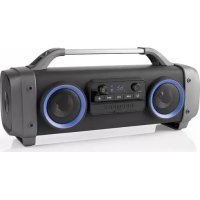
SPBB300BK - Speaker NEDIS - Free user manual and instructions
Find the device manual for free SPBB300BK NEDIS in PDF.



Questions des utilisateurs sur SPBB300BK NEDIS
0 question sur cet appareil. Repondez a celles que vous connaissez ou posez la votre.
Poser une nouvelle question sur cet appareil
Download the instructions for your Speaker in PDF format for free! Find your manual SPBB300BK - NEDIS and take your electronic device back in hand. On this page are published all the documents necessary for the use of your device. SPBB300BK by NEDIS.
USER MANUAL SPBB300BK NEDIS
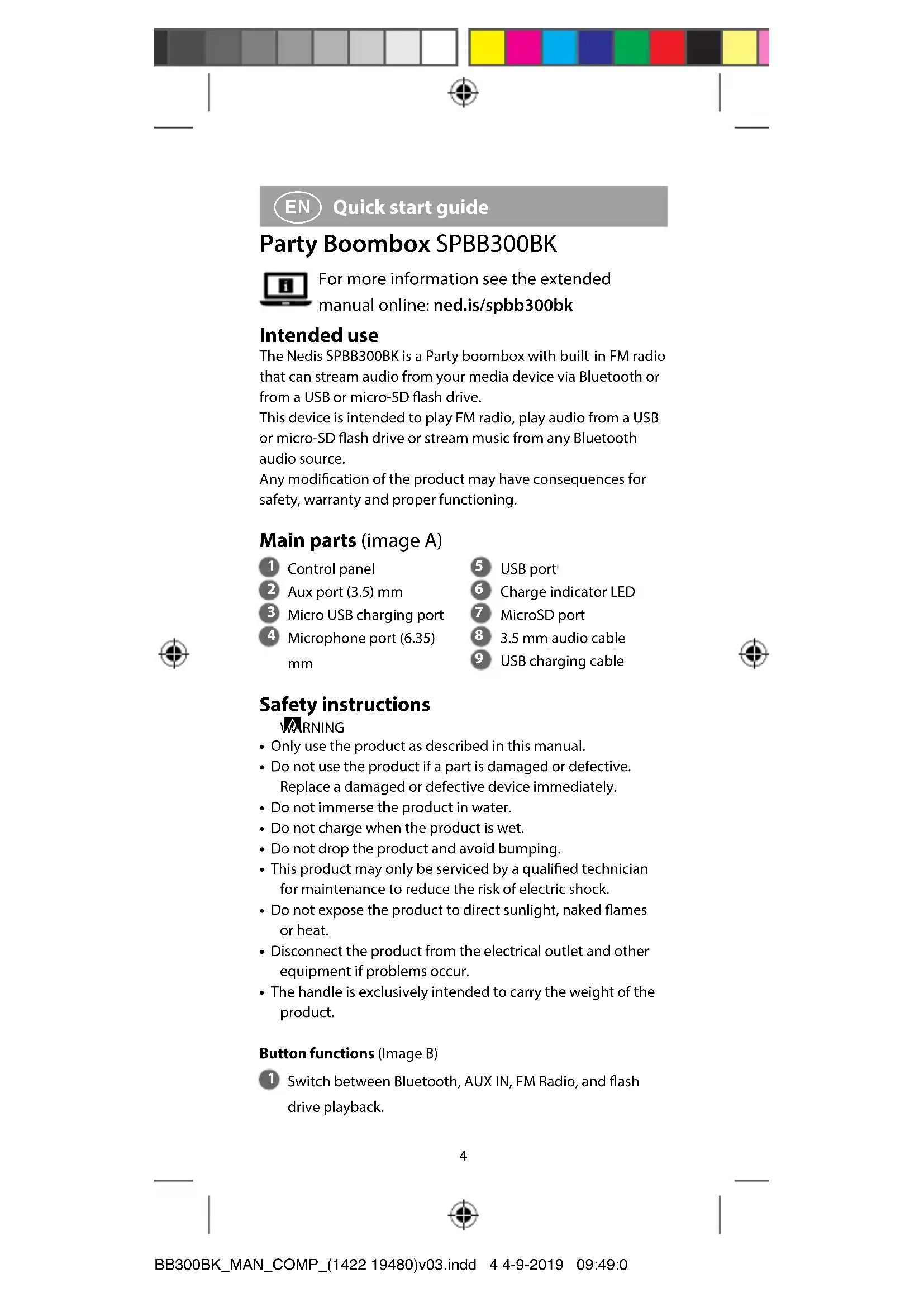
Quick start guide Party Boombox SPBB300BK For more information see the extended manual online: ned.is/spbb300bk Intended use The Nedis SPBB300BK is a Party boombox with built-in FM radio that can stream audio from your media device via Bluetooth or from a USB or micro-SD ash drive.This device is intended to play FM radio, play audio from a USB or micro-SD ash drive or stream music from any Bluetooth audio source.Any modication of the product may have consequences for safety, warranty and proper functioning. Main parts (image A)
USB charging cable Safety instructions
WARNING• Only use the product as described in this manual.• Do not use the product if a part is damaged or defective. Replace a damaged or defective device immediately.• Do not immerse the product in water.• Do not charge when the product is wet.• Do not drop the product and avoid bumping.• This product may only be serviced by a qualied technician for maintenance to reduce the risk of electric shock.• Do not expose the product to direct sunlight, naked ames or heat.• Disconnect the product from the electrical outlet and other equipment if problems occur.• The handle is exclusively intended to carry the weight of the product.Button functions (Image B) Switch between Bluetooth, AUX IN, FM Radio, and ash drive playback.SPBB300BK_MAN_COMP_(1422 19480)v03.indd 4 4-9-2019 09:49:085
Adjust bass level during playback.
Skip to the beginning of the track. Press twice quickly to skip to previous track.
Shows music source and battery level.
Play or pause the music.
Skip to the next track.
Switch the product on or o and adjust the volume.
Toggle light eects. Charging the product
2. Plug the other end of A
into a 5V/1A USB adapter (not provided).
3. Plug the USB adapter into a power outlet.
lights up when charging.
The charging indicator LED A
stops lighting up when charging is complete.
to a middle position when charging to prevent the charger from overheating. Pairing the product to Bluetooth audio source
to switch on the product.
lights up to indicate pairing mode is active.
2. Activate Bluetooth on your audio source and connect with
The product emits 3 beeps to indicate pairing is successful. Connecting with audio cable
to switch on the product.
3. Plug the other end of A
into your audio source.
until AUX IN is shown on B
Playing music without Bluetooth disconnects Bluetooth. Press B
until BT is shown on B
to connect to your Bluetooth audio source again. Playing FM radio
to switch on the product.
until FM is shown on B
to auto search and store channels.
to switch between channels. SPBB300BK_MAN_COMP_(1422 19480)v03.indd 5 4-9-2019 09:49:086 Playing music from a USB or microSD ash drive
1. Insert a USB ash drive in A
or a microSD card in A
Music from your USB or microSD ash drive plays automatically.
to skip between tracks.
to play or pause music. Troubleshooting Problem Possible cause Solution The product does not switch on. The battery is drained. Charge the product for at least 30 minutes and retry. Audio source cannot pair with the product. Lost Bluetooth connection. Navigate to Bluetooth settings on your Bluetooth audio source, tap SPBB300BK and select “Forget”. Restart both devices and try again. No sound is coming from the product. The product is not connected or paired to the audio source. Connect the product to the audio source with the included audio cable or pair with Bluetooth. No audio les on ash drive. Audio les may be corrupted. Insert a USB or micro SD ash drive that contains audio les. No FM channel selected. Press B 5 to auto search and store channels. Press B
or B 6 to switch between channels The product is too far out of reach from the audio source. Bring the product and the audio source closer together. The audio source volume is too low/muted. Raise the volume of the audio source. The speaker volume is too low/muted. Raise the volume of the product with the B
Port microphone (6,35)