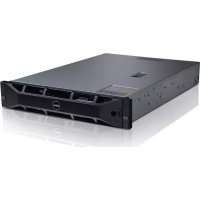
PowerEdge R515 - Server DELL - Free user manual and instructions
Find the device manual for free PowerEdge R515 DELL in PDF.

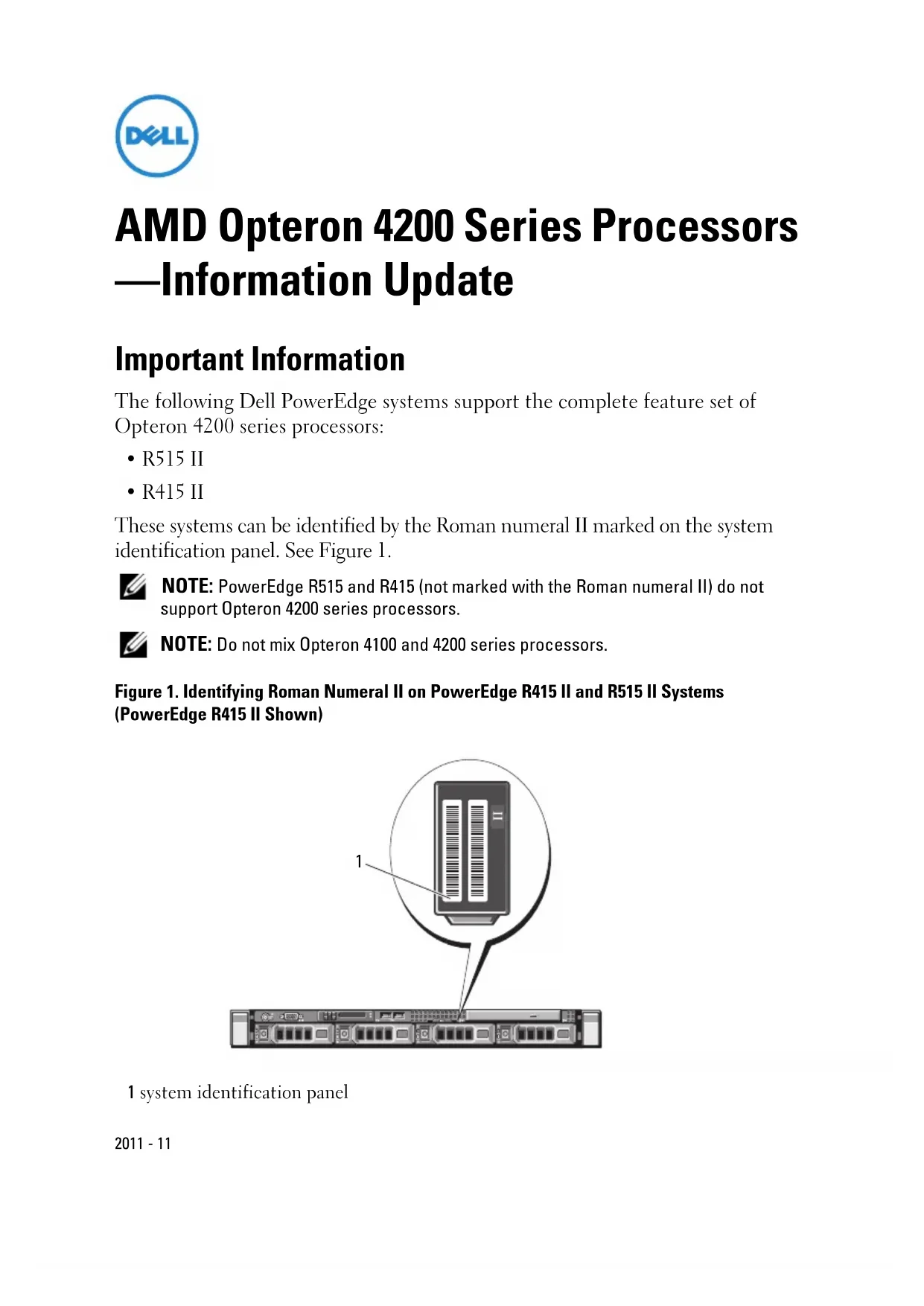


| Product type | 2U rack server |
| Brand | Dell |
| Model | PowerEdge R515 |
| Processor | 1 or 2 AMD Opteron 4100 series processors (up to 8 cores per processor) |
| Memory (RAM) | Up to 256 GB DDR3 ECC (16 DIMM slots) |
| Storage | Up to 6 3.5" SAS/SATA hard drives (hot-swap) |
| RAID controller | PERC H200 or H700 (RAID 0,1,5,6,10) |
| Power supply | 2 redundant 750 W power supplies |
| Dimensions (H x W x D) | 86.4 x 482.4 x 666.7 mm |
| Weight | Approximately 26 kg (without drives) |
| Network connectivity | 2 Broadcom 5720 Gigabit Ethernet ports, 1 dedicated iDRAC6 port |
| Expansion ports | 2 PCIe Gen2 x8 slots, 1 PCIe Gen2 x4 slot |
| Main functions | Virtualization, file server, database, application server |
| Remote management | iDRAC6 with Lifecycle Controller card |
| Maintenance | Periodic cleaning with compressed air, check fans and filters |
| Security | Chassis lock, BIOS password, optional TPM module |
| Spare parts | Hard drives, memory modules, power supplies, fans, controller card |
| Repairability | Hot-swap components (drives, power supplies, fans), tool-less access |
| Operating temperature | 10 °C to 35 °C |
| Operating humidity | 20% to 80% non-condensing |
| General information | Standard 1-year warranty, Dell ProSupport available |
Frequently Asked Questions - PowerEdge R515 DELL
User questions about PowerEdge R515 DELL
0 question about this device. Answer the ones you know or ask your own.
Ask a new question about this device
Download the instructions for your Server in PDF format for free! Find your manual PowerEdge R515 - DELL and take your electronic device back in hand. On this page are published all the documents necessary for the use of your device. PowerEdge R515 by DELL.
USER MANUAL PowerEdge R515 DELL
AMD Opteron 4200 Series Processors —Information Update
Important Information
The following Dell PowerEdge systems support the complete feature set of Opteron 4200 series processors:
• R515 II
• R415 II
These systems can be identified by the Roman numeral II marked on the system identification panel. See Figure 1.

NOTE: PowerEdge R515 and R415 (not marked with the Roman numeral II) do not support Opteron 4200 series processors.

NOTE: Do not mix Opteron 4100 and 4200 series processors.
Figure 1. Identifying Roman Numeral II on PowerEdge R415 II and R515 II Systems (PowerEdge R415 II Shown)
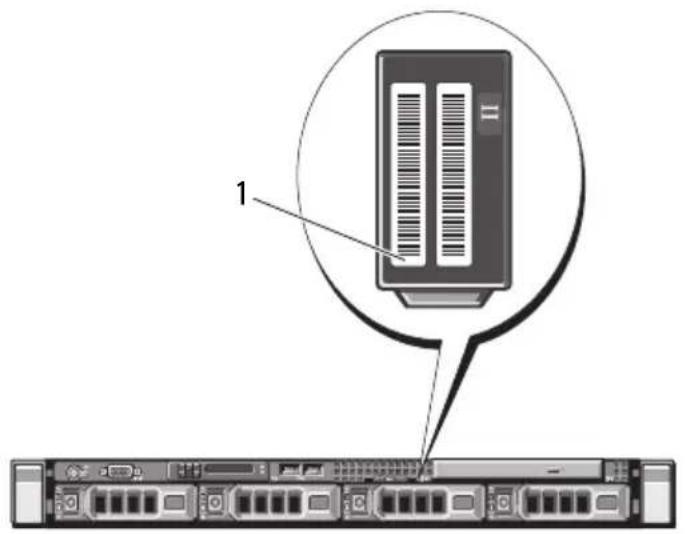
1 system identification panel
New System Features With Opteron 4200 Series Processors
- Application Power Management — The Thermal Design Power (TDP) of the processor denotes its power consumption. This feature optimizes system power consumption.
- Turbo CORE /Core Performance Boost — Boosts all core frequencies when additional TDP is available in a given workload. With lightly threaded workloads, half the processor cores enter C6 sleep state thereby enabling higher speeds.
- The processor frequency drops to 500 MHz when the system is idle to reduce power consumption.
- Performance Monitoring Counters — The Northbridge P-States (performance states) allows more users to access the performance monitor counters at the same time. This feature reduces power consumption and optimizes performance within the specified TDP.
- System Memory:
- Low Voltage Memory Modules (DDR3L DIMMs) — The Opteron 4200 series processors support DDR3L DIMMs at a lower operating voltage of 1.35V .

NOTE: BIOS setup options allow you to control frequency and voltage configurations within allowable limits.
- Memory Speed — DIMM speeds up to 1600 MHz is supported. If memory modules with different speeds are installed, they will operate at the speed of the slowest installed memory module(s).
New BIOS Setup Options
Processor Settings Screen
| Option Description | |
| Number of Cores per Processor(All default) | Allows you to control the number of enabled cores (up to eight) in each processor. |
| L2 Cache Displays the level 2 cache size | (up to 8 MB). |
| L3 Cache Displays the level 3 cache size | (up to 8 MB per socket). |
| Core Performance Boost Mode(Enabled default) | In this mode, workloads using a lesser number of cores boost the exercised cores to higher performance states. |
| NOTE: Also known as Turbo CORE. | |
Power Management Screen
| Option Description | |
| Power Management | Options are OS Control, Custom, and Maximum Performance. The BIOS pre-configures the power settings on this screen as follows:OS Control sets the processor power to OS DBPM, the fan power to Minimum Power, and the memory power to Maximum Performance. In this setting, all processor performance information is passed from the system BIOS to the operating system for control. The operating system sets the processor performance based on processor utilization.Maximum Performance sets all fields to Maximum Performance.If you select Custom, you can configure each option independently. |
Information in this publication is subject to change without notice. © 2011 Dell Inc. All rights reserved.
Reproduction of these materials in any manner whatsoever without the written permission of Dell Inc. is strictly forbidden.
Trademarks used in this text: Dell™, the DELL logo, and PowerEdge™ are trademarks of Dell Inc. AMD is a registered trademark and AMD Opteron™ is a trademark of Advanced Micro Devices.
Other trademarks and trade names may be used in this publication to refer to either the entities claiming the marks and names or their products. Dell Inc. disclaims any proprietary interest in trademarks and trade names other than its own.
Brand : DELL
Model : PowerEdge R515
Category : Server