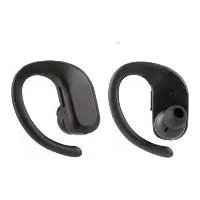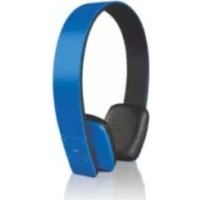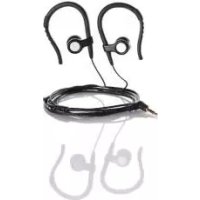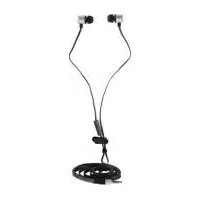
SILVERCREST SIKM 16 B2 - Earphones

SIKM 16 B2 - Earphones SILVERCREST - Free user manual and instructions

Find the device manual for free SIKM 16 B2 SILVERCREST in PDF.

📄 222 pages PDF ⬇️ English EN 💬 AI Question 9 questions ⚙️ Specs 🖨️ Print
Notice SILVERCREST SIKM 16 B2 - page 38
Manual assistant
Powered by ChatGPT
Waiting for your message
Product information

Brand : SILVERCREST

Model : SIKM 16 B2

Category : Earphones

Technical Specifications In-ear headphones, Bluetooth connectivity, battery life up to 6 hours, charging time 1 hour, Bluetooth range up to 10 meters.
Usage Ideal for listening to music, hands-free calls, compatible with most Bluetooth devices.
Maintenance and Repair Regularly clean the ear tips with a soft cloth, avoid exposure to water, no replaceable parts.
Safety Do not use at high volume to avoid hearing damage, do not use while driving or in hazardous environments.
General Information 2-year warranty, includes a USB charging cable, multiple ear tip sizes for a comfortable fit.

Frequently Asked Questions - SIKM 16 B2 SILVERCREST

How can I connect the SILVERCREST SIKM 16 B2 headphones to my device?
To connect your SILVERCREST SIKM 16 B2 headphones, enable Bluetooth on your device and turn on the headphones. Then, search for available Bluetooth devices and select "SILVERCREST SIKM 16 B2" from the list.
What should I do if the sound is low or distorted?
Check the volume on your device and ensure it is set to an appropriate level. If the problem persists, try disconnecting and reconnecting the headphones or resetting the headphones.
How do I charge the SILVERCREST SIKM 16 B2 headphones?
Use the supplied charging cable and connect it to a USB port. Plug the other end into the headphones. The LED indicators will show that charging is in progress.
The headphones won't turn on, what should I do?
Make sure the headphones are sufficiently charged. If necessary, charge them for at least 30 minutes before trying to turn them on again.
How do I reset the SILVERCREST SIKM 16 B2 headphones?
To reset the headphones, press and hold the power and volume buttons for about 5 seconds until the LEDs flash. This will restore factory settings.
Can I use the headphones while running or exercising?
Yes, the SILVERCREST SIKM 16 B2 headphones are designed to be lightweight and comfortable, making them suitable for use during sports. Make sure they fit well to avoid losing them.
How do I know if my headphones are in pairing mode?
When the headphones are in pairing mode, the LED indicators flash rapidly. If the flashing is slow, it means they are already connected to a device.
Do the headphones work with all devices?
The SILVERCREST SIKM 16 B2 headphones are compatible with all Bluetooth devices, including smartphones, tablets, and computers. Make sure your device supports Bluetooth functionality.
What should I do if I lose one of the headphones?
The SILVERCREST SIKM 16 B2 headphones have search features in some apps. Check the user manual to learn how to use this feature or check the places where you used them to find them.

Download the instructions for your Earphones in PDF format for free! Find your manual SIKM 16 B2 - SILVERCREST and take your electronic device back in hand. On this page are published all the documents necessary for the use of your device. SIKM 16 B2 by SILVERCREST.

USER MANUAL SIKM 16 B2 SILVERCREST
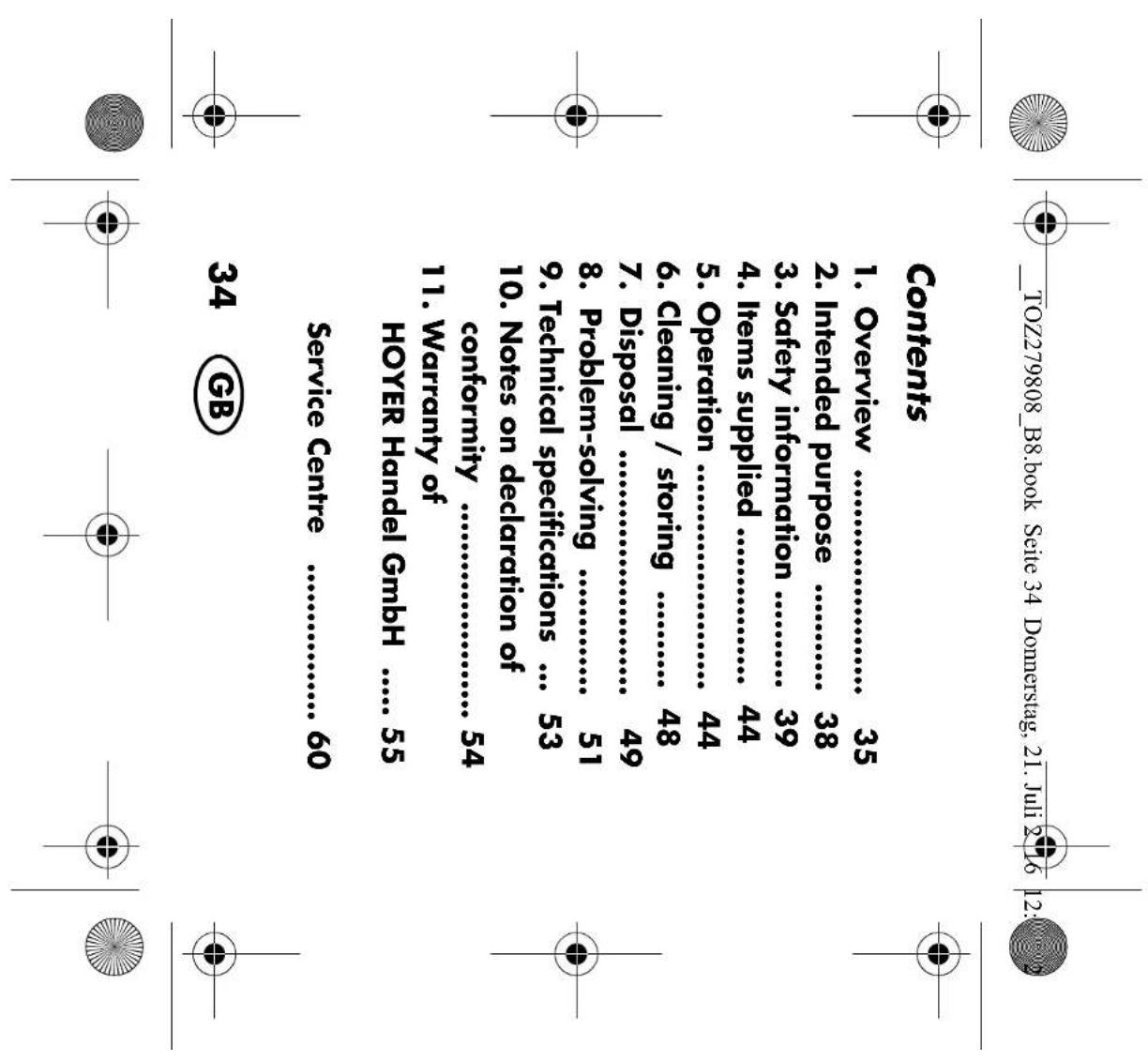
10. Notes on declaration of

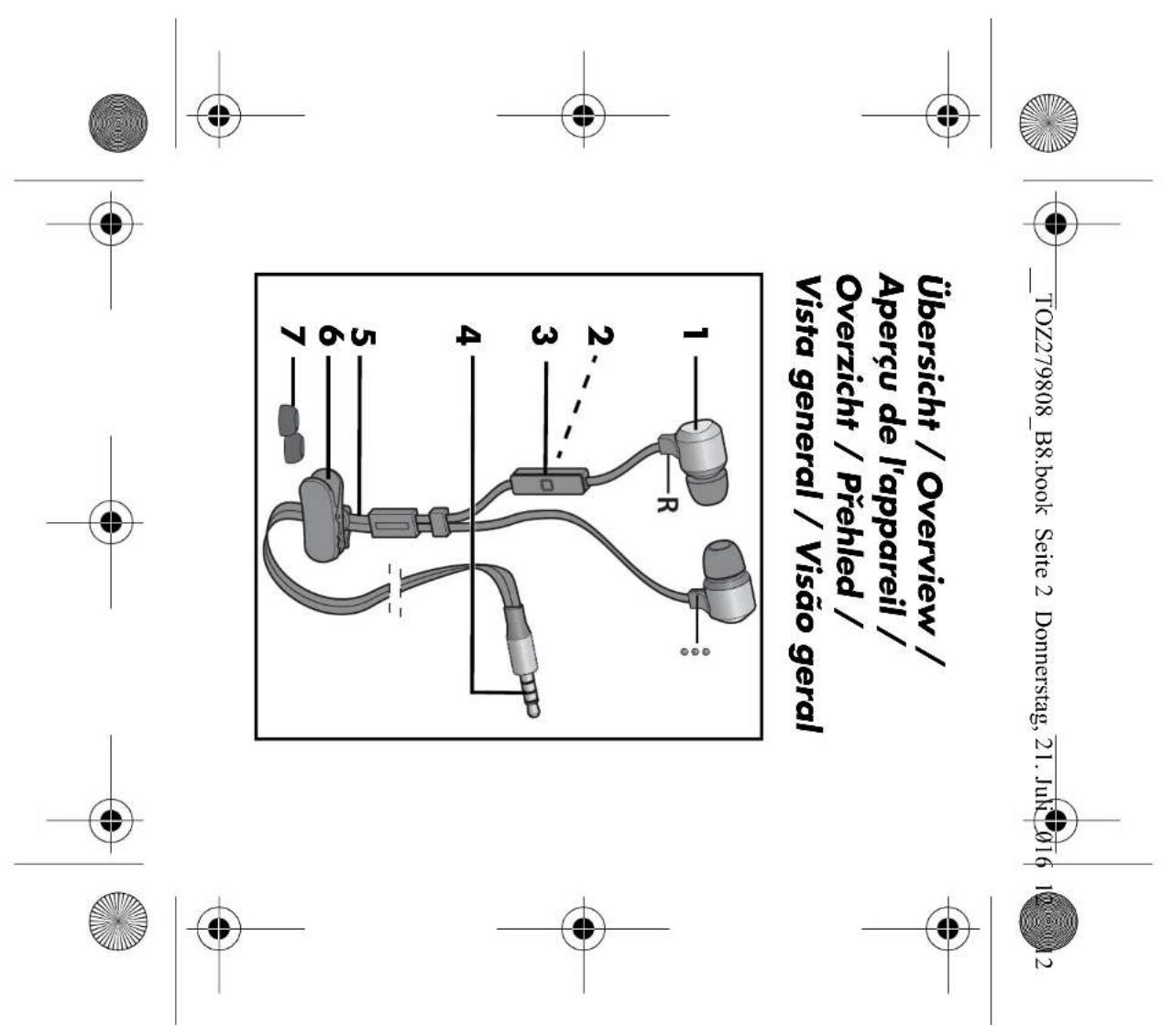
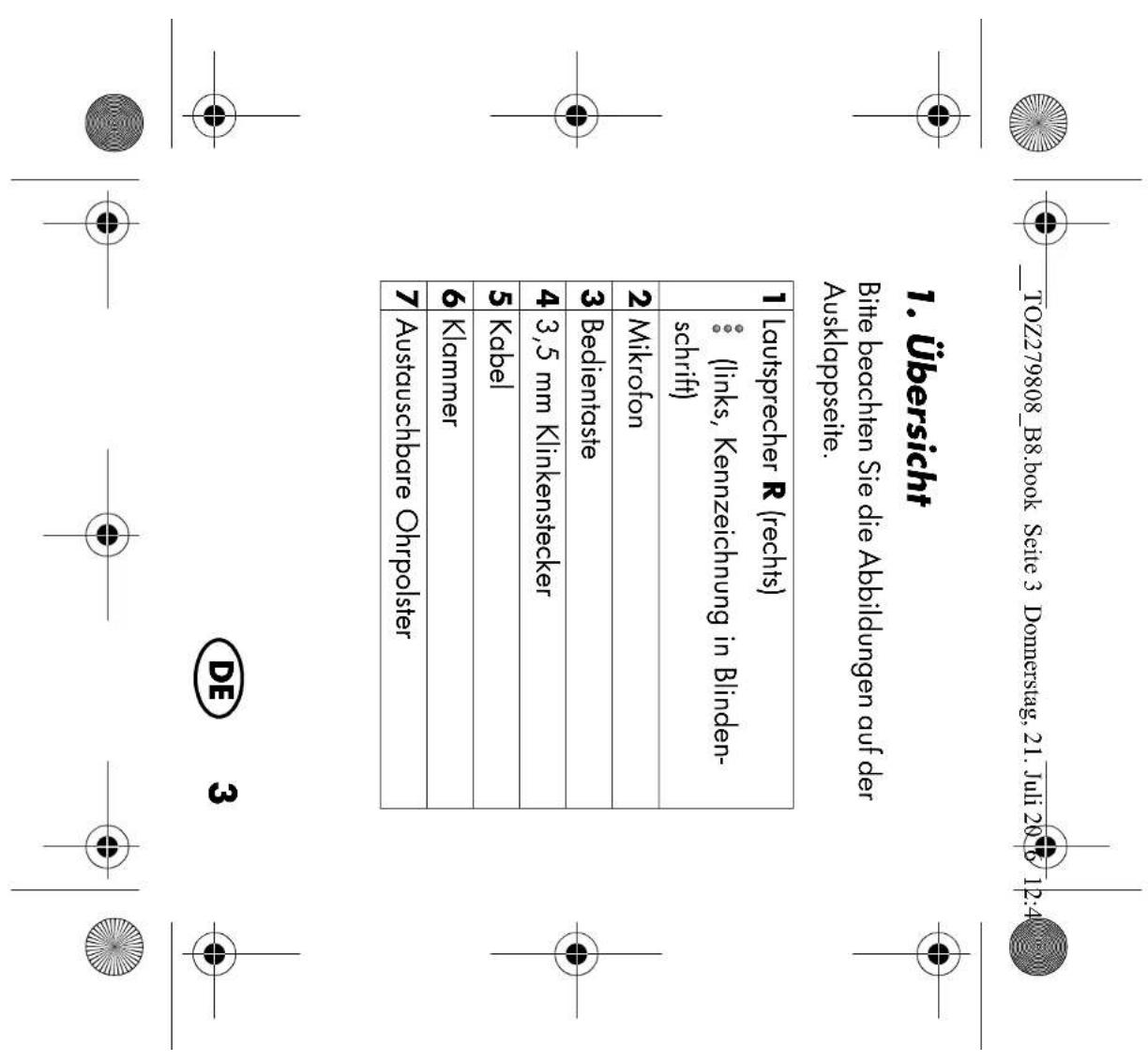
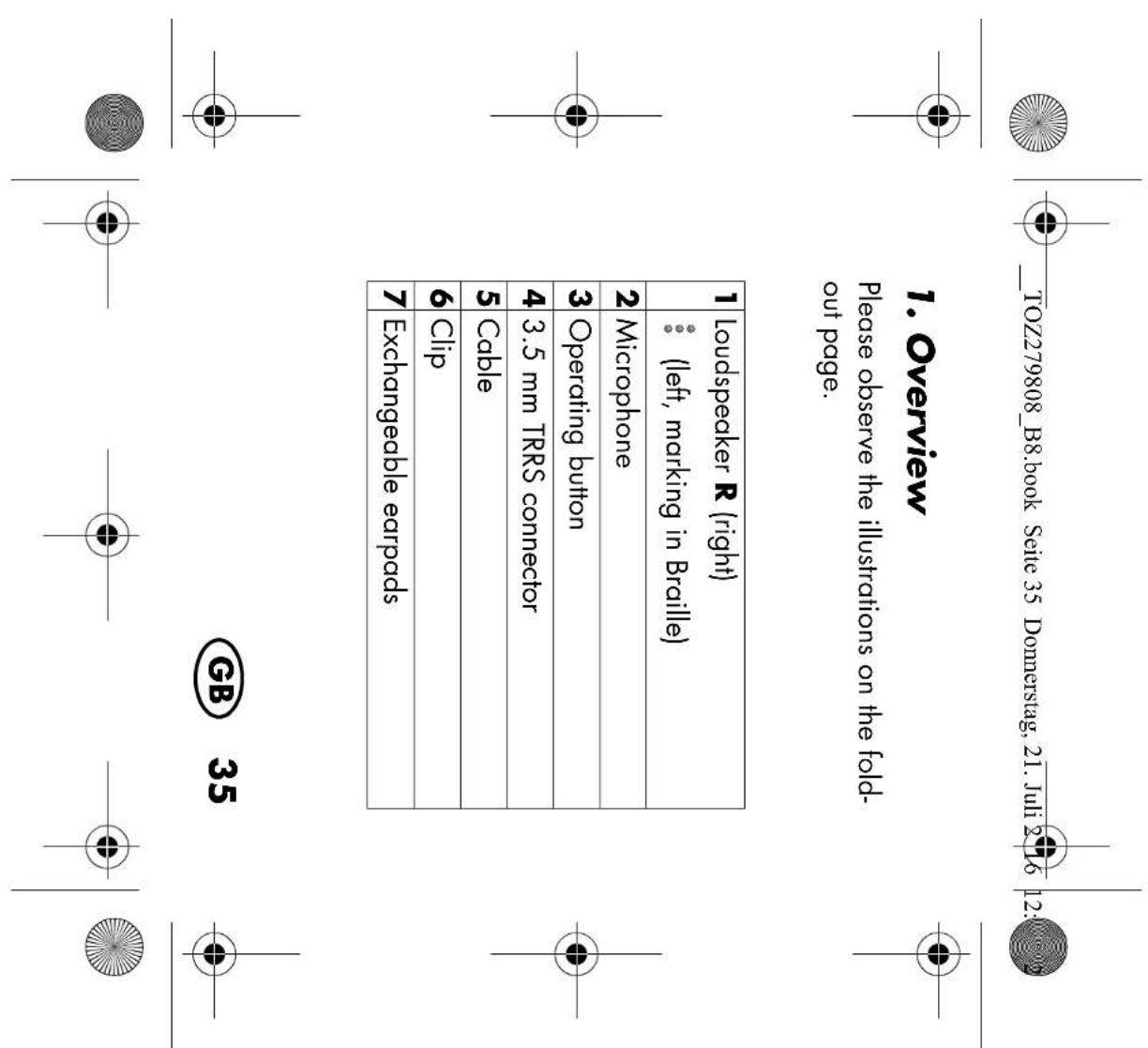
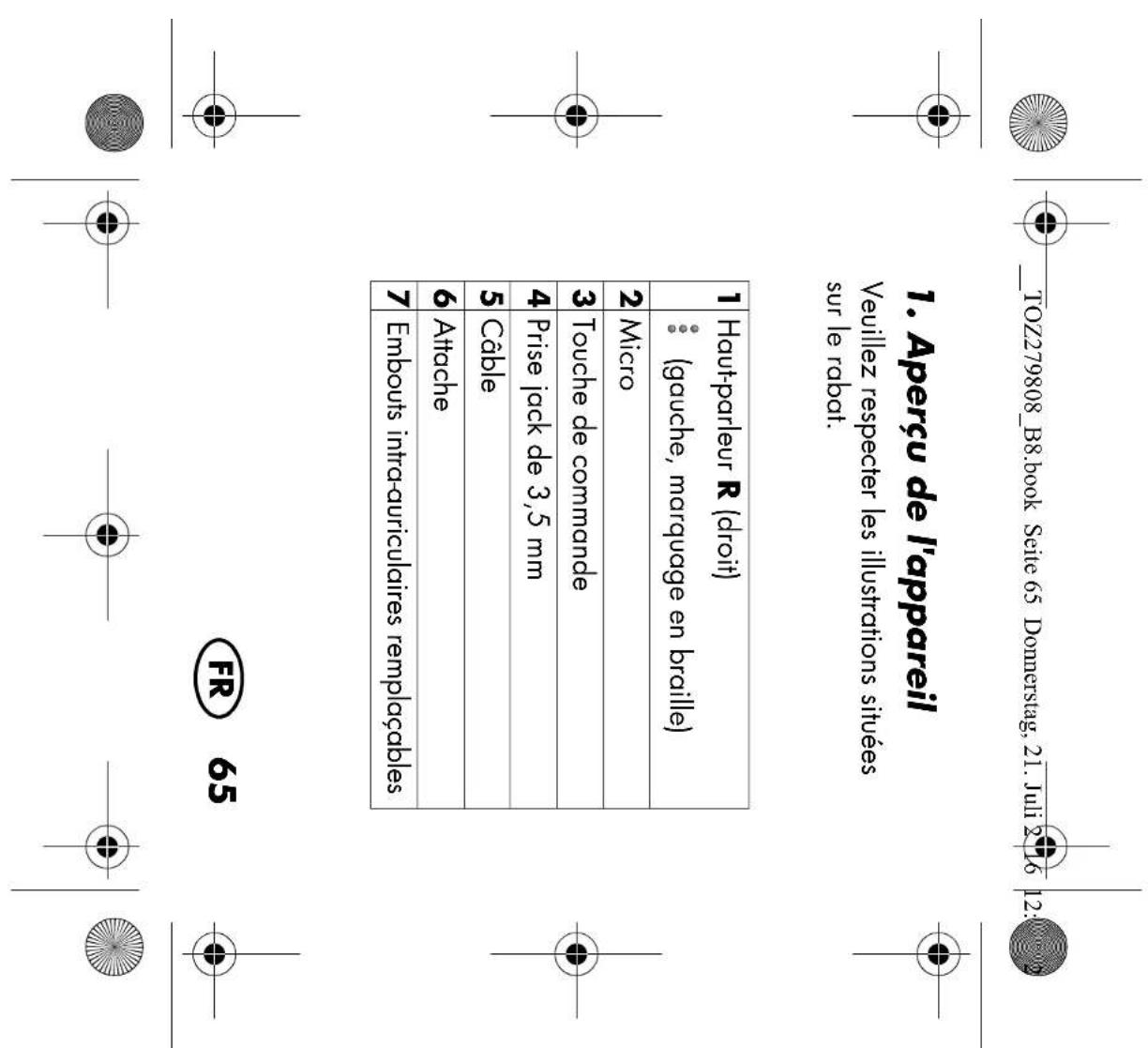
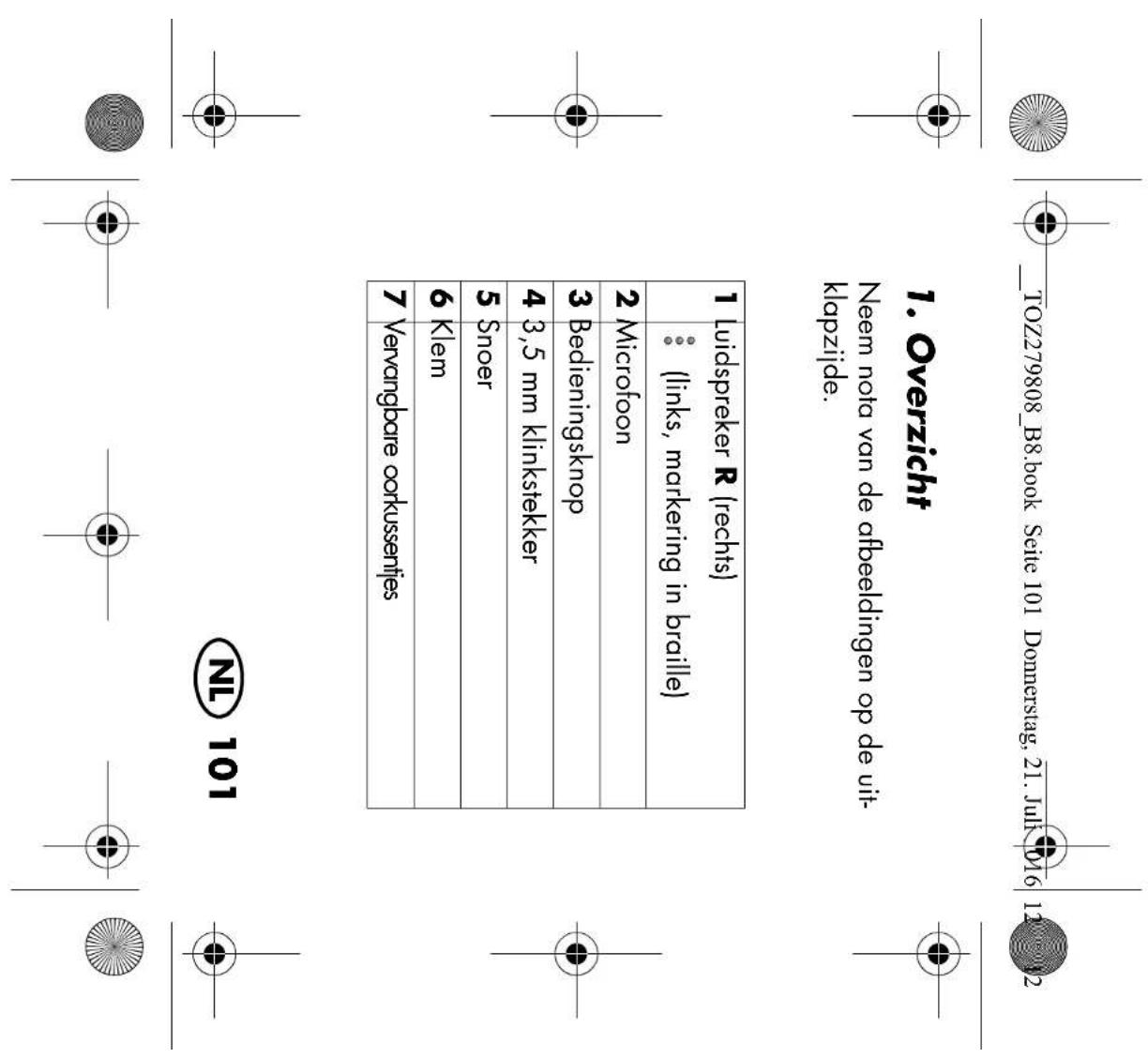
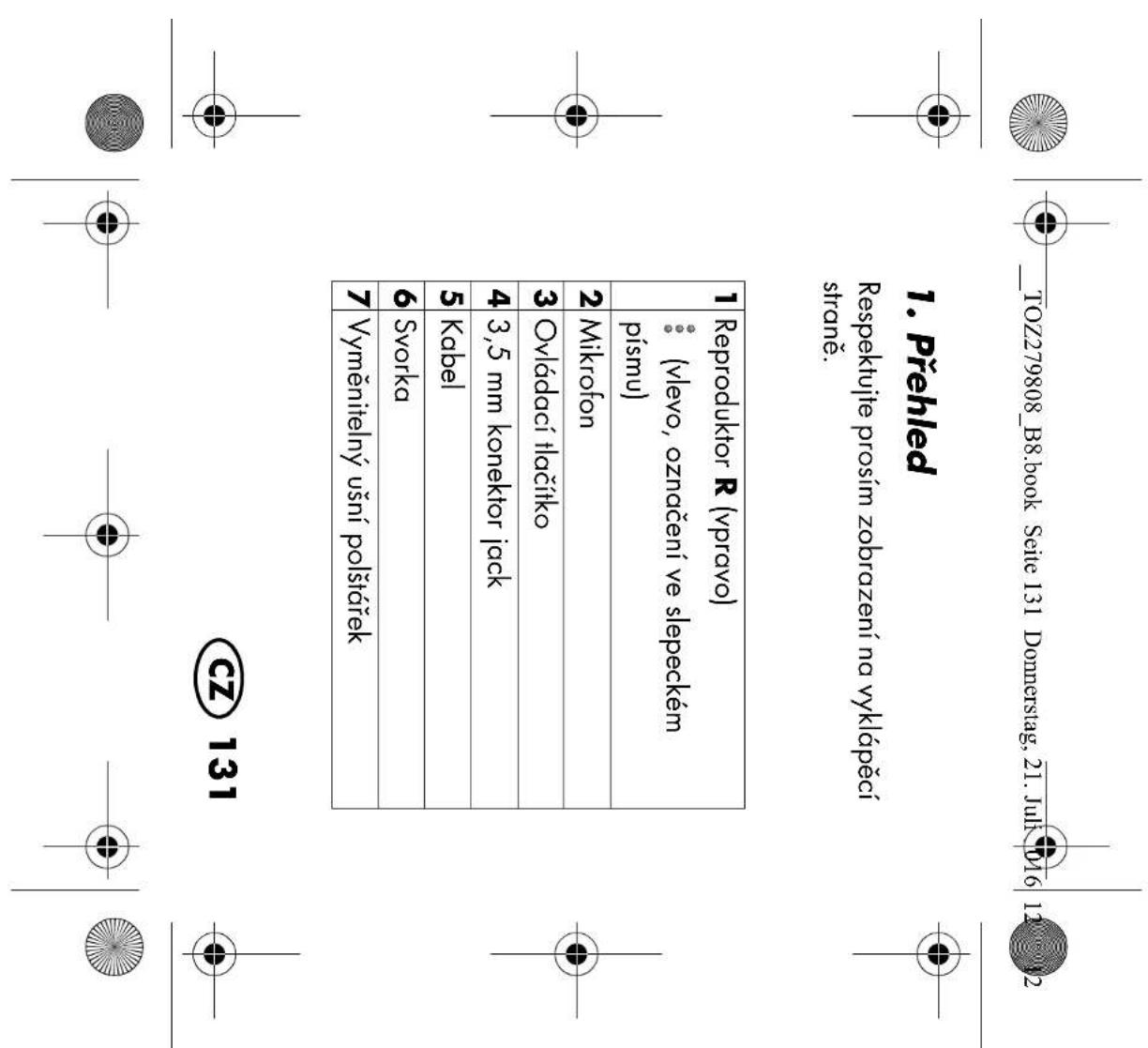
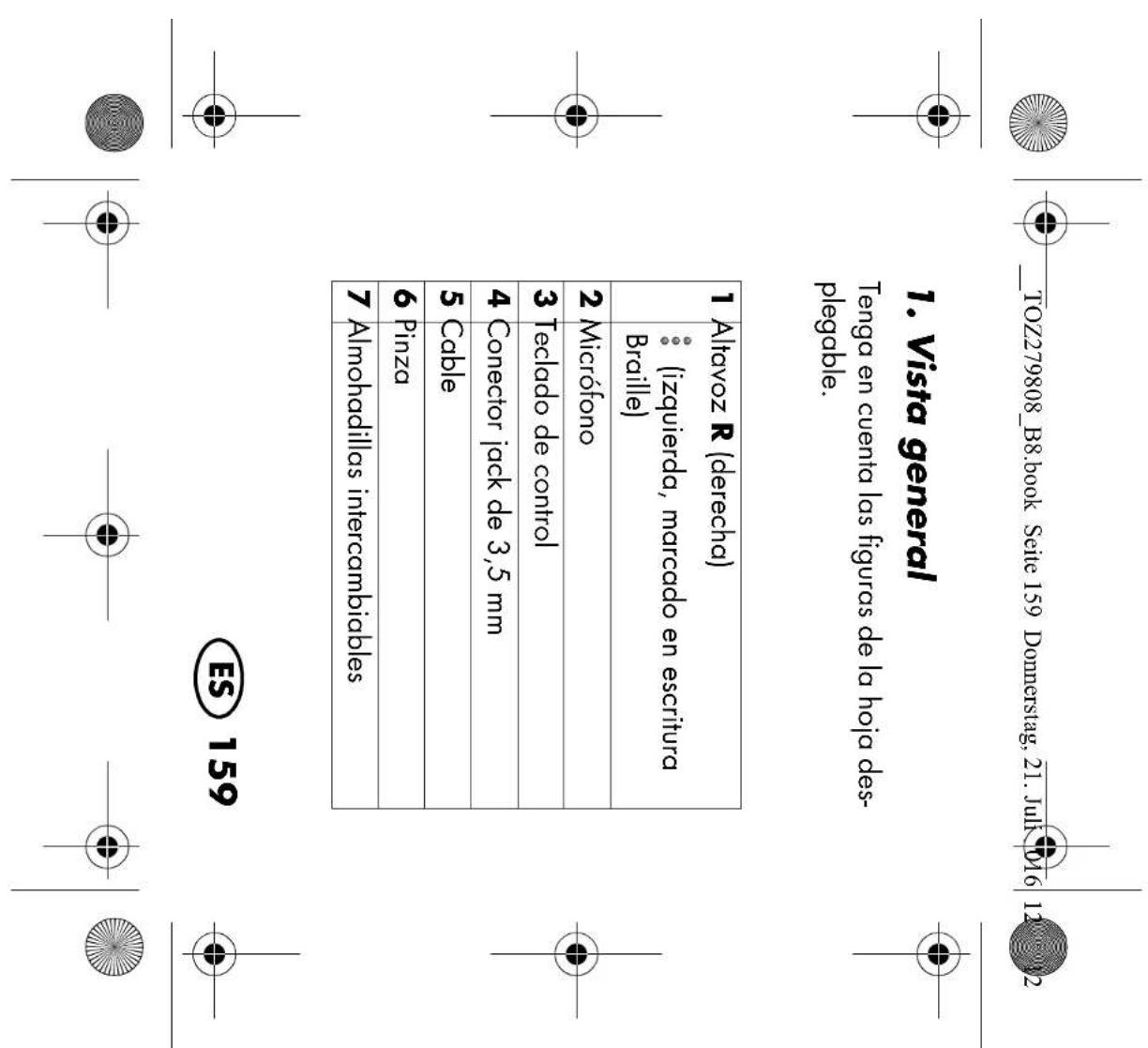
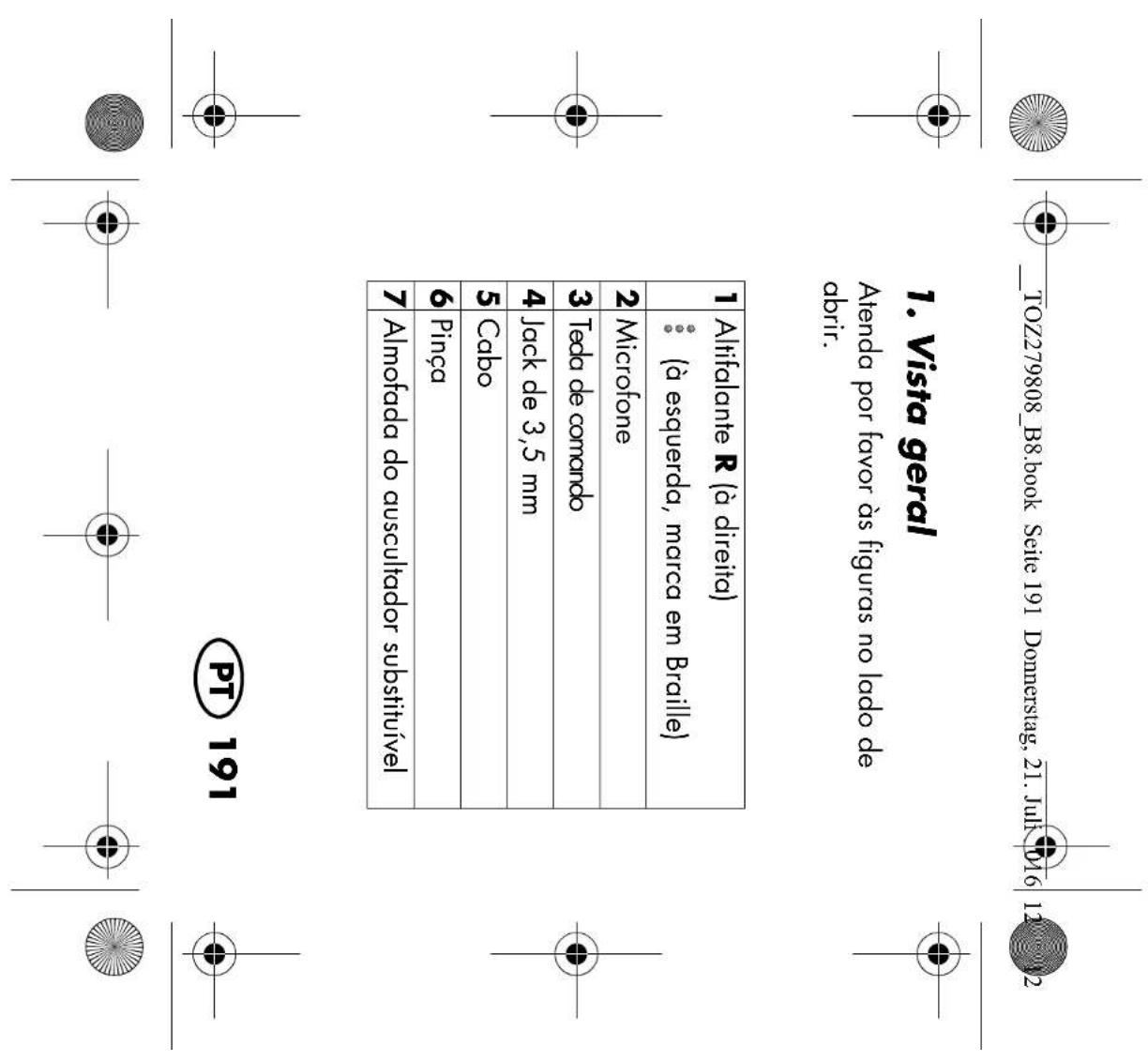
Please observe the illustrations on the fold- out page. 1 Loudspeaker R (right) (left, marking in Braille) 2 Microphone 3 Operating button 4 3.5 mm TRRS connector 5 Cable 6 Clip 7 Exchangeable earpads

Thank you for your trust! Congratulations on your new headphones. For a safe handling of the product and in order to get to know the entire scope of fea- tures:

  • Thoroughly read these operat- ing instructions prior to initial commissioning.
  • Above all, observe the safety in- structions!
  • The device should only be used as described in these instruc- tions.
  • Keep these operating instruc- tions for future reference.
  • If you pass the device on to someone else, please include these operating instructions. The operating instructions are a part of the product. We hope you enjoy your new head- phones!

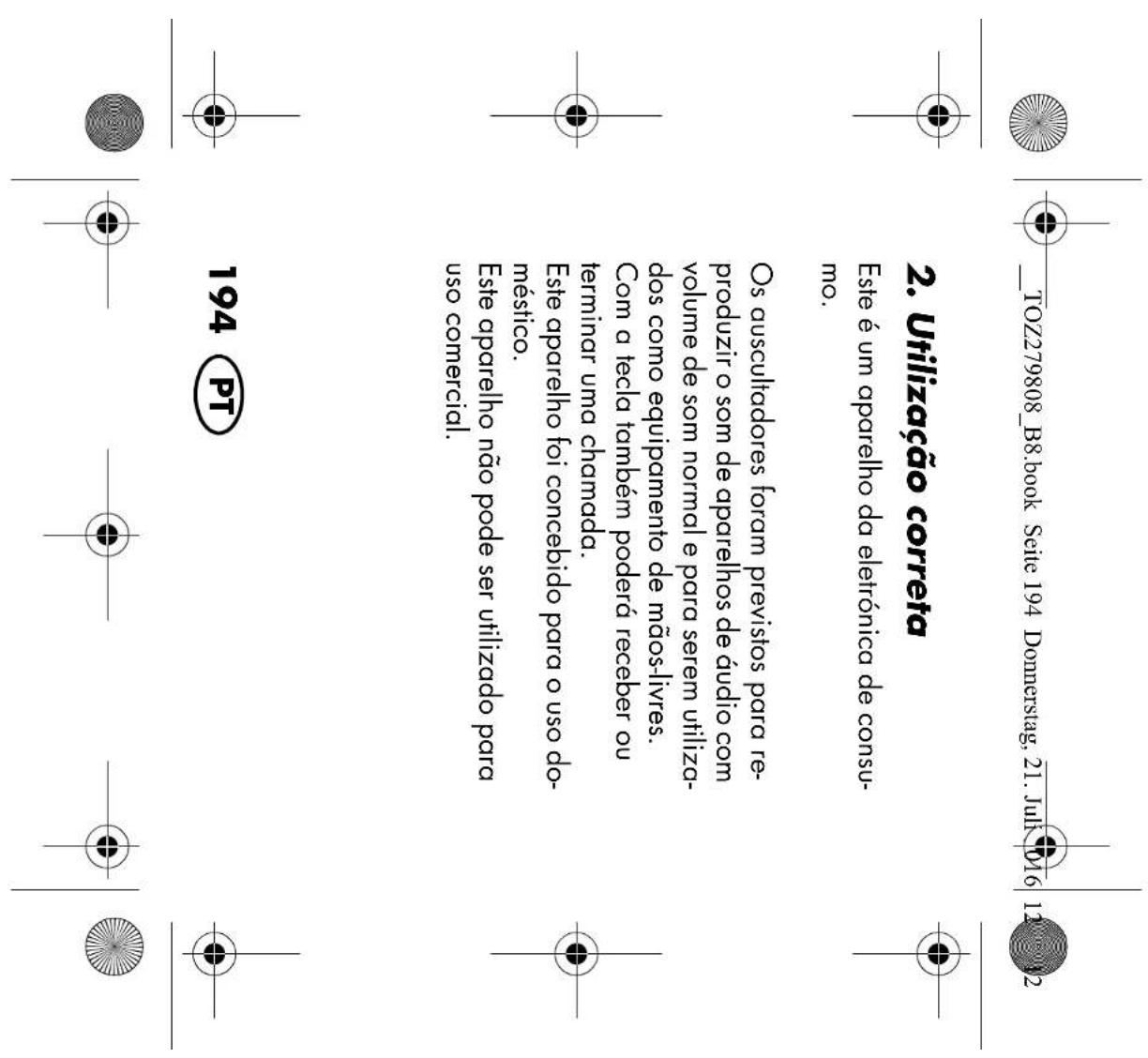
This is an entertainment electronics device. The headphones are intended for the play- back of sound from audio devices at nor- mal volumes, and for use as a hands-free system. The button additionally allows you to accept or end a call. The device is designed for use in private households. This device must not be used for commercial purposes.

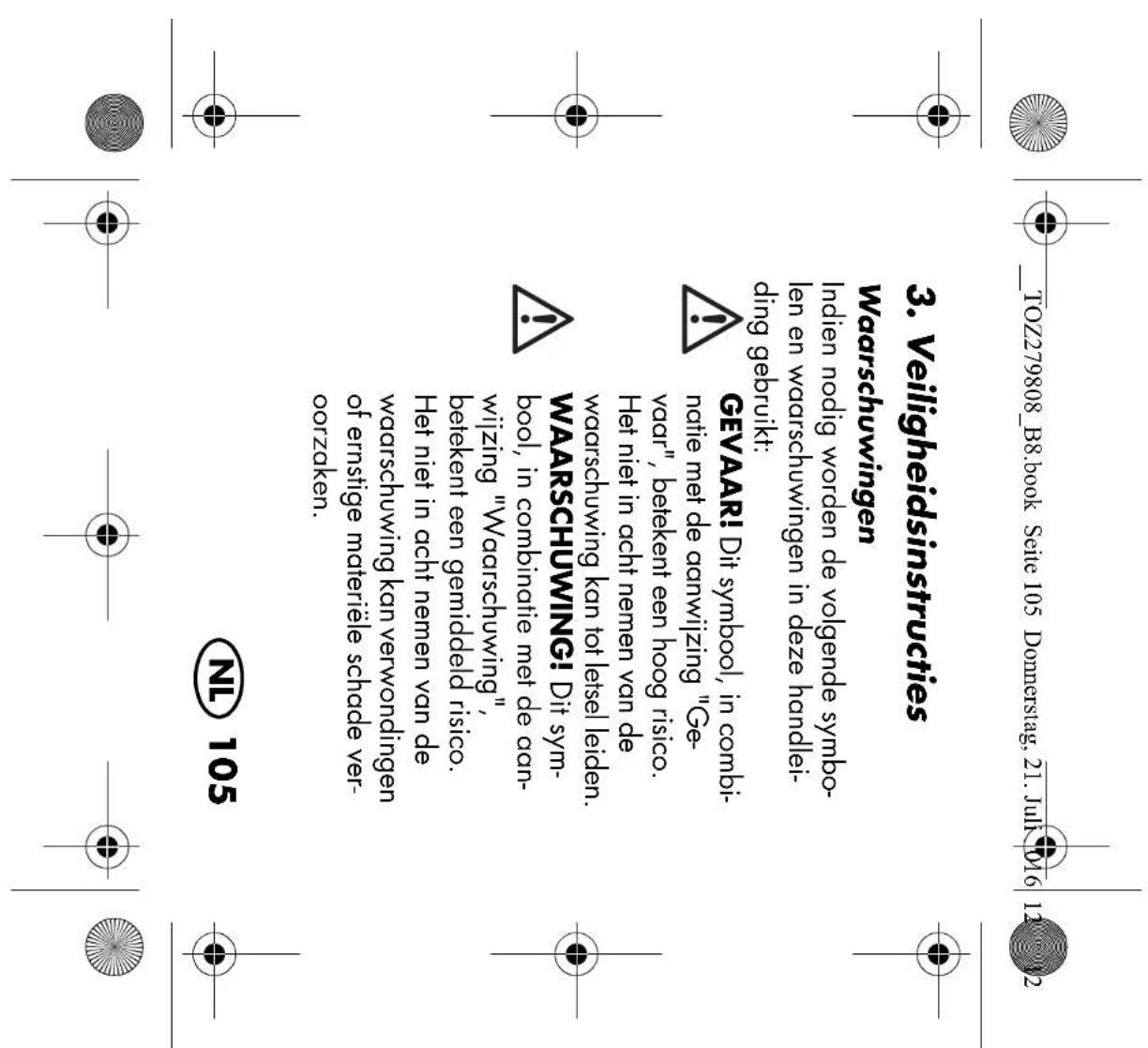
Warnings If necessary, the following symbols and warnings will be used in these operating in- structions: DANGER! This symbol, in combi- nation with the note "Danger" means a high risk. Failure to ob- serve this warning may result in in- jury to life and limb. WARNING! This symbol, in combination with the note "Warn- ing" means a moderate risk. Fail- ure to observe this warning may result in injury or serious material damage.

WARNING! Risk of hearing damage CAUTION: low risk: failure to observe this warning may result in minor injury or mate- rial damage. NOTE: circumstances and specifics that must be observed when handling the device. DANGER for children and people with disabilities ~ Packing materials are not children's toys. Children must not play with the packing material: there is a risk of suffocation.

This device is not designed to be used by people (including children) with limited physical, sensory or mental capabilities or people without adequate experience and/or understanding, unless they are supervised by someone responsible for

their safety or are instructed by them on how to use the device. ~ Children must be supervised to ensure that they do not play with the device. ~ Keep the device out of the reach of chil- dren. DANGER of accidents due to impaired perception ~ Surrounding noises may sound different than usual. Never use the headphones during activities when you must be at- tentively aware of your surroundings, particularly when operating machinery or vehicles in traffic. (This also applies to bicycles.) You must also comply with the legal provisions and regulations of the coun- try in which you are using the device.

DANGER of affecting cardiac pacemakers ~ The magnetic fields generated by the headphones may impair the functioning of cardiac pacemakers and implanted defibrillators. You must therefore main- tain a minimum distance of 10 cm be- tween the headphones and the cardiac pacemaker / defibrillator. WARNING! Risk of hearing damage ~ Set a low volume on the audio device before you connect the headphones to the sound source. ~ Avoid excessive volumes, particularly over extended periods or in the case of frequent use. Excessive volume can re- sult in permanent hearing damage.

WARNING! Risk of material damage ~ Protect the device against damage, e.g. from: - drips and splashes of water - heat, direct sunlight and open flames (e.g. candles) - impacts and similar violent effects ~ Protect the cable against damage, e.g. from: -sharp edges - hot places -clamping or crushing ~ Do not use any astringent or abrasive cleaning agents. ~ To avoid any risk, do not make modifi- cations to the device. Repairs must be carried out by a specialist workshop or the Service Centre.

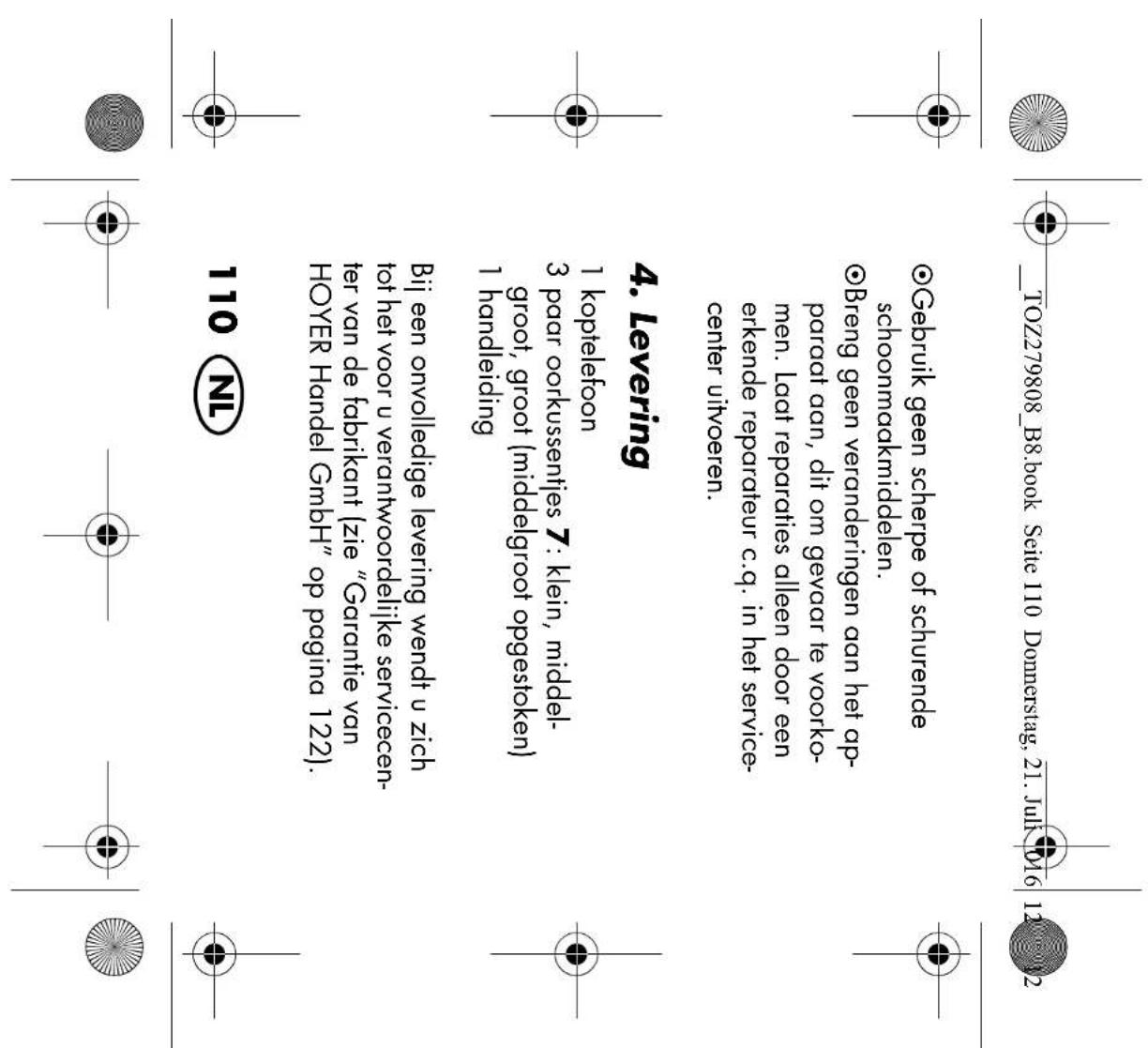
1 headphones 3 pairs of earpads7: small, medium, large (medium attached) 1 set of operating instructions In the case of incomplete delivery, please contact the responsible service centre of the manufacturer (see “Warranty of HOYER HandelGmbH” on page 55). Please observe the illustrations on the fold- out page.

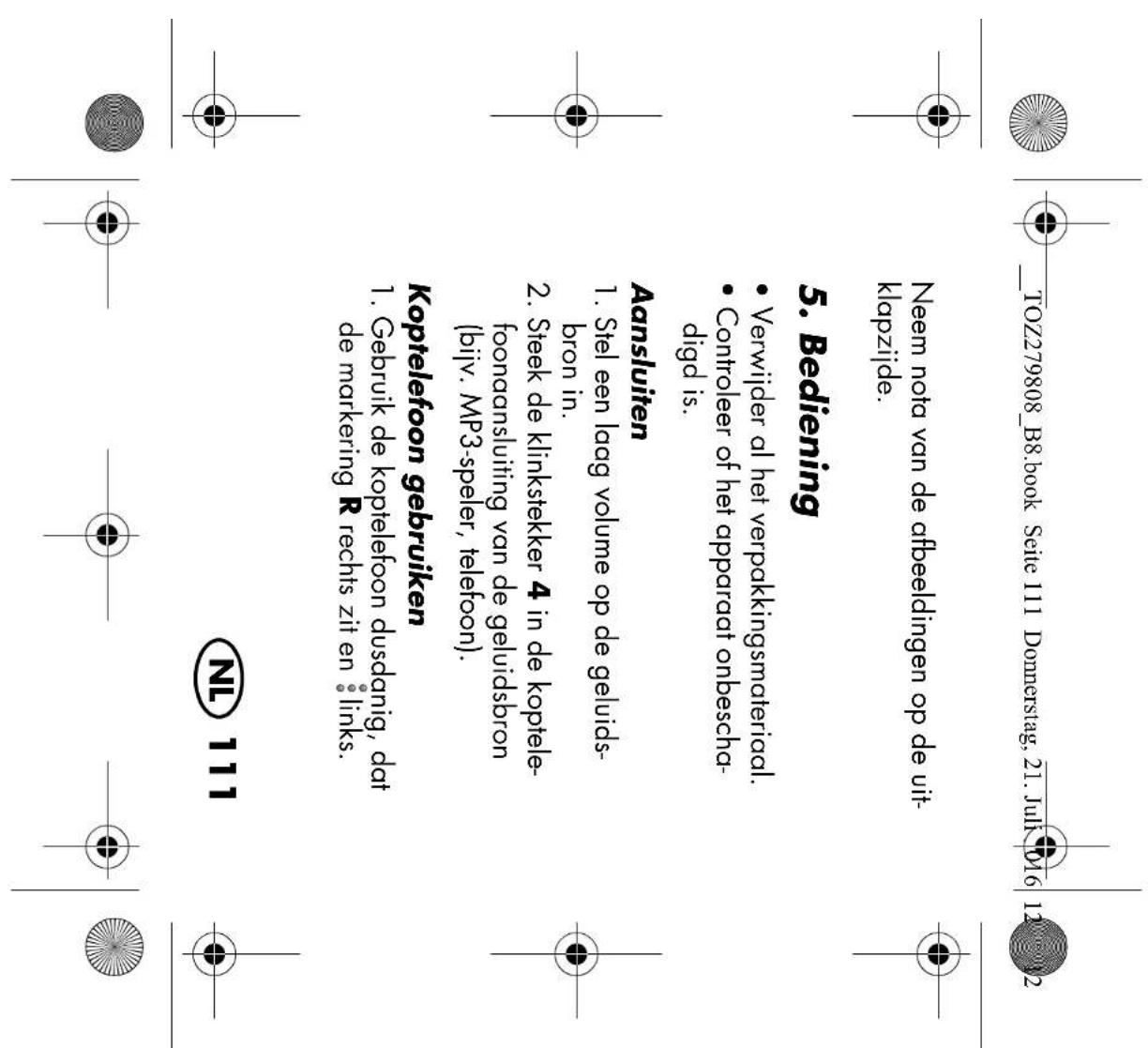
  • Check that the device is undamaged.

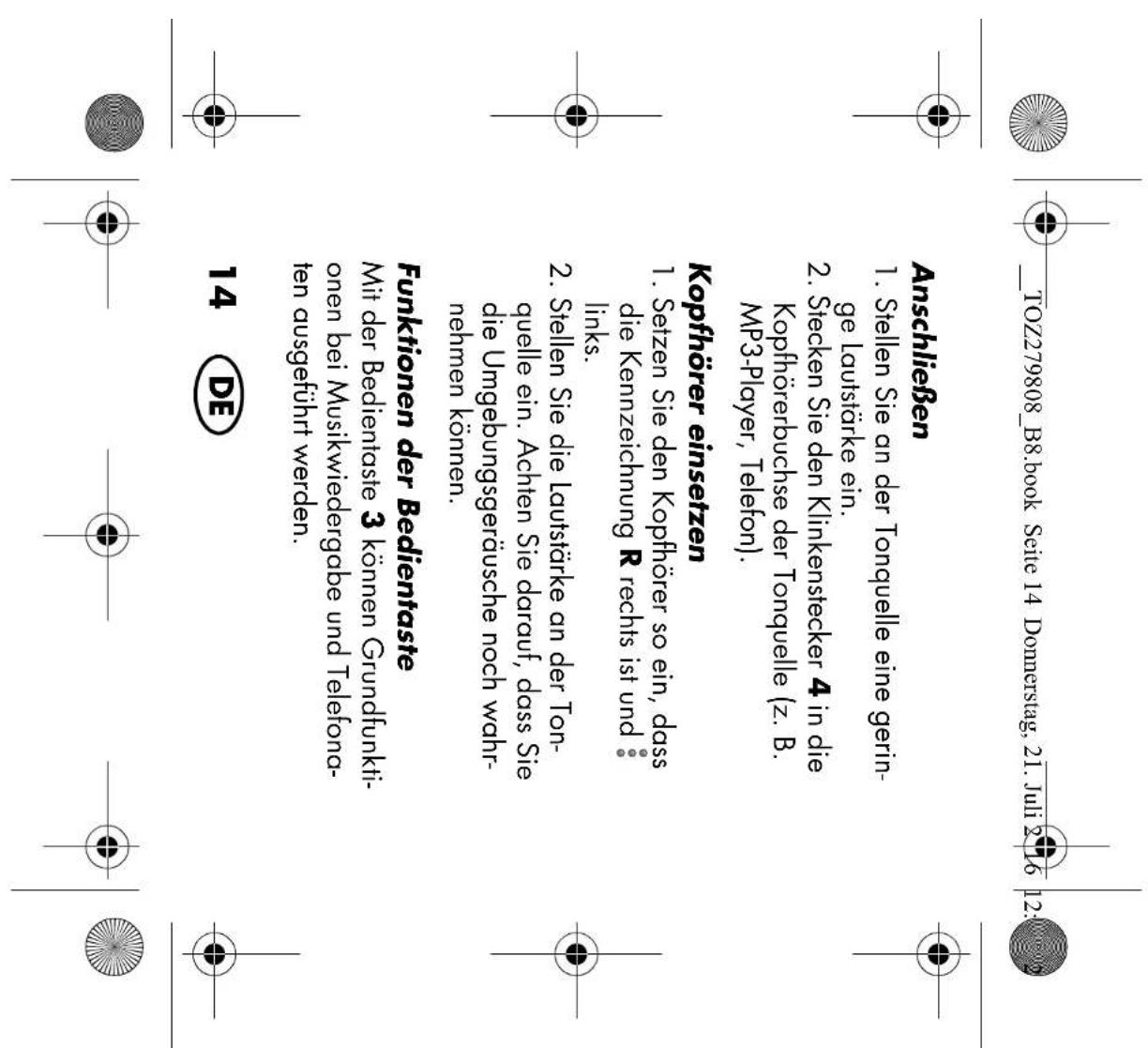
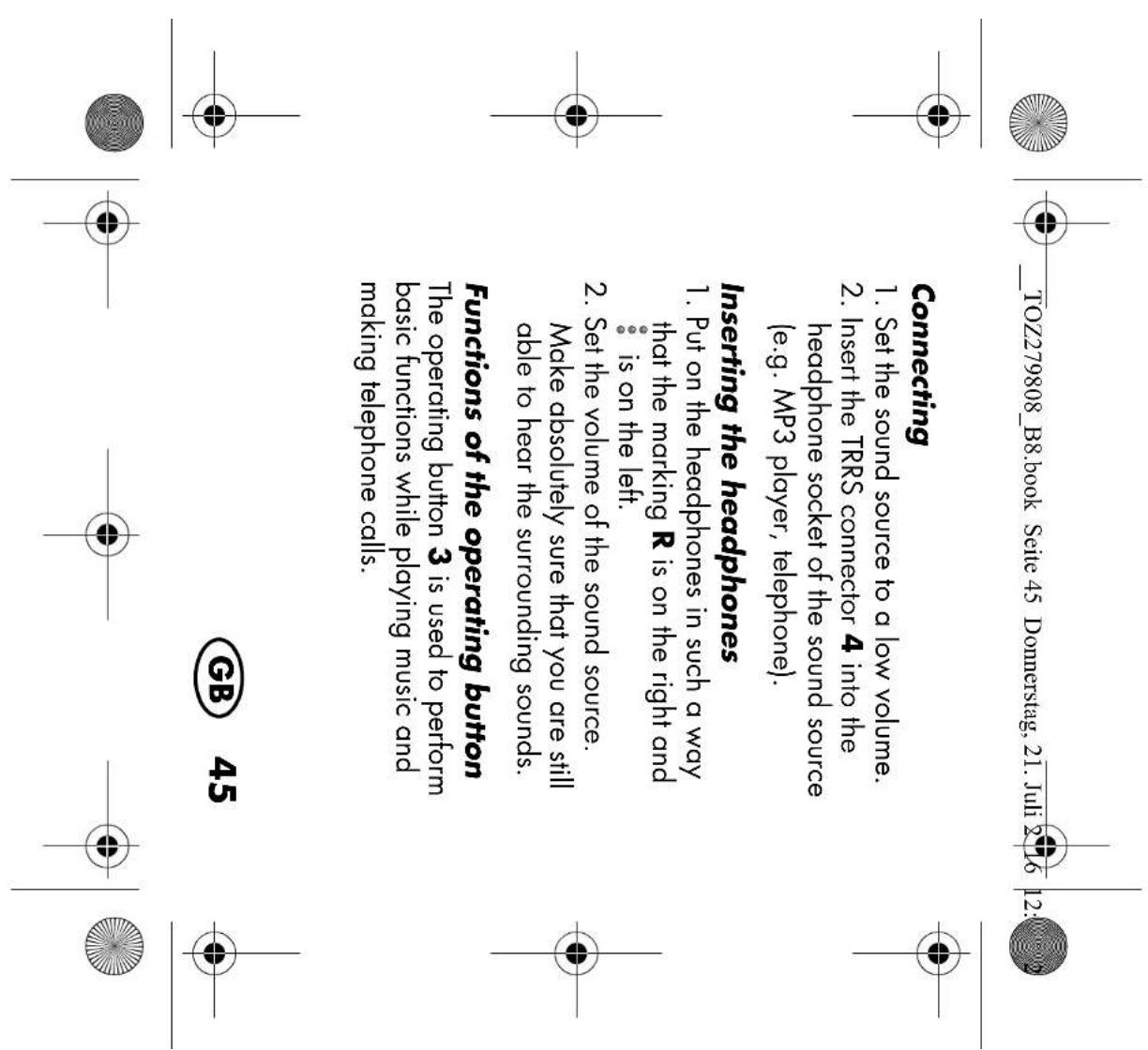
2. Insert the TRRS connector4 into the

headphone socket of the sound source (e.g. MP3 player, telephone). Inserting the headphones

1. Put on the headphones in such a way
that the marking R is on the right and is on the left.

2. Set the volume of the sound source.

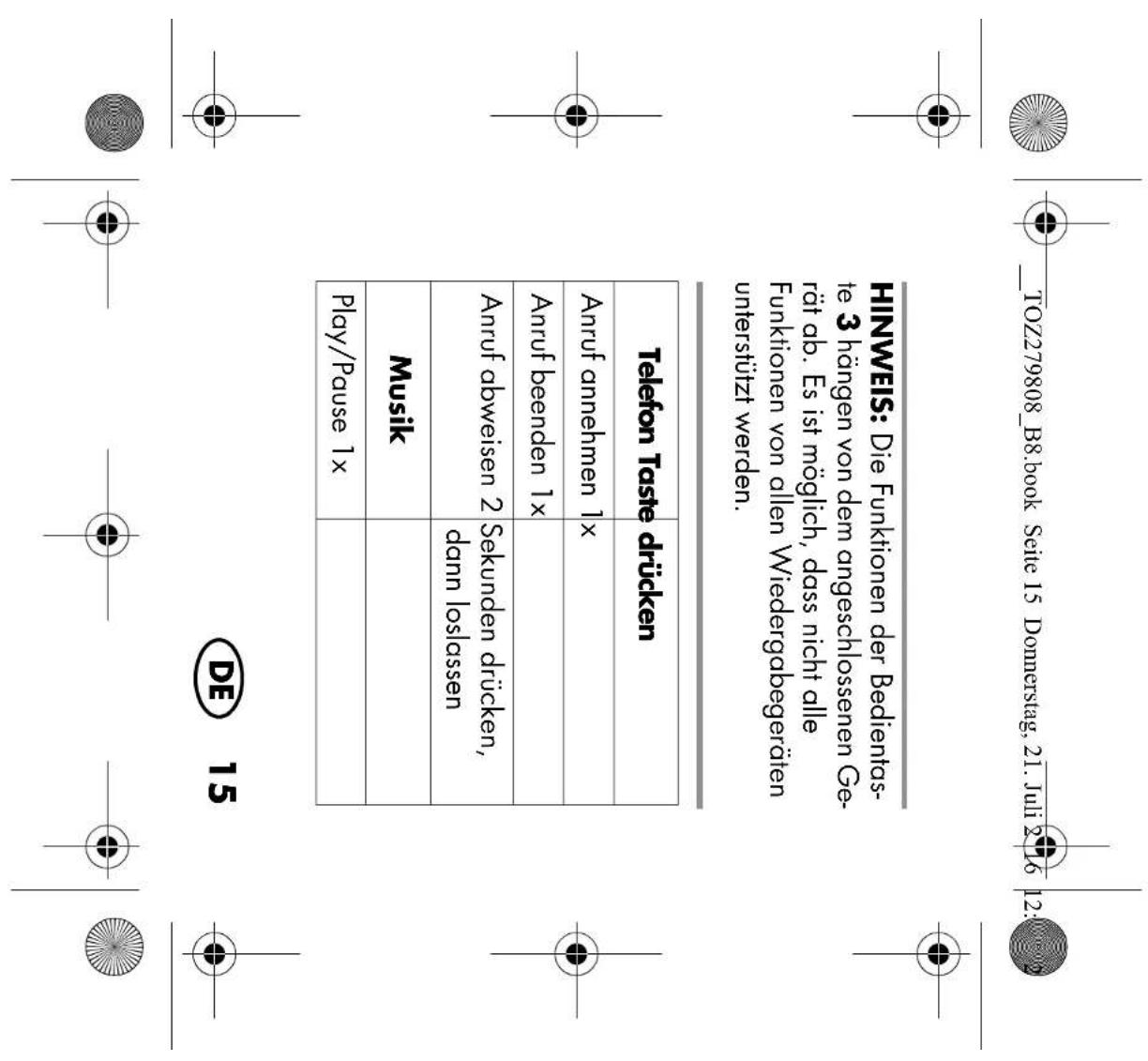
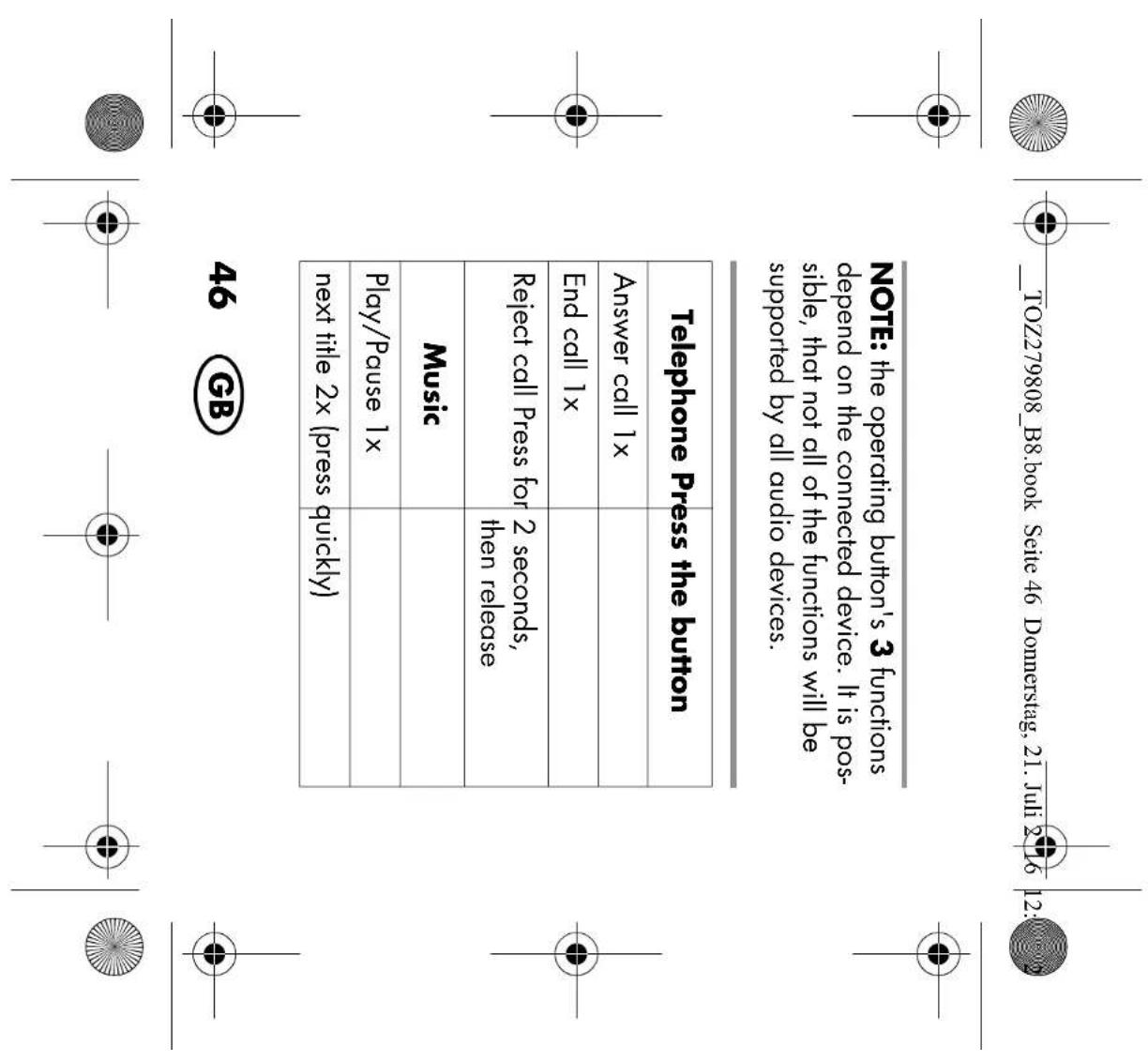
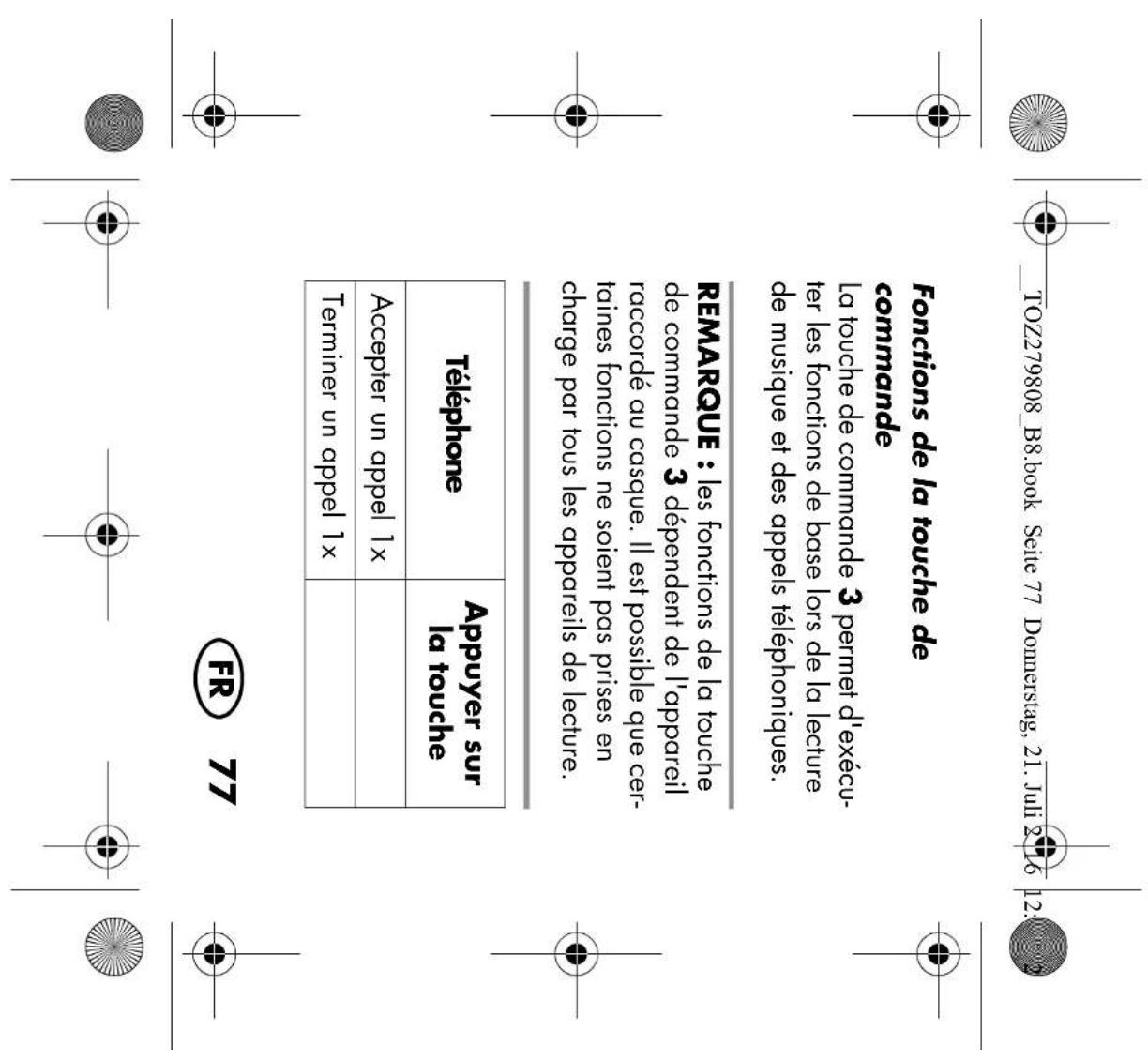
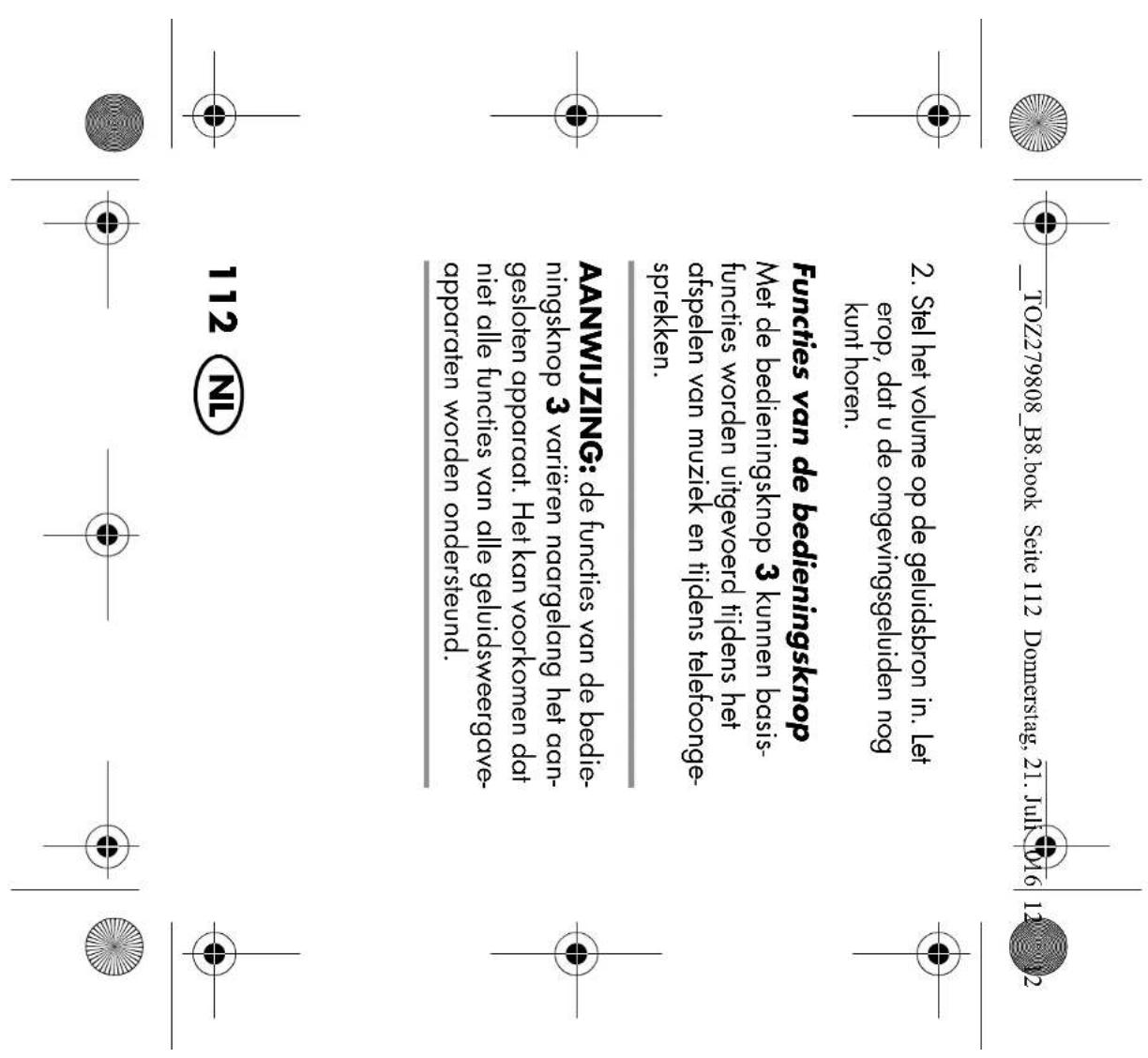
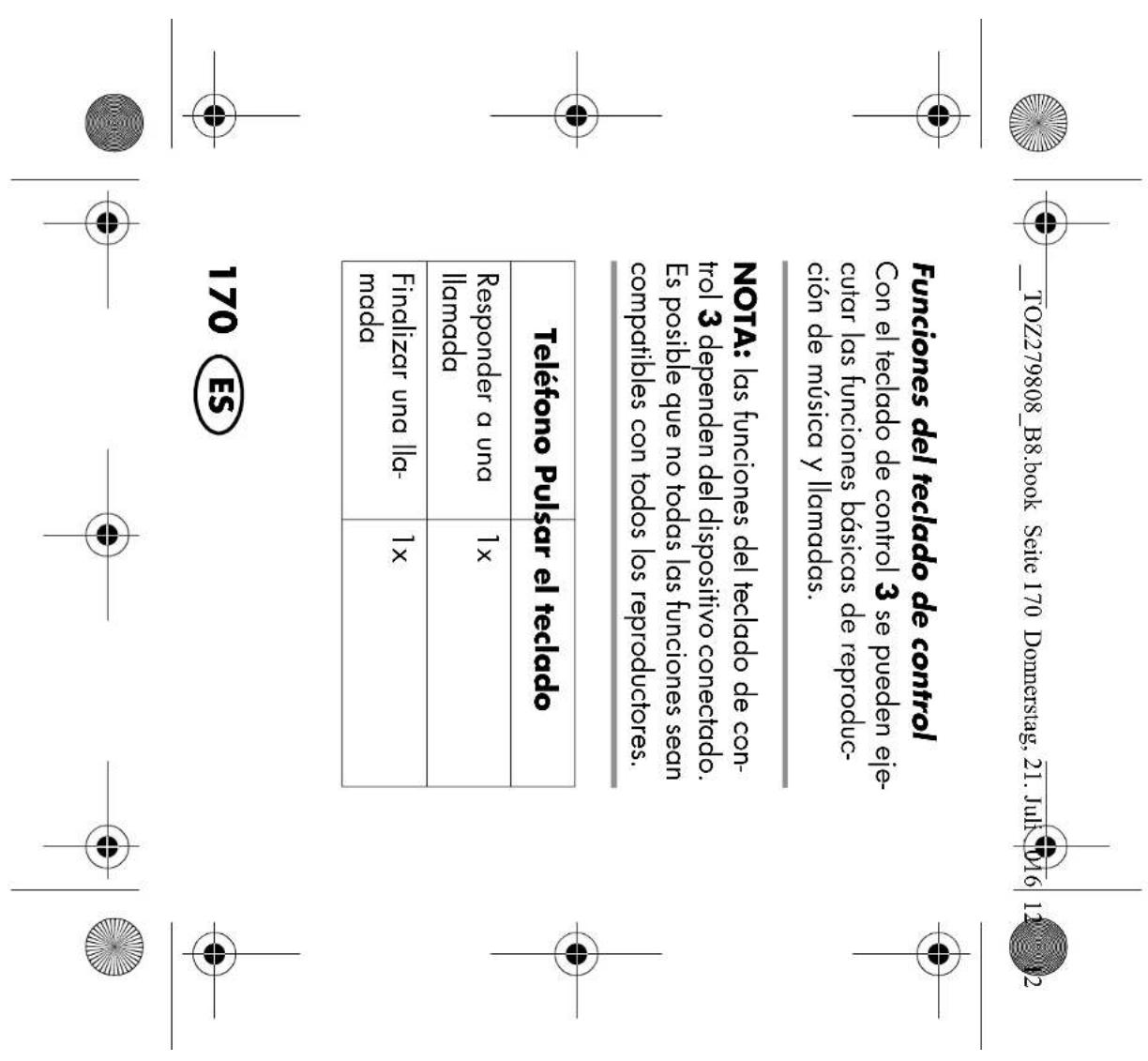
Make absolutely sure that you are still able to hear the surrounding sounds. Functions of the operating button The operating button3 is used to perform basic functions while playing music and making telephone calls.

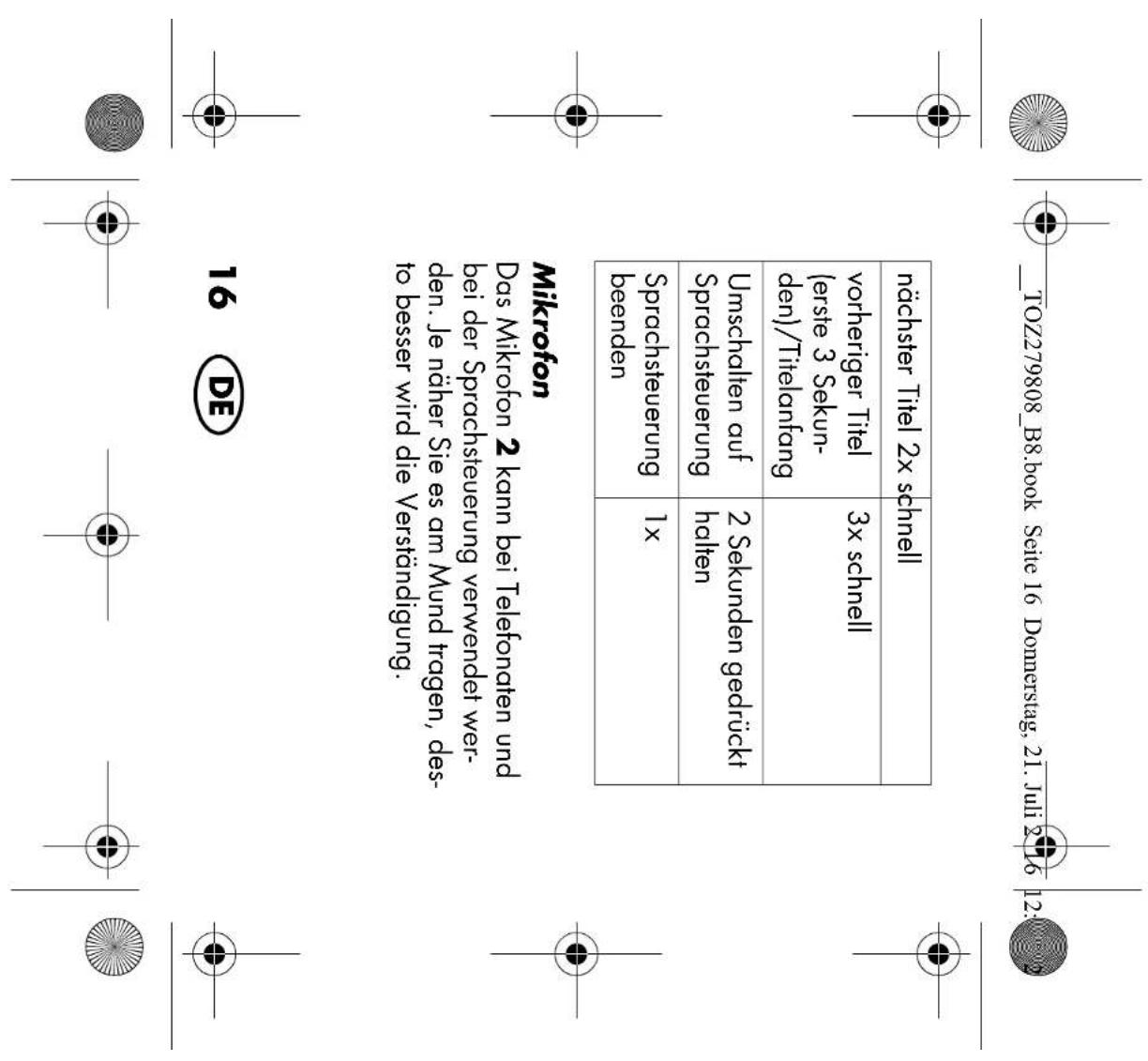
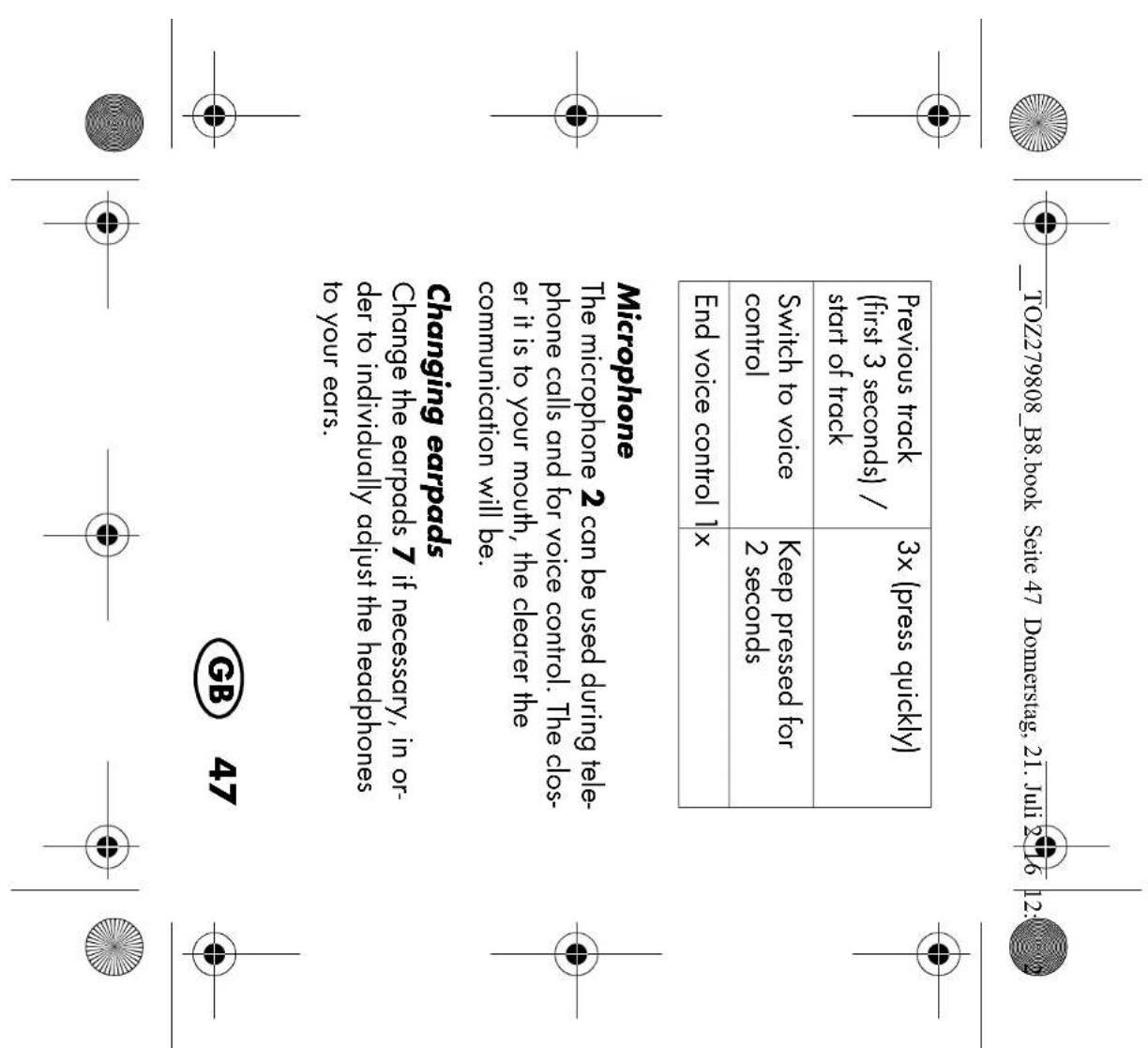
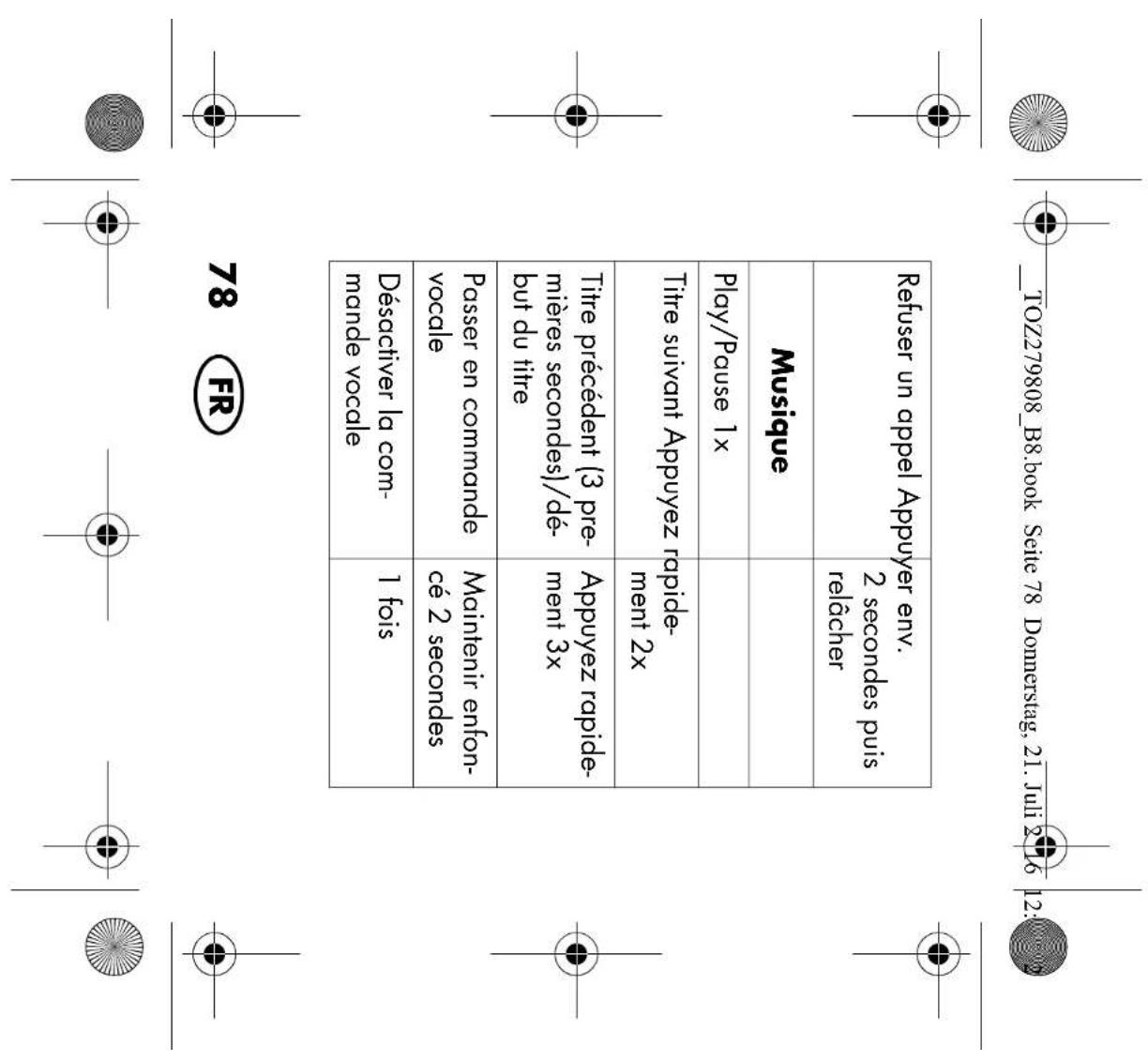
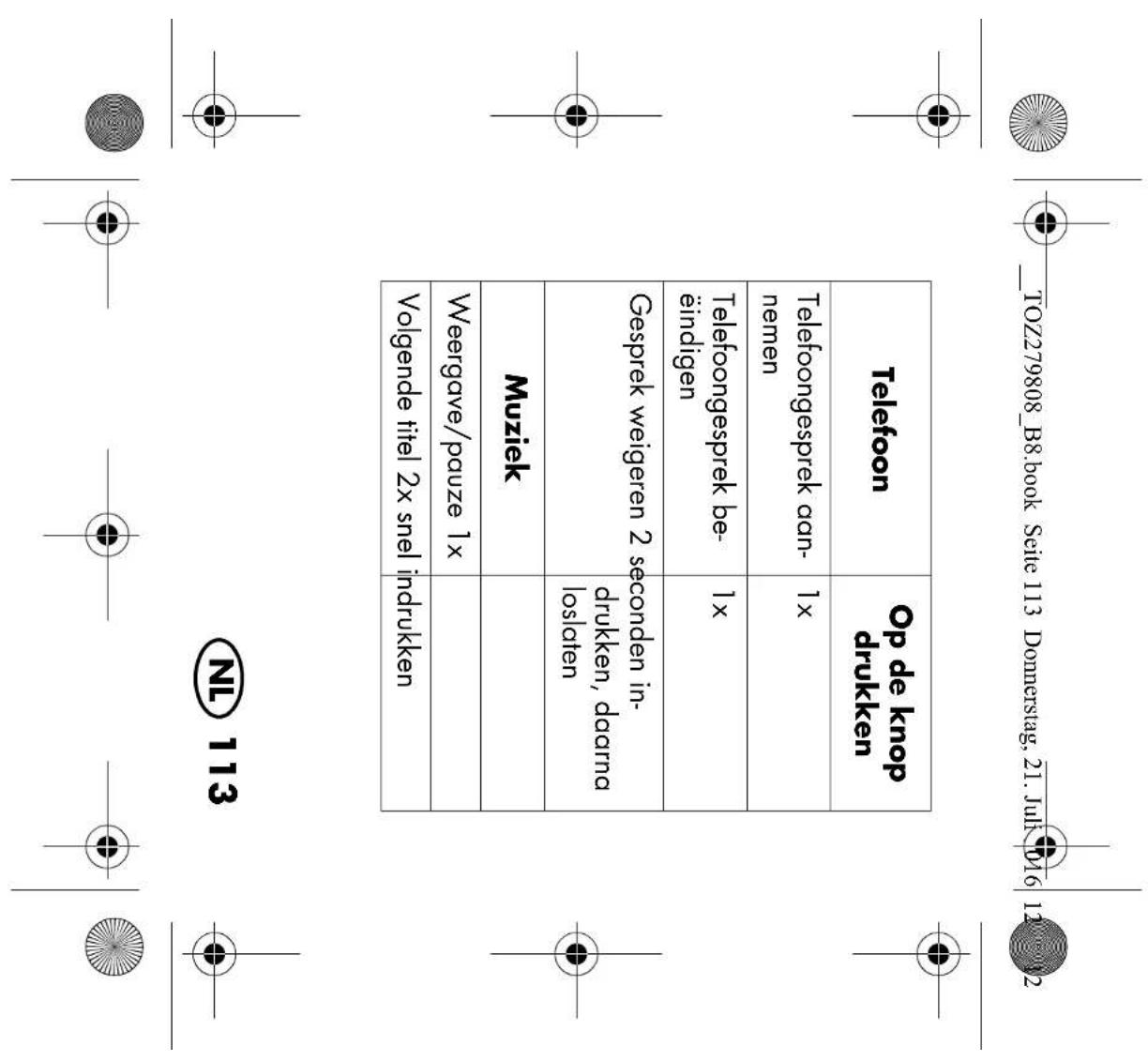
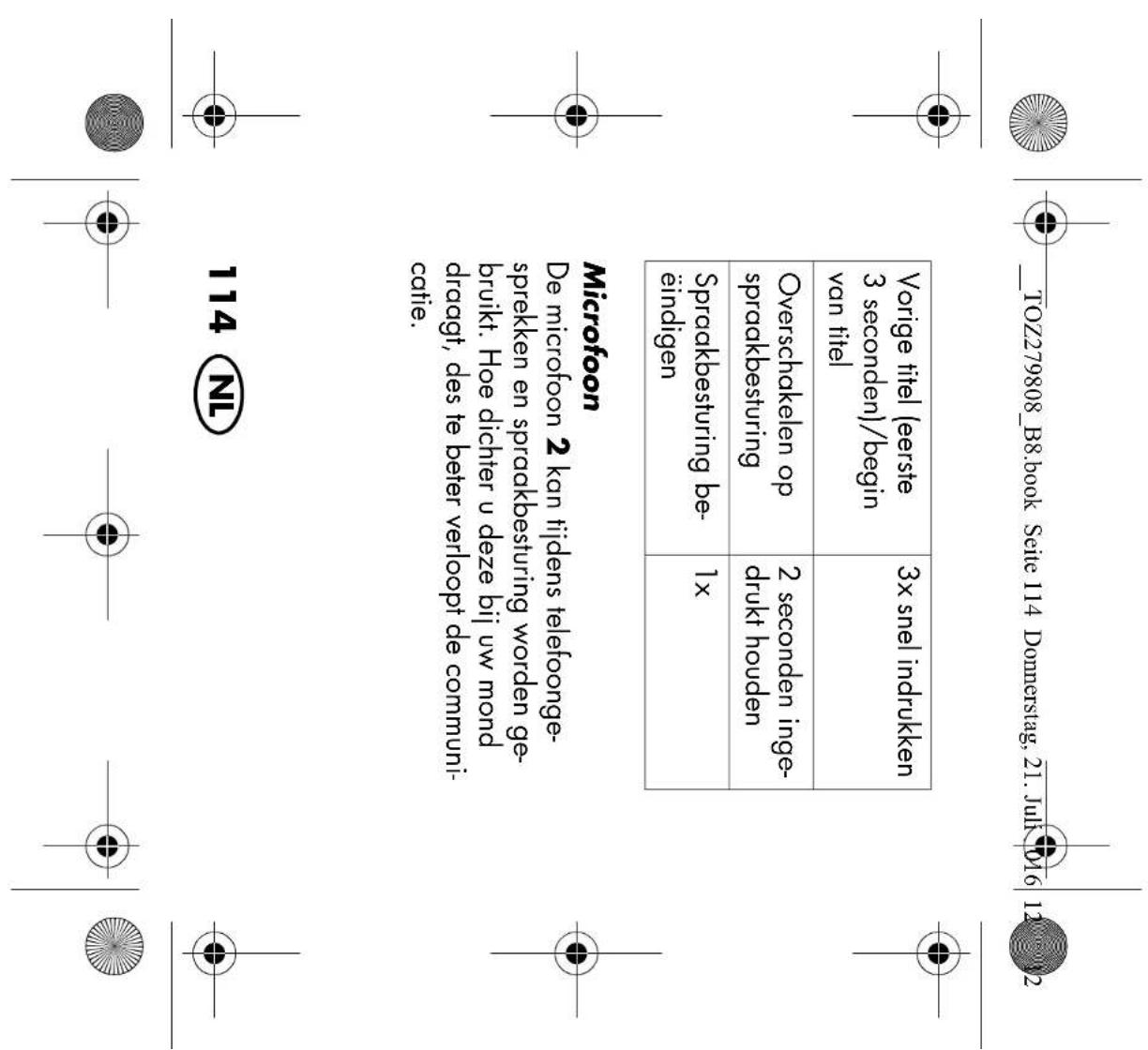
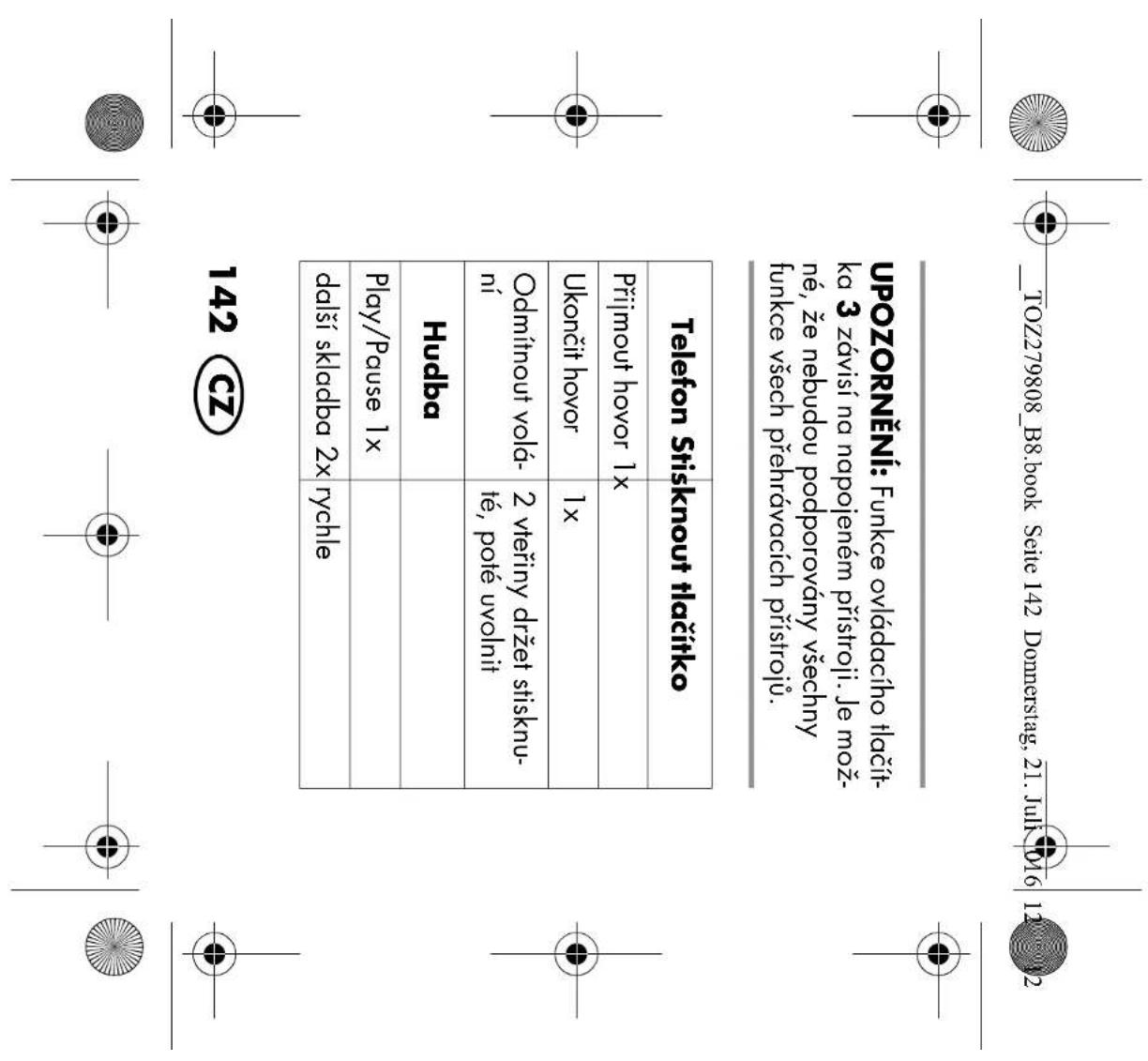
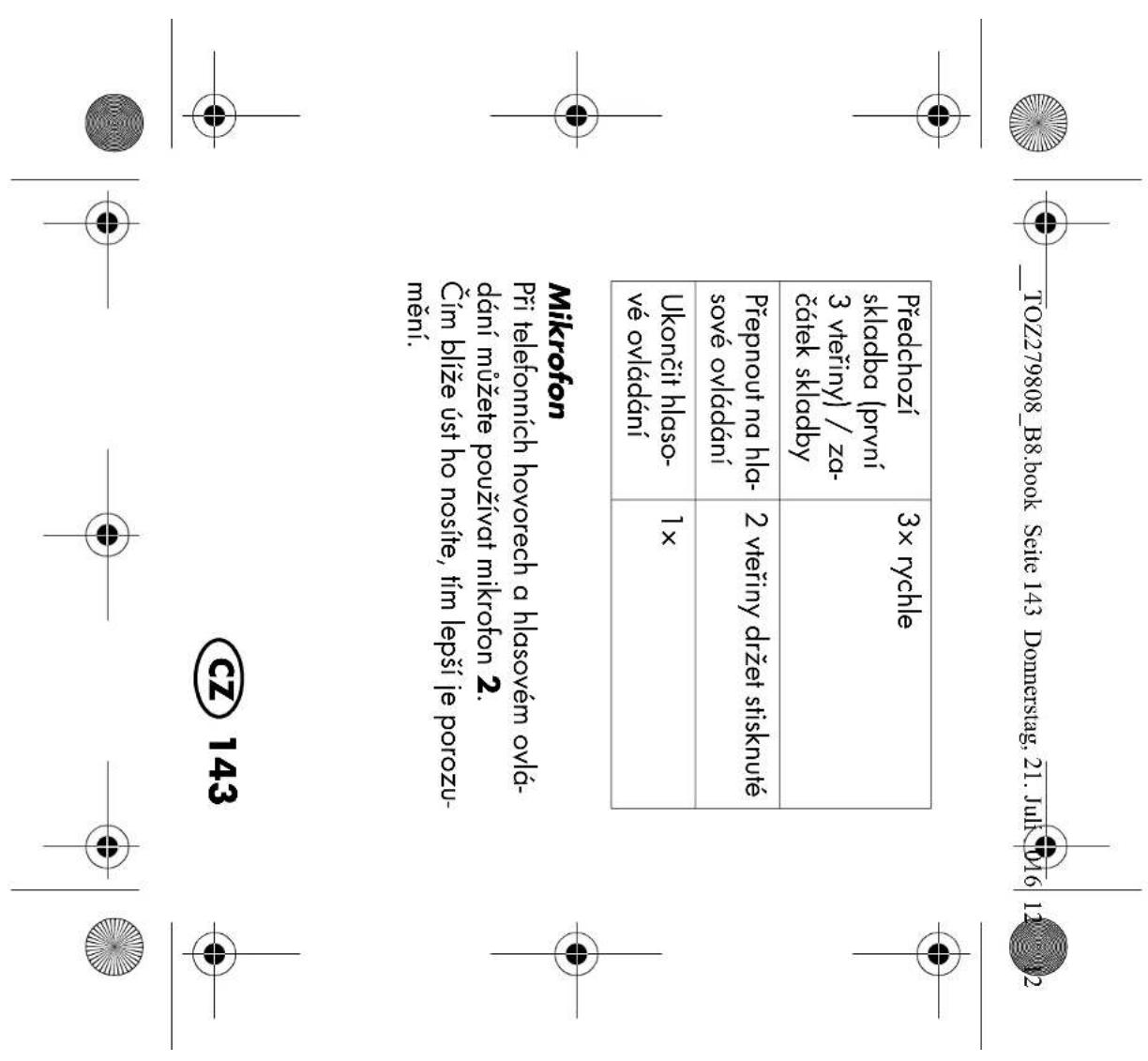
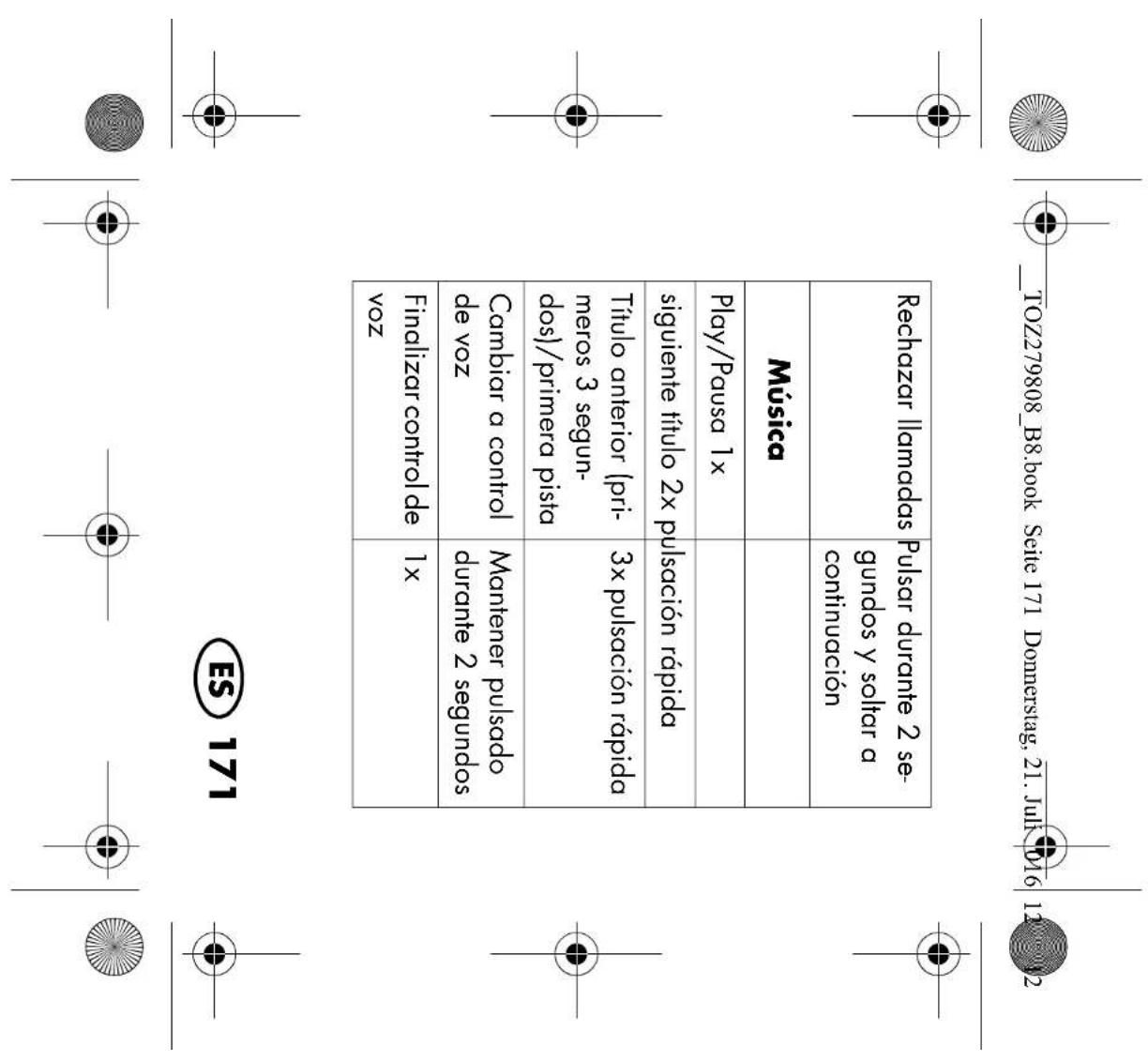
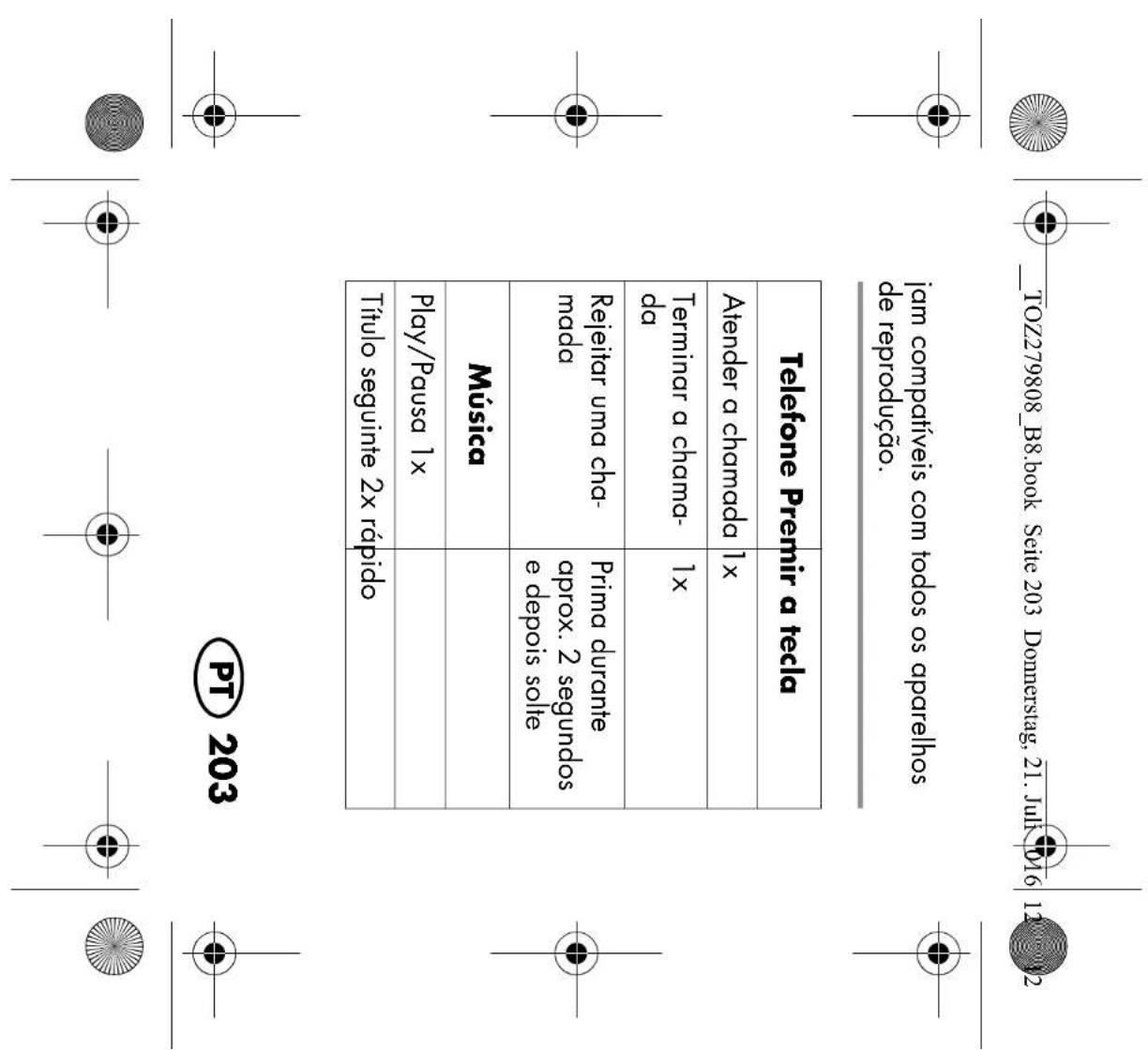
NOTE: the operating button's3 functions depend on the connected device. It is pos- sible, that not all of the functions will be supported by all audio devices. Telephone Press the button Answer call 1x End call 1x Reject call Press for 2 seconds, then release Music Play/Pause 1x next title 2x (press quickly)

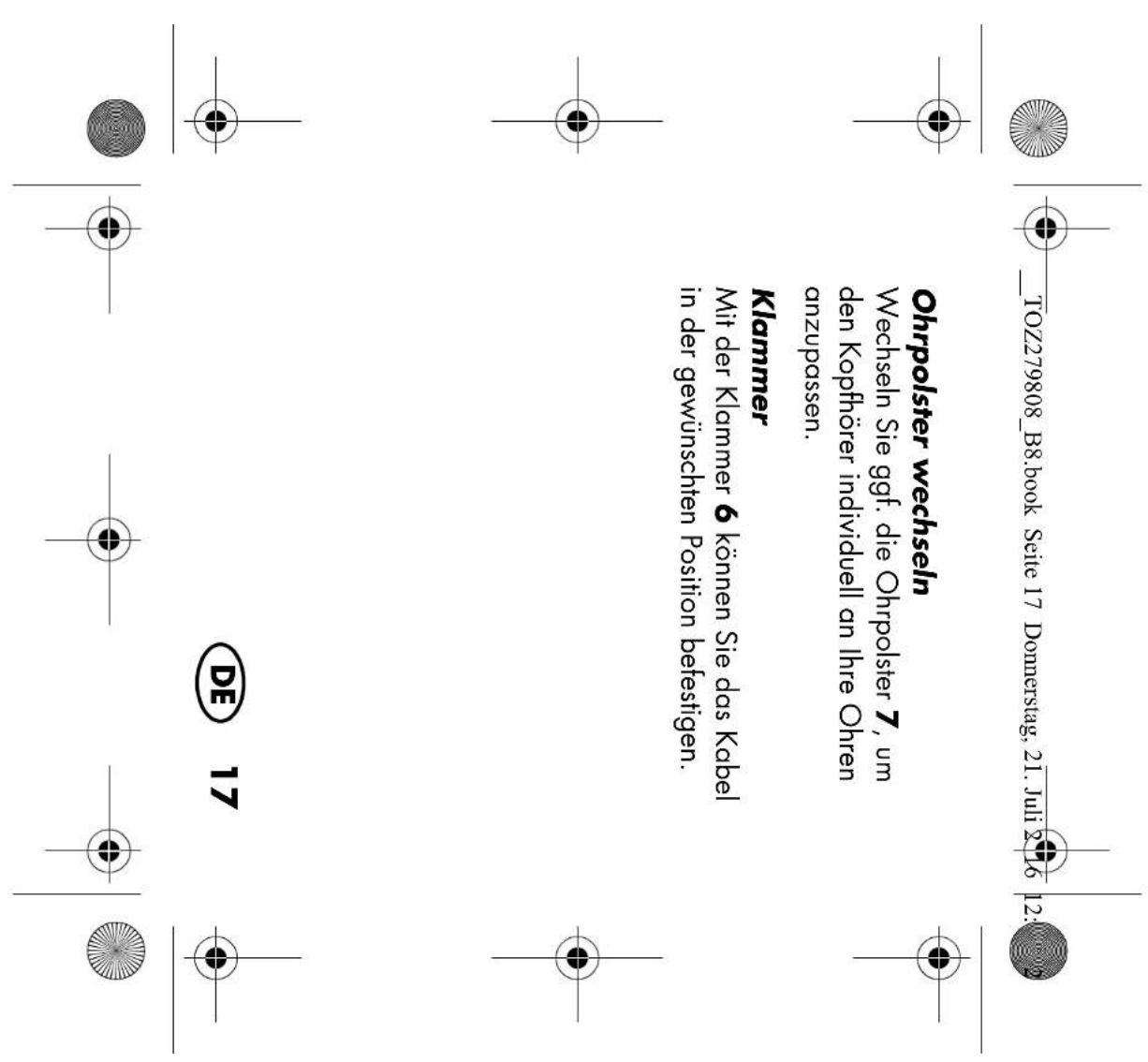
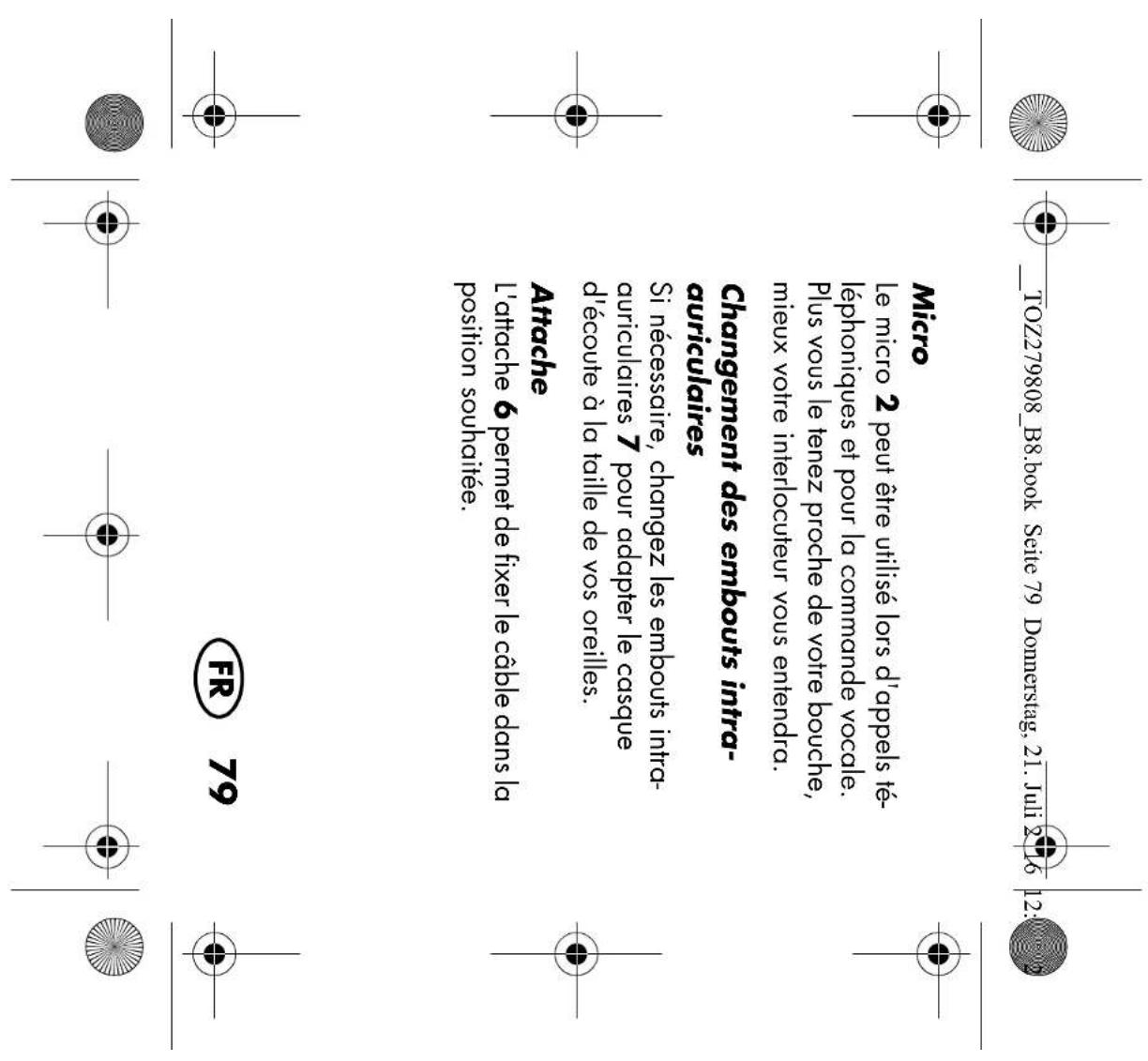
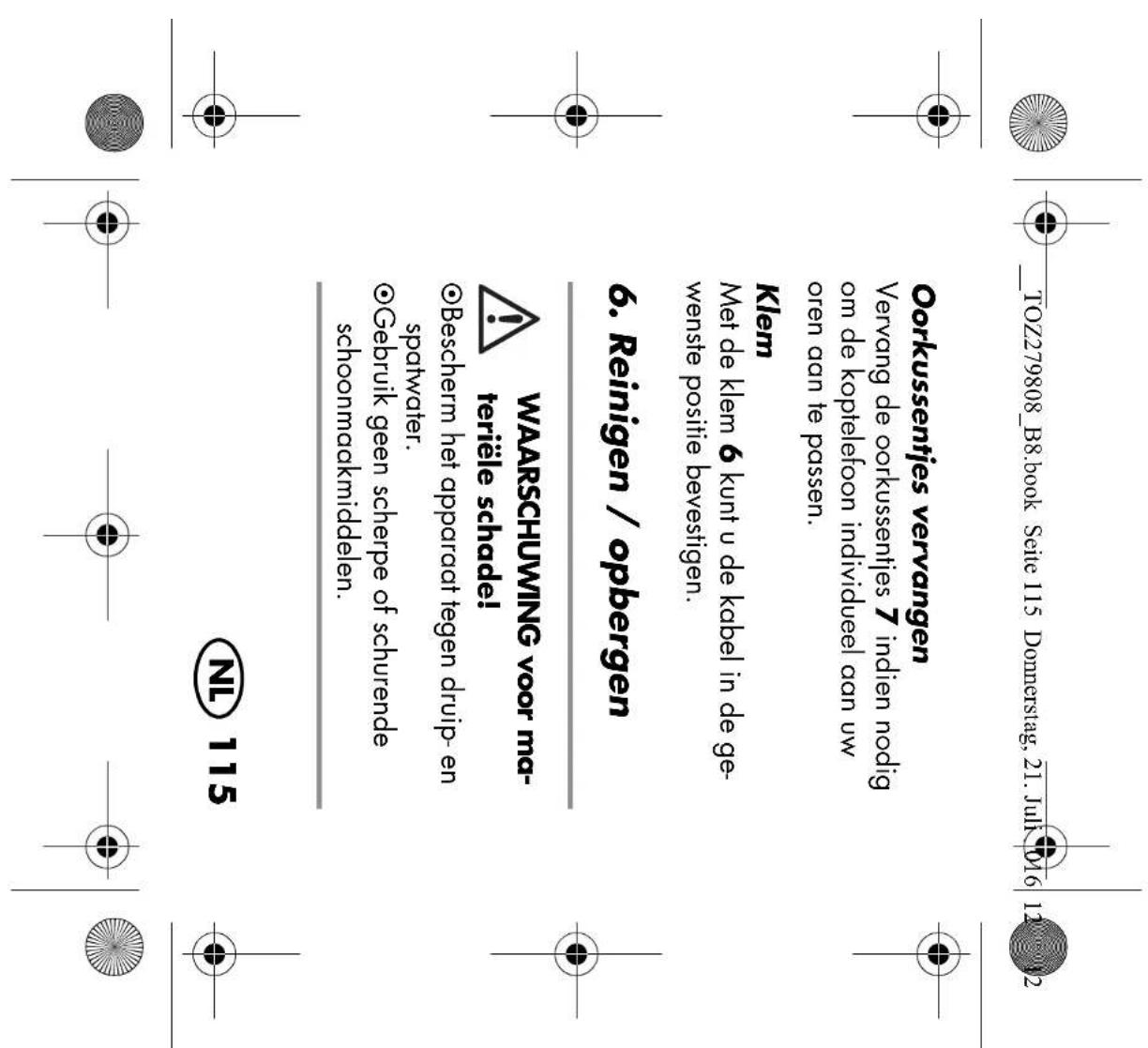
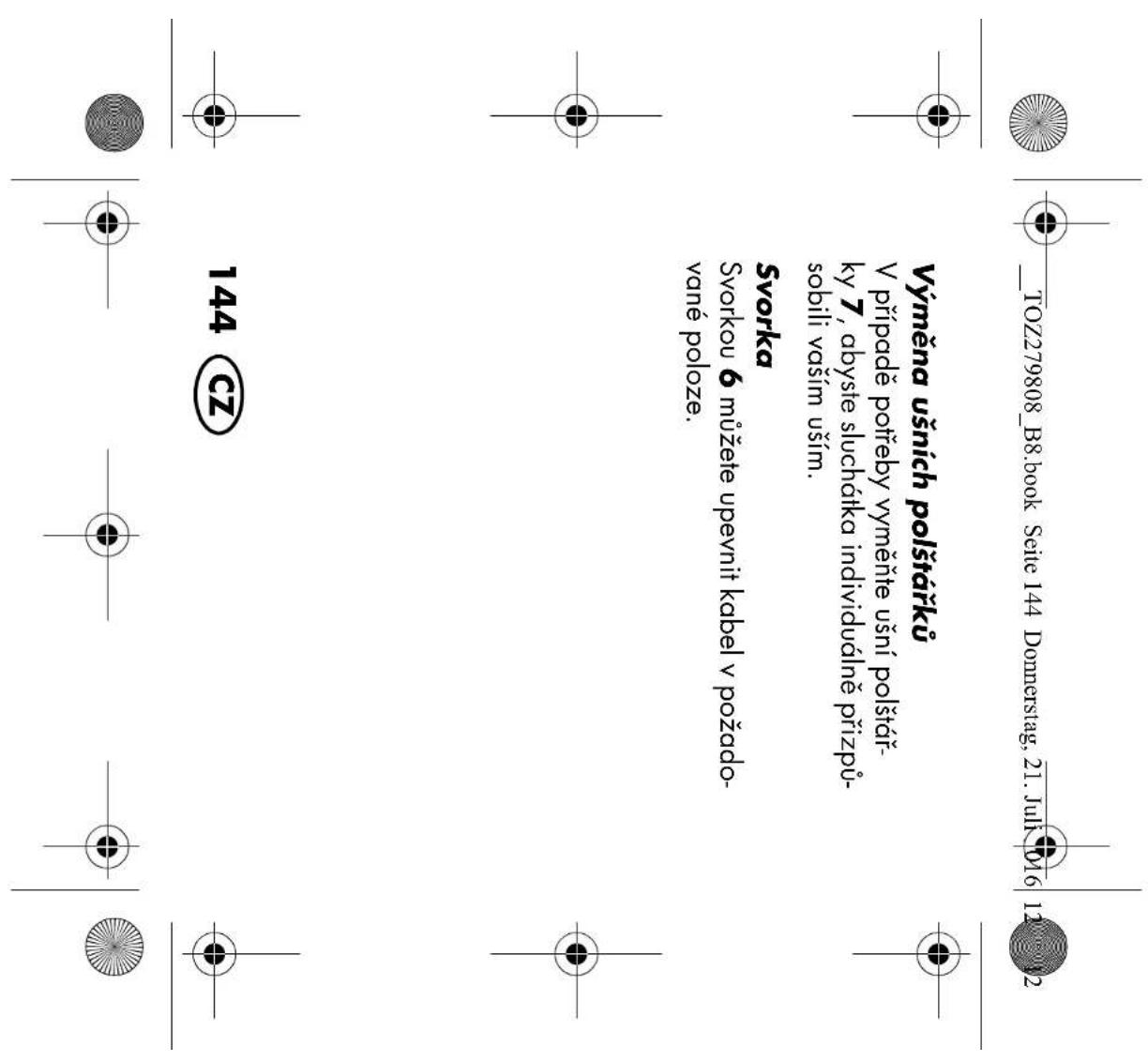
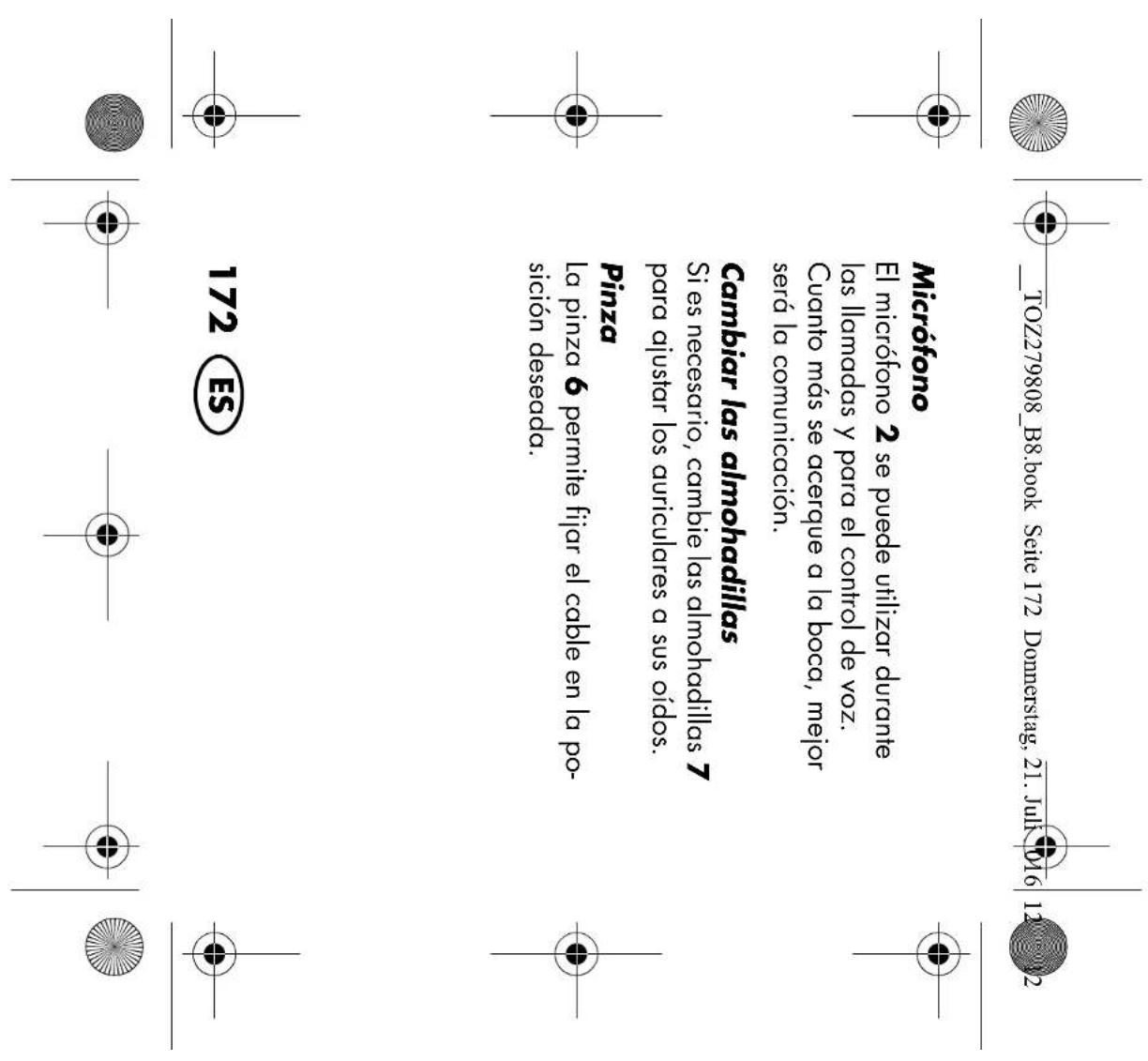
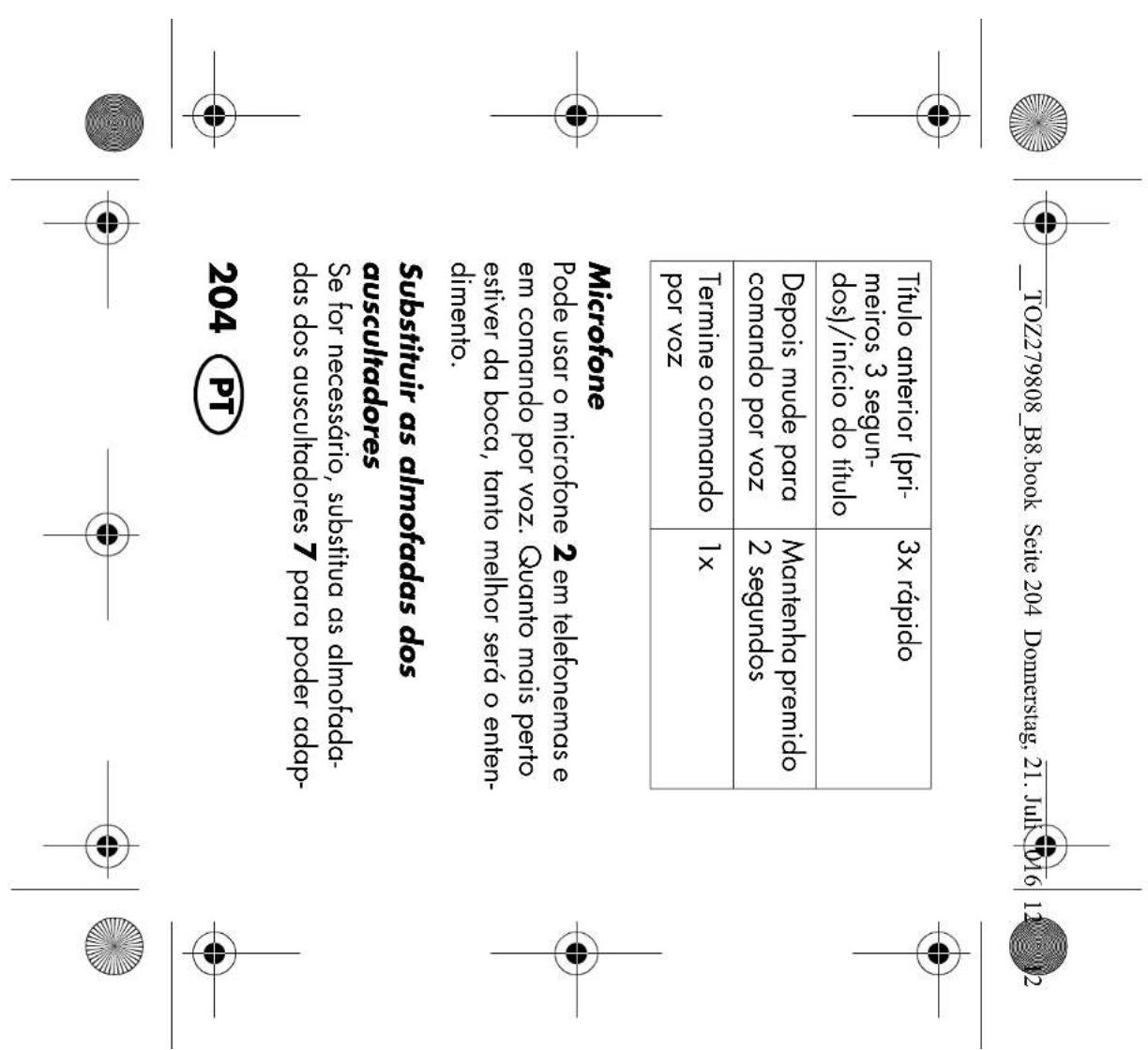
Microphone The microphone2 can be used during tele- phone calls and for voice control. The clos- er it is to your mouth, the clearer the communication will be. Changing earpads Change the earpads7 if necessary, in or- der to individually adjust the headphones to your ears. Previous track (first 3 seconds) / start of track 3x (press quickly) Switch to voice control Keep pressed for 2seconds End voice control 1x
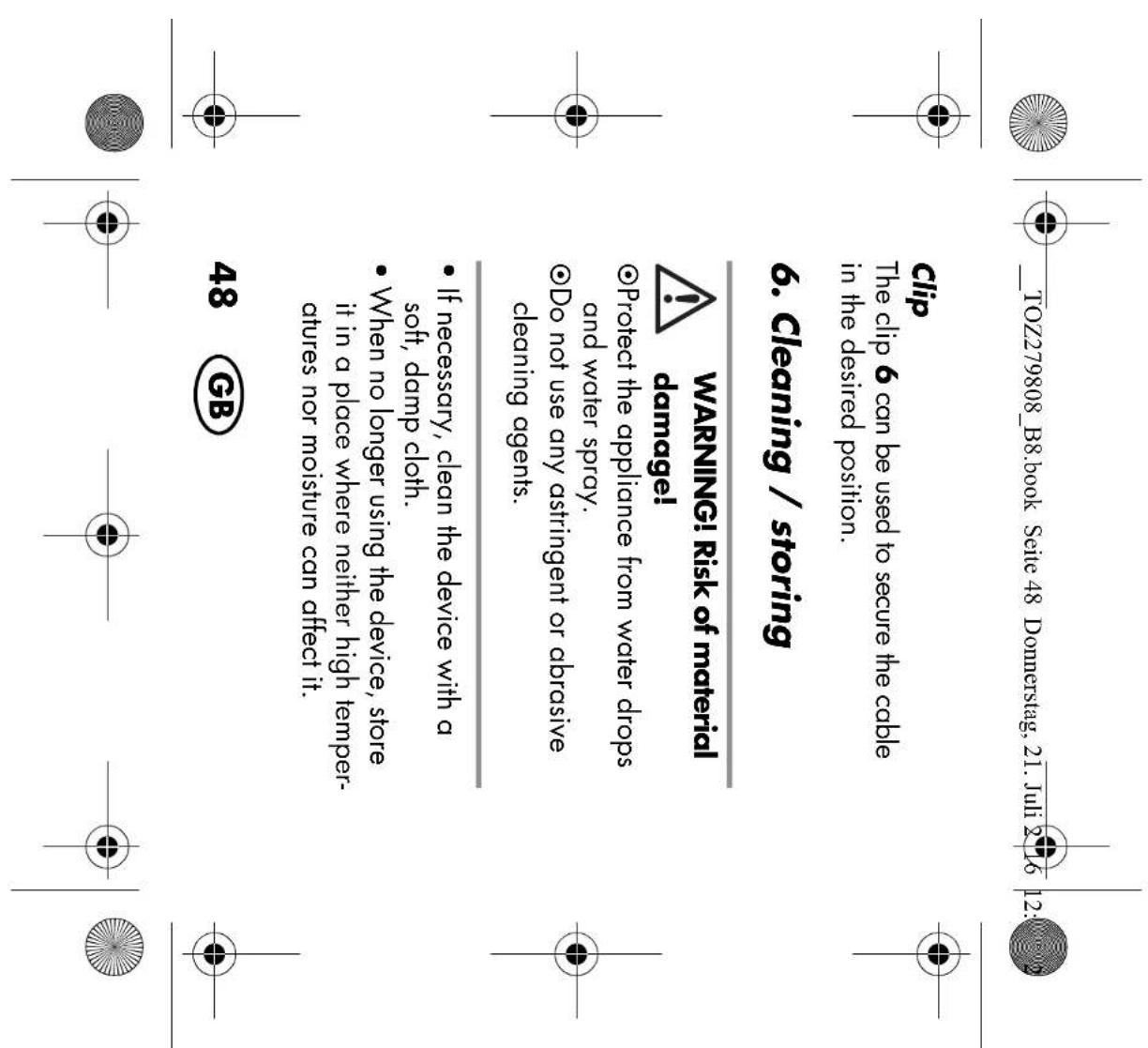
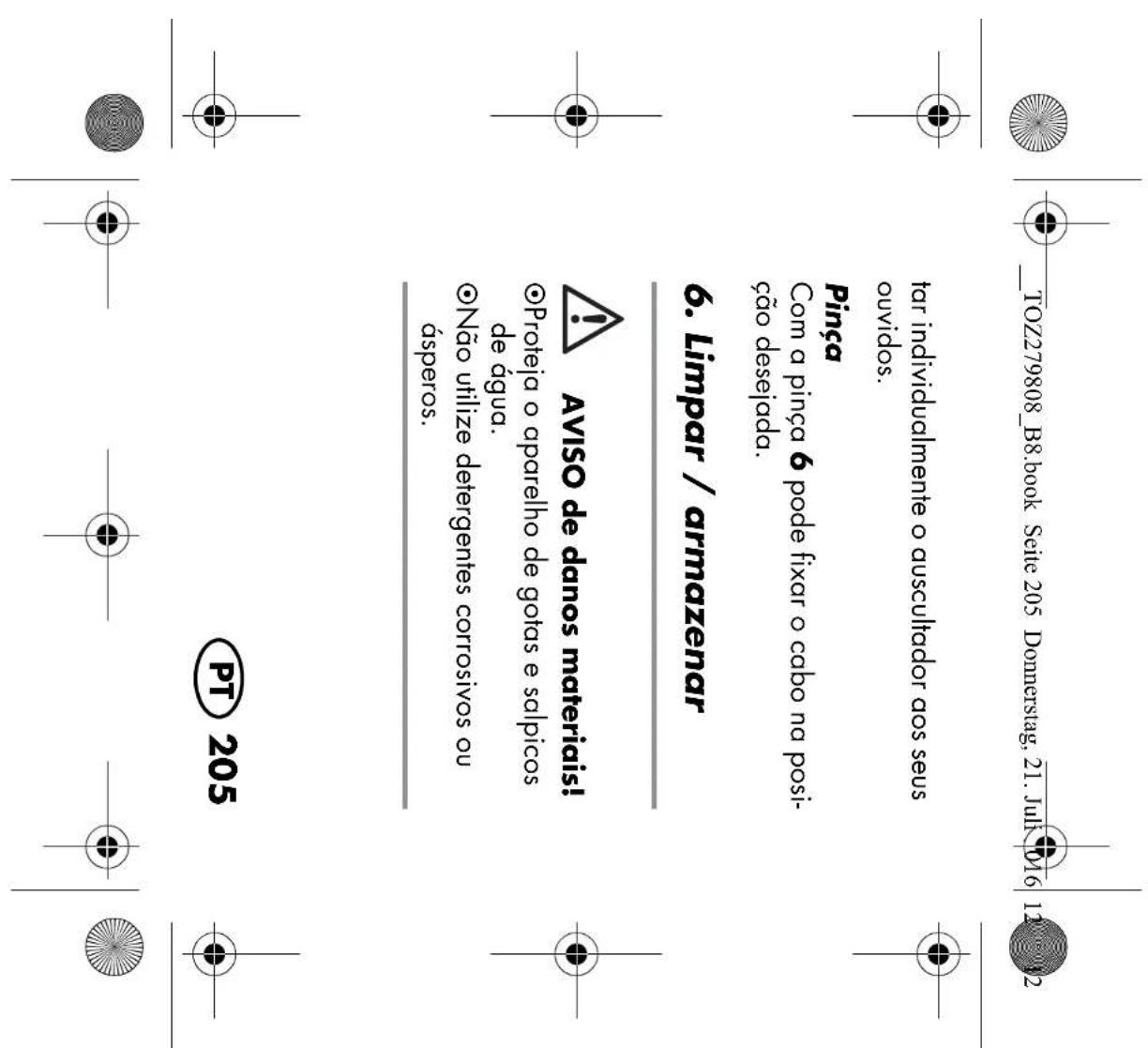
Clip The clip6 can be used to secure the cable in the desired position.

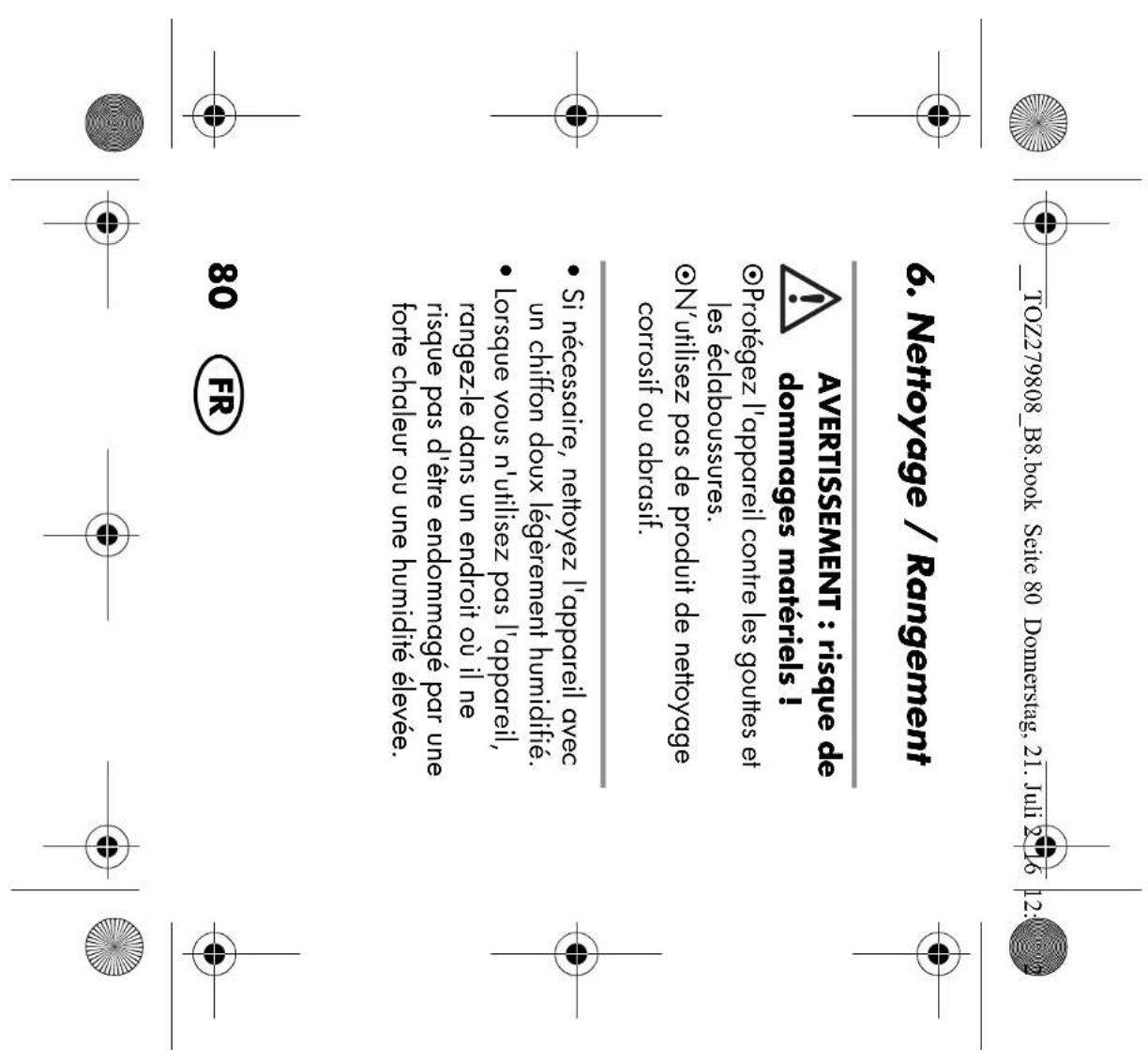
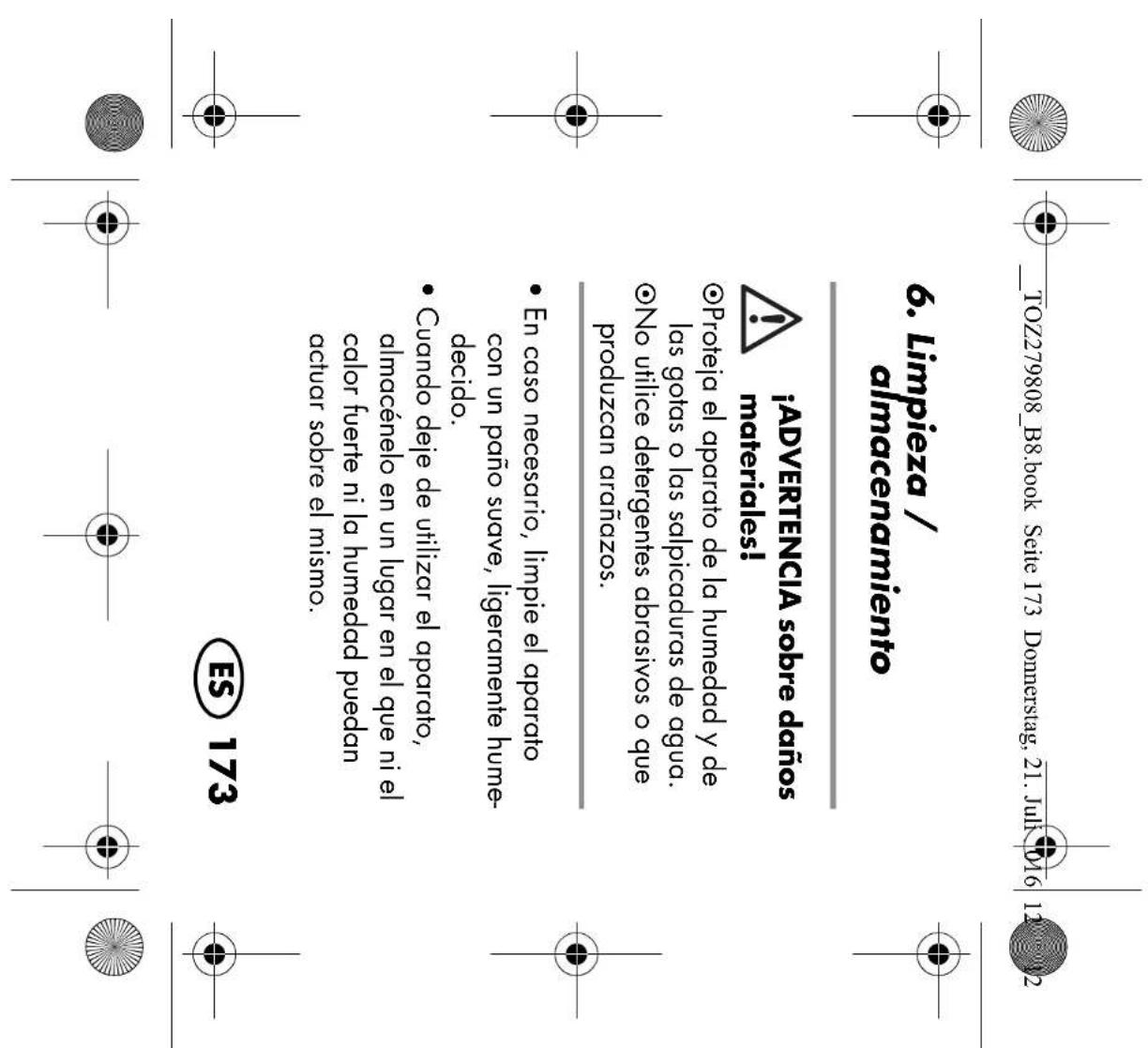
6. Cleaning / storing

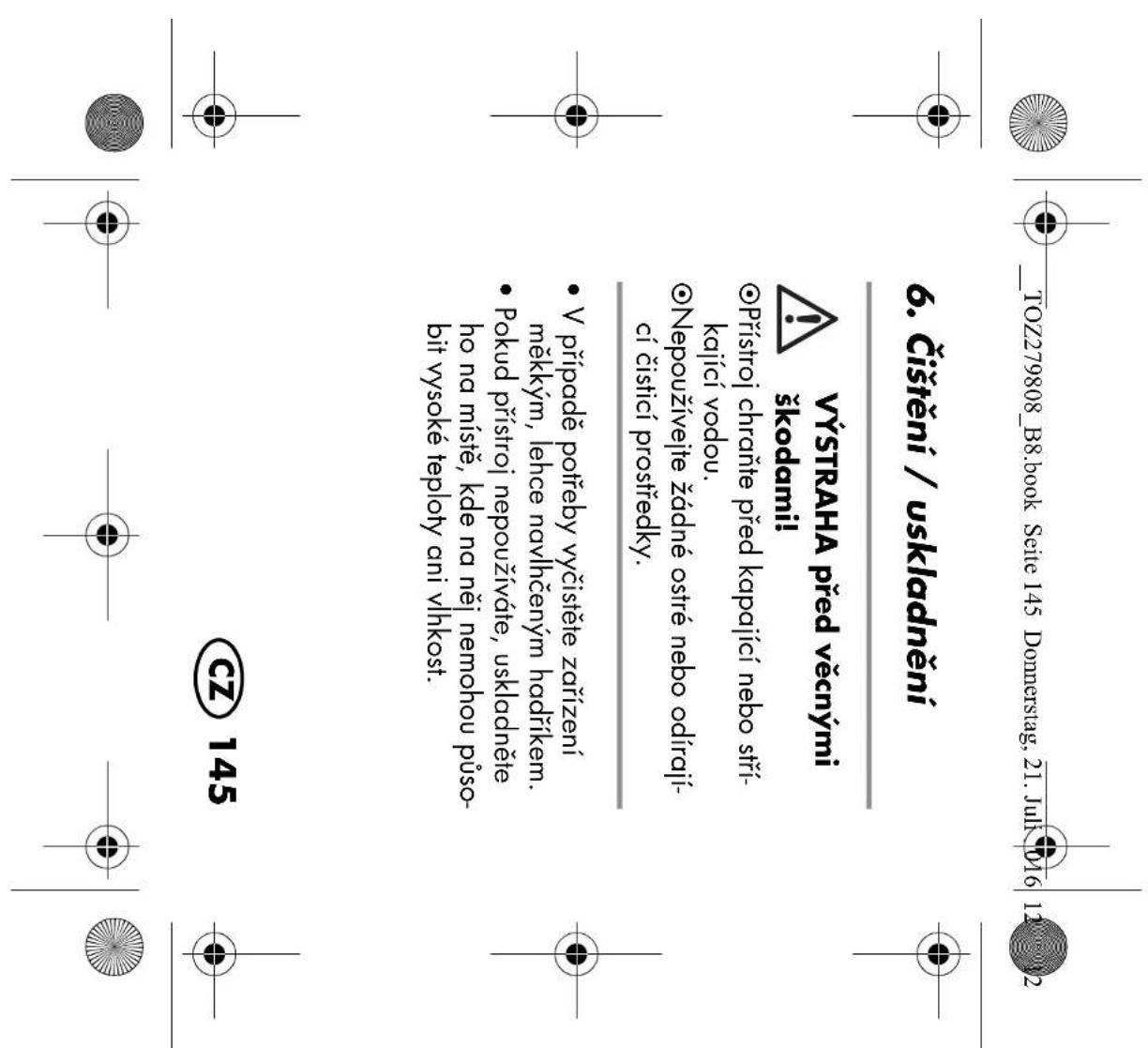
WARNING! Risk of material damage! ~ Protect the appliance from water drops and water spray. ~ Do not use any astringent or abrasive cleaning agents.

  • If necessary, clean the device with a soft, damp cloth.
  • When no longer using the device, store it in a place where neither high temper- atures nor moisture can affect it.
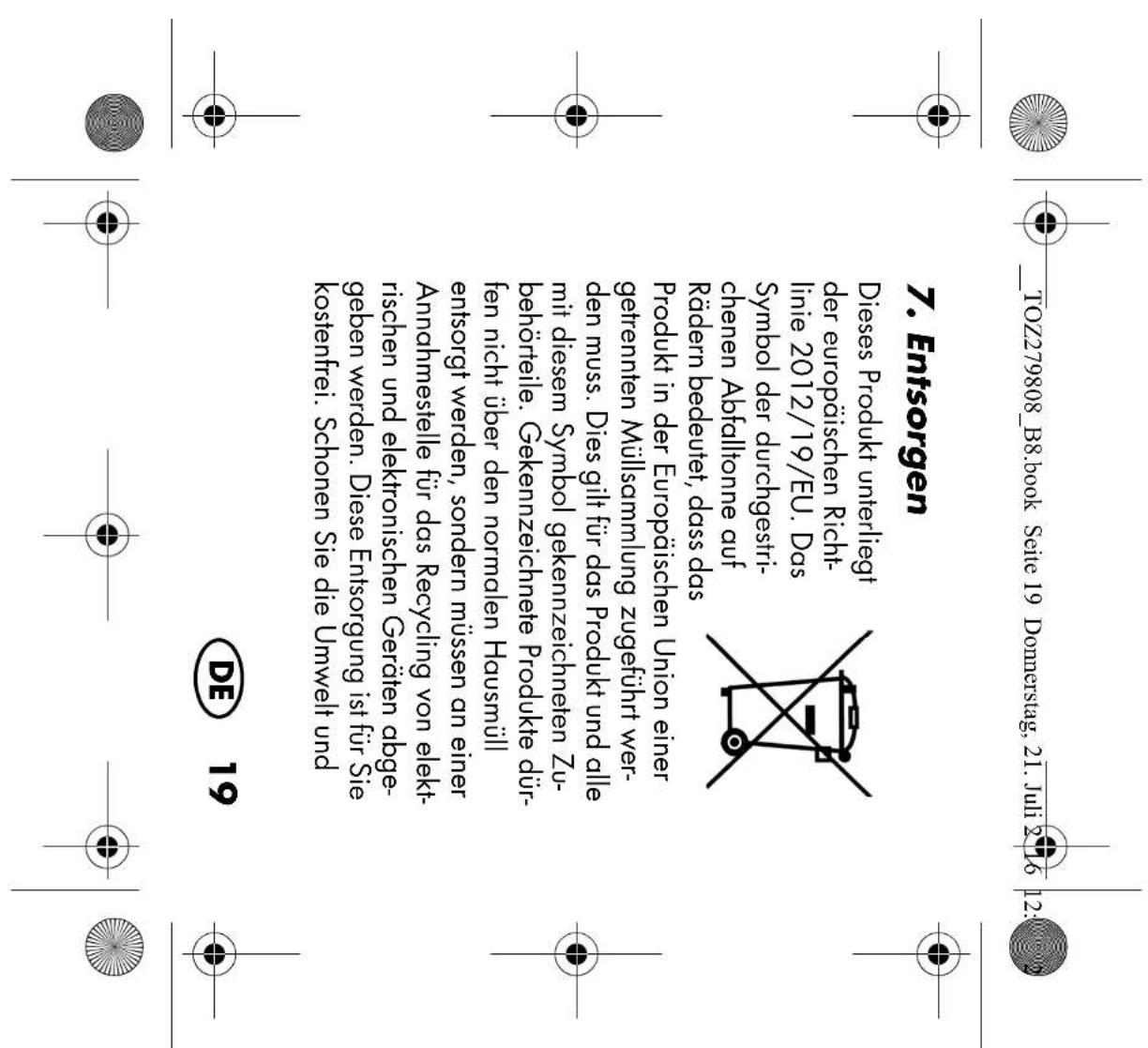
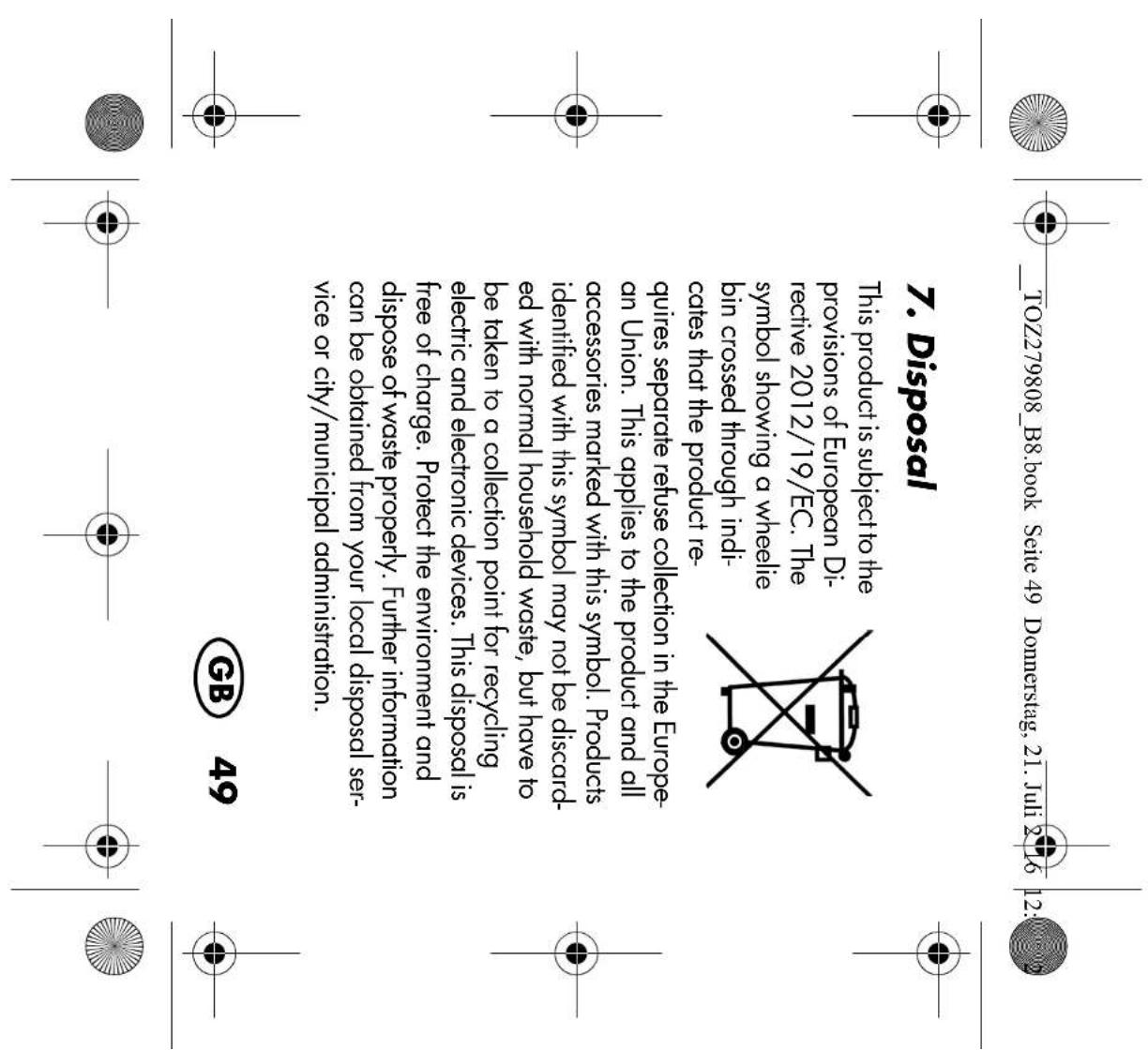
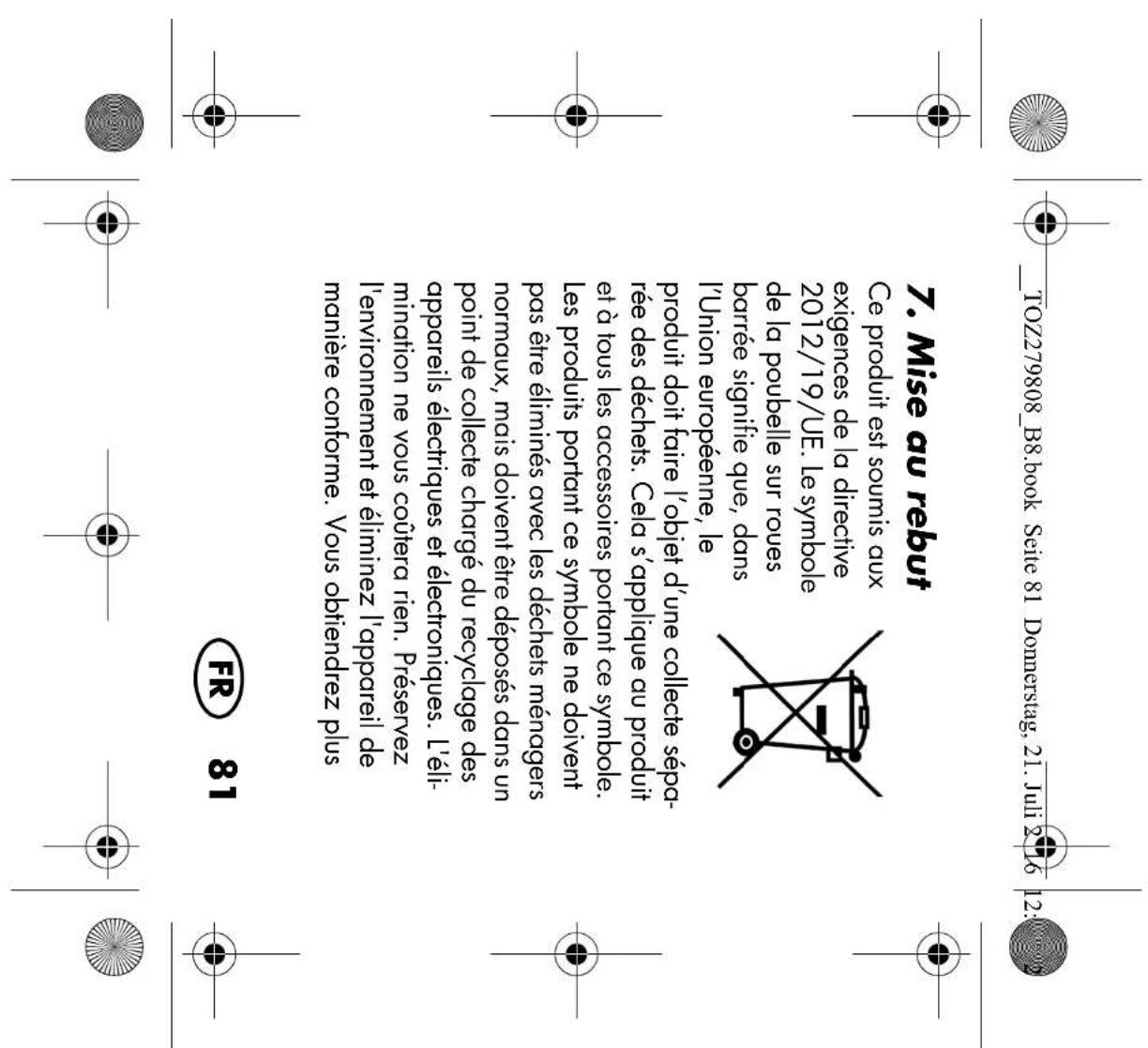
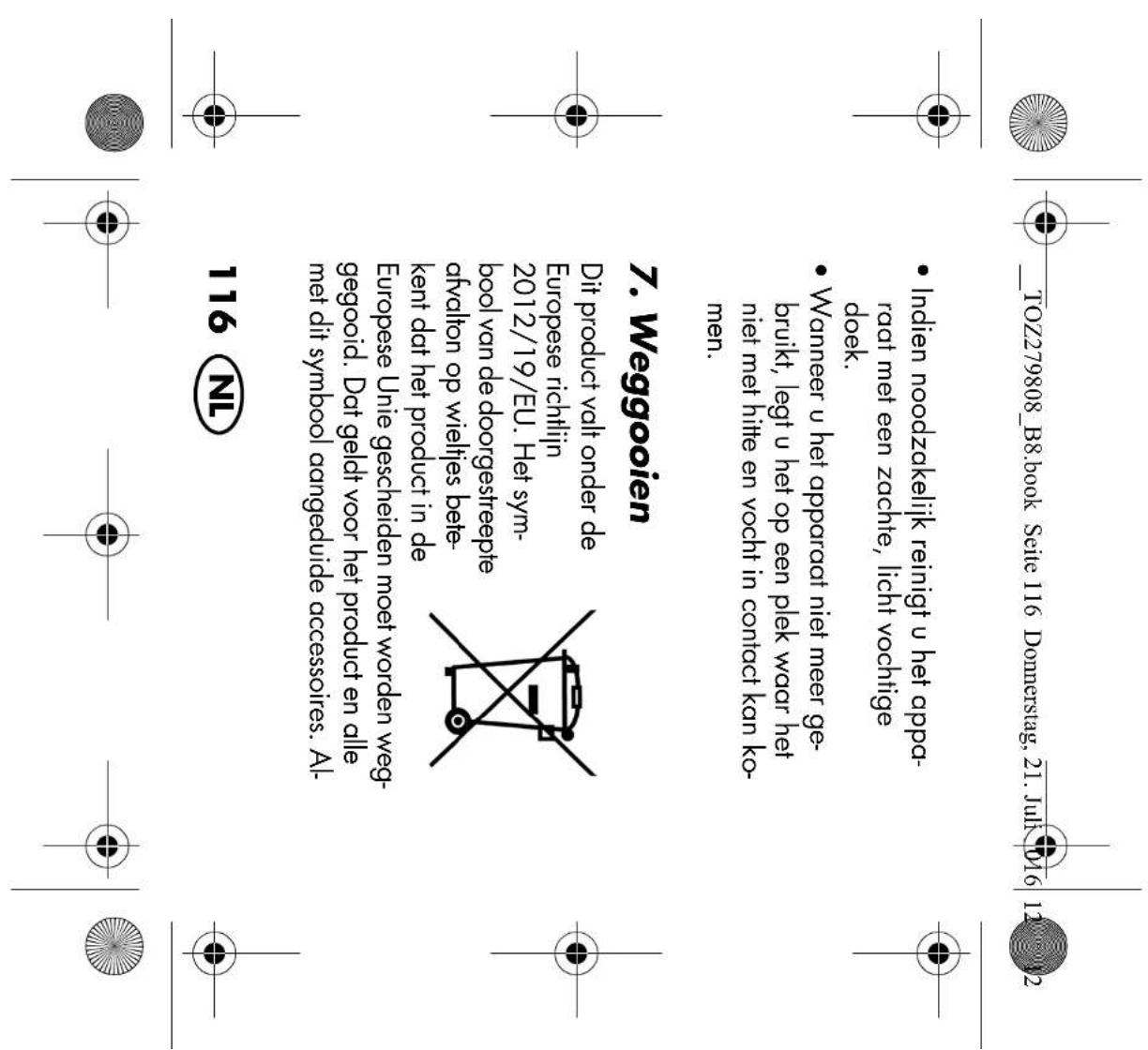
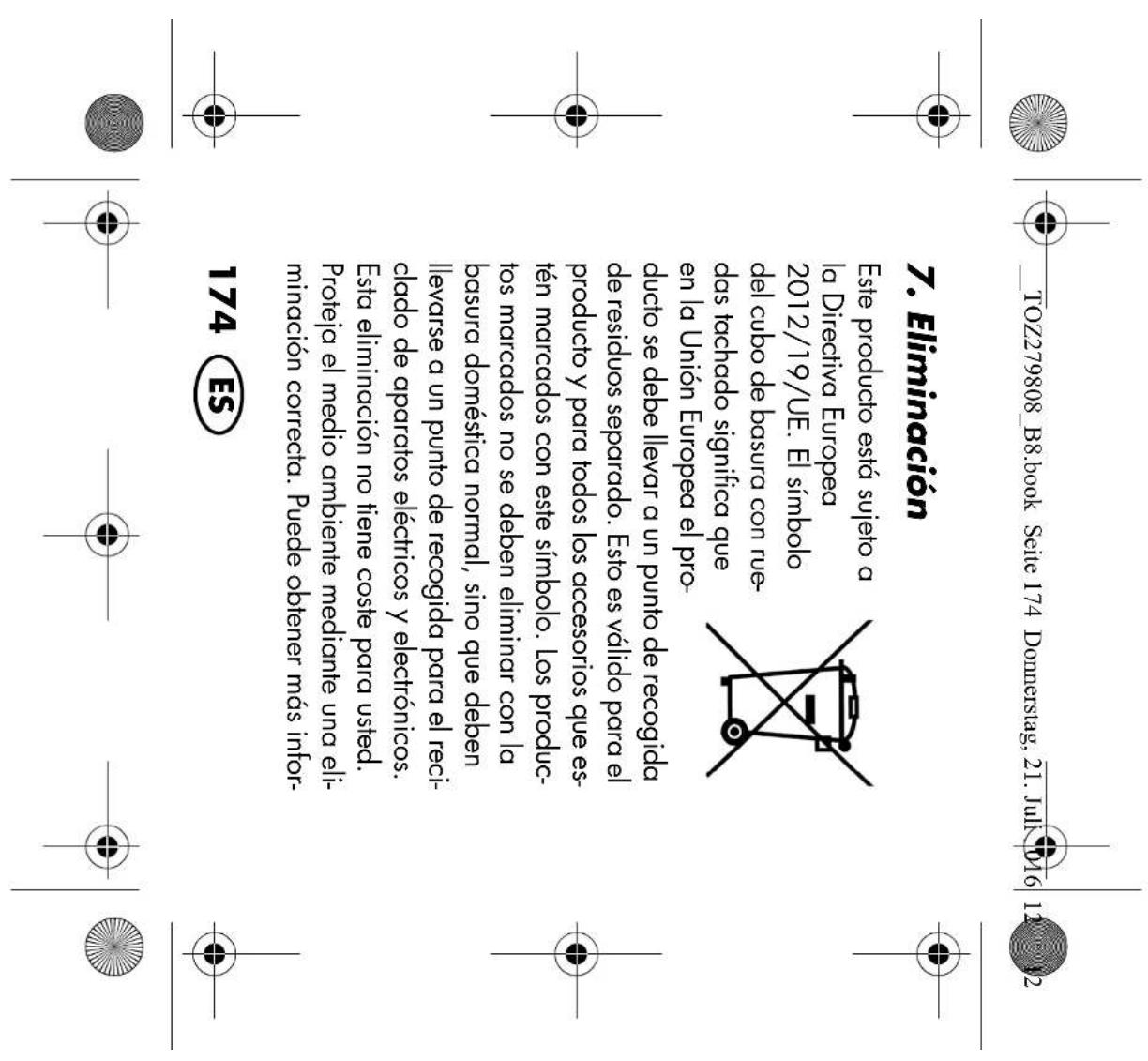
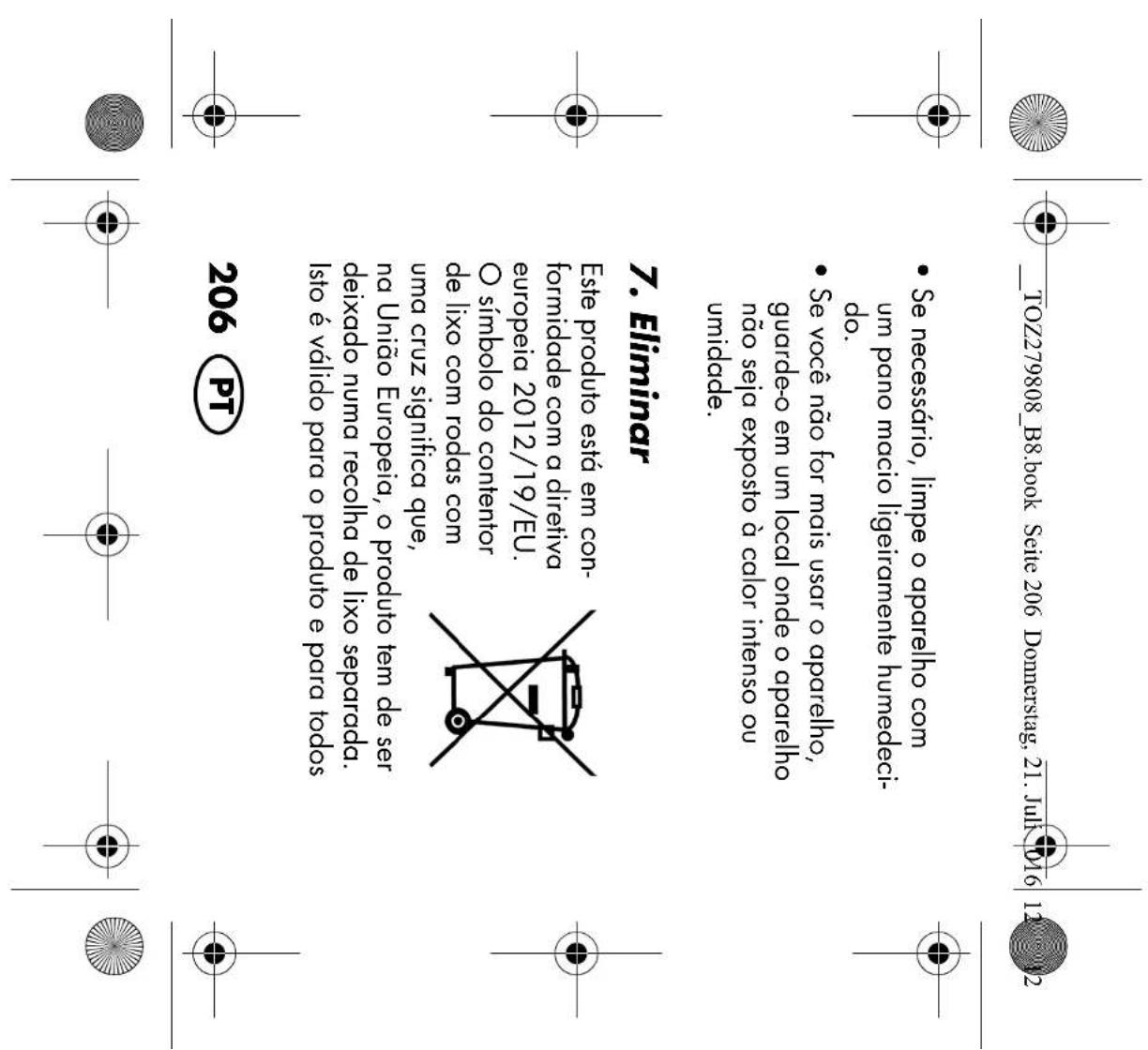
This product is subject to the provisions of European Di- rective 2012/19/EC. The symbol showing a wheelie bin crossed through indi- cates that the product re- quires separate refuse collection in the Europe- an Union. This applies to the product and all accessories marked with this symbol. Products identified with this symbol may not be discard- ed with normal household waste, but have to be taken to a collection point for recycling electric and electronic devices. This disposal is free of charge. Protect the environment and dispose of waste properly. Further information can be obtained from your local disposal ser- vice or city/municipal administration.

Packaging The packaging is made from recyclable ma- terials. Dispose of the packaging sorted by materials. When disposing of the packag- ing, make sure you comply with the environ- mental regulations applicable in your country.

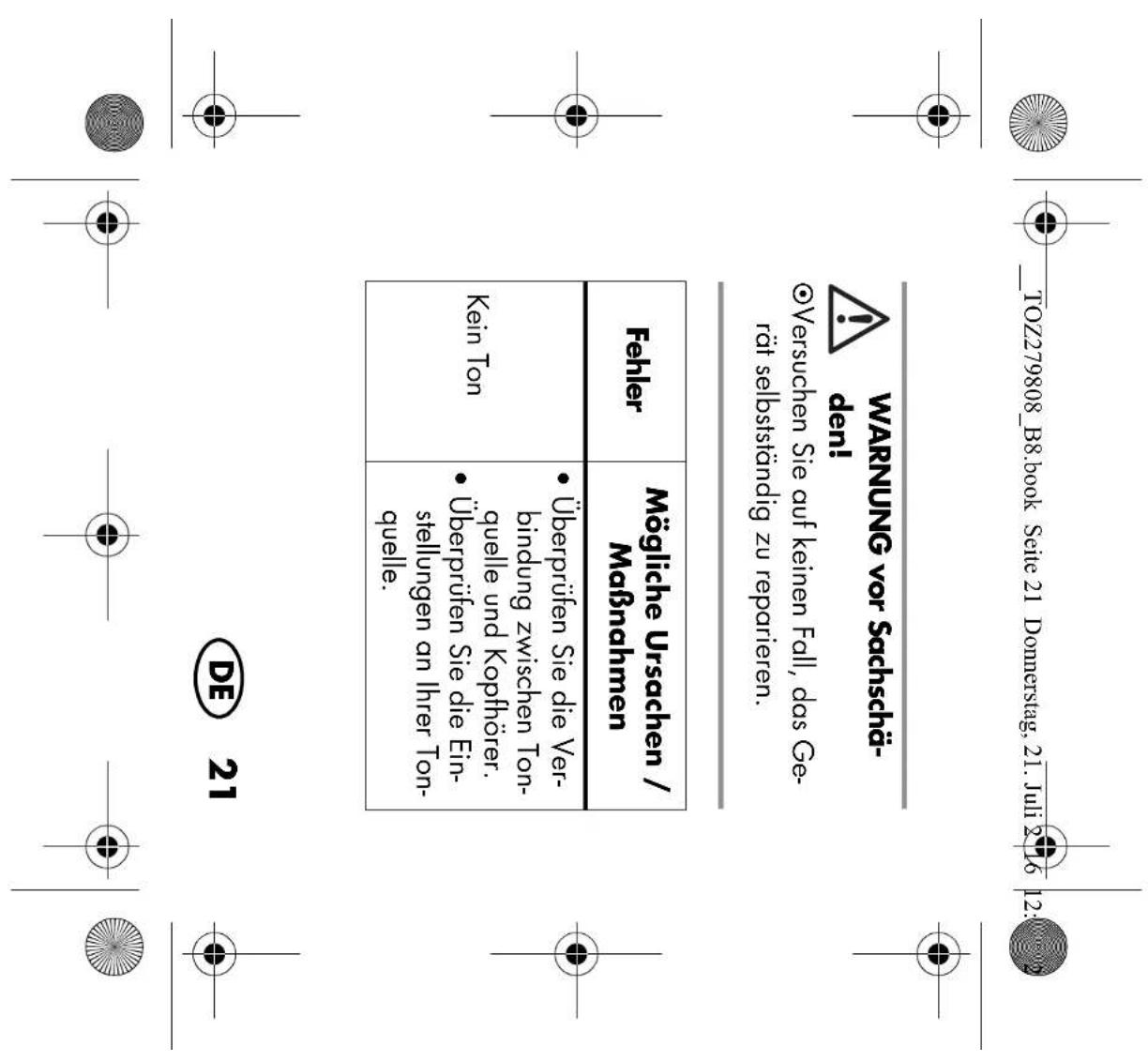
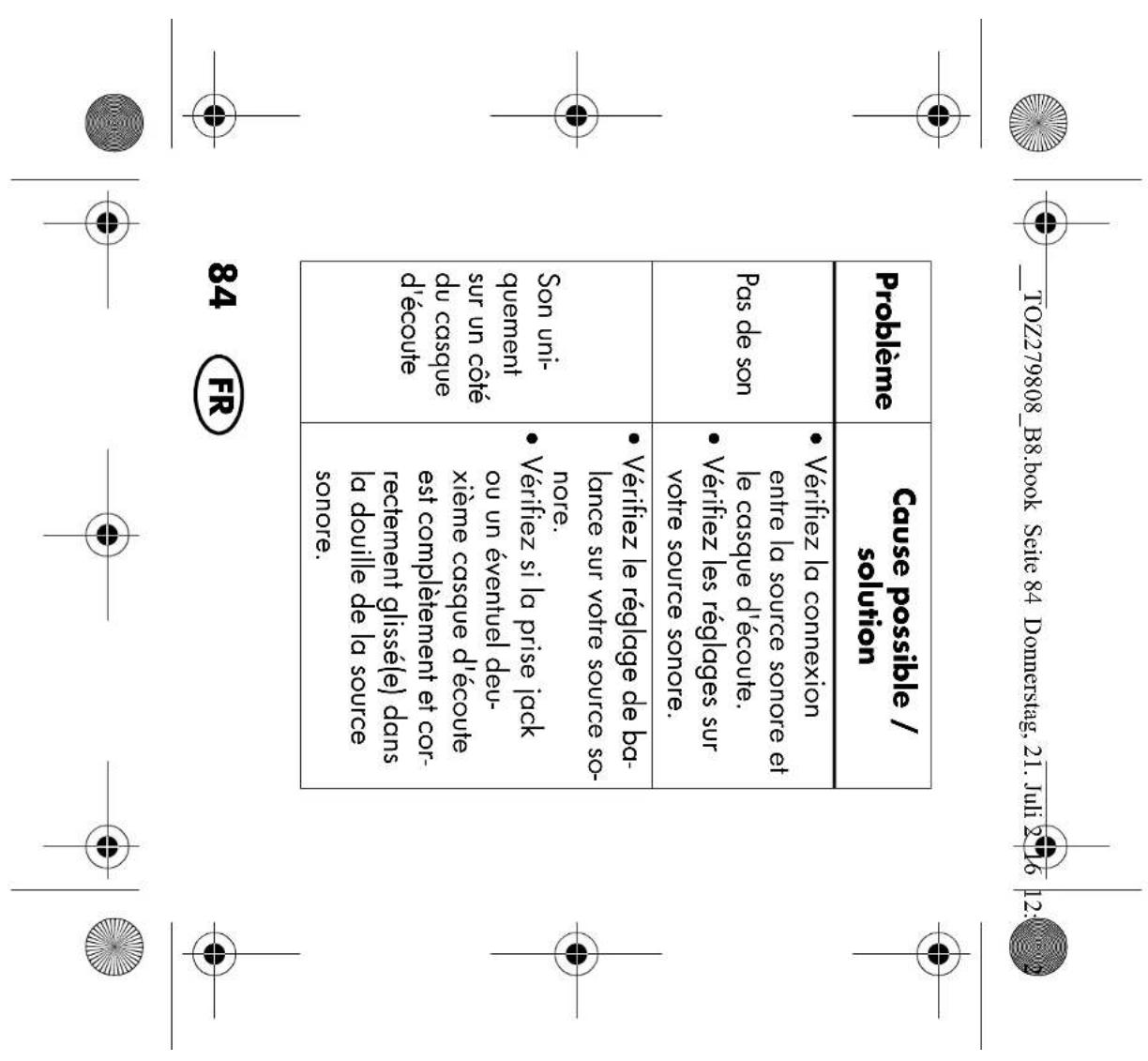
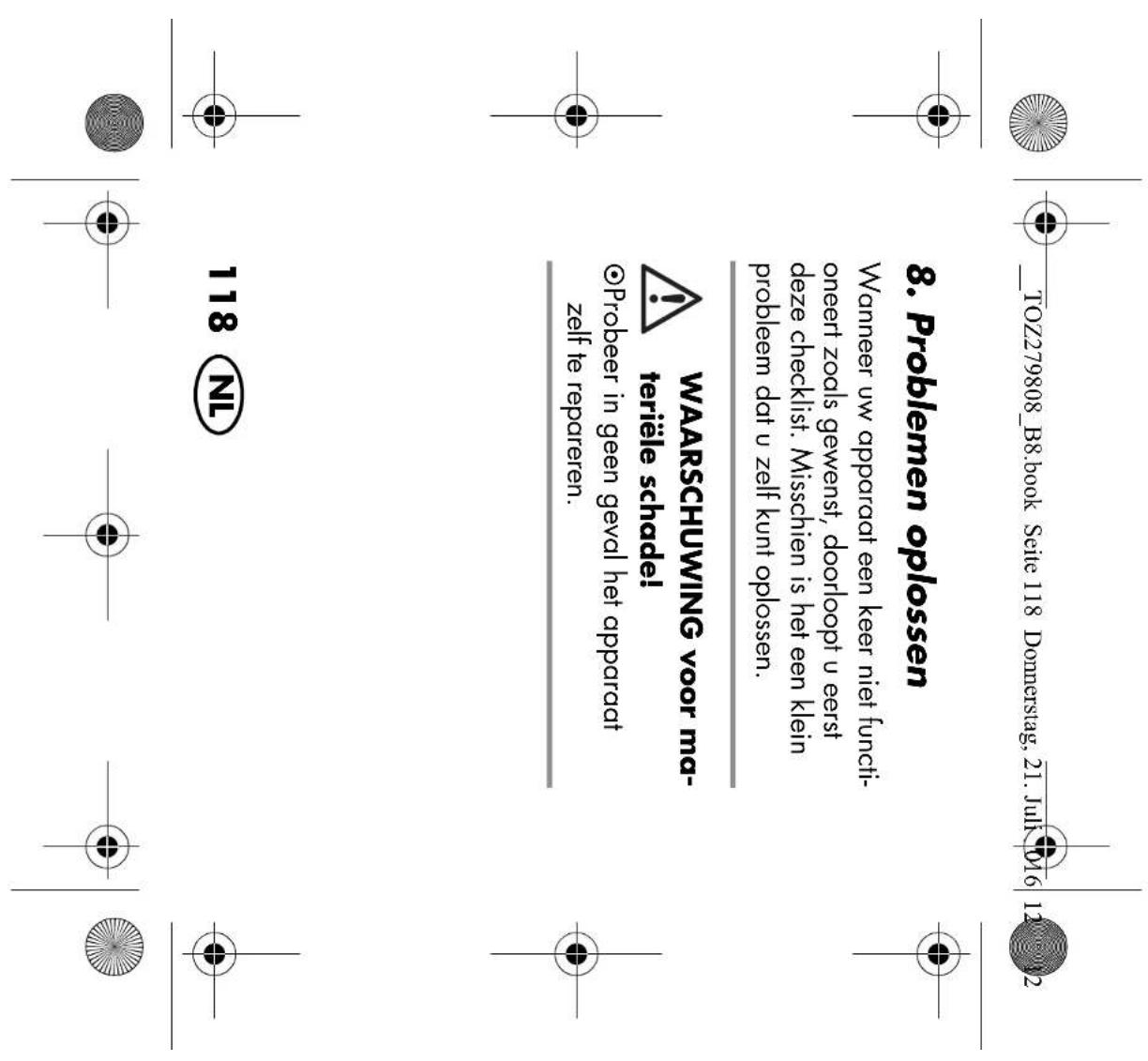
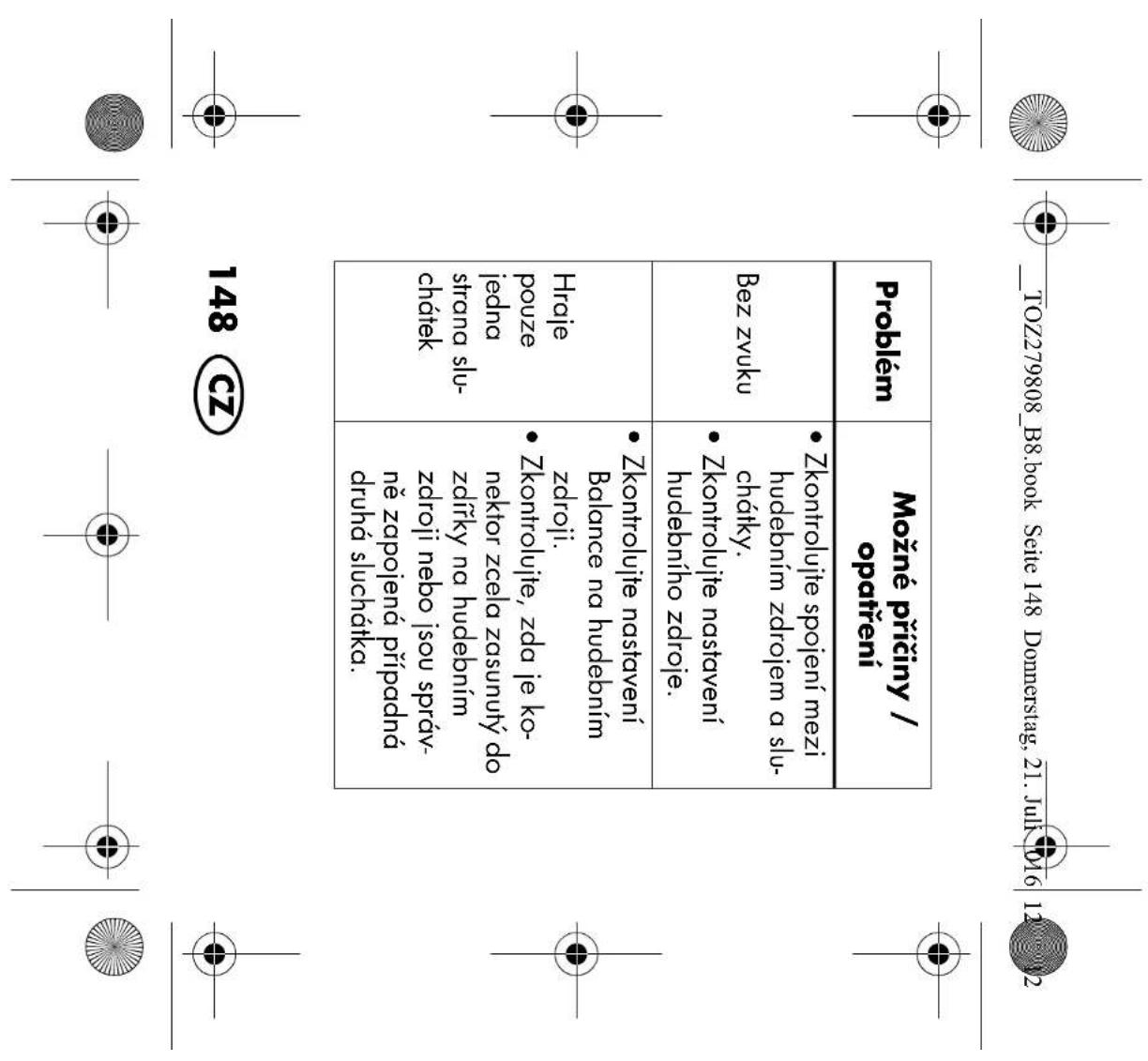
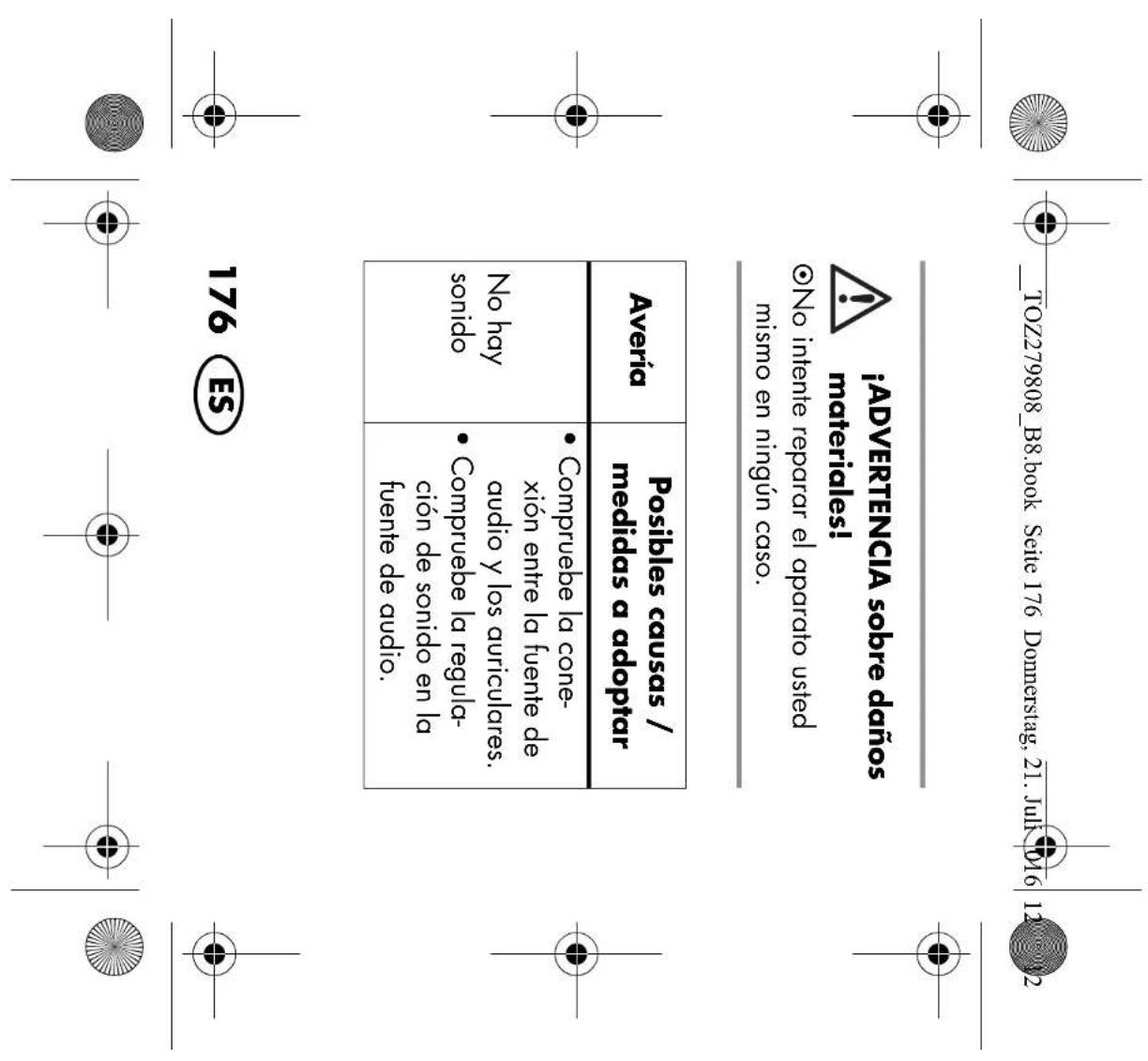
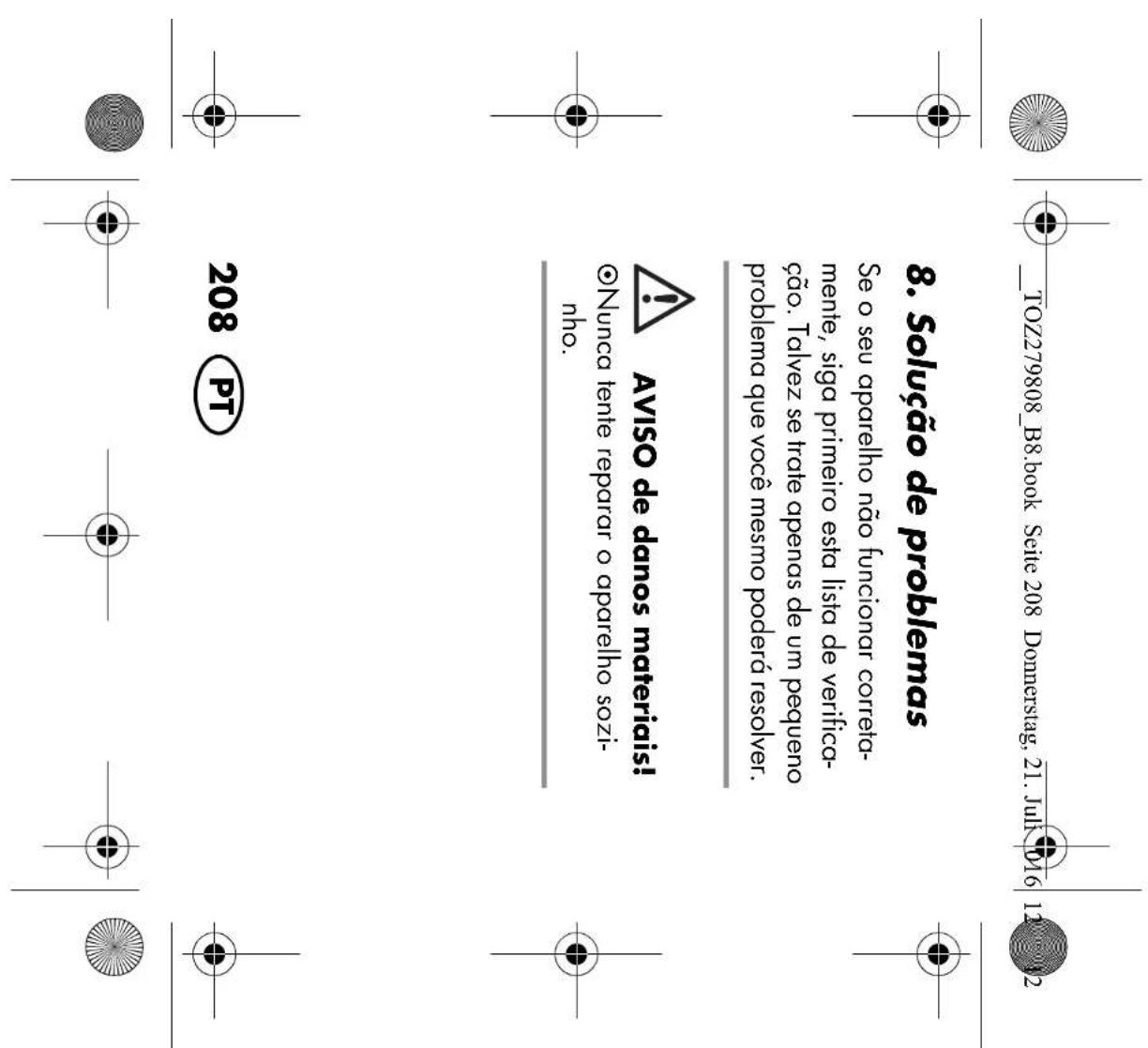
If your headphones fail to function as re- quired, please try this checklist first. Perhaps there is only a minor problem, and you can solve it yourself. WARNING! Risk of material damage! ~ Do not attempt to repair the device yourself under any circumstances.

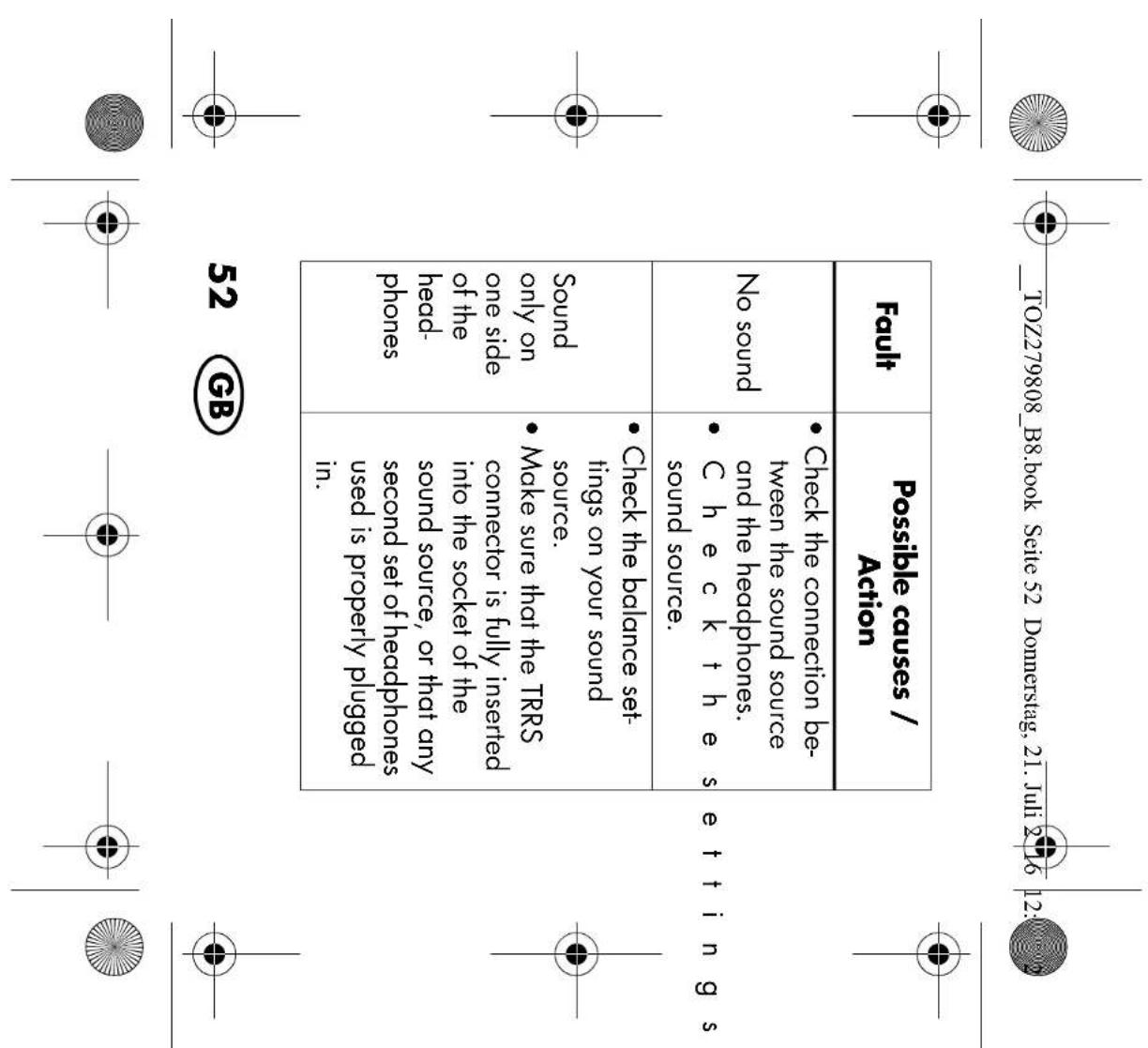
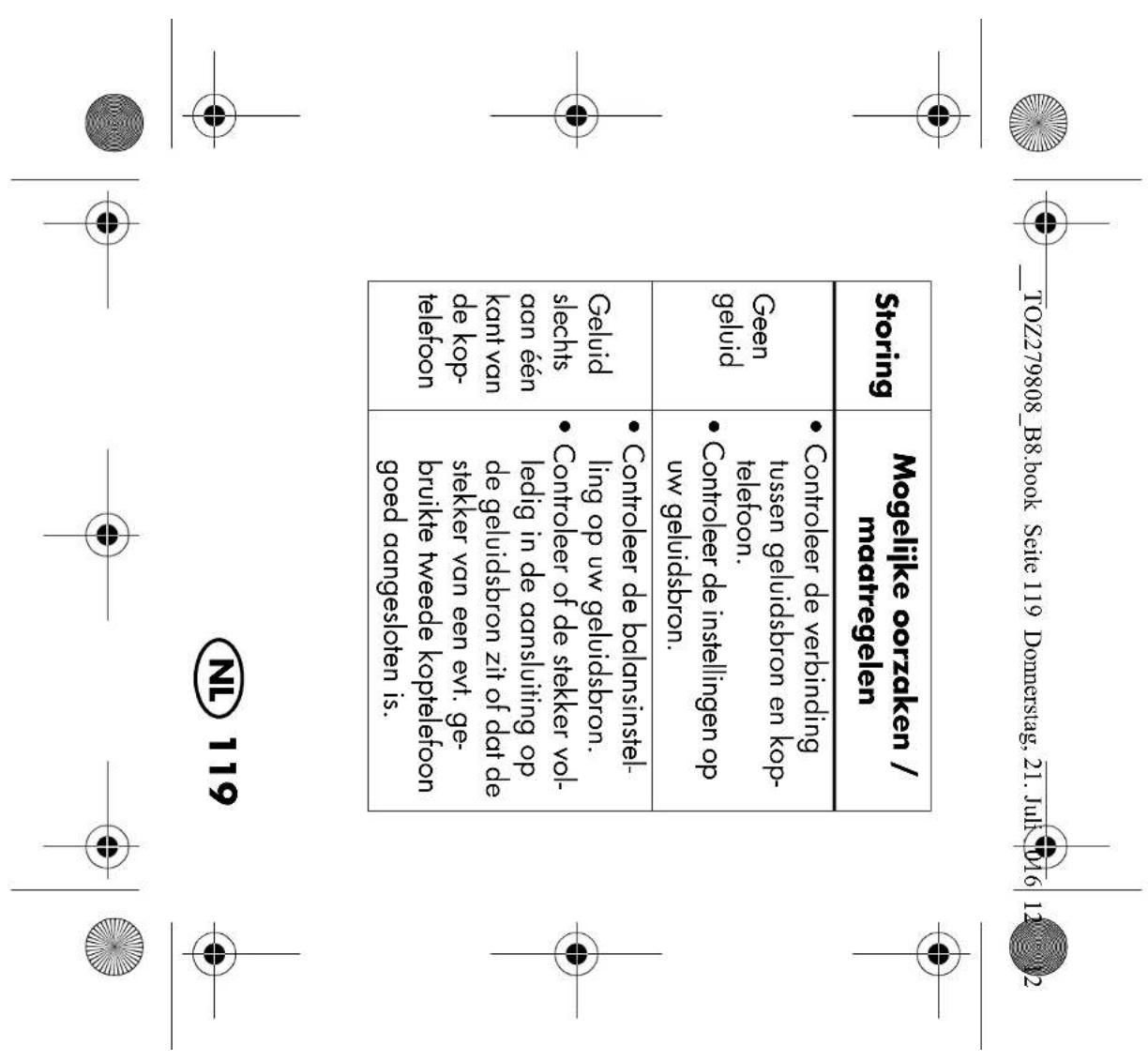
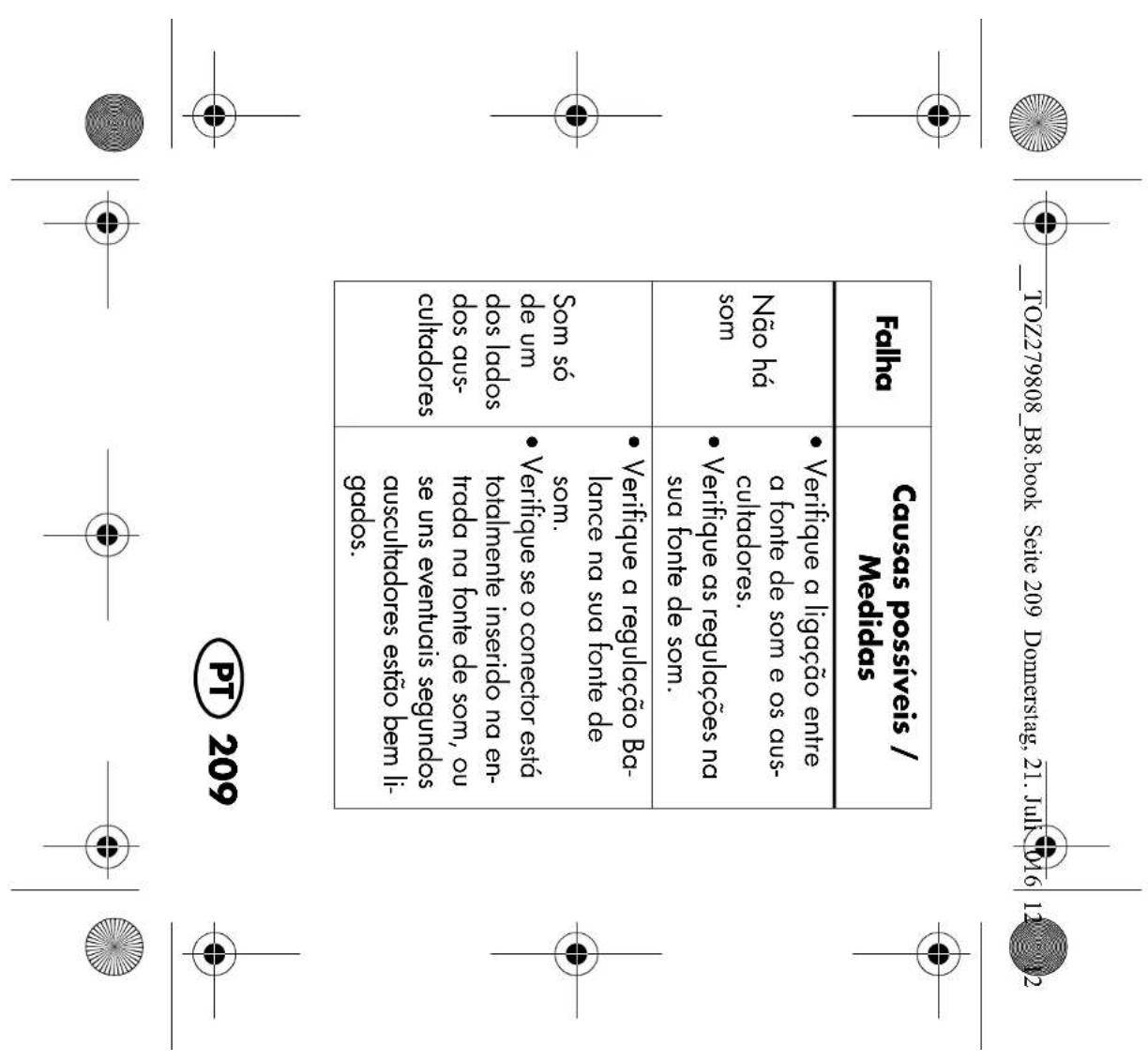
  • Check the connection be- tween the sound source and the headphones.
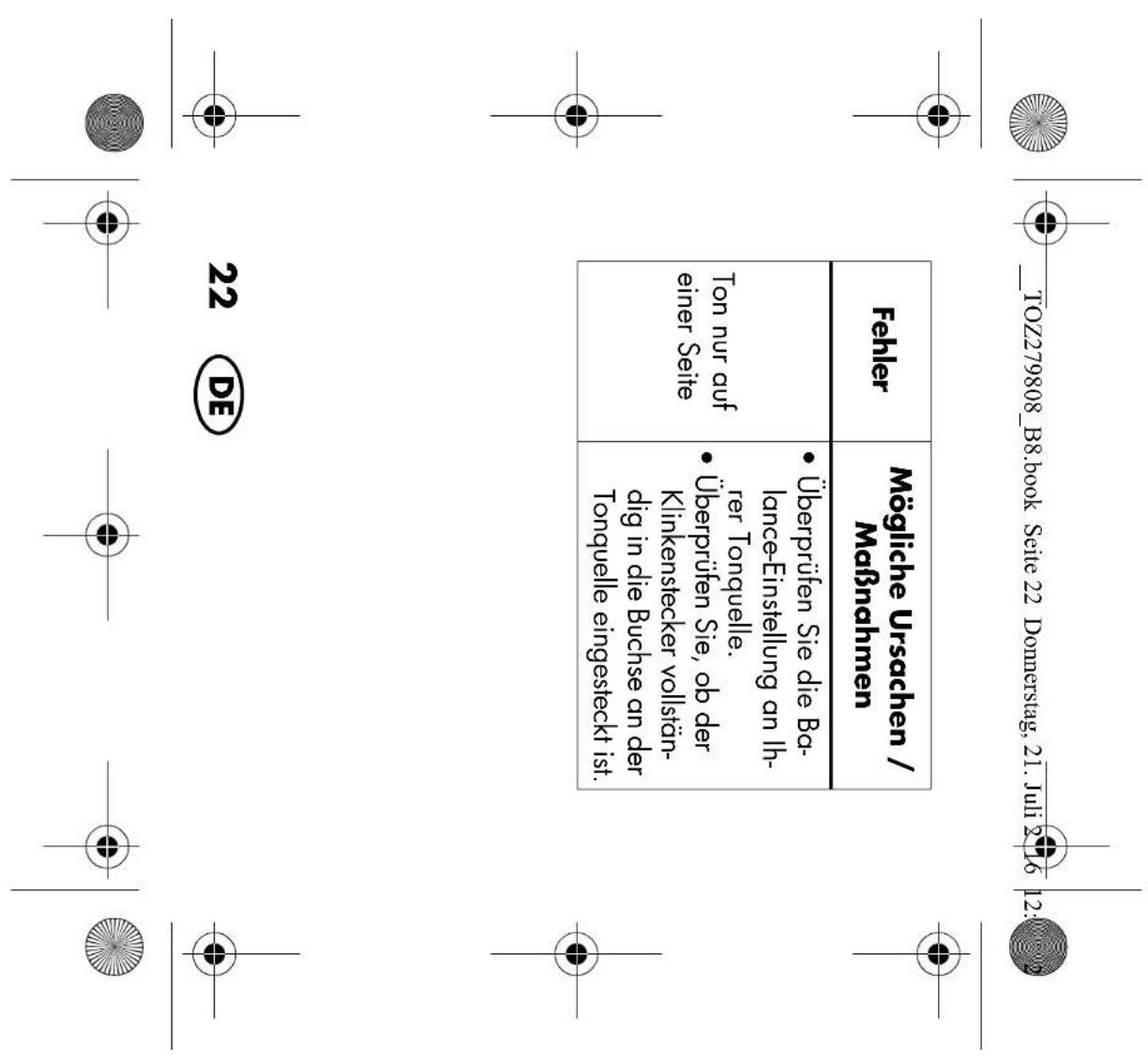
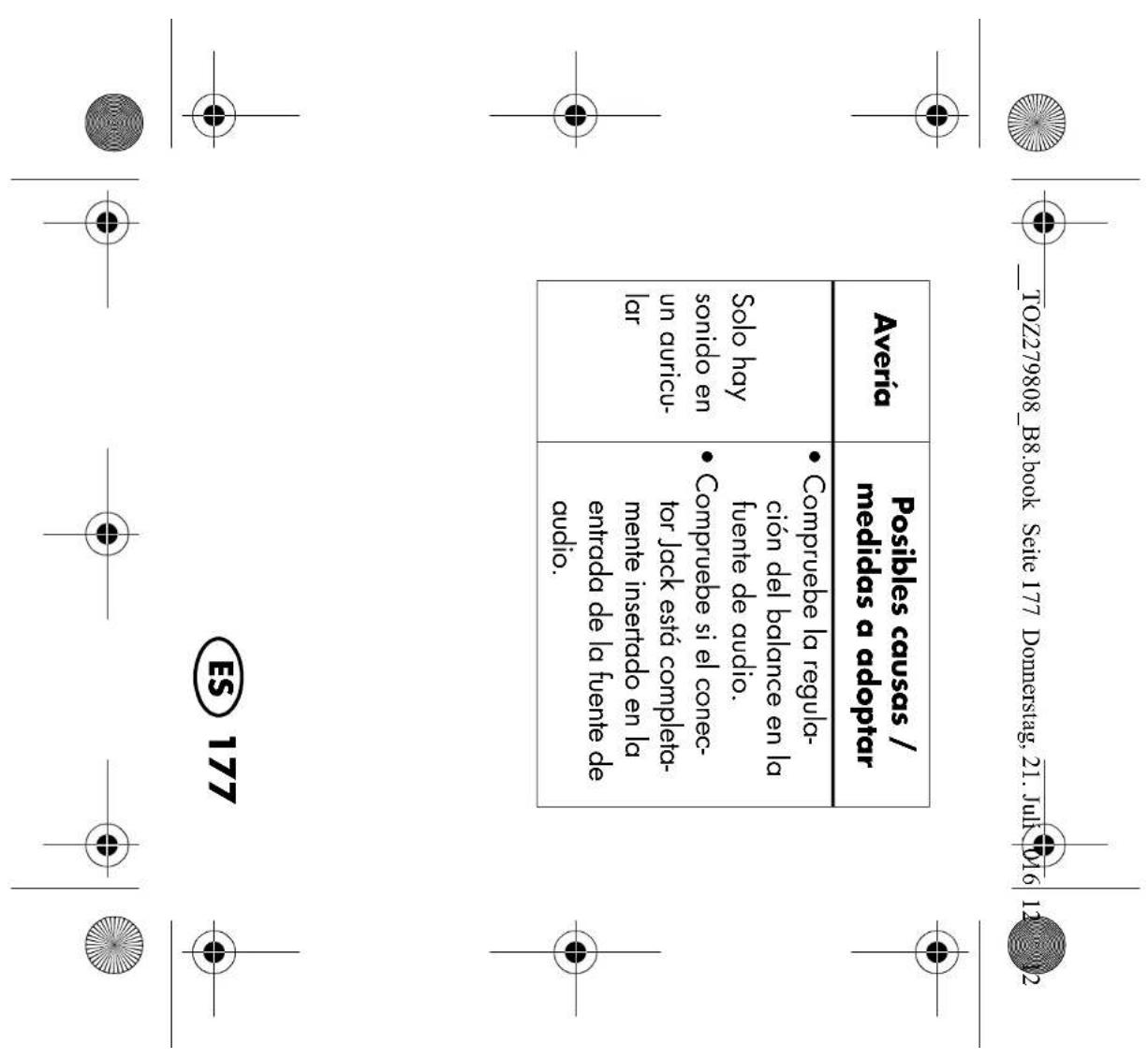
  • Check the settings on your sound source. Sound only on one side of the head- phones
  • Check the balance set- tings on your sound source.
  • Make sure that the TRRS connector is fully inserted into the socket of the sound source, or that any second set of headphones used is properly plugged in.

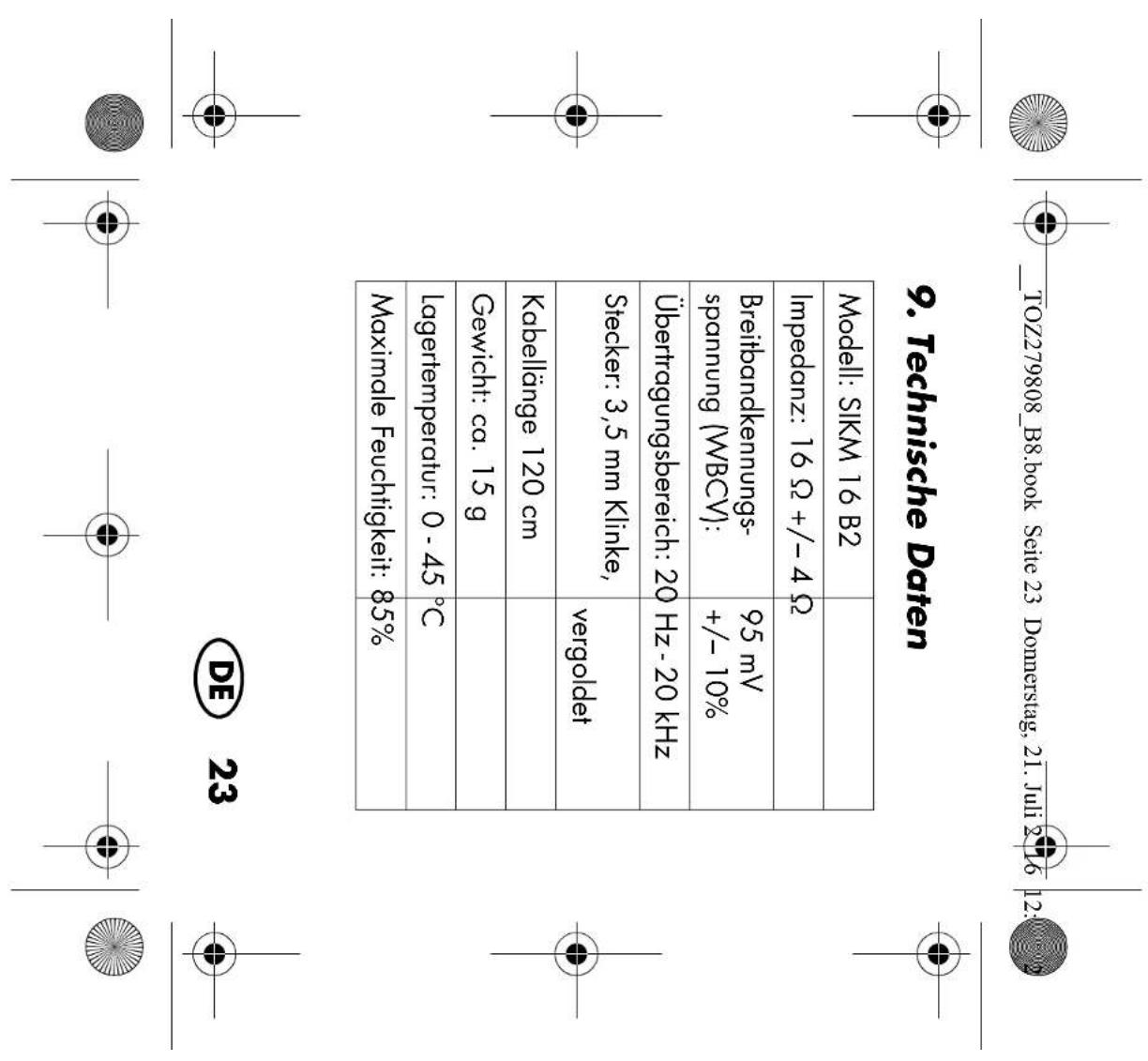
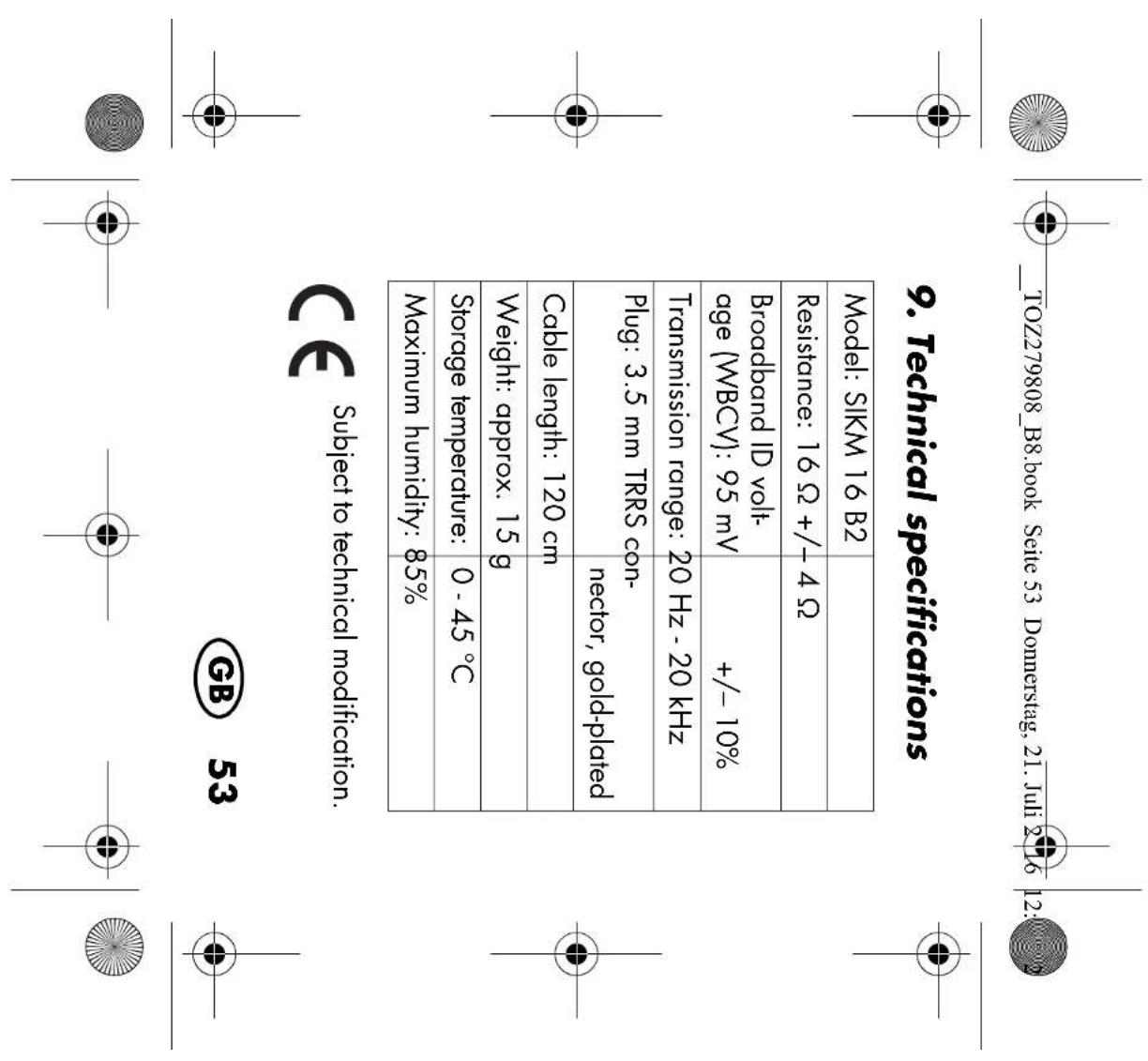
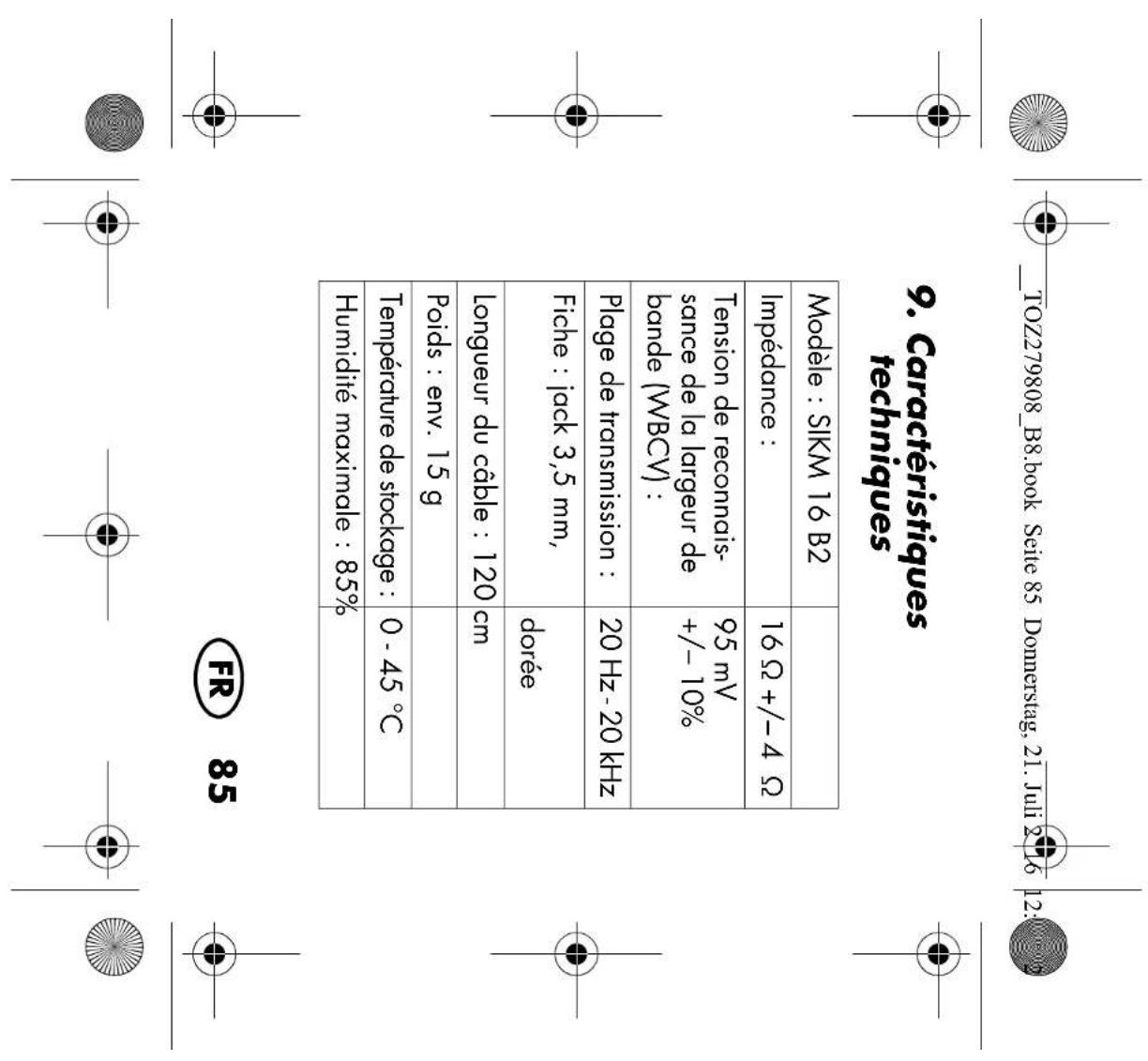
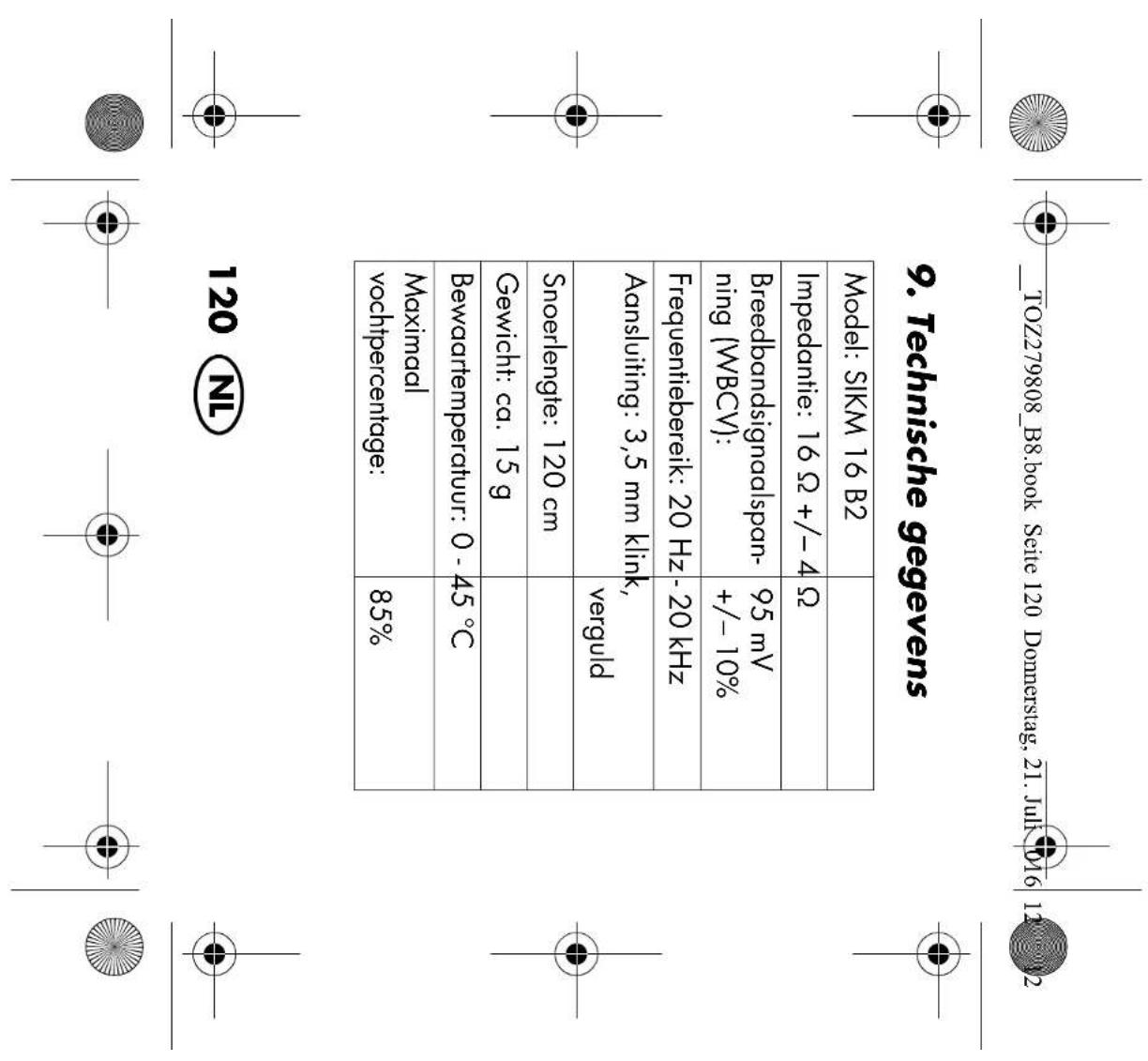
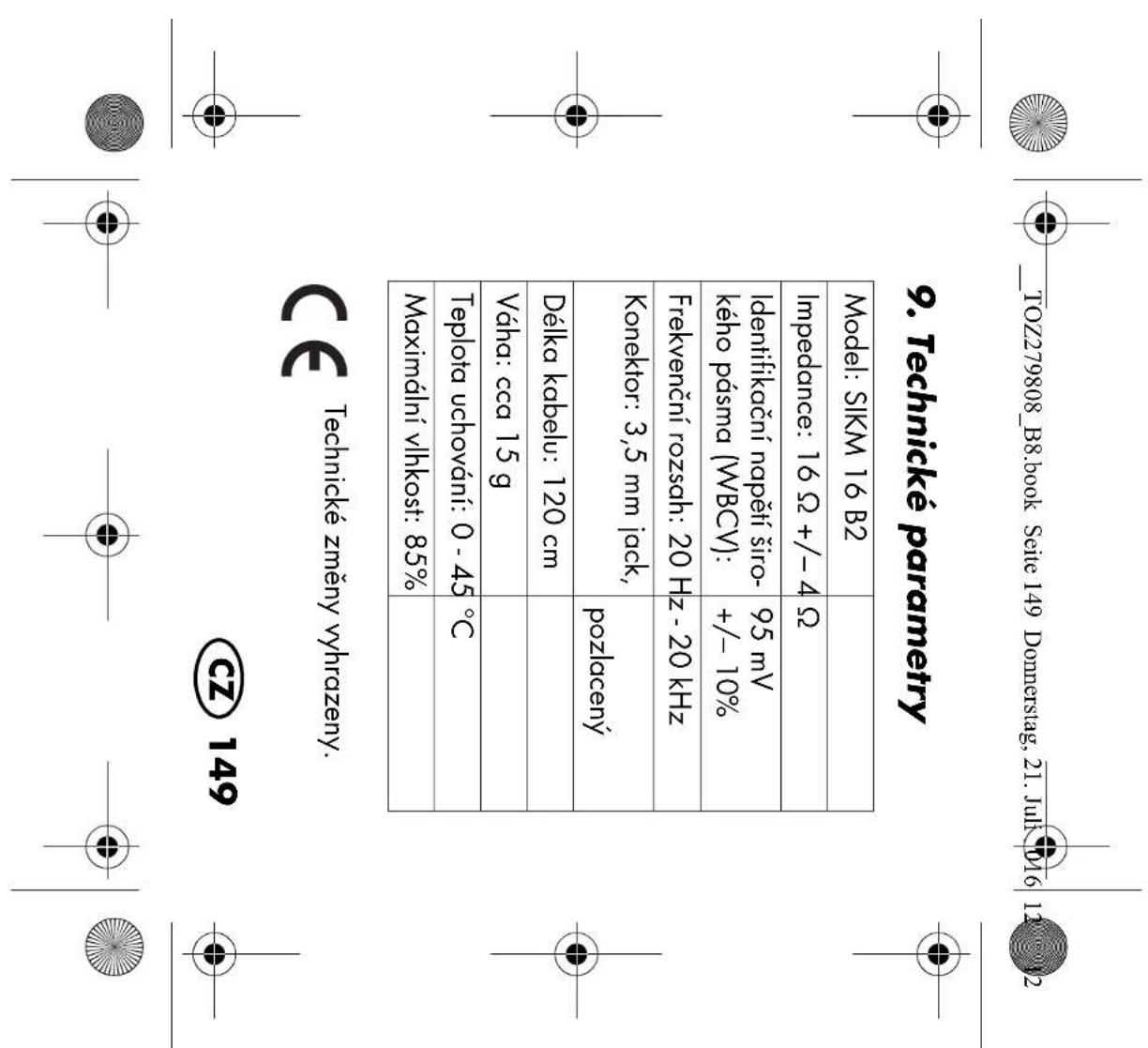
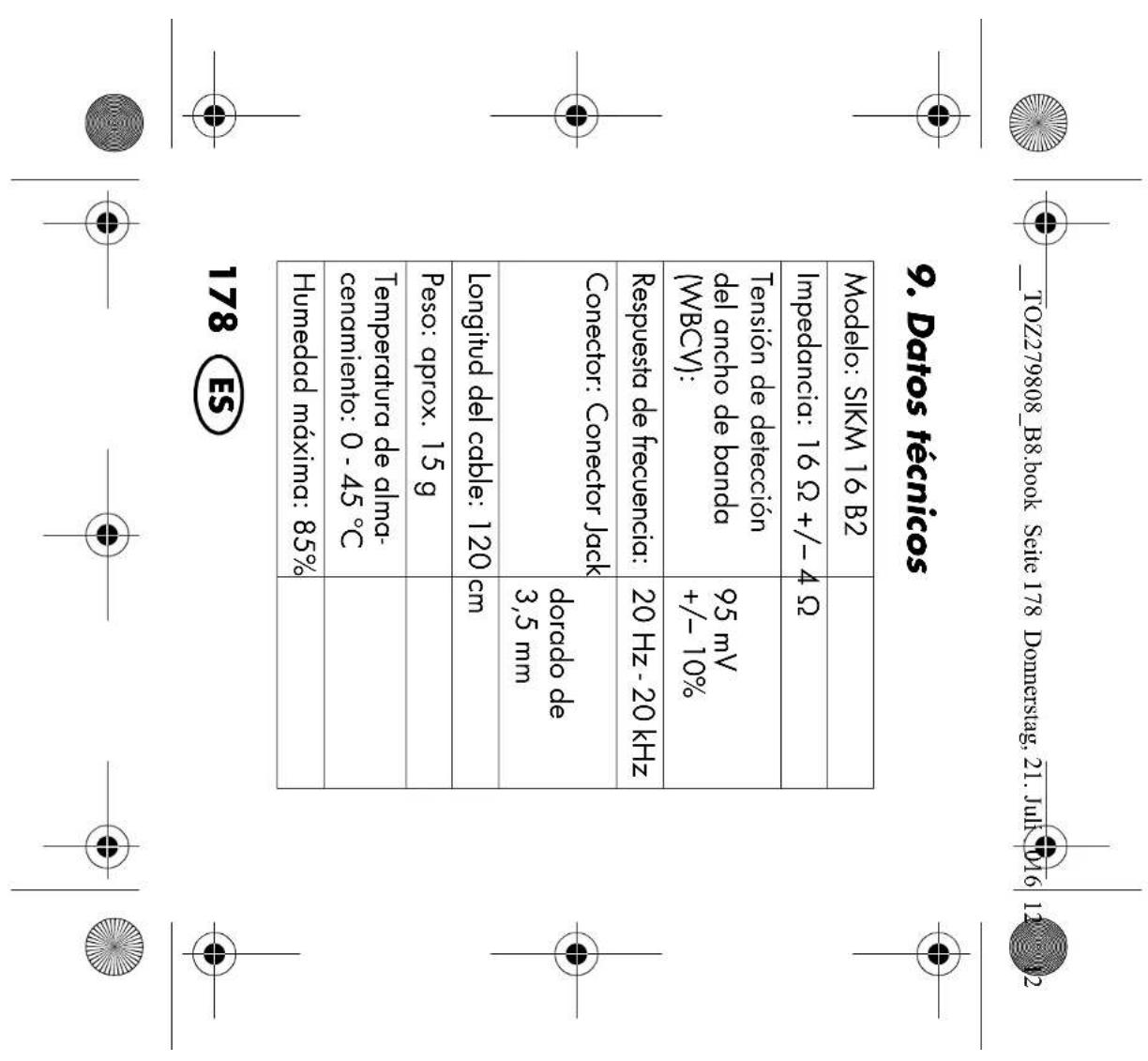
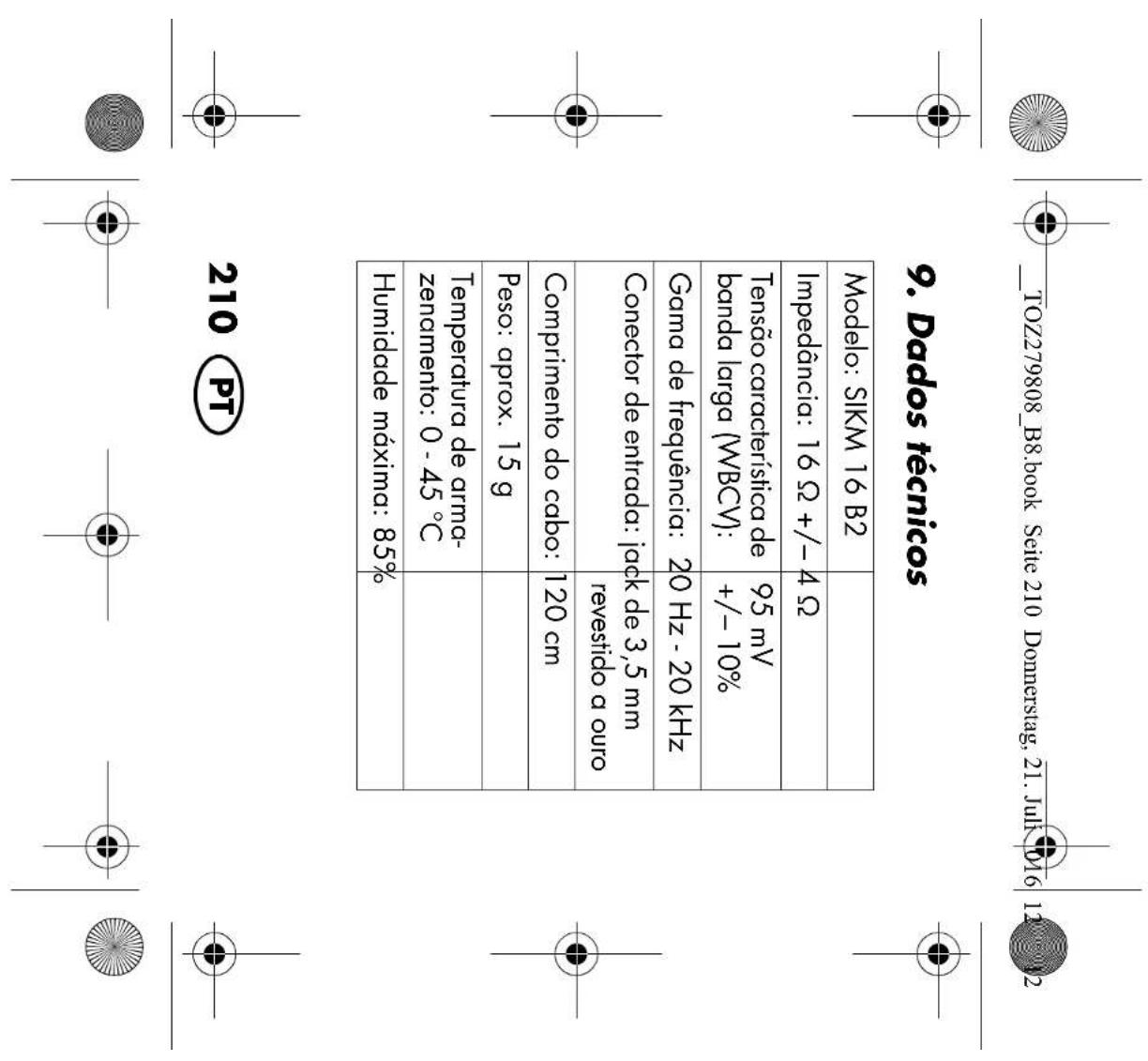
10% Transmission range: 20Hz - 20 kHz Plug: 3.5 mm TRRS con- nector, gold-plated Cable length: 120 cm Weight: approx. 15 g Storage temperature:

Maximum humidity: 85%

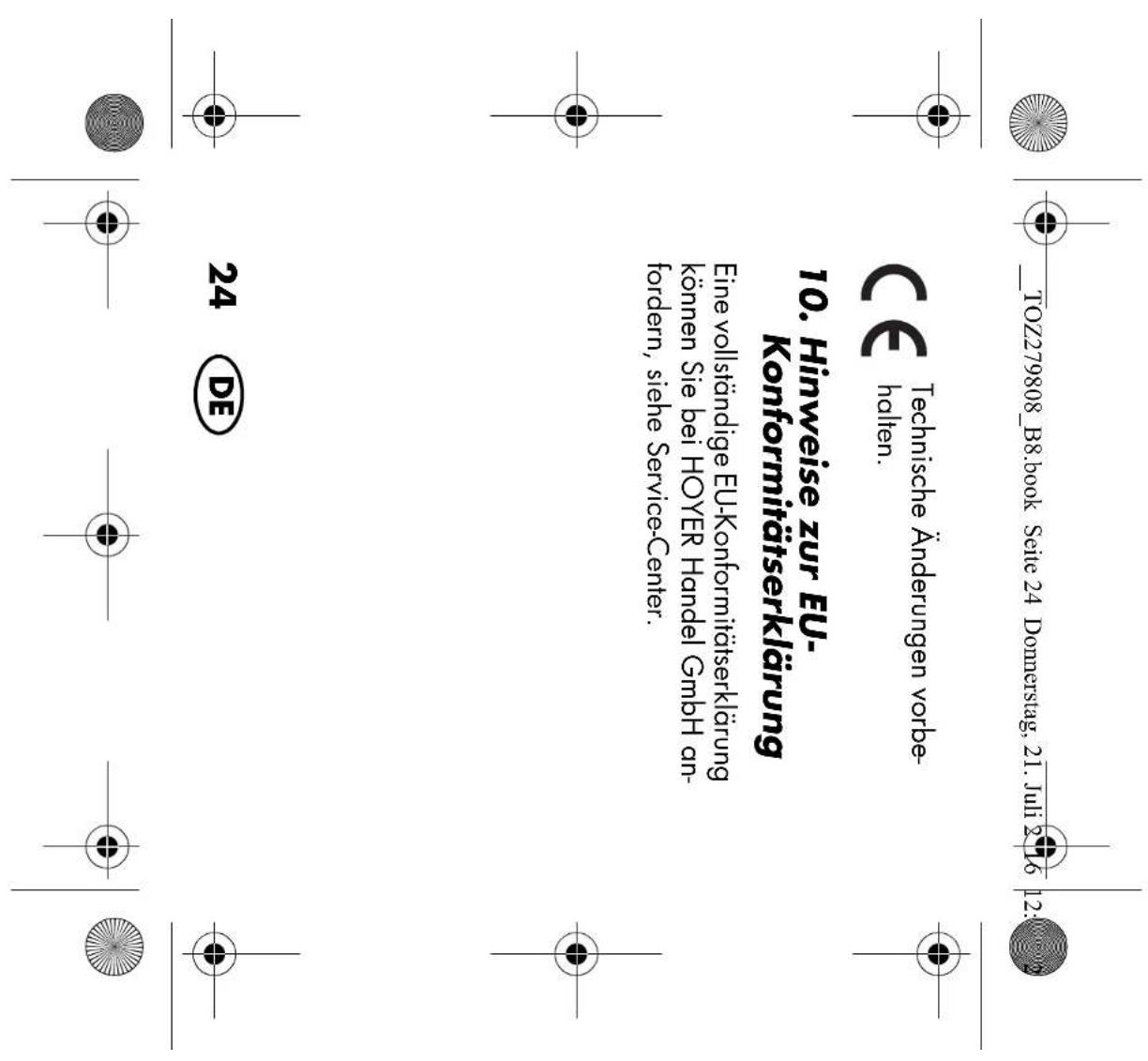
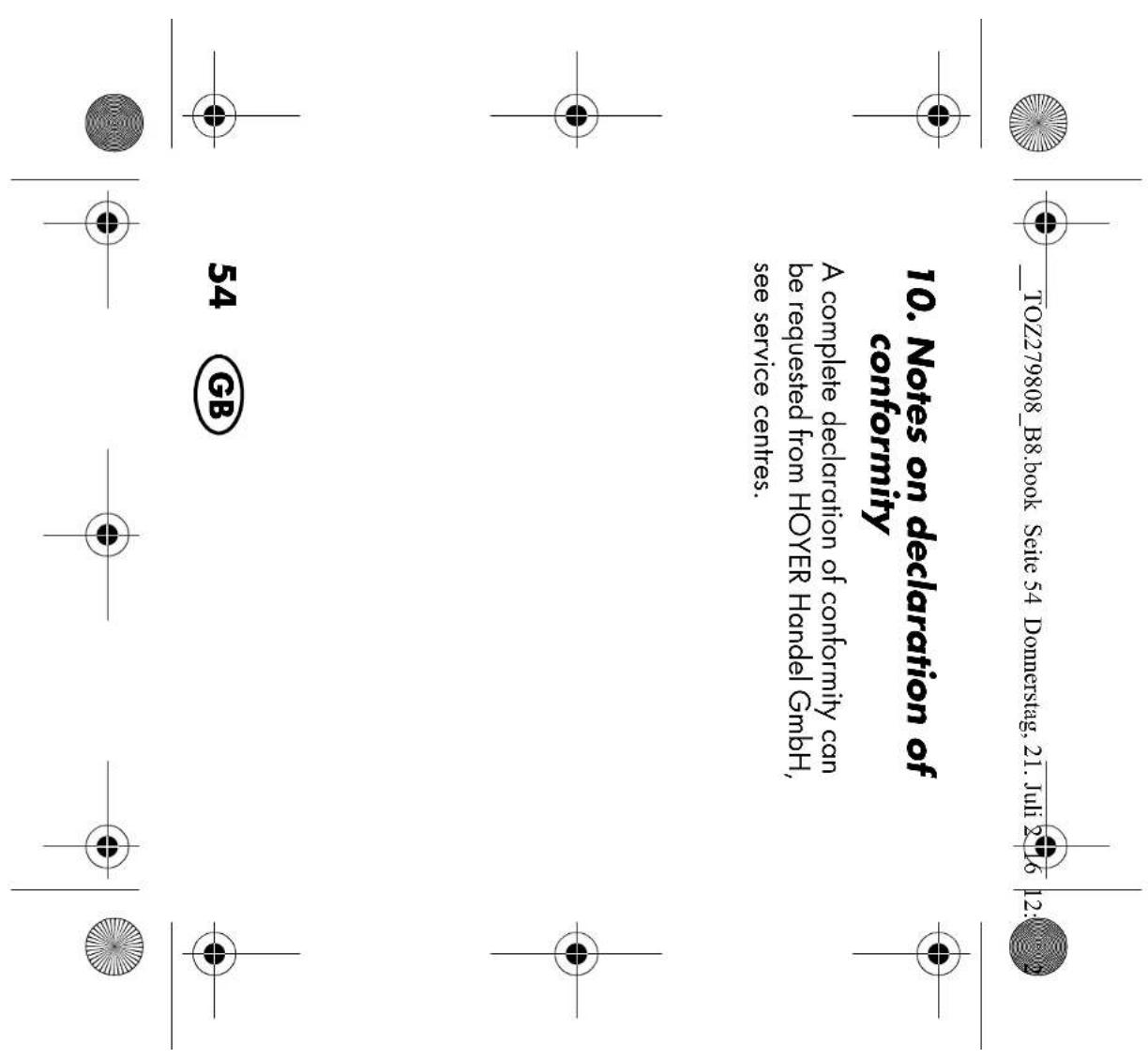
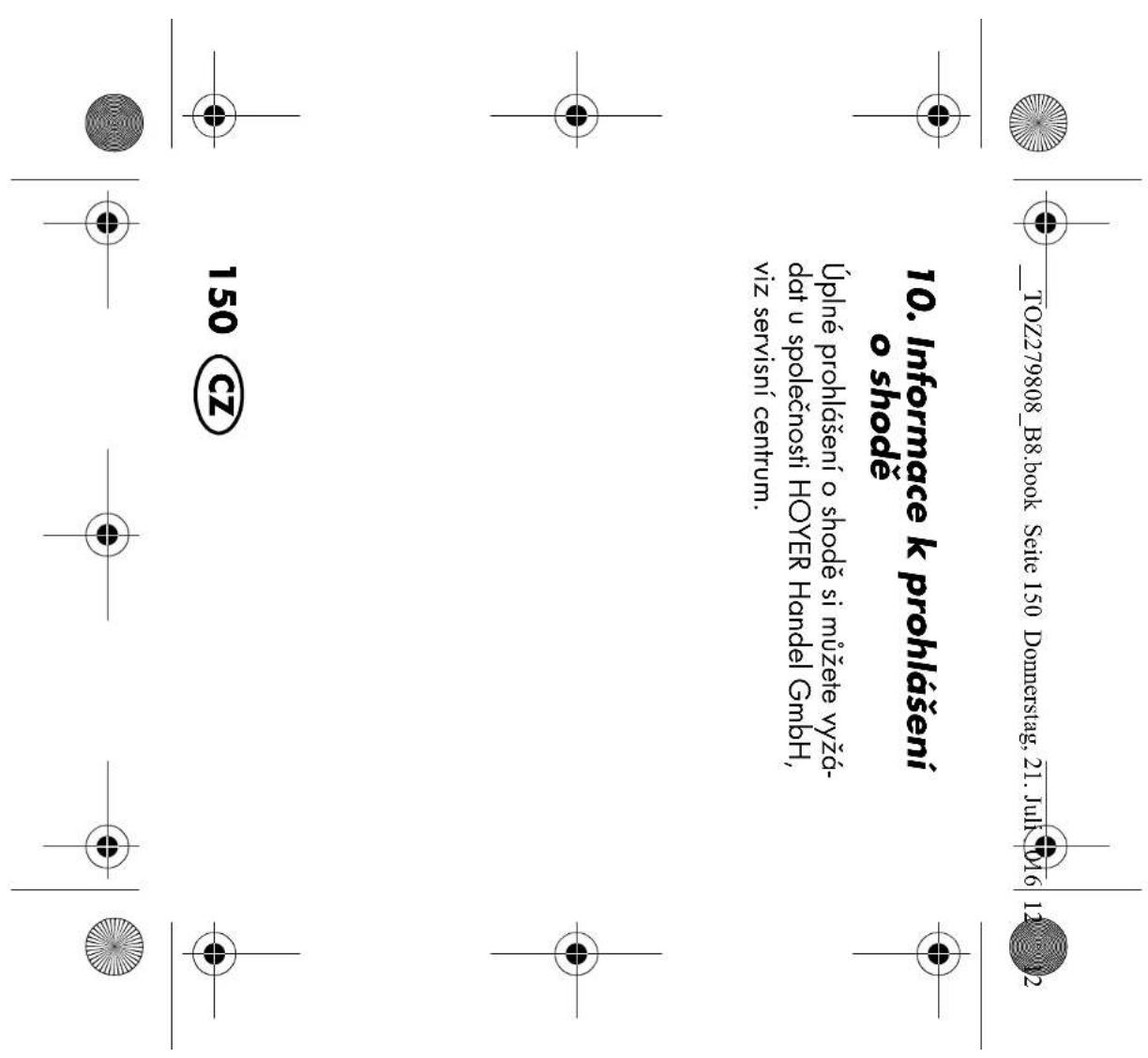
10. Notes on declaration of

conformity A complete declaration of conformity can be requested from HOYER Handel GmbH, see service centres.

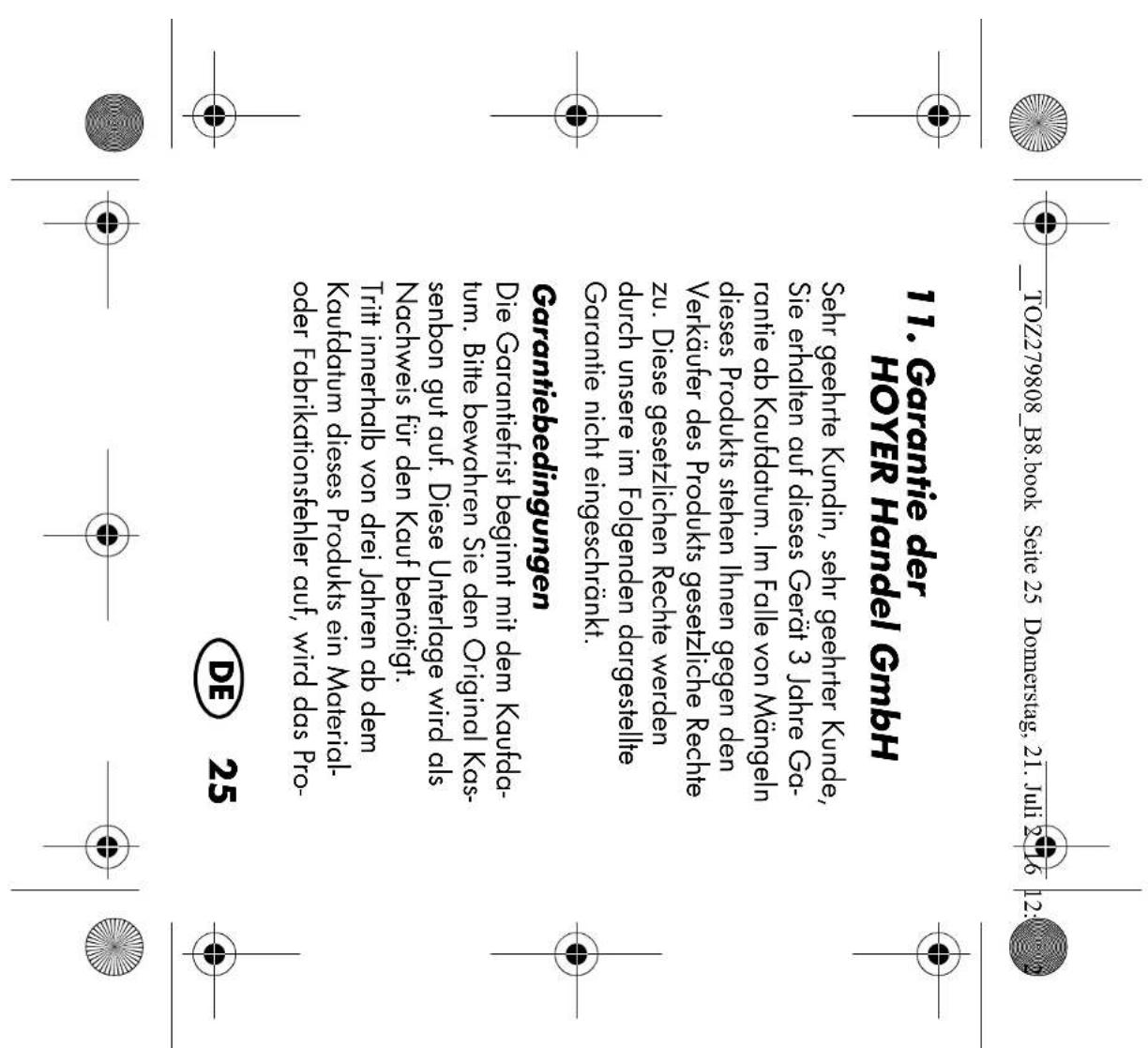
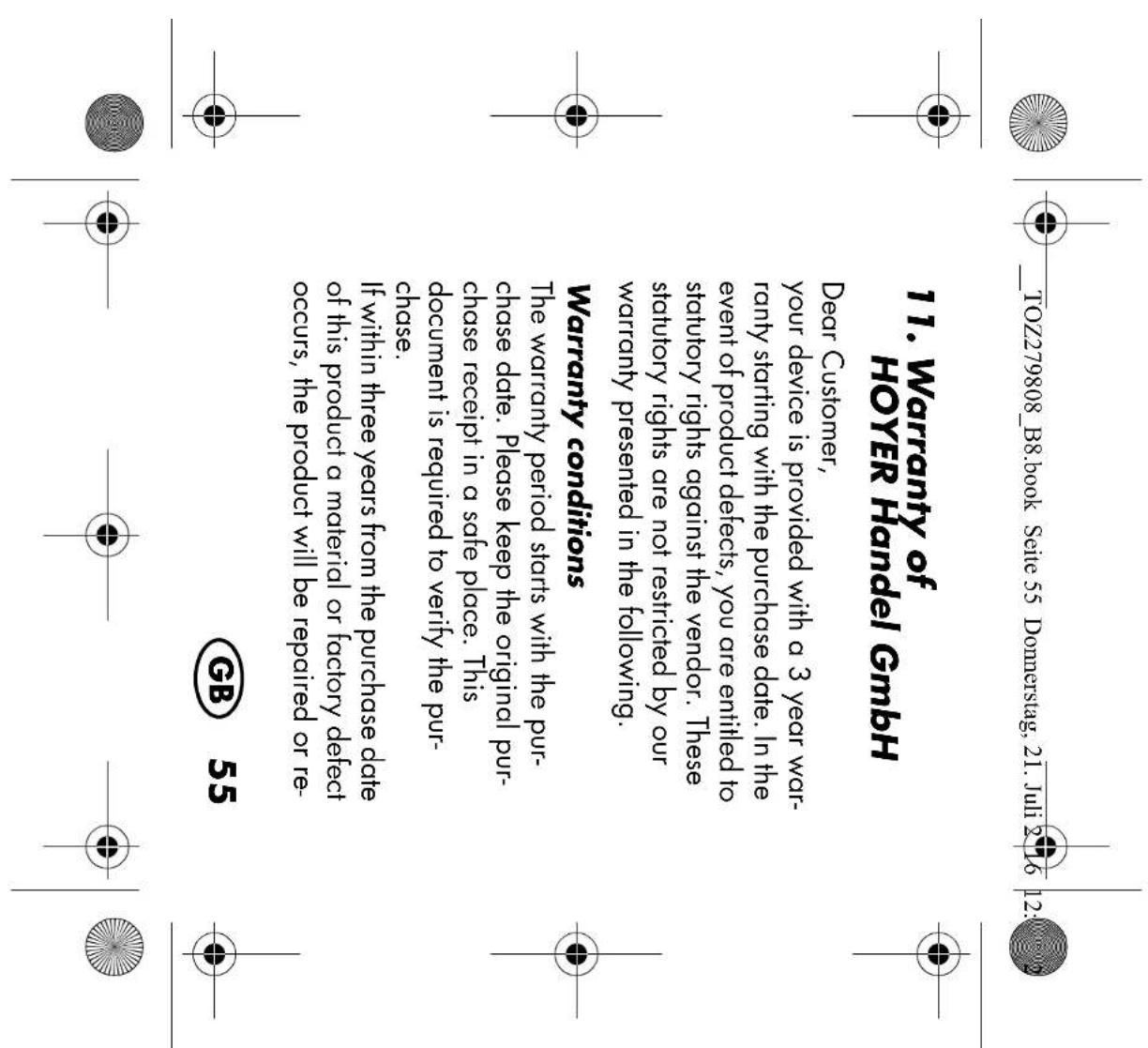
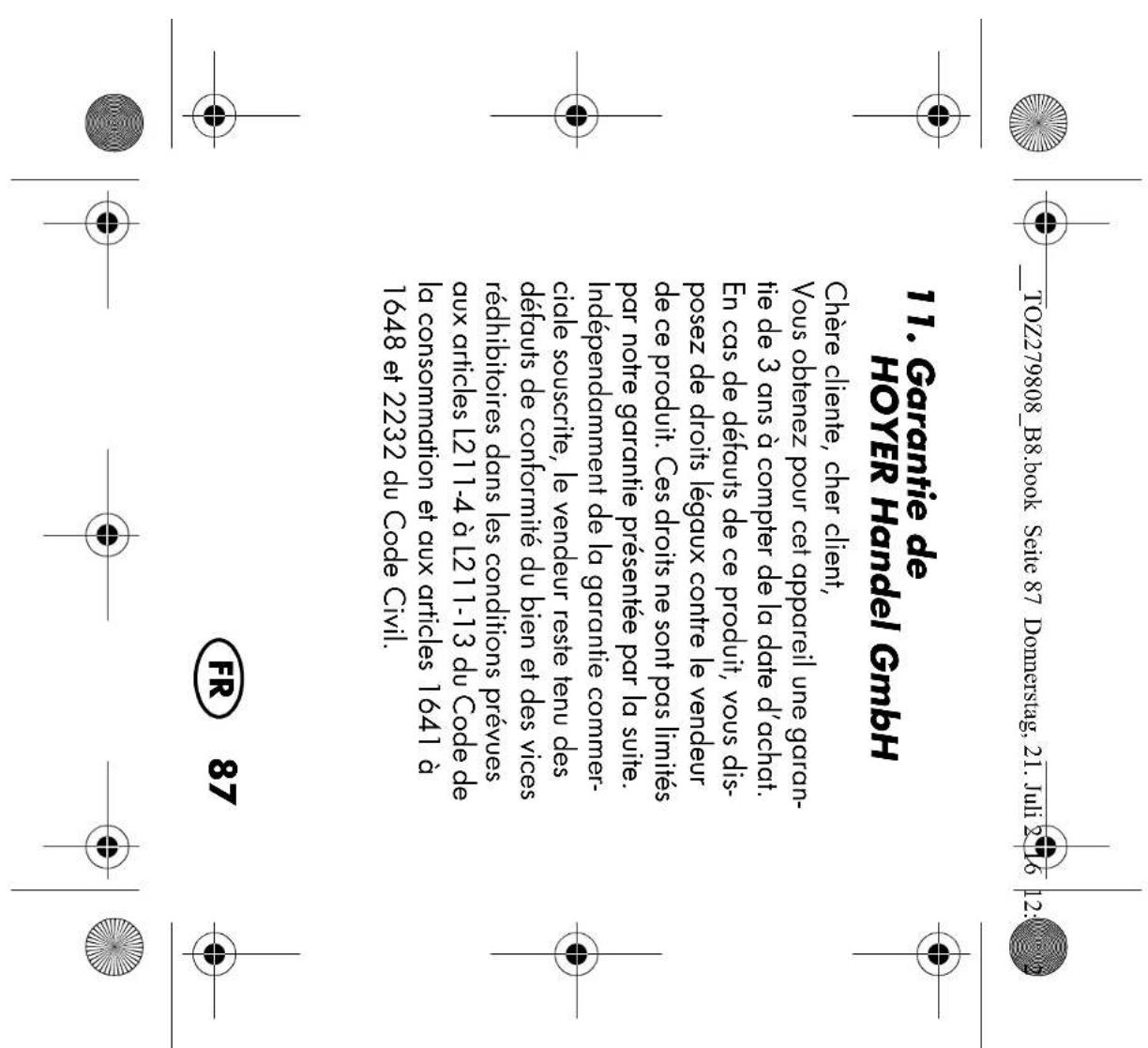
HOYER HandelGmbH Dear Customer, your device is provided with a 3 year war- ranty starting with the purchase date. In the event of product defects, you are entitled to statutory rights against the vendor. These statutory rights are not restricted by our warranty presented in the following. Warranty conditions The warranty period starts with the pur- chase date. Please keep the original pur- chase receipt in a safe place. This document is required to verify the pur- chase. If within three years from the purchase date of this product a material or factory defect occurs, the product will be repaired or re-

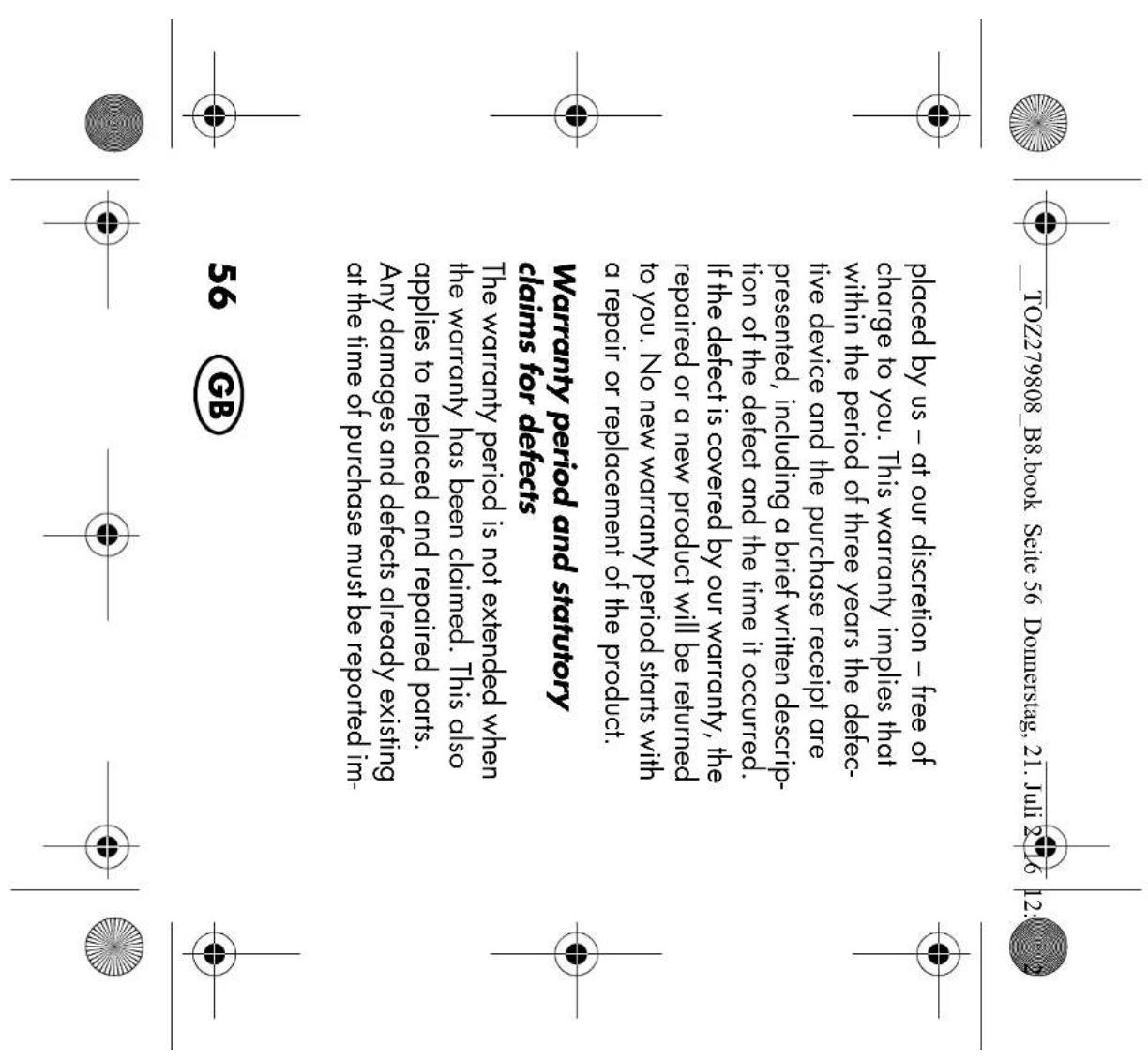
placed by us – at our discretion – free of charge to you. This warranty implies that within the period of three years the defec- tive device and the purchase receipt are presented, including a brief written descrip- tion of the defect and the time it occurred. If the defect is covered by our warranty, the repaired or a new product will be returned to you. No new warranty period starts with a repair or replacement of the product. Warranty period and statutory claims for defects The warranty period is not extended when the warranty has been claimed. This also applies to replaced and repaired parts. Any damages and defects already existing at the time of purchase must be reported im-

mediately upon unpacking. Repairs arising after the expiration of the warranty period are subject to a charge. Warranty coverage The device was produced carefully accord- ing to strict quality guidelines and tested diligently prior to delivery. The warranty applies to material or factory defects. Excluded from the warranty are wear parts subject to normal wear and damages to fragile parts, e.g. switches, batteries, lamps or other parts manufactured from glass. This warranty expires if the product is dam- aged, not used as intended or not serviced. For the proper operation of the product, all

instructions listed in the operating instruc- tions must be observed carefully. Any form of use and handling that is advised against in the operating instructions or warned against must always be avoided. The product is only intended for private and not for commercial use. In the case of incorrect and improper treatment, use of force and interventions not performed by our authorised Service Centre, the warran- ty shall cease. Handling in case of a warranty claim In order to ensure prompt processing of your matter, please observe the following notes:

  • Please keep the article number IAN: 279808 and the purchase re- ceipt as a purchase verification for all inquiries.
  • The article number can be found on the rating plate, an engraving, the title page of your instructions (in the bottom left), or as a label on the rear or under- side of the device.
  • If faulty operation or other defects oc- cur, first contact the Service Centre list- ed in the following by telephone or email.
  • Then, you are able to send a product reported as defective free of charge to the service address specified to you, in- cluding the purchase receipt and the in- formation on the defect and when it occurred.

Supplier Please note that the following address is no service address. First contact the afore- mentioned Service Centre. HOYER Handel GmbH Tasköprüstraße 3 22761 Hamburg Germany