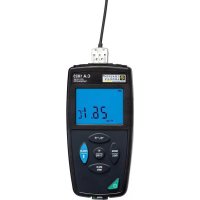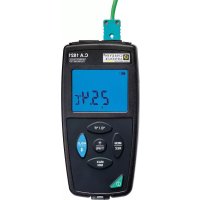
C.A 1821 - Thermometer CHAUVIN ARNOUX - Free user manual and instructions
Find the device manual for free C.A 1821 CHAUVIN ARNOUX in PDF.



| Technical Features | Digital thermometer with LCD display, measurement range from -50C to +1000C, accuracy of b1 1C. |
|---|---|
| Usage | Ideal for temperature measurements in various environments, including industrial and domestic settings. |
| Maintenance and Repair | Regularly check the condition of the probe. Replace batteries when the display becomes weak. |
| Safety | Do not use in explosive environments. Avoid any contact with corrosive liquids. |
| General Information | Product complies with CE standards, 2-year warranty, user manual included. |
Frequently Asked Questions - C.A 1821 CHAUVIN ARNOUX
User questions about C.A 1821 CHAUVIN ARNOUX
0 question about this device. Answer the ones you know or ask your own.
Ask a new question about this device
Download the instructions for your Thermometer in PDF format for free! Find your manual C.A 1821 - CHAUVIN ARNOUX and take your electronic device back in hand. On this page are published all the documents necessary for the use of your device. C.A 1821 by CHAUVIN ARNOUX.
USER MANUAL C.A 1821 CHAUVIN ARNOUX
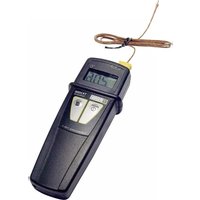
Thank you for purchasing this C.A 1821 or C.A 1822 thermocouple thermometer or C.A 1823 resistance thermometer.
For best results from your instrument:
read these operating instructions carefully,
comply with the precautions for use.

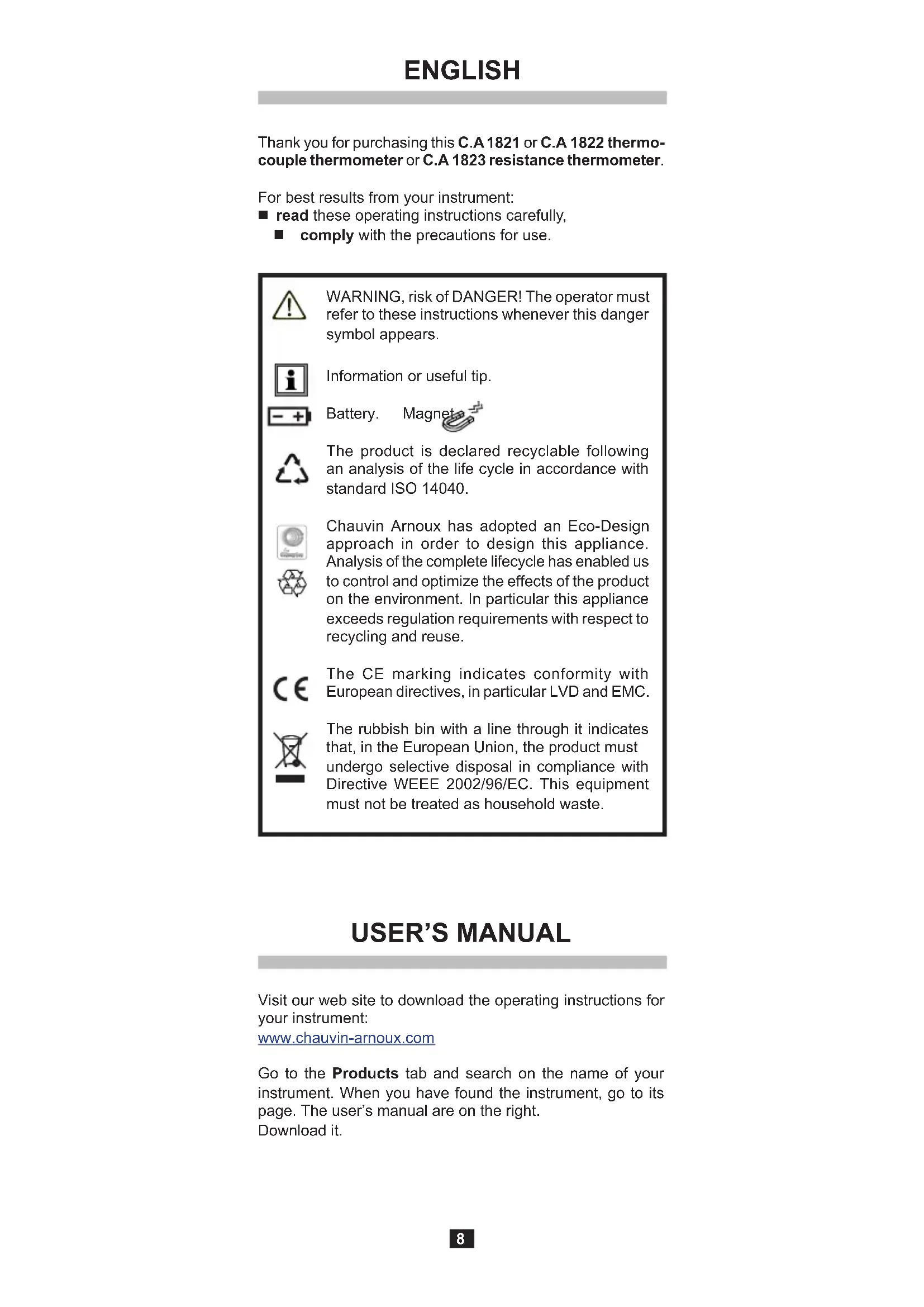
WARNING, risk of DANGER! The operator must refer to these instructions whenever this danger symbol appears.

Information or useful tip.

Battery. Magnet


The product is declared recyclable following an analysis of the life cycle in accordance with standard ISO 14040.

Chauvin Arnoux has adopted an Eco-Design approach in order to design this appliance. Analysis of the complete lifecycle has enabled us to control and optimize the effects of the product on the environment. In particular this appliance exceeds regulation requirements with respect to recycling and reuse.

The CE marking indicates conformity with European directives, in particular LVD and EMC.

The rubbish bin with a line through it indicates that, in the European Union, the product must undergo selective disposal in compliance with Directive WEEE 2002/96/EC. This equipment must not be treated as household waste.
USER'S MANUAL
Visit our web site to download the operating instructions for your instrument:
www.chauvin-arnoux.com
Go to the Products tab and search on the name of your instrument. When you have found the instrument, go to its page. The user's manual are on the right.
Download it.
PRECAUTIONS FOR USE
This instrument is compliant with safety standard IEC 61010-2-030, for voltages up to 5V with respect to ground. Failure to observe the safety instructions may result in electric shock, fire, explosion, and destruction of the instrument and of the installations.
The operator and/or the responsible authority must carefully read and clearly understand the various precautions to be taken in use. Sound knowledge and a keen awareness of electrical hazards are essential when using this instrument.
- Observe the conditions of use, namely the temperature, the relative humidity, the altitude, the degree of pollution, and the place of use.
- Do not use the instrument if it seems to be damaged, incomplete, or poorly close.
Before each use, check the condition of the insulation on the leads, housing, and accessories. Any item of which the insulation is deteriorated (even partially) must be set aside for repair or scrapping.
- Do not make measurements on bare live conductors. Use a non-contact sensor or a sensor that provides the necessary electrical insulation.
Always wear personal protective equipment (PPE), in particular insulating gloves, if there is any doubt or it is impossible to measure the voltage levels to which the temperature sensor is connected.
All troubleshooting and metrological checks must be done by competent, accredited personnel.
CONTENTS
- First use. 10
1.1.Delivery condition 10
1.2.Inserting the batteries.. 10
- Presentation of the instrument 11
2.1.C.A 1821 et 1822 11
2.2.C.A 1823. 11
2.3. Keys 12
- Connecting to a PC 13
3.1. Get Data Logger Transfer software 13
3.2.Connection 13
1. FIRST USE
1.1. DELIVERY CONDITION
C.A 1821 or C.A 1822 thermocouple thermometer or C.A 1823 resistance thermometer.
Supplied in a cardboard box with:
three AA or LR6 alkaline batteries,
one USB-micro USB cord,
one multilingual getting started guide,
one multilingual safety data sheet,
one test report,
one carrying case.
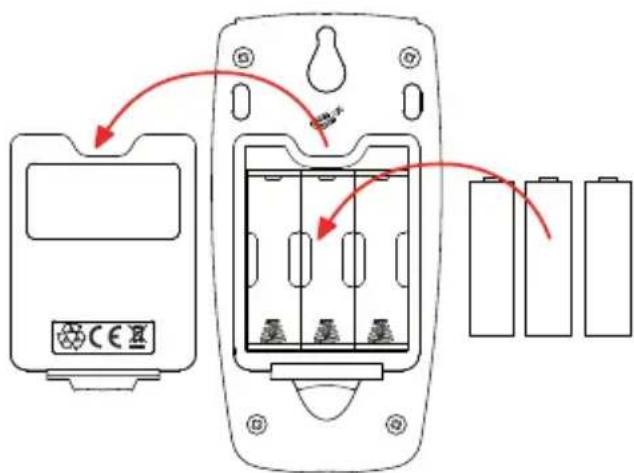
1.2 INSERTING THE BATTERIES
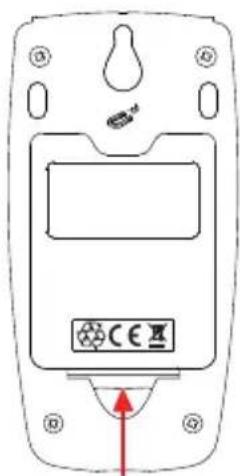
Press the tab of the battery compartment cover and lift it clear.
Withdraw the battery compartment cover.
Insert the new batteries, paying attention to the polarity.
- Close the battery compartment cover; make sure that it is completely and correctly closed.
2. PRESENTATION OF THE INSTRUMENT
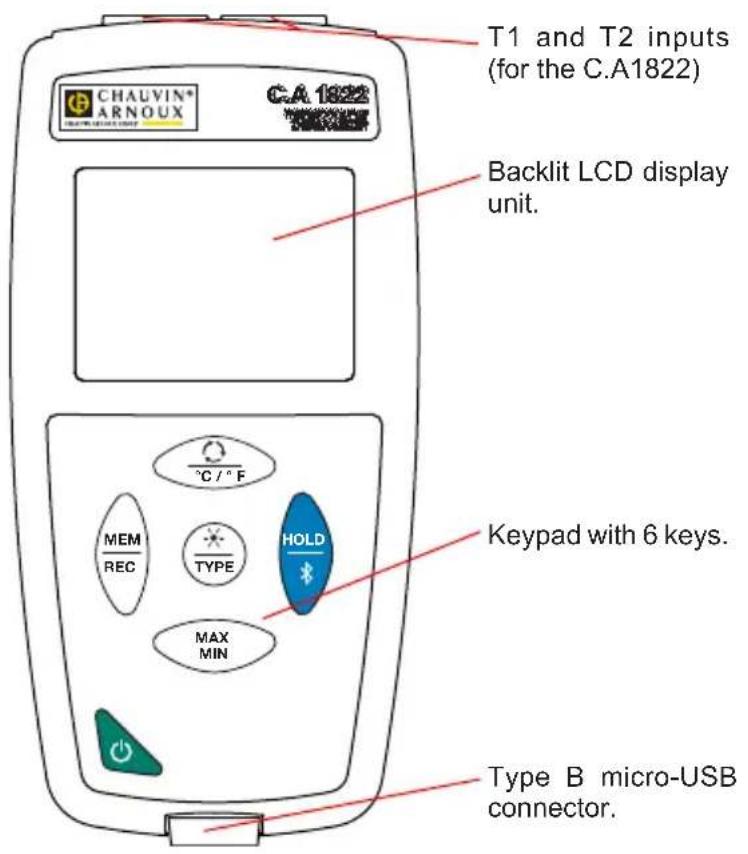
2.1.C.A 1821 ET 1822
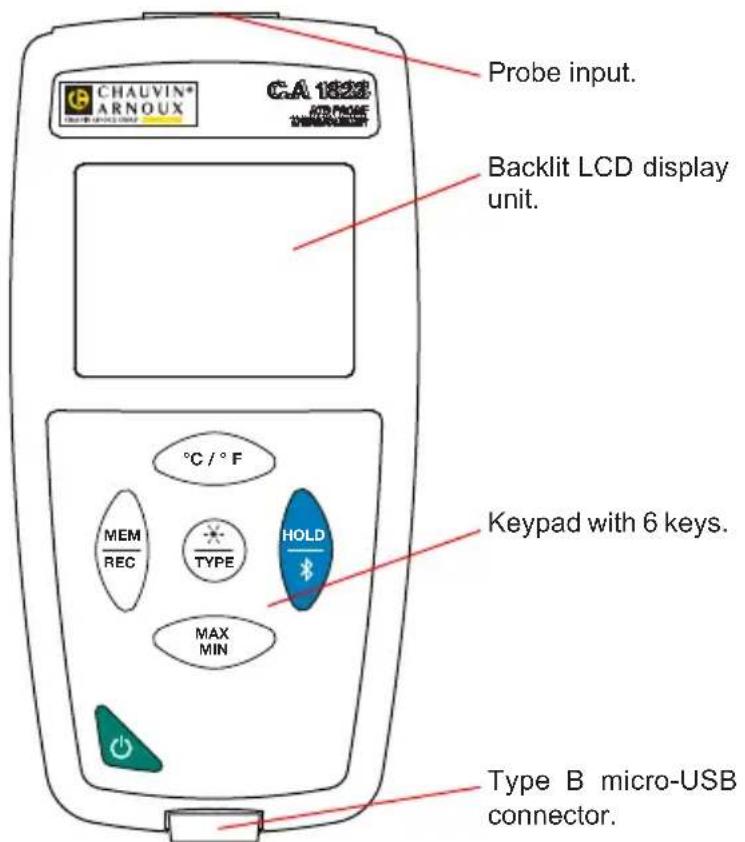
2.2.C.A 1823
2.3. KEYS
| Key Function | |
| ○ | ■ A long press on the key switches the instrument on. ■ When the instrument is on, a long press on the key switches it off. But it is not possible to switch the instrument off when it is in record mode and is recording. |
| ○○○/○F | For the C.A1821 and the C.A1823 ■ The °C/°F key toggles the unit in which the temperature is displayed between °C and °F. For the C.A1822 ■ A short press on the key toggles the display on the upper display unit between T2 and T1-T2. A long press on the °C/°F key toggles the unit in which the temperature is displayed between °C and °F. |
| MEMREC | ■ A short press on the MEM key records the measurement and the date. ■ A long press on the REC key starts or stops a recording session. |
| TYPE | ■ A short press on the key switches on the back-lighting. ■ A long press on the TYPE key selects the type of thermocouple (K, J, T, E, N, R, S) or toggles between the PT100 and PT1000 probes. |
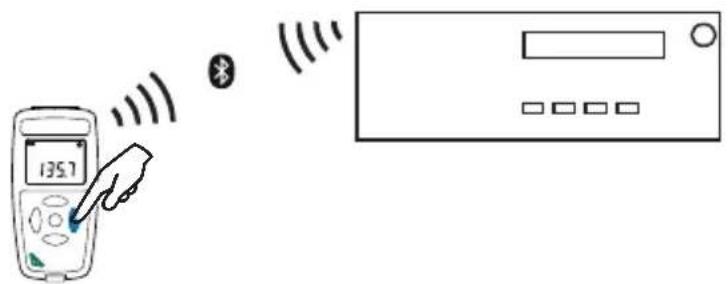
| HOLD* | ■ A short press on the HOLD key freezes the display. ■ A long press on the *key activates or de-activates the Bluetooth link. |
| MAXMIN | ■ A short press on the MAX MIN key opens the MAX MIN mode; the current values continue to be displayed. ■ A second press displays the maximum value. ■ A third press displays the minimum value. ■ A fourth press results in a return to the first-press condition and display of the current values ■ A long press is used to exit from the MAX MIN mode. |
3. CONNECTING TO A PC
3.1. GET DATA LOGGER TRANSFER SOFTWARE
Visit our web site to download the latest version of the application software: www.chauvin-arnoux.com
Go to the Support tab, then Download our software. Then search on the name of your instrument.
Download the software, then install it on your PC.

You must have administrator privileges on your PC to install the Data Logger Transfer software.
3.2. CONNECTION
The device has 2 communication modes:
A USB link via a USB-micro USB cord,
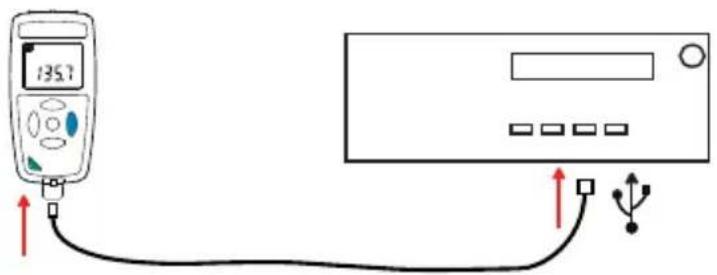
A Bluetooth 4.0 BLE(Bluetooth Low Energy)wireless link.
Our international contacts
www.chauvin-arnoux.com/contacts