ManualGo.com
WXsmart - Welding machine Weller - Free user manual and instructions
Find the device manual for free WXsmart Weller in PDF.

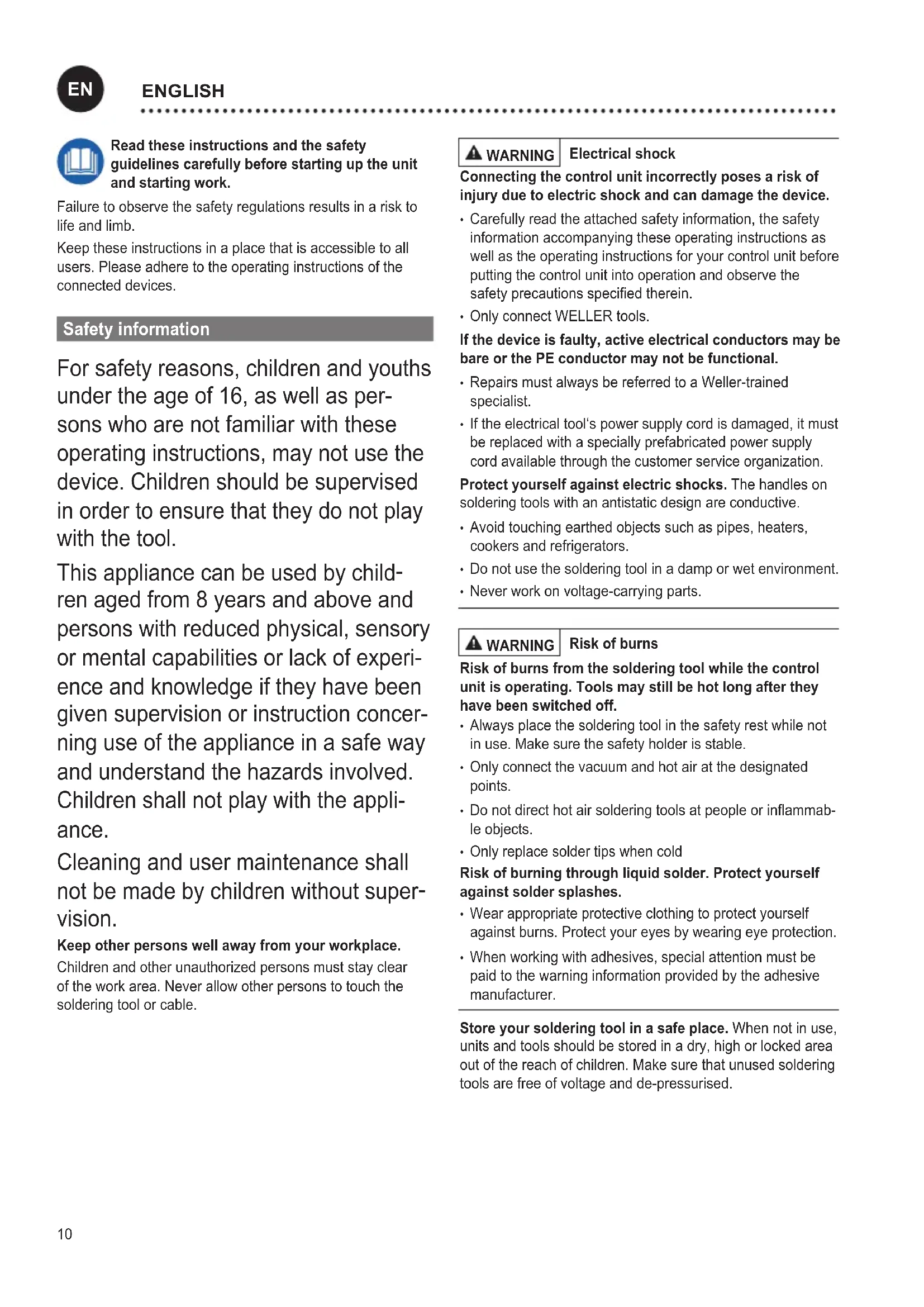


| Feature | Details |
|---|---|
| Product type | Soldering machine |
| Soldering technology | Controlled heat welding |
| Temperature range | Variable, adjustable according to needs |
| Power | High, suitable for professional applications |
| Usage | Ideal for precision work in electronics |
| Maintenance | Regular cleaning of heating elements recommended |
| Safety | Equipped with overheating protection |
| Included accessories | Interchangeable soldering tips |
| Warranty | 2-year manufacturer warranty |
| Additional information | Compatible with various types of solder wire |
Frequently Asked Questions - WXsmart Weller
Download the instructions for your Welding machine in PDF format for free! Find your manual WXsmart - Weller and take your electronic device back in hand. On this page are published all the documents necessary for the use of your device. WXsmart by Weller.
USER MANUAL WXsmart Weller
EN English Safety information | Specied Conditions Of Use | User groups | Care and maintenance | Warranty | Technical Data | Symbols | Original declaration of conformity
DEUTSCH10 Read these instructions and the safety guidelines carefully before starting up the unit and starting work. Failure to observe the safety regulations results in a risk to life and limb. Keep these instructions in a place that is accessible to all users. Please adhere to the operating instructions of the connected devices. Safety information For safety reasons, children and youths under the age of 16, as well as per- sons who are not familiar with these operating instructions, may not use the device. Children should be supervised in order to ensure that they do not play with the tool. This appliance can be used by child
ren aged from 8 years and above and persons with reduced physical, sensory or mental capabilities or lack of experi- ence and knowledge if they have been given supervision or instruction concer- ning use of the appliance in a safe way and understand the hazards involved. Children shall not play with the appli- ance. Cleaning and user maintenance shall not be made by children without super
vision. Keep other persons well away from your workplace. Children and other unauthorized persons must stay clear of the work area. Never allow other persons to touch the soldering tool or cable. WARNING Electrical shock Connecting the control unit incorrectly poses a risk of injury due to electric shock and can damage the device.
- Carefully read the attached safety information, the safety information accompanying these operating instructions as well as the operating instructions for your control unit before putting the control unit into operation and observe the safety precautions specied therein.
- Only connect WELLER tools. If the device is faulty, active electrical conductors may be bare or the PE conductor may not be functional.
- Repairs must always be referred to a Weller-trained specialist.
- If the electrical tool‘s power supply cord is damaged, it must be replaced with a specially prefabricated power supply cord available through the customer service organization. Protect yourself against electric shocks. The handles on soldering tools with an antistatic design are conductive.
- Avoid touching earthed objects such as pipes, heaters, cookers and refrigerators.
- Do not use the soldering tool in a damp or wet environment.
- Never work on voltage-carrying parts. WARNING Risk of burns Risk of burns from the soldering tool while the control unit is operating. Tools may still be hot long after they have been switched off.
- Always place the soldering tool in the safety rest while not in use. Make sure the safety holder is stable.
- Only connect the vacuum and hot air at the designated points.
- Do not direct hot air soldering tools at people or inammab- le objects.
- Only replace solder tips when cold Risk of burning through liquid solder. Protect yourself against solder splashes.
- Wear appropriate protective clothing to protect yourself against burns. Protect your eyes by wearing eye protection.
- When working with adhesives, special attention must be paid to the warning information provided by the adhesive manufacturer. Store your soldering tool in a safe place. When not in use, units and tools should be stored in a dry, high or locked area out of the reach of children. Make sure that unused soldering tools are free of voltage and de-pressurised.
ENGLISH11 WARNING Fire hazard Covering the soldering iron or the safety holder poses a re hazard.
- Always keep objects well away from the soldering iron and safety holder.
- Keep all combustible objects, liquids or gases well away from the hot soldering tool. The power cable must only be plugged into the power socket or adapter approved for this purpose. Check to see if the mains voltage matches the ratings on the nameplate. Make sure the machine is switched off before plugging in. Do not use the cable for purposes other than those for which it is intended. Never carry the unit by the cable. Do not use the cable to pull the plug out of the socket. Protect the cable against heat, oil and sharp edges. Be alert. Pay attention to what you are doing. Be smart when using the unit. Do not use the soldering tool if you are having difculty concentrating. Avoid abnormal posture. Arrange your work station in an ergonomically correct way. Avoid bad posture when using the unit, as this can lead to postural problems. The soldering tool must be operated only in perfect technical working order. Safety devices must not be deactivated. Faults and defects must be repaired immediately. Before using the unit / tool, safety devices must be carefully checked to make sure that they are functioning properly and in the manner intended. Check that moving parts are func- tioning properly and are not sticking, and whether parts are damaged. All parts must be correctly tted and must satisfy all the requirements necessary to guarantee troublefree operation of the unit. Use the correct tool. Use only accessories or auxiliary de- vices which are included in the list of accessories or appro- ved for use by the manufacturer. Use WELLER accessories or auxiliary devices on original WELLER equipment only. The use of other tools and other accessories can cause injury. Secure the tool. Use clamping xtures to hold the workpi- ece. Use a solder fume extraction unit. If appliances for connecting solder fume extraction units are available, ensure that they are connected and used properly. Specied Conditions Of Use Supply unit for WELLER WX soldering tools. Use the solde- ring station / desoldering station / hot air station exclusively for the purpose indicated in the operating instructions of sol- dering and desoldering under the conditions specied herein. WARNING Flammable gases and liquids may not be extracted. The device may only be used with correctly tted and suitable lter cartridges. Replace lter cartridges when full. This device may only be used at room temperature and indoors. Protect against moisture and direct sunlight. WXS Remote Control: As soon as you have installed the Weller WXS app on your mobile device and have connected to the Weller WXS stati- on, the remote control is activated via an app. You can now perform the described device functions with your mobile device by using the app. Note: Direct operation at the WXS station by a user does not have priority over access via the app. Both options for operation have equal priority. Therefore, it must be ensured that any unintentional remote access via the app does not endanger the user or damage furnishings. Weller therefore recommends switching off the station via the ON/OFF switch before changing tools or tips, etc. In general, the soldering tools must be placed in the associ- ated safety holder when not in use. This will ensure that the tool does not pose a hazard. User groups Due to differing degrees of risk and potential hazards, sever- al work steps may only be performed by trained experts. Work step User groups Default soldering para- meters Specialist personnel with technical training Replacing electrical repla- cement parts Electricians Default maintenance intervals Safety expert Operation Filter change Non-specialists Operation Filter change Replacing electrical repla- cement parts Technical trainees under the guidance and supervision of a trained expert
ENGLISH Care and maintenance WARNING Before doing any work on the machine, pull the plug out of the socket. Clean the operator panel, if dirty, using a suitable cleaning cloth. Seal ports which are not in use with covering caps. Check all connected cables and hoses on a regular basis. If power tools are damaged, they must be immediately removed from use. WARNING Risk of burns
- Only replace solder tips when cold
- Replace and clean suction nozzles only when hot and using the suitable tool
- Only replace hot air nozzles using the suitable tool
- Only clean or replace solder collection tubes when cold Filter change Regularly check the main lter for vacuum, and replace it if necessary. Contaminated lters must be treated as special waste. Dispose of replaced equipment parts, lters or old devices in accordance with the rules and regulations applicable in your country. Wear suitable protective gear. Warning! Working without a lter can result in irreparable damage to the vacuum unit. Check before starting soldering whether a main lter is inserted. Repairs must always be referred to a Weller-trained specialist. Use original replacement parts only. Warranty Claims by the buyer for physical defects are time-barred after a period of one year from delivery to the buyer. This does not apply to claims by the buyer for indemnication in accordance with §§ 478, 479 BGB (German Federal Law Gazette). We shall only be liable for claims arising from a warranty furnished by us if the quality or durability warranty has been furnished by use in writing and using the term „Warranty“. The warranty shall be void if damage is due to improper use and if the device has been tampered with by unauthorized persons. For more information please visit www.weller-tools.com. Symbols Caution! Warning! Risk of burns! Read the operating instructions! Before performing work of any kind on the unit, always disconnect the power plug from the socket. ESD-compatible design and ESD-compatible workstation Equipotential bonding Soldering Desoldering Hot air CE mark of conformity British Conformity Mark Fuse Safety transformer Disposal Do not dispose of electric tools together with household waste material! In observance of Eu- ropean Directive 2012/19/EU on waste electrical and electronic equipment and its implementation in accordance with national law, electric tools that have reached the end of their life must be collected separately and returned to an environ- mentally compatible recycling facility.13 Technical Data Soldering station WXsmart Dimensions L x W x H 173 mm x 153 mm x 142 mm 6,81 inch x 6,02 inch x 5,59 inch Weight 4,5 kg Mains supply voltage 100 V AC / 50/60 Hz 120 V AC / 60 Hz 230 V AC / 50/60 Hz Power consumption 300W Safety class I, Supply unit III, Soldering tool Fuse 100 V / T6,3A 120 V / T5A 230 V / T3,15A Temperature range Tool dependent
Temperature accuracy ± 9 °C / ± 17 °F Temperature stability ± 2 °C / ± 4 °F Subject to technical alterations and amendments.
UK declaration of conformity We hereby declare that the products described herein comply with the following guidelines: