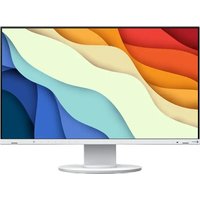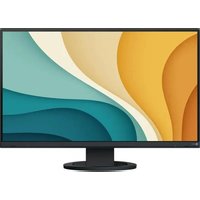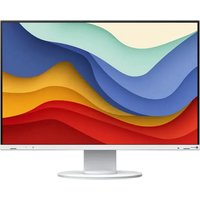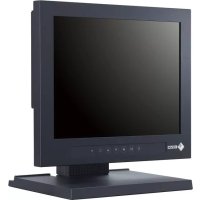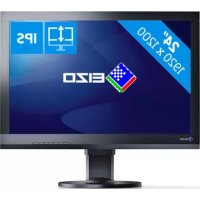
ColorEdge CS2420 - Monitor EIZO - Free user manual and instructions
Find the device manual for free ColorEdge CS2420 EIZO in PDF.


| Technical Specifications | Details |
|---|---|
| Screen Size | 24.1 inches |
| Resolution | 1920 x 1200 pixels |
| Panel Type | IPS (In-Plane Switching) |
| Color Gamut | 99% Adobe RGB, 100% sRGB |
| Brightness | 350 cd/mb2 |
| Contrast | 1000:1 |
| Response Time | 10 ms (gray to gray) |
| Connectivity | HDMI, DisplayPort, USB |
| Calibration | Built-in hardware calibration |
| Usage | Ideal for photo retouching, graphic design, and printing |
| Maintenance | Clean with a soft cloth, no abrasive products |
| Safety | CE, RoHS certifications |
| General Information | 5-year warranty, technical support available |
Frequently Asked Questions - ColorEdge CS2420 EIZO
User questions about ColorEdge CS2420 EIZO
0 question about this device. Answer the ones you know or ask your own.
Ask a new question about this device
Download the instructions for your Monitor in PDF format for free! Find your manual ColorEdge CS2420 - EIZO and take your electronic device back in hand. On this page are published all the documents necessary for the use of your device. ColorEdge CS2420 by EIZO.
USER MANUAL ColorEdge CS2420 EIZO
natural_image
Pure diagram of a computer monitor with no text, numbers, or symbols
WARNING
RISK OF ELECTRIC SHOCK DO NOT OPEN
AVERTISSEMENT
WARNUNG
The equipment must be connected to a grounded main outlet.
FCC Declaration of Conformity 55
text_image
Technical diagram of a computer monitor with labeled parts and exploded view, showing internal components and wiring connections.text_image
Color (Custom) Color Mode [ Custom ] Brightness [ 60% ] Temperature [ 8500K ] Gamma [ 2.2 ] Color Gamut [ Native ] Advanced Settings Resettext_image
Color (Custom) Color Mode [ Custom ] Brightness [ 60A ] Temperature [ 650K ] Gamma [ 2.2 ] Color Mode [ Active ] Adapted Settings Hue [ 0 ] Saturation [ 0 ] Clipping [ Off ] Gain 8 ColorsAttention
text_image
Signal (HDMI) Picture Expansion [ Auto ] Input Color Format [ Auto ] Input Range [ Auto ] Noise Reduction [ Off ]text_image
Diagram showing a computer monitor connected to a device with a ruler and a close-up view of the ruler placed on the screen.text_image
Administrator Settings On-Screen Logo [ On ] Key Lock [ Off ] DP Power Save [ Off ] DUE Priority [ Uniformity ] Signal Format Apply2. Réglages
text_image
Administrator Settings On-Screen Logo [ On ] Key Lock [ Off ] OP Power Save [ Off ] DUE Priority [ Uniformity ] Static Level Apply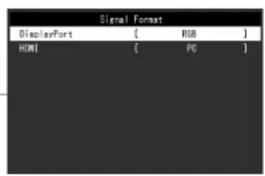
text_image
Signal Format DisplayPort [ RGB ] HONI [ PC ]text_image
(1) (2) Clic !natural_image
Technical line drawing of a circular mechanical component with internal components and a directional arrow (no text or symbols)natural_image
Technical diagram showing a circular component with internal components and an inset view of a curved mechanical part (no text or symbols)natural_image
Pure technical line drawing of a mechanical component with no text or symbolsnatural_image
Illustration of hands holding a circular object with an arrow indicating rotation (no text or symbols)text_image
Diagram illustrating a procedure for using a tool to lift a component, with Chinese text labels and annotations.natural_image
Diagram of a rope knot with arrows indicating direction (no text or symbols)natural_image
Illustration showing a mechanical component being inserted into a circular base, and a computer monitor mounted on a stand (no text or symbols present)Remarque
natural_image
Two diagrams showing rope routing between a circular base and a ring, with no text or symbols present.natural_image
Diagram showing cable routing and cable attachment on a TV, with no text or symbols present.HDCP (High-bandwidth Digital Content Protection)
HDMI (High-Definition Multimedia Interface)
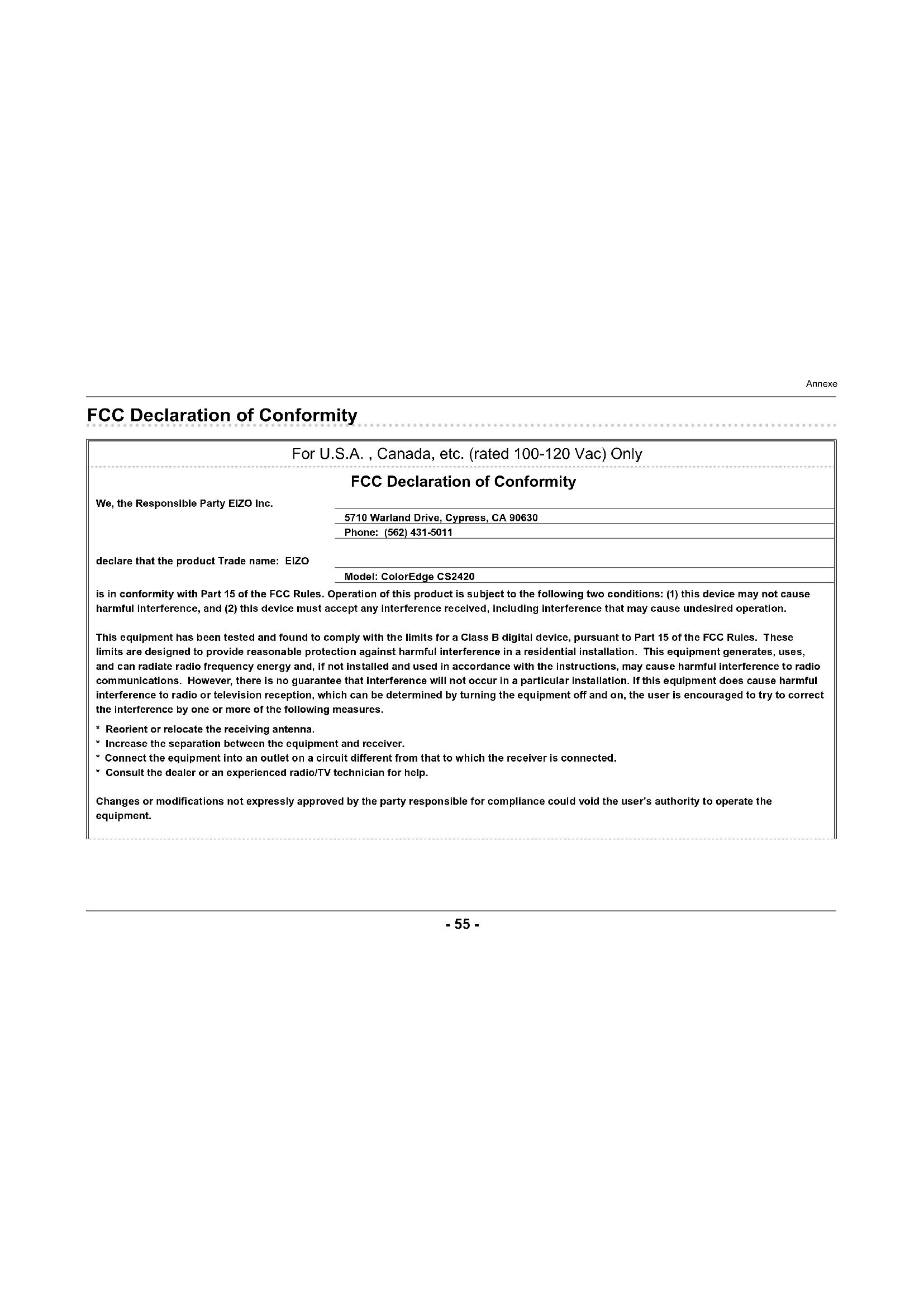
FCC Declaration of Conformity
| For U.S.A. , Canada, etc. (rated 100-120 Vac) Only | |
| FCC Declaration of Conformity | |
| We, the Responsible Party EIZO Inc. | 5710 Warland Drive, Cypress, CA 90630 |
| Phone: (562) 431-5011 | |
| declare that the product Trade name: EIZO | Model: ColorEdge CS2420 |
| is in conformity with Part 15 of the FCC Rules. Operation of this product is subject to the following two conditions: (1) this device may not cause harmful interference, and (2) this device must accept any interference received, including interference that may cause undesired operation. | |
| This equipment has been tested and found to comply with the limits for a Class B digital device, pursuant to Part 15 of the FCC Rules. These limits are designed to provide reasonable protection against harmful interference in a residential installation. This equipment generates, uses, and can radiate radio frequency energy and, if not installed and used in accordance with the instructions, may cause harmful interference to radio communications. However, there is no guarantee that interference will not occur in a particular installation. If this equipment does cause harmful interference to radio or television reception, which can be determined by turning the equipment off and on, the user is encouraged to try to correct the interference by one or more of the following measures.* Reorient or relocate the receiving antenna.* Increase the separation between the equipment and receiver.* Connect the equipment into an outlet on a circuit different from that to which the receiver is connected.* Consult the dealer or an experienced radio/TV technician for help. | |
| Changes or modifications not expressly approved by the party responsible for compliance could void the user's authority to operate the equipment. | |
Annexe
Note
Use the attached specified cable below or EIZO signal cable with this monitor so as to keep interference within the limits of a Class B digital device.
- AC Cord
- Shielded Signal Cable (enclosed)
Canadian Notice
This Class B digital apparatus complies with Canadian ICES-003.