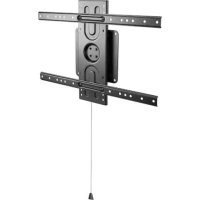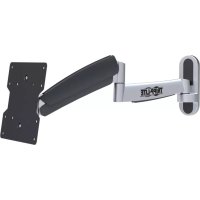
DWM1742S - TV wall mount Tripp Lite - Free user manual and instructions
Find the device manual for free DWM1742S Tripp Lite in PDF.


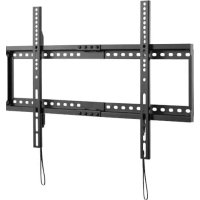
| Product Type | Wall mount for flat screen |
| Brand | Tripp Lite |
| Model | DWM1742S |
| VESA Compatibility | 100x100 to 400x400 mm |
| Material | Steel |
| Color | Black |
| Main Features | Tilt, swivel, extension, pivot, cable management |
| Tilt tension adjustment | Yes, via adjustment screws |
| Warranty | 5-year limited |
| Intended Use | Indoor only |
| Installation | On wood studs or solid concrete |
| Box Contents | Wall mount, VESA plate, M4/M5/M6/M8 screws, spacers, washers, concrete anchors, hex keys |
| Maintenance | Check safety every 3 months |
| Warning | Do not exceed specified maximum load capacity |
| Support | www.triplite.com/support |
Frequently Asked Questions - DWM1742S Tripp Lite
User questions about DWM1742S Tripp Lite
0 question about this device. Answer the ones you know or ask your own.
Ask a new question about this device
Download the instructions for your TV wall mount in PDF format for free! Find your manual DWM1742S - Tripp Lite and take your electronic device back in hand. On this page are published all the documents necessary for the use of your device. DWM1742S by Tripp Lite.
USER MANUAL DWM1742S Tripp Lite
Flat Screen Wall Mount
MODEL: DWM1742S

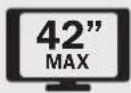
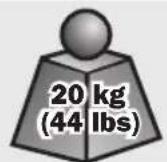
CAUTION: DO NOT EXCEED MAXIMUM LISTED WEIGHT CAPACITY. SERIOUS INJURY OR PROPERTY DAMAGE MAY OCCUR!

100x100
200x100
200x200
PROTECT YOUR INVESTMENT!
Register your product for quicker service and ultimate peace of mind.
You could also win an IS0BAR6ULTRA surge protector—a $50 value!
www.triplite.com/warranty


1111 W. 35th Street, Chicago, IL 60609 USA • www.triplite.com/support
Copyright © 2014 Tripp Lite. All rights reserved.

WARNING
- Do not begin the installation until you have read and understood the instructions and warnings contained in this manual. If you have any questions regarding any of the instructions or warnings, please visit www.triplite.com/support.
- This mounting bracket was designed to be installed and utilized ONLY as specified in this manual. Improper installation of this product may cause damage or serious injury.
- This product should only be installed by someone of good mechanical ability, with basic building experience and a full understanding of this instruction manual.
- Make sure that the mounting surface can safely support the combined load of the equipment and all attached hardware and components.
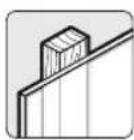
- If mounting to wood wall studs, make sure that mounting screws are anchored into the center of the studs. The use of a stud finder is highly recommended.
- Always use an assistant or mechanical lifting equipment to safely lift and position equipment.
- Tighten screws firmly, but do not over-tighten. Over-tightening can damage the items, greatly reducing their holding power.
- This product is intended for indoor use only. Using this product outdoors could lead to product failure and personal injury.
Warranty & Warranty Registration
5-Year Limited Warranty
Seller warrants this product, if used in accordance with all applicable instructions, to be free from original defects in material and workmanship for a period of 5 years from the date of initial purchase. If the product should prove defective in material or workmanship within that period, Seller will repair or replace the product, in its sole discretion.
THIS WARRANTY DOES NOT APPLY TO NORMAL WEAR OR TO DAMAGE RESULTING FROM ACCIDENT, MISUSE, ABUSE OR NEGLECT. SELLER MAKES NO EXPRESS WARRANTY OTHER THAN THE WARRANTY EXPRESSLY SET FORTH HEREIN. EXCEPT TO THE EXTENT PROHIBITED BY APPLICABLE LAW, ALL IMPLIED WARRANTYES, INCLUDING ALL WARRANTYES OF MERCHANTABILITY OR FITNESS, ARE LIMITED IN DURATION TO THE WARRANTY PERIOD SET FORTH ABOVE; AND THIS WARRANTY EXPRESSLY EXCULES ALL INCIDENTAL AND CONSEQUENTIAL DAMAGES. (Some states do not allow limitations on how long an implied warranty lasts, and some states do not allow the exclusion or limitation of incidental or consequential damages, so the above limitations or exclusions may not apply to you. This warranty gives you specific legal rights, and you may have other rights which vary from jurisdiction to jurisdiction).
WARNING: The individual user should take care to determine prior to use whether this device is suitable, adequate or safe for the use intended. Since individual applications are subject to great variation, the manufacturer makes no representation or warranty as to the suitability or fitness of these devices for any specific application.
WARRANTY REGISTRATION
Visit www.triplite.com/warranty today to register the warranty for your new Tripp Lite product. You'll be automatically entered into a drawing for a chance to win a FREE Tripp Lite product!*
- No purchase necessary. Void where prohibited. Some restrictions apply. See website for details.
Tripp Lite has a policy of continuous improvement. Specifications are subject to change without notice.
Component Checklist
IMPORTANT: Ensure that you have received all parts according to the component checklist prior to installing. If any parts are missing or faulty, visit www.triplite.com/support for service.
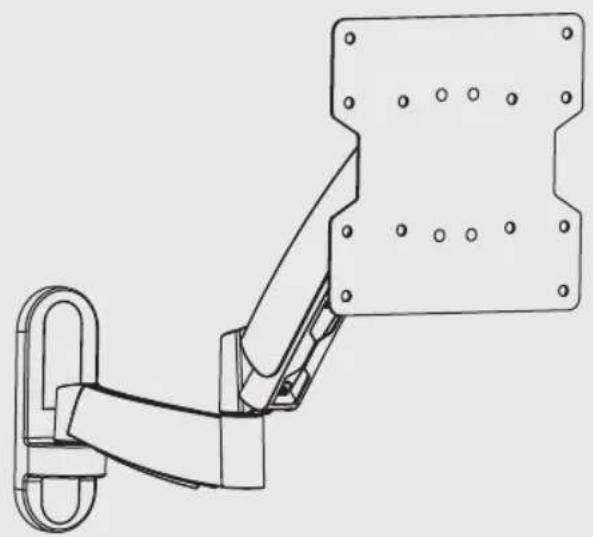
DWM1742S
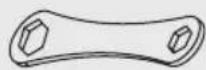
Wrench (x1)
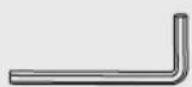
4mm Hex Key (x1)
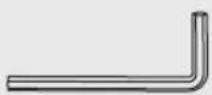
6mm Hex Key (x1)
Package M
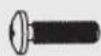
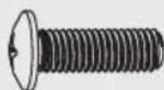
M4X14 (x4)
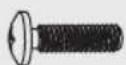
M5X14 (x4)
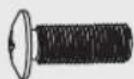
M6X14 (x4) M8X20 (x4)
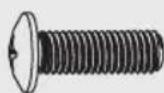

D5 Washer (x4)

D8 Washer (x4)

Small Spacer (x8)
Package W
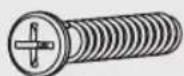
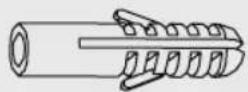
Anchor Bolt (x3) Concrete Anchor (x3)
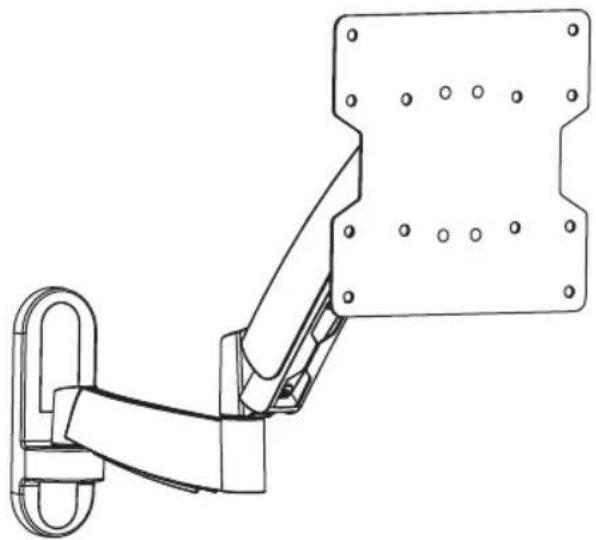
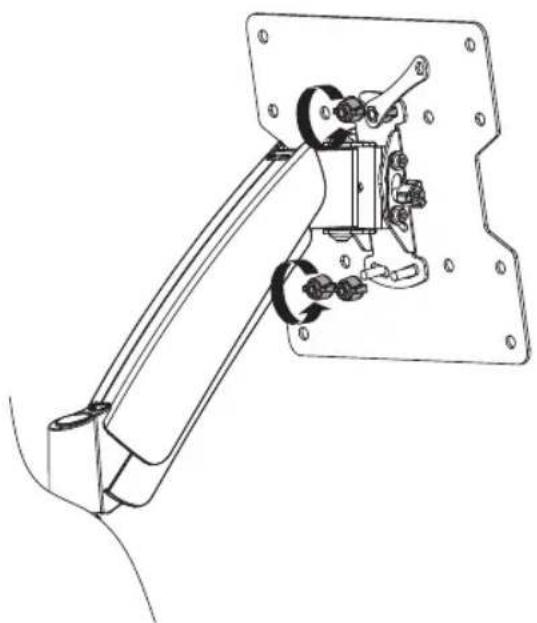
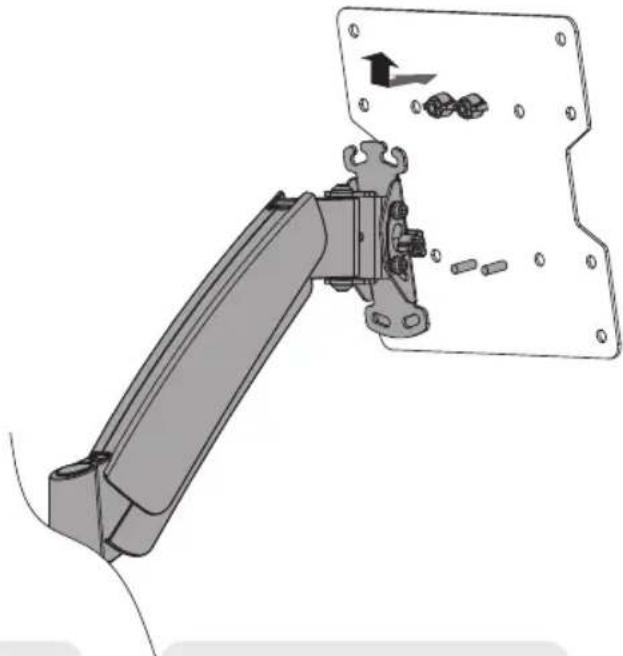
1. Separate VESA Plate from Wall Mount
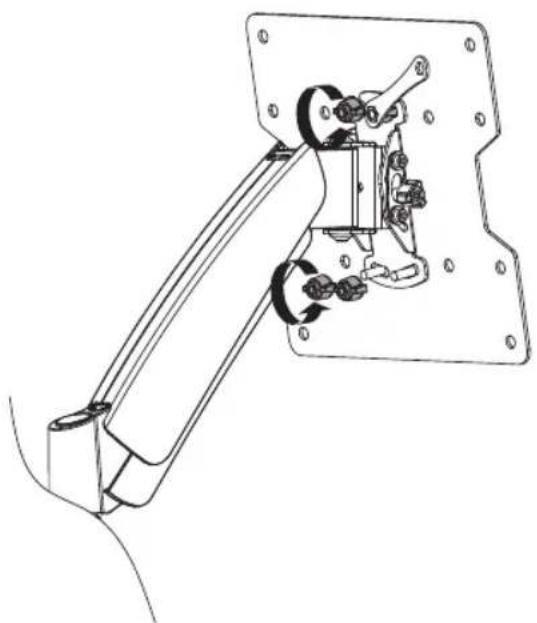
- Using the supplied wrench, loosen the two upper knobs
- Remove both lower knobs
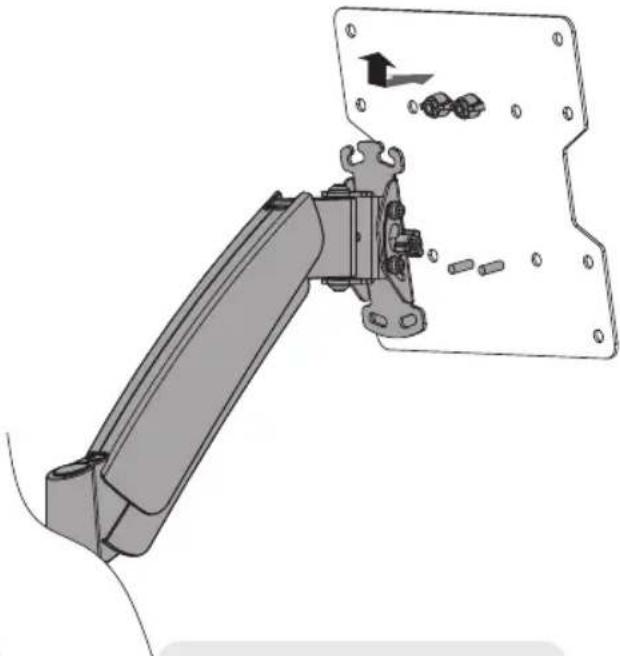
Remove VESA plate.
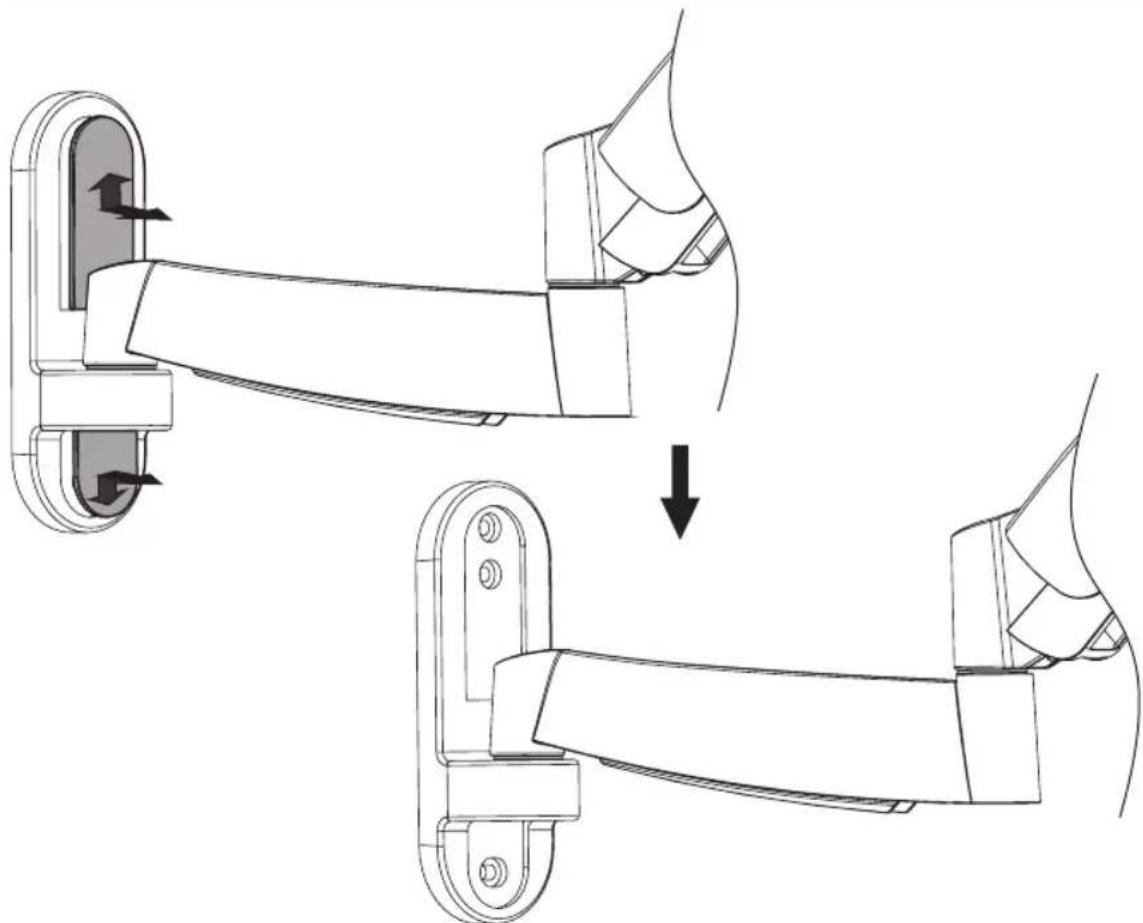
2. Remove the Decorative Covers
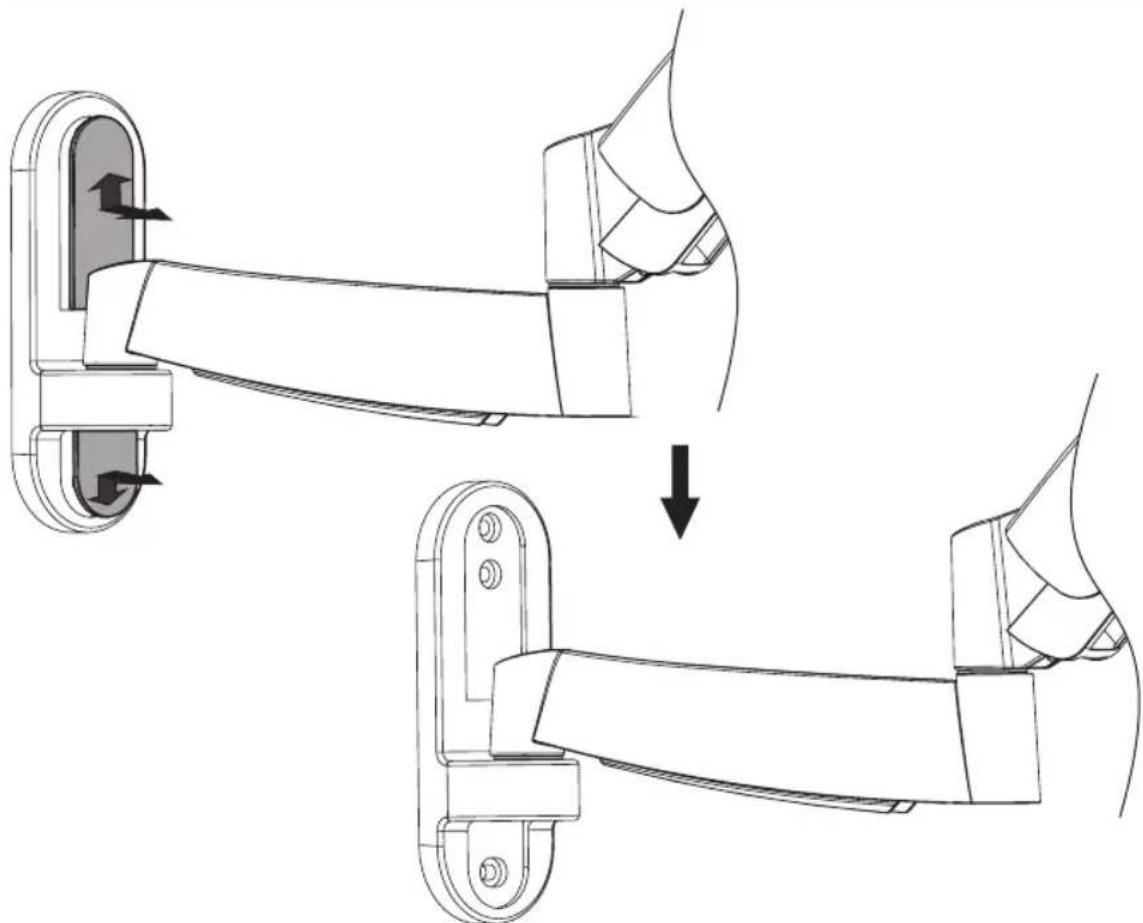
3a. Mount on Wood Stud Wall
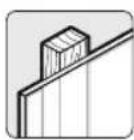
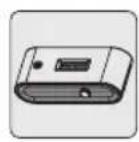
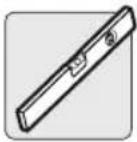
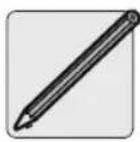
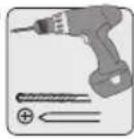
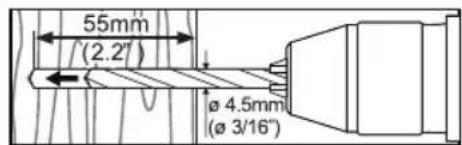
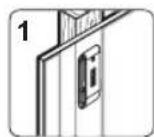
Find a wood stud location for mounting the wall mount
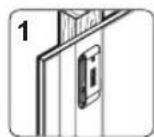
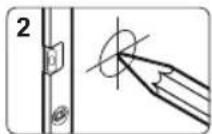
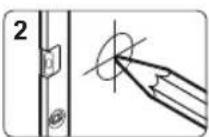
Mark the exact location of the mounting holes
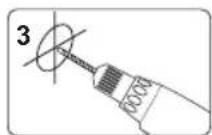
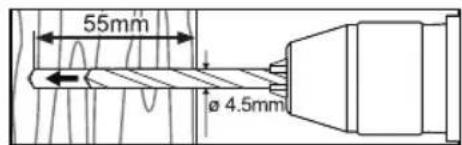
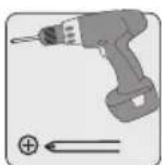
Drill pilot holes
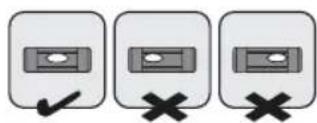

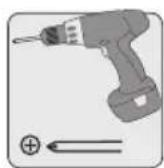
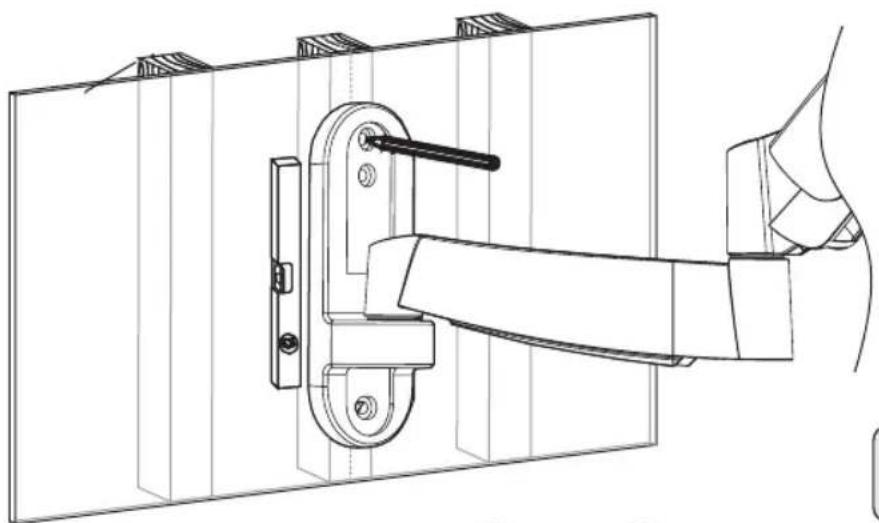
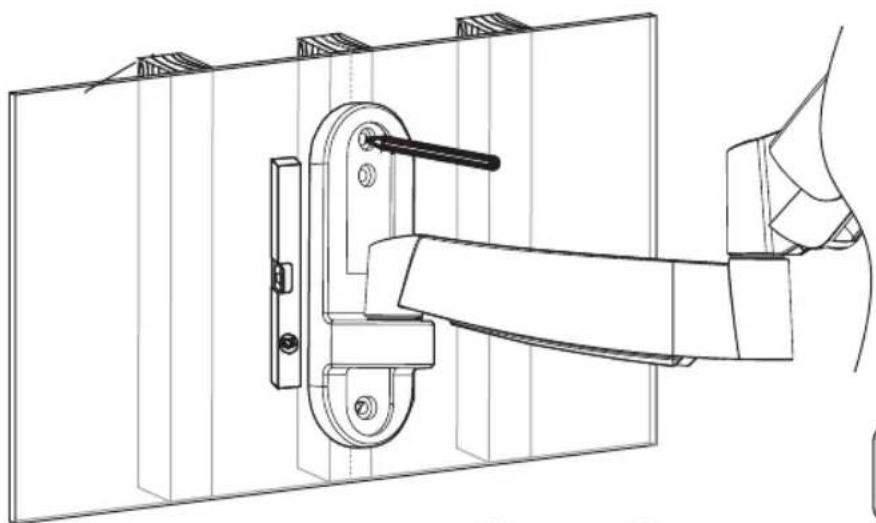
Screw the wall
mount onto
the wall

WARNING
- Make sure that mounting screws are anchored into the center of the studs. Use of a stud finder is highly recommended.
- Installers are responsible to provide hardware for other types of mounting situations.
- Installers must verify that the supporting surface will safely support the combined load of the equipment and all attached hardware and components.
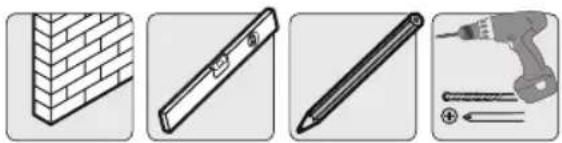
3b. Mount on Solid Brick and Concrete Block
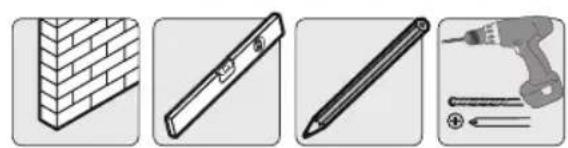
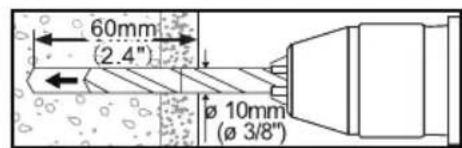
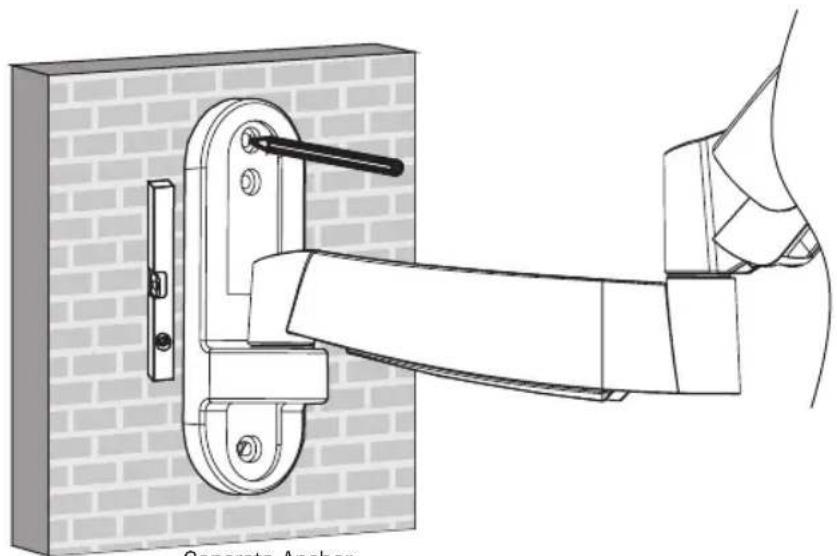
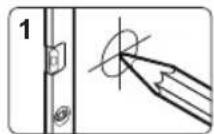
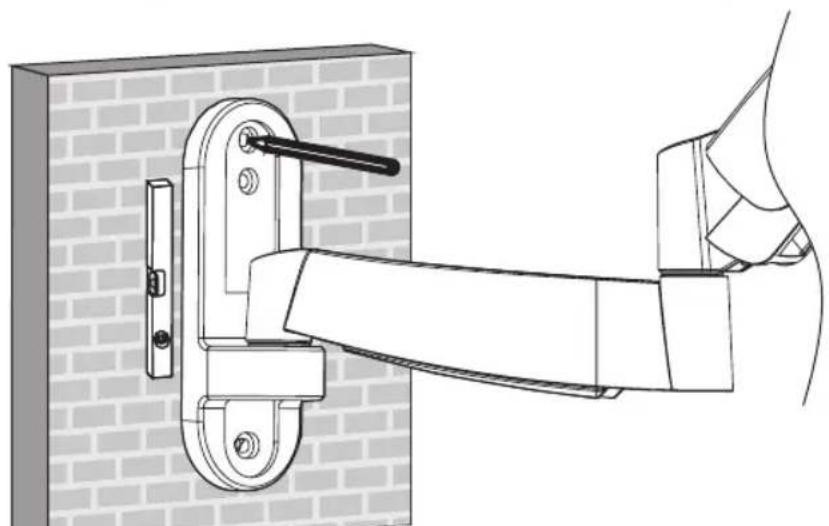
Find and mark the exact location of mounting holes
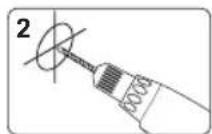
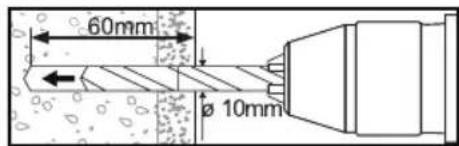
Drill pilot holes
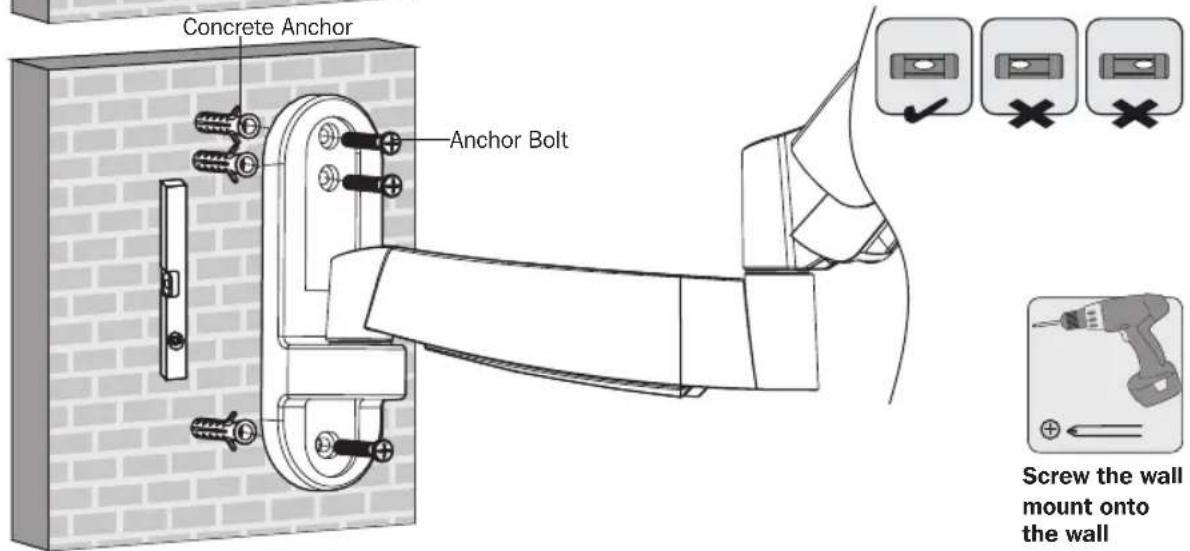

WARNING
- When installing wall mounts onto a concrete masonry unit (also known as a CMU or "cinder block"), verify that the actual concrete thickness is at least 35mm (1-3/8") in order to hold the concrete anchors. DO NOT DRILL INTO MORTAR JOINTS! Be sure to mount the wall mount with the included concrete anchors and anchor bolts onto solid sections of the blocks. The solid sections can generally be found 25mm (1") toward the middle of the block from either end. An electric drill on a slow setting is suggested to drill the hole rather than a hammer drill so as to avoid breaking out the back of the hole when entering a hollow section.
- Installers must verify that the supporting surface will safely support the combined load of the equipment and all attached hardware and components.
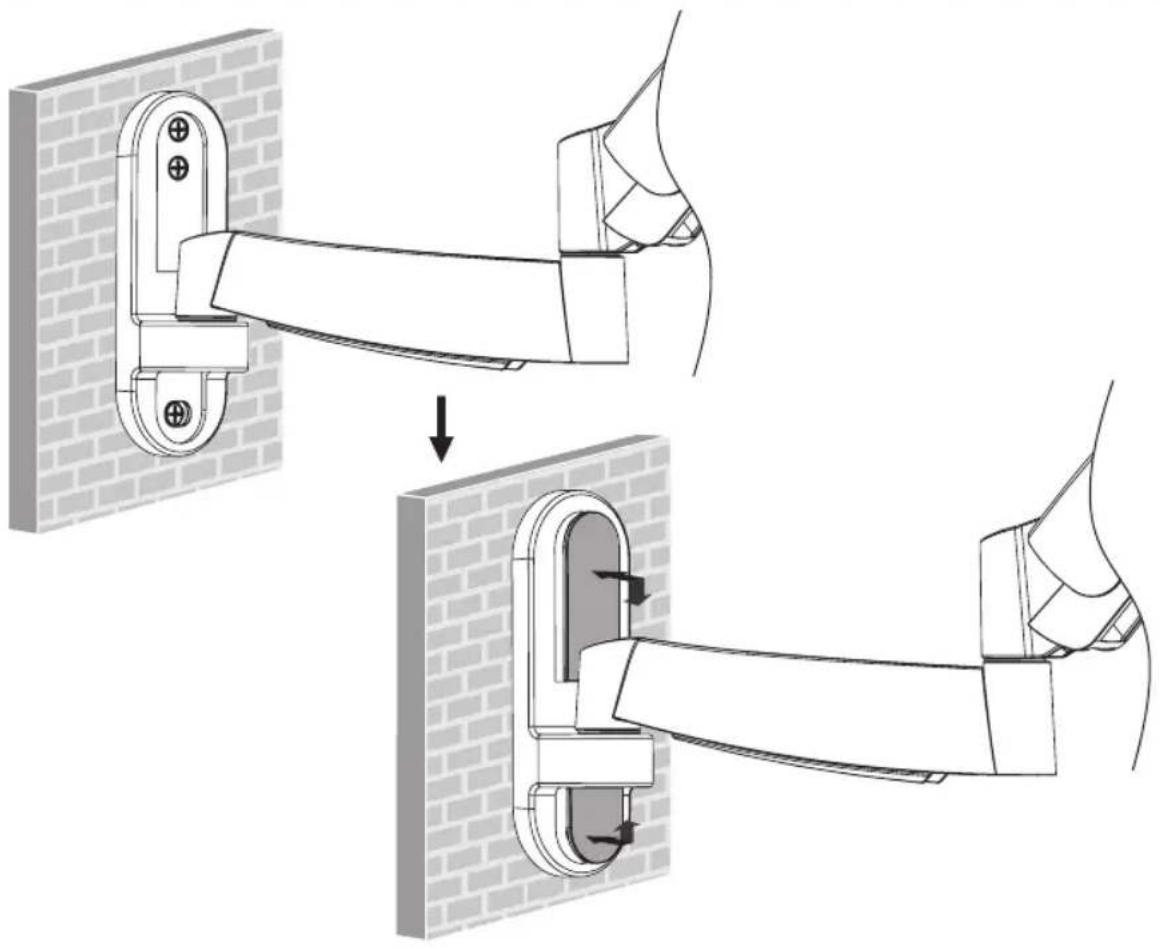
4. Install Decorative Covers
5. Install VESA Plate
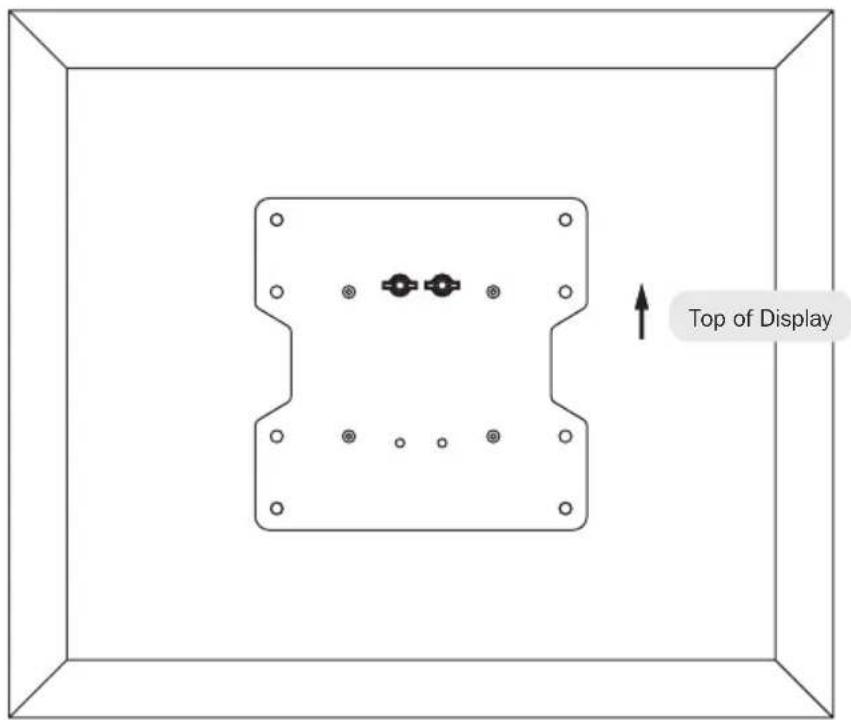
5. Install VESA Plate
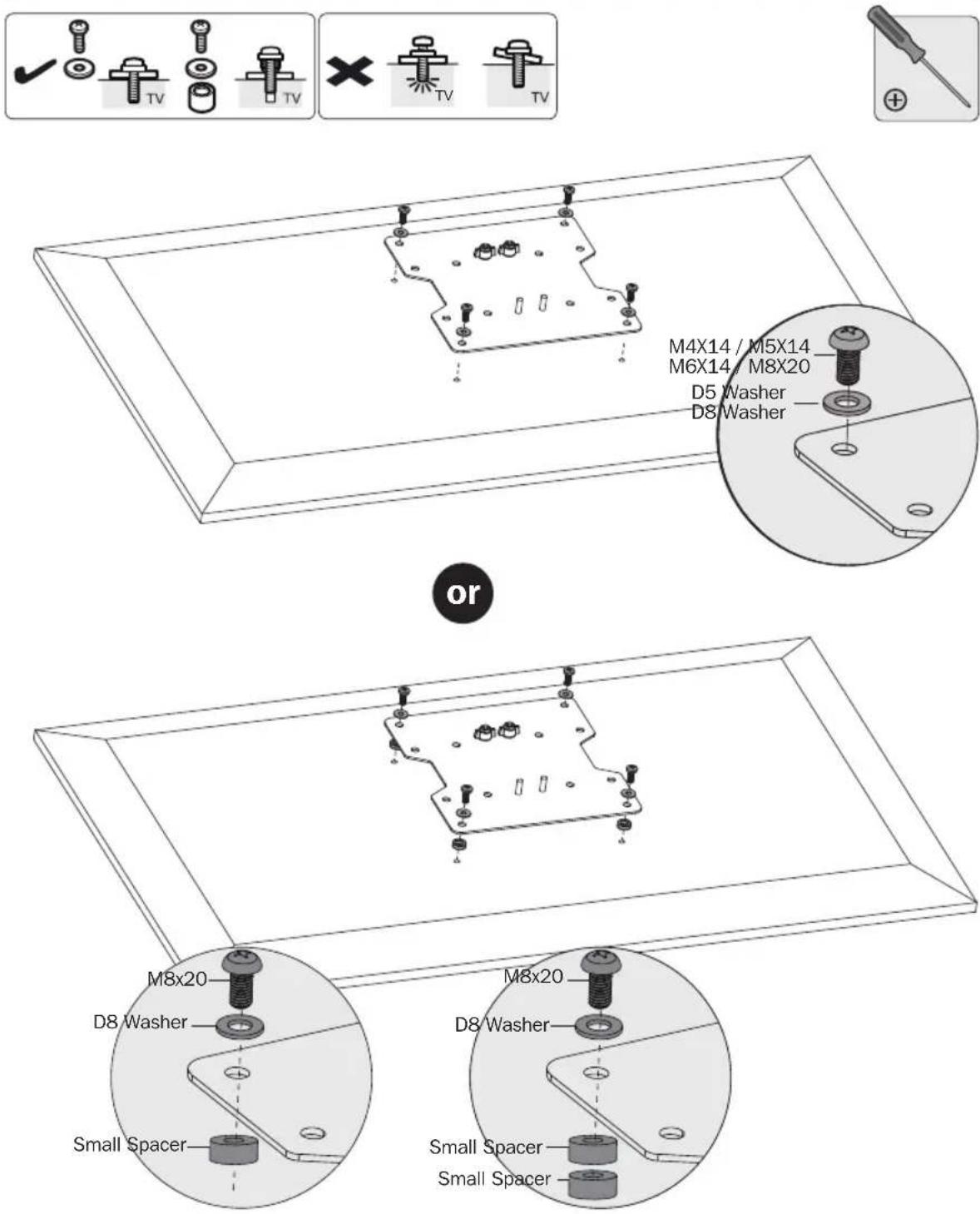
Note: Firmly secure the VESA plate to the display using the appropriate screws, washers and spacers (if necessary).

Do not over-tighten screws.
6. Hook the TV onto the Wall Mount
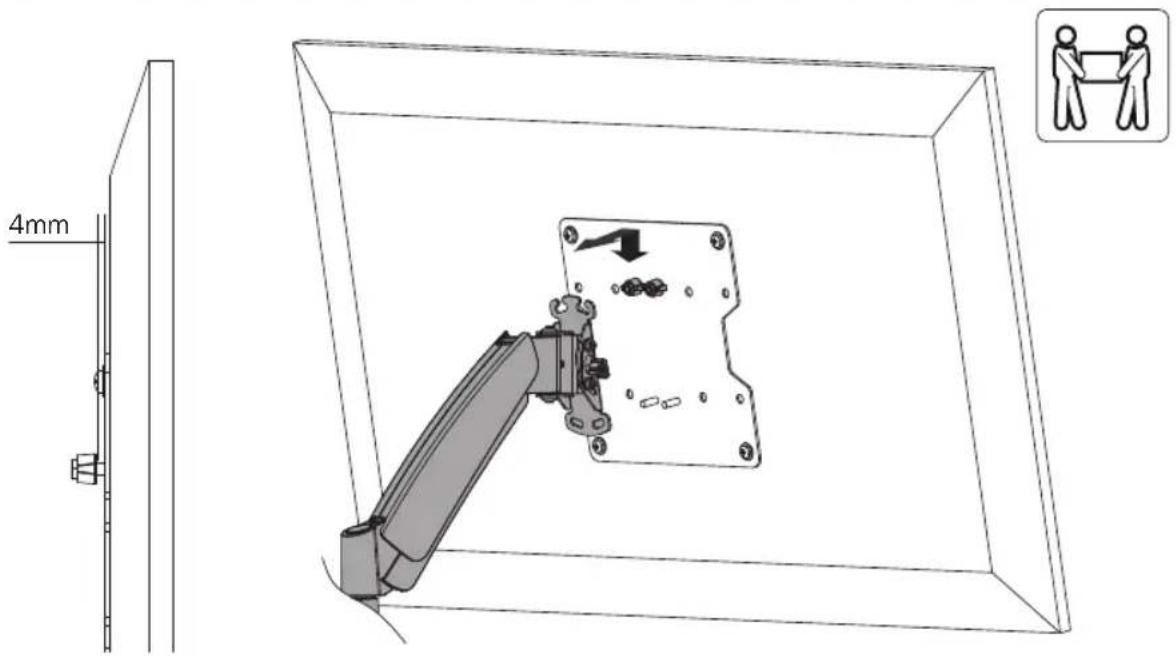
Using an assistant or mechanical lifting equipment, lift the display with attached VESA plate. Set the VESA plate's upper thumbscrews over the top flange of wall plate arm. Make sure the VESA plate's lower screws fit inside of the wall plate arm's lower hole.
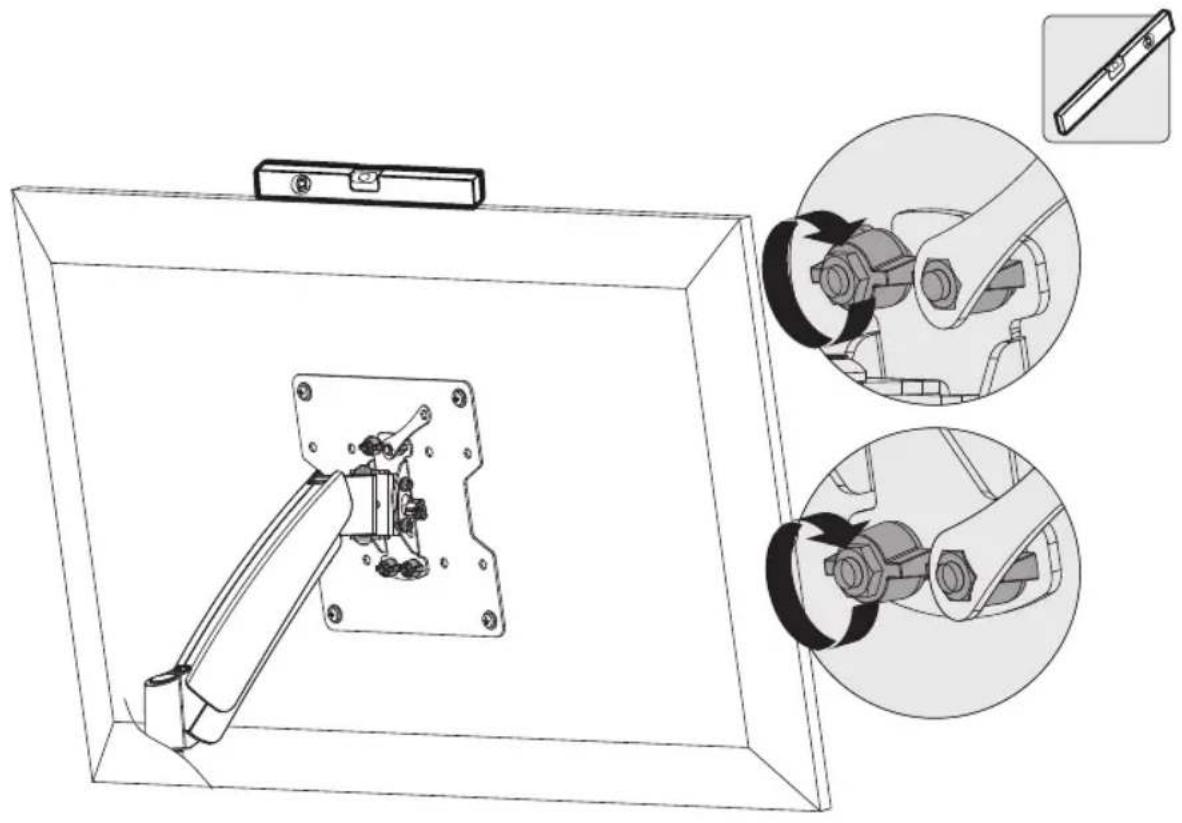
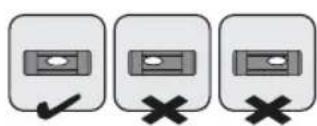
- Position a level on the horizontal and vertical sides of the display and adjust as needed.
- Reattach the lower knobs to the VESA mount (removed in step 1). Using the supplied wrench, tighten all upper- and lower-knobs.
7. Tension Adjustment
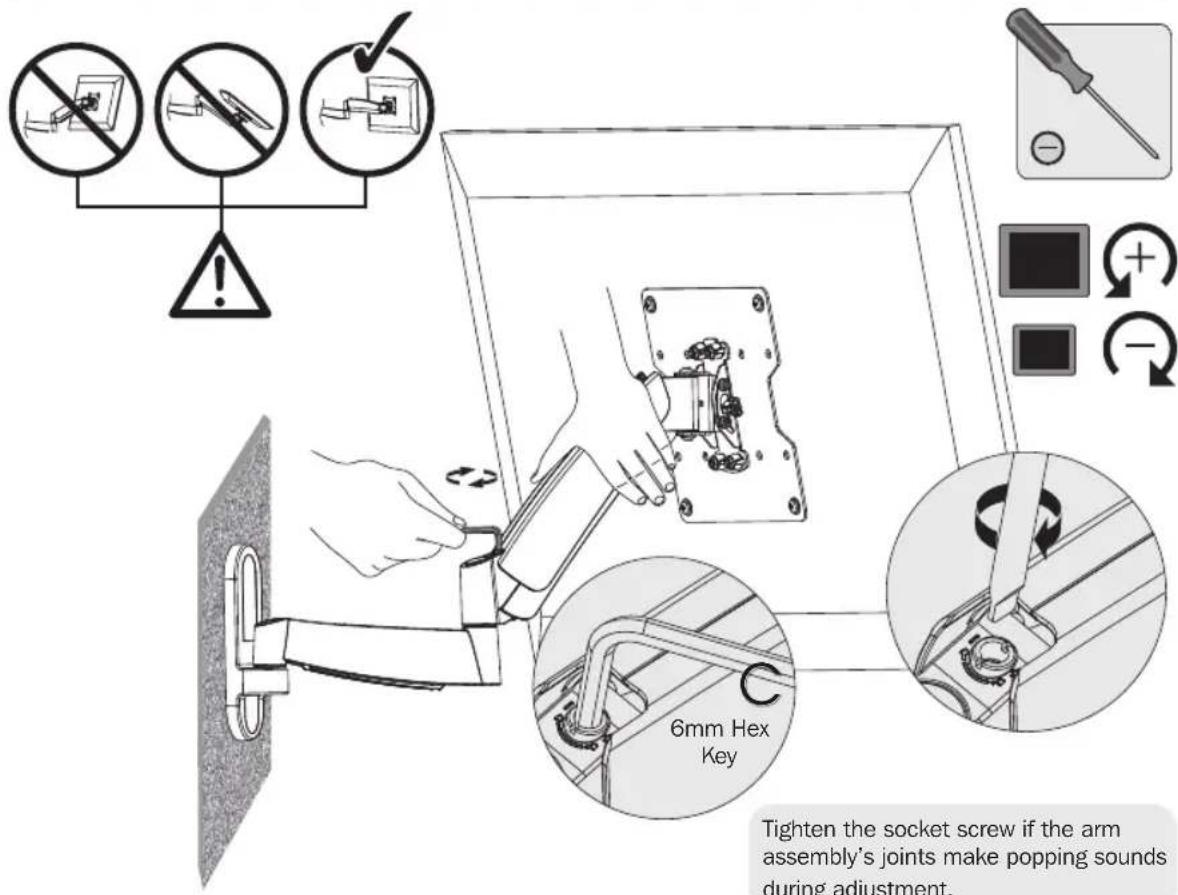
Keep the wall mount arm level during tension adjustment. You may need to slightly loosen or tighten the adjustment screw using the provided Hex Keys depending on the weight of display installed.
If display settles on its own, rotate adjustment screw towards the "+" symbol.
If display rises on its own, rotate adjustment screw towards the “-” symbol.
8. Cable Management
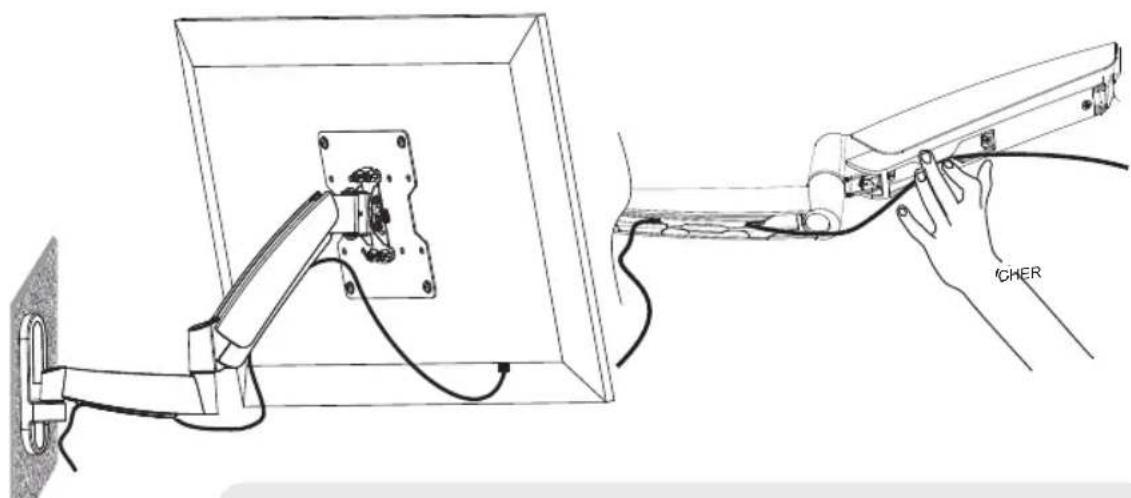
Connect the cables to the display, and press cable cover inward to route the cables through the space.
Note: Leave slack in cable for cantilever arm movement.
9. Adjustment
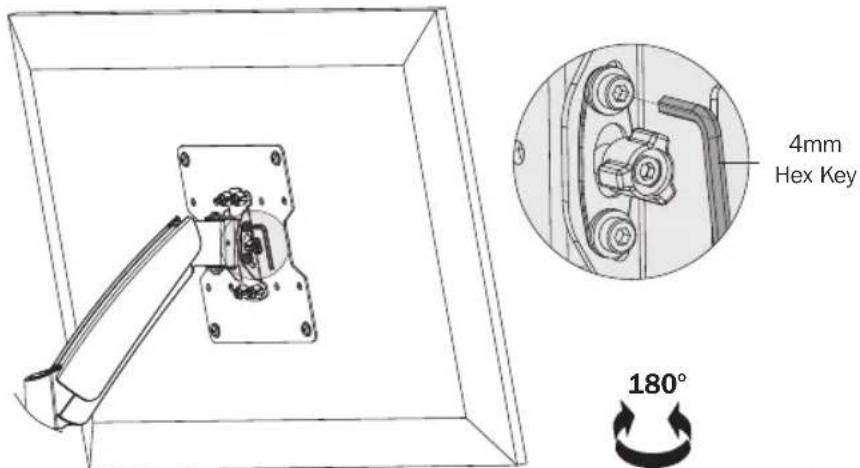
To correct the tilting angle, tighten the adjustment screws using the provided Hex Keys (or tighten the knob).
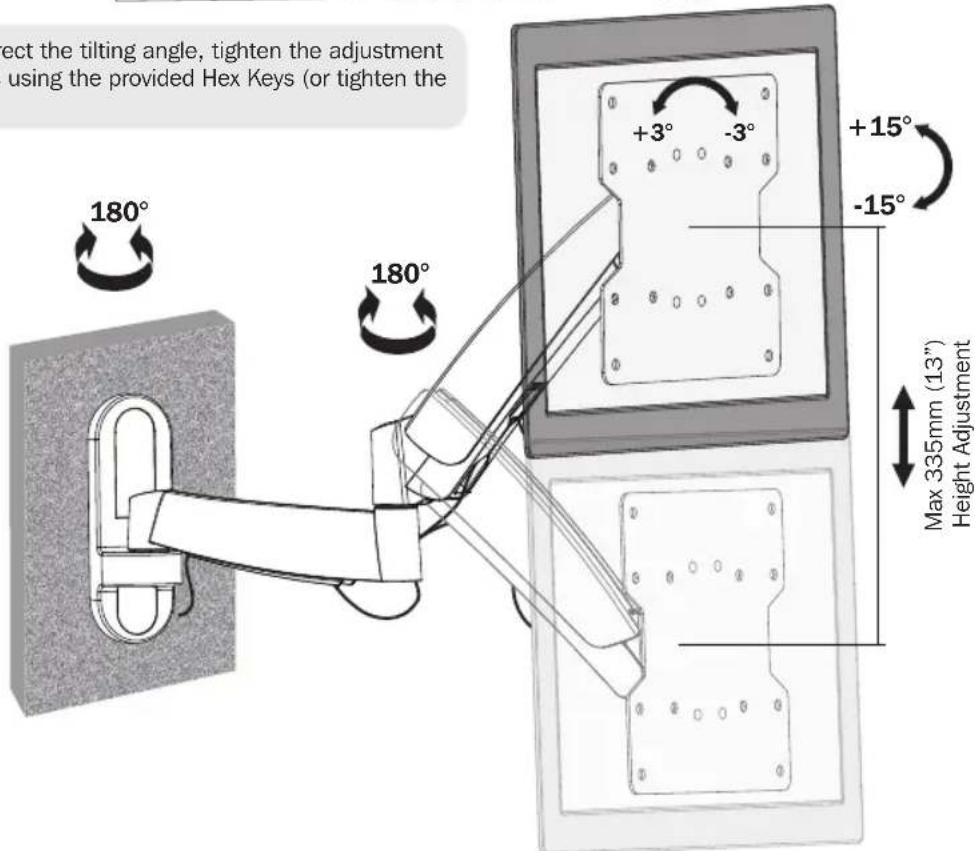
Adjust to the desired location or tilt.
Maintenance
- Check that the bracket is secure and safe to use at regular intervals (at least every three months).
- Please visit www.triplite.com/support if you have any questions.


Manufacturing Excellence
1111 W. 35th Street, Chicago, IL 60609 USA • www.triplite.com/support
100x100
200x100
200x200
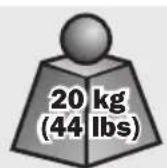
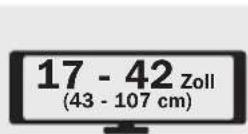
17 - 42pulg.

1111 W. 35th Street, Chicago, IL 60609 USA • www.triplite.com/support
1111 W. 35th Street, Chicago, IL 60609 USA • www.triplite.com/support
100x100
200x100
200x200


1111 W. 35th Street, Chicago, IL 60609 USA • www.triplite.com/support
1111 W. 35th Street, Chicago, IL 60609 USA • www.triplite.com/support
PykoBODCTBO NOIb3OBaTeJia
100x100
200x100
200x200




1111 W. 35th Street, Chicago, IL 60609 USA • www.triplite.com/support
OxpanheTcA BTOPCKIM npabOM © 2014 Tripp Lite. Nepeneuatka 3anpeuaeTc.
PnmeAHNE. Peped nauJOM yCTaHOBKn i c6OpKn MoUyIe BNMaTeNbHO n3yUHTe Bce pa3JeBbI pyKOBOcTBA.

BHIMAHNE
He naHnHaTe yctaHObky Do Tex nop, noka He 03HaKOMTecb Co BCEMn yKa3aHnMaN IN npedynpejckdeHnAIMN, n3IOxKeHHbIMN B HAcTOIeM pyKOBOdCTBe, n HE nOIMTe INxCMBICN. B cnyae Bo3HnKHObeHnY bac KaKnx-Im6 BONPocOB OTHCntBHO IIO6bIX yKa3aHn INnpedynpejckdeHn INpIRNaJaaem Bac NocETNb CTpaHnCy www.triplite.com/support.
3TOT MOHTaXHbI KPOHHTeH npeHa3HaueH dJa yCTaHOBKn HcNoIb3ObaHnra TOJbKO B COOTBETCTBn C yKa3aHnA Mn, N3IOKeHHbIMn B HAcToIeM pyKoBOdCTBe. HenpaBnBna YCTaHOBka DaHHoro MoyIЯ MoXeT pNBeCTn K npuHHeHIO MaTePnaJIbHorO yUep6a nn CyUeCTBeHHoro BpeDa 3DOpOBbI JIOdeI.
- YctaHOBka DaHHoro N3dEJINa DoJXHa IpON3BOIHTbcr TOnbKO CneUaJIcTOM C DOCTaTOHOr TexHnuecko KBaINΦKnaCme N 6a3OBbIMN HABbIKAMN CTPOITbCTBa, B NOHOr Mepe NOHMaIOUm CMbICn INΦOpMauN, N3INOKeHHoB HAcTOnAeM pyKOBoDCTBe.
- Y6eIITecb B TOM,чTo MOHTaXHЯ NOBepxHocTb MoXeT C 3anacOM BblepKnBaTb cyMMapHyIO Harpy3Ky, CO3daBaemYIOOBOpYIOBaHNEM IN BCEMN BXODaIIMN B KOMJIeKT DeTaJIaMn OChACTKn IN DpyIMN KOMNoHErTaMn.
B Cnyuae MoHTaKa c KpeHneHem K DepeBHHbIM 3JemeHTam CTeHOBO r Kapkaca CJeNyET oBeceNeHT b BepTbBaHHe KpeNExHBx BNHTOB NO CEHTpy TaKnx 3JemeHTOB. B 3Tom Cnyuae peKomeHdyETcN0JIb3OBAHne DeTeKTopa HeoDHOpOndocTei.
- ⅡЯ 6e3oNaCHO rnoIbema nHaJIeKaIero pa3MeIeHnO bOpyIOBaHnO6ra3aTeIbHO 6paauTecb 3a IOMouBIO nII NIOJIb3yITecb MExaHNeCKIMrpy30NObEMHbIMcpeIcTBAMN.
BnHTbI cneDyET 3aTnBaTb NIOTHO, HO He nepetraBaaN. IpepTaBHaHne MoKet npuBeCTn K NOBpeXeHHIO KpeENXbIX DeTaN, YTO 3HaunTeNbHO yxuDnT pOuyHocTb KpenJeHHa.
-Данhoeи3dennepedha3auehoIЯncnoB3OBAHnTObkoB3akpbItbIX NOMEeHnX. IcnoIb3OBAHnE daHHoro n3dennHa OTKpbTOM BO3dyxe MoKet npNBecTN K erO BbIXoYn3 CTporn npuHHeHIO Bpea 3doopBBIO JIOdei.
TapaHTHbIe 063aTeJIbCTBa
YcIOBnA 5-NetHeN orOpaHnueHNo rapaHTn
IpoaBeu rapaHTnpyET OTCYCTBne H3HauJIbHbIX DepeKTOB MaTePmAna INN IN3rOToBNeHn B TeeHHe 5 NeT C MOnEHa TepBOI NOKyIKN DaHHORIO hENI Pn yCNOBHN ERO IcNoJIb3OBAHn B COOTBETCTBN CO BCEM NpIMeHMbIMN K Hemy YkA3aHnMI.
B cnuyae npoBneHn KaKx-1n6 DoeEKTOB MaTePnana nn 3roTOBHeNn B TeeHnue yKa3aHnOre nepnoa PpOdaee Ocyuectbner peMOHT nIN 3aMeHy DaHORo N3dHnue NCKIOHTeBHO NO CBOemy yCMOTpeHNO.
DEICTBIE HACTOUIE IAPAHNTIN HE PACNPOCTPAHRETCA HA CUYAEN ECTECTBEHHORO N3HOCA INIIOBPEKJDEHNI B PE3YJIbTATE ABAPIN, HEHAJIEXKAUETO NCNOJB3OBAHNIA, HAPUWEHNA PPABIN 3KCNPIYATAUNININXXIATHOCTNI. PPOADBUEHC I PNEIOCTABJREH NKAKNX RBHO BbIPAXEHHBIX TAPAHNT 3A NICKLIQUEHNEMPPRMO N3JIOXEHNO B HACTOUIEM DOKYMEHE.TA NCKLIQUEHNEMCILYAAEB, 3ANPEUEHBX DEICTBYIOUM3AKOHODATEJBCTBOM, BCE IODPA3YMMEBAEMbIE TAPAHNTIN, BKIOUAYBCE TAPAHNTIN INPINOHOCTIN INIPODAJKN INI INCNOJB3OBAHNIO HA3HAUEHNIO, OPGAHUEHBI NO IPODOJIKITEHBOCHT IN DEICTBIBBbIeYKA3AHBBIM TAPAHNTINHBIM CPOKOM; KOME TOFO, IN3 HACTOUIE TAPAHNTIN RBBHM OBPA3OMNCKIIOUACOTcBCE N05OuHbIE, CUYAAHNBIE IN KOCBEHNBE YbItTKN. (B HeKOTOpbx Wtatax He donyckaetcBBeHeNEOrpAHueHnHa npdoJIKTeNbOCTb DeiCTBnTex ININhIx Npda3ymEBAeMbIX rapaHTN, a B HeKOTOpbx - NCKLIQUEHNEINOrpAHueHne pa3Mepa N6oOHybIX INI KocBHeHbIX ybItkOB. B 3TNX CUYaAx BIIeHN3IOKeHHbIe OrpAHueHn ININckIOUeHmN MOnrT Ha Bac He paoctpaHantbcra. Hactoiaa rapaHTN ppeoCTabnert Bam KOHKPeTHbIe knpduneckne npaba, a habop dpynxBaWix npab MoKET 6bITb pa3InuHBM 3aBvncnMoCTn OT JOpNCnUn).
BHIMAHIE! Do hauana nCnONb3OBaHIN DaHHORO yCTpOCTBa nonb3OBaTeNb DOJIXeY6eIITBC B TOM, YTO OHO RAETC npiroDhbim, COOTBcTCTBYUOM INN 6E3ONACbHM DnA PpeDNONARaEMORnpIMHeHIN. B CBAIN C 60JIbWM PA3Hoo6pa3NIEM KOHPetbIX npIMHeHIN npOn3BOJnteHb He daet KAKNX-Ni6o 3aBepeHIN INN rapaHTN OTHCOnTEbNO npiroDHO TDAHHbIX N3DeNJn DnKAKOro-Ni6o KOHPetHO pIMHeHIN INN INX COOTBcTCTBNA KAKM-Ni6o KOHKPeTHbIM TpeBOAHm.
KoMaHn Tripp Lite noCToHHo COBepueHCTByET CBOIO npOyKuHO. B CBA3N C 3TNM BO3MOXHO 3MeHeHne TexHuecknx XapakTePcTnK 6e3 npEdbapntelbHoro yBeOMnHnI.
IpeueHb KOMnJIeKtauIN
BHIMAHHE!
Ipeud Hauanom yctaHOBk y6eHTecb B TOM, YTO BAMN NOJyuehbl BCE Detaunn cornacho nepeuHIO kOMnneKtaun. B cnyae oTcYCTBn nn nobpejckdHn KaKx- nlo deTaleen obpaTntecb 3a nomouho Ha ctpaHnuy www.triplite.com/support.
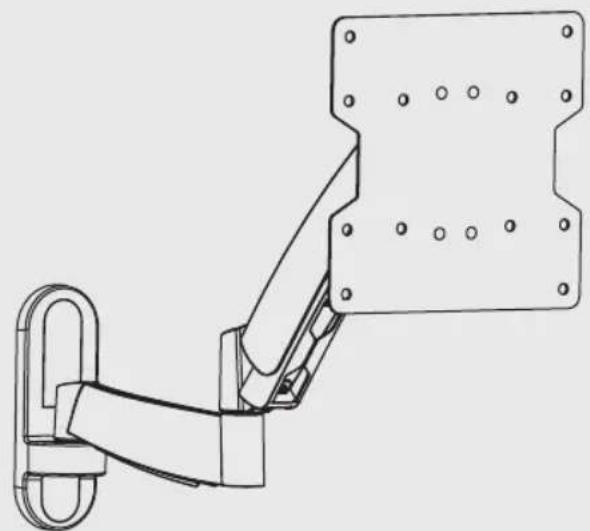
DWM1742S
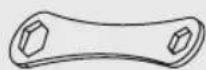
TaeuHbKnIOU (1wT.)
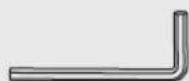
JectnrgpaHHbI KINH4 MM (1Wt.)

JecntrpaHHbI KINH 6 MM (1Wt.)
YnakoBoHyBkOMnJIeKrM
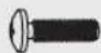
M4X14 (4 wT.)
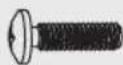
M5X14 (4 wt.)
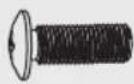
M6X14 (4 wt.) M8X20 (4 wt.)
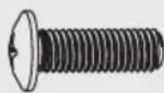

Manay npocTabka (8 wt.)

山a6aD5(4wT.)

Wai6a D8 (4 wt.)

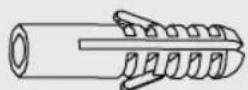
AnkepHb60T(3wT.) AnKePdIg 6eToHa (3 wT.)
1.Отдени пл actину VESA ot hacteHHoro kpoHHTeHa
- Pn NOMOUI KJIIOUa, BxOJaIeR O KOMJIeKt, Ocna6bTe DBe BepXHne peryNIpOBOuHbIe rONOBKn
BbIeBHnTe o6e HIXHHe peryNipOBOChIbe roJIOBKN
CHINMITEIJIACTUYVESA.
2. BbInbTe deKopaTnBHbIe 3aRnyuKn
3a. KpenenneK cTeHe C depeBHHbIM KapKaCOM
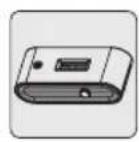
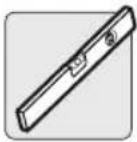
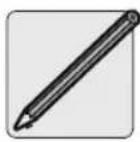
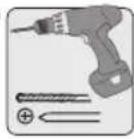
OpeneIte MeCToNOJIOXKeHne 3NeMeHTOB DepeBraHHoro Kapkaca Ia KpennHeHn HAcTeHHoro KPOHtTeHa
OnpeDenTe npa3MeTbTe TOHoe MecToNOJoxeHne MOHTaXhBIX OTBepCTn
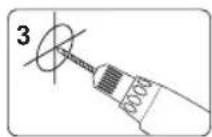
BbCBePnHe HAnpaBnHouune OTBepCTna
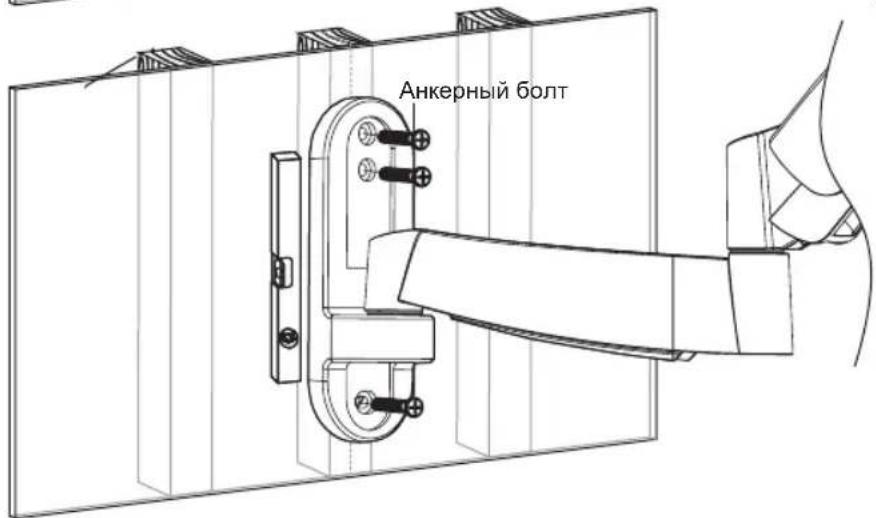
PpBnHTne KpeNExHyIO nactnHyKCTeHe

BHIMAHNE
Heo6xOIMO o6ecneHTb BBePTbIBaHnE KpeTExHBIX BNHTOB no ueHTpy 3IeMeHTOB kApkaca. C 3Toi TELbIO HAcTOrTeJIbHO peKOMeHNyETcA NcNOJIb3OBaHnE DeTEKTOpa HeoDHopoDHOCTeN.
- OTBeTcBeHHocTh 3a o6eCneHHe NODXoJaUe KpeNExHO OChAcTKn IJRApyrNX CnOco6OB MOHTaKa BO3JIarAeTcRa H yCTaHOBuKHa.
- UctaHOBzuk ob3ah y6eDntbC B TOM, YTO ONOPHaN NOBepxHOCTb C 3aIacOM BblpejXIT CyMMapHyo HArpy3ky, Co3daBaemyoO6OpyIOBaHnEM N BCEM N BXODaUMN B KOMIIeK T DeTaJIaM N OCHACTKN I DpyIMN KOMNoHEHTaMI.
3b. KpenenneK cnIooHomy Knpnuy nnn 6eToHHomy 6noKy
Pa3MeTbTe ToUHoe MecToNOJIOXKeHne MOHTaXhBIX OTBepCTn
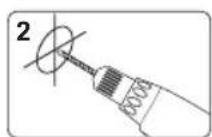
BbCBePnTe HappaNooune OTBepctna
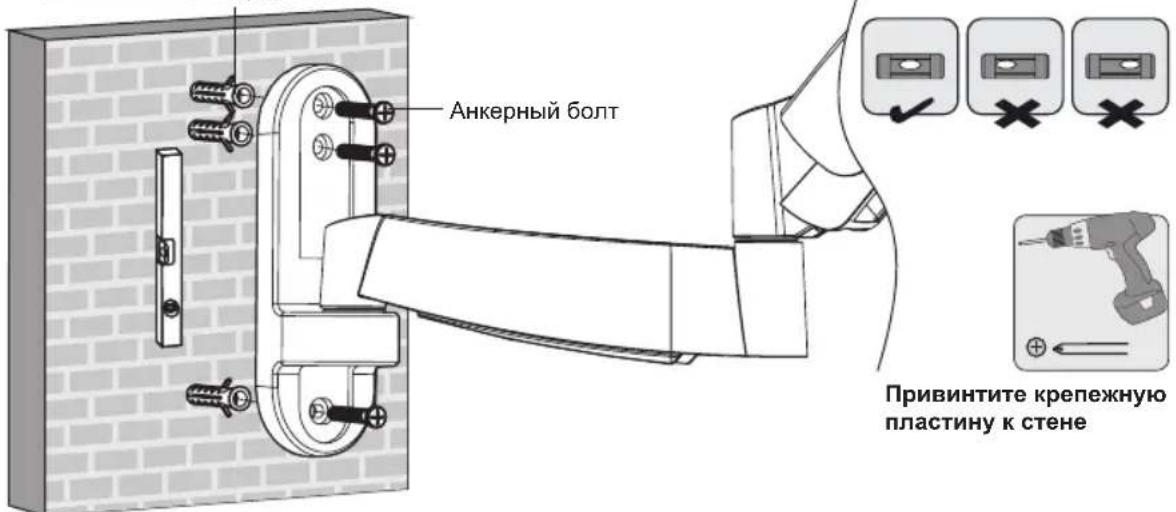
Ankep dny beToHa

BHIMAHNE
- Пи мотхе HabTeHHbIX KpoHHTeHOB Ha 6eToHHbI CTpOHTeHbI 6JOK (n3BecTHbI TAKKe kak BC5 nII "шнakobetOnHHbI 6JOK") y6eHITeCb B TOM, YTO pKaTNUeCKa TOnUHna 6eToHa COCTaBnEET He MeHee 35 MM C ueMbIO o6ecneYehn HAnLHexauey HfKcAun AnKepoB dJa 6eToHa. He BbICBepNBAite OTBepCTnB Wbax, 3aONHeHHbIX CTpOTeHBIM pAcTBOPOM! KpoHtTeH dJI HACTeHHOro MOHTaX O63aTeNbHO CNEdyET MOHTPOBaTb C NOMUbIO NOCTaBnEMLBIX B KOMJIeKTE C Hm anKepoB dJa 6eToHa n anKepHbIX 6oTTOB B cNLOuHbIX qactx 6JOKOB. CnlouHbIe qactn OBtuHO hXoJrTaHa paCCToHn 25 MM ot IIOBOrO u3 KpaEB 6JIOka K erO ueTppy. Bo n36exAHme pa3pyeHn 3aHEn CTeHNi OTBepCTnPn Pn ONaDaHn CBepNa B NoJyU qactb, DnA BbICBepNBAHn OTBepCTn peKoMeHdyETcNcNoIb3OaTb 3JIeKtpueeCKyU dpelb Ha MaIoN CKopocTn BpaJeHn BMEcTO nepΦopatopa.
- YctahOBUHK 683aH y6eINbC B TOM, yTO ONOPHAR NOBepxHOCTb C 3aTnACOM BByIepXHT CyMMapHyO Harpy3ky, co3daBaemyo 60pdyOBaHmE N BCEMN BXODAUMM B KOMNIeKT DeTaJAMM OCHACTKN I DpyTNMI KOMNOHEHTaM.
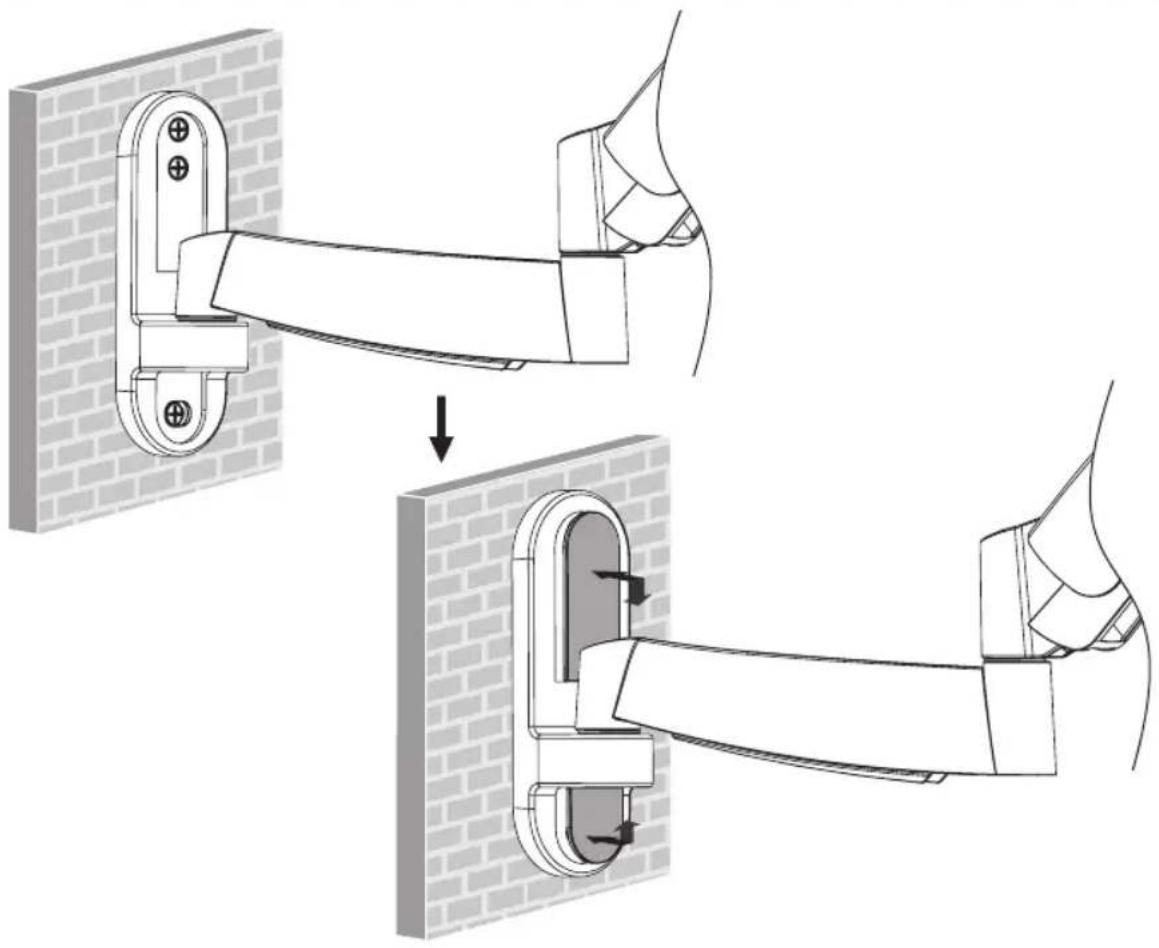
4. YctaHOBNTe Ha MeCTO DeKOpATNBHbIe 3aRnyuKN
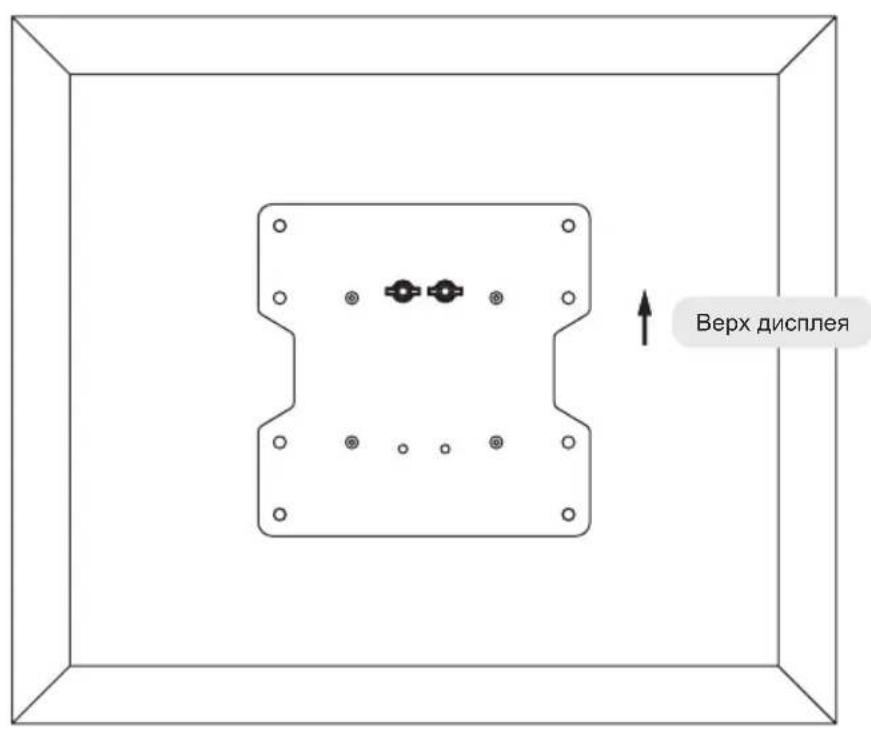
5. YctaHOBNTe Ha MecTo pIaCTnHy VESA
5. YctaHOBNTe Ha MecTo nlaCTnHy VESA
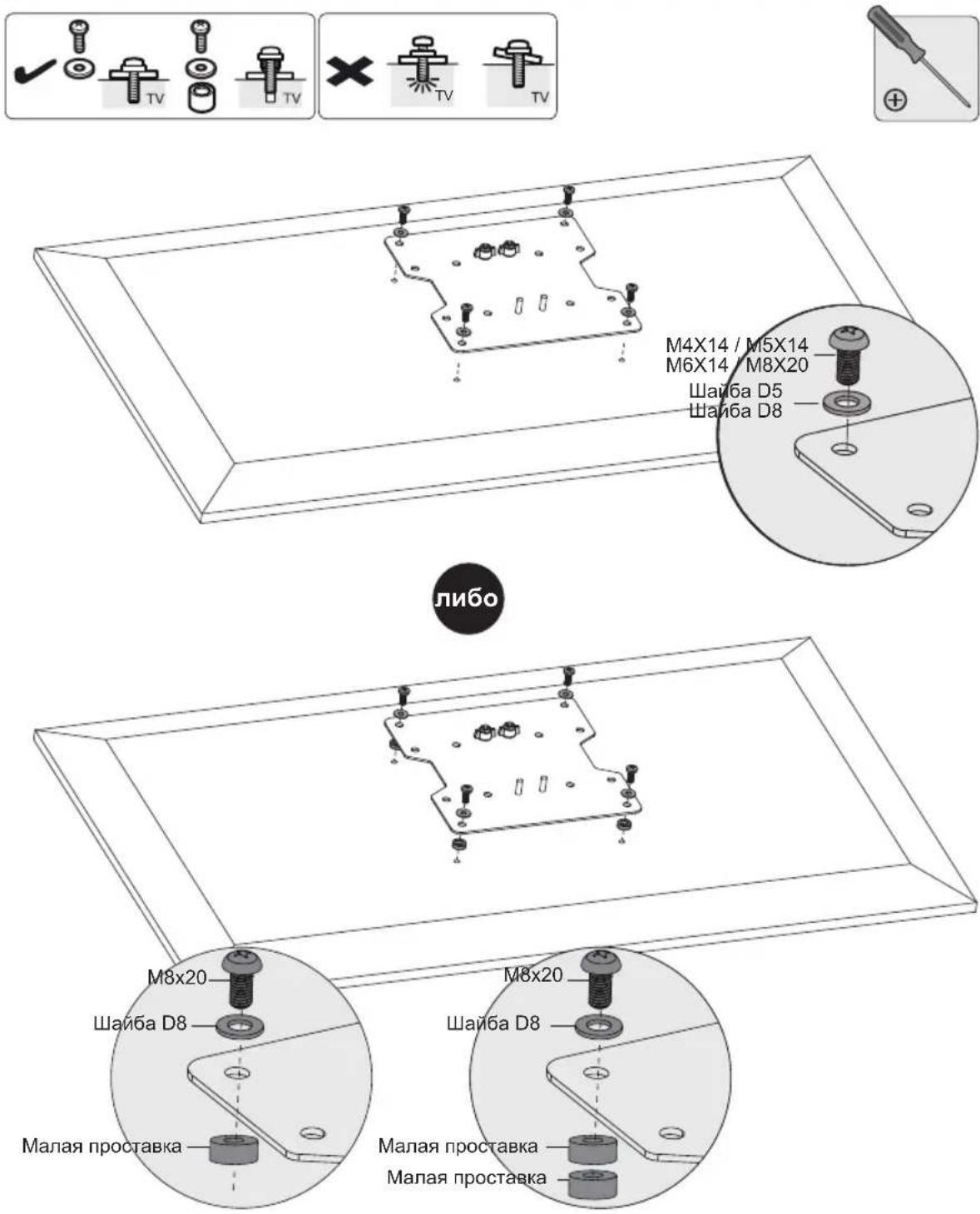
PnmeaHne. IIOTHo npKpeNte nactHy VESA K dncnleio c nCNOb3OBAHNEM COOTBeTCTBYUxBnHTOB, 7ain6 n pacnopok (pnp Heo6xoDMOCtN).

He nepetraBnTe BnHTbl.
IINKOPpeKTnPOBKNyTnaHakNoHa3aTnHTe peYnnpOBOUHbIE BnHTbIC NOMOuBHO WeCTnPaHHbIXKnHouEn,NOCTabJIReMbIX B KOMNKeTe (INN 3aTnHtE peYnnpOBOHyTO ROnOBKy).
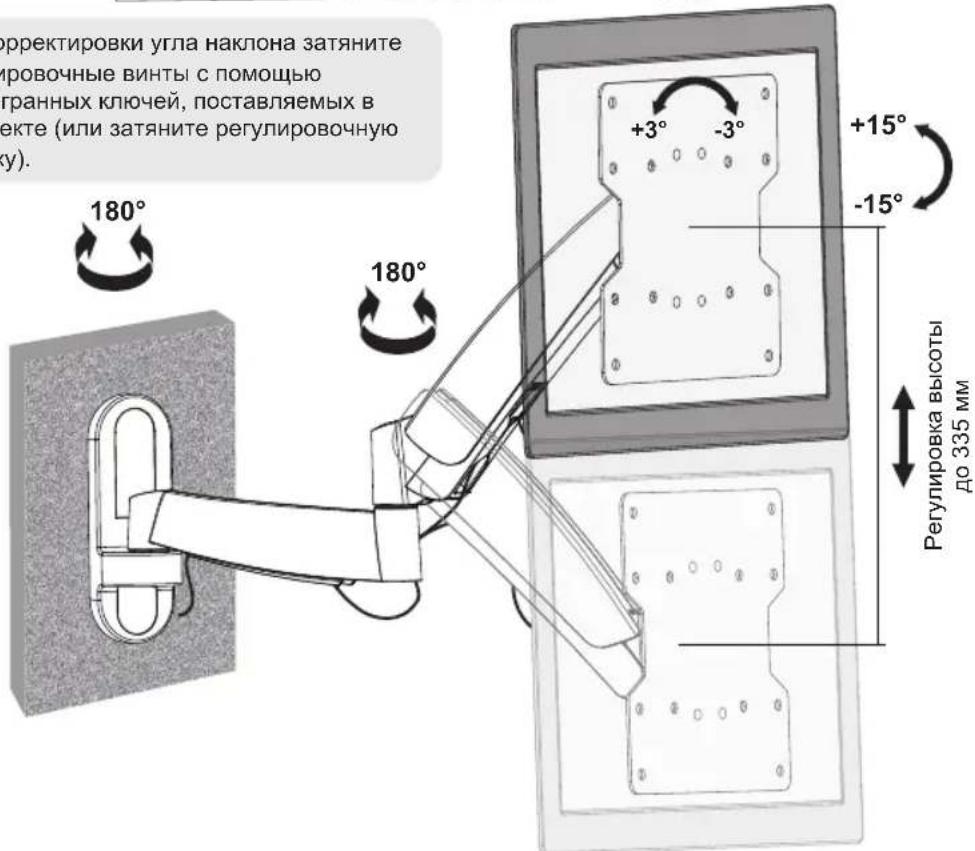
OtperynpyyTe nnoxkeHne nn yron HaknoHa.
TexHnueckoe o6cnyxuBaHne
Peynepno (he pexe, yem pa3 B tpr Meca) npoepeyte HaeXHOCTb KpEnneHna KPOHTHa 6e3onachocb ero nCnONb3ObaHna.
B cnlyae Bo3nKHOBeHna KaHX-NIO BOpocOB nprrnAaEM Bac nocetntb cTpaHnuy www.triplite.com/support.


Manufacturing Excellence.
1111 W. 35th Street, Chicago, IL 60609 USA • www.triplite.com/support
Benutzerhandbuch
100x100
200x100
200x200



1111 W. 35th Street, Chicago, IL 60609 USA • www.triplite.com/support
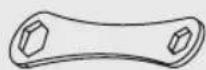
Schraubenschlüssel (x1)
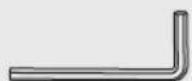
4 mm

Inbusschlüssel (x1)
6mm
Inbusschlüssel (x1)
Paket M
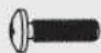
M4X14 (x4)
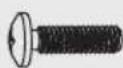
M5X14 (x4)
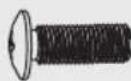
M6X14 (x4) M8X20 (x4)

D5 Beilagscheibe (x4)

D8 Beilagscheibe (x4)
1111 W. 35th Street, Chicago, IL 60609 USA • www.triplite.com/support