
Lotus BTE - Hearing aid SIEMENS - Free user manual and instructions
Find the device manual for free Lotus BTE SIEMENS in PDF.


| Product Type | Hearing Aid |
| Brand | Siemens |
| Model | Lotus BTE |
| Device Type | Behind-the-Ear (BTE) |
| Power Supply | Standard batteries (size 312 or 13) or rechargeable batteries |
| Volume Control | Wheel or rocker switch |
| Program Change | Push button or MTO switch |
| Listening Programs | Up to 5 adjustable programs |
| e2e Wireless Function | Yes (synchronization between both hearing aids) |
| Delayed Start-Up | Yes (6/12/18 seconds) |
| Automatic Telephone Program | Yes (with AutoPhone magnet) |
| Audio Input | Yes (for connection to external devices) |
| Status Control | Indicator light (on/off) |
| Maintenance and Cleaning | Soft, dry cloth; replace LifeTube/LifeTip every 3-6 months |
| Safety | Avoid heat, moisture, X-rays; keep out of reach of children |
| Spare Parts | Batteries, LifeTube, LifeTip, microphone covers, audio adapter |
| Intended Use | Improvement of hearing for hearing-impaired individuals |
| Disposal | Recycle according to national regulations |
| Standards | CE marking, FCC/IC compliance |
| General Information | 172-page instruction manual available in multiple languages |
Frequently Asked Questions - Lotus BTE SIEMENS
User questions about Lotus BTE SIEMENS
0 question about this device. Answer the ones you know or ask your own.
Ask a new question about this device
Download the instructions for your Hearing aid in PDF format for free! Find your manual Lotus BTE - SIEMENS and take your electronic device back in hand. On this page are published all the documents necessary for the use of your device. Lotus BTE by SIEMENS.
USER MANUAL Lotus BTE SIEMENS
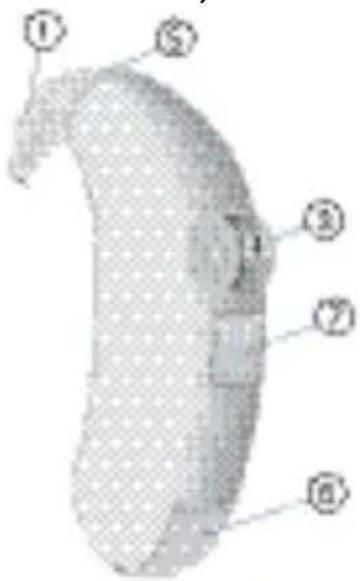
① LifeTube
② LifeTip
③ LifeTip-Adapter
④ Tragehaken
⑤ Programmtaster (optional)*
S/M/DM S VC/ M VC/ DM VC MX
natural_image
Illustration of a stylized human head with a red X symbol, no text or symbols present
natural_image
3D rendered object with mesh pattern and a green circular component (no text or symbols)natural_image
Pure diagram of a tool interacting with a curved surface, no text or symbols present
Option 2
Verriegeln
natural_image
Abstract diagram with a red square and blue arrow, no text or symbols present
Option 3
Verriegeln
natural_image
Illustration of a magnifying glass examining a document with blue arrows (no text or symbols)Entriegeln
natural_image
Diagram of a biological structure with numbered arrows indicating directional movement (no text or symbols)Entnehmen
natural_image
Close-up of a hand holding a small object with a blue arrow indicating rotation (no text or symbols visible)Aus
natural_image
Close-up of a white, textured object with a blue arrow pointing to it, possibly a device or component (no visible text or symbols)
Mit Programmtaster
Ein
natural_image
Illustration of a medical device with a blue surgical instrument inserted (no visible text or symbols)Aus
natural_image
Abstract blue geometric shape with diagonal lines and no visible text or symbols
natural_image
Illustration of a hand holding an object, possibly a tool or device (no text or symbols visible)
Über MTO-Schalter
natural_image
Abstract blue geometric shape with no text or symbols
Mit Fernbedienung
natural_image
Close-up of a curved blue object with a white arrow indicating rotation or movement (no text or symbols visible)
natural_image
Close-up of a curved blue line over a textured gray object, no text or symbols visible
Wipptaster
natural_image
Close-up of a light blue object with two blue arrows pointing to it, against a transparent background (no text or symbols)
Mit Fernbedienung
natural_image
Close-up of a mechanical component with a red rectangular highlight (no visible text or symbols)
natural_image
Symbol of a faucet with a red diagonal line indicating no restrictions (no text or numbers present)natural_image
Simple line drawing of a trash bin with crossed lines indicating no waste or discharge (no text or symbols)
Your BTE hearing instruments 32
Intended use 37
General notes on safety 38
Handling batteries 41
Locking and unlocking the battery compartment 42
Inserting and removing the hearing instrument 43
Turning your hearing instrument on and off 44
Changing the hearing program 46
Adjusting the volume 47
Audio input 48
Functionalities 49
Maintenance and care 53
Troubleshooting 55
Disposal information 56
Technical information 57
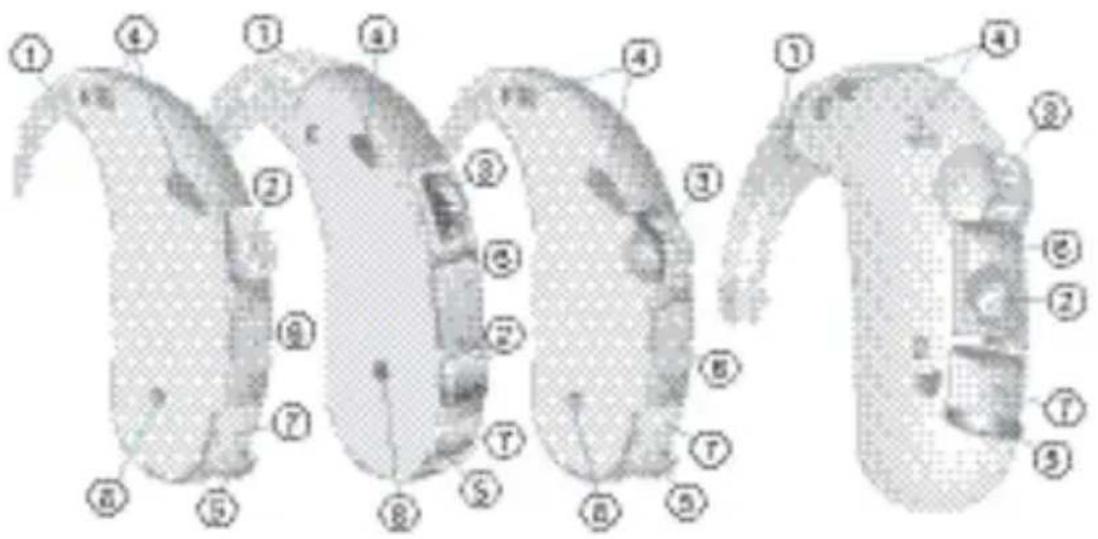
Your BTE hearing instruments

Life Life S
optional with earhook
(battery type: 312)

optional with earhook
(battery type: 312)

optional with LifeTube
(battery type: 13)
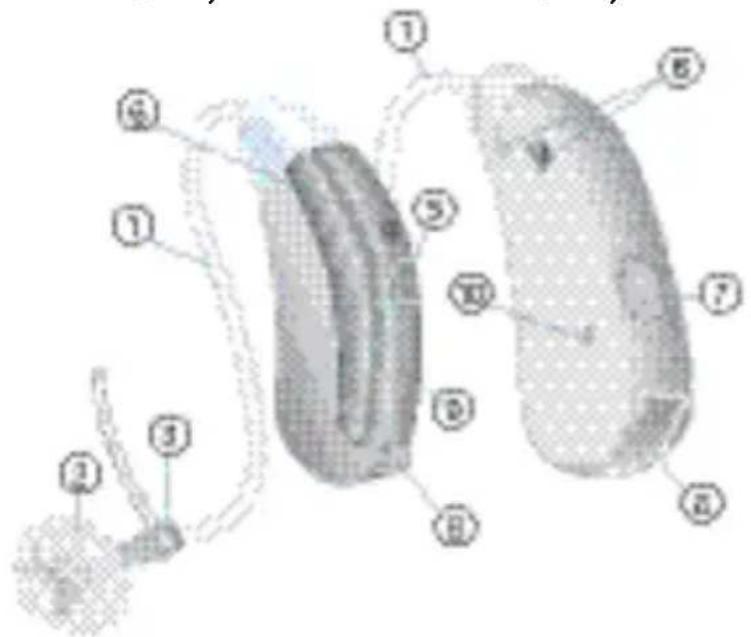
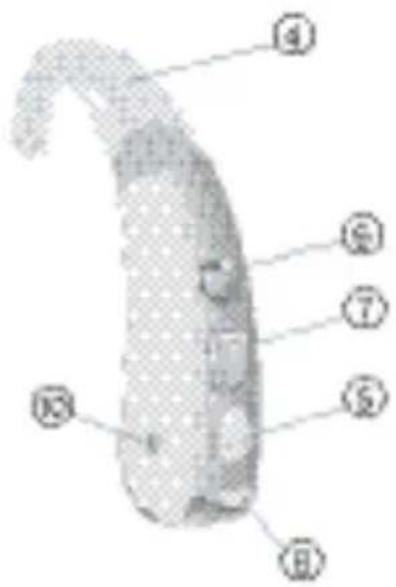
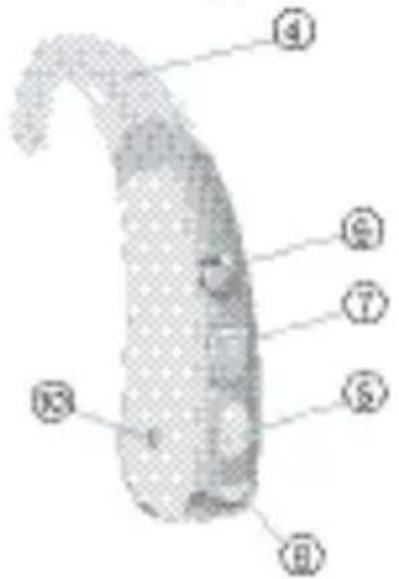
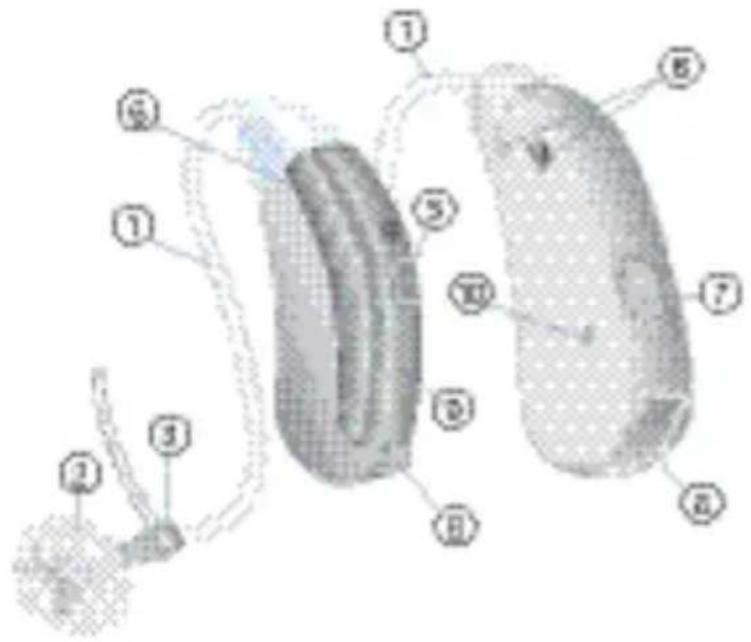
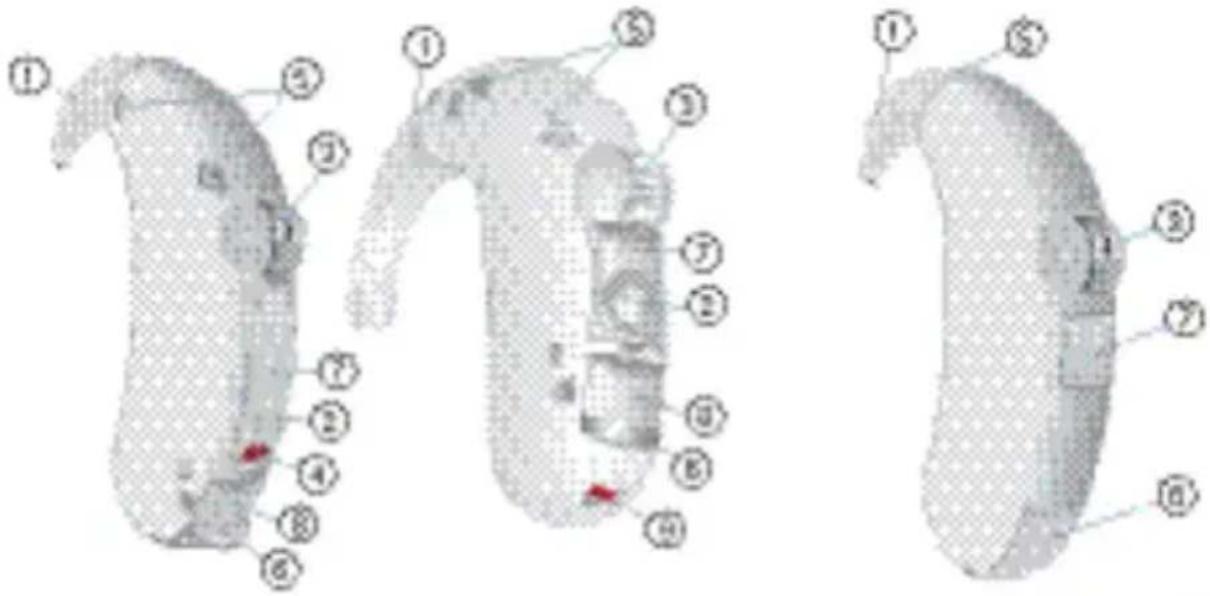
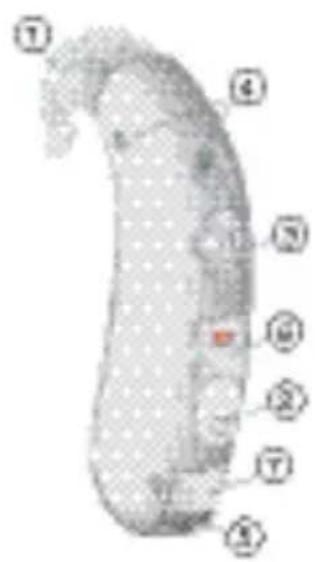
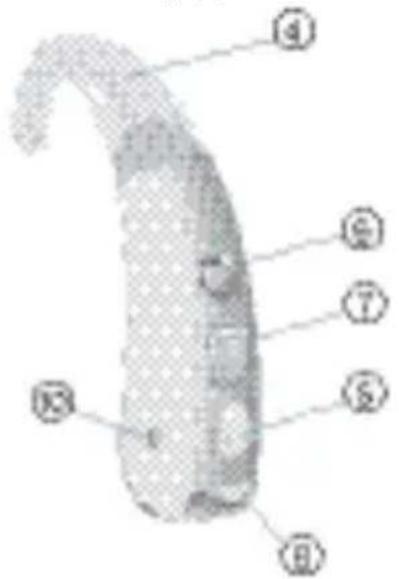
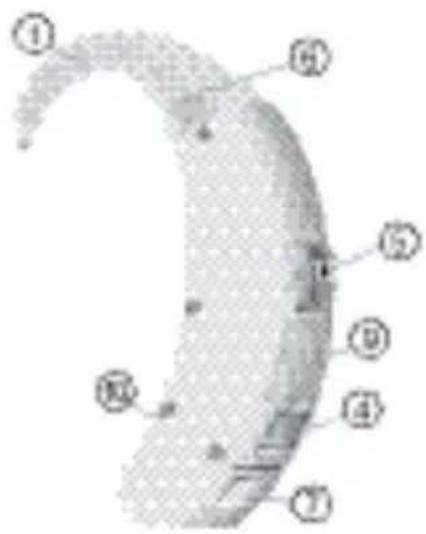
① LifeTube
② LifeTip
③ LifeTip adapter
④ Earhook
⑤ Push button (optional)*
⑥ Microphone openings
⑦ Cover for programming socket
⑧ Battery compartment
⑨ Microphone cover
⑩ Charging contacts (recharge-able hearing instruments only)

S/M/DM S VC/ M VC/ DM VC MX
optional with S-LifeTube
(battery type: 13)

optional with S-LifeTube
(battery type: 13)

optional with S-LifeTube
(battery type: 13)
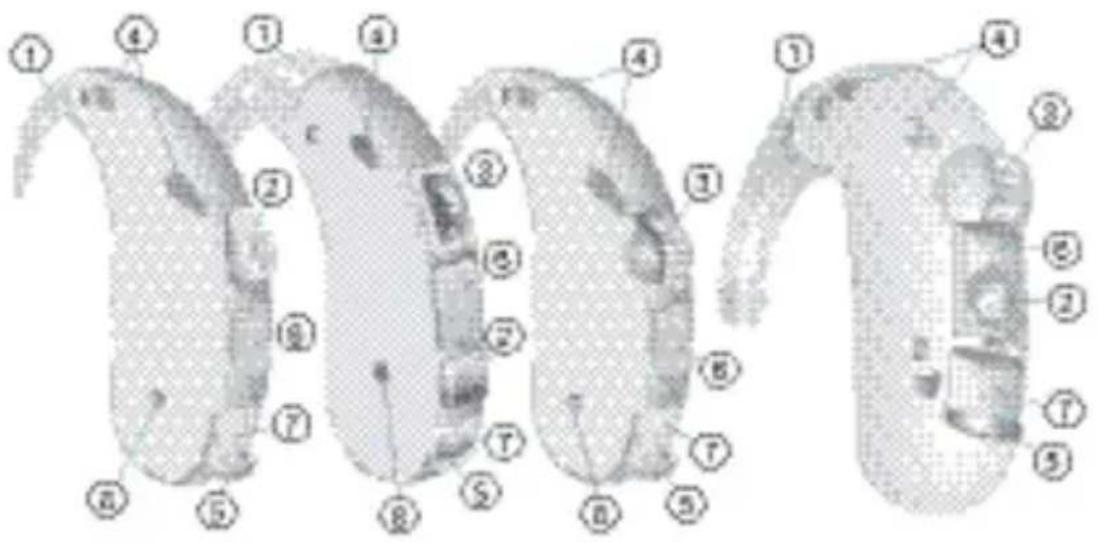
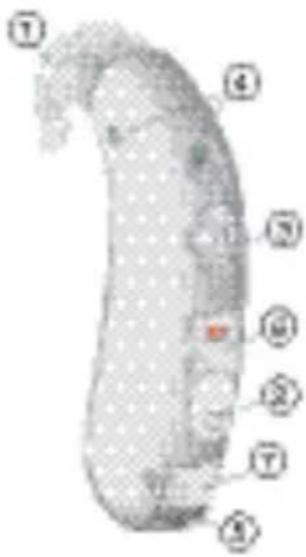
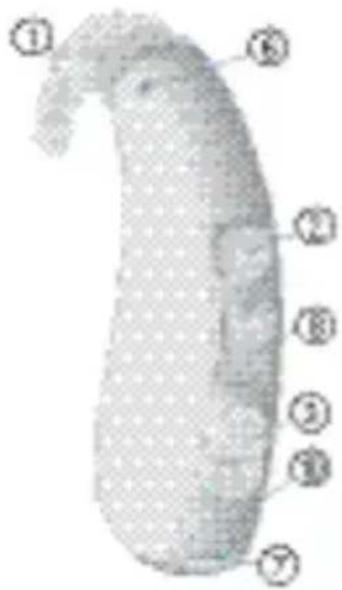
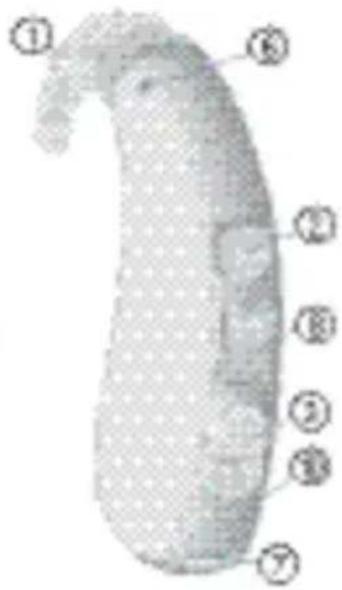
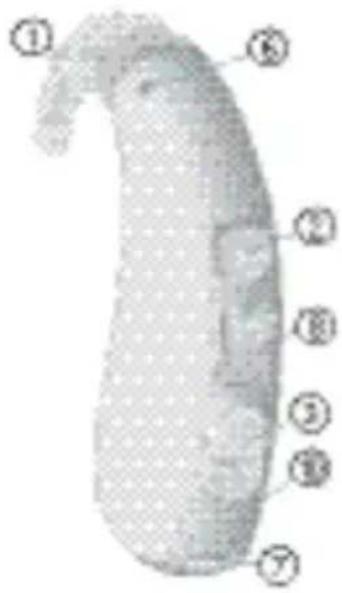
① Earhook
② Push button
③ Volume control
④ Microphone openings
⑤ Battery compartment
⑥ Cover for programming socket
⑦ Audio input
⑧ Charging contacts (recharge-able hearing instruments only)


P/HP/DP SP
(battery type: 13) (battery type: 675)
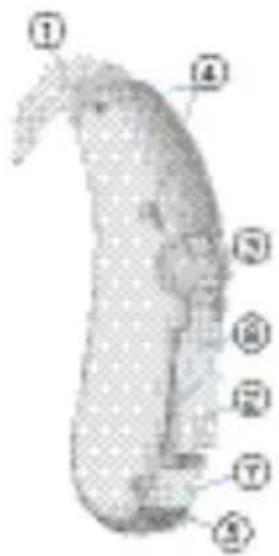
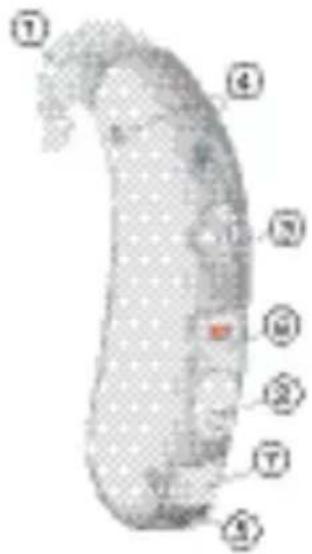
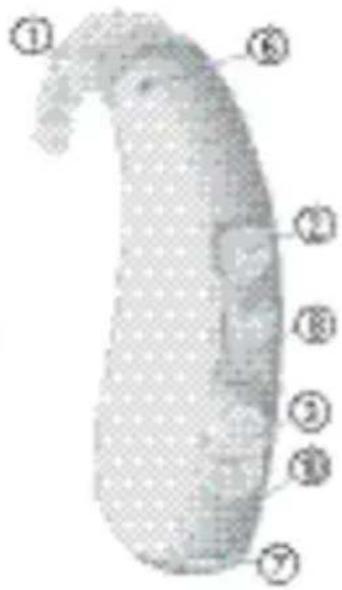
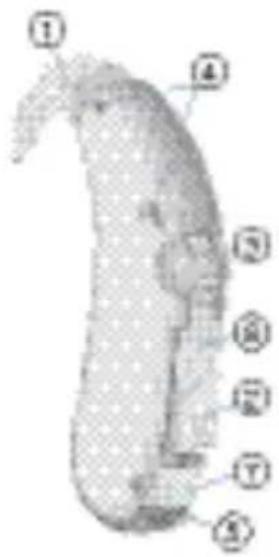
① Earhook
② Push button
③ Volume control
④ Microphone openings
⑤ Battery compartment
⑥ Cover for programming socket
⑦ Audio input
P SP Phoenix
(battery type: 13)
(battery type: 675)
(battery type: 13/675*)
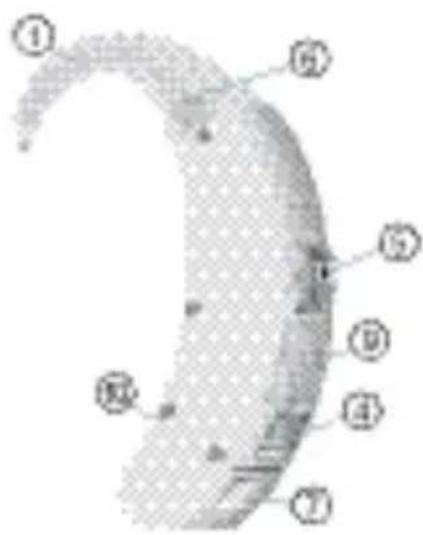
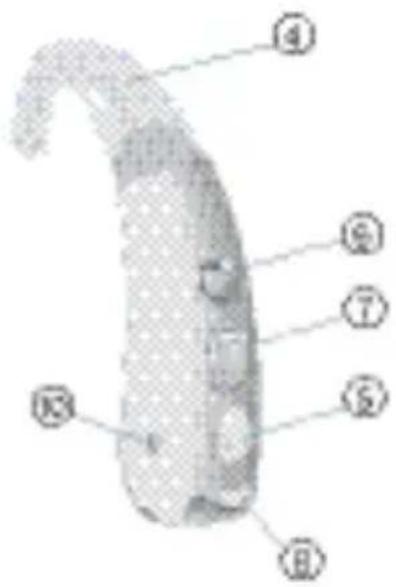
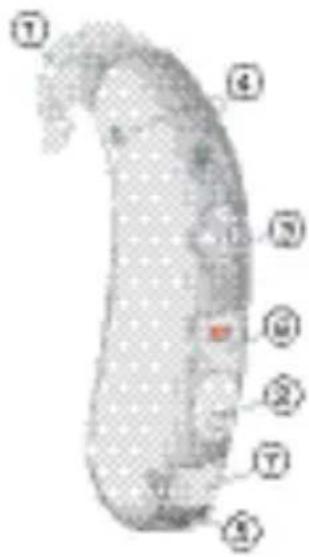
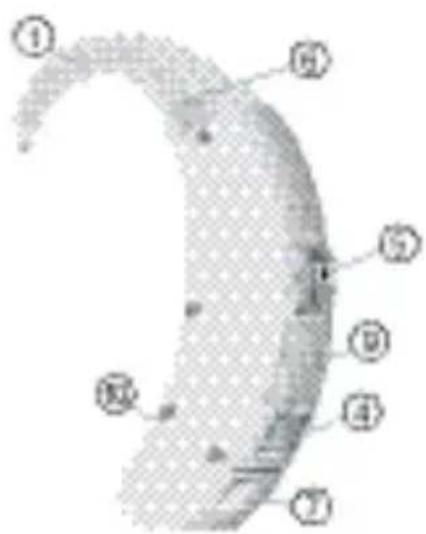
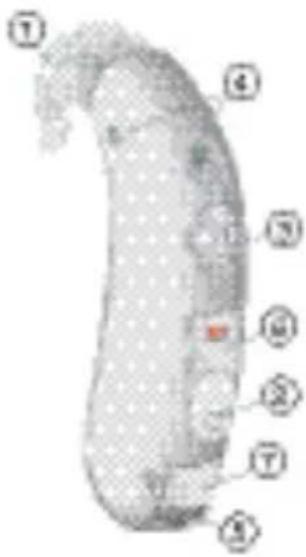
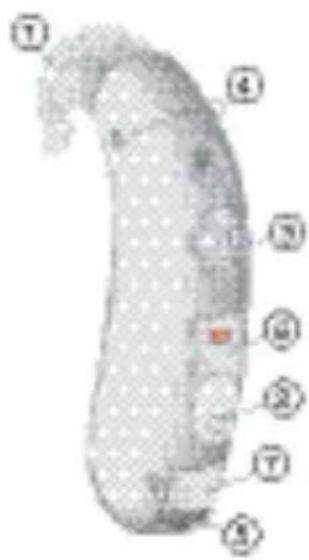
① Earhook
② Push button
③ Rocker switch
④ MTO switch
⑤ Volume control
⑥ Microphone openings
⑦ Battery compartment
⑧ Cover for programming socket
⑨ Cover for fitting controls
⑩ Audio input
* Ask your Hearing Care Professional.



Explorer 500 P Explorer 500 M Prisma 2K
optional with S-LifeTube
(battery type: 13)
optional with S-LifeTube
(battery type: 13)
(battery type: 312)
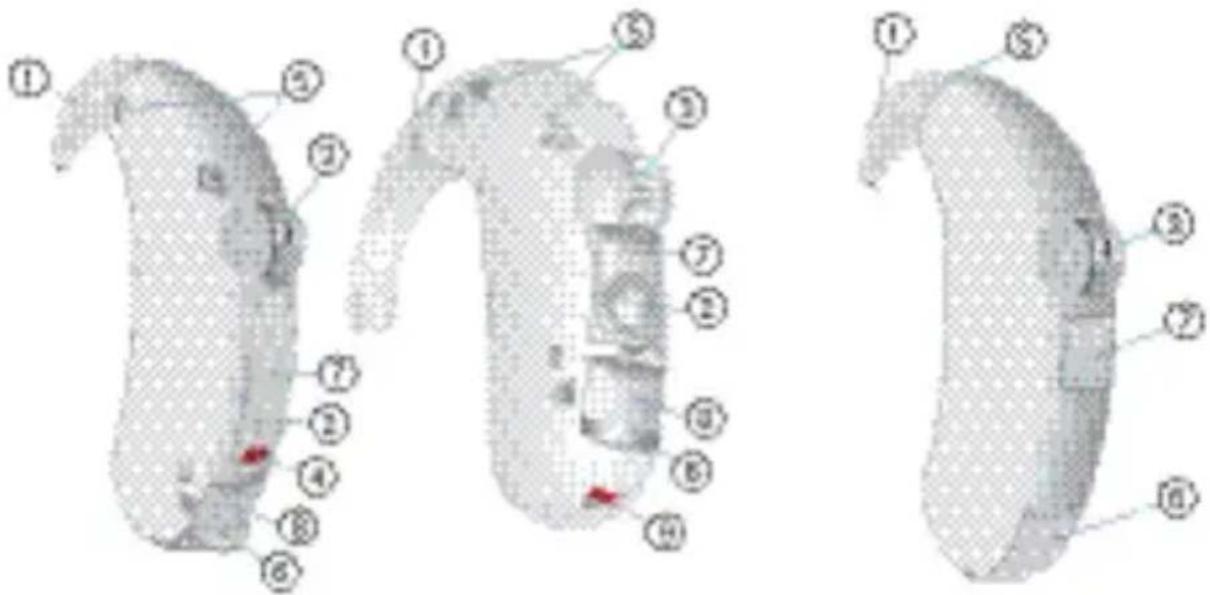
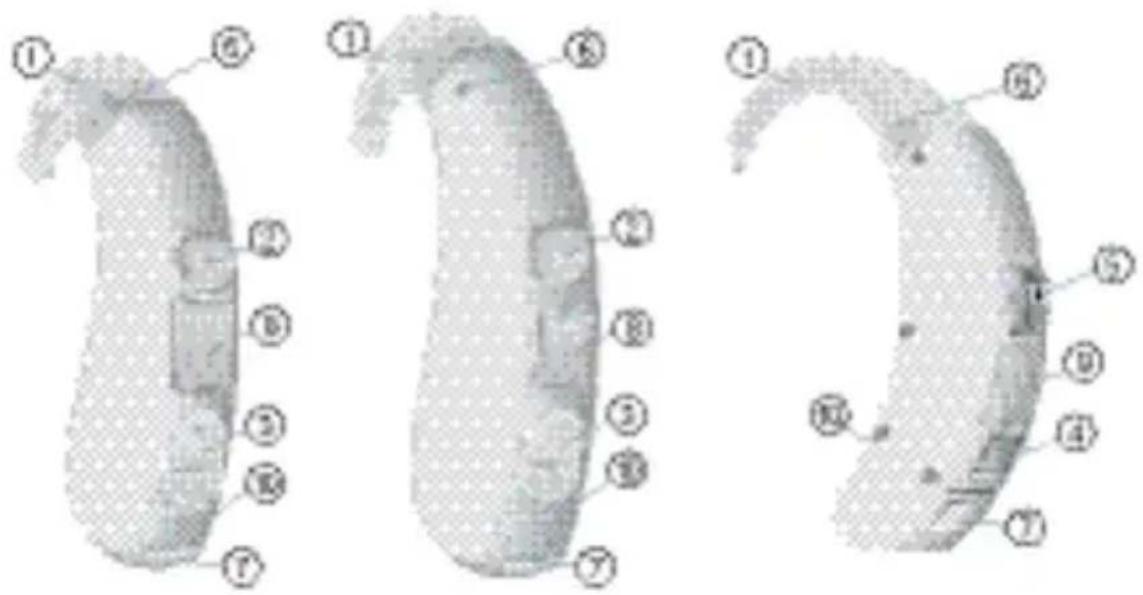
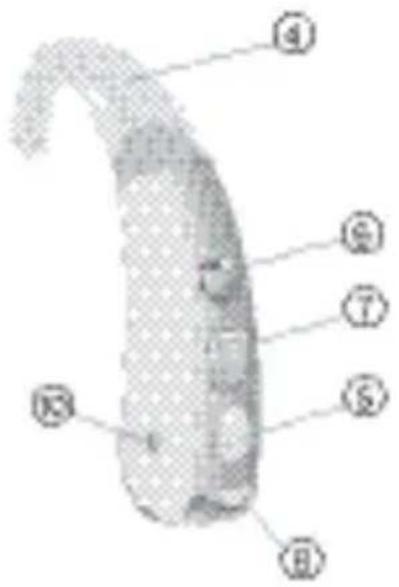
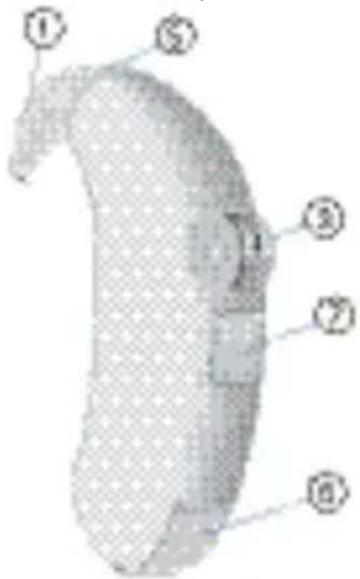
① Earhook
② Push button
③ Volume control
④ LED (optional)*
⑤ Microphone openings
⑥ Battery compartment
⑦ Cover for programming socket
⑧ Audio input
⑨ Battery compartment lock
Intendeduse
Hearing instruments are intended to help people with hearing loss to hear better. Diagnosis and prescription of a hearing instrument must be performed by hearing health specialists, e.g. audiologists, ENT doctors or acousticians.
Read and follow the instructions of this user guide to avoid injuries or damage to the hearing instruments.
Symbols:
| Be aware to information marked with the warning symbol WARNING, CAUTION or NOTICE! | |
| WARNING points out a situation that could lead to serious injuries,CAUTIONindicates a situation that could lead to minor and moderate injuries. | |
| NOTICE | NOTICE indicates possible property damage. |
| Advice and tips on how to handle your device better. | |
| Indicates information and warnings especially for children with hearing instruments. | |
| Instruction. Indicates that something has to be done. | |
| Indicates an option that not every hearing instrument has. Ask your Hearing Care Professional to check off the relevant information. | |
General notes on safety
NOTICE
Your hearing instruments are sensitive to extreme heat, high humidity, strong magnetic fields (>0.1T), X-rays and mechanical stress.
Do not expose your hearing instruments to extreme temperature or high humidity.
Do not leave them in direct sunlight.
Do not wear them in the shower or when you apply make-up, perfume, aftershave, hairspray or suntan lotion.
Do not wear your hearing instruments when you are exposed to short-waves, a strong magnetic field, a high frequency field or X-rays.
Do not place your hearing instruments in a microwave oven.

WARNING
Hazard of explosion!
Do not use your hearing instruments in areas where there is a danger of explosions (e.g. mining).

In some countries restrictions for the usage of wireless equipment exist.
Refer to local authorities for further information.

WARNING
Choking hazard posed by small parts.
If infants, small children or mentally disabled persons need to wear hearing instruments ensure adequate supervision.
Check the integrity of the hearing instruments regularly.
Ensure that your child does not detach the hearing instrument from the earmold.
Consult your Hearing Care Professional if the housing is deformed.
Keep the battery compartment locked. Verify the proper function of the locking mechanism.
Keep batteries and accessories out of children's reach.
If swallowed consult a physician or a hospital immediately.
NOTICE
Leaking batteries damage the hearing instruments.
Turn the hearing instruments off when not in use to preserve the batteries.
Remove batteries when the instruments are not in use for a prolonged period of time.
NOTICE
Batteries contain harmful substances that pollute the environment.
Do not throw used batteries into household trash.
Dispose batteries according to national regulations or return them to your Hearing Care Professional.

CAUTION
Risk of injury caused by incorrect use of LifeTip.
Always wear the LifeTube with the LifeTip.
Make sure that the LifeTip is completely attached to the LifeTip adapter.
Change the LifeTube or LifeTip when they are cracked.
Put the LifeTube with the LifeTip carefully and not too deep into the ear.
Use the LifeTube and LifeTip only in the way described in this user guide.
If the LifeTip remains in the ear, have it removed by a medical professional.
Handlingbatteries






natural_image
Simple gray circular icon with a plus sign in the center (no text or symbols)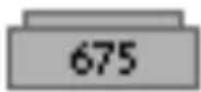
original size

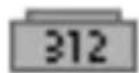
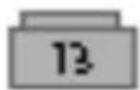
Always use the right size of batteries.
Charge the rechargeable batteries before first use.
Remove the tab on standard batteries only when you are ready to use them.
The positive (+) side of the batteries is always the smooth side.
Always keep spare batteries with you.
Open the battery compartment completely.
Remove the empty battery.
Insert the proper size battery.
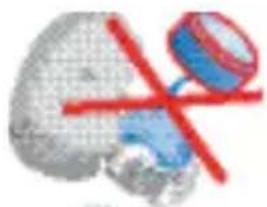
Make sure that the "+" symbol on the battery points up as shown in the picture.
Close the battery compartment.
natural_image
Illustration of a stylized human head with a red X symbol, no text or symbols present
natural_image
3D rendered abstract shape with mesh texture and a green circular element (no text or symbols)Locking and unlocking the bat- tery compartment

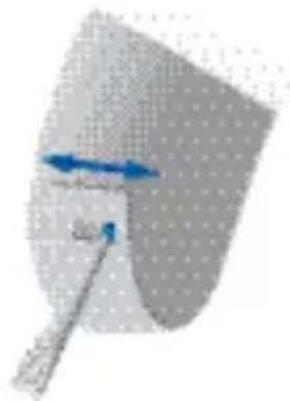
Option 1
Locking
▶ Push the small slide to the right.
Unlocking
▶ Push the small slide to the left.
natural_image
Diagram showing a curved surface with directional arrows and a tool, no readable text or symbols present.
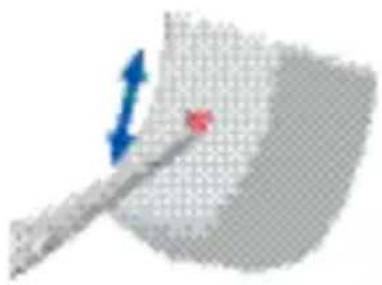
Option 2
Locking
▶ Push the small slide to the bottom.
natural_image
Abstract 3D diagram with a gray shaded region and a red arrow, no text or symbols presentUnlocking
▶ Push the small slide to the top.

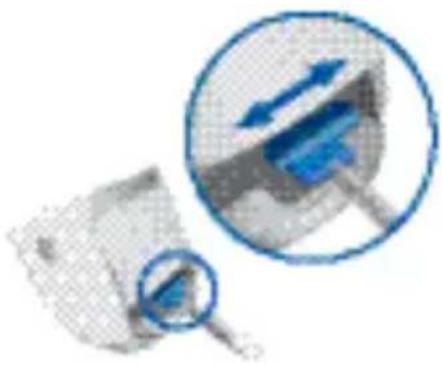
Option 3
Locking
▶ Push the slide to the right with a suitable pointed tool.
Unlocking
▶ Push the slide to the left with a suitable pointed tool.
Close the battery compartment completely.
natural_image
Illustration of a magnifying glass examining a document with blue arrows, no text or symbols presentInserting and removing the hearing instrument

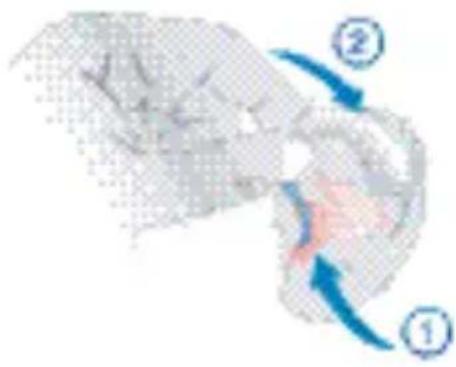
Handle the hearing instrument by holding the earmold. Do not pull the Tube.
Inserting
Insert the LifeTube/earmold.
Place the hearing instrument behind the ear.
natural_image
Illustration of a hand holding a small object with two blue arrows labeled ① and ② indicating motion or direction (no text or symbols beyond labels)Removing
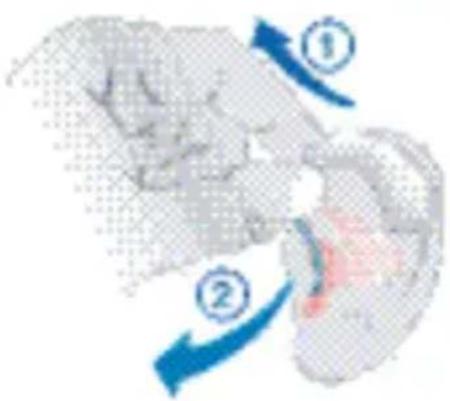
Remove the hearing instrument.
Pull the LifeTube/earmold carefully out.
Turning your hearing instrument on and off

Via battery compartment
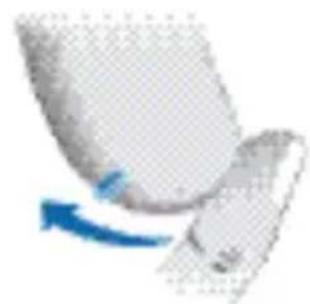
On
▶ Close the battery compartment.
natural_image
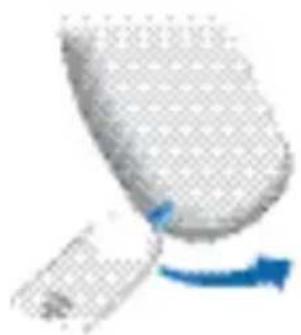
Close-up of a white object with a blue arrow indicating rotation or motion (no text or symbols visible)Off
Open the battery compartment.
natural_image
Close-up of a computer mouse with a blue scroll wheel and arrow indicating motion (no text or symbols)
Via push button
On
Press the push button for 2 seconds.
natural_image
Close-up of a white plastic bag with a blue handle and a small inset showing a small object (no text or symbols visible)Off
Press the push button for 2 seconds.

Via MTO switch
On
Switch to M (microphone) or T (telecoil).
Off
Switch to O (off).
natural_image
Abstract blue geometric shape on a light background, no text or symbols visible
Via volume control
On
Rotate the volume control upwards.
Off
Rotate the volume control completely down.

Via remote control
Refer to the remote control user guide.
Changing the hearing program

Via push button
Press the push button to switch to the next program.
natural_image
Illustration of a hand holding a small object, possibly a tool or device (no text or symbols visible)
Via MTO switch
Switch to M (microphone) or T (telecoil).
natural_image
Abstract blue geometric shape on a light background, no text or symbols visible
Via remote control
Refer to the remote control user guide.
| Hearing program | Description of the hearing program |
| 1 | |
| 2 | |
| 3 | |
| 4 | |
| 5 |
Adjusting the volume

Volume control
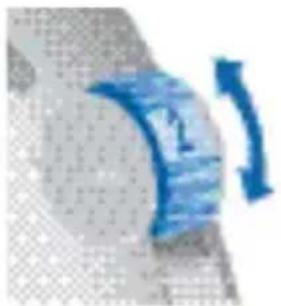
Rotate the volume control up to increase the volume.
Rotate the volume control down to decrease the volume.
natural_image
Abstract blue curved arrow on textured gray background (no text or symbols)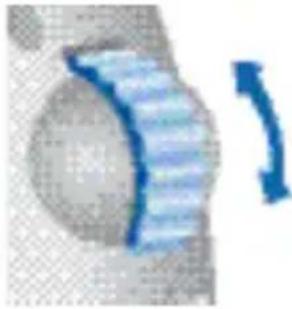
natural_image
Close-up of a mechanical component with a blue curved arrow indicating rotation (no text or symbols)
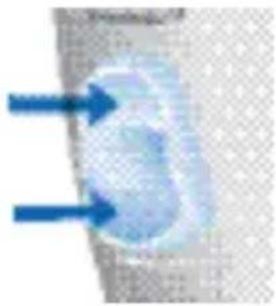
Rocker switch
Press up to increase the volume.
Press down to decrease the volume.
natural_image
Close-up of a blue abstract shape with two blue arrows pointing to it, against a light textured background (no text or symbols)
Via remote control
Refer to the remote control user guide.
Audioinput
An audio input enables the connection between the hearing instrument and an external device e.g. an FM system, mp3 player, television or an infrared device.

Audio input via an audio shoe
Refer to the audio shoe user guide on how to attach and remove the audio shoe correctly.

Audio input integrated in the battery compartment
▶ Ask your Hearing Care Professional to replace the battery compartment.

Use only the Siemens audio shoe which is designed exclusively for your hearing instrument.

WARNING
Risk of injuries caused by electric shock!
Connect audio input only to a device conforming to IEC 60065 (IEC-Norm for audio, video and other electronic devices).
Functionalities
Your Hearing Care Professional can activate the following functionalities.

e2e wireless
- Allows the use of a remote control.
■ Automatically adjusts both hearing instruments simultaneously to change the instrument settings, e.g. volume or program.

The performance of the e2e wireless function may be affected by electromagnetic interference – e.g. from a computer monitor or fluorescent lamp system.
Move away from the source of interference if you experience difficulty.

Power-on delay
This functionality allows you to turn the hearing instrument on with an automatic delay of 6/12/18 seconds to avoid feedback (whistling).

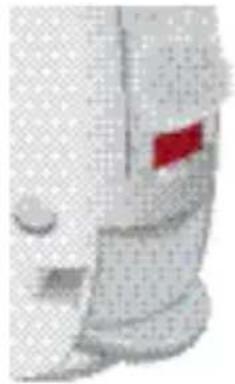
Checking the hearing instruments' status
■ The LED is continuously lit. The hearing instruments are switched ON.
■ The LED is off.
The hearing instruments are switched OFF.
natural_image
Close-up of a mechanical component with a red flag marker (no visible text or symbols)
Rechargeable hearing instruments
Rechargeable hearing instruments allow the use of standard or rechargeable batteries.
Charge rechargeable batteries before first use.
Do not charge standard batteries.
Refer to the charger user guide for further information.

Automatic telephone program
Hold a telephone near your hearing instrument (*).
The hearing instrument automatically switches to the telephone program.
Move the telephone away from your hearing instrument.
The hearing instrument switches back to the previously used program.

You can also select the telephone program manually by using the program button.
When operating the hearing instrument in telecoil mode, the wireless function may cause a pulsing noise. This is due to the pick-up of the transmission signal. When your hearing instrument is in telecoil mode please use the remote control only with a distance greater than 10 cm (4 inches).
(\*) AutoPhone magnet accessory
Not all telephones produce a magnetic field strong enough to activate the AutoPhone function. In this case, use the Siemens AutoPhone magnet, which is available as accessory, and attach it to the telephone receiver to activate the AutoPhone function.

See the AutoPhone magnet user guide for instructions on how to position the magnet.
Use only the Siemens magnet. Ask your Hearing Care Professional for this accessory.
NOTICE
Magnets can disturb electrical devices and delete stored data.
Keep magnets away from computers, color monitors, television sets, floppy discs, video- and audio discs and other electronic equipment/ devices.

WARNING
Magnets may interfere with the operation of life supporting systems (e. g. pacemakers, magnetic valves).
Use a magnet only if not in doubt about the safe distance. The safe distance between pace-maker and magnet should be at least 10 cm (4 inches).
Maintenance and care
Your hearing instruments are highly sensitive systems. Proper care and handling will ensure the best possible performance.
Clean instruments regularly to prevent damage to the hearing instruments and to avoid health problems.
NOTICE
Do not put the hearing instruments in water.

natural_image
Symbol of a faucet with a red diagonal line crossing it, indicating no water or pollution (no text present)Clean your hearing instruments with a soft, dry tissue, as necessary.
If the hearing instruments sound distorted or weak ask your Hearing Care Professional to exchange the microphone cover.
Place your hearing instruments in a "dry aid kit" with a special moisture-attracting capsule overnight.
▶ Ask your Hearing Care Professional for special care sets and further information on how to keep your hearing instruments in good condition.
For instruments with LifeTube
▶ Regulatory clean LifeTubes with a cleaning wire.
Ask your Hearing Care Professional to exchange Life-Tubes and LifeTips approximately every 3 to 6 months or as needed.

For informatin on hearing, hearing loss and hearing instruments for children, please visit our Pediatric Website at: http://www.siemens.com/hearing
Troubleshooting
Use these tips to resolve simple issues.
| Problem Possible solution | |
| Sound is weak. Replace empty battery.Clean earmold.Increase volume. | |
| Hearing instrument emits whistling sounds.. | Reinsert the earmold until it fits securely.Decrease volume.Clean earmold. |
| Sound is distorted Decrease volume.Replace empty battery.Clean earmold. | |
| Hearing instrument emits signal tones. | Gently close battey compartment completely.Replace empty battery. |
| Hearing instrument does not work. | Turn hearing instrument on.Gently close battery compartment completely.Replace empty battery.Make sure battery is inserted correctly.Power-on delay is active. Wait 18 seconds and check again. |
Consult your Hearing Care Professional if you encounter further problems.
Disposalinformation
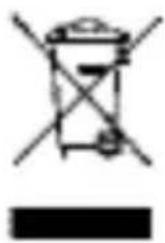
Within the European Union, the marked equipment is covered by "Directive 2002/96/EC of the European Parliament and of the Council of 27 January 2003 on waste electrical and electronical equipment."
natural_image
Simple line drawing of a trash bin with crossed lines indicating no waste or discharge (no text or symbols)Amended by "Directive 2003/108/EC" (WEEE).

Recycle hearing instruments, batteries and accessories according to national regulations.
With the CE marking Siemens confirms compliance with the European Directive 93/42/EEC concerning medical devices.
For the products with e2e wireless 2.0 Siemens additionally confirms compliance with the European Directive 99/5/EC (R&TTE) concerning radio and telecommunications terminal equipment.
Technicalinformation
Siemens Acuris, Artis 2, Centra, Cielo 2 IC: 267AB-WL001
Siemens Explorer 500 P, Motion 300 BTE, Motion 500 BTE, Motion 700 BTE, Motion 501 DP, Motion 701 DP, Motion 701 DM, Motion 501 DM VC, Motion 701 DM VC, Nitro 301 SP, Nitro 701 SP Life 300, Life 500, Life 700, Life 301, Life 501, Life 701 FCC ID: SGI-WL002BTE IC: 267AB-WL002 Operating frequencies: F_c = 3.28 MHz

N14203
This Class B digital apparatus complies with Canadian ICES-003.
Changes or modifications not expressly approved by SAT GmbH for compliance could void the users authority to operate the equipment.
FCC compliance
This device complies with Part 15 of the FCC Rules and with RSS-210 of Industry Canada.
Operation is subject to the following conditions:
■ this device may not cause harmful interference, and
■ this device must accept any interference received,
including interference that may cause undesired operation.
This equipment has been tested and found to comply with the limits for a Class B digital device, pursuant to Part 15 of the FCC Rules. These limits are designed to provide reasonable protection against harmful interference in a residential installation. This equipment generates, uses and can radiate radio frequency energy and, if not installed and used in accordance with the instructions, may cause harmful interference to radio communications. However, there is no guarantee that interference will not occur in a particular installation. If this equipment does cause harmful interference to radio or television reception, which can be determined by turning the equipment off and on, the user is encouraged to try to correct the interference by one or more of the following measures:
■ Reorient or relocate the receiving antenna.
■ Increase the separation between the equipment and receiver.
■ Connect the equipment to an outlet on a circuit different from that to which the receiver is connected.
- Consult the dealer or an experienced radio/TV technician for help.
Sommaire
Information technique 86
option LifeTube
(pile: 13)
① LifeTube
② LifeTip
③ Adaptateur LifeTip
④ Coude
⑤ Bouton-poussoir (option)*
⑥ Orifices du microphone
S/M/DM S VC/ M VC/ DM VC MX
option S-LifeTube
(pile: 13)
option S-LifeTube
(pile: 13)

option S-LifeTube
(pile: 13)
(pile: 13) (pile: 675)

(pile: 13) (pile: 675) (pile: 13/675*)
(pile: 13) (pile: 312)
natural_image
Two 3D medical scan images showing internal organs with red X marks and blue/green overlays (no text or symbols)natural_image
Diagram showing a tool interacting with a curved surface, with no visible text or symbols
Option 2
Verrouillage
natural_image
Abstract 3D diagram with a curved surface and a red dot, featuring directional arrows (no text or symbols)
Option 3
Verrouillage
natural_image
Illustration of a magnifying glass over a document with blue arrows indicating direction (no text or symbols present)natural_image
Illustration of a person interacting with a device, showing motion arrows (no text or symbols)Retrait
natural_image
Close-up of a curved metallic object with a blue arrow indicating rotation (no text or symbols visible)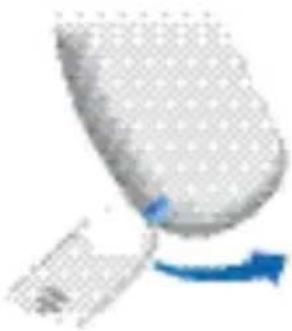
natural_image
Close-up of a white spherical object with a blue arrow pointing to it, no visible text or symbols.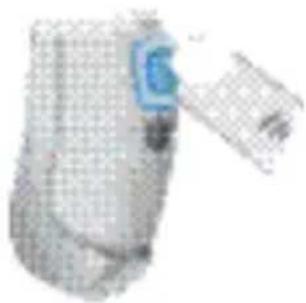
natural_image
3D rendered image of a medical device with mesh pattern and blue label (no visible text or symbols)
natural_image
Abstract blue geometric shape on a light background, no text or symbols visible
natural_image
Illustration of a hand holding a small object, possibly a tool or device, with no visible text or symbols.
natural_image
Abstract blue geometric shape with diagonal lines, no text or symbols visible
Par la télécommande
natural_image
Close-up of a blue curved object with a small arrow, no visible text or symbolsnatural_image
Close-up of a mechanical component with a blue curved arrow indicating rotation (no text or symbols)
natural_image
Close-up of a blue object with two blue arrows pointing to it, against a textured gray background (no text or symbols)
Par la télécommande
natural_image
Close-up of a mechanical component with a red flag marker (no visible text or symbols)
Aides auditives rechargeables
natural_image
Traffic sign showing a faucet with a red diagonal line and water droplet (no text or symbols)natural_image
Simple line drawing of a trash bin with crossed lines indicating no waste or discharge (no text or symbols)

S/M/DM S VC/ M VC/ DM VC MX
natural_image
Illustration of a human heart with a red X symbol overlay (no text or symbols present)
natural_image
3D rendered object with mesh pattern and a green circular component (no text or symbols)natural_image
Pure diagram of a mechanical or fluidic component with no visible text, numbers, or symbols
Opzione 2
Leva di blocco
natural_image
Abstract diagram with a blue arrow and a red circle on a textured gray background (no text or symbols)
Opzione 3
Leva di blocco
natural_image
Illustration of a magnifying glass examining a blue object with directional arrows (no text or symbols)natural_image
Diagram of a robotic arm with blue arrows indicating motion or force direction (no text or symbols)Rimozione
natural_image
Close-up of a curved mechanical component with a blue arrow indicating motion (no text or symbols visible)Off (disattiva)
natural_image
Close-up of a white spherical object with a blue arrow pointing to it, possibly part of a device or component (no visible text or symbols)
Tramite pulsante
On (attivata)
natural_image
Close-up of a white cylindrical device with a blue indicator light and a small label (no visible text or symbols)Off (disattiva)
natural_image
Abstract blue geometric shape on a light background (no text or symbols)Off (disattivata)
Commutare a O (off).

Tramite controllo volume
On (attivata)
natural_image
Close-up of a hand holding a small object, possibly a tool or device, with no visible text or symbols.
natural_image
Abstract blue geometric shape on a light background (no text or symbols)
natural_image
Close-up of a blue curved object with a small arrow, no visible text or symbols
natural_image
Close-up of a metallic object with a blue curved arrow pointing to it, no visible text or symbols.
Interruttore rocker
natural_image
Close-up of a blue object with two blue arrows pointing to it, against a textured gray background (no text or symbols)
natural_image
Close-up of a mechanical component with a red rectangular highlight (no visible text or symbols)
natural_image
Symbol of a faucet with a red diagonal line crossing it, indicating no restrictions or water usage (no text present)natural_image
Simple line drawing of a trash bin with crossed x- and no text or symbols
① LifeTube
② LifeTip
③ Concha Lock
④ Toonbocht
⑤ Drukknop (optioneel)*
S/M/DM S VC/ M VC/ DM VC MX

① Toonbocht
② Drukknop
③ Volumeregelaar
④ LED (optioneel)*
⑤ Microfoonopeningen
natural_image
Illustration of a human head with a red X mark and blue circular object (no text or symbols)
natural_image
3D rendered abstract shape with grid pattern and blue accents, no visible text or symbolsnatural_image
Diagram showing a tool interacting with a curved surface, no text or symbols present

Optie 2
Vergrendelen
natural_image
Abstract diagram with a blue arrow and a red circle on a textured gray background (no text or symbols)
Optie 3
Vergrendelen
natural_image
Illustration of a magnifying glass over a document with blue arrows indicating flow or search (no text or symbols present)natural_image
Illustration of a hand holding a small object with two blue arrows labeled ① and ②, no text or symbols present.Verwijderen
natural_image
Close-up of a white object with a blue arrow indicating rotation or motion (no text or symbols visible)
natural_image
Close-up of a white, textured object with a blue arrow indicating rotation or movement (no visible text or symbols)
natural_image
Illustration of a medical device with a blue label and grid pattern (no text or symbols visible)
natural_image
Abstract blue geometric shape with no text or symbols
Via volumebediening
Aan
natural_image
Close-up of a hand holding an object, possibly a tool or device (no visible text or symbols)
natural_image
Abstract blue geometric shape with no text or symbols
natural_image
Close-up of a blue curved object with a small arrow, no visible text or symbols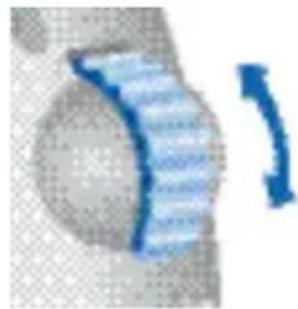
natural_image
Close-up of a blue curved arrow pointing right, next to a textured gray object (no text or symbols visible)
Tuimelschakelaar
natural_image
Close-up of a blue abstract shape with two blue arrows pointing to it, against a light background (no text or symbols)
natural_image
Close-up of a white mechanical component with a red flag marker (no visible text or symbols)
natural_image
Symbol of a faucet with a red diagonal line crossing it, indicating no restrictions or water usage (no text present)natural_image
Simple line drawing of a trash bin with crossed x- and y-axes, no text or symbols present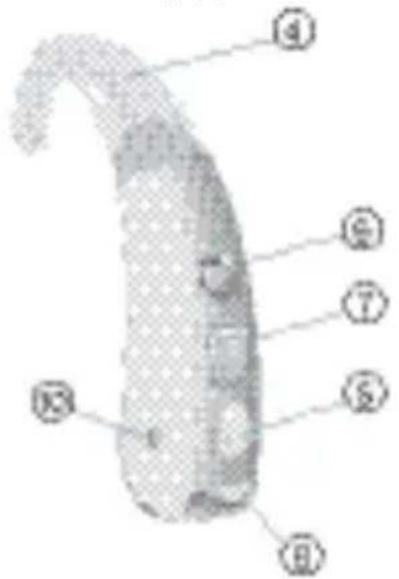
① LifeTube
② LifeTip
③ LifeTip-adapter
④ Oorhaak
⑤ Drukknop (optioneel)*
S/M/DM S VC/ M VC/ DM VC MX
① Oorhaak
② Drukknop
natural_image
Illustration of a stylized human head with a magnifying glass and red X mark (no text or symbols)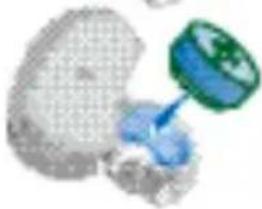
natural_image
3D rendered abstract shape with mesh pattern and a green circular element (no text or symbols)natural_image
Abstract 3D diagram with a curved arrow and a tool, no visible text or symbols
Optie 2
Vergrendelen
natural_image
Abstract diagram with a gray curved shape and a red dot, featuring blue arrows indicating direction (no text or symbols)
Optie 3
Vergrendelen
natural_image
Two magnified images showing a document and a magnifying glass over a blue object, with no visible text or symbols.natural_image
Diagram of a biological structure with numbered arrows indicating directional movement (no text or symbols)Verwijderen
natural_image
Close-up of a hand holding a white object with a blue arrow indicating rotation (no text or symbols visible)Uit
natural_image
Close-up of a white object with a blue arrow indicating rotation or movement (no text or symbols visible)
Via drukknop
Aan
natural_image
3D rendered object resembling a cylindrical device with grid pattern and a blue arrow pointing to a small component (no text or symbols visible)
natural_image
Abstract blue geometric shape on a light background (no text or symbols)
natural_image
Illustration of a hand holding a small object, possibly a tool or device, with no visible text or symbols.
natural_image
Abstract blue geometric shape with no text or symbols
natural_image
Close-up of a curved blue object with a white arrow indicating direction (no text or symbols visible)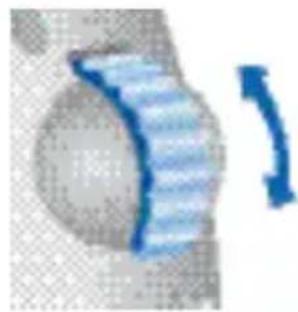
natural_image
Close-up of a blue striped object with a curved arrow indicating rotation (no text or symbols)
Wipschakelaar
natural_image
Close-up of a blue circular object with two blue arrows pointing outward, against a textured gray background (no text or symbols)
natural_image
Close-up of a mechanical component with a red flag marker (no visible text or symbols)
natural_image
Symbol of a faucet with a red diagonal line indicating water release (no text or numbers present)natural_image
Simple line drawing of a trash bin with crossed lines indicating no waste or discharge (no text or symbols)
www.siemens.com/hearing