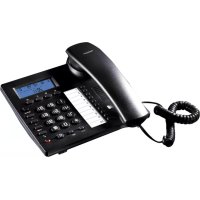
TE6601 - Telephone TOPCOM - Free user manual and instructions
Find the device manual for free TE6601 TOPCOM in PDF.



| Product type | Desk phone with caller ID |
| Brand | Topcom |
| Model | TE6601 |
| Power supply | 3 AA alkaline batteries (not included) + telephone line |
| Display | LCD display with adjustable contrast (8 levels) |
| Main functions | Caller ID, hands-free, directory (20 numbers), redial of last 18 numbers, hold music, VIP function, parallel line protection |
| Memory | 10 direct memory keys (M1-M10) and 10 indirect memories, up to 80 incoming numbers |
| Ring volume | Switchable: Off, Low, High |
| Flash duration | Adjustable: 100, 300, 600 or 1000 ms |
| Dialing type | Tone (DTMF) or Pulse (selectable) |
| Connectivity | 1 RJ11 line jack, 1 RJ9 handset jack |
| Cleaning | Slightly damp or antistatic cloth, no abrasive solvents |
| Usage conditions | Indoors, more than 1.5 m from a water source, do not expose to moisture |
| Recycling | Dispose of batteries and device in accordance with environmental regulations |
| Repairability | Not specified by the manufacturer |
Frequently Asked Questions - TE6601 TOPCOM
User questions about TE6601 TOPCOM
0 question about this device. Answer the ones you know or ask your own.
Ask a new question about this device
Download the instructions for your Telephone in PDF format for free! Find your manual TE6601 - TOPCOM and take your electronic device back in hand. On this page are published all the documents necessary for the use of your device. TE6601 by TOPCOM.
USER MANUAL TE6601 TOPCOM
UK The features described in this manual are published with reservation to modifications.
UK The CE symbol indicates that the unit complies with the essential requirements of the R&TTE directive.
This product is in compliance with the essential requirements and other relevant provisions of the R&TTE directive. The Declaration of conformity can be found on:
http://www.topcom.net/cdeclarations.asp
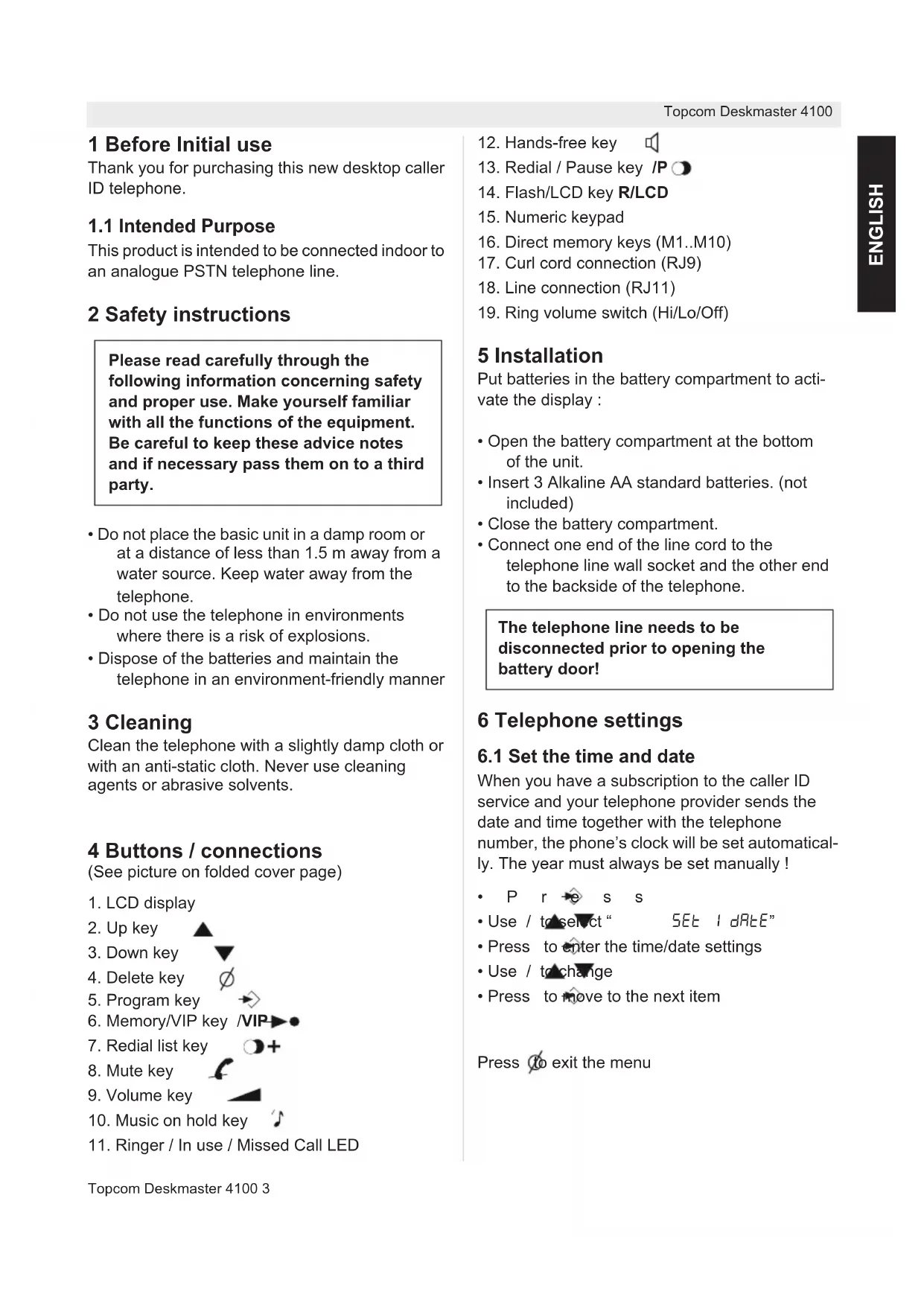
1 Before Initial use
Thank you for purchasing this new desktop caller ID telephone.
1.1 Intended Purpose
This product is intended to be connected indoor to an analogue PSTN telephone line.
2 Safety instructions
Please read carefully through the following information concerning safety and proper use. Make yourself familiar with all the functions of the equipment. Be careful to keep these advice notes and if necessary pass them on to a third party.
- Do not place the basic unit in a damp room or at a distance of less than 1.5m away from a water source. Keep water away from the telephone.
- Do not use the telephone in environments where there is a risk of explosions.
- Dispose of the batteries and maintain the telephone in an environment-friendly manner
3 Cleaning
Clean the telephone with a slightly damp cloth or with an anti-static cloth. Never use cleaning agents or abrasive solvents.
4 Buttons / connections
(See picture on folded cover page)
- LCD display
2.Up key - Down key
- Delete key
- Program key
- Memory/VIP
- Redial list key
- Mute key
- Volume key
- Music on hold key
- Ringer / In use / Missed Call LED

- Hands-free key
- Redial / Pause key IP
- Flash/LCD key R/LCD
- Numeric keypad
- Direct memory keys (M1..M10)
- Curl cord connection (RJ9)
- Line connection (RJ11)
- Ring volume switch (Hi/Lo/Off)
5 Installation
Put batteries in the battery compartment to activate the display:
- Open the battery compartment at the bottom of the unit.
- Insert 3 Alkaline AA standard batteries. (not included)
- Close the battery compartment.
- Connect one end of the line cord to the telephone line wall socket and the other end to the backside of the telephone.
The telephone line needs to be disconnected prior to opening the battery door!
6 Telephone settings
6.1 Set the time and date
When you have a subscription to the caller ID service and your telephone provider sends the date and time together with the telephone number, the phone's clock will be set automatically. The year must always be set manually!
P r s s
Use / to select " SET I dRte"
- Press to enter the time/date settings
- Use / to change
- Press to move to the next item
Press to exit the menu
6.2 Set the area code
When you have a subscription to the caller ID service it can be necessary in some countries to enter your area code. When the telephone receives a caller ID it will remove the entered area code from the incoming number.
- Press to enter the menu
Use / to select " 5E2 CodE" - Press to enter the area code settings
- Use / to change
- Press to move to the next digit.
6.3 Set the LCD contrast
There are 8 levels of LCD contrast (0..7). Choose the most convenient level.
- Press to enter the menu
Use / to select " 5E3 Lcd" - Press to enter the LCD contrast settings
- Use / to select the level
Press to confirm
You can also access the LCD-contrast settings, just by pressing the R/LCD key
6.4 Set the PBX code
When your phone is connected to a PBX system you can enter the PBX line access code.
The line access code will be added when dialling out a number from the caller ID list.
- Press to enter the menu
- Use / to select "SET 4 PcodE"
- Press to enter the settings
- Use / to change select the digit
- Press to move to the next digit
6.5 Select PULSE or TONE dialling
By default, the telephone is set for Tone dialling (DTMF). Some old lines require pulse dialling.
- Press to enter the menu
Use / to select “ SET 5 P-E” - Press to enter the Pulse/Tone settings
- Use / to select 'tone' or 'PULSE'
Press to confirm
6.6 Set the flash time
The R/LCD-key (flash) is used for services like "Call waiting" (if this service is provided by your telephone company) or to transfer calls when the telephone is connected to a PBX-system.
Depending on the country, this flash-time can be different.
The telephone supports 4 possibilities: 100, 300, 600 and 1000 msec.
- Press to enter the menu
- Use / to select "SET 6 FLASH"
- Press to enter the FLASH settings
- Use / to select your flash-time
- Press to confirm
6.7 Ringer volume
At the back panel of the telephone you find a switch that can be set in three positions: off, low and high.
- Choose the most comfortable volume setting
6.8 Anti-dialling from parallel line
You can prevent that other telephones, connected to your line, can make a call.
When this function is activated you will be alarmed when someone tries to make a call with another telephone connected to your line.
- Press and hold # for three seconds
"SPI oFF" appears - Press # again to activate "SPI on"
Press to confirm
Follow the same procedure to deactivate this function ("SPI oFF")
7 Operation
7.1 Making a call
- Enter the telephone number
- Press to delete a wrongly entered digit
Pick up the handset or press to make a hands-free call
During a call made with the handset you can switch to hands-free by pressing and hanging up the handset.
In case the telephone is connected to a PBX system it might be necessary to add a pause after the PBX access code. The phone can generate a 4 second pause time.
For example:
0 P 012345678
Press the key to enter a pause
The call duration timer will start in the display 6 seconds after the number was dialled.
7.2 Receiving a call
- When a call comes in, the phone will ring and the Ringer LED will flash
Pick up the handset or press to take the call hands-free
7.3 Set the volume level
During a call, you can adjust the speaker volume in the handset or in the loudspeaker (hands-free mode). There are 4 volume levels.
- Press the volume key or use / to set the volume level

7.4 Mute the microphone
During a call you can deactivate the microphone and talk freely without the caller hearing you.
- Press to activate ("mutE" will appear in the display)
- Press again to continue your conversation
7.5 Music on hold
During a call you can press the key to put the other party on hold. The other party will hear an electronic melody.
- press the -key to put the other party on hold
- Press the key again to continue your conversation.
7.6 Last number redial
The phone has two different radial keys
7.6.1 Last number radial
Press this key to redial the last number.
7.6.2 Redial list
The phone will store the 18 latest dialled numbers together with the call duration.
Press and use / to go through
your latest dialled numbers ("OUT" will appear in the display)
Pick up the handset or press to make a hands-free call
- Press to delete a number
- Press and hold for three seconds to delete all numbers
7.7 Caller ID
The phone can store up to 80 incoming numbers together with the time and date of the call.
- Press / to go through the incoming numbers ("IN" will appear in the display)
- Press to delete a number
- Press and hold for three seconds to delete all numbers
Missed calls will be displayed together with "NEW"
The Missed call LED will blink to indicate one or more missed calls
7.8 VIP numbers
In the incoming number list you can set special numbers as VIP (Very important person).
- When browsing the incoming number, press
- VIP to set the number as VIP
The symbol with appear in the display
P r -s s VIP again to deselect
When a number is set as VIP you cannot delete it from the incoming number list.
8 Memory numbers
The Deskmaster 4100 has 10 direct memory keys (M1, M2,.. M10) and 10 indirect memory numbers.
8.1 Storing a number
While the handset is on hook, dial the number you want to store
P r -s s VIP:"StorE"will appear on the display
- Choose a direct memory key M1, M2,... M10 Or
- Choose an indirect memory number on the keypad (0...9)
8.2 Using a direct memory number
Press M1, M2..M10
Pick up the handset or press to make a hands-free call
8.3 Using an indirect memory number
P r -s s VIP + the indirect memory number (0...9)
Pick up the handset or press to make a hands-free call
All memory numbers will be erased if the batteries are removed and the telephone has been disconnected from the telephone line for more than 10 minutes!
6.3 Stille inn LCD-contrast
LCD-kontrasten kan justeres i 8 nivaer (0..7) Velg det nivaet som passer best for deg.
Trykk forapne menyen
Bruk / tɪˈvɪge" SEt 3 Lcd"
Trykk forapne innstillingene for LCD-kontrast.
- Bruk / fəˈælge nɪvə.
- Trykk fora bekrefte



- Before Initial use
- Intended Purpose
- Safety instructions
- Cleaning
- Buttons / connections
- Installation
- Telephone settings
- Set the time and date
- Set the area code
- Set the LCD contrast
- Set the PBX code
- Select PULSE or TONE dialling
- Set the flash time
- Ringer volume
- Anti-dialling from parallel line
- Operation
- Making a call
- Receiving a call
- Set the volume level
- Mute the microphone
- Music on hold
- Last number redial
- Last number radial
- Redial list
- Caller ID
- VIP numbers
- Memory numbers
- Storing a number
- Using a direct memory number
- Using an indirect memory number
- Stille inn LCD-contrast
Brand : TOPCOM
Model : TE6601
Category : Telephone