USER MANUAL Mavic Pro 4K DJI
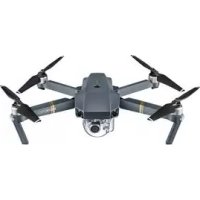
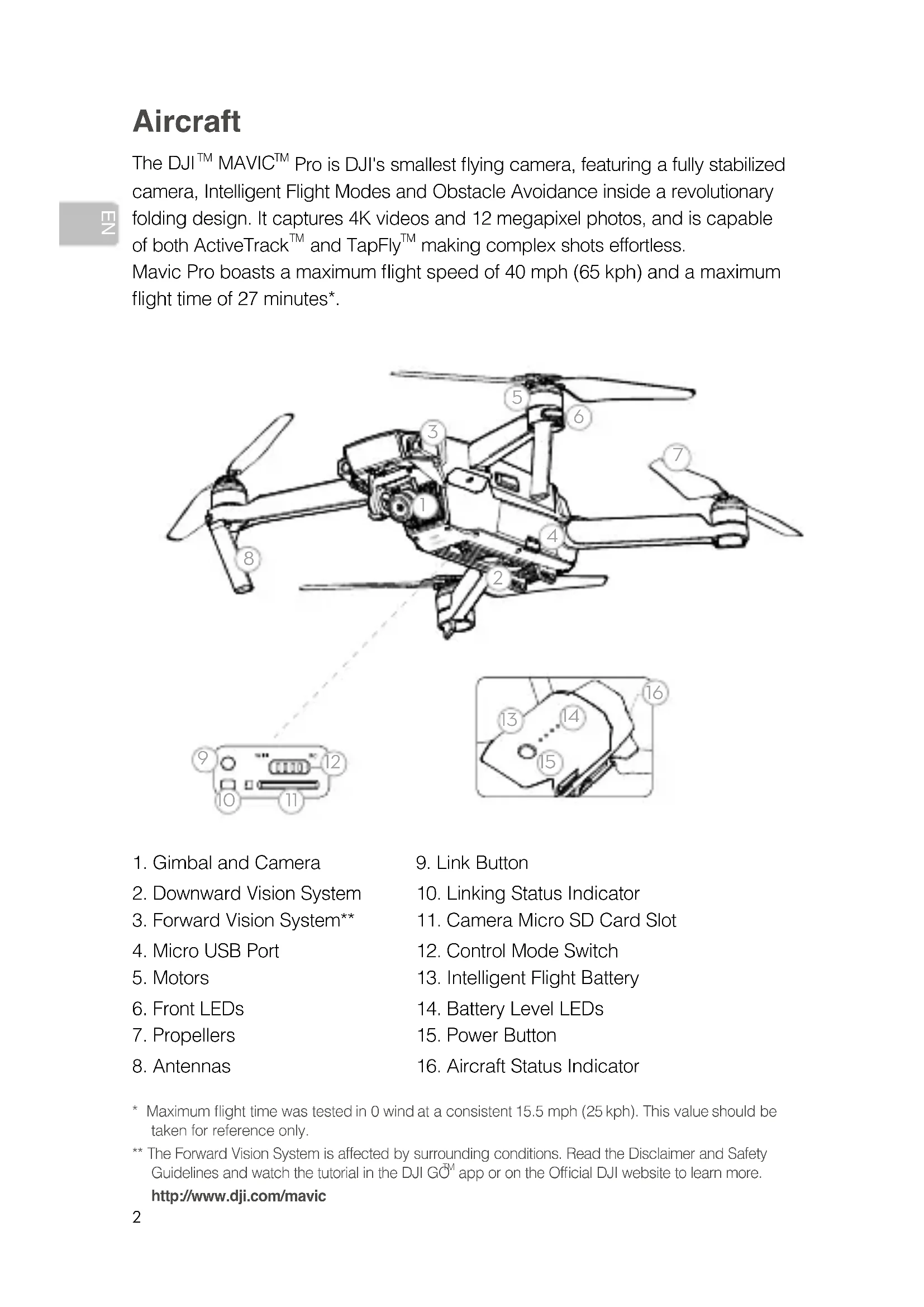
The DJI™ MAVIC™ Pro is DJI's smallest flying camera, featuring a fully stabilized camera, Intelligent Flight Modes and Obstacle Avoidance inside a revolutionary folding design. It captures 4K videos and 12 megapixel photos, and is capable of both ActiveTrack™ and TapFly™ making complex shots effortless.
Mavic Pro boasts a maximum flight speed of 40 mph (65 kph) and a maximum flight time of 27 minutes*.
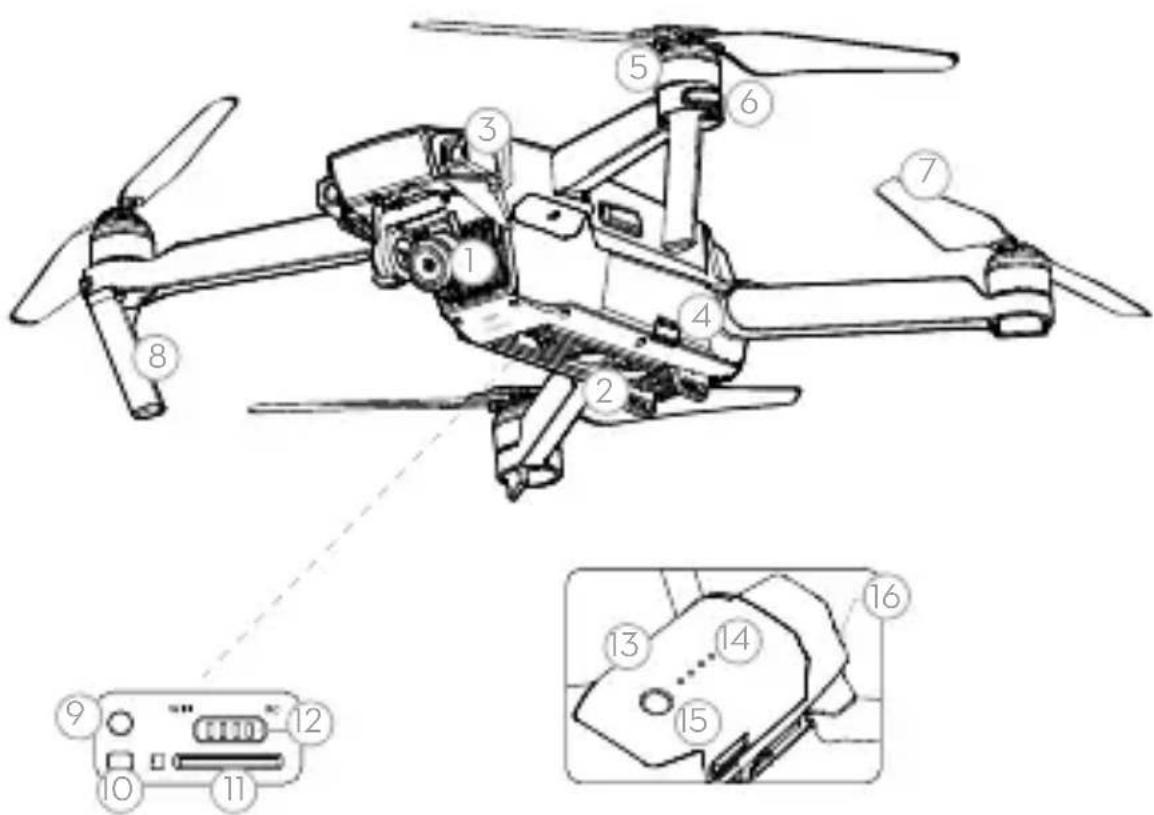
- Gimbal and Camera
- Link Button
- Downward Vision System
- Linking Status Indicator
- Forward Vision System**
- Camera Micro SD Card Slot
- Micro USB Port
- Control Mode Switch
- Motors
- Intelligent Flight Battery
- Front LEDs
- Battery Level LEDs
- Propellers
- Power Button
- Antennas
- Aircraft Status Indicator
- Maximum flight time was tested in 0 wind at a consistent 15.5 mph (25 kph). This value should be taken for reference only. ** The Forward Vision System is affected by surrounding conditions. Read the Disclaimer and Safety Guidelines and watch the tutorial in the DJI GO™ app or on the Official DJI website to learn more. http://www.dji.com/mavic
Remote Controller
Built into the Remote Controller is DJI's latest long-range transmission technology OCUSYNC™, offering a maximum transmission range of 4.3 mi (7 km). An onboard LCD screen keeps you updated on aircraft data, and video from the aircraft to the DJI GO app on your mobile device at up to 1080p at close range, and 720p at longer ranges. The Mavic Pro can also be flown by phone only. Maximum run-time: 2.5 hours*
- LCD Screen 2.5D Button
- Control Sticks
- Antennas
- Power Button
- Flight Mode Switch
- Mobile Device Clamp
- USB Port
- Flight Pause Button
- RTH Button
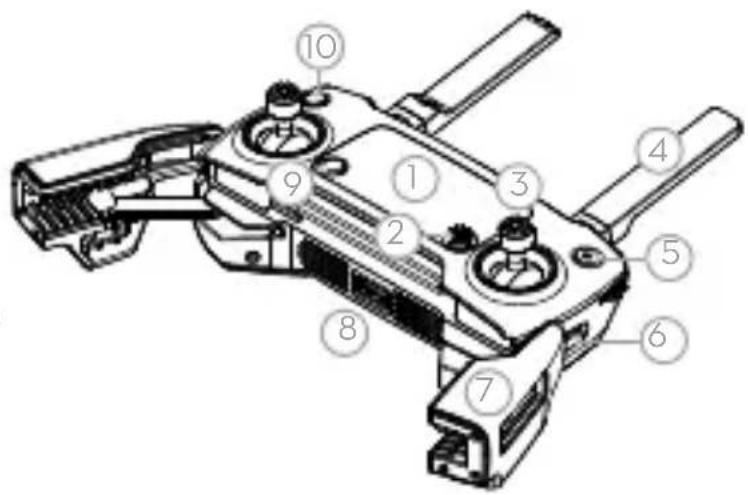
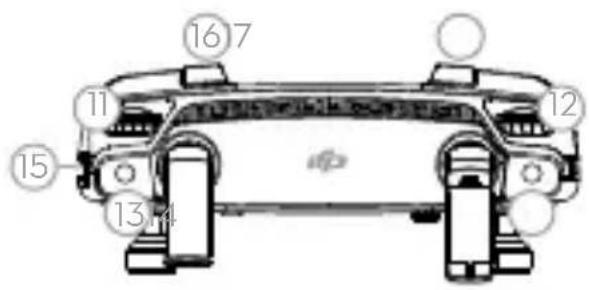
- Gimbal Dial
- Camera Settings Dial
- Record Button 14. Shutter Button
- Power Port (Micro USB)
- C1 Button (customizable)
- C2 Button (customizable)
1. Download the DJI GO App and Watch the Tutorial Videos
Search for 'DJI GO' on the App Store or Google Play, or scan the QR code to download the app on your mobile device. Watch the tutorial videos at www.dji.com or in the DJI GO App.
DJI GO app and more information

- DJI GO supports iOS 8.0 (or later) or Android 4.3 (or later).
2. Check the Battery Levels
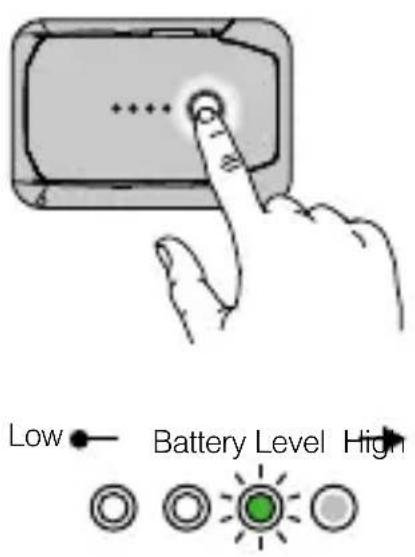
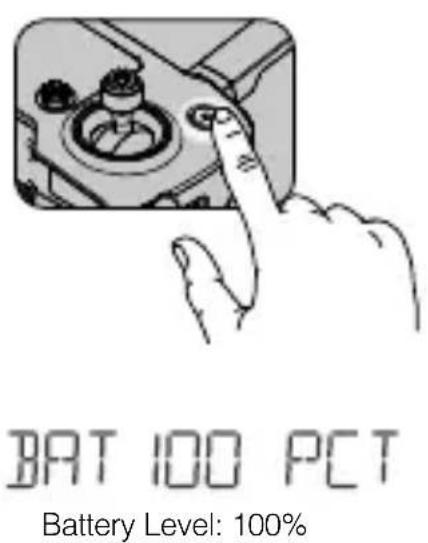
Press once to check the battery level. Press once, then again and hold to turn on/off.
Press once to check the battery level on LCD screen. Press once, then again and hold to turn on/off the remote controller.
3. Charge the Batteries
Remove Intelligent Flight Battery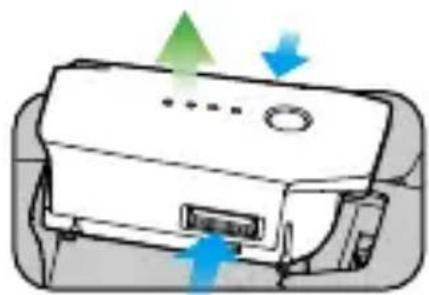
100 - 240V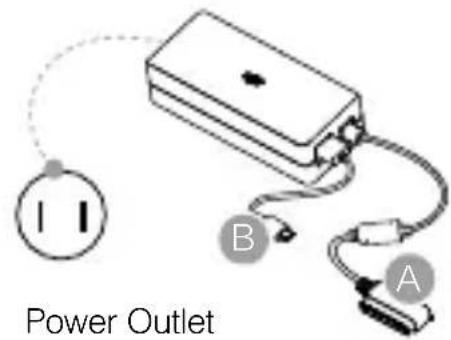
Charge Time: ~1 hour 20 minutes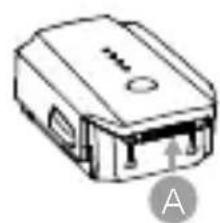
Charge Time: ~2 hours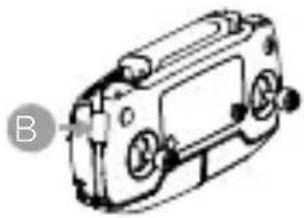
4. Prepare the Remote Controller
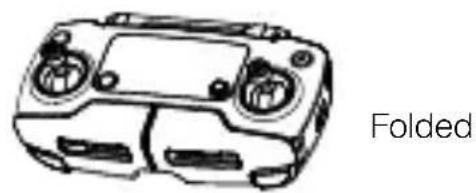
Unfold the antennas and the mobile device clamp.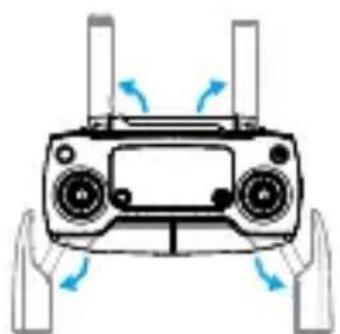
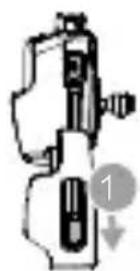
Place one end of the RC cable to the end of the slot.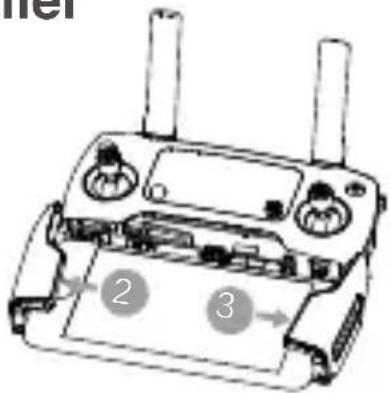
Strong Weak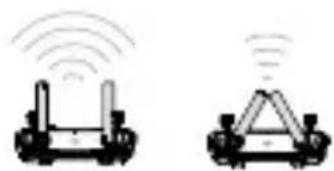
Lightning connector cable (Connected) and Standard Micro USB connector cable included. Use as appropriate. Optional USB Type-C connector and Reverse Micro USB connector cables are available.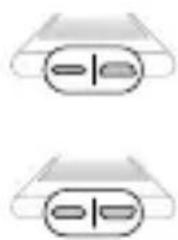

- Choose an appropriate RC cable. Do not twist the RC cable. Refer to the User Manual for RC Cable connection.
5. Prepare the Aircraft

Marked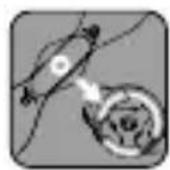
Unmarked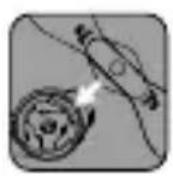
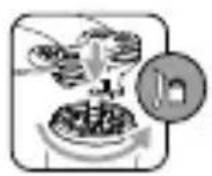
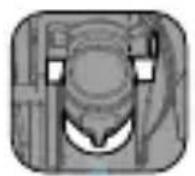
Remove the gimbal clamp from the camera
Match propellers to motors. Press the propeller down firmly and rotate in the lock direction.
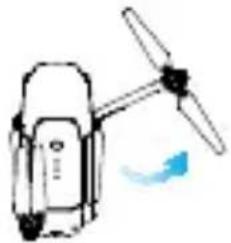
Unfold the front arms and the propellers.
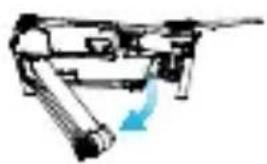
Unfold the rear arms and the propellers. Unfolded.
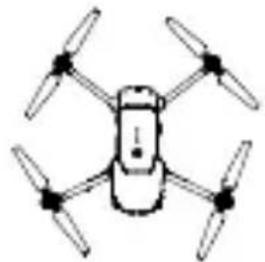

- Unfold the front arms and the propellers before the rear ones. All arms and propellers must be unfolded before takeoff.
- The gimbal cover is used to protect the gimbal. Remove it when necessary.
6. Prepare for Takeoff
Power on the remote controller.
Power on the aircraft. Launch the DJI GO app.
DJI GO App

Use your DJI account to activate the aircraft. Activation requires an internet connection.
Internet

- The Mavic Pro can be controlled using the Remote Controller or Virtual Joysticks. Select control modes by toggling the Control Mode Switch. Only toggle this switch when the aircraft is powered off.
7. Flight
The default flight control is known as Mode 2. The left stick controls the aircraft's altitude and heading, while the right stick controls its forward, backward, left and right movements. The gimbal dial controls the camera's tilt.
Left Stick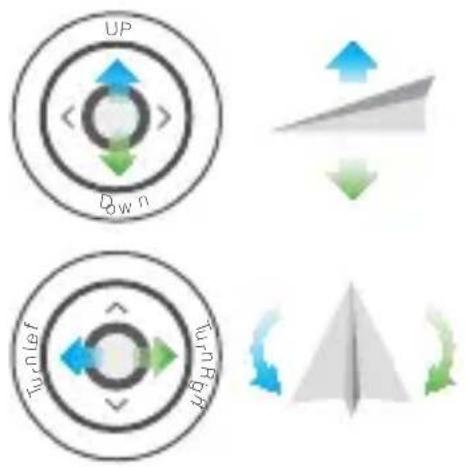
Right Stick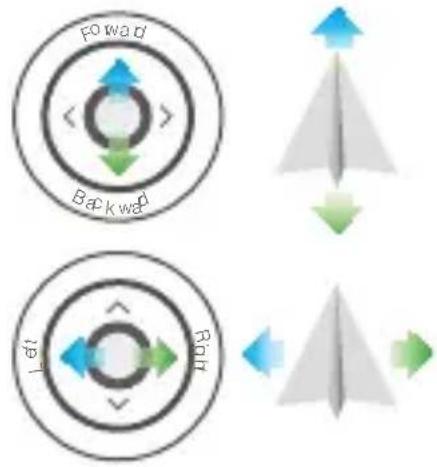
Before taking off, make sure the Aircraft Status Bar in the DJI GO app or on the Remote Controller LCD screen displays 'Ready to Go'.
Combination stick command to start/stop the motors.
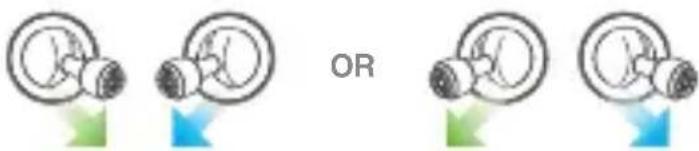
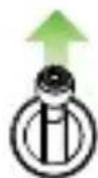
Left stick up (slowly) to take off
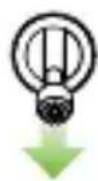
Left stick down (slowly) until you touch the ground. Hold a few seconds to stop the motors.

- The DJI GO app will display a landing prompt if the aircraft descends below 12 in (30 cm). Pull down on the throttle or use the auto landing slider to land.
- The motors can only be stopped mid-flight when the flight controller detects critical error.
- Controlling flight with Virtual Joysticks on your mobile device via Wi-Fi

- Toggle the Control Mode Switch to turn on Wi-Fi
- Power on the aircraft
- Launch the DJI GO app and tap the icon on the top right of your screen, then scan the Wi-Fi QR Code on the front arm to start connection
- Tap Auto Takeoff
- Fly the aircraft with touch control

- Turn on your mobile device's Wi-Fi and enter the Wi-Fi password shown on the front arm to connect to the Mavic network if for any reason you cannot scan the QR code
- When using Wi-Fi in a wide open area with no Electro-Magnetic Interference, transmission distance is approximately 262 ft (80 m) at an altitude of 164 ft (50 m).
- The Wi-Fi frequency of your mobile device can be set to 2.4 GHz or 5 GHz. Set your Wi-Fi to 5 GHz for less interference. Once connected to the Mavic Pro, you can change your Wi-Fi password or reset your Wi-Fi connection. (Refer to the User Manual for more information)
In the DJI GO App
Auto Takeoff
Auto Landing Return-to-Home (RTH)
ActiveTrack
TapFly

Normal

- Watch the tutorial in the DJI GO app or on the Official DJI website to learn more.
- Always set an appropriate RTH altitude before takeoff. When the aircraft is returning to the Home Point, you should guide it with the control sticks.
8. Fly Safe
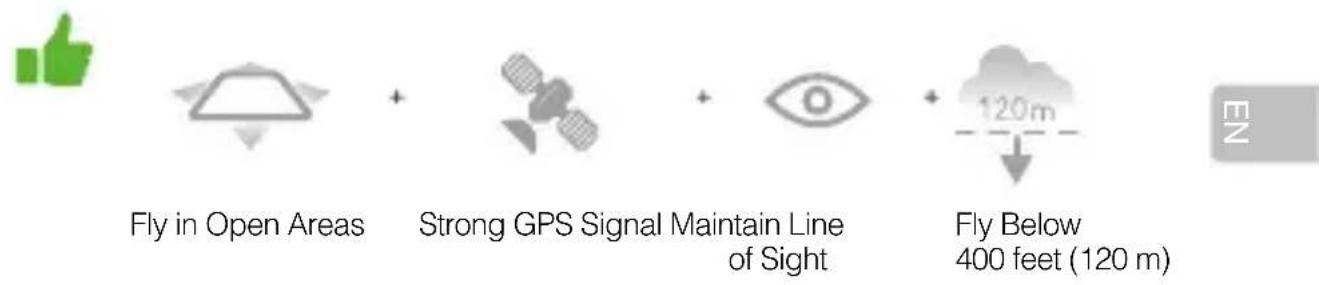

Avoid flying over or near obstacles, crowds, high voltage power lines, trees or bodies of water.
DO NOT fly near strong electromagnetic sources such as power lines and base stations as it may affect the onboard compass.

DO NOT use the aircraft in adverse weather conditions such as rain, snow, fog and wind speeds exceeding 10 m/s or 22 mph.
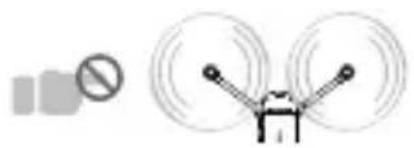
Stay away from the rotating propellers and motors.
Learn more at: http://flysafe.dji.com/no-fly

It's important to understand basic flight guidelines, for the safety of both you and those around you. Don't forget to read the Disclaimer and Safety Guidelines.
Specifications
Aircraft
Weight 1.62 lbs (734 g)
Weight (including gimbal cover) 1.64 lbs (743 g)
Max Ascent Speed 16.4 ft/s (5 m/s) in Sport Mode
Max Descent Speed 9.8 ft/s (3 m/s)
Max Speed 40 mph (65 kph) in Sport Mode without wind
Max Service Ceiling Above Sea Level 16404 feet (5000 m)
Max Flight Time 27 minutes (0 wind at a consistent 15.5 mph (25 kph))
Max Hovering Time 24 minutes (0 wind)
Max Flight Distance 8 mi (13 km, 0 wind)
Operating Temperature 32° to 104°F (0° to 40°C)
Satellite Positioning Systems GPS/GLONASS
Gimbal
Controllable Range
Pitch: -90° to +30° ,
Roll: 0° or 90° (Horizontally and vertically)
Forward Vision System
Sensing Range
Precision measurement range:
2 ft (0.7 m) to 49 ft (15 m)
Detectable range: 49 ft (15 m) to 98 ft (30 m)
Operating Environment Surfaces with clear patterns and adequate lighting
(lux gt; 1 5)
- Downward Vision System
Velocity Range ≤ 22.4 mph (36 kph) at 6.6 ft (2 m) above ground
Altitude Range 1 - 43 feet (0.3 - 13 m)
Operating Range 1 - 43 feet (0.3 - 13 m)
Operating Environment Surfaces with clear patterns and adequate lighting (lux > 15)
Camera
Sensor 1/2.3" CMOS
Effective pixels: 12.35 Megapixels (Total pixels: 12.71 M)
Lens
78.8° FOV, 28mm (35mm format equivalent) f/2.2
Distortion < 1.5%, Focus from 0.5m to ∞
ISO Range
100 - 3200 (video), 100 - 1600 (photo)
Electronic Shutter Speed
8 s to 1/8000 s
Max Image Size
4000 × 3000
Still Photography Modes
Single shot
Burst shooting: 3/5/7 frames
Auto Exposure Bracketing (AEB):
3/5 bracketed frames at 0.7EV Bias
Interval
Video Recording Modes C4K: 4096×2160 24p, 4K: 3840×2160 24/25/30p
2.7K: 2704×1520 24/25/30p
FHD: 1920×1080 24/25/30/48/50/60/96p
HD: 1280×720 24/25/30/48/50/60/120p
Video Storage Bitrate 60 Mbps
Supported File Systems FAT32 (≤ 32 GB), exFAT (> 32 GB)
Photo JPEG, DNG
Video MP4, MOV (MPEG-4 AVC/H.264)
Supported SD Cards: microSD
TM. Max capacity: 64 GB
Class 10 or UHS-1 rating required
Remote Controller
Operating Frequency: 2.4 GHz to 2.4835 GHz
Max Transmission Distance: FCC Compliant: 4.3 mi (7 km); CE Compliant:
2.5 mi (4 km) Unobstructed and free of interference
Operating Temperature: 32° to 104° F (0° to 40° C)
Battery: 2970 mAh
Transmitter Power (avg. EIRP): FCC: ≤ 26 dBm; CE: ≤ 20 dBm
Operating Voltage: 950 mA @ 3.7 V
Supported Mobile Device Size: Thickness supported: 6.5 - 8.5 mm,
Max length: 160 mm. Supported USB port types:
Micro USB (Type-B), USB Type-C™
- Charger
Voltage 13.05 V
Rated Power 50 W
- Intelligent Flight Battery
Capacity 3830 mAh
Voltage 11.4 V
Battery Type
LiPo 3S
Energy
43.6 Wh
Net Weight
Approx. 0.5 lbs (240 g)
Charging Temperature Range
41° to 104°F (5° to 40°C)
Max Charging Power
100W
For more information, read the User Manual:
http://www.dji.com/mavic
*This content is subject to change without prior notice.
MAVIC™ and OCUSYNC™ are trademarks of DJI.
Copyright © 2016 DJI All Rights Reserved.
Designed by DJI.
Printed in China.
Aircraft
FHD: 1920×1080 24/25/30/48/50/60/96p
HD: 1280×720 24/25/30/48/50/60/120p
- Intelligent Flight Battery
Capacity: 3830 mAh
Voltage: 11.4 V
Battery type: LiPo 3S
Energy: 43.6 Wh
Weight 734 g (1.62 lbs)
FHD: 1920×1080 24/25/30/48/50/60/96p
HD: 1280×720 24/25/30/48/50/60/120p
Weight 734 g (1.62 lb)
FHD: 1920 × 1080 24/25/30/48/50/60/96p
HD: 1280×720 24/25/30/48/50/60/120p
Video storage bitrates 60 Mbit/s
Supported file formats FAT32 (≤ 32 GB), exFAT (> 32 GB)
Photo JPEG, DNG
Video MP4, MOV (MPEG-4 AVC/H.264)
- Intelligent Flight Battery
Capacity 3830 mAh
Voltage 11.4 V
- Downward Vision System
FHD: 1920×1080 24/25/30/48/50/60/96p
HD: 1280 × 720 24/25/30/48/50/60/120p
Supported SD cards microSD
Battery type LiPo 3S
Energy 43.6 Wh
FHD: 1920×1080 24/25/30/48/50/60/96p
HD: 1280×720 24/25/30/48/50/60/120p
Video storage bitrate 60 Mbps
Supported file systems FAT32 (≤ 32 GB), exFAT (> 32 GB)
Photo JPEG, DNG
Video
MP4, MOV (MPEG-4 AVC/H.264)
- Intelligent Flight Battery
Capacity 3830 mAh
Voltage 11.4 V
Battery type LiPo 3S
Capacity 43.6 Wh
Net weight
Approx. 240 g (0.5 lbs)
DJI GO App and more information

Remove the Intelligent Flight Battery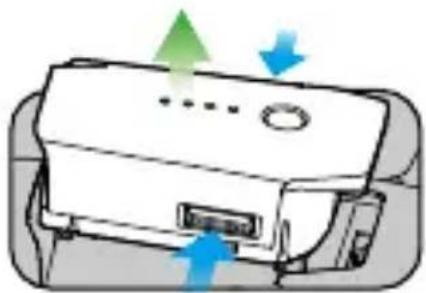
100 - 240V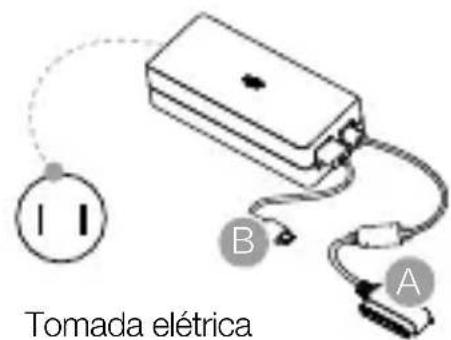
Unfold the arms and front propellers.
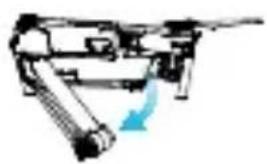
Unfold the arms and rear propellers. Unfolded
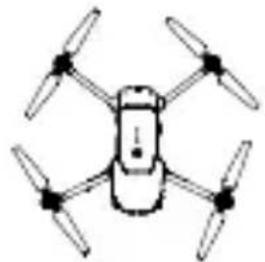

Weight 734 g (1.62 lbs)
Sequential shooting: 3/5/7 frames
Auto Exposure Bracketing (AEB):
FHD: 1920×1080 24/25/30/48/50/60/96p
HD: 1280 × 720 24/25/30/48/50/60/120p
Storage bitrate of 60 Mbps
video
Compatible file systems FAT32 (≤ 32 GB), exFAT (> 32 GB)
Photo JPEG, DNG
Video MP4, MOV (MPEG-4 AVC/H.264)
Compatible SD cards microSD
Maximum capacity: 64 GB
Intelligent Flight Battery
Capacity 3830 mAh
Voltage 11.4 V
Intelligent Flight Battery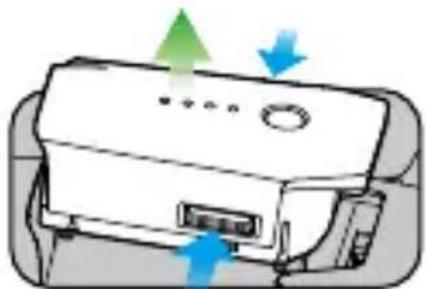
Input 100-240V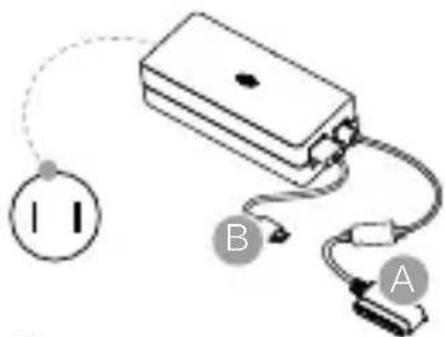
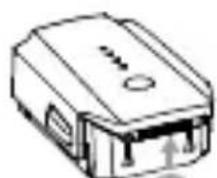
Charging time: ~1 hour 20 minutes
Charging time: ~2 hours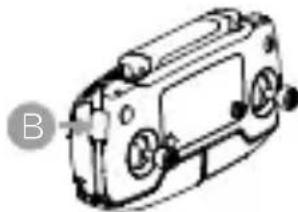
AUTOMATIC LANDING
TapFly function

Return to Home (RTH)
Normal state

For additional information, please refer to the manual in the appendix or visit the official website. Before each flight, always set the appropriate return altitude. When returning, the aircraft must be controlled with the joysticks.
8. Follow flight safety rules


Fly in open areas
GPS signal

Fly only within visual line of sight
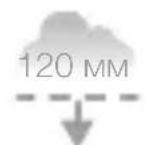
Flight should be at an altitude of less than 120 m (400 feet)



Avoid flying over people, in close proximity to obstacles, crowds, high-voltage power lines, trees, and bodies of water. It is forbidden to fly near sources of strong electromagnetic interference, such as power lines and base stations, as they may affect the operation of the built-in compass.



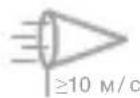
It is forbidden to use the drone in unfavorable weather conditions, such as rain, snow, fog, and when wind speed exceeds 10 m/s or 22 mph.
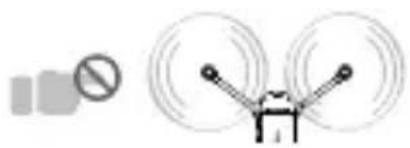
Do not approach rotating propellers and electric motors.

No-fly zones
More detailed information is available on the website: http://flysafe.dji.com/no-fly

To ensure your safety and the safety of those around you, it is important to understand the basics of flight principles. Be sure to read the disclaimer and the safety manual.
Technical specifications
Aircraft
Weight 734 g (1.62 lb)
Weight (with gimbal cover) 743 g (1.64 lb)
Max ascent speed 5 m/s (16.4 ft/s) in Sport mode
Max descent speed 3 m/s (9.8 ft/s)
Max speed 65 km/h (40 mph) in Sport mode in windless weather
Max altitude above sea level 5000 m (16,404 ft)
Max flight time 27 minutes (no wind at constant speed of 25 km/h)
Max flight time 24 minutes (no wind) (in hover mode)
Max flight distance 13 km (no wind)
Copyright © 2016 DJI All rights reserved.
Developed by DJI. Printed in China.
MAVIC PRO