BRVBank - Power bank BRAVEN - Free user manual and instructions
Find the device manual for free BRVBank BRAVEN in PDF.



| Product Type | Portable backup battery |
| Brand and model | Braven BRV-Bank |
| Capacity | 6000 mAh (6K model) or 8000 mAh (8K model) |
| Input voltage | 5V, 0.5-2A |
| Maximum total output voltage | 5V, 3.4A (combined on both ports) |
| Number of USB output ports | 2 (1A and 2A) |
| Input charging port | 1x micro-USB (5V/2A max) |
| Bluetooth technology | Yes, for monitoring via BRAVEN BRV-Bank app |
| Protection rating | IPX5 (water resistant to water jets) |
| Shock resistance | Yes, military standard MIL-STD 810G |
| Find Me function | Yes, emits a sound up to 10 meters |
| Battery type | Rechargeable lithium polymer |
| Charging time | 4-5 hours (6K), 5-6 hours (8K) |
| Warranty | 1 year limited |
| Maintenance and cleaning | Wipe with a dry cloth; do not expose to water while charging |
| Safety | Do not short-circuit, do not expose to excessive heat, do not open |
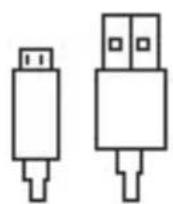
| Spare parts and included accessories | USB to micro-USB cable; mains adapter not included |
| Repairability | Not user-repairable; opening voids warranty |
| General information | Designed by Braven in the United States, manufactured in China |
| Weight and dimensions | Not provided (estimated: approx. 200-250g, 150x70x15 mm) |
Frequently Asked Questions - BRVBank BRAVEN
User questions about BRVBank BRAVEN
0 question about this device. Answer the ones you know or ask your own.
Ask a new question about this device
Download the instructions for your Power bank in PDF format for free! Find your manual BRVBank - BRAVEN and take your electronic device back in hand. On this page are published all the documents necessary for the use of your device. BRVBank by BRAVEN.
USER MANUAL BRVBank BRAVEN
BRV-BANK™ PORTABLE BACKUP BATTERY is a convenient power source that gives you remote access to its status via your smart device. Working in sync with the BRAVEN BRV-BANK Smart App, the power bank uses Bluetooth® Smart technology to communicate with your device to read battery levels, forecast charge and discharge times, and location.
Bluetooth®
Battery
Monitor/Control
2 USB
Charging
Ports
Rechargeable
Li-polymer
Battery

Find Me
Feature
IPX5 Dirt
& Waterproof

Impact
Resistant
INCLUDED
text_image
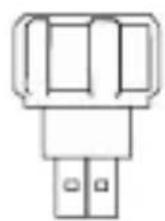
Diagram showing a vertical structure with labeled components and a central vertical line, possibly representing a mechanical or structural layout.BRV-BANK™
Portable
Battery
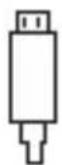
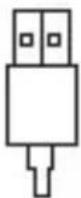
USB
Charging
Cable
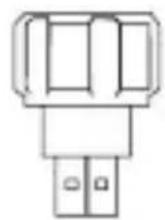
USB
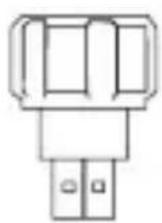
Flashlight
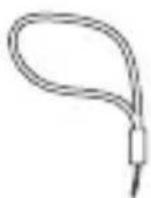
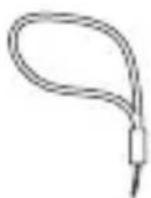
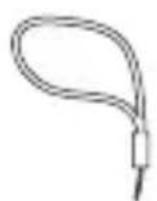
Lanyard
text_image
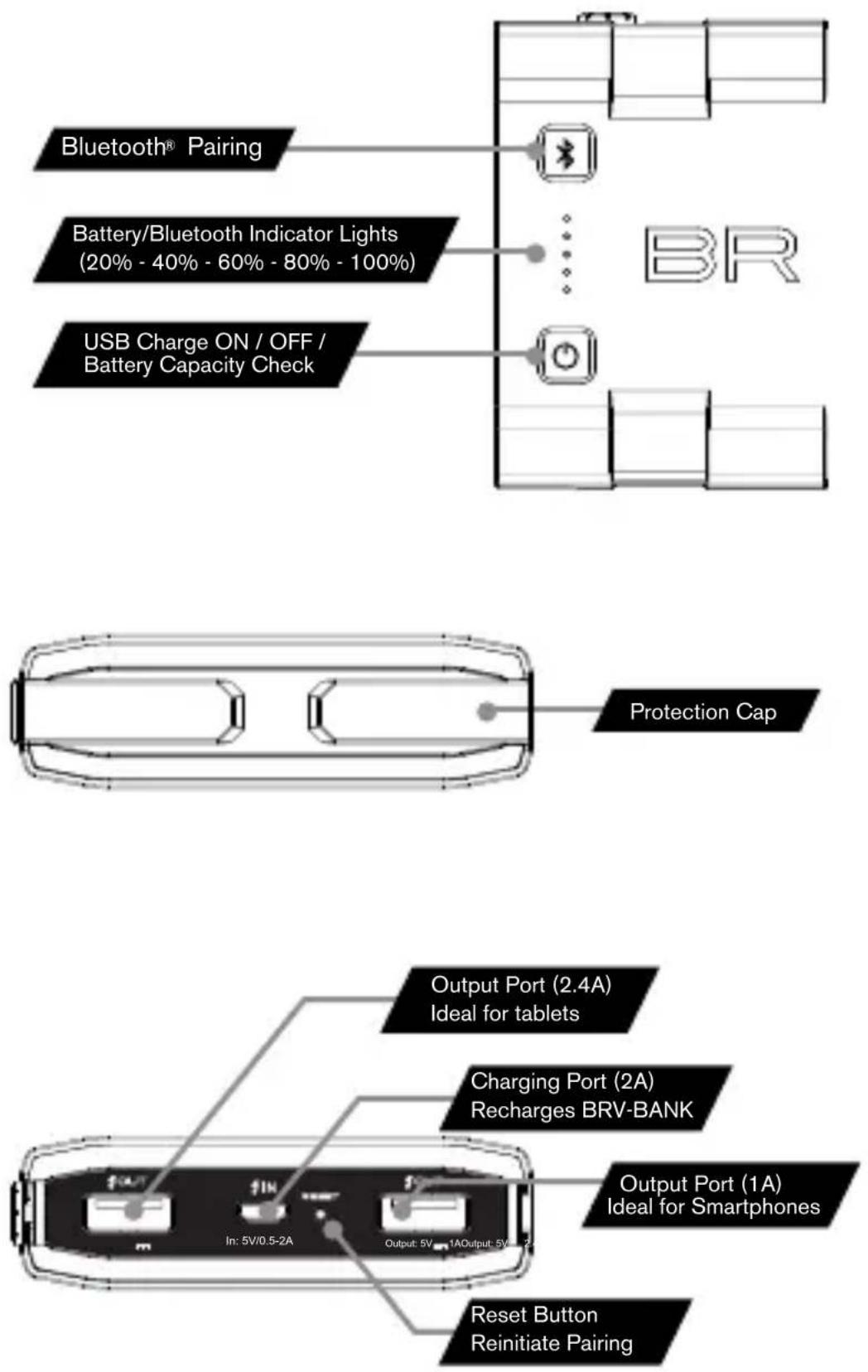
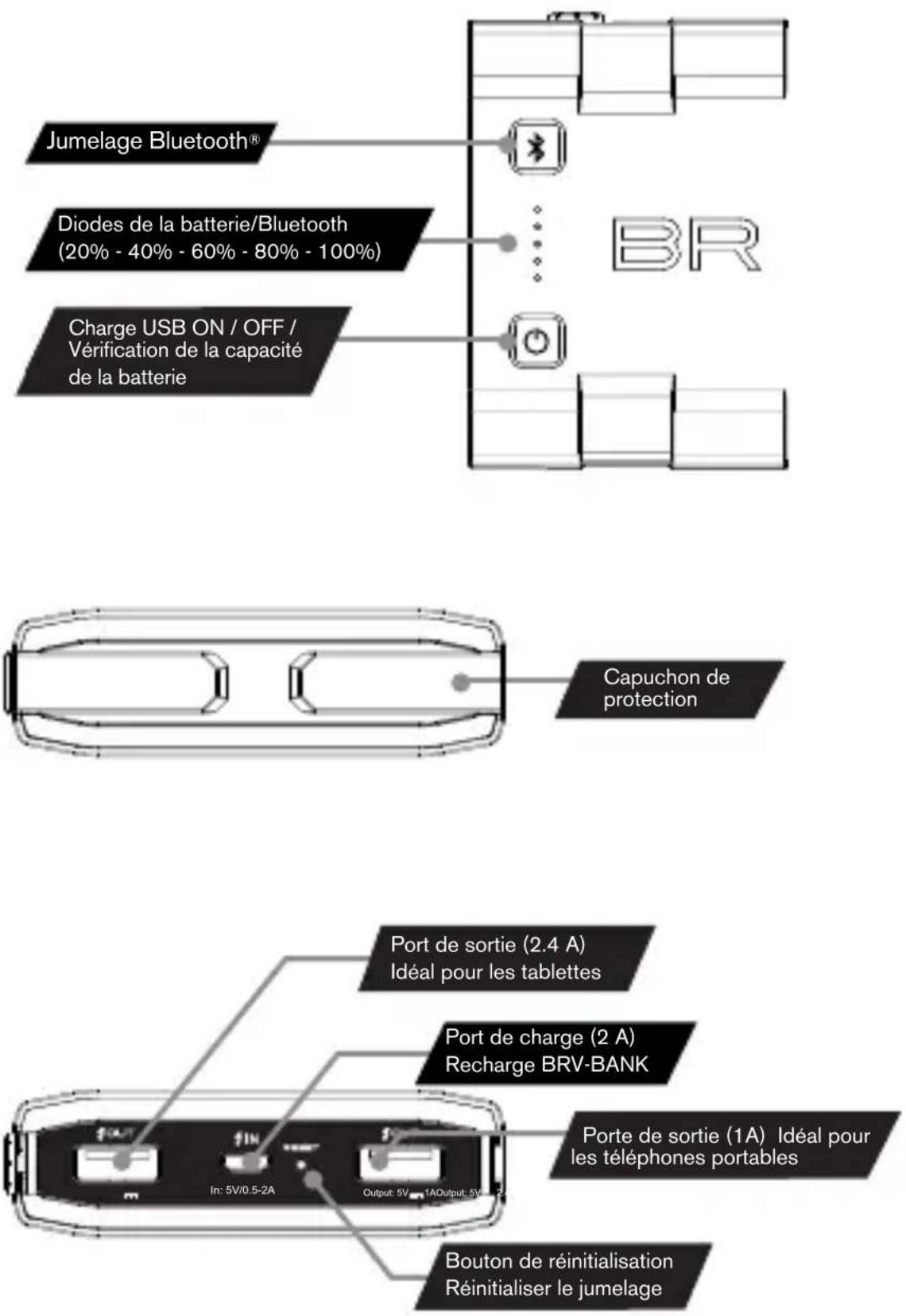
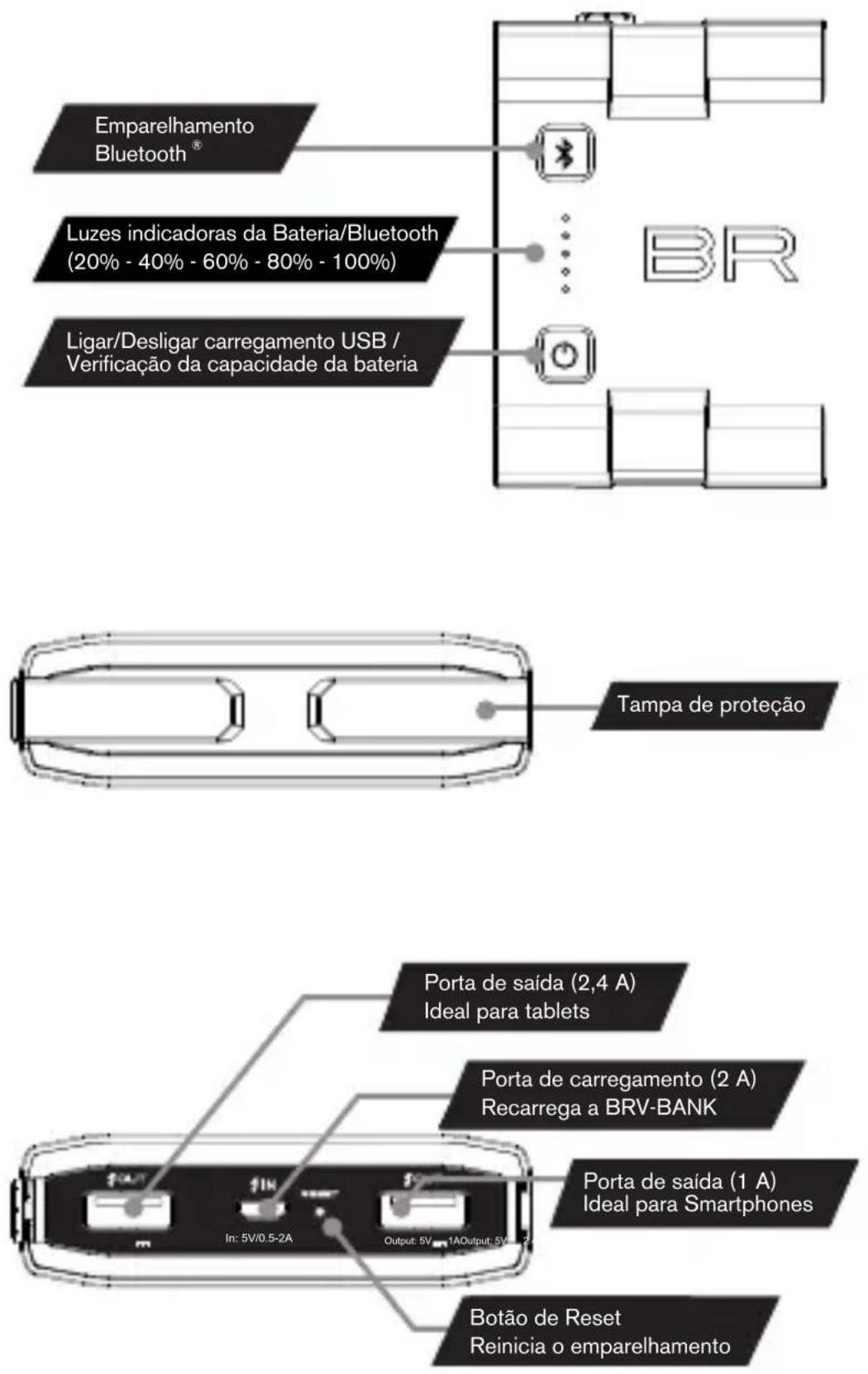
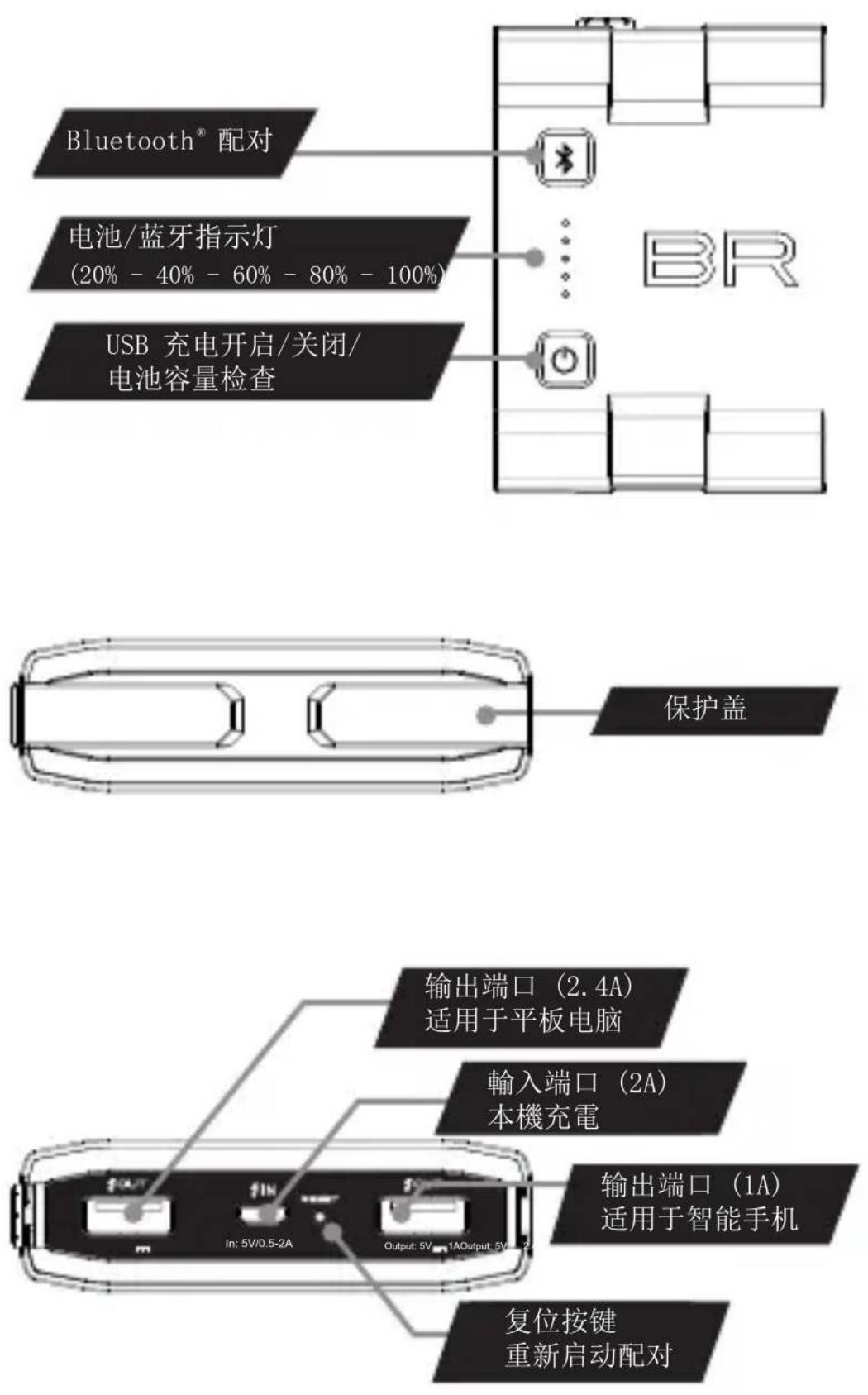
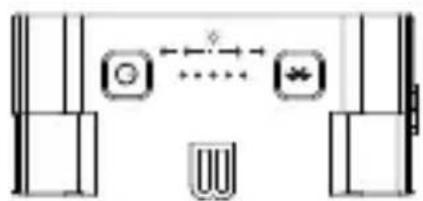
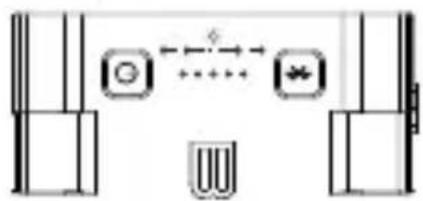
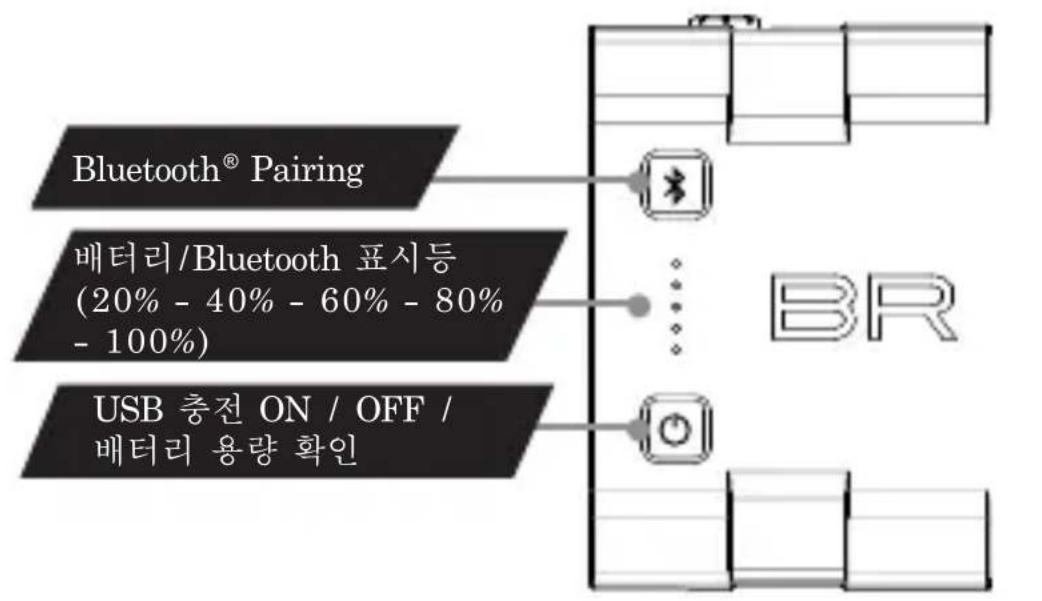
Bluetooth® Pairing Battery/Bluetooth Indicator Lights (20% - 40% - 60% - 80% - 100%) USB Charge ON / OFF / Battery Capacity Check BR Protection Cap Output Port (2.4A) Ideal for tablets Charging Port (2A) Recharges BRV-BANK Output Port (1A) Ideal for Smartphones Reset Button Reinitiate Pairing In: 5V/0.5-2A Output: 5V 1AOutput: 5V/0.5-2ACHARGING THE BACKUP BATTERY
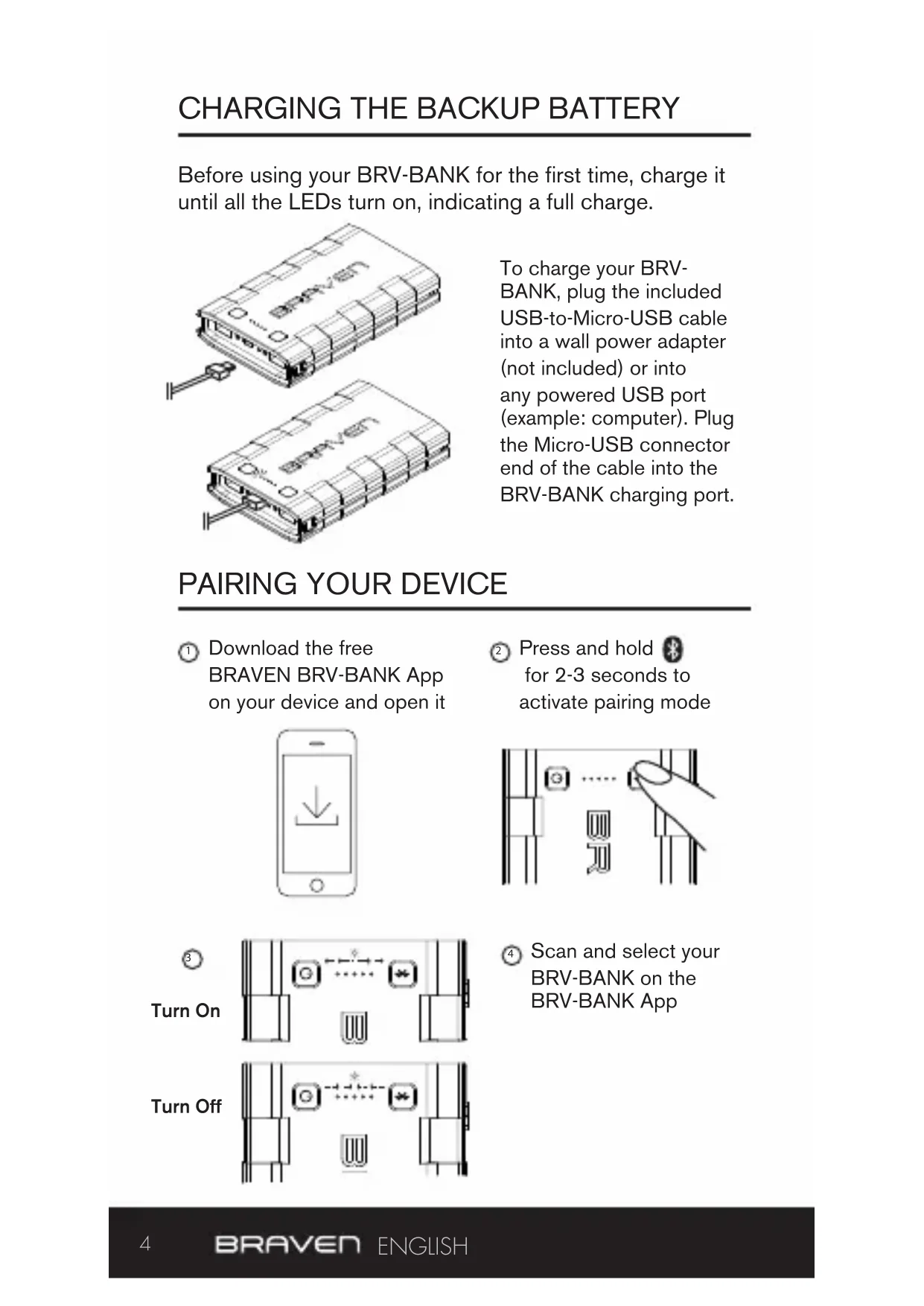
Before using your BRV-BANK for the first time, charge it until all the LEDs turn on, indicating a full charge.
natural_image
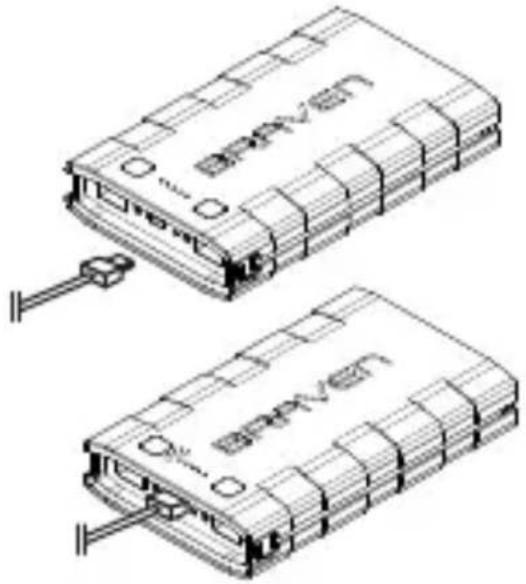
Technical line drawing of two electronic device modules with connectors and wiring (no text or symbols)To charge your BRV-BANK, plug the included USB-to-Micro-USB cable into a wall power adapter (not included) or into any powered USB port (example: computer). Plug the Micro-USB connector end of the cable into the BRV-BANK charging port.
PAIRING YOUR DEVICE
① Download the free BRAVEN BRV-BANK App on your device and open it
natural_image
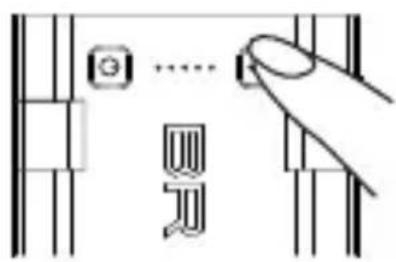
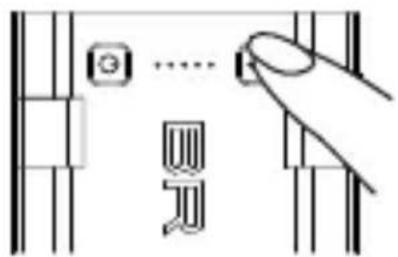
Simple line drawing of a smartphone with a download icon (no text or symbols)② Press and hold ⚙ for 2-3 seconds to activate pairing mode
text_image
Diagram showing a hand pressing a button on a vertical line, with a small icon labeled 'G' and a partial symbol below.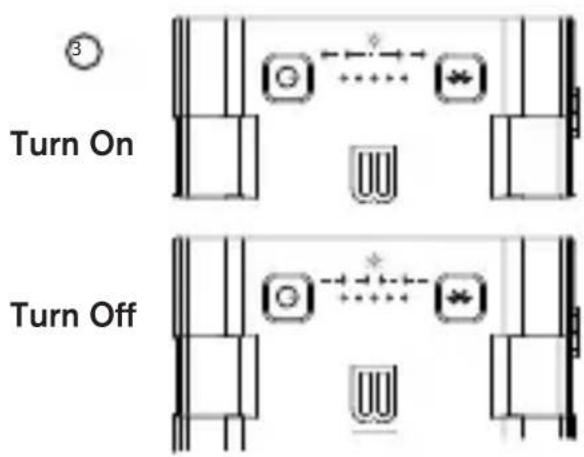
text_image
3 Turn On Turn Off④ Scan and select your BRV-BANK on the BRV-BANK App
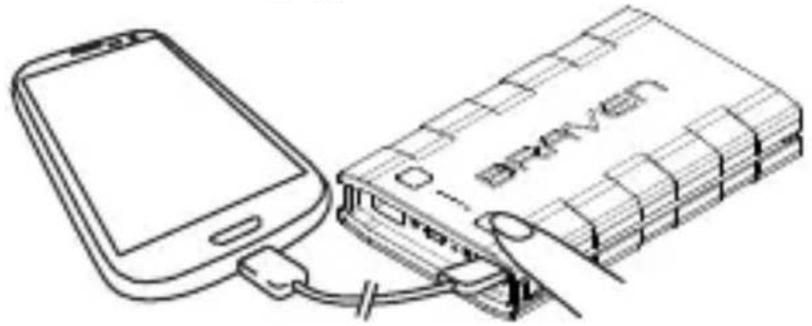
To start: Plug in your device(s), press and hold ⏻ for 2-3 seconds to start charging
natural_image
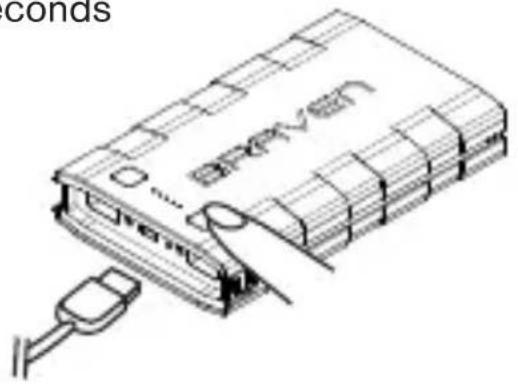
Line drawing of a smartphone connected to a Bruven-branded battery (no text or symbols on the device itself)To stop: Simply unplug your device(s), or press and hold ⏻ for 2-3 seconds
text_image
conds BRAVENRUGGED PROTECTION
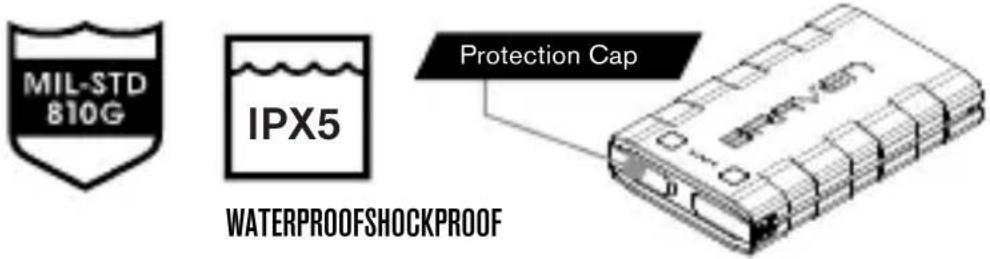
Your BRV-BANK is IPX5 dirt and waterproof (IP: Ingress Protection) and MIL-STD 810G shockproof (US Military Standard) designed to go anywhere you go.
text_image
MIL-STD 810G IPX5 Protection Cap WATERPROOFSHOCKPROOFIMPORTANT – To ensure your BRV-BANK is prepared for rough environments, remove all cable connections and tightly close the protection cap.
Locate your BRV-BANK remotely from your BRAVEN BRV-BANK App. Select the “find me” option within the app and your BRV-BANK will emit a noise until found (up to a 10m/33ft range).
SPECIFICATIONS
BLUETOOTH:
Detection range:
10m(33ft)
INPUT RATING:
5V/0.5-2A
OUTPUT RATING:
6000mAh: 5V/3.4A max combined
8000mAh: 5V/3.4A max combined
CHARING TIME:
BRV-BANK 6K: 4-5 hours
BRV-BANK 8K: 5-6 hours
BRAVEN ONE YEAR LIMITED WARRANTY
This product is guaranteed against defects in materials and craftsmanship for one year. Please visit braven.com for full details.
BRAVEN STATEMENT
Designed by BRAVEN in the USA. Made in China
© BRAVEN 2014. All rights reserved. The product and packaging are trademarks or registered trademarks of
BRAVEN LC in the United States or other countries. The Bluetooth ^™ word mark and logos are owned by Bluetooth SIG and any use of such marks is under license. Other trademarks and trade names are registered mark of their respective owners.
To reduce the risk of fire or electric shock, do not expose the BRAVEN to rain or moisture while charging. The BRAVEN should not be exposed to dripping or splashing, and objects filled with liquids, such as vases, should not be placed on or near it while being charged or charging other devices. As with any electronic products, use care not to spill liquids into any part of the product. Liquids can cause a failure and/or a fire hazard. The power supply must be used indoors only. Make no modifications to the product or accessories. Unauthorized alterations may compromise safety, regulatory compliance, and system performance, and will void the warranty. Do not place any flame sources, such as lighted candles, on or near the BRAVEN. The BRAVEN contains small parts that may be a choking hazard and is not suitable for children under age 3. Do not continue charging the battery if it does not reach full charge within the specified charging time. Overcharging may cause the battery to become hot, rupture, or ignite. If you see any heat deformation or leakage, properly dispose of the battery. Do not attempt to charge the battery in temperatures outside the range of 32^-104^ ( 0^-40^ ). If the battery begins to leak, do not allow the liquid to come in contact with your skin or eyes. If contact has been made, wash the affected area with plenty of water and seek medical attention immediately. Do not expose the product or battery to excessive heat, including direct sunlight or fire and storage or use inside cars in hot weather, where it can be exposed to temperatures in excess of 115^ ( 60^ ). Doing so may cause the battery and power supply to generate heat, rupture, or ignite. Using the product in this manner also may result in a loss of performance and a shortened life expectancy. Extended exposure to direct sunlight may damage the external appearance and material qualities. Do not step on, throw, or drop batteries or the power supply or device, or expose them to a strong shock. Do not pierce, crush, dent, or deform the batteries or power supply in any way. If either becomes deformed,
properly dispose of it. Do not short-circuit batteries. Do not attempt to service the BRAVEN yourself. Opening or removing covers may expose you to dangerous voltages or other hazards and will void the manufacturer's warranty. To prevent risk of fire or electric shock, avoid overloading wall outlets, extension cords, or integral convenience receptacles. Your Bluetooth device (mobile phone, music player, tablet, laptop, etc.) must support the A2DP Bluetooth profile in order to work wirelessly with your new BRAVEN. The A2DP profile is supported by most recent mobile products with built-in Bluetooth capability. Please refer to your device's user manual for details and instruction regarding the Bluetooth profiles it supports. This device complies with part 15 of the FCC Rules. Operation is subject to the following two conditions: (1) This device may not cause harmful interference, and (2) this device must accept any interference received, including interference that may cause undesired operation.
NOTE: This equipment has been tested and found to comply with the limits for a Class B digital device, pursuant to part 15 of the FCC Rules. These limits are designed to provide reasonable protection against harmful interference in a residential installation. This equipment generates, uses and can radiate radio frequency energy and, if not installed and used in accordance with the instructions, may cause harmful interference to radio communications. However, there is no guarantee that interference will not occur in a particular installation. If this equipment does cause harmful interference to radio or television reception, which can be determined by turning the equipment off and on, the user is encouraged to try to correct the interference by one or more of the following measures:–Reorient or relocate the receiving antenna. –Increase the separation between the equipment and receiver. –Connect the equipment into an outlet on a circuit different from that to which the receiver is connected. –Consult the dealer or an experienced radio/TV technician for help.
This device complies with Industry Canada license-exempt RSS standard(s). Operation is subject to the following two conditions: (1) this device may not cause interference, and (2) this device must accept any interference, including interference that may cause undesired operation of the device.
Lithium Battery installed is not intended to be replaced by the user.
CAUTION: Danger of explosion if battery is incorrectly replaced. Replace only with the same or equivalent type.
Where the MAINS plug is used as the disconnect device, the disconnect device shall remain readily operable.
Correct Disposal of this product. This marking indicates that this product should not be disposed with other household wastes throughout the EU. To prevent possible harm to the environment or human health from uncontrolled waste disposal, recycle it responsibly to promote the sustainable reuse of material resources. To return your used device, please use the return and collection systems or contact the retailer where the product was purchased.
This product complies with California Energy Commission efficiency standards for consumer battery chargers.
*You are cautioned that changes or modifications not expressly approved by the party responsible for compliance could void your authority to operate the equipment.
natural_image
Pure electrical circuit lines without any symbolsBatterie portable BRV-BANK™
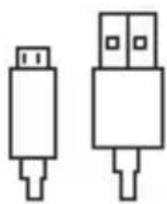
Câble de charge USB

Lampe torche USB
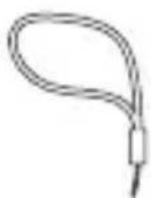
Lanière
natural_image
Technical line drawing of two electronic device modules with labeled ports and connectors (no readable text or symbols)natural_image
Simple line drawing of a smartphone with a downward arrow icon (no text or symbols)natural_image
Line drawing of a smartphone connected to a Bruven-branded battery (no text or symbols on the device itself)natural_image
Line drawing of a device with a USB cable inserted, showing internal structure and no readable text or symbols.PROTECTION ROBUSTE
natural_image
Pure electrical circuit lines without any symbolsnatural_image
Technical line drawing of two connected electronic devices with visible internal components and connectors (no text or symbols)natural_image
Simple line drawing of a smartphone with a download icon (no text or symbols)text_image
Diagram showing a hand pressing a button on a vertical panel with a small icon and a sequence of symbols below.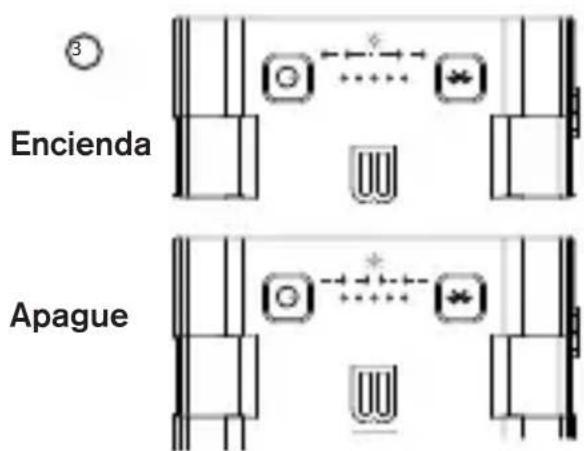
text_image
3 Encienda Apaguenatural_image
Line drawing of a smartphone connected to a device labeled 'Braven', showing cable and port connections (no text beyond branding)natural_image
Line drawing of a device with a USB cable and connector (no text or symbols)PROTECCIÓN ROBUSTA
2 USB- Ladeanschlüsse
text_image
Diagram showing a vertical structure with labeled components and directional arrows, possibly representing a mechanical or electrical system.Portabler BRV-BANK™ Akku
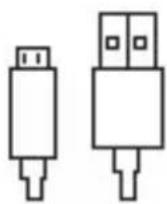
USB- Ladekabel
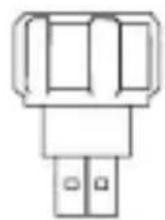
USB- Taschenlampe
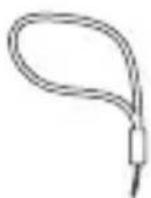
Lanyard
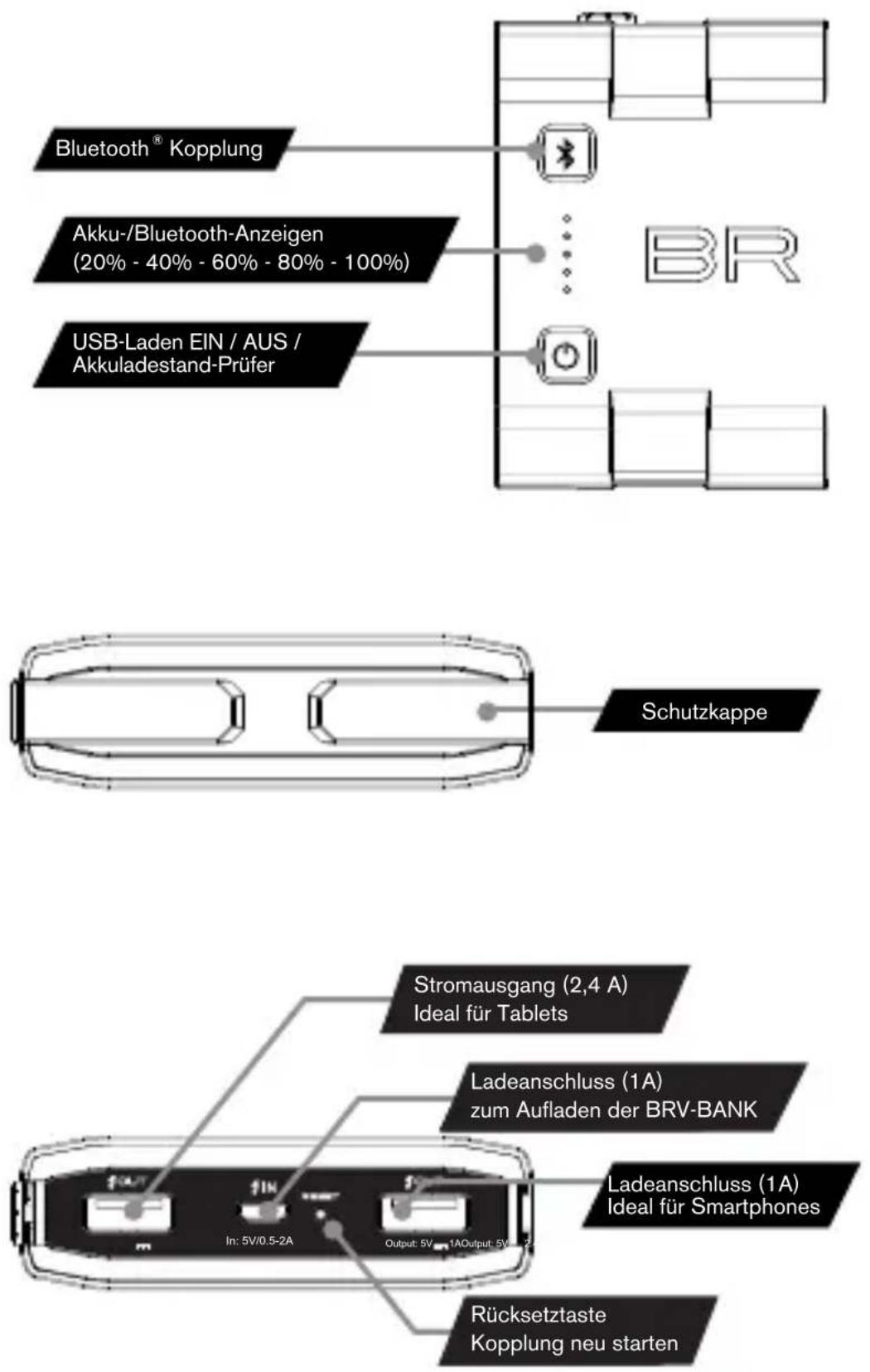
natural_image
Technical line drawing of two electronic device modules with connectors and labeled ports (no readable text or symbols)natural_image
Simple line drawing of a smartphone with a downward arrow icon (no text or symbols)text_image
G .... 30/20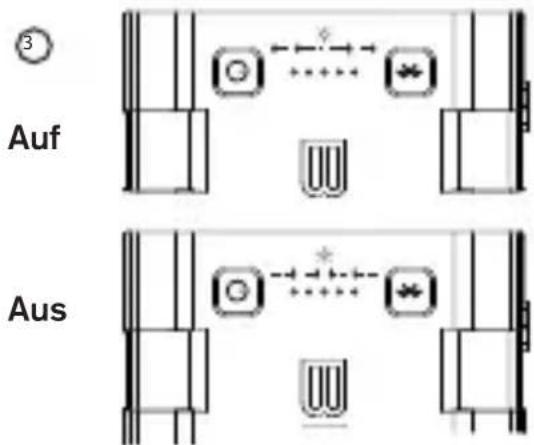
text_image
3 Auf Ausnatural_image
Line drawing of a smartphone connected to a Bruven-branded battery (no text or symbols on the device itself)natural_image
Line drawing of a device with a USB cable inserted, showing internal components and no visible text or symbols.ROBUSTER SCHUTZ
natural_image
Pure electrical circuit lines without any symbolsnatural_image
Technical line drawing of two electronic device modules with labeled ports and connectors (no readable text or symbols)natural_image
Simple line drawing of a smartphone with a download icon (no text or symbols)natural_image
Line drawing of a smartphone connected to a device labeled 'Braven', showing cable and connector (no text beyond brand name)natural_image
Line drawing of a device with a USB cable inserted, showing internal components and no readable text or symbols.text_image
Diagram showing a vertical structure with labeled components and directional arrows, possibly representing a mechanical or electrical component.Bateria portátil BRV-BANK™
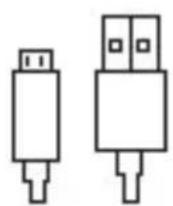
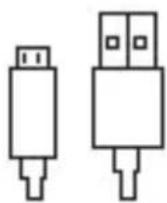
Cabo de carregamento USB
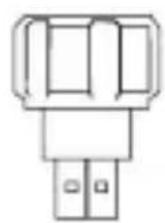
Lanterna USB
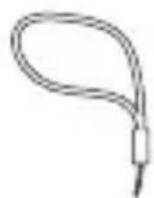
Cordão
natural_image
Technical line drawing of two electronic devices with labeled ports and connectors (no readable text or symbols)natural_image
Simple line drawing of a smartphone with a downward arrow icon (no text or symbols)text_image
Ligue Desligue4 Procure e selezione a sua BRV-BANK na App BRV-BANK
natural_image
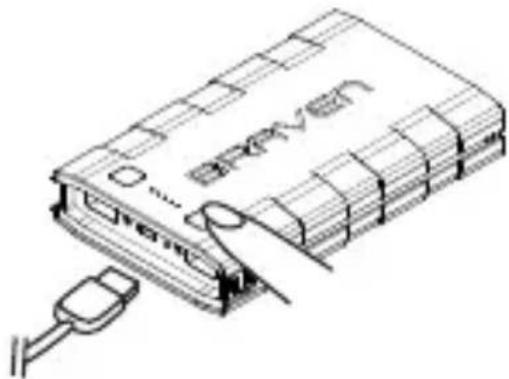
Line drawing of a smartphone connected to a device labeled 'Braven', showing cable and connector (no text beyond branding)Para parar: Basta desligar o(s) seu(s) dispositivo(s) ou premir sem soltar durante 2 a 3 segundos
natural_image
Line drawing of a device with a USB cable inserted, showing internal components and no readable text or symbols.PROTEÇÃO ROBUSTA
text_image
MIL-STD 810G IPX5 Tampa de proteção IMOPEMÉAVELÀ PROVA DE CHOQUEStext_image
Diagram showing a vertical structure with labeled components and directional arrows, possibly representing a mechanical or electrical component.BRV-BANK™ 便携式电池
USB 充电线
USB 闪光灯
系索
为备用电池充电
natural_image
Technical line drawing of two connected electronic devices with no visible text or symbolsnatural_image
Simple line drawing of a smartphone with a download icon (no text or symbols)② 按住 2-3 秒,激活配对模式
text_image
Diagram showing a hand pressing a button on a vertical panel with labeled buttons and a stylized 'W' symbol below.③ 打开
natural_image
Pure electrical circuit lines without any symbolsnatural_image
Pure electrical circuit lines without any symbols为您的设备充电
natural_image
Line drawing of a smartphone connected to a Bruven-branded battery (no text or symbols on the device itself)natural_image
Line drawing of a device with a USB cable inserted, showing internal components and no readable text or symbols.牢固的保护
text_image
Cropped image showing a vertical line with 'UW' and a horizontal bar, likely part of a diagram or layout design.natural_image
Technical line drawing of two electronic devices with labeled ports and connectors (no readable text or symbols)natural_image
Simple line drawing of a smartphone with a downward arrow icon (no text or symbols)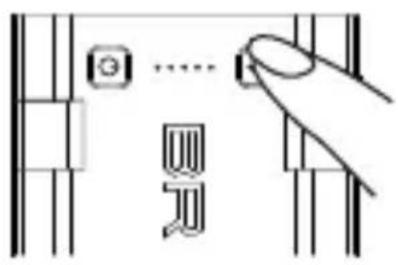
text_image
G .... 四③ をオンにする
natural_image
Pure electrical circuit lines without any symbolsnatural_image
Pure electrical circuit lines without any symbolsデバイスの充電
natural_image
Line drawing of a smartphone connected to a Bruven-branded battery (no text or symbols on the device itself)natural_image
Line drawing of a device with a USB cable inserted, showing internal components and no readable text or symbols.厳重な保護
text_image
Cropped image showing a vertical black-and-white graphic with horizontal lines and symbols, possibly a logo or decorative design.BRV-BANK™ 이동식 배터리
USB 충 전 케 이블
USB 전등
Montana
natural_image
Technical line drawing of two electronic device modules with labeled ports and connectors (no readable text or symbols)natural_image
Simple line drawing of a smartphone with a download icon (no text or symbols)text_image
Diagram showing finger pressing a button on a keyboard, with symbols for 'G' and 'R' indicating key points.를 켜십시오
natural_image
Pure electrical circuit lines without any symbolsnatural_image
Pure electrical circuit lines without any symbolsnatural_image
Line drawing of a smartphone connected to a Bruven-branded battery (no text or symbols on the device itself)Designed by BRAVEN in the USA. Made in China.
© BRAVEN 2014. All rights reserved. Braven