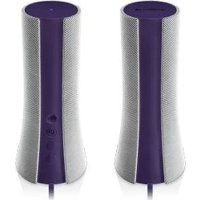
UE Mobile Boombox - Bluetooth speaker LOGITECH - Free user manual and instructions
Find the device manual for free UE Mobile Boombox LOGITECH in PDF.



| Product type | Portable Bluetooth speaker |
| Brand | Logitech |
| Model | UE Mobile Boombox |
| Dimensions | Approximately 200 x 70 x 70 mm |
| Weight | Approximately 300 g |
| Power source | Built-in rechargeable battery (via USB) |
| Battery life | Up to 10 hours (estimated) |
| Connectivity | Bluetooth 2.1+EDR |
| Bluetooth range | Up to 10 meters |
| Main features | Wireless audio streaming, hands-free kit, multipoint pairing |
| Speaker | Mono, unspecified power |
| Microphone | Built-in for hands-free calls |
| Care and cleaning | Clean with a soft, dry cloth. Do not use abrasive products or solvents. |
| Safety | Do not expose to water or moisture. Do not open the casing. Use only the supplied charger. |
| Spare parts and repairability | Not applicable (sealed product, no user-replaceable parts) |
| General information | Designed for mobile use with Bluetooth compatible devices. Compatible with smartphones, tablets, and computers. |
Frequently Asked Questions - UE Mobile Boombox LOGITECH
User questions about UE Mobile Boombox LOGITECH
0 question about this device. Answer the ones you know or ask your own.
Ask a new question about this device
Download the instructions for your Bluetooth speaker in PDF format for free! Find your manual UE Mobile Boombox - LOGITECH and take your electronic device back in hand. On this page are published all the documents necessary for the use of your device. UE Mobile Boombox by LOGITECH.
USER MANUAL UE Mobile Boombox LOGITECH
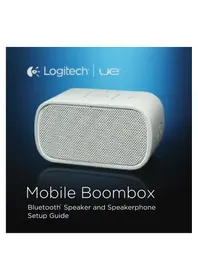
Bluetooth Speaker and Speakerphone Setup Guide
English. 4
Deutsch 12
Francais 20
Italiano. 28
Espanol 36
Portugués 44
Nederlands 52
Svenska 60
Dansk 68
Norsk 76
Suomi 84
C 92
Your UE Mobile Boobox
4 English
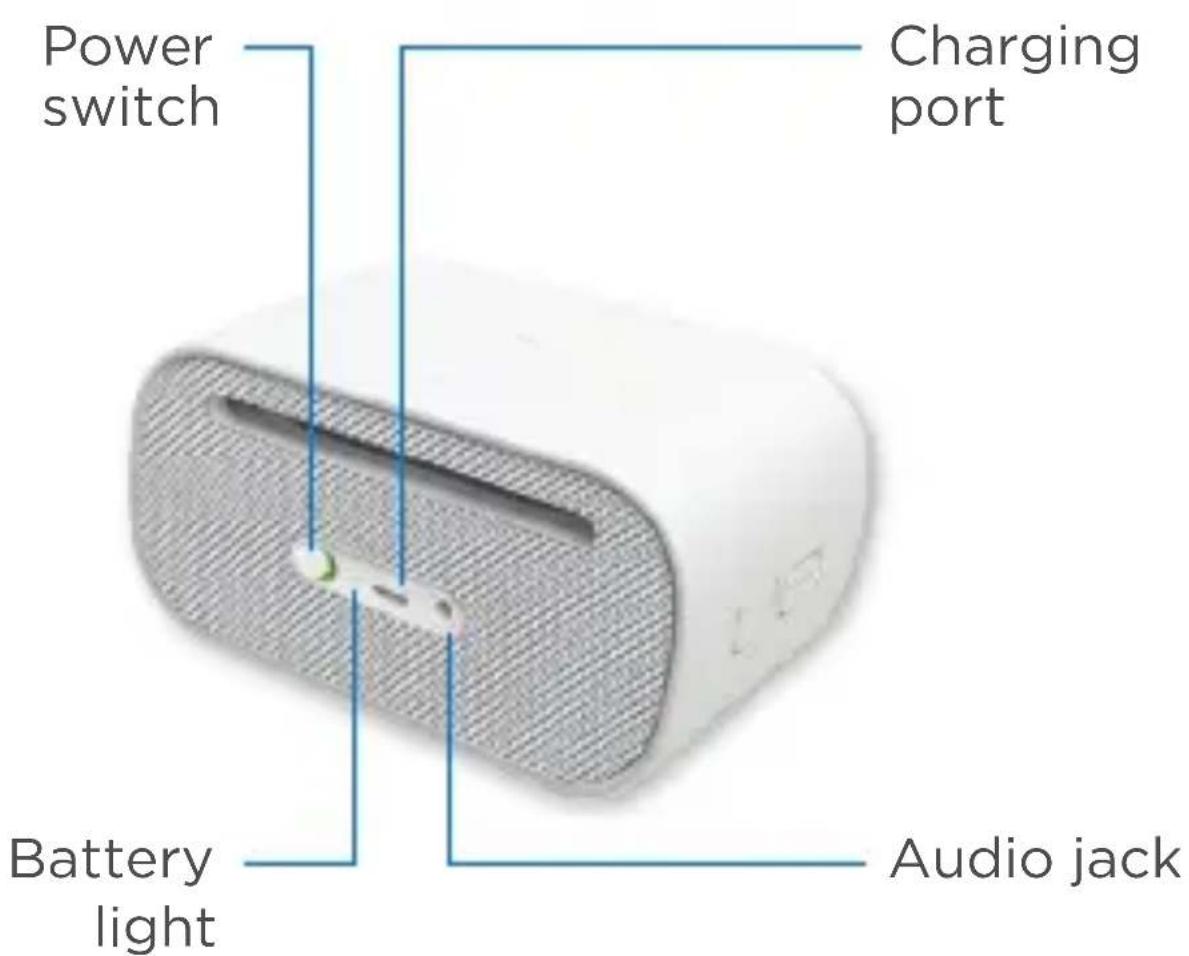
English 5
First-time setup i
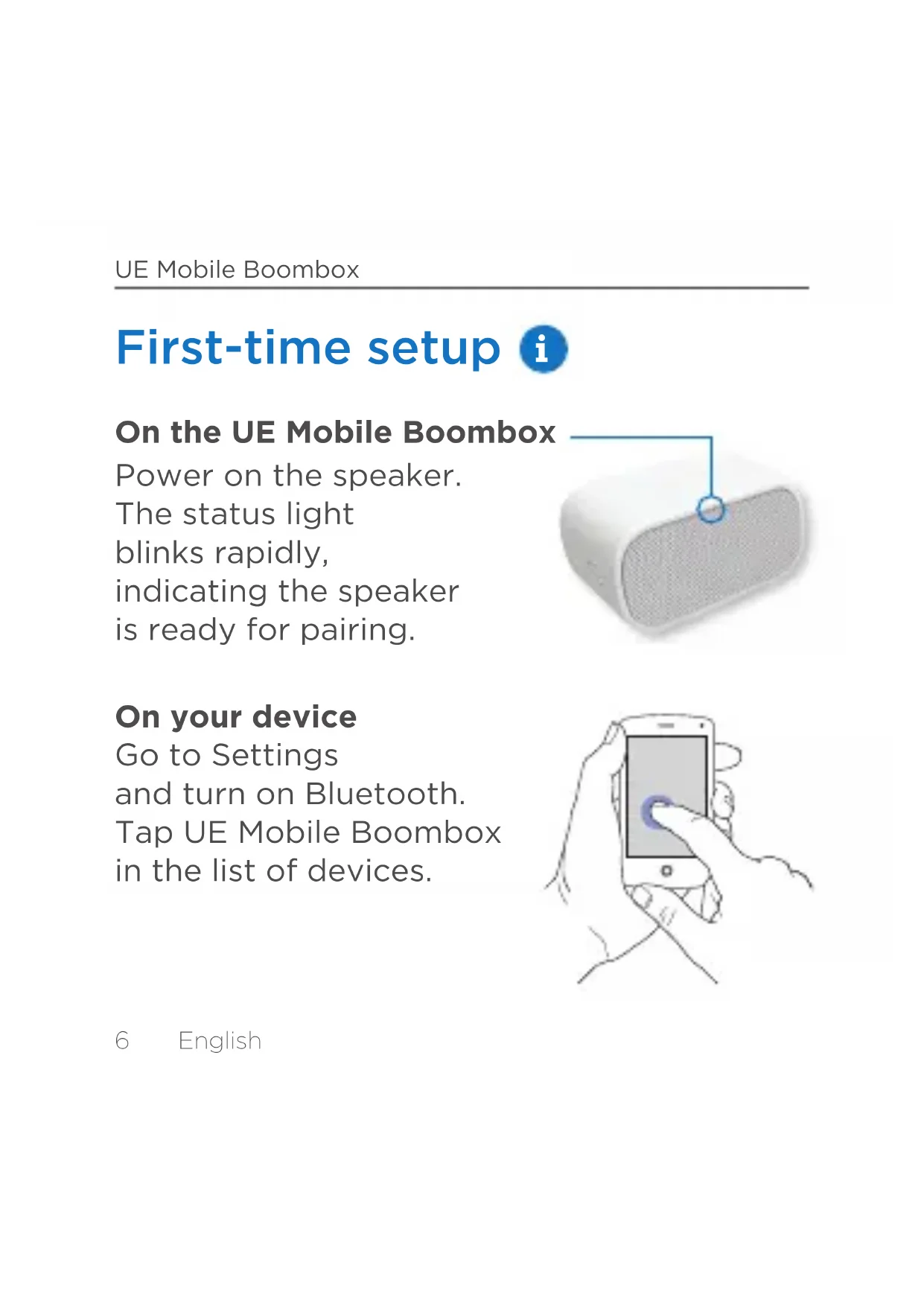
On the UE Mobile Boombox
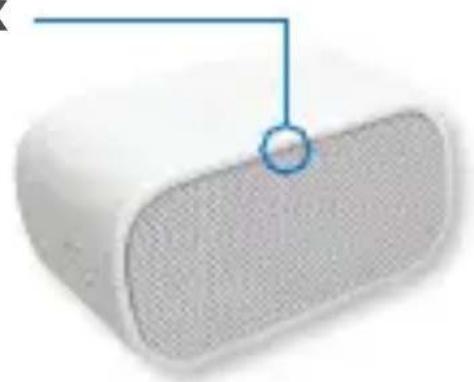
Power on the speaker.
The status light
blinks rapidly,
indicating the speaker
is ready for pairing.
On your device
Go to Settings
and turn on Bluetooth.
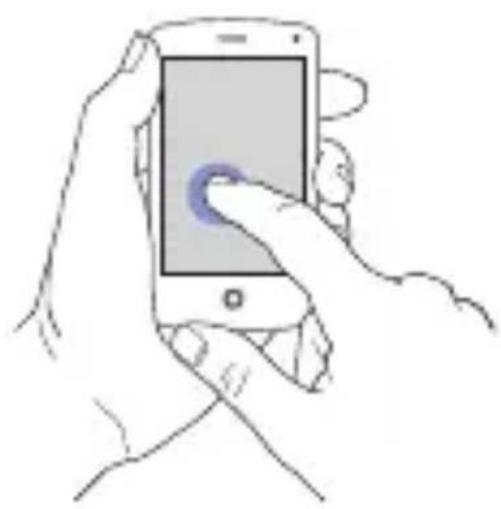
Tap UE Mobile Boombox
in the list of devices.
Set up more devices
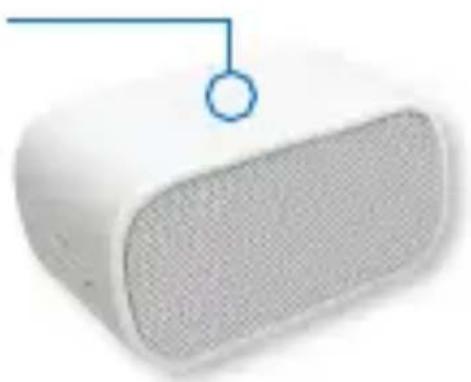
On the UE Mobile Boombox
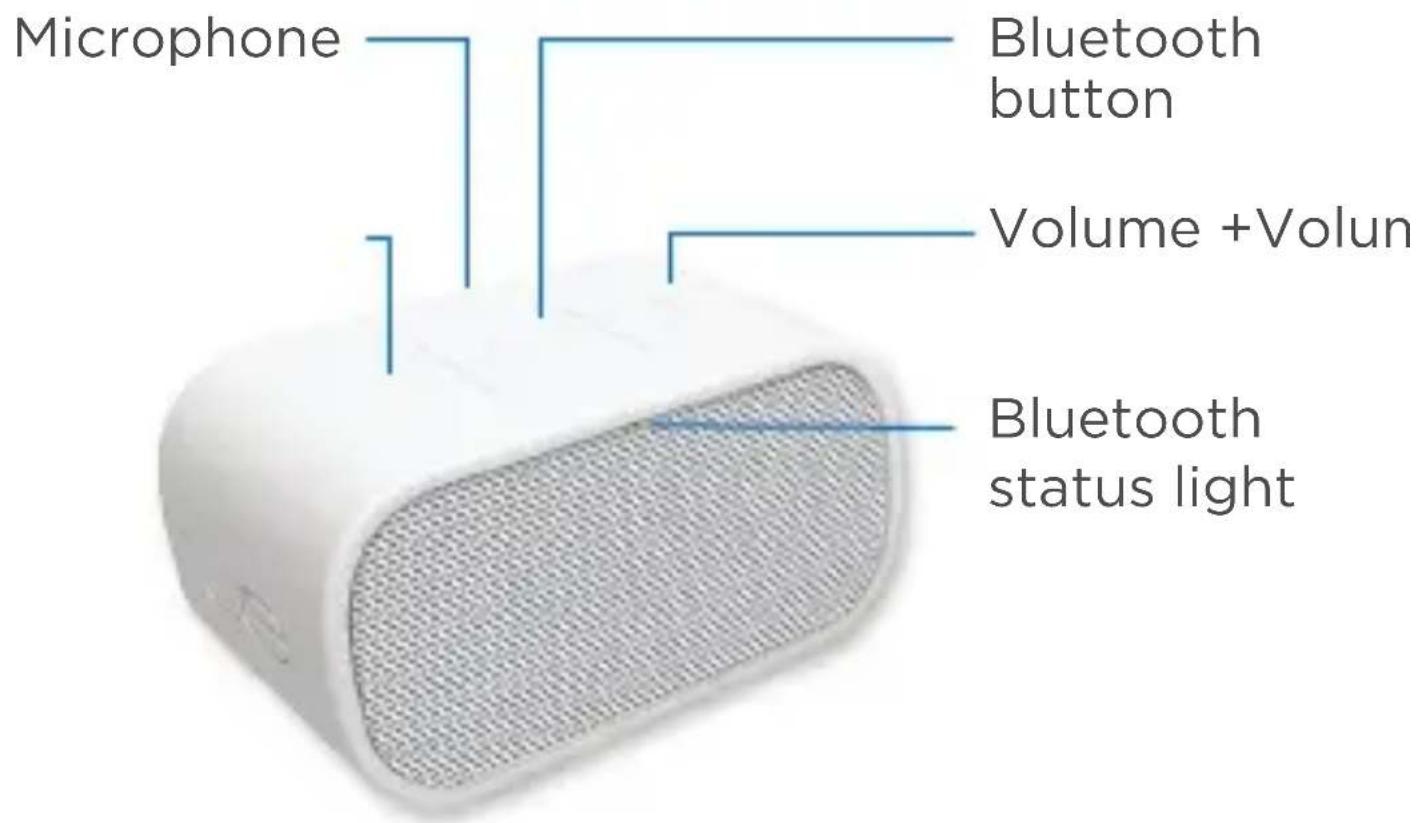
Hold down the Bluetooth button until the status light starts blinking rapidly.
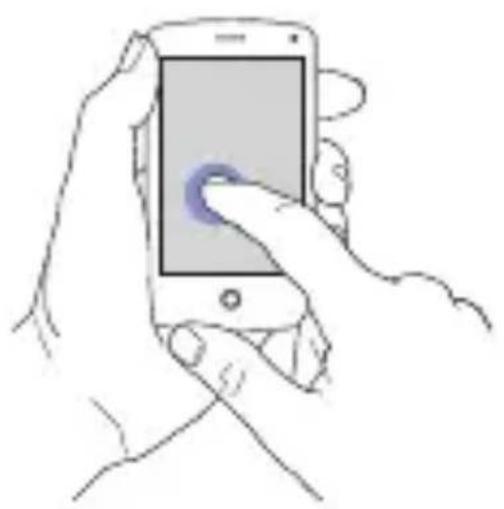
On your device
Go to Bluetooth Settings. Tap UE Mobile Boombox in the list of nearby Bluetooth devices.
English 7
Reconnect a device
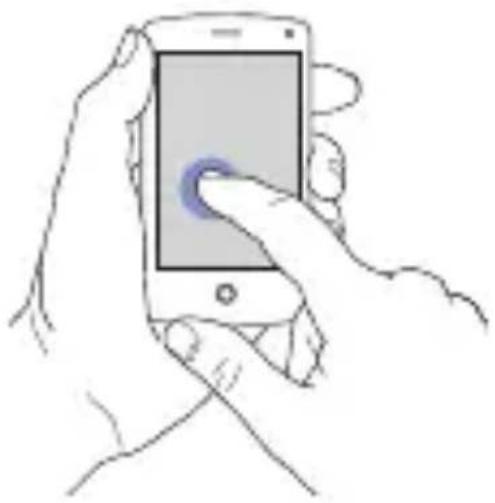
On your device
Go to Bluetooth Settings.
Tap UE Mobile Boombox
in the list of nearby
Bluetooth devices.
Use as a speakerphone
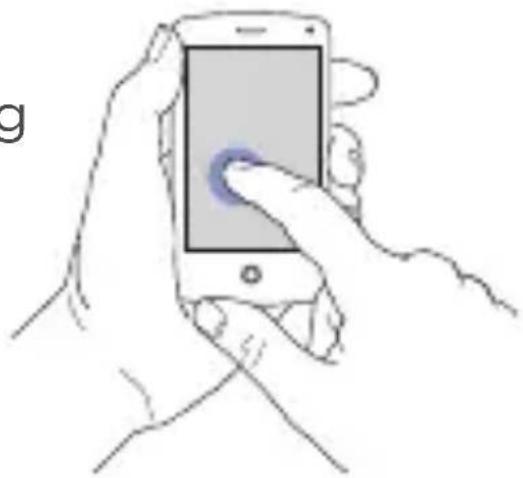
On your device
When making or receiving a call, choose UE Mobile Boombox as your audio source.
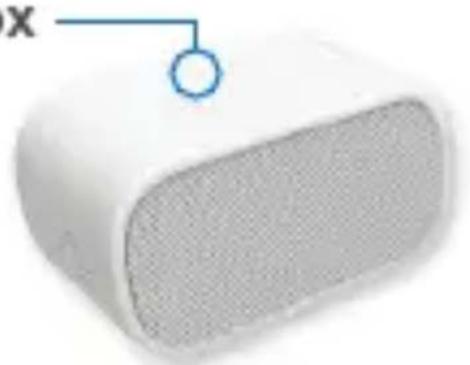
On the UE Mobile Boombox
Speak in the direction of the microphone on top of the speaker.
English

Online support
Visit Product Central, your online destination for world-class support.
logitech.com/support/uemobileboombox
Find tutorials, troubleshooting tips, and guidelines for using UE Mobile Boombox with your Bluetooth enabled devices.
Product Central is also home to lively forums that connect you to a global community of knowledgeable users.
Ohre UE Mobile Boobox
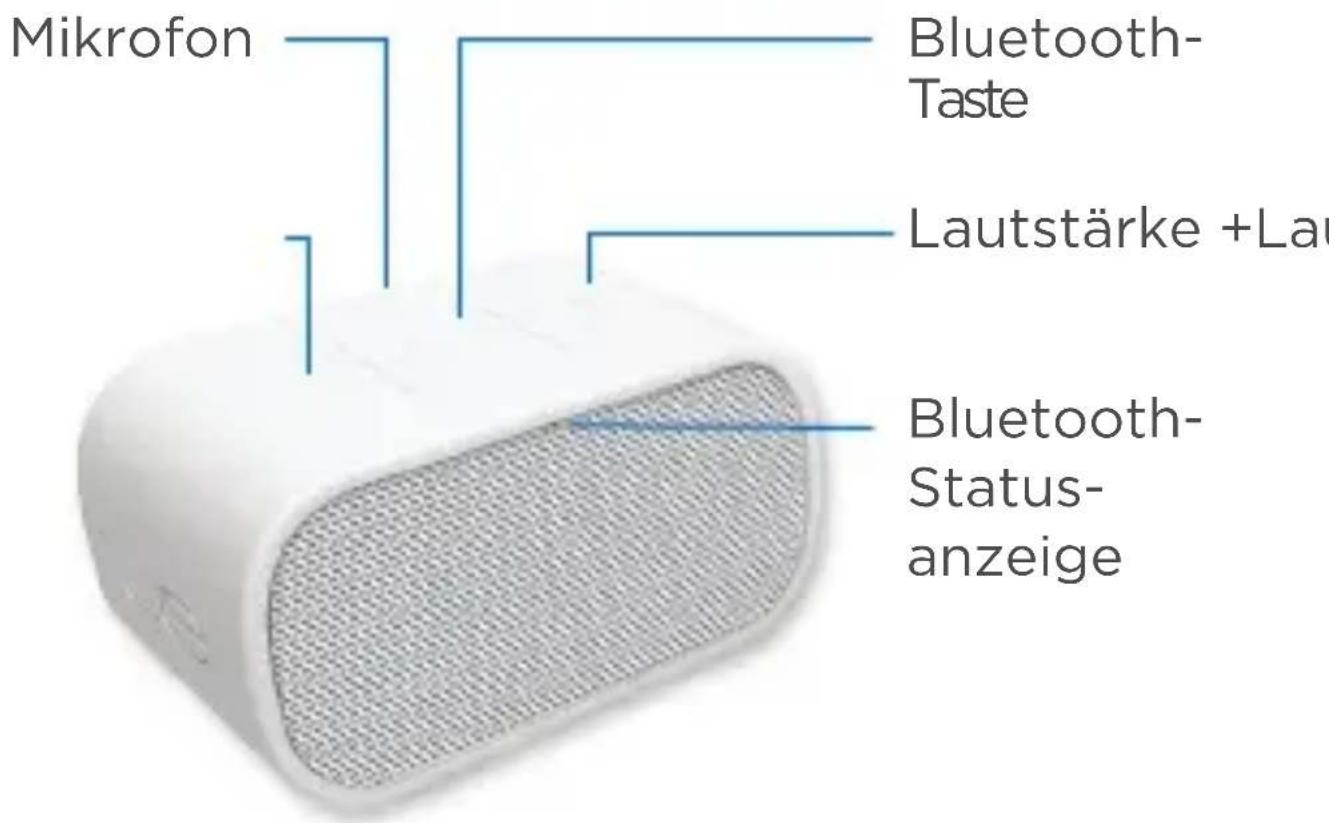
12 Deutsch
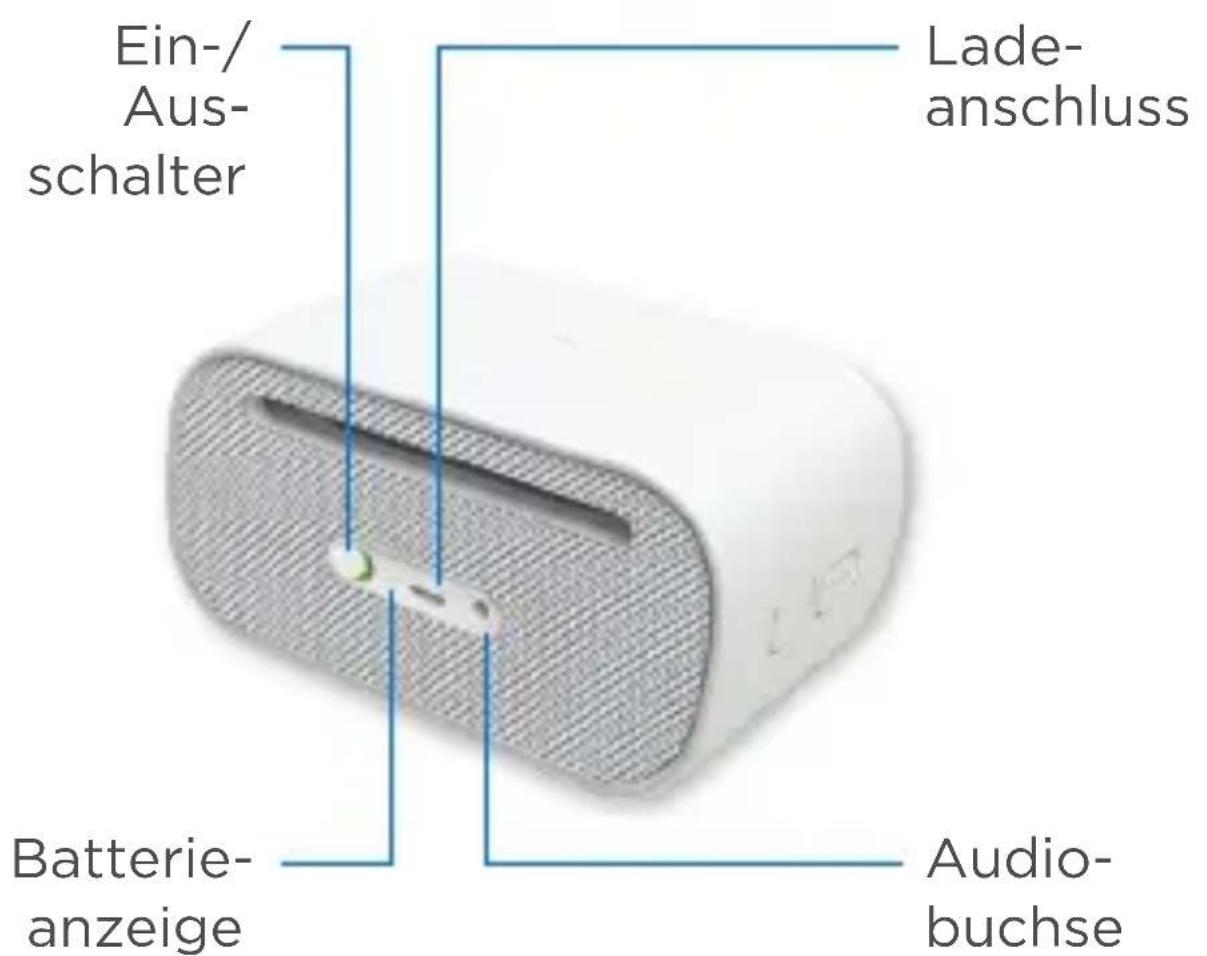
Deutsch
Ersteinrichtung i
European, English: +41-(0)22 761 40 25
Mid. East., & Fax: +41-(0)21 863 54 02
African Hq.
Morges,
Switzerland
Eastern Europe English: 41-(0)22 761 40 25

United States +1 646-454-3200
Argentina +0800 555 3284
Brasil +0800 891 4173
Canada +1-866-934-5644
Chile +1230 020 5484
Colombia 01-800-913-6668
Latin America +1 800-578-9619
Mexico 01.800.800.4500
Logitech ue
www.logitechUE.com
©2012 Logitech. Logitech, the Logitech logo, and other Logitech marks are owned by Logitech and may be registered. All other trademarks are the property of their respective owners. Logitech assumes no responsibility for any errors that may appear in this manual. Information contained herein is subject to change without notice.
620-004382.002