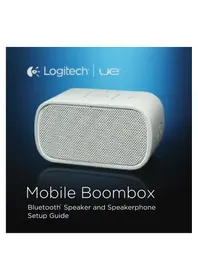
UE Mobile Boombox - Bluetooth luidspreker LOGITECH - Gratis gebruiksaanwijzing en handleiding
Vind de handleiding van het apparaat gratis UE Mobile Boombox LOGITECH in PDF-formaat.

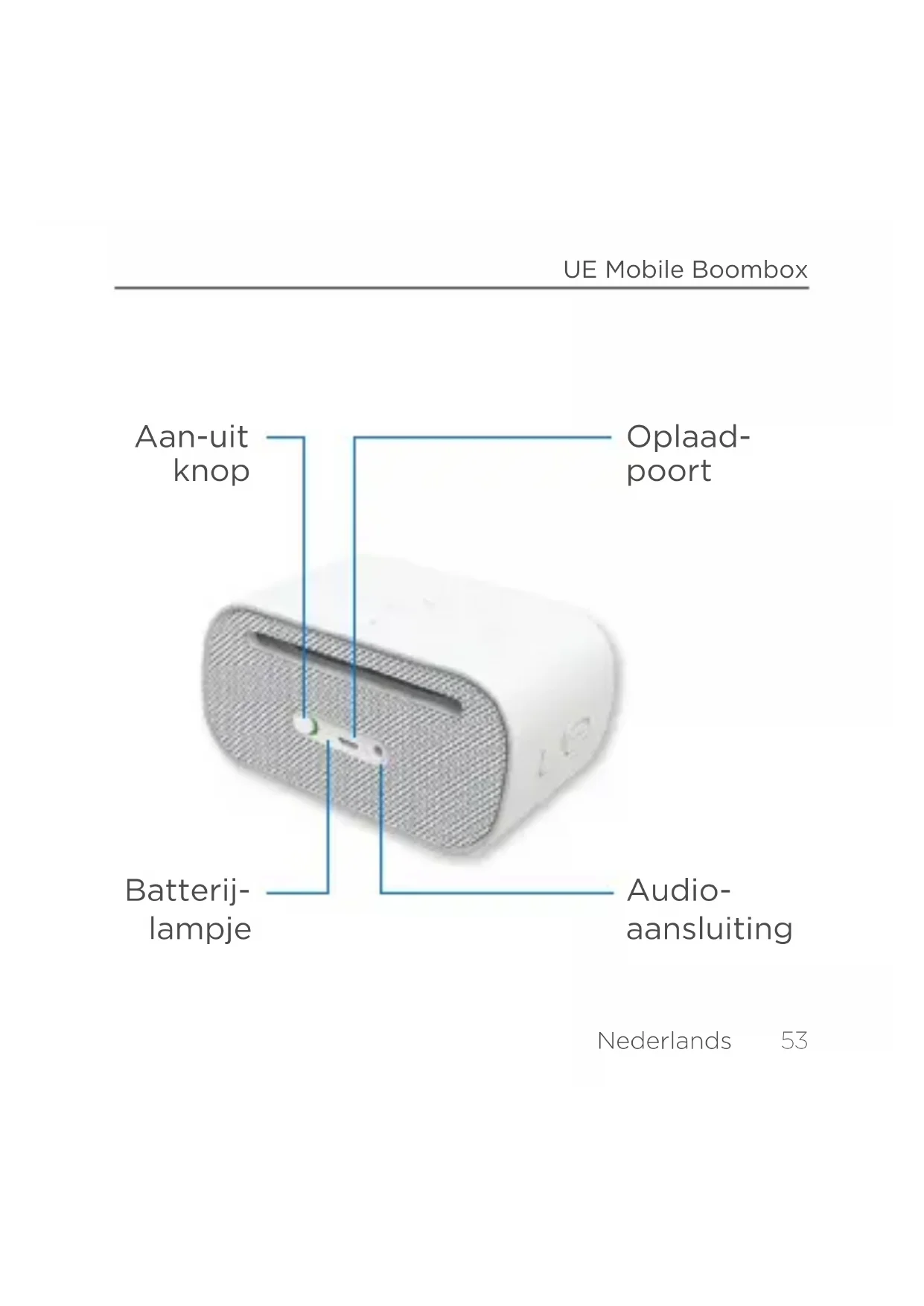


| Producttype | Draagbare Bluetooth-luidspreker |
| Merk | Logitech |
| Model | UE Mobile Boombox |
| Afmetingen | Ongeveer 200 x 70 x 70 mm |
| Gewicht | Ongeveer 300 g |
| Voeding | Ingebouwde oplaadbare batterij (via USB) |
| Batterijduur | Tot 10 uur (schatting) |
| Connectiviteit | Bluetooth 2.1+EDR |
| Bluetooth-bereik | Tot 10 meter |
| Hoofdfuncties | Draadloze audiostreaming, handsfree-kit, multipoint-koppeling |
| Luidspreker | Mono, vermogen niet gespecificeerd |
| Microfoon | Geïntegreerd voor handsfree oproepen |
| Onderhoud en reiniging | Reinigen met een zachte, droge doek. Gebruik geen schurende middelen of oplosmiddelen. |
| Veiligheid | Niet blootstellen aan water of vocht. Open de behuizing niet. Gebruik alleen de meegeleverde oplader. |
| Reserveonderdelen en repareerbaarheid | Niet van toepassing (verzegeld product, geen door de gebruiker vervangbare onderdelen) |
| Algemene informatie | Ontworpen voor mobiel gebruik met Bluetooth-compatibele apparaten. Compatibel met smartphones, tablets en computers. |
Veelgestelde vragen - UE Mobile Boombox LOGITECH
Gebruikersvragen over UE Mobile Boombox LOGITECH
0 vraag over dit apparaat. Beantwoord die u kent of stel uw eigen vraag.
Stel een nieuwe vraag over dit apparaat
Download de handleiding voor uw Bluetooth luidspreker in PDF-formaat gratis! Vind uw handleiding UE Mobile Boombox - LOGITECH en neem uw elektronisch apparaat weer in handen. Op deze pagina staan alle documenten die nodig zijn voor het gebruik van uw apparaat. UE Mobile Boombox van het merk LOGITECH.
GEBRUIKSAANWIJZING UE Mobile Boombox LOGITECH
Het statuslampje knippert snel om aan te given dat de speaker gereed is om te worden gekoppeld.
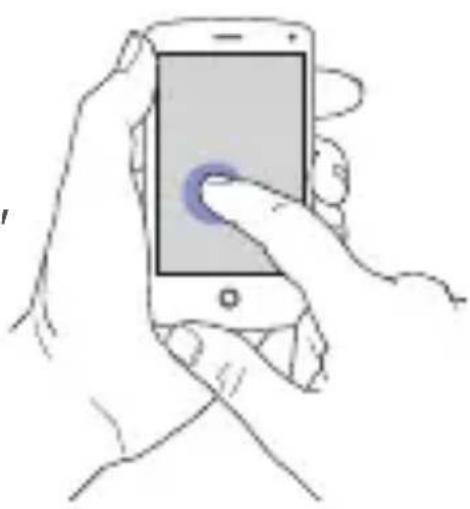
Op uw apparatus
Gaaar 'Instellingen'
en schakel Bluetooth in.
Tik op 'UE Mobile Boombox'
in de lijst met apparaten.
Meer apparaten instellen
Op de UE Mobile Boombox
Houd het Bluetoothknopje ingedrukt tot het statuslampje snel begint te knipperen.
Op uw apparatus
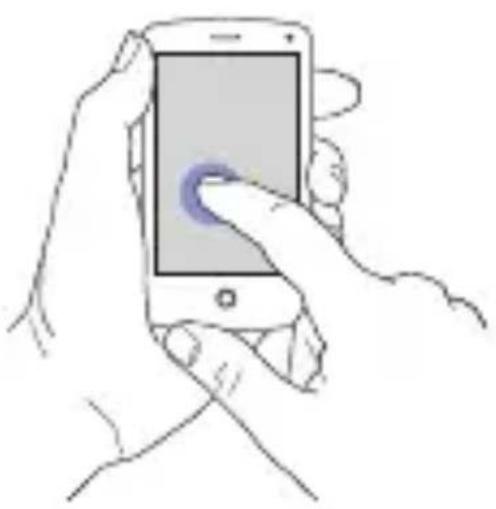
Ga waar 'Bluetoothinstellingen'. Tik op 'UE Mobile Boombox' in de lijst met Bluetooth-apparaten die zich binnen het bereik bevinden.
Nederlands
Een apparaat opniew verbinden
Op uw apparatus
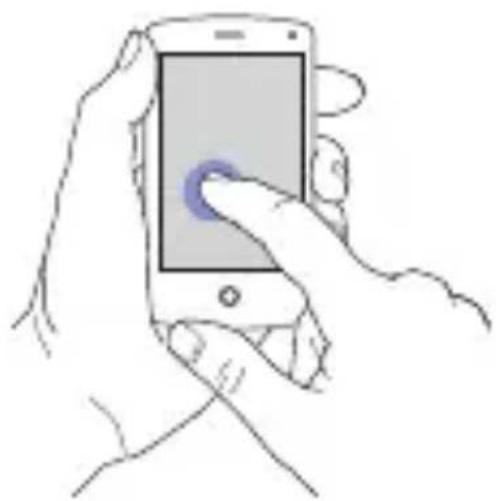
Gaaar 'Bluetoothinstallingen'.Tik op'UE Mobile Boombox'in de lijst met Bluetoothapparaten die zich binnenhet bereik bevinden.
Als speakerphone gebruiken
Op uw apparaat
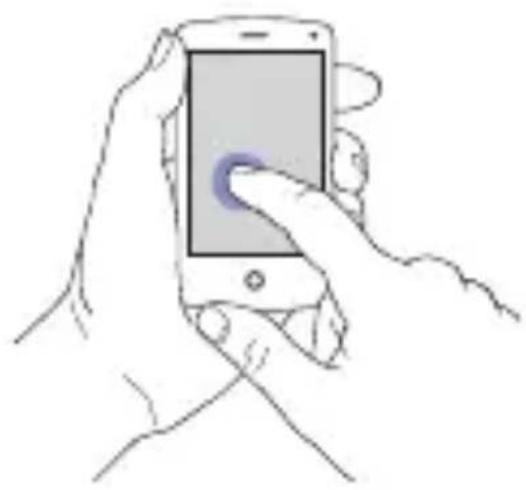
Wanneer u een gesprek voert of een gesprek binnenkomt, kiest u UE Mobile Boombox als uw audiobron.
Op de UE Mobile Boombox
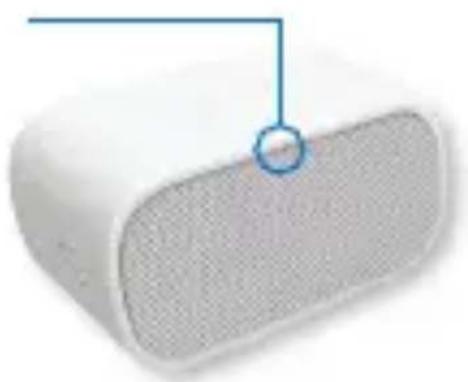
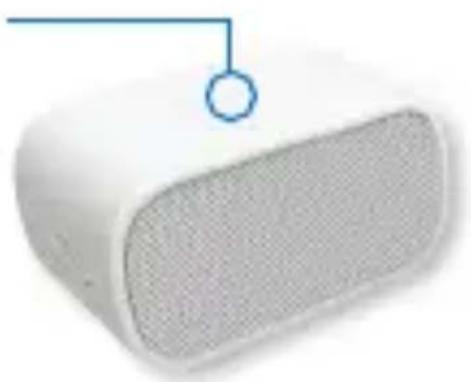
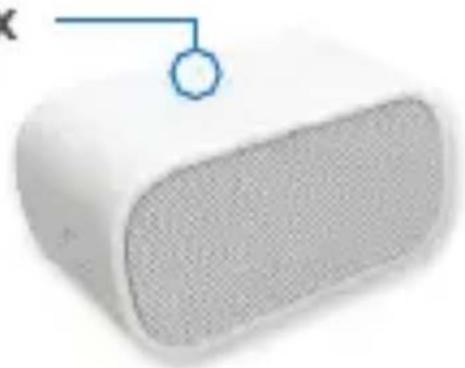
Spreek in de richting van de microfoon boven op de speaker.
Nederlands 57
i Onlineondersteuning
Ga waar Product centraal, uw online bestemming voor ondersteuning van wereldklasse.
logitech.com/support/ueboombox
Hier vindt u studielessen, tips voor probleemoplossing en richtlijnen voor het gebruik van UE Mobile Boombox met uw Bluetooth-apparaten.
Product centraal biedt ook levendige forums die u in contact brengen met een weltwijde community van ervaren gebruikers.
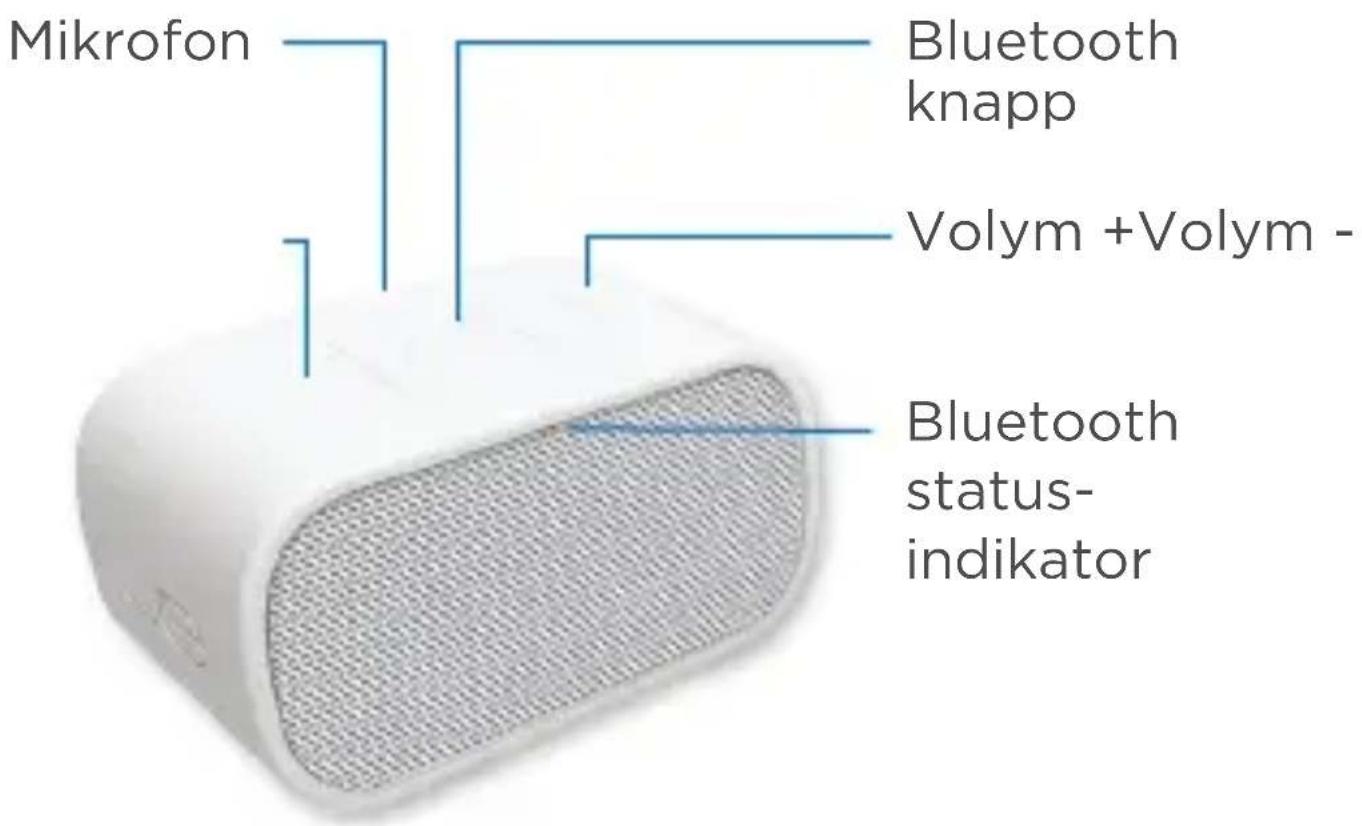
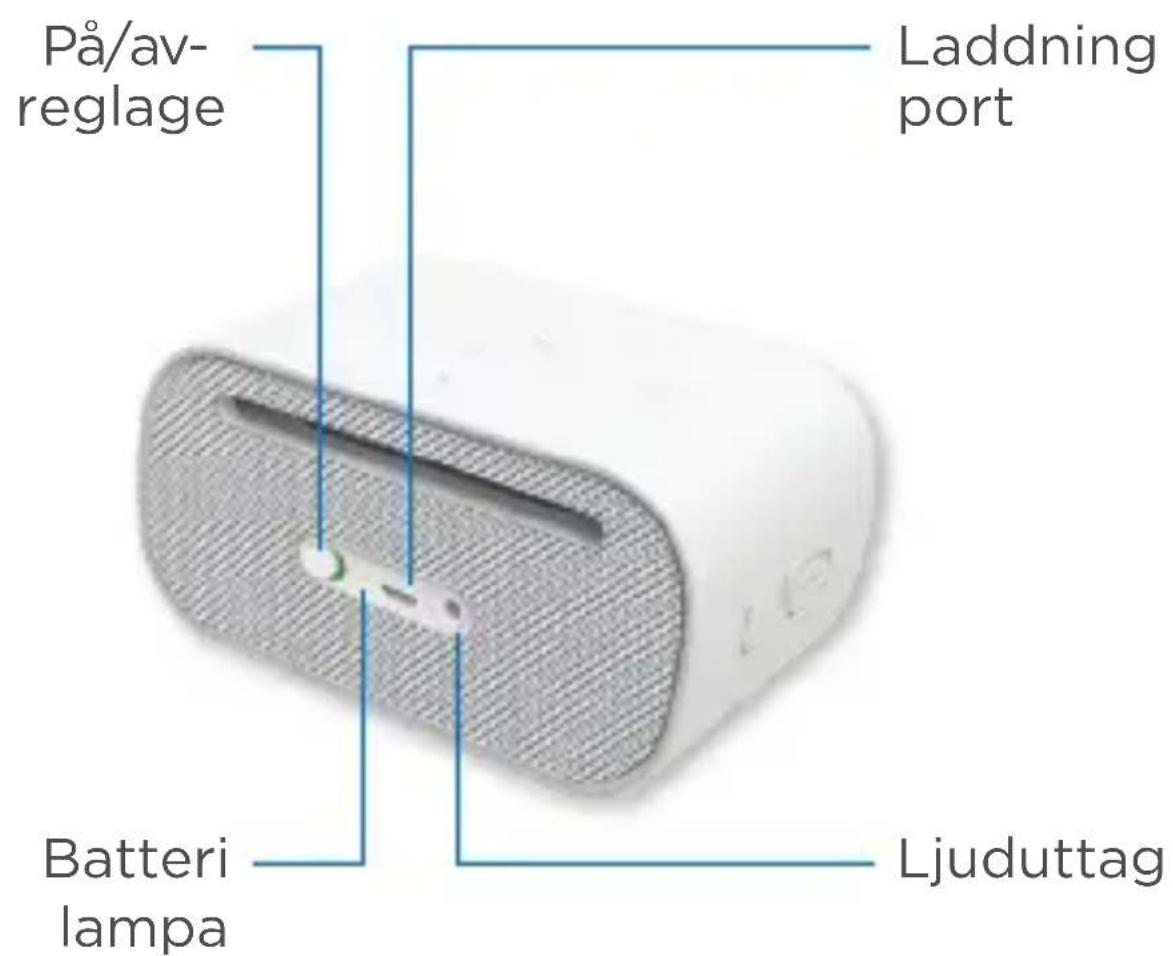
Din UE Mobile Boobbox
Svenska
België/Belgique Dutch: +32-(0)2 200 6444;
French: +32-(0)2 200 6440
Česká Republika +420 239 000 335
Danmark +45- 38 32 31 20
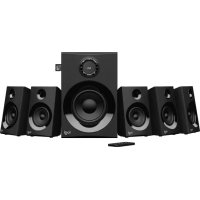
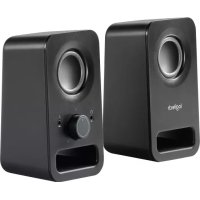
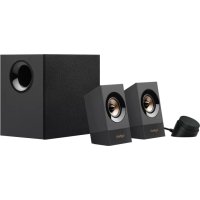
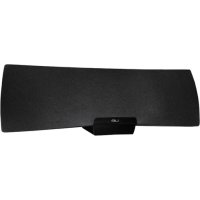
Merk : LOGITECH
Model : UE Mobile Boombox
Categorie : Bluetooth luidspreker