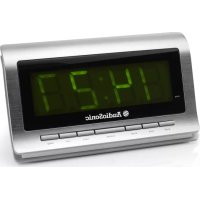
CL1472 - Alarm Clock AudioSonic - Free user manual and instructions
Find the device manual for free CL1472 AudioSonic in PDF.

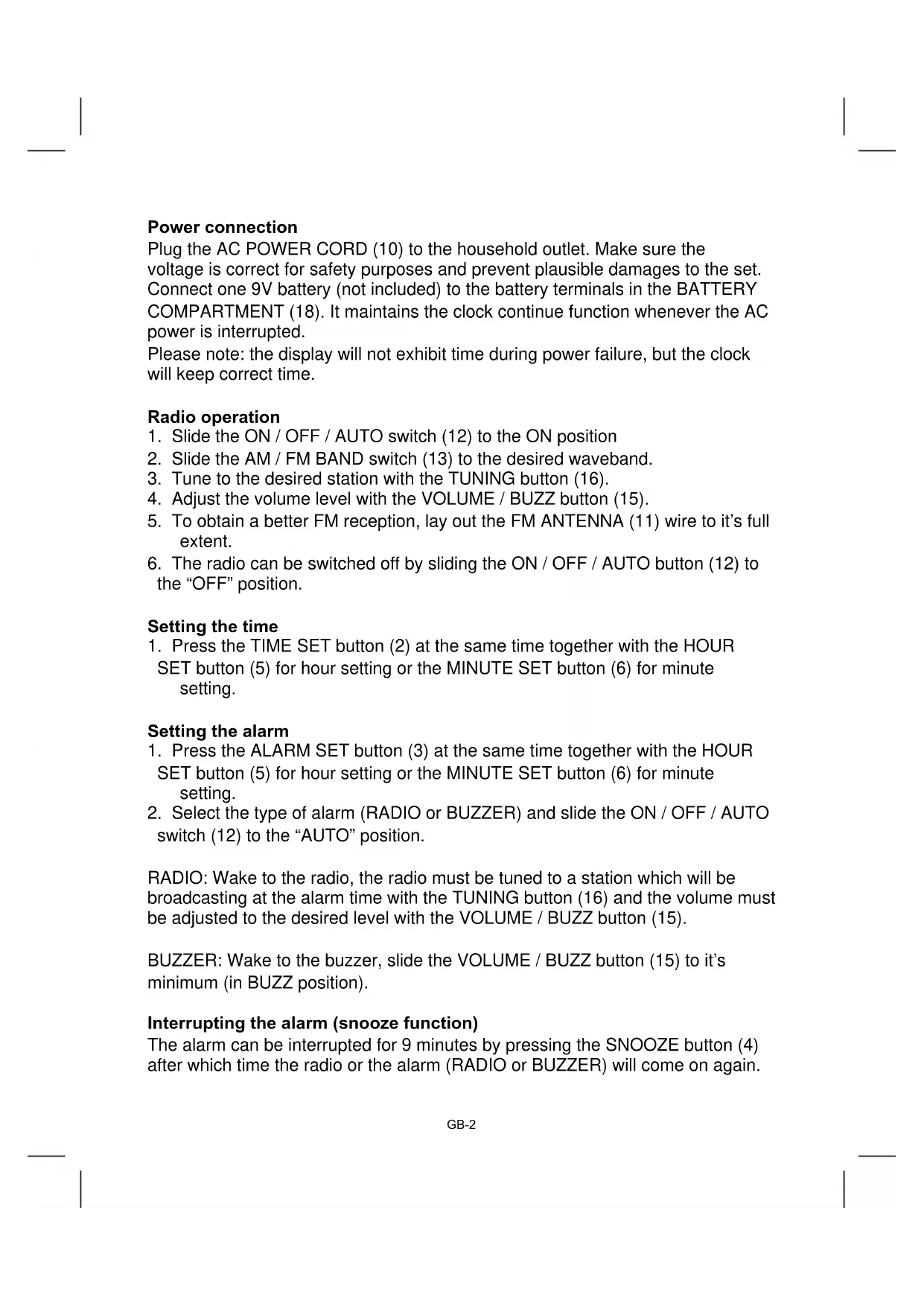


| Product Type | Clock radio |
| Brand | AudioSonic |
| Model | CL1472 |
| AM frequency range | 530 - 1600 KHz |
| FM frequency range | 88 - 108 MHz |
| Power supply | 230 V AC, 50 Hz, 5 W |
| Backup battery | 9 V (for clock) |
| Main functions | Radio, alarm (radio or buzzer), sleep timer, dimmer |
| Display | Digital with dimmer |
| Antenna | FM wire antenna |
| Maintenance and cleaning | Use a clean dry cloth, mild non-abrasive solutions. Do not use chemical products. |
| Safety | Do not expose to water, flames, heat, humidity, dust. Do not block ventilation. Backup battery: replace with same type. |
| Spare parts and repairability | Replaceable backup battery. |
| General information | Manual available in several languages. Recycling in accordance with WEEE directive. |
Frequently Asked Questions - CL1472 AudioSonic
User questions about CL1472 AudioSonic
0 question about this device. Answer the ones you know or ask your own.
Ask a new question about this device
Download the instructions for your Alarm Clock in PDF format for free! Find your manual CL1472 - AudioSonic and take your electronic device back in hand. On this page are published all the documents necessary for the use of your device. CL1472 by AudioSonic.
USER MANUAL CL1472 AudioSonic
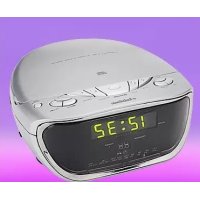
Location of controls
- ALARM OFF button
- TIME SET button
- ALARM SET button
- SNOOZE button
- HOUR SET button
- MINUTE SET button
- SLEEP button
- AUTO INDICATOR
- HIGH / LOW DIMMER switch
- AC POWER CORD
- FM ANTENNA
- ON/OFF/AUTO switch
- AM / FM BAND switch
- CLOCK DISPLAY
- VOLUME / BUZZ button
- TUNING button
- RATING LABEL (bottom of unit)
- BATTERY COMPARTMENT
Power connection
Plug the AC POWER CORD (10) to the household outlet. Make sure the voltage is correct for safety purposes and prevent plausible damages to the set. Connect one 9V battery (not included) to the battery terminals in the BATTERY COMPARTMENT (18). It maintains the clock continue function whenever the AC power is interrupted.
Please note: the display will not exhibit time during power failure, but the clock will keep correct time.
Radio operation
- Slide the ON / OFF / AUTO switch (12) to the ON position
- Slide the AM / FM BAND switch (13) to the desired waveband.
- Tune to the desired station with the TUNING button (16).
- Adjust the volume level with the VOLUME / BUZZ button (15).
- To obtain a better FM reception, lay out the FM ANTENNA (11) wire to it's full extent.
- The radio can be switched off by sliding the ON / OFF / AUTO button (12) to the "OFF" position.
Setting the time
- Press the TIME SET button (2) at the same time together with the HOUR SET button (5) for hour setting or the MINUTE SET button (6) for minute setting.
Setting the alarm
- Press the ALARM SET button (3) at the same time together with the HOUR SET button (5) for hour setting or the MINUTE SET button (6) for minute setting.
- Select the type of alarm (RADIO or BUZZER) and slide the ON / OFF / AUTO switch (12) to the "AUTO" position.
RADIO: Wake to the radio, the radio must be tuned to a station which will be broadcasting at the alarm time with the TUNING button (16) and the volume must be adjusted to the desired level with the VOLUME / BUZZ button (15).
BUZZER: Wake to the buzzer, slide the VOLUME / BUZZ button (15) to it's minimum (in BUZZ position).
Interrupting the alarm (snooze function)
The alarm can be interrupted for 9 minutes by pressing the SNOOZE button (4) after which time the radio or the alarm (RADIO or BUZZER) will come on again.
To shut the alarm off
To shut off the alarm, press the ALARM OFF button (1) once and the alarm time will be reset for the next day. Slide the ON / OFF / AUTO switch (12) to the "OFF" position tom turn off the alarm and not set it for the next day.
Sleep function
- This clock radio is equipped with a 'sleep time' function which will switch off the radio automatically after a pre-selected period from 59 minutes to 1 minute.
- Press the SLEEP button (7), the display will show 0:59 minutes of sleep time. At the same time the radio will come on and stays on for 59 minutes.
- To shorten the 'sleep time', press the SLEEP button (7) together with the MINUTE button (6) until the desired 'sleep time' is shown on the display.
- After the pre-selected 'sleep time' has elapsed, the radio will switch off automatically. To switch it off before the pre-selected time has elapsed, press the SNOOZE button (4).
Sleep to radio and wake to radio
- Set the desired alarm time as described in the paragraph Setting the alarm and slide the ON / OFF / AUTO switch (12) to the "AUTO" position.
- Set the 'sleep time' as described in the paragraph sleep function.
- The radio will switch off after the 'sleep time' has elapsed and the radio alarm will switch on the next day.
Dimmer control
The HIGH / LOW DIMMER switch (9) allows you to set the brightness of the display to HIGH or LOW.
Technical specifications
Frequency range: AM 530 - 1600 kHz
FM 88 - 108 MHz
Battery back-up: 9V Battery (for clock)
Power source: AC 230V ~ 50Hz, 5 Watt
WARNING
- No flame sources, such as lighted candles, should be placed on the apparatus.
- Do not place the product in closed bookcases or racks without proper ventilation.
- The mains plug is used as the disconnect device, the disconnect device shall remain readily operable.
- The ventilation should not be impeded by covering the ventilation openings with items, such as newspapers, table-cloths, curtains, etc.
- It shall not be exposed to dripping or splashing and that no objects filled with liquids, such as vases, shall be placed on the apparatus.
- Do not connect FM antenna to outside antenna.
- The unit should not be exposed to direct sunlight, very high or low temperature, moisture, vibrations or placed in dusty environment.
- Do not use abrasive, benzene, thinner or other solvents to clean the surface of the unit. To clean, wipe it will mild non-abrasive detergent solution and clean soft cloth.
- Never attempt to insert wires, pins or other such objects into the vents or opening of the unit.
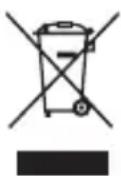
Do not dispose of the device with the household waste. This product must be disposed of according to EU directive 2002/96/EC-WEEE (Waste Electrical and Electronic equipment). Return the device to a collection point. Observe the applicable regulations. Contact your municipality, if in doubt.
CAUTION
- Danger of explosion if battery is incorrectly replaced.
- Replace only with the same or equivalent type of battery.
- Batteries shall not be exposed to excessive heat such as sunshine, fire or the like.
- Attention should be drawn to the environmental aspects of battery disposal.
DUTCH
Brand : AudioSonic
Model : CL1472
Category : Alarm Clock