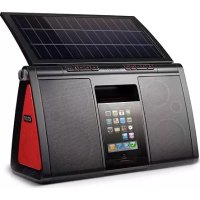
Soulra XL - Docking station ETON - Free user manual and instructions
Find the device manual for free Soulra XL ETON in PDF.



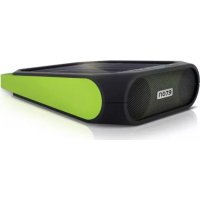
| Product Type | Docking station with speaker |
| Brand | Eton |
| Model | Soulra XL |
| Power supply | Rechargeable Li-ion battery, built-in solar panel, AC adapter (DC 5V) |
| Compatibility | iPod, iPhone, auxiliary audio source (AUX) |
| Dimensions | Approximately 30 x 20 x 15 cm (estimate) |
| Weight | Approximately 1.5 kg (estimate) |
| Main functions | Play/pause, volume control, bass boost, AUX input, charging of connected device |
| Power modes | Solar, AC adapter, internal battery |
| Battery life | Varies depending on usage; indicative: several hours (estimate) |
| Care and cleaning | Clean with a dry cloth; do not use detergent or solvent; do not immerse |
| Safety | Do not expose to water, rain or high humidity; operate between 0°C and 40°C; disconnect in case of liquid spill |
| Spare parts and repairability | Replaceable Li-ion battery (available at www.etoncorp.com); repairs by qualified technician after contacting customer service |
| Warranty | Limited warranty, registration recommended at www.etoncorp.com |
| Box contents | Soulra XL, carrying strap, remote control, AC adapter |
Frequently Asked Questions - Soulra XL ETON
User questions about Soulra XL ETON
0 question about this device. Answer the ones you know or ask your own.
Ask a new question about this device
Download the instructions for your Docking station in PDF format for free! Find your manual Soulra XL - ETON and take your electronic device back in hand. On this page are published all the documents necessary for the use of your device. Soulra XL by ETON.
USER MANUAL Soulra XL ETON
Solar Powered Sound System for iPod® and iPhone®
USER MANUAL
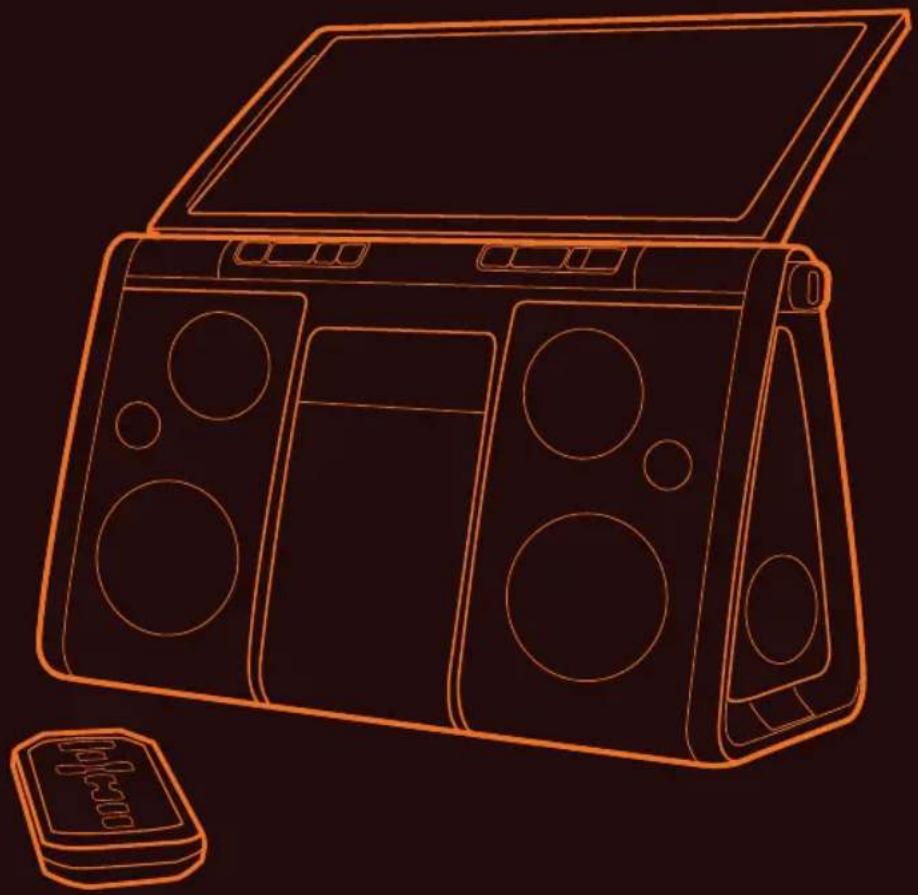
Made for

iPhone
EN English
2
Thank you for purchasing the Etón Soulra XL, an iPhone® and/or iPod® docking station with beautiful sound quality. The Soulra XL is powered from the rechargeable Li-ion battery charged by the solar panel or the AC adapter (included). Please read this user manual to get a good understanding of how the Soulra XL works and how to fully enjoy it.
WHAT'S IN THE BOX
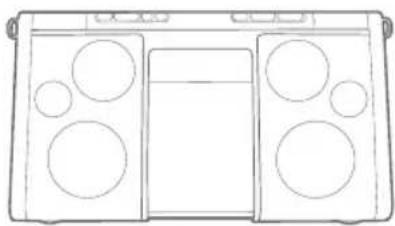
Soulra XL
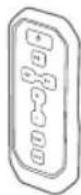
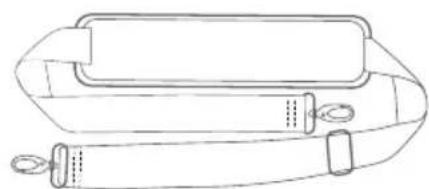
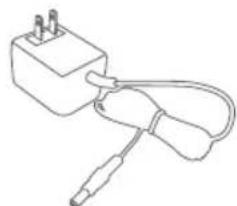
Removable strapRemote control ACadapter
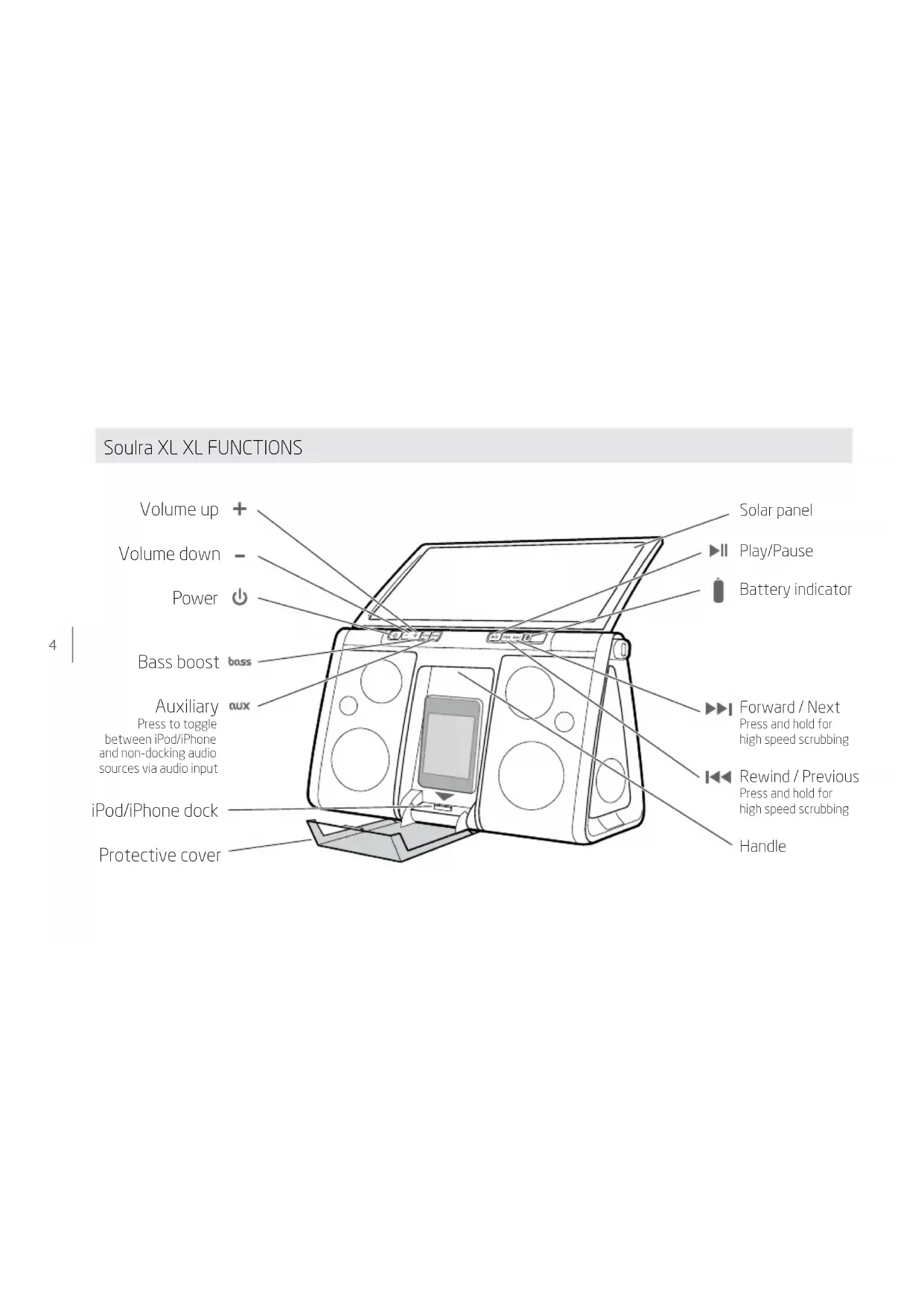
Soulra XL XL FUNCTIONS
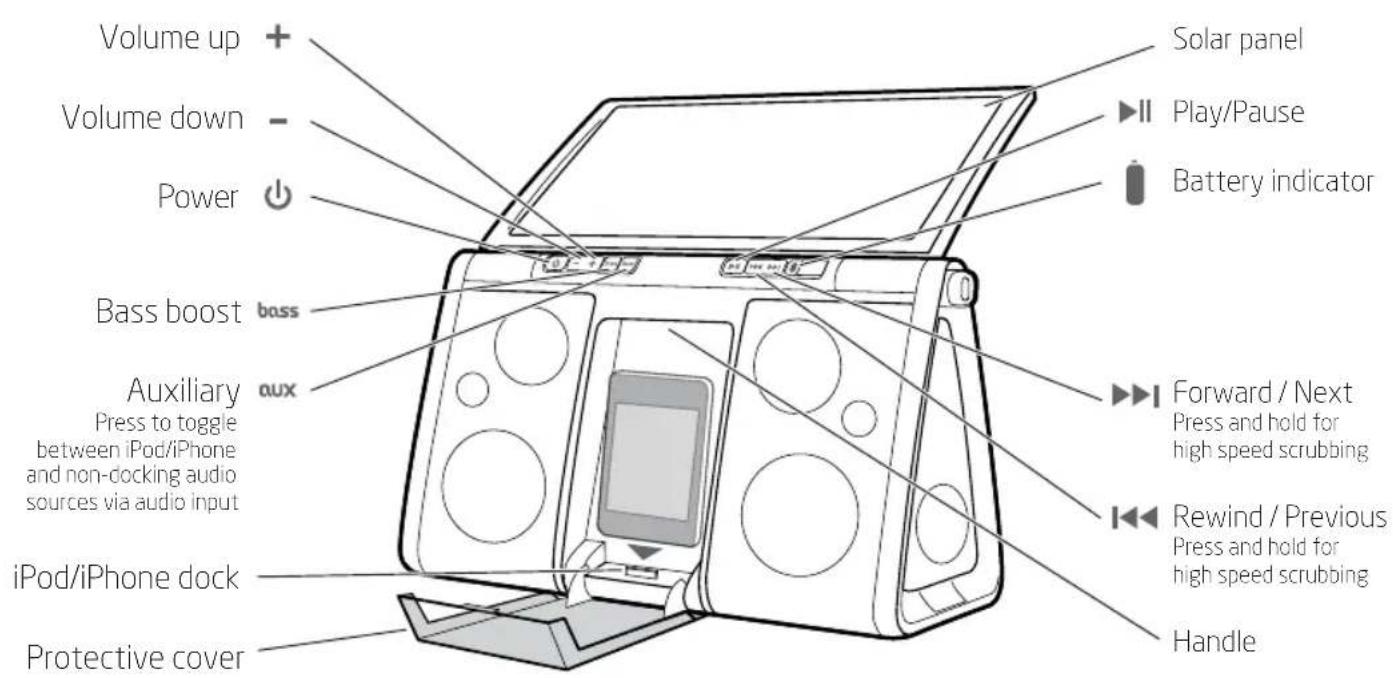
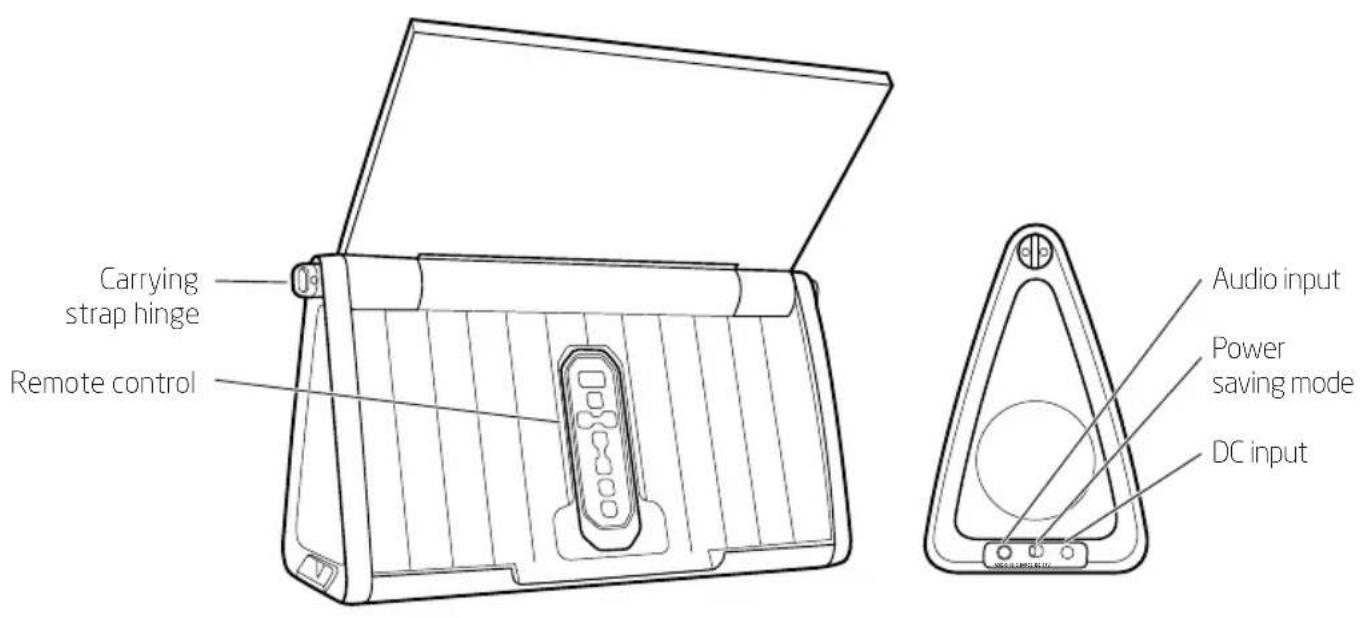
CHARGE ON/OFF
Charge standby switch. Turn 'Off' when iPod/iPhone not in use to conserve the battery life of the device.
LET'S GET STARTED


Press the ON/OFF button

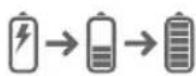
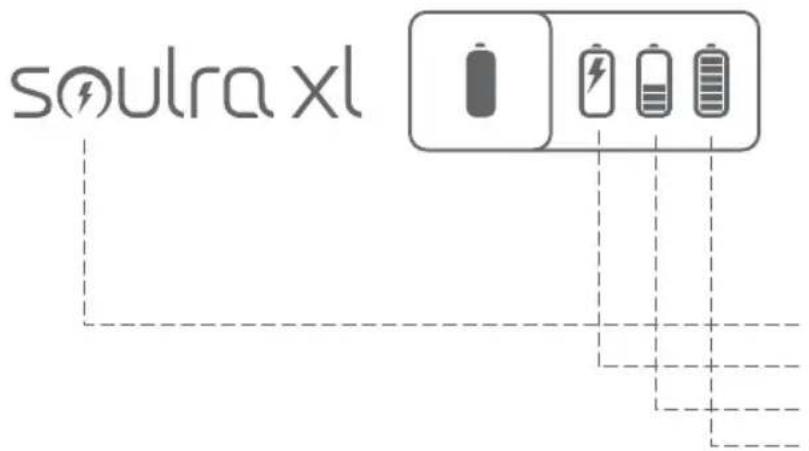
Icons will sequentially flash starting from solar icon


Lit up icon indicates power source
Press and hold to view battery life
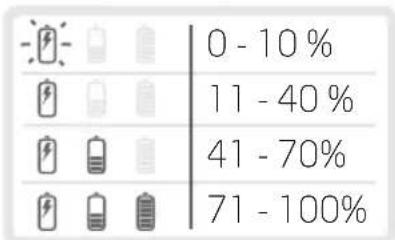
(2 blinks every 2 secss)
Solar: charging in direct sunlight
DC: power adaptor
Battery: using internal battery
Battery full
REGULAR CHARGING MODES
| POWER | SOLAR DC BATTERY UNIT DISPLAY | |||
| OFF | ||||
| OFF | ● | |||
| OFF | ● | |||
| ON | ● | |||
| ON | ● | |||
| ON | ● | |||
(1 blink every 2 secs)
Pressing and holding the button shows the condition of the
Li-ion battery. The Li-ion battery (Sw9) starts charging once the
AC adapter is plugged in or when the solar panel is in direct sunlight.
PLugging IN THE AC ADAPTER
The Soulra XL comes equipped with an AC adapter. Plug the AC adapter into the right socket labeled DC located under the rubber plug on the side of the Soulra XL. Plug the other end into an AC socket. With the AC adapter plugged in, the Soulra XL starts charging its Li-ion battery and is ready to play.
CHARGING AN iPod AND iPhone
The iPod AND iPhone starts charging once it is inserted into the dock (if the
ADJUSTING THE VOLUME

Press the volume buttons, to increase or decrease volume levels. The volume value will be shown on the iPod/iPhone if it is inserted into the docking station.
BASS BOOST FUNCTION
Press the basston to turn on Bass Boost.
AUX (AUXILIARY)
The AUXton switches between the iPod/iPhone and AUX-input if there is a signal from the port. The iPod and iPhone signal takes priority if there is a signal and an audio-in signal at the same time. If the audio-in signal is present, the switching function of the 'AUX' button is available. The AUX light turns on when auxiliary input is being used.
PLAY/PAUSE
Pressing the button switches from play to pause for the iPod.
FWD/REW,

Pressing these buttons, 144 , selects previous track/next track with a short press; hold down to scrub forward/reverse.
REPLACING THE LITHIUM-ION BATTERY
A new rechargeable battery can be purchased by contacting us at www.etoncorp.com or by calling (US) 1-800-872-2228 or (Worldwide) 650-903-3866.
WARRANTY REGISTRATION
To ensure full warranty coverage or product updates, registration of your product should be completed as soon as possible after purchase or receipt. You may use one of the following options to register your product:
- By visiting our website at http://www.etoncorp.com.
- Mail in enclosed warranty card.
- Mail your registration card or information to the following address; Include your name, full mailing address, phone number, model purchased, date purchased, retail vendor name and product serial number (typically located in or near the battery compartment):
Etón Corporation
1015 Corporation Way
Palo Alto, CA 94303
LIMITED WARRANTY
Retain the warranty information from your warranty card with your proof of purchase or the Limited Warranty information can also be viewed at www.etoncorp.com.
SERVICE FOR YOUR PRODUCT
To obtain service for your product, we recommend first contacting an Etón service representative at 800-872-2228 US, 800-637-1648 Canada or (650) 903-3866 for problem determination and trouble-shooting. If further service is required, the technical staff will instruct how to proceed based on whether the radio is still under warranty or needs non-warranty service.
WARRANTY - If your product is still in warranty and the Etón service representative determines that warranty service is needed, a return authorization will be issued and instructions for shipment to an authorized warranty repair facility. Do not ship your radio back without obtaining the return authorization number.
NON-WARRANTY - If your product is no longer under warranty and requires service our technical staff will refer you to the nearest repair facility that will be able to best handle the repair. For service outside of North America, please refer to the distributor information included at time of purchase/receipt.
DO YOU NEED HELP?
If you need help, please contact us, Monday-Friday, 8:00 a.m. - 4:30 p.m., North American Pacific Standard Time.
US:
1-800-872-2228
CANADA:
1-800-637-1648
WORLDWIDE:
650-903-3866
FAX:
650-903-3867
WARNING
- Do not submerge or expose for extended period to water.
- Protect from high humidity and rain.
- Only operate within specified temperature range (0 °C to 40 °C).
- Unplug immediately if liquid has been spilled into or any object has fallen into the apparatus.
- Clean only with a dry cloth. Do not use detergents or chemical solvents as this might damage the finish.
- Do not remove cover [or back].
Refer servicing to qualified service personnel.
DISPOSAL
Please dispose of old electrical and electronic equipment according to your local environmental laws and guidelines.
"Made for iPod" and "Works with iPhone" means that an electronic accessory has been designed to connect specifically to iPod or iPhone, respectively, and has been certified by the developer to meet Apple performance standards. Apple is not responsible for the operation of this device or its compliance with safety and regulatory standards.
iPod and iPhone are trademarks of Apple Inc., registered in the U.S. and other countries. Designed by Etón Corporation and assembled in China. © Copyright 2011 Etón Corporation. All rights reserved. v. 041211.
FR Francais
16
SERVICE FOR YOUR PRODUCT
Pressing these buttons, 144 , selects previous track/next track with a short press; hold down to scrub forward/reverse.

- Soulra XL XL FUNCTIONS
- CHARGE ON/OFF
- PLugging IN THE AC ADAPTER
- CHARGING AN iPod AND iPhone
- ADJUSTING THE VOLUME
- BASS BOOST FUNCTION
- AUX (AUXILIARY)
- PLAY/PAUSE
- REPLACING THE LITHIUM-ION BATTERY
- WARRANTY REGISTRATION
- Etón Corporation
- LIMITED WARRANTY
- SERVICE FOR YOUR PRODUCT
- DO YOU NEED HELP?
- WARNING
- DISPOSAL
Brand : ETON
Model : Soulra XL
Category : Docking station