
HD-CELU2 : DRIVESTATION 2SHARE - External hard drive BUFFALO - Free user manual and instructions
Find the device manual for free HD-CELU2 : DRIVESTATION 2SHARE BUFFALO in PDF.

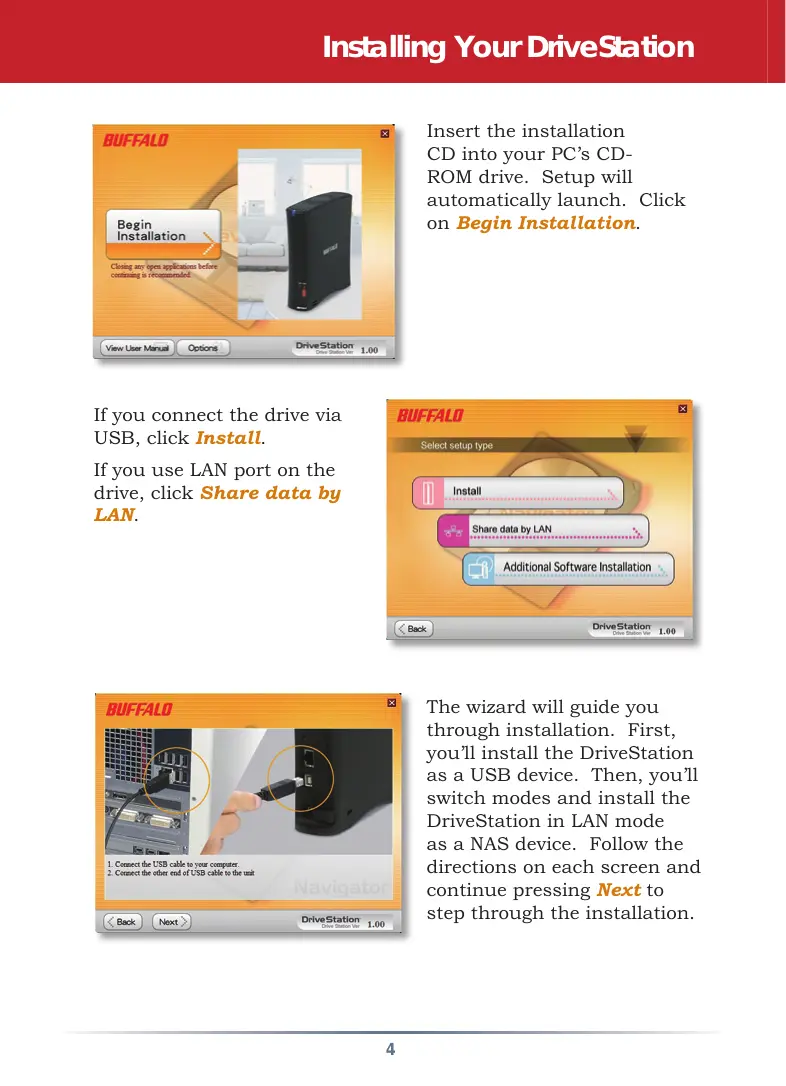


| Product type | External NAS/USB hard drive |
| Brand | Buffalo |
| Model | HD-CELU2 (DriveStation 2Share) |
| Dimensions (L x W x H) | 156 x 174 x 45 mm |
| Weight | 1 kg |
| Power supply | 100-240 V, 50/60 Hz, 24 W max (17 W avg) |
| Ethernet transfer speed | 10/100 Mbps |
| USB transfer speed | 480 Mbps (USB 2.0) |
| Connectors | 1 x RJ-45 Ethernet, 1 x USB 2.0 Type B |
| Internal hard drive | 3.5 inch SATA |
| Compatible operating systems | Windows 2000, XP, Vista |
| Main features | Dual mode: USB (external storage) and LAN (network NAS), file sharing over the network, mode switch button |
| Box contents | Hard drive, USB cable, Ethernet cable, power adapter, installation CD, quick start guide, warranty card |
| Maintenance and cleaning | Unplug before cleaning; use a soft dry cloth; avoid moisture and shocks |
| Safety | Do not unplug during data transfer; do not press the mode button during a transfer; do not expose to water or excessive heat |
| Spare parts and repairability | Not applicable (sealed product, no user-replaceable parts) |
| General information | FCC certification; manufacturer warranty included; multilingual technical support (English, German, French, Italian, Spanish) |
Frequently Asked Questions - HD-CELU2 : DRIVESTATION 2SHARE BUFFALO
User questions about HD-CELU2 : DRIVESTATION 2SHARE BUFFALO
0 question about this device. Answer the ones you know or ask your own.
Ask a new question about this device
Download the instructions for your External hard drive in PDF format for free! Find your manual HD-CELU2 : DRIVESTATION 2SHARE - BUFFALO and take your electronic device back in hand. On this page are published all the documents necessary for the use of your device. HD-CELU2 : DRIVESTATION 2SHARE by BUFFALO.
USER MANUAL HD-CELU2 : DRIVESTATION 2SHARE BUFFALO
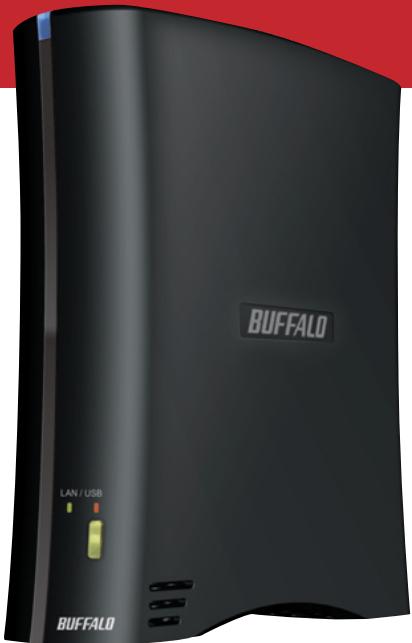
Note: The DriveStation can be connected to a computer as both an Ethernet NAS and a USB external hard drive at the same time. To switch between the two modes, hold down the mode button for a few seconds and then release it.
EN
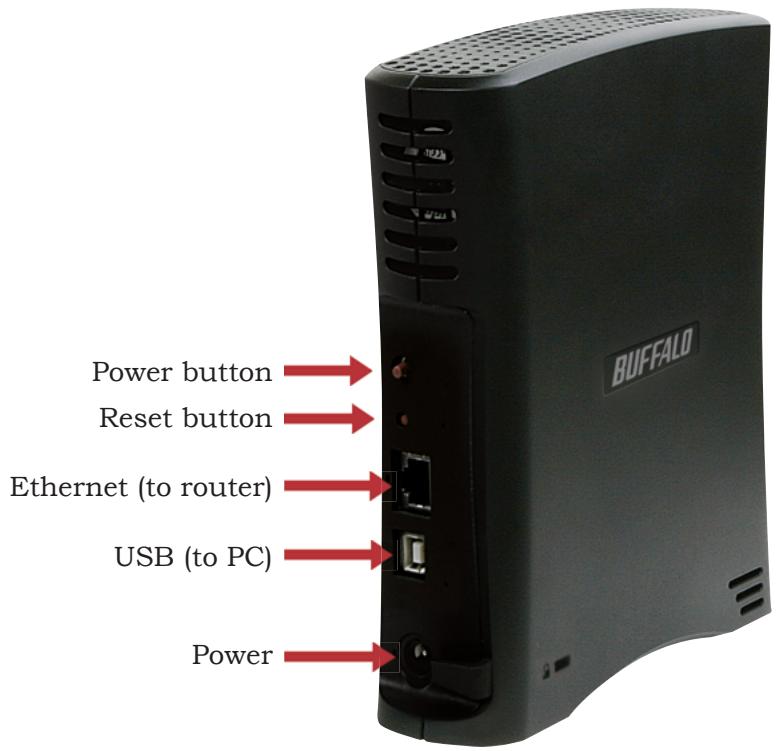
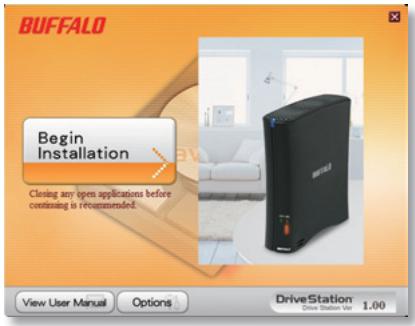
Insert the installation CD into your PC's CD-ROM drive. Setup will automatically launch. Click on Begin Installation.
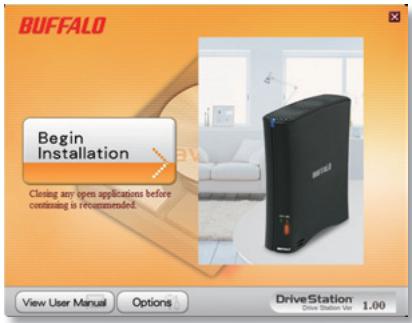
If you connect the drive via USB, click Install.
If you use LAN port on the drive, click Share data by LAN.
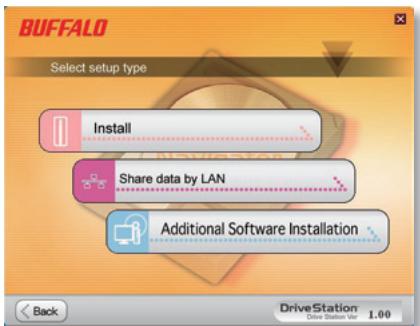
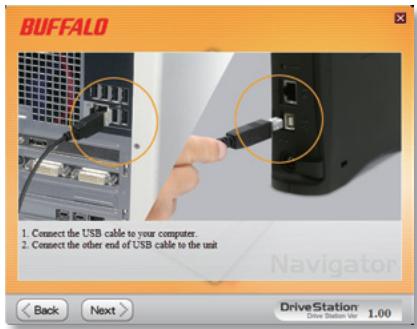
The wizard will guide you through installation. First, you'll install the DriveStation as a USB device. Then, you'll switch modes and install the DriveStation in LAN mode as a NAS device. Follow the directions on each screen and continue pressing Next to step through the installation.
When installation is complete, you may close the installation window.
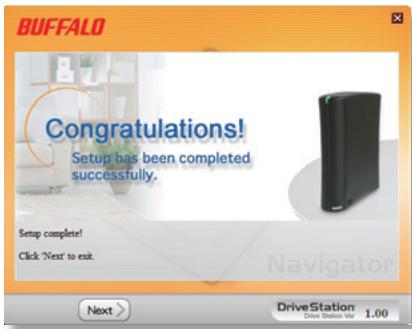
EN
Congratulations! Your DriveStation is ready to use. Turn to page 6 for instructions on DriveStation as a networked LAN drive, or page 7 for instructions on using it as a USB drive.
Please see the User Manual on your DriveStation CD for more help and configuration options.
| Transmission Speed: | 10/100 Mbps (Ethernet); 480 Mbps (USB) |
| Hard Drives: | 3.5” SATA |
| Ethernet Connector: | RJ-45 |
| USB Connector: | USB 2.0 |
| Power Supply: | 100-240V 50/60Hz |
| Client OS Support: | Windows® 2000, XP, Vista™ |
| Power Consumption: | Max 24W, Average 17W |
| Dimensions: | 6.2” x 6.9” x 1.8” (156 x 174 x 45 mm) |
| Weight: | 2.5 lb |
| Operating Environment: | 41°-95° F (5°-35° C); 20 - 80% non-condensing |
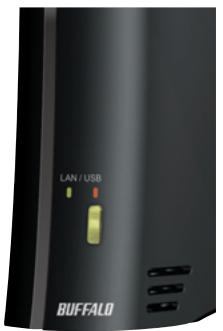
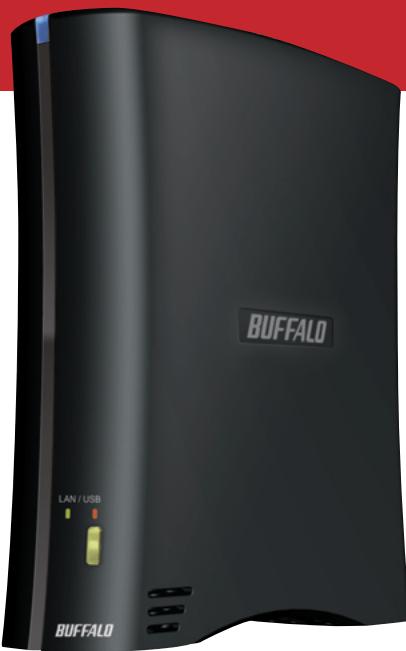
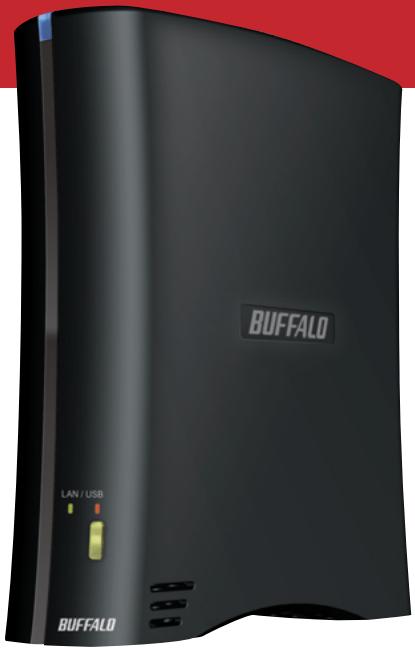
In LAN mode, the mode button will glow green. If it's red, hold it in for a few seconds, and then release it. The LED will change to green.
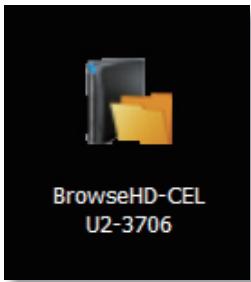
After running the installation wizard, this icon will be on your desktop: BrowseHD-CELU2-XXX.
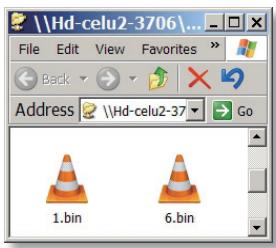
In LAN mode, clicking BrowseHD-CELU2-XXX takes you directly to the main folder on your DriveStation.
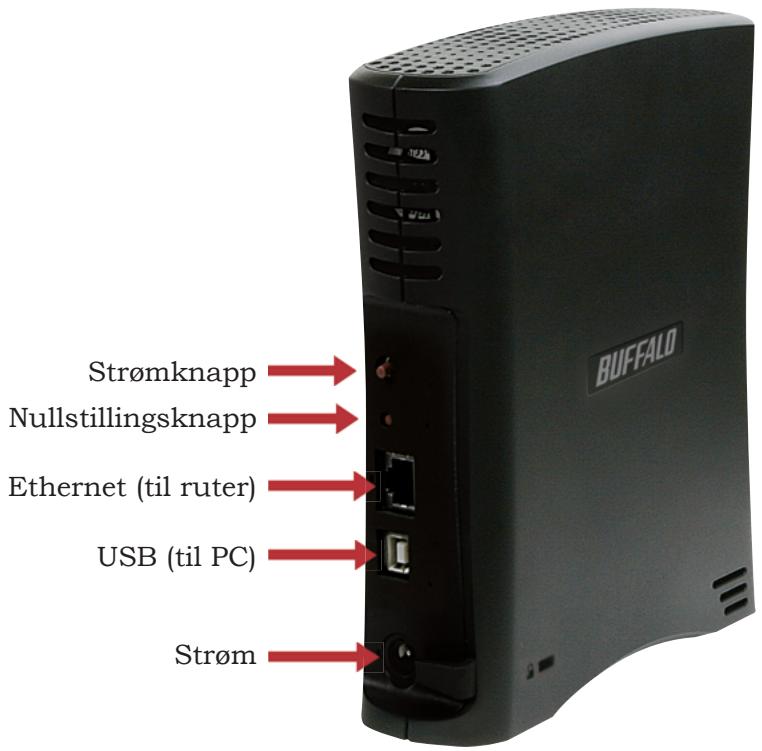
note: Connect DriveStation to a router or an existing network.If connecting DriveStation directly to your PC, you cannot use it via LAN although the setup wizard is complete.
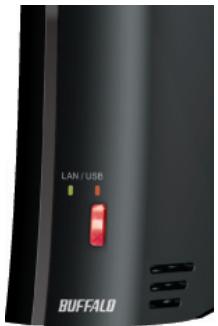
In USB mode, the mode button will glow red. If it's green, hold it in for a few seconds, and then release it. The LED will change to red.
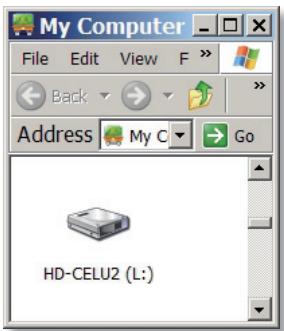
In USB mode, the DriveStation functions as a normal external USB hard drive. It can be accessed from My Computer. By default, it will receive the next available drive letter and will be named HD-CELU2.
note: DO NOT press the mode button while you are transferring the data. Otherwise the data may be corrupted or lost depending on your PC configuration.
FCC Warning
This device complies with part 15 of the FCC Rules. Operation is subject to the following two conditions: (1) This device may not cause harmful interference, and (2) this device must accept any interference received, including interference that may cause undesired operation.
Windows is a registered trademark of Microsoft Corporation in the United States and other countries.
BUFFALO ™
http://www.buffalotech.com
Buffalo Technology provides technical support in English, German, French, Italian and Spanish.
For opening hours and relevant telephone numbers, please go to: www.buffalo-technology.com/contact
Buffalo Technology provides technical support in English, German, French, Italian and Spanish.
For opening hours and relevant telephone numbers, please go to: www.buffalo-technology.com/contact
Handleiding Basisinstallingen
installeren
HD-CELU2
SchijfStation
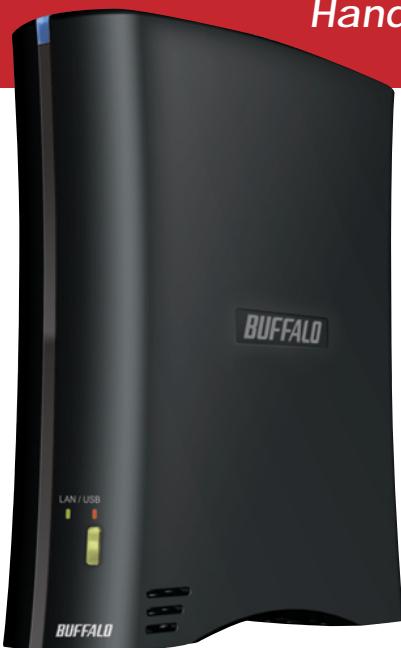
BUFFALO
In de verpakking:
Buffalo Technology provides technical support in English, German, French, Italian and Spanish.
For opening hours and relevant telephone numbers, please go to: www.buffalo-technology.com/contact
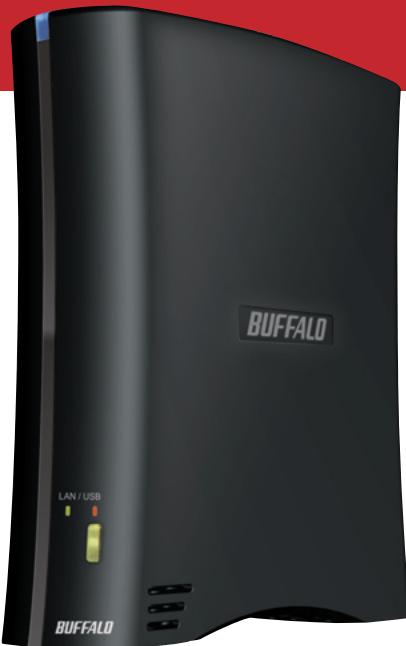
Snabbinstallationsguide
HD-CELU2
DriveStation
BUFFALO
Paketet innehaller:
- DriveStation
- USB-kabel
- Ethernet-kabel
- Nätadapter
- DriveNavigator installations-CD
- Snabbinfallationsguide (denna manual)
- Garantikort
Buffalo Technology provides technical support in English, German, French, Italian and Spanish.
For opening hours and relevant telephone numbers, please go to: www.buffalo-technology.com/contact
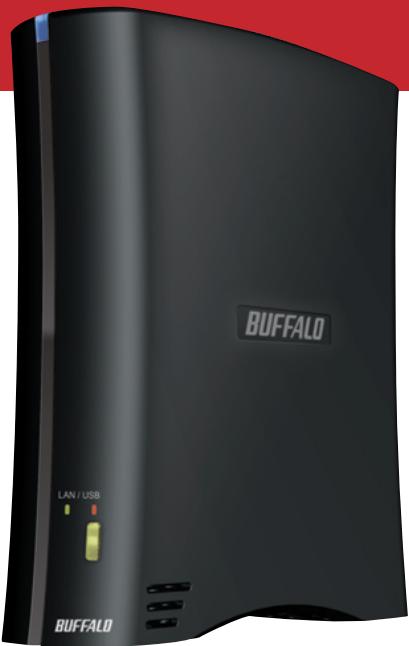
Hurtigveiledning
HD-CELU2
DriveStation
BUFFALO
Pakkens innhold:
- DriveStation
- USB-kabel
- Ethernet-kabel
Strømadapter - Installasjons-CD for DriveNavigator
Hurtigveiledning (denne handboken) - Garantikort
NO
Tilgangslampe
*** lyser bare när datamaskinen skriver til eller leser av stasjonen.
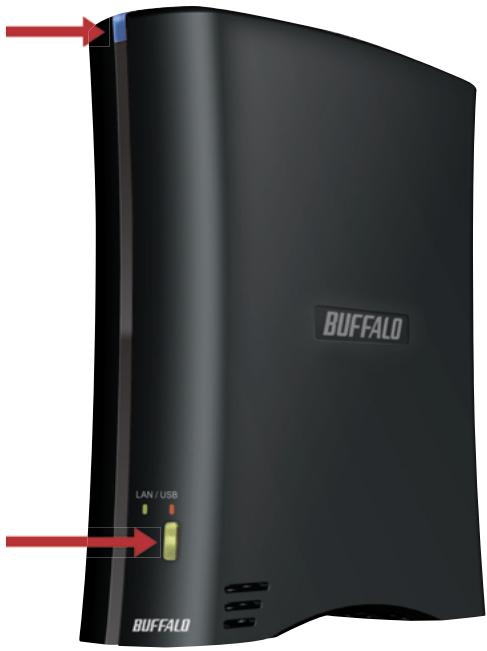
Modusknapp/lampe Rød - USB-modus Grønn - LAN-modus
Merk: DriveStation kan kobles til en datamaskin bade som Ethernet-NAS og ekstern USB-harddisk samtidig. Nár du skal veksle mellom de to modiene, má du holde modusknappen nede i noen sekunder og deretter slippe.
NO
Buffalo Technology provides technical support in English, German, French, Italian and Spanish.
For opening hours and relevant telephone numbers, please go to: www.buffalo-technology.com/contact
Buffalo Technology provides technical support in English, German, French, Italian and Spanish.
For opening hours and relevant telephone numbers, please go to: www.buffalo-technology.com/contact
Pika-asennusopas
HD-CELU2
DriveStation
BUFFALO
Pakkauksen sisälto:
Buffalo Technology provides technical support in English, German, French, Italian and Spanish.
For opening hours and relevant telephone numbers, please go to: www.buffalo-technology.com/contact
35010627 ver.1 1-01 C30-005


Brand : BUFFALO
Model : HD-CELU2 : DRIVESTATION 2SHARE
Category : External hard drive