
IG500 - Tablet LEXIBOOK - Free user manual and instructions
Find the device manual for free IG500 LEXIBOOK in PDF.



| Product type | Educational game console for TV |
| Brand | LEXIBOOK |
| Model | IG500 |
| Recommended age | From 3 years old |
| Power supply | 4 LR6/AA 1.5V batteries (not included) |
| Connectivity | A/V jacks (with SCART adapter included) |
| Main functions | Steering wheel, two gearshift levers (left/right), ignition key, START button, Reset/Menu button, 10 driving activities |
| Package contents | Game console, SCART adapter, instruction manual |
| Care and cleaning | Soft cloth slightly dampened with water, no detergent |
| Usage precautions | Do not expose to sunlight or heat, do not wet, do not disassemble |
| Safety | Contains small detachable parts (not for children under 3 years), risk of epilepsy for sensitive individuals (read warning) |
| Warranty | 2 years |
| After-sales service | Contact the retailer with proof of purchase |
| Country of manufacture | China |
Frequently Asked Questions - IG500 LEXIBOOK
User questions about IG500 LEXIBOOK
0 question about this device. Answer the ones you know or ask your own.
Ask a new question about this device
Download the instructions for your Tablet in PDF format for free! Find your manual IG500 - LEXIBOOK and take your electronic device back in hand. On this page are published all the documents necessary for the use of your device. IG500 by LEXIBOOK.
USER MANUAL IG500 LEXIBOOK
Noddy's TV Console: it's an exciting and interactive journey! Get ready for 10 different games based on Noddy's World for hours of entertainment. The console is designed for both left and right-handed children with a gear lever on both sides of the steering wheel. Noddy's TV Console is easy to connect to the A/V sockets on your TV set. Please read the instructions below to learn how to use this toy.
START-UP GUIDE
This section explains how to set up Noddy's TV Console and play the games. It is recommended to read the complete user guide for detailed instructions on the 10 activities and safety warnings.
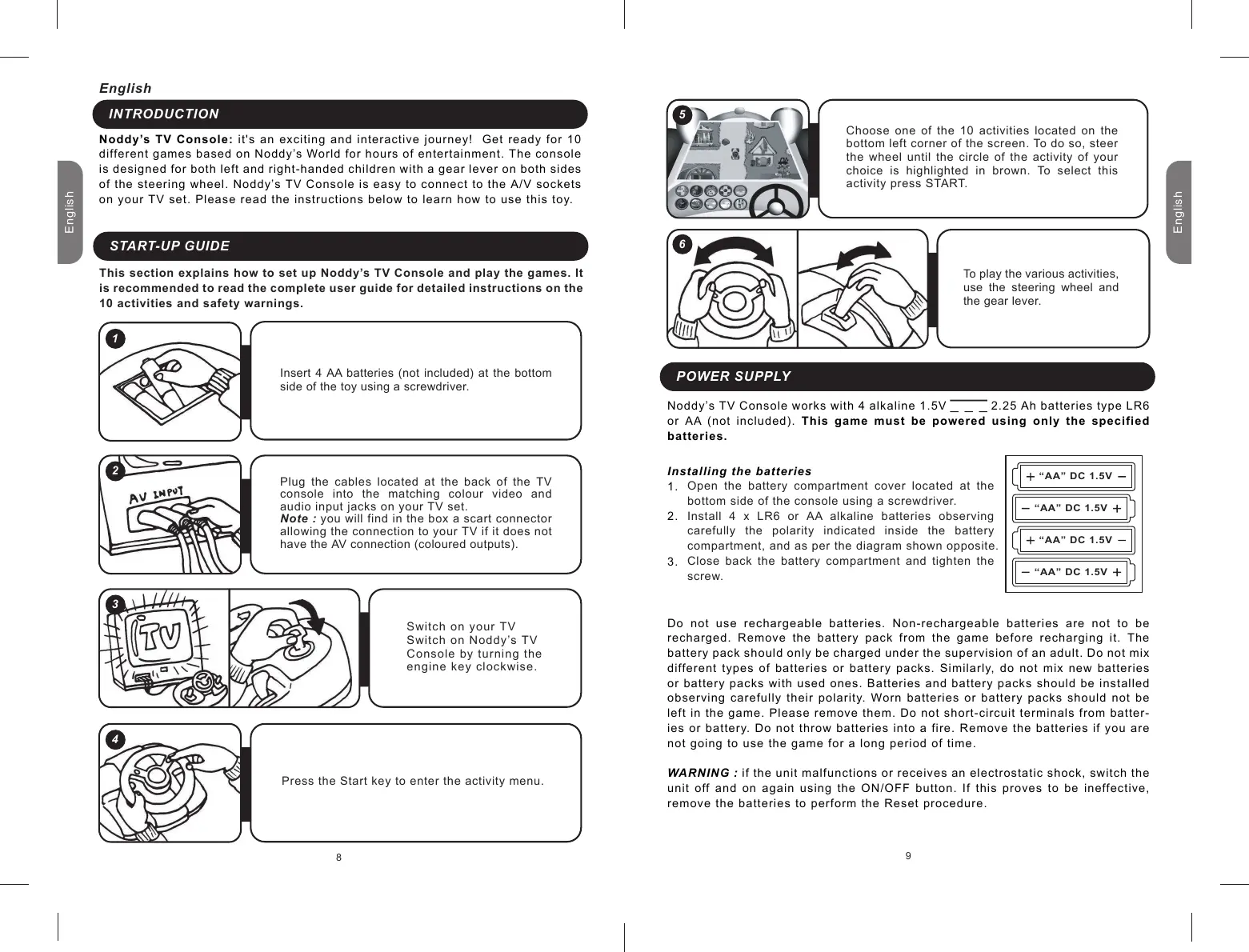
Insert 4 AA batteries (not included) at the bottom side of the toy using a screwdriver.
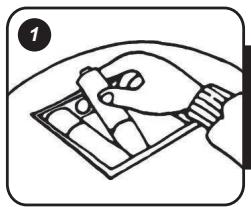
Plug the cables located at the back of the TV console into the matching colour video and audio input jacks on your TV set.
Note : you will find in the box a scart connector allowing the connection to your TV if it does not have the AV connection (coloured outputs).
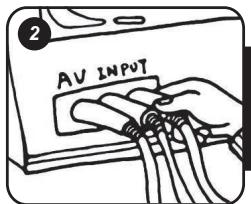
Switch on your TV
Switch on Noddy's TV
Console by turning the engine key clockwise.
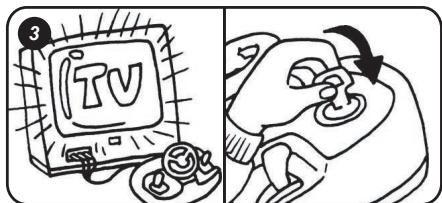
Press the Start key to enter the activity menu.
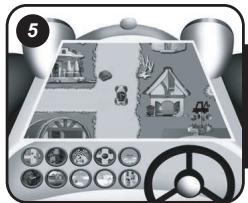
Choose one of the 10 activities located on the bottom left corner of the screen. To do so, steer the wheel until the circle of the activity of your choice is highlighted in brown. To select this activity press START.
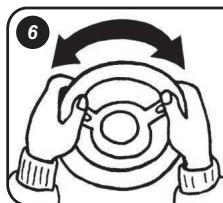
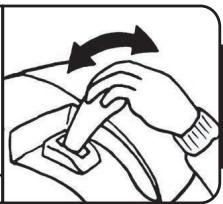
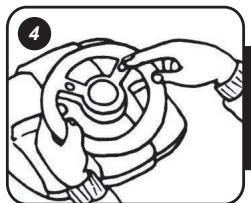
To play the various activities, use the steering wheel and the gear lever.
POWER SUPPLY
Noddy's TV Console works with 4 alkaline 1.5V _ 2.25 Ah batteries type LR6 or AA (not included). This game must be powered using only the specified batteries.
Installing the batteries
- Open the battery compartment cover located at the bottom side of the console using a screwdriver.
- Install 4 x LR6 or AA alkaline batteries observing carefully the polarity indicated inside the battery compartment, and as per the diagram shown opposite.
- Close back the battery compartment and tighten the screw.
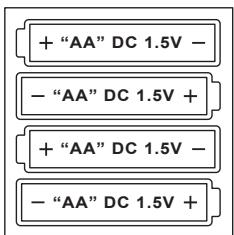
Do not use rechargeable batteries. Non-rechargeable batteries are not to be recharged. Remove the battery pack from the game before recharging it. The battery pack should only be charged under the supervision of an adult. Do not mix different types of batteries or battery packs. Similarly, do not mix new batteries or battery packs with used ones. Batteries and battery packs should be installed observing carefully their polarity. Worn batteries or battery packs should not be left in the game. Please remove them. Do not short-circuit terminals from batteries or battery. Do not throw batteries into a fire. Remove the batteries if you are not going to use the game for a long period of time.
WARNING : if the unit malfunctions or receives an electrostatic shock, switch the unit off and on again using the ON/OFF button. If this proves to be ineffective, remove the batteries to perform the Reset procedure.
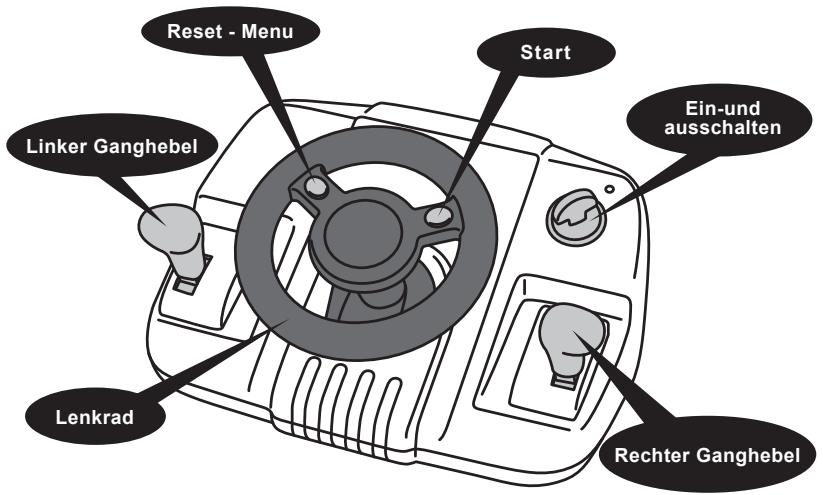
Start To access the activity menu after turning the game on, to enter an activity, to play another round, to pause the game. Press once to pause, once again to return to game play.
Reset - Menu Press to return to the activity menu.
Power On/Off Turn the engine key clockwise to turn the game on and anti-clockwise to turn it off.
Left Gear Lever Pull upwards to accelerate, move forward and downwards to brake/move backwards.
Right Gear Lever Pull upwards to accelerate, move forward and downwards to brake/move backwards.
Steering Wheel Steer the wheel to move left or right.
ACTIVITY LIST
(1)Racing
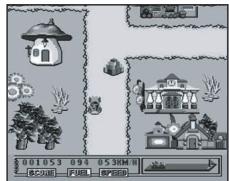
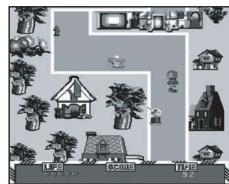
Drive Noddy's car through Toyland and reach the train station before running out of fuel! Watch out: the road is full of obstacles such as stones, rocks and toys...
Steer the wheel to go left or right. Pull the gear lever upwards to accelerate and downwards to go backwards.
(2)Obstacle
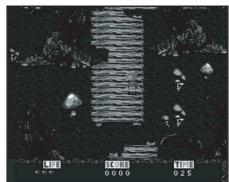
Noddy is on a perilous journey in the jungle to capture Sly and Gobbo. You start off with 5 lives and a time limit of 40 seconds. Collect the gold coins along the path to score points and gain extra time (5 extra seconds per coin). You lose a life every time Noddy falls off the path. To win, you must capture Sly and Gobbo and cross the finishing line. You lose the game when you have no lives left or time runs out.
Use the steering wheel to direct Noddy. Pull the gear lever upwards to make Noddy move forward and pull downwards to make him go backwards.
(3) Rally
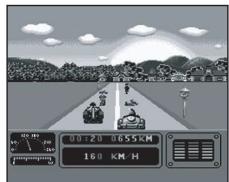
Noddy participates in a car rally against time and competitors. Noddy's car is stopped for a few seconds when he bumps into other competitors or obstacles such as rocks. The arrow indicates that Noddy is coming up to a big bend in the road. Use the steering wheel to drive and the gear lever to adjust your speed.
(4) Bouncy
Noddy must save the Bouncy Balls from the goblins. The more Bouncy Balls you save, the more points you score. Help Noddy find the goblins before running out of fuel. Pick up stars to get bonus fuel.
Steer the wheel to direct Noddy's car. Pull the gear lever upwards to move forward or downwards to go backwards.
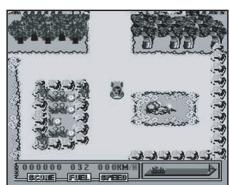
(5) Sky Race
Welcome aboard Noddy's plane! Noddy must fly his plane and cross the finishing line before running out of fuel. Pick up stars to increase your score and get some extra fuel. You should avoid bumping into the balloons or the birds, or you will lose points.
Steer the wheel to move the plane left or right. Pull the gear lever upwards to fly the plane upwards and pull downwards to fly downwards.
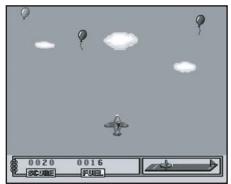
(6) Catch the Butterflies
Help Noddy catch as many butterflies as he can. Butterflies are flying up and down. You start off with 5 lives and lose a life every time Noddy fails to catch 5 butterflies. Beware! Sly and Gobbo will try to distract you.
Steer the wheel to make Noddy run left or right. Pull the gear lever upwards to catch a butterfly.
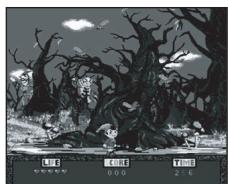
(7) Launcher
Noddy is flying his plane and is dropping bananas towards Martha Monkey. Martha Monkey is running at the ground level. Direct the plane so that Martha Monkey can catch the bananas and fill her basket. You lose one of your 5 lives every time 20 bananas fall on the ground.
Steer the wheel to move the plane left or right. Pull the gear lever upwards to drop a banana.
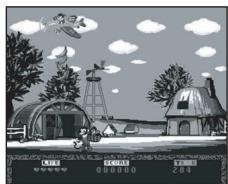
(8) Balloons
Help Noddy collect as many balloons as he can within the time limit. You lose a life every time 5 balloons fall on the ground. You have a total of 5 lives. Steer the wheel to make Noddy run lefts or right.
Note: in this game, the gear lever has no function.
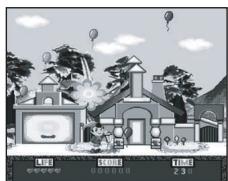
(9) Snowman
Help Noddy build a snowman! The snowman grows bigger when Noddy grabs snowflakes. You lose a life if you grab 5 leaves or rain drops. You also lose a life when Noddy fails to grab 5 snowflakes. You have 5 lives to begin with. Steer the wheel to direct Noddy left or right.
Note : in this game, the gear lever has no function.
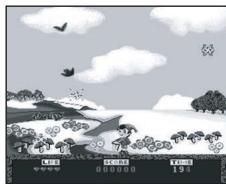
(10) Marathon
It's the day of the Toyland Marathon, and Noddy and his friends are taking part! Help Noddy cross the finishing line first. Noddy must avoid bumping into bollards or other runners. Otherwise, you lose one of your 5 lives. Avoid the other obstacles which slow Noddy down. Pick up the flowers to get an extra life. Steer the wheel to lead Noddy left or right. Pull the gear lever upwards to move forwards and pull the gear lever downwards to go backwards.
WARNING REGARDING EPILEPSY
To be read before attempting to use a video game, either by you or your child. Some people are susceptible to suffer epileptic seizures or to loose consciousness when looking at certain types of flashing lights or elements commonly present in our everyday environment. These people are exposed to seizures when watching certain images on television or they play some video games. This phenomenon can become apparent even if the person has no previous medical history of such, or has never suffered an epileptic fit. If you or a member of your family has shown in the past any symptom linked to epilepsy (either a seizure or loss of consciousness) when exposed to "luminous" stimulation, please consult with your doctor prior to any attempt to use this game. We warn parents to be vigilant with their children while they play with video games. If you or your child experience of the following symptoms: dizziness, altered vision, eye or muscle twitches, loss of awareness, disorientation or involuntary movement or convulsions, stop immediately playing the game and consult a doctor.
Precautions to take in any case while using a video game
When you use a video game which can be connected to a TV screen, stand or sit relatively far from the TV screen and as far as the connection cable allows it.
Use preferably video games which have a small screen. Avoid playing video games if you are tired or lack some sleep. Make sure to play in room which is well lit.
While playing video games, take 10 to 15 minute breaks every hour.
MAINTENANCE
In order to clean the game, use only a soft cloth moistened with water; do not use any detergent product. Do not expose the game to direct sunlight or to any other source of heat. Do not get the game wet. Do not dismantle or drop the game. Remove the batteries if the product is not going to be used for an extended period of time.
WARRANTY
NOTE: please keep this instruction manual, it contains important information.
This product is covered by our 2-year warranty.
For any claim under the warranty or after sale service, please contact your distributor and present a valid proof of purchase. Our warranty covers any manufacturing material and workmanship defect, with the exception of any deterioration arising from the non-observation of the instruction manual or from any careless action implemented on this item (such as dismantling, exposition to heat and humidity, etc.). It is recommended to keep the packaging for any further reference.
In a bid to keep improving our services, we could implement modification on the colours and the details of the product shown on the packaging.
Not suitable for children under 36 months old, as it contains small detachable elements which could be swallowed.
Reference: IG500
© 2005 LEXIBOOK®
Espanol
INTRODUCCION
NODDYS TV-KONSOLE ENTDECKEN
Start
WAARSCHUWING VOOR EPILEPSIE
Unit 10 Petersfield Industrial Estate
Bedford Road, Petersfield
Hampshire, GU32 3QA, United Kingdom
Freephone helpline: 0808 100 3015
LEXIBOOK Ibérica S.L
LEXIBOOK Electronica Lda
Quinta dos Loios
Praceta Jose Domingos dos Santos, 6B-8A
2835-343 Lavradio-Barreiro Portugal
Designed in Europe - Made in China