
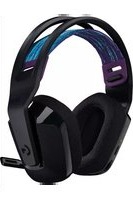
G930 - Headphones LOGITECH - Free user manual and instructions
Find the device manual for free G930 LOGITECH in PDF.



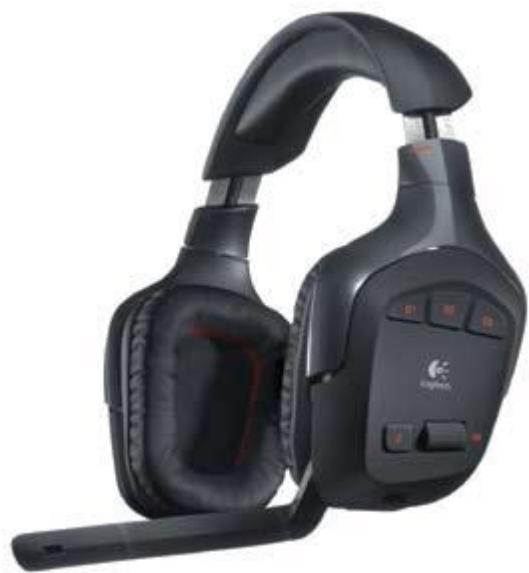
| Product type | Wireless headset |
| Brand | LOGITECH |
| Model | G930 |
| Connectivity | 2.4 GHz RF wireless, range up to 12 m |
| Ear cups | Closed-back sound-isolating ear cups, memory foam padding |
| Microphone | Noise-cancelling microphone with adjustable boom |
| Surround sound | Virtual 7.1 (activation via software) |
| Programmable keys | 3 customizable G-keys (media controls, voice morphing, Push-to-Talk, etc.) |
| Power | Built-in rechargeable battery, up to 10 hours battery life, charging time ~2.5 hours |
| LED indicators | Connection status (solid green: connected, blinking: out of range), battery charge (green >1h, red <1h, orange: charging), microphone mute (red) |
| Compatibility | PC with USB port |
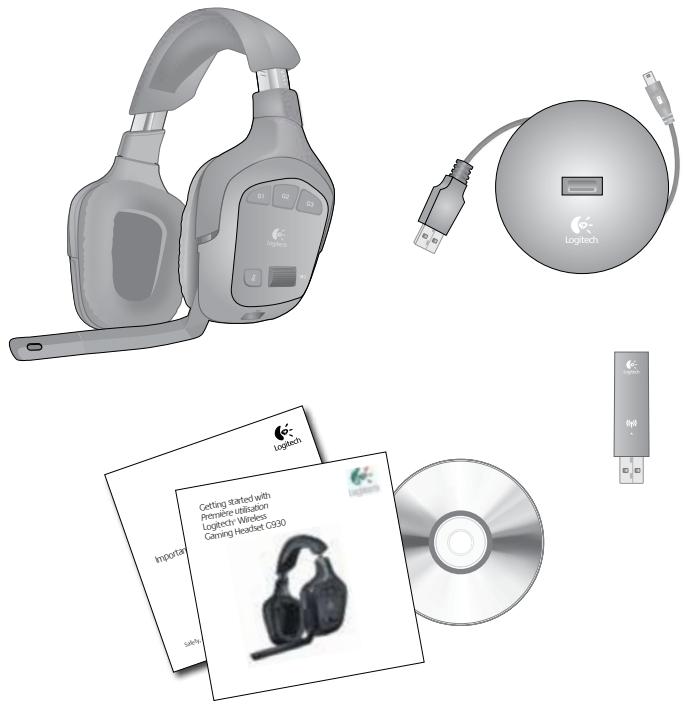
| Box contents | G930 headset, charging base, USB wireless adapter, charging cable |
| Software | Logitech G930 (surround sound configuration, G-keys, voice morphing, equalizer, mixer) |
| Maintenance | Clean with a soft, dry cloth. Do not use chemical products. |
| Safety | Do not expose to water or moisture. Use only a standard USB charger. |
| General information | Weight and dimensions not provided by the manufacturer. |
Frequently Asked Questions - G930 LOGITECH
User questions about G930 LOGITECH
0 question about this device. Answer the ones you know or ask your own.
Ask a new question about this device
Download the instructions for your Headphones in PDF format for free! Find your manual G930 - LOGITECH and take your electronic device back in hand. On this page are published all the documents necessary for the use of your device. G930 by LOGITECH.
USER MANUAL G930 LOGITECH
Getting started with
Wireless Gaming Headset G930

Contents
English. 4
Francais 11
Espanol 18
www.logitech.com/support 25

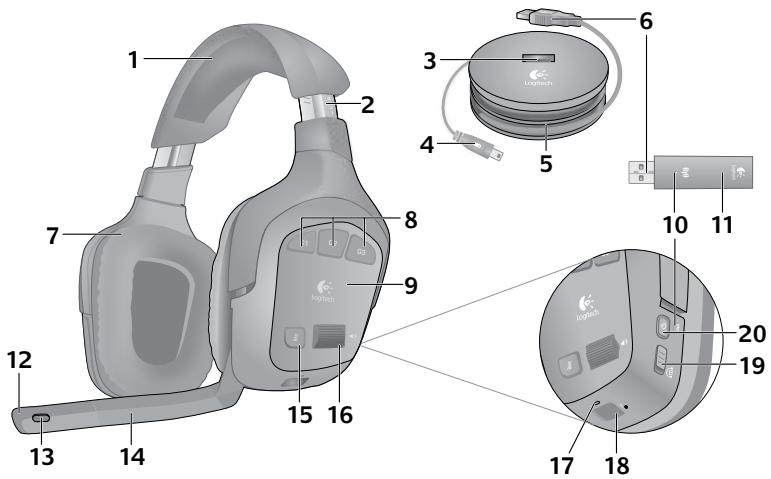
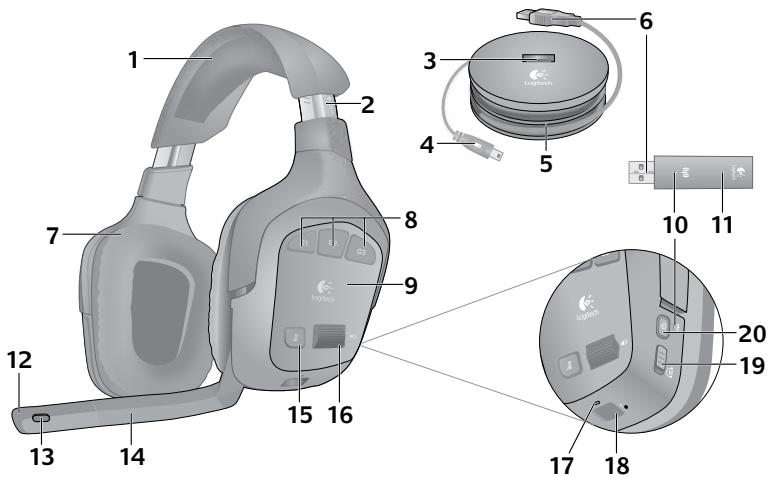
- Memory foam headband pad
- Precision headband adjustment
- Wireless adapter dock
- Charging cable
- Charging base
- Full-speed USB connection
- Plush ear pads
-
Programmable G-keys
-
Closed-back, noise-isolating ear cups
- Wireless status light
- Wireless adapter
- Microphone mute light
- Noise-canceling microphone
- Flexible, rotating microphone boom
-
Microphone mute button
-
Volume roller
- Battery status light
- Charging port
- Surround sound switch
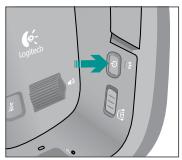
- Power button
1
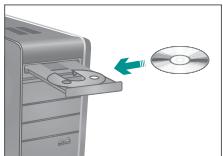
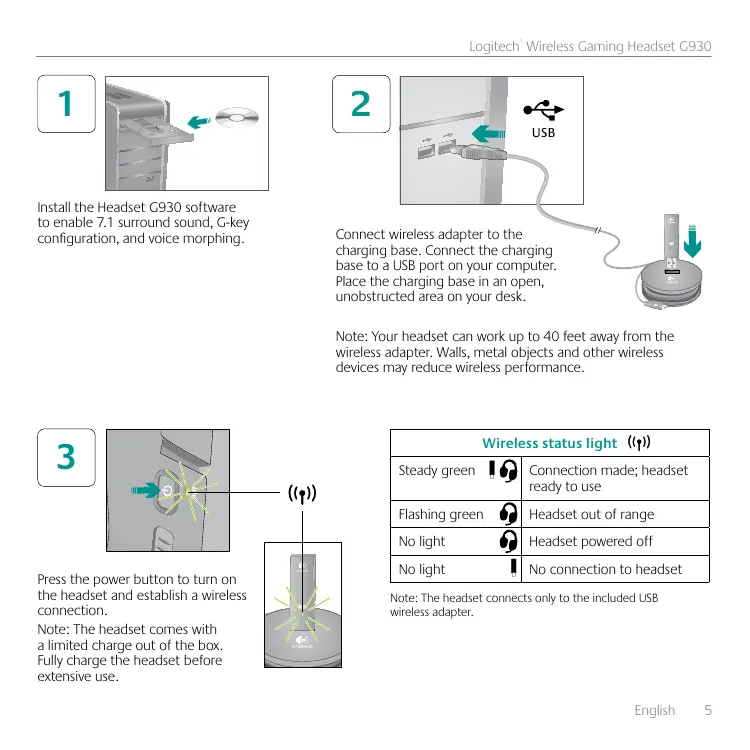
Install the Headset G930 software to enable 7.1 surround sound, G-key configuration, and voice morphing.
2
USB
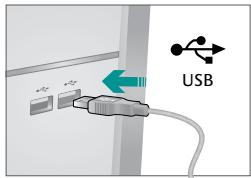
Connect wireless adapter to the charging base. Connect the charging base to a USB port on your computer. Place the charging base in an open, unobstructed area on your desk.
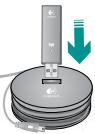
Note: Your headset can work up to 40 feet away from the wireless adapter. Walls, metal objects and other wireless devices may reduce wireless performance.
3
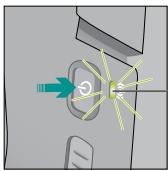
Press the power button to turn on the headset and establish a wireless connection.
Note: The headset comes with a limited charge out of the box. Fully charge the headset before extensive use.
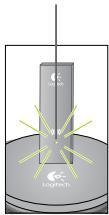
()
| Wireless status light (↑) | |
| Steady green | Connection made; headset ready to use |
| Flashing green | Headset out of range |
| No light | Headset powered off |
| No light | No connection to headset |
Note: The headset connects only to the included USB wireless adapter.
4
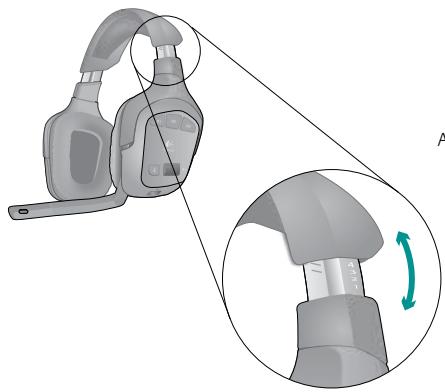
Adjust the headband for a comfortable fit.
5
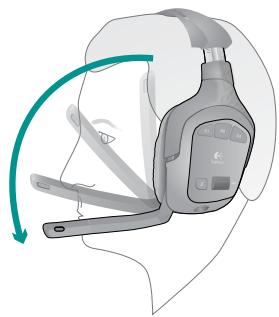
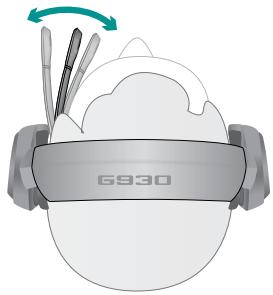
Place the microphone about an inch away from the corner of your mouth for optimal voice clarity.
Controls
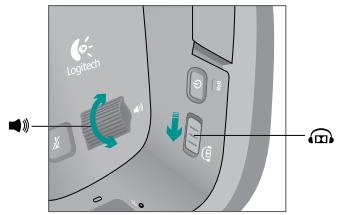

Slide the surround sound switch down to turn on this feature. You must install the included software to activate surround sound.

Adjust headset volume using the volume roller.
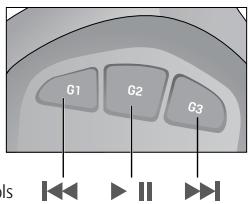
Use the G930 software to program the G-keys. Here are examples of popular actions assigned to G-keys.
Media controls
Voice morphing


Push to talk


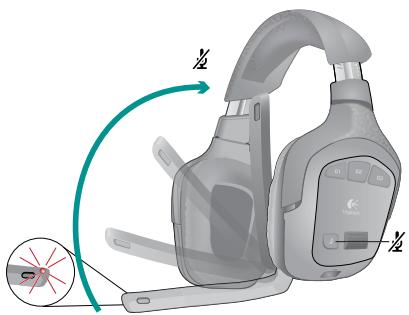

Mute the microphone by rotating the microphone boom to its up position or pressing the microphone mute button. The microphone mute light illuminates when the microphone is muted.
Charging
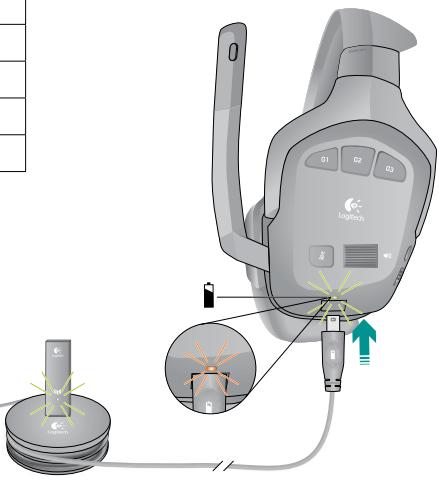
The internal rechargeable battery gives you up to 10 hours of play time on a full charge. A full charge can take up two and a half hours. Headset can charge while in use.
| Battery status light | |
| Green | More than 1 hour of play time left |
| Red | Less than 1 hour of play time left |
| Flashing orange | Headset charging |
| Steady orange | Charging complete |
| No light | Headset off or no charge remaining |
Note: Battery status is also shown in the G930 software.
Note: The headset will play an audible warning when the battery is low. This can be turned off in the software.
Rechargeable battery is removable for disposal and recycling. Replacement battery available online. See Important Information and www.logitech.com/support/G930 for more information.
G930 software
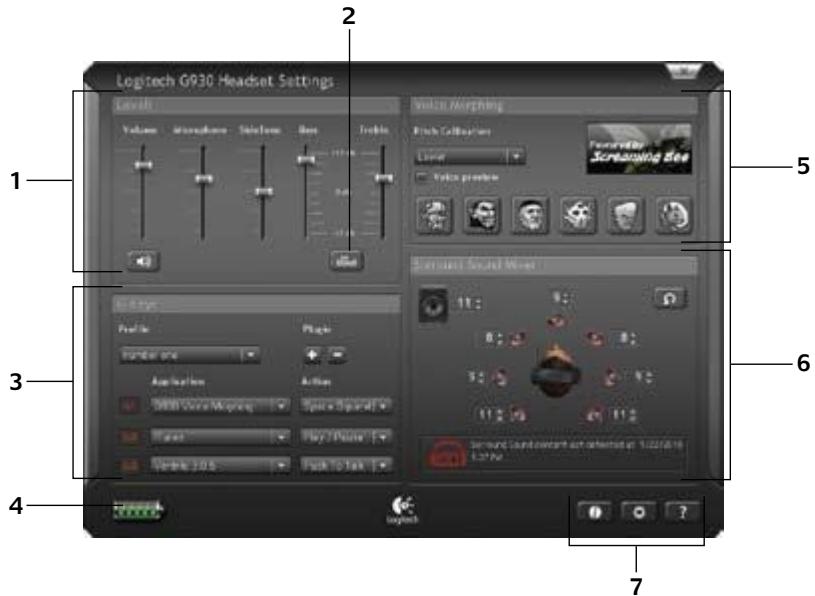
- Audio levels
- Voice morphing
- Advanced equalizer
- Surround sound mixer
- G-keys customization
- Settings and user manual
- Battery status
Note: To learn more about your software's features, check out the digital user's manual in the software.
Audio tips
- For the best listening experience, configure your game or media player audio setting to 7.1 or 5.1 surround sound output, if available. Avoid using settings labeled "headphones" because they do not output surround sound.
- For surround sound playback with movies, ensure your media player has the proper Dolby® or DTS® codec to output surround sound.
- Use the sidetone setting in the G930 software for a more natural speaking experience by controlling the loudness of your voice back into the headset. This feature does not affect how others hear you.
- Use the advanced equalizer in the software to fine-tune audio playback response.
- When using voice morphing, use the voice preview feature to verify that your voice is intelligible. If your voice sounds garbled, select a different pitch from the pitch calibration menu.
General-use tips
- For optimal wireless performance, plug the wireless receiver into the charging base and place in an open, unobstructed area on your desk. Avoid connecting the wireless receiver to keyboards or monitors, in back of desktop towers, or near other wireless receivers or Wi-Fi routers.
- To charge the headset when your PC is sleeping or off, your PC must power the USB ports in those states. If it does not, adjust your PC power management options to keep your PC on and awake when you want to charge the headset.
- If an application is not recognizing the headset, try quitting the application and relaunching it.
- To get the most from your G930 headset, read the digital user manual found in the software. You can also visit www.logitech.com/support/G930 for more product support.
- To turn off the headset, press and hold the power button for two seconds.
www.logitech.com/support
United States +1 646-454-3200
Argentina +00800-555-3284
Brasil +0 800-891-4173
Canada +1 866-934-5644
Chile 12300205484
Latin America +1 800-578-9619
Mexico 0018005789619
www.logitech.com
© 2010 Logitech. Logitech, the Logitech logo, and other Logitech marks are owned by Logitech and may be registered. Microsoft, Windows Vista, Windows, and the Windows logo are trademarks of the Microsoft group of companies. Mac and the Mac logo are trademarks of Apple Inc., registered in the U.S. and other countries. The word "Dolby" and the "Double-D" symbol are trademarks of Dolby Laboratories. All other trademarks are the property of their respective owners. Logitech assumes no responsibility for any errors that may appear in this manual. Information contained herein is subject to change without notice.

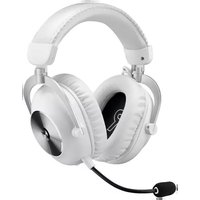
Brand : LOGITECH
Model : G930
Category : Headphones