
ZeCircle Premium - Smartwatch MYKRONOZ - Free user manual and instructions
Find the device manual for free ZeCircle Premium MYKRONOZ in PDF.


| Product type | Smartwatch |
| Brand | MyKronoz |
| Model | ZeCircle Premium |
| Dimensions (approx.) | 45 x 38 x 12 mm |
| Weight (approx.) | 50 g |
| Power supply | Rechargeable lithium-ion battery |
| Battery life (approx.) | Up to 5 days in normal use |
| Connectivity | Bluetooth 4.0 |
| Compatibility | iOS 8+ and Android 4.4+ |
| Display | OLED 1.22 inches |
| Main features | Notifications, activity tracking, pedometer, sleep, alarm, music control, weather |
| Sensors | Accelerometer |
| Water resistance | IP67 (dust resistant and immersion up to 1 meter for 30 minutes) |
| Case material | Plastic and metal |
| Strap material | Silicone |
| Strap length | 160-220 mm (adjustable) |
| Care and cleaning | Clean with a soft, dry cloth. Avoid chemicals. |
| Safety | Do not expose to extreme temperatures. Keep out of reach of children under 3 years. |
| Spare parts | Interchangeable straps available separately. |
| Repairability | Battery not replaceable by user. Seek professional assistance. |
| General information | 2-year warranty. Made in China. |
Frequently Asked Questions - ZeCircle Premium MYKRONOZ
User questions about ZeCircle Premium MYKRONOZ
0 question about this device. Answer the ones you know or ask your own.
Ask a new question about this device
Download the instructions for your Smartwatch in PDF format for free! Find your manual ZeCircle Premium - MYKRONOZ and take your electronic device back in hand. On this page are published all the documents necessary for the use of your device. ZeCircle Premium by MYKRONOZ.
USER MANUAL ZeCircle Premium MYKRONOZ
ZeCircle
ENGLISH
CHARGING 05 SLEEP 11
PAIRING 06 GOALS 12
WEARING 08 REMINDERS 12
DISPLAY 09 NOTIFICATIONS 13
ACTIVITY 10 TECH SPECS 14
OVERVIEW
i
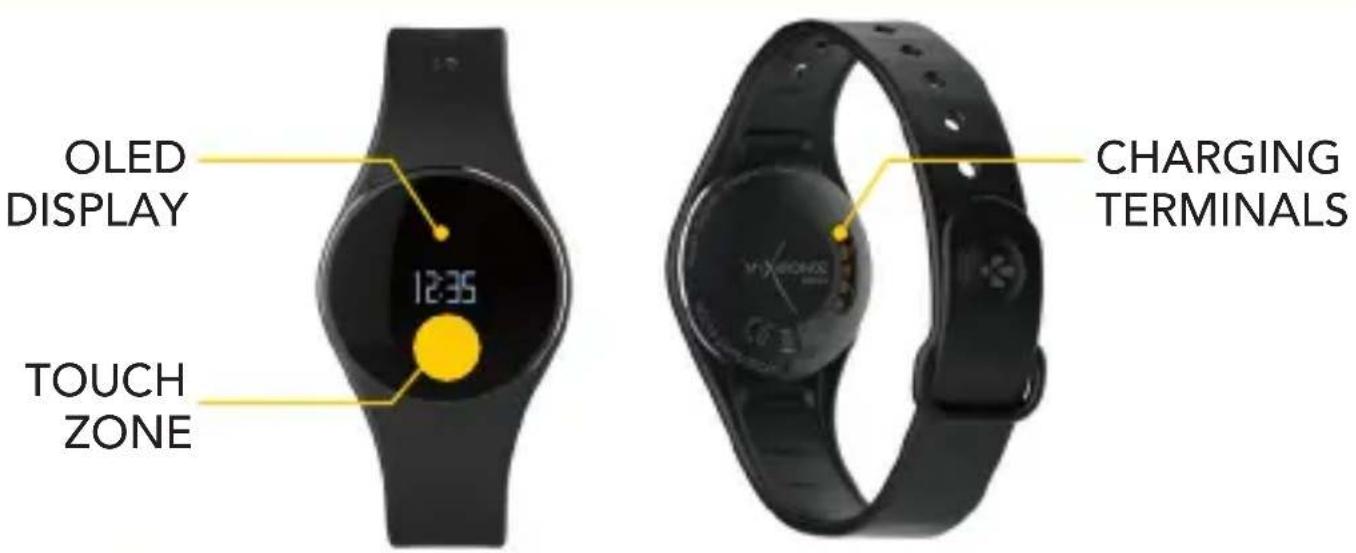
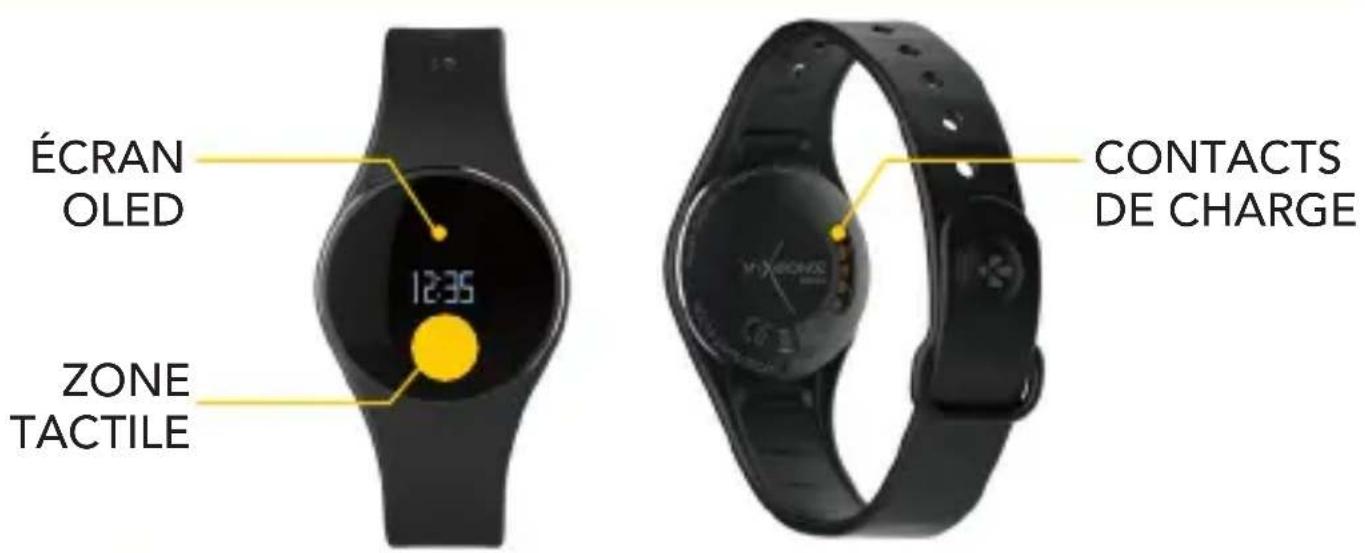
To interact with ZeCircle touchscreen, tap on the touch-sensitive area below the display section. ZeCircle touchscreen only respond to tap gestures in this specific touch-sensitive area. Other type of gestures like sliding, swiping, or pressing will not be detected. ZeCircle screen turns off when not in use. Single tap the touch area to wake the device. To ensure ZeCircle is responding accurately to your taps, we recommend using your fingertip and not your nail.
1. CHARGING
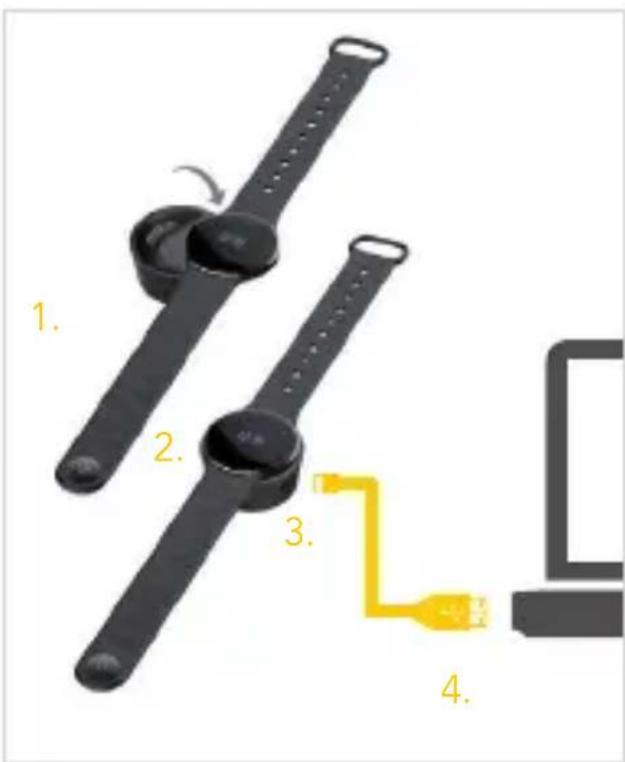
Charge ZeCircle for two hours before your first use.
- Put ZeCircle on the magnetic charging dock
- Make sure the 5 pins on the charging dock fit correctly onto the charging terminals on the back of ZeCircle
- Plug the small end of the USB cable provided into the charging's dock USB port
- Plug the big end of the USB cable into a power source
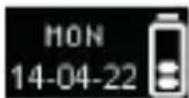
- A battery indicator will fill to indicate charging is in progress. Once ZeCircle is charged, the battery indicator will be full

A full charge takes 1:30 hour. When the battery level gets low, a battery indicator will appear.
2. PAIRING
The first time you use ZeCircle, a SET UP message will prompt you to set up your ZeCircle using a mobile device or a computer.
GET ZeCircle APP
To set up your ZeCircle using your mobile device, you first need to get ZeCircle App. Search for ZeCircle App in the App store, Google Play or Windows Phone store, download and install the App on your mobile device.

System Requirements
iOs Android
iOS 7+ devices with Bluetooth 4.0 BLE iPhone 4s, 5, 5c, 5s, 6, 6 Plus, iPad (3 ^rd , 4 ^th and 5 ^th gen) iPad Mini, iPod touch (5 ^th gen)
Select Android 4.3 + devices that support Bluetooth 4.0 BLE
Windows Phone
Select Windows Phone 8.1 that support Bluetooth 4.0 BLE
Visit www.mykronoz.com to get the latest compatibility list
- Enable Bluetooth on your mobile device
- Open ZeCircle App on your mobile device. Sign up if you are a new member or Log in with your existing account. After entering your personal information, tap Set up
- Make sure ZeCircle is nearby and select ZeCircle in the list of devices
-
You will receive a pairing request on your mobile device. Press Pair to accept it
-
Then, a pairing request will appear on your ZeCircle display Tap on your ZeCircle to accept the pairing
- When ZeCircle is successfully paired, you will be notified on ZeCircle and on your mobile device's screen
You can also set up your ZeCircle using our Mac or PC software available on MyKronoz website: http://www.mykronoz.com/support/
System requirements: Windows 7,8, XP - Mac OS X 10.7 and above

If pairing fails, repeat the same steps. Pairing is a one-time process. If you want to pair ZeCircle with another account, you first need to unpair it from the current one. Open ZeCircle App, go to Settings > Connect ZeCircle > Unpair ZeCircle. Tap Connect ZeCircle to pair a new device
3. WEARING
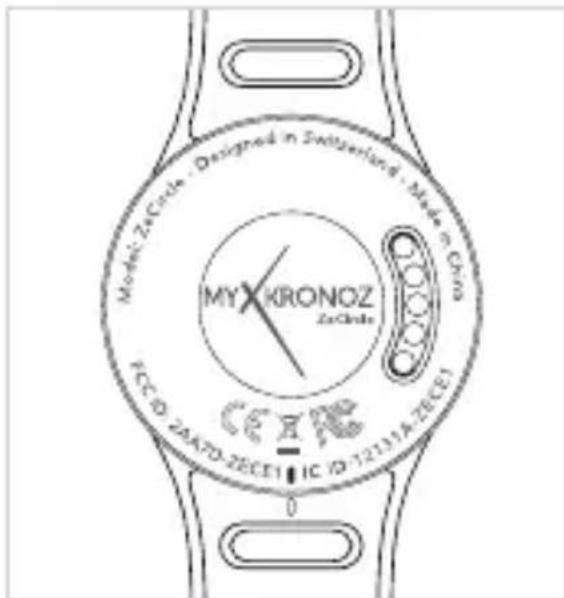
ZeCircle is adjustable to fit different wrist sizes.
- Pop ZeCircle unit into the wristband
- Locate the vertical marking lines on the back of ZeCircle unit and on its wristband
- Make sure the vertical marking lines are aligned with each other
- Place ZeCircle around your wrist and put the clasp pin inside the hole
- Press a few times to ensure the pin is fully inserted and that ZeCircle is securely fastened
i
To get the most accurate data, we recommend wearing ZeCircle on your non-dominant hand and not too loose.
3. DISPLAYS
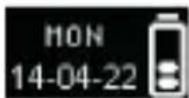
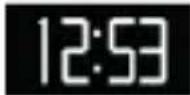
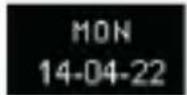
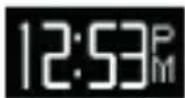
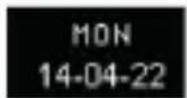
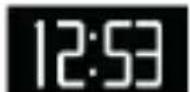
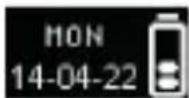
24-h 12-h 24-h Time + Date

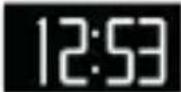

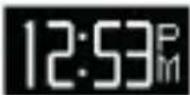
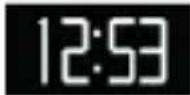
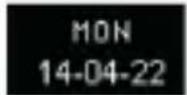
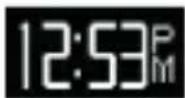
12-h Time + Date
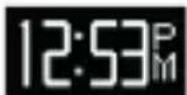
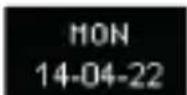
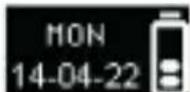
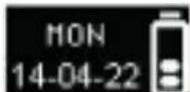
24-h Time + Date + Battery 12-h Time + Date + Battery
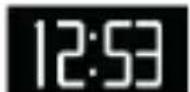
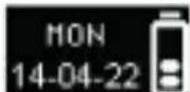

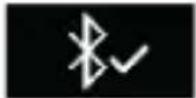
Pairing request Syncing Upgracising pairing
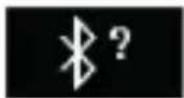

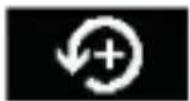
Anti-lost alertFull memoryActivity
i
ZeCircle will automatically sync the time and date of your paired mobile device. You can set your preferred time and date format manually in the Settings tab of ZeCircle App. Make sure you keep the device charged to avoid the time being reset
4. ACTIVITY
ZeCircle tracks the number of steps taken, distance travelled and calories burned throughout the day. You can view your daily activity in real-time on ZeCircle display by tapping below the display area.
STEPS DISTANCE CALORIES
15118
13.1MI
1.5 CAL
You can also monitor your activity data and history from the Activity tab of ZeCircle. On the main activity screen, you can check your performance level against your daily goals. Click on any activity bar to get a detailed graph of your daily, weekly and monthly performance.
i
ZeCircle shows daily data. The activity tracker resets at midnight. To upload your latest activity data, do not forget to tap the sync icon in the upper right hand corner of ZeCircle App
5. SLEEP
ZeCircle tracks the hours slept and the quality of your sleep (light sleep, deep sleep, awake times)
■ START / EXIT SLEEP MODE
To start sleep mode, open ZeCircle App, tap on the bottom purple sleep bar, click on Add sleep log > Start Sleep now
To end sleep mode, open ZeCircle App, tap on the bottom purple sleep bar, click on Add sleep log > Awake
PRESET SLEEP
Open ZeCircle App > Go to Settings > Advanced Settings > Click on Preset sleep to enter your desired bed and wake up times. By default, ZeCircle will track your sleep from 11pm until 7am.
i
To upload your latest sleep data, do not forget to tap the sync icon in the upper right hand corner of ZeCircle App. If you forgot to activate sleep mode, you can manually add sleep logs in ZeCircle App. Open ZeCircle App, click on Add sleep log > Add sleep
6. GOALS
Tap the Goals tab of ZeCircle App to set daily goals for steps taken, distance travelled, calories burned and hours slept. Click on the sync button in the upper right corner to save your goals. On the Steps screen of your ZeCircle, a progress bar will show how close you are to your daily goal.
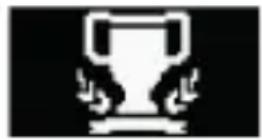
Once you hit one of your daily goal, ZeCircle will gently vibrate and display a Goal achieved icon
7. REMINDERS
Tap the Reminders tab of ZeCircle App to add daily life reminders. You can set up to 6 daily reminders, and choose the type of reminder and preferred time and day. ZeCircle will gently vibrate and display the corresponding reminder icon to alert you. A single tap on your ZeCircle can dismiss the reminder. If not dismissed, the same alert will repeat after two minutes.
8. NOTIFICATIONS
ZeCircle shows notifications of incoming and missed calls, SMS, email, social media activity, calendar events and anti-lost alert*. Open ZeCircle App, tap Settings > Notifications to select the notifications you want to receive onto your ZeCircle. If you wish to disable certain notifications, swipe the selection button to the left. A single tap on your ZeCircle can dismiss the notification. If not dismissed, the notification will reappear next time you wake up the screen.
Setting up notifications for iOS users:
- Go to "Settings" of your iOS device
Tap "Notification Center"
Select which type of notifications you wish to receive on ZeCircle
■ Enable "Show in Notification Center" to receive the notification on ZeCircle

Caller ID supports latin character only. For more languages support, please contact support@mykronoz.com. *Windows Phones may not support those features, please contact support@mykronoz.com. for more information.
9. TECH SPECS
Size & Circumference 254 x 34 x 10 mm
Min:142mm
Max: 195 mm
Weight 20 g
Bluetooth 4.0 BLE
Bluetooth operating range Up to 5 meters
Battery type 55 mAh
Battery life Up to 5 days
Charging time 2 hours
Memory 5 days of activity
Display Touchscreen OLED 64*32 pixels
Sensor 3-axis accelerometer
Operating temperature -20°C to +40°C
Water resistance IP67
International warranty 1 year
ZeCircle
FRANÇAIS
CHARGE 17 SOMMEIL 23
APPAIRAGE 18 OBJECTIFS 24
COMMENT 20 RAPPELS 24
LA PORTER NOTIFICATIONS 25
AFFICHAGES 21
ACTIVITÉ 22 TECHNIQUES
PRÉSENTATION

Configurations requises
iOs Android
12-h 24-h Heure + Date

24-h Heure + Date + Batterie 12-h Heure + Date + Batterie

Demande de jumelage
natural_image
Smartwatch with digital display showing 12:35, no visible text or symbols on the device itself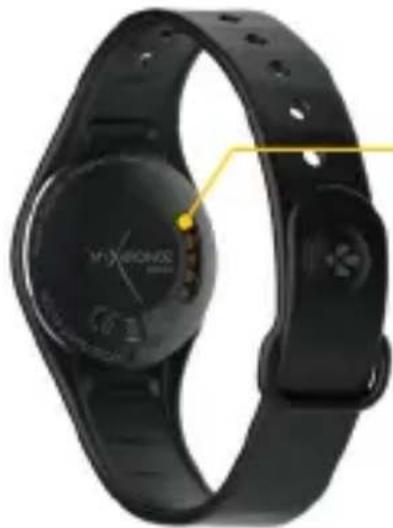
natural_image
Close-up of a black X-branded smartwatch with a circular display and control buttons (no visible text or symbols)TERMINALES DE CARGA
i
natural_image
Smartwatch with digital display showing 12:35, no visible text or symbols on the device itself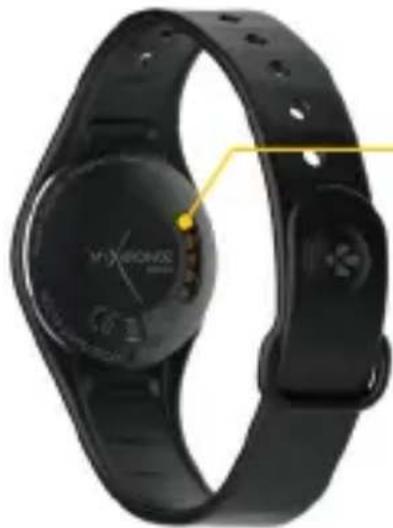
natural_image
Close-up of a black X-branded smartwatch with a circular display and control buttons (no visible text or symbols)TERMINALI DI CARICA
i

natural_image
Black smartwatch with digital display showing 12:35, no visible text or symbols on the device itself.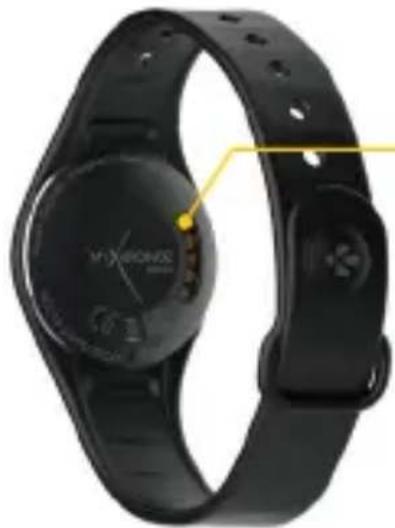
natural_image
Close-up of a black X-branded smartwatch with a circular display and control buttons (no visible text or symbols)
Systemanforderungen
iOs Android
natural_image
Smartwatch with digital display showing 12:35, no visible text or symbols on the device itself
natural_image
Close-up of a black X-branded smartwatch with a circular display and wrist strap (no visible text or symbols)OPLADEN POLEN
i
Systeemvereisten
iOs Android
iOS 7+ apparaten met Bluetooth 4.0 BLE iPhone 4s, 5, 5c, 5s, 6, 6 Plus, iPad (3 ^rd , 4 ^e en 5 ^e gen) iPad Mini, iPod touch (5 ^e gen)
Selecteer Android 4.3 + Ondersteunende apparaten Bluetooth 4.0 BLE
Windows Phone
Selecteer Windows Phone 8.1 die Bluetooth 4.0 BLE ondersteunt
Requisitos do Sistema
iOs Android
Dispositivos iOS 7+ com Bluetooth 4.0 BLE iPhone 4s, 5, 5c, 5s, 6, 6 Plus, iPad (3 ^a , 4 ^a e 5 ^a ger.) iPad Mini, iPod touch (5 ^a ger.)
Selezione dispositivos Android 4.3 + que suportem Bluetooth 4.0 BLE
Windows Phone
12-h Hora + Data 24-h

Hora + Data + Bateria 24-h Hora + Data + Bateria 12-h
natural_image
Smartwatch with digital display showing 12:35, no visible text or symbols on the device itself
natural_image
Close-up of a black X-branded smartwatch with a circular display and control buttons (no visible text or symbols)ŁADOWANIE ZACISKI
i
POBIERZ APLIKACJE ZeCircle

Wymagania systemowe
iOs Android
natural_image
Black smartwatch with digital display showing 12:35, no visible text or symbols on the device itself.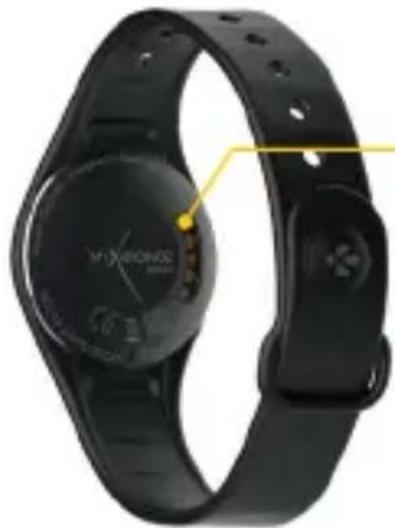
natural_image
Close-up of a black X-branded smartwatch with a circular display and control buttons (no visible text or symbols)ЗАРЯДНЫЕ КЛЕММЫ
i
100100
natural_image
Black smartwatch with digital display showing 12:35, no visible text or symbols on the device itself.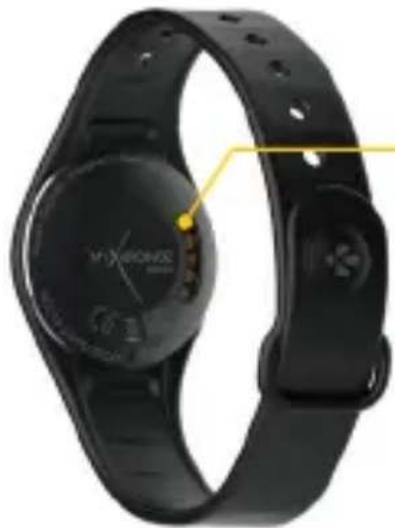
natural_image
Close-up of a black X-branded smartwatch with a circular display and control buttons (no visible text or symbols)LATAUSLII-TÄNNÄT
i
HA PÅ 128 PÅMINNELSER 132
DISPLAY 129 VARSLER 133
AKTIVITET 130 TEKN. SPES. 134
OVERSIKT


Systemkrav
iOs Android
iOS 7+-enheter med Bluetooth 4.0 BLE iPhone 4s, 5, 5c, 5s, 6, 6 Plus, iPad (3., 4. og 5.gen.) iPad Mini, iPod touch (5.gen.)
natural_image
Smartwatch with digital display showing 12:35, no visible text or symbols on the device itself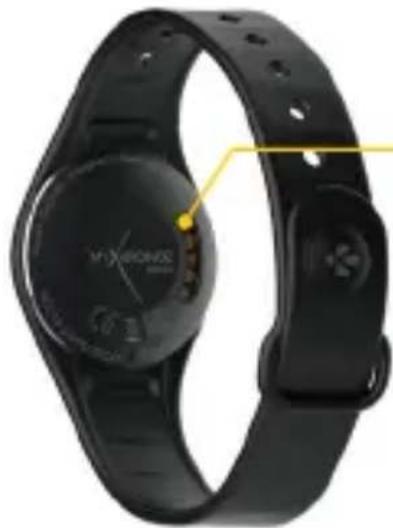
natural_image
Close-up of a black X-branded smartwatch with a circular display and control buttons (no visible text or symbols)LADDNINGS- TERMINALER
i
Systemkrav
iOs Android
iOS 7+-enheter med Bluetooth 4.0 BLE iPhone 4s, 5, 5c, 5s, 6, 6 Plus, iPad (3 ^rd , 4 ^e och 5 ^e gen) iPad Mini, iPod touch (5 ^e gen)
系統要求
iOS Android
iOS 7+ 配備 Bluetooth 4.0 BLE 裝置 iPhone 4s、5、5c、5s、6、6 Plus、iPad (3rd、4th 和 5thgen) iPad Mini、iPod touch(5thgen)

システム要件
iOS Android
ความต้องการของระบบ
iOs Android
natural_image
Black smartwatch with digital display showing 12:35, no visible text or symbols on the device itself.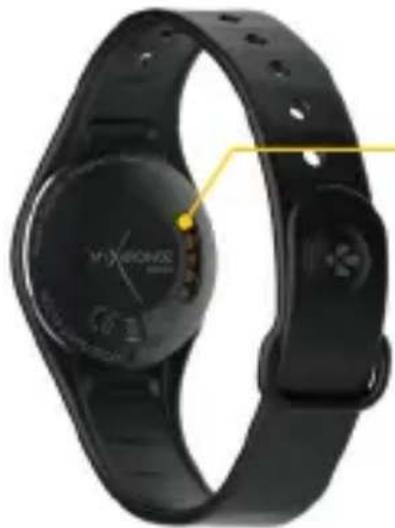
natural_image
Close-up of a black X-branded smartwatch with a circular display and control buttons (no visible text or symbols)충전 단자
i
시스템 요구 사항
iOS Android
Connecting the charging cable improperly may cause serious damage to the device. Any damage caused by misuse is not covered by the warranty. Unplug the cable after ZeCircle is fully charged.
ZeCircle unit and charging dock contain strong magnets that may interfere with pacemakers, credit cards, watches and other magnet-sensitive objects. If you use a pacemaker or any other electronic medical device, please consult your physician before wearing or handling ZeCircle.
This product is not a medical device and should not be used to diagnose or treat any medical condition.
This product is in compliance with the IP rating IP67. IP67 indicates that the product is resistant again dust ingress and water ingress up to 1 meter of submersion in still tap water at room temperature, for a maximum duration of 30 minutes.
ABOUT THIS MANUAL
The features of ZeCircle and the contents of the user manual are subject to change. To get the latest instructions on how to use this product, please refer to the online user manual available on www.mykronoz.com
SUPPORT
If you have any question or require assistance regarding our product, please visit www.mykronoz.com/support/ or email us at support@mykronoz.com
ATTENTION
Before using the device, read these instructions carefully.
ZeCircle has one built-in battery. Do not disassemble the battery on your own. KRONOZ LLC is not responsible for any damage or personnel injury caused by the removal of the battery or any component.
This device is not waterproof so keep it away from all sources of heat or humidity. Do not use it near sink or other wet areas. Do not immerse the product in any liquid other than water. Do not immerse the product in salt water. Do not swim wearing this product. Do not use the product underwater.
Charge the battery in a cool, ventilated room. Excessive temperature during charging could cause heat, smoke, fir or deformation of the battery or even explosion.
Avoid excessive temperatures. Do not expose this device to excessive smoke, dust sand, or direct sunlight for an extended period of time.
Do not open, crush, bend, deform, puncture or shred secondary cells or batteries. In the event of a battery break or leak, prevent battery liquid contact with skin or eyes. If this happens, immediately flush the areas with water (do not rub the eye) or seek medical help.
Do not short-circuit. Short-circuiting can occur when a metallic object, such as coins, causes direct connection of positive and negative terminals of the battery. Short-circuiting may damage the battery.
Do not use batteries that have been damaged or have been exhausted.
Keep the batteries out of children's reach and in a safe place to prevent danger.
Do not dispose of batteries in fire as they may cause explosion. Dispose of used batteries in accordance with your local regulations (such as recycling). Do not dispose as household waste.
Use only the USB cable supplied to charge this battery. Do not charge fo more than 24 hours.
KRONOZ LLC is not responsible for any damage caused by improper use of the device.
REGULATORY NOTICES
USA

FCC STATEMENT
This device complies with Part 15 of the FCC Rules. Operation is subject to the following two conditions: (1) This device may not cause harmful interference, and (2) This device must accept any interference received, including interference that may cause undesired operation.
CAUTIONS
Changes or modifications not expressly approved by the party responsible for compliance could void the user's authority to operate this equipment.
FCC NOTICE
This equipment complies within the limits of a Class B digital device, pursuant to part 15 of the FCC Rules. These limits are designed to provide reasonable protection against radio and TV interference in residential areas. However, even during normal operation, this equipment may cause TV or radio interference. If this equipment does cause harmful interference to radio or television reception, which can be determined by turning the equipment off and on, the user is encouraged to try one or more of the following corrective measures:
■ Reposition the receiving antenna
Increase the distance between the equipment and receiver
Connect the equipment into an outlet on a circuit different from which the receiver is connected
Consult the dealer or an experienced radio/TV technician for help. FCC ID: 2AA7D-ZECE1
CANADA
INDUSTRY CANADA (IC) STATEMENT
This device complies with Industry Canada license-exempt RSS standard(s). Operation is subject to the following two conditions: 1) this device may not cause interference, and 2) this device must accept any interference, including interference that may cause undesired operation of the device.
Declaration of conformity with regard to the EU Directive 1999/5/EC.
Kronoz LLC hereby declares that this device is in compliance with the essential requirements and other relevant provisions of the R&TTE Directive 1999/5/EC. The complete declaration of conformity is available on request via our customer service: support@mykronoz.com
DISPOSAL AND RECYCLING INFORMATION
After the implementation of the European Directive 2002/96/EU in the national legal system, the following applies: Electrical and electronic devices may not be disposed of with domestic waste. Consumers are obliged by law to return electrical and electronic devices at the end of their service lives to the public collecting points set up for this purpose or point of sale. Details to this are defined by the national law of the respective country. This symbol on the product, the instruction manual or the package indicates that a product is subject to these regulations. By recycling, reusing the materials or other forms of utilizing old devices, you are making an important contribution to protecting our environment.
©2015 Kronoz LLC, all rights reserved. Kronoz LLC, Route de Valavran 96, 1294 Genthod, Suisse
All brands or product names are or may be trademarks of their respective owners.
Designed in Switzerland - Made in China
MYXKRONOZ MORE THAN TIME
www.mykronoz.com


- ZeCircle
- ENGLISH
- OVERVIEW
- CHARGING
- PAIRING
- GET ZeCircle APP
- System Requirements
- iOs Android
- Windows Phone
- WEARING
- DISPLAYS
- ACTIVITY
- STEPS DISTANCE CALORIES
- SLEEP
- ■ START / EXIT SLEEP MODE
- PRESET SLEEP
- GOALS
- REMINDERS
- NOTIFICATIONS
- Setting up notifications for iOS users:
- TECH SPECS
- FRANÇAIS
- PRÉSENTATION
- Configurations requises
- Systemanforderungen
- Systeemvereisten
- Requisitos do Sistema
- POBIERZ APLIKACJE ZeCircle
- Wymagania systemowe
- OVERSIKT
- Systemkrav
- 系統要求
- システム要件
- 시스템 요구 사항
- ABOUT THIS MANUAL
- SUPPORT
- ATTENTION
- REGULATORY NOTICES
- USA
- FCC STATEMENT
- CAUTIONS
- FCC NOTICE
- CANADA
- INDUSTRY CANADA (IC) STATEMENT
- DISPOSAL AND RECYCLING INFORMATION
- MYXKRONOZ MORE THAN TIME
Brand : MYKRONOZ
Model : ZeCircle Premium
Category : Smartwatch