ZUIKO DIGITAL ED 300MM F2.8 - Camera lens OLYMPUS - Free user manual and instructions
Find the device manual for free ZUIKO DIGITAL ED 300MM F2.8 OLYMPUS in PDF.


User questions about ZUIKO DIGITAL ED 300MM F2.8 OLYMPUS
0 question about this device. Answer the ones you know or ask your own.
Ask a new question about this device
Download the instructions for your Camera lens in PDF format for free! Find your manual ZUIKO DIGITAL ED 300MM F2.8 - OLYMPUS and take your electronic device back in hand. On this page are published all the documents necessary for the use of your device. ZUIKO DIGITAL ED 300MM F2.8 by OLYMPUS.
USER MANUAL ZUIKO DIGITAL ED 300MM F2.8 OLYMPUS
For customers in Europe

The "CE" mark indicates that this product complies with the European requirements for safety, health, environment and customer protection. CE-mark products are for sale in Europe.
For customers in USA
FCC Notice
This device complies with part 15 of the FCC rules. Operation is subject to the following two conditions: (1) This device may not cause harmful interference, and (2) this device must accept any interference received, including interference that may cause undesired operation.
Any unauthorized changes or modifications to this equipment would void the user's authority to operate.
For customers in CANADA
This Class B digital apparatus complies with Canadian ICES-003.
Features
- The ED300mm f2.8 is a lens with high imaging capability, designed exclusively for use with Olympus FOUR THIRDS single-lens-reflex digital cameras.
- Dustproof and drip-proof construction.
- Super-telephoto lens corresponding to a 600mm lens for a 35mm camera.
- F2.8 high-quality lens with 13 elements in 11 groups including three ED (extra-low dispersion) glass elements.
- Can be used in combination with the optional EC-14 teleconverter.
- Can be used in combination with the optional EX-25 extension tube for low-magnification shooting (between 0.08X and 0.25X).
Contents
- Checking the Package Contents 13
Nomenclature 14 - Attaching the Lens Strap 14
- Attaching the Lens Case Strap 14
- Attaching the Lens Hood LH-120 15
· Filters 15 - Mounting a Filter 16
Focus Limit Switch 17
Focus Stop Buttons 17 - Shooting Cautions 17
- Attaching the Lens Cap LC-140 17
- Precautions: Be Sure to Read the Following 18
·Main Specifications 19
Checking the Package Contents
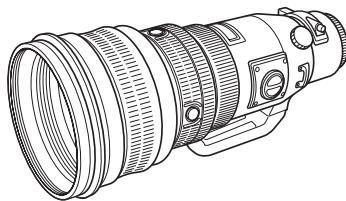
Lens body

Lens Hood LH-120
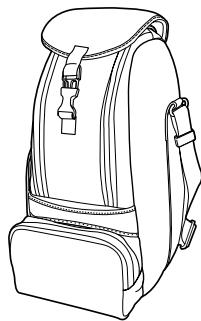
Lens Case LSH-1738
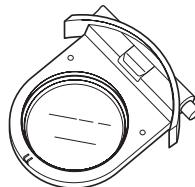
Drop-In Filter Holder DFH-43/
Standard Clear Filter SCF-43
(Mounted on the lens body at the factory)
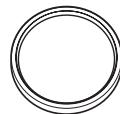
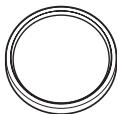
Filters (ND4-43, ND8-43)
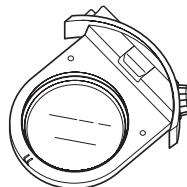
Drop-In Circular PL Filter DPF-43
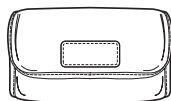
Filter Case FSC-1
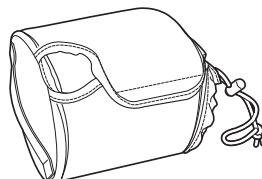
Lens Cap LC-140
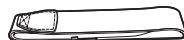
Lens strap
Nomenclature
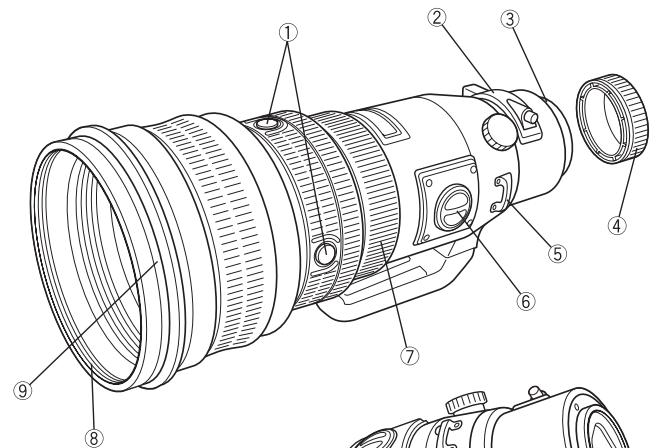
① Focus stop buttons (x4)
②Drop-in filter
③Mounting index
④Rear cap
⑤Strap attachment
⑥ Focus limit switch
⑦Focus ring
⑧Filter mount thread
Hood attaching section
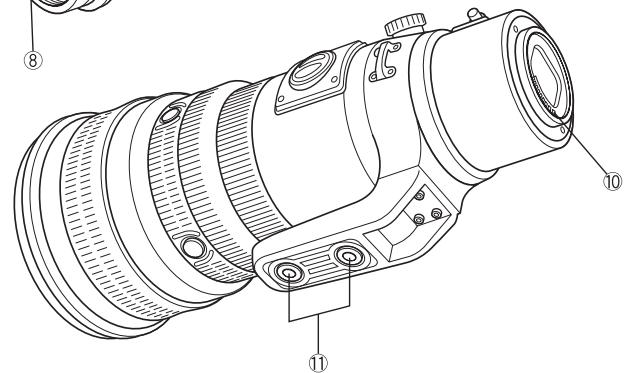
10Electrical contacts
⑪ Tripod mount
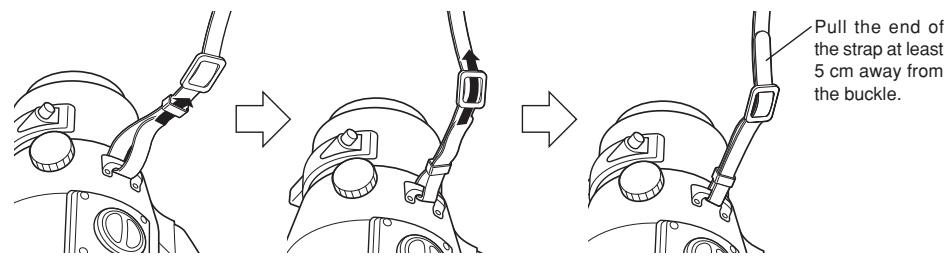
Attaching the Lens Strap
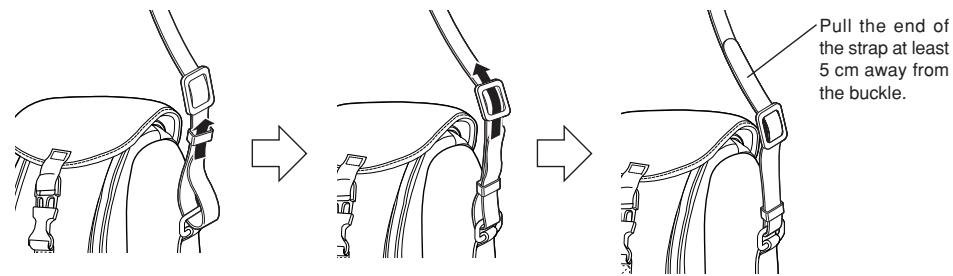
Attaching the Lens Case Strap
Attaching the Lens Hood LH-120
- Before mounting the lens hood on the lens or before storing them, loosen the mounting screw until it stops.
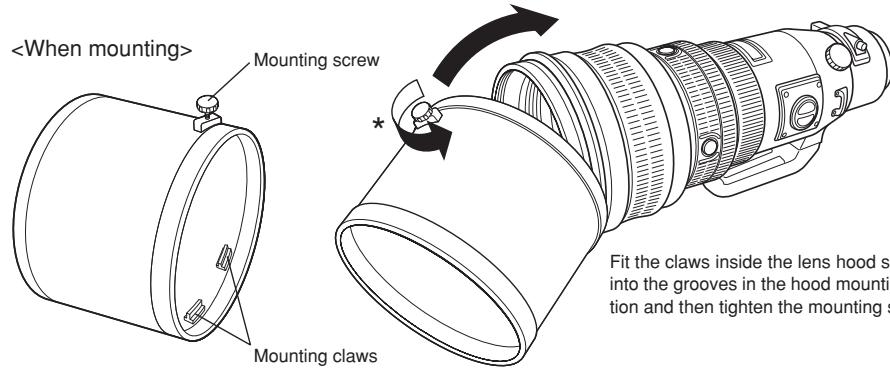
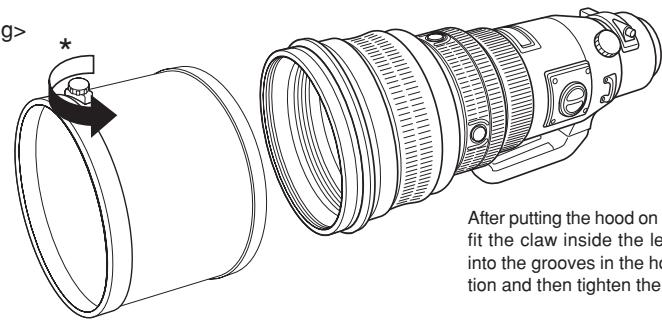
After putting the hood on the lens as shown, fit the claw inside the lens hood securely into the grooves in the hood mounting section and then tighten the mounting screw.
Filters
The lens comes with the following filters.
① Standard clear filter SCF-43 .... Always mount this filter when not using any of the other filters.
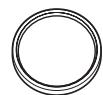
②ND4-43 Decreases the amount of light entering the lens by 1/4.
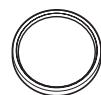
③ND8-43 Decreases the amount of light entering the lens by 1/8.
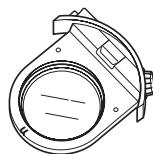
④ Drop-in PL filter DPF-43
This filter eliminates surface reflected light.
The amount of reflected light eliminated can be adjusted with a rotary lever.
Mounting a Filter
1. ND4-43/ND8-43
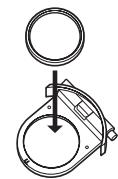
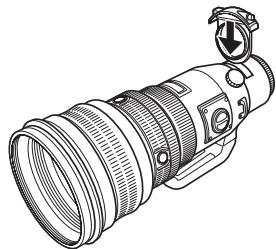
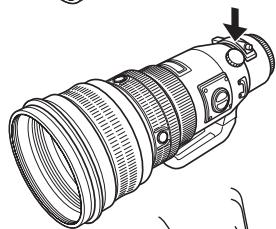
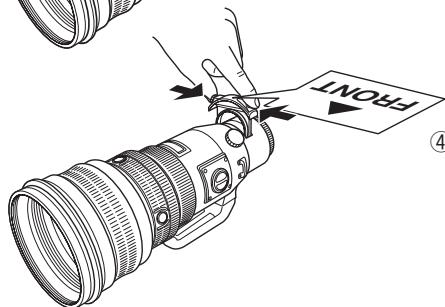
① Remove the SCF-43 clear filter from the filter holder and attach the ND4-43 or ND8-43 to the filter holder.
- The DPF-43 drop-in PL filter should not be used with the filter holder.
② Insert the filter holder in the lens's mounting section.
③ Firmly push the filter holder in until it clicks.
- After mounting the filter holder, make sure that it does not come off.
Notes:
If the filter holder is improperly mounted, it may come off. In this case, the unit's dust and drip resistance may be compromised.
④ When detaching the filter holder, push and hold the detach button and pull out the filter holder.
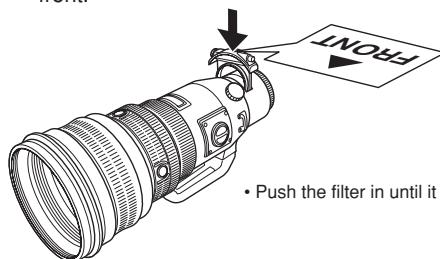
2. Drop-in PL filter DPF-43
① Attach the DPF-43 drop-in PL filter to the lens body so that the is pointing to the front.
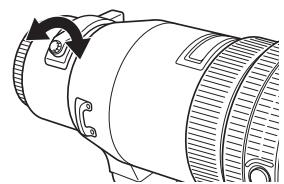
② Rotate the rotary lever to adjust the level of surface reflection elimination.
Focus Limit Switch
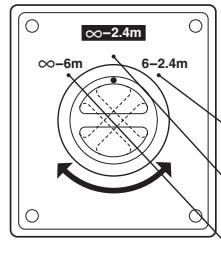
This switch limits the autofocus range to speed up focusing in each range.
Select the optimum mode according to the shooting distance.
- Close-up shooting : Autofocus is performed between 6 meters and 2.4 meters.
Normal shooting : Autofocus is performed from (infinity) to 2.4 meters.
Distant shooting : Autofocus is performed from (infinity) to 6 meters.
Focus Stop Buttons
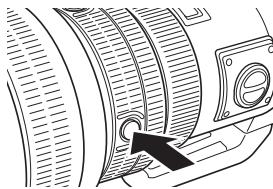
- By holding down one of the focus stop buttons, you can deactivate autofocus operation and fix focus at the point where the button was pressed.
- Four buttons are provided. All have the same effect.
Shooting Cautions
- Be sure to attach the hood when shooting against the light.
- When two or more filters are used or a thick filter is used, part of the picture may be cut off or obscured.
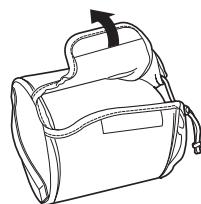
Attaching the Lens Cap LC-140
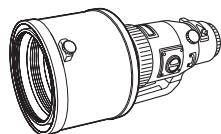

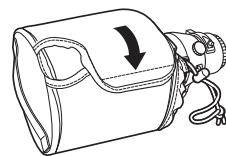
Precautions: Be Sure to Read the Following
Warnings: Safety Precautions
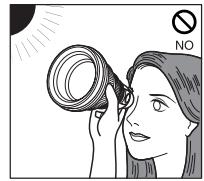
Do not view the sun through the lens.
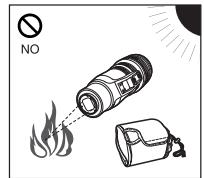
Do not leave the lens without the cap. If solar light is converged through the lens, a fire may result.
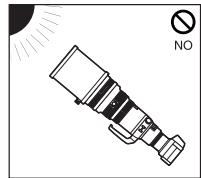
Do not point the camera lens at the sun. Sunlight will converge in the lens and focus inside the camera, possibly causing a malfunction or fire.
Handling Precautions
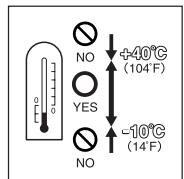
Working temperature range
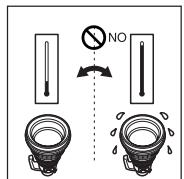
Abrupt temperature changes
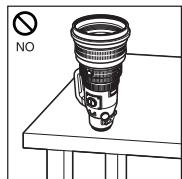
Do not put the lens with its contacts facing down.
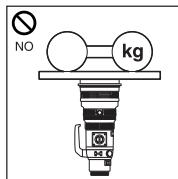
Too much pressure
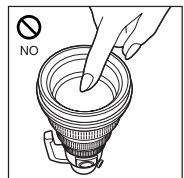
Do not touch the lens.
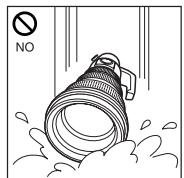
Submergence
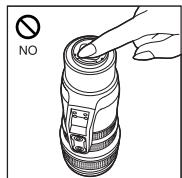
Do not touch the contacts.
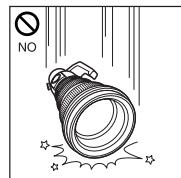
Do not drop
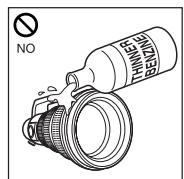
Organic solvents

Excessive moisture
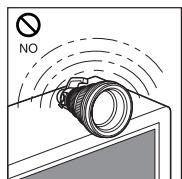
Magnetism
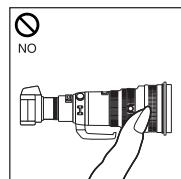
Do not hold the camera by the section of the lens extruded by the focusing operation.
Storage Precautions
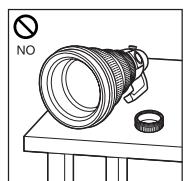
Cap the lens when it is not used.
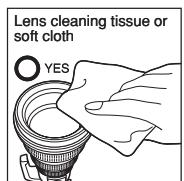
Lens cleaning
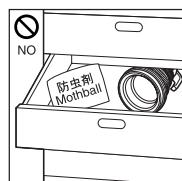
Moth repellents
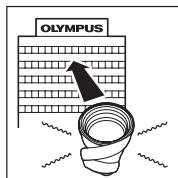
If you experience any problems, contact your nearest Olympus service center.
Main Specifications
Mount : Four Thirds mount
Focal distance : 300 mm
Max.aperture :f2.8
Image angle : 4.2^
Lens configuration : 13 elements in 11 groups Multi-layer coating (partial single-layer coating)
Iris control :f2.8 to f22
Shooting range : 2.4 m to (infinity)
Focus adjustment : AF/MF switching
Weight : 3290 g (excluding hood and cap)
Dimensions : Max. dia. 127× Overall length 285mm
Lens hood mount : Covering
Filter mount thread diameter : 112 mm
- Design and specifications are subject to change without any notice or obligation on the part of the manufacturer.
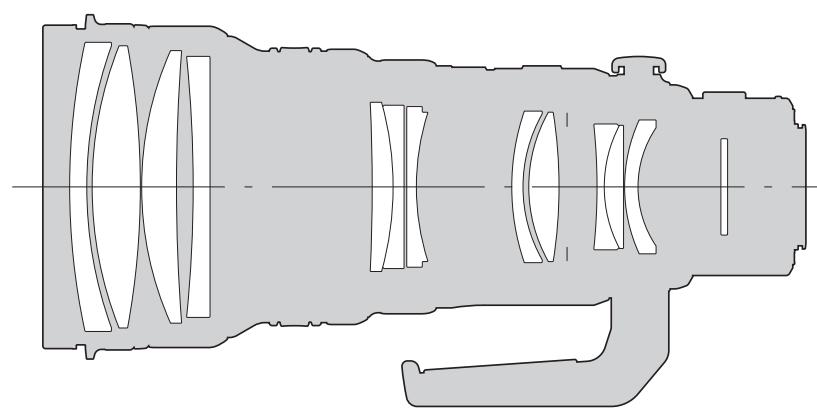
Lens configuration diagram
Technical Support (USA)
24/7 online automated help: http://www.olympusamerica.com/E1
Phone customer : Tel.1- 800- 260- 1625 (Toll-free)
Our phone customer support is available from 8 am to
10 pm (Monday to Friday) ET
E-Mail: e-slrpro@olympusamerica.com
European technical Customer Support
Please visit our homepage http://www.olympus-europa.com
or call NUMBER: Tel.00800-67 10 83 00 (Toll-free)
+49 1805-67 10 83 or +49 40-23 77 38 99 (Charged)