PRO 2 - Home Automation Vivax - Free user manual and instructions
Find the device manual for free PRO 2 Vivax in PDF.


| Product Type | Smartphone |
| Brand | Vivax |
| Model | PRO 2 |
| Protection Class | IP68 (dust tight, immersion up to 1m for 30 min) |
| Operating System | Android |
| SIM Card | Dual Nano SIM (SIM2 shared with microSD) |
| Memory Card Slot | microSD (uses SIM2 slot) |
| Connectivity | Wi-Fi 802.11 b/g/n, Bluetooth 4.0, GPS, GSM/WCDMA |
| Camera | Front camera + Rear camera with LED flash |
| Audio Jack | 3.5 mm |
| Charging Port | USB (for charging and PC connection) |
| Battery Type | Li-polymer, DC 3.85V |
| Charger | DC 5V adapter |
| SAR Values | Head: 0.713 W/kg (10g), Body: 0.950 W/kg (10g) |
| Working Temperature | -20°C to 40°C |
| Working Humidity | 65% ± 20% RH |
| Frequency Bands | GSM 850/900/1800/1900, WCDMA 1922-1977 MHz, Wi-Fi 2412-2472 MHz |
| Bluetooth Frequency | 2402-2480 MHz |
| GPS Frequency | 1.57542 GHz |
| Cleaning | Use a damp soft cloth; do not use liquid cleaners |
| Safety Warnings | Read manual before use; keep away from children; do not disassemble |
Frequently Asked Questions - PRO 2 Vivax
User questions about PRO 2 Vivax
0 question about this device. Answer the ones you know or ask your own.
Ask a new question about this device
Download the instructions for your Home Automation in PDF format for free! Find your manual PRO 2 - Vivax and take your electronic device back in hand. On this page are published all the documents necessary for the use of your device. PRO 2 by Vivax.
USER MANUAL PRO 2 Vivax
">Ć5 S+2UR""S"5 U>UT5 + "B3V(5ST+
Pročitajte i sačuvajte ove upute za kasniju uporabu.
Upozorenje: Uvijek se pridržavajte upozorenja na otisnutih na uređaju ili u Uputama za uporabu.
natural_image
Warning symbol with a sine wave inside a triangle (no text or numbers)- Uređaj uvijek držite dalje od predmeta poput bankovne kartice. Zračenje mobilnog telefona može uzrokovati gubitak podataka na kredinoj kartici i sličnim predmetima.
- Ne odlažite uređaj na vlažnim i mokrim mjestima, što može uzrokovati pregrijavanje ili kvar uređaja.
$$ " > R 5 Z > R + V" \check {Z}" (+ $$
Kopiranje postava
Drugog uređaja (opcija)
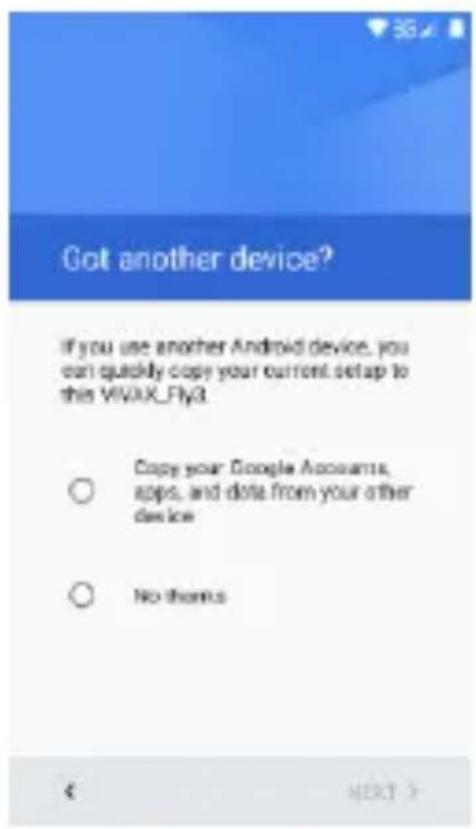
Čarobnjak će vas voditi kroz postavljanje telefona i prilagoditi telefon vašoj telefonskoj mreži, Wi-Fi pristupu, Google računu, Gmail™, E-mail računu i drugim početnim postavkama.
2. Tipke
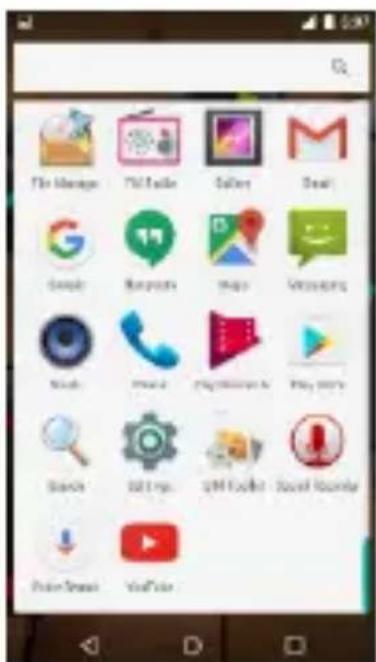
Za pokretanje 7plikacije, pritisnite na oznaku aplikacije.
4. Zaključavanje zaslona
%ožete povećati sigurnost vašeg telefona odabirom tipa zaključavanje zaslona: Za ulazak u ugađanje odaberite: "Settings" (Postavke) > "Security" (Sigurnost) > "Screen lock" (Zaključavanje zaslona).
natural_image
Close-up of three black and red spherical objects with blue and yellow patterns, placed on a wooden surface (no text or symbols visible)5. >ostavljanje početnog zaslona
9uljim dodirom na sliku 7plikacije možete pomicati aplikacije po zaslonu, brisati ih ili dodavati iz popisa aplikacija
6. Widget-i
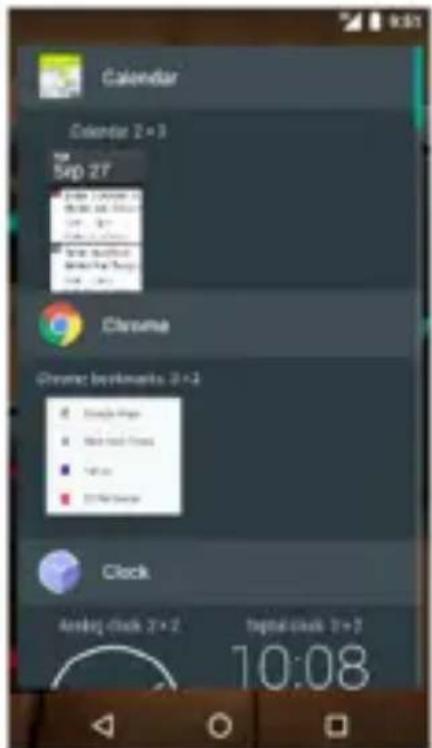
%ožete dodati aktivne aplikacije (Widget-e8 na početni zaslon. Widget-i omogućavaju da na jednostavan i brz način možete vidjeti različite podatke i obavijesti na vašem početnom zaslonu, poput sata, vremenske prognoze, statusa E-mail-a, itd.
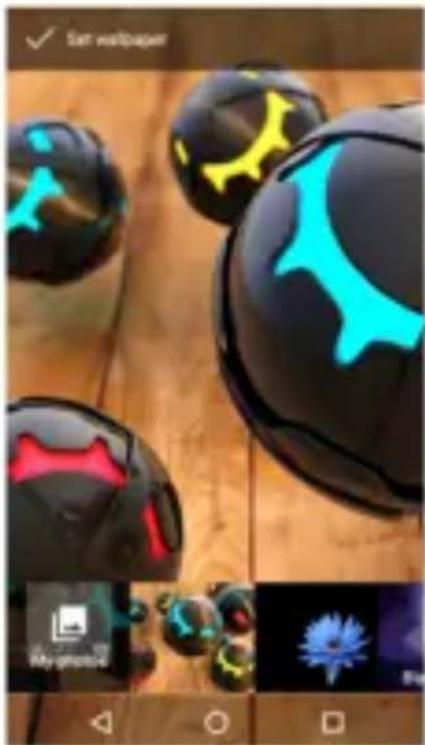
natural_image
Close-up of glossy black and cyan spherical objects with abstract facial features, displayed on a wooden surface (no text or symbols visible)7. Kamera
natural_image
Mobile phone screenshot showing a blank screen with control buttons and navigation icons (no readable text or symbols)8. +nternet
Za pristup i pretraživanje interneta, možete koristiti Google Android aplikacije kao što je Chrome ili druge internetske tražilice.
9. Uspostava poziva
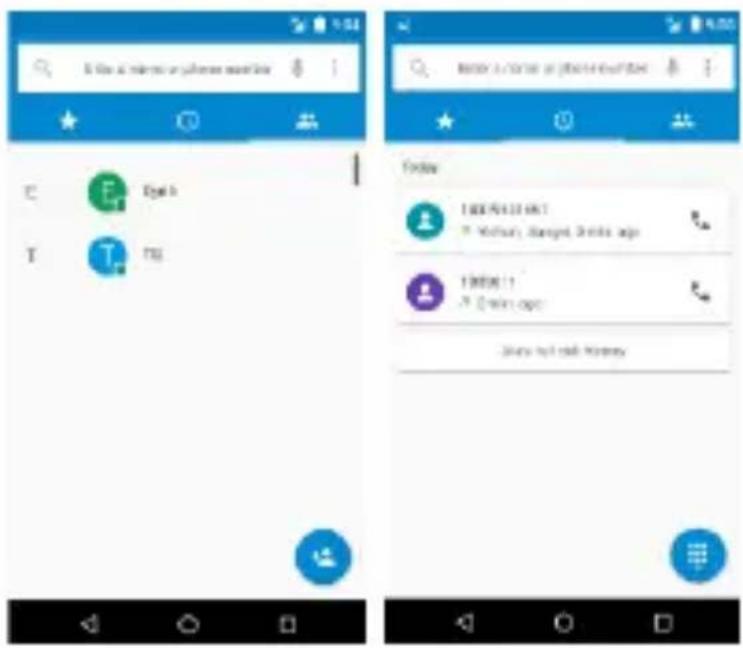
%ožete ostvariti poziv putem zapisnika poziva, odabirom kontakata, preko poruke koja sadrži tel. broj ili direktnim upisom broja koji želite pozvati. U modu
12. 3udio
Vaš telefon podržava različite audio formate, različite zvučne efekte i četiri kategorizacije, tj. filtriranje po Izvođaču, 7lbumu, Naslovu i +isti za reprodukciju.
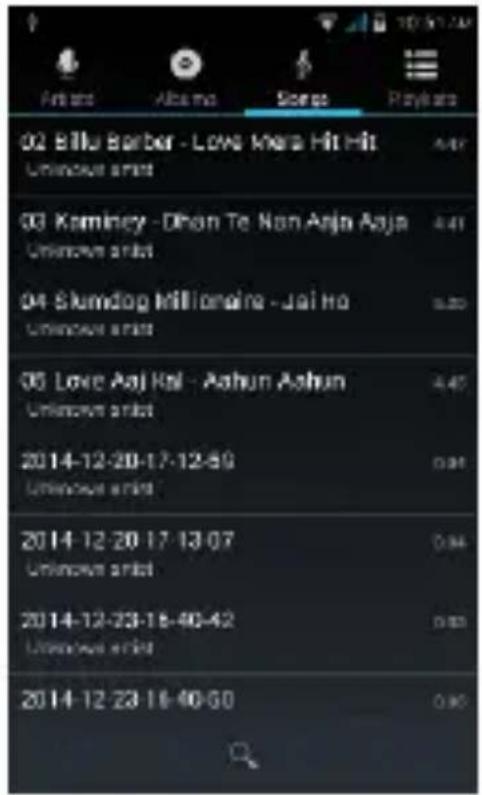
%ožete poboljšati kvalitetu zvuka u vašim slušalicama uz pomoć Equalizer-a.
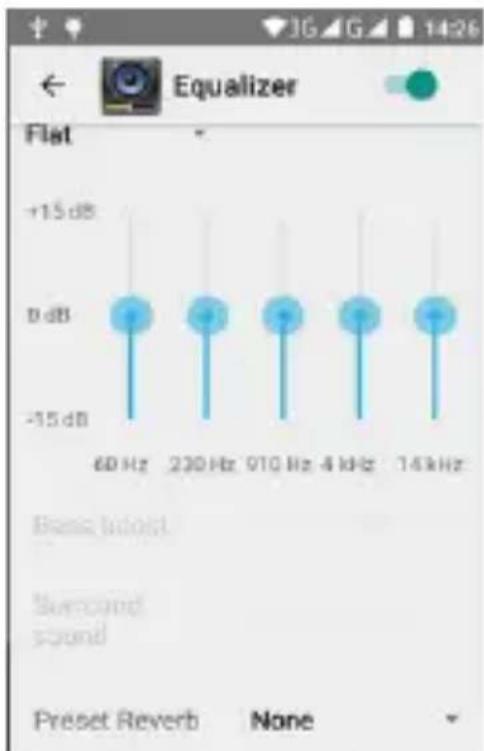
bar
| Frequency | Value | |---|---| | 60 Hz | -15 dB | | 230 Hz | -15 dB | | 910 Hz | -15 dB | | 4 kHz | -15 dB | | 14 kHz | -15 dB |13. Video
Za reprodukciju različitih video formata, odaberite Video reproduktor 7plikaciju na vašem telefonu.
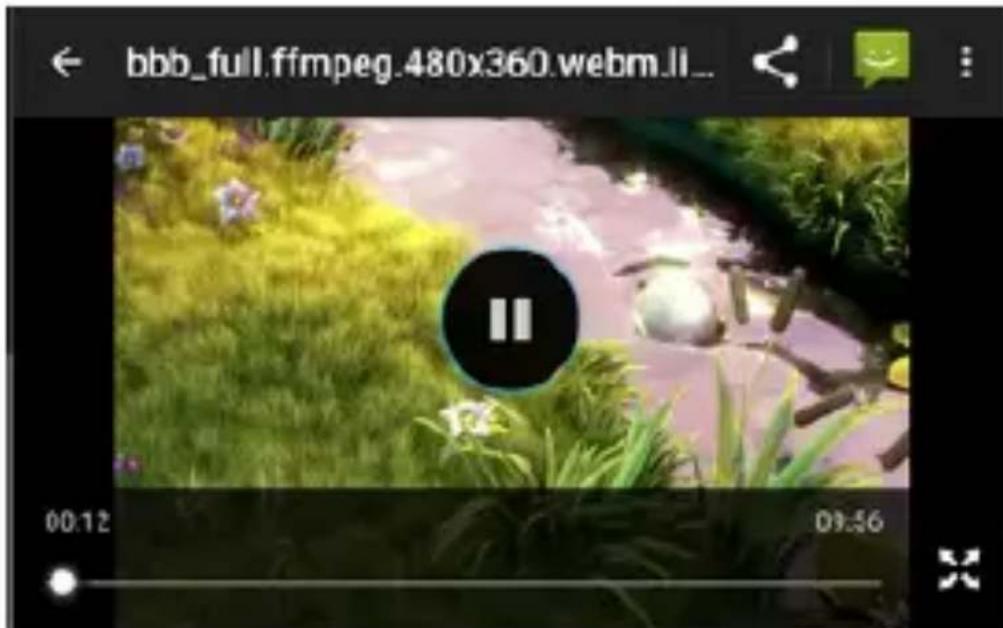
%ožete reproducirati video datoteke iz različitih izvora, snimljene kamerom s telefona, video datoteka s Interneta ili Youtube-a.
14. Slike
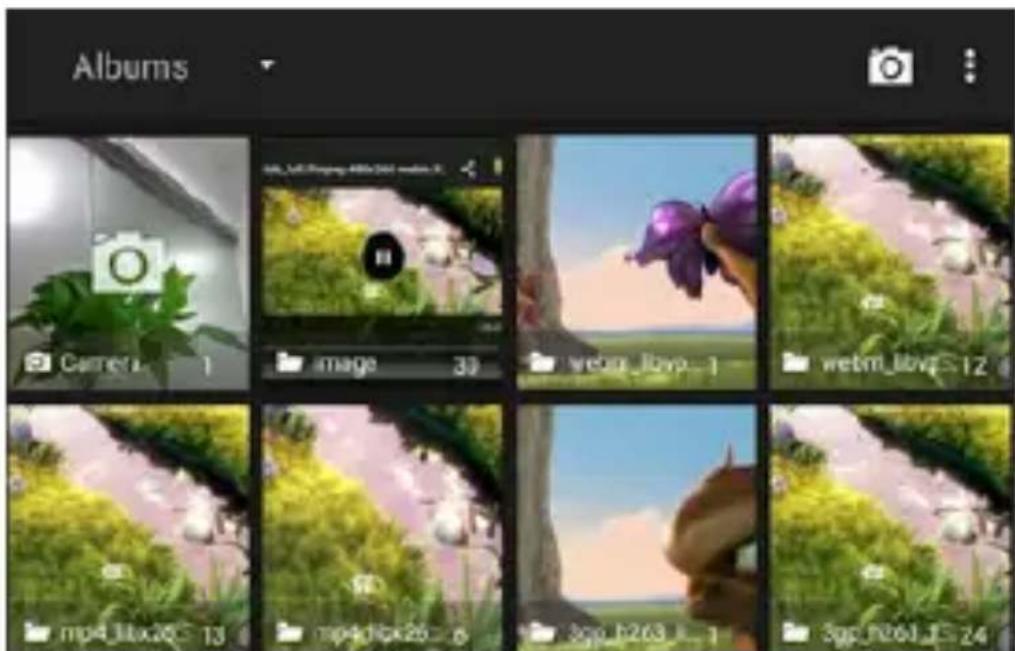
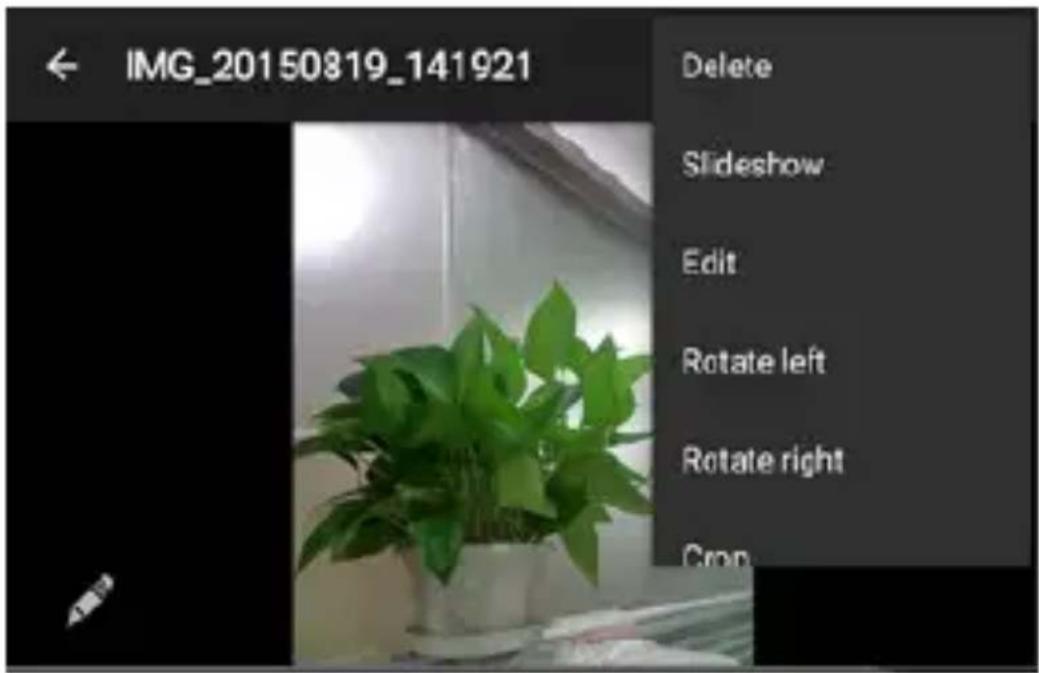
Telefon posjeduje alat za lagano i brzo pregledavanje fotografija. Pomakom prsta po zaslonu desno ili lijevo možete pomicati slike. 9odirnite dvaput ili razmaknite dva prsta za uvećanje. %ožete uređivati, dijeliti, ispisati slike i mnoge druge funkcije.
16. Karte i G>S
Logo Android™, Google™, Google Maps™, Gmail™, Google™ search, Android Wear™ Chrome™, YouTube™, Google Talk™ su robne marke u vlasništvu Google Inc.
Wi-Fi ^® , Wi-Fi Protected Setup ^™ , Wi-Fi Direct ^™ , Wi-Fi CERTIFIED ^™ , i Wi-Fi logo su robne i registrirane marke u vlasništvu Wi-Fi Alliance.
Google, Android, Google Play i ostale robne marke su u vlasništvu Google LLC.
PRO 2
Smartphone
SRB CG BiH
Korisničko uputstvo
Hvala vam na kupovini Vivax proizvoda.
Uputstva za upotrebu daju vam detaljne informacije o radu vašeg novog uređaja. Pre nego što počnete sa upotrebom vašeg novog telefona, obavezno pročitajte uputstva kako biste u potpunosti, sigurno i pravilno upotrebljavali vaš telefon. Sačuvajte uputstva za slučaj da vam ponovo zatrebaju.
ZAŠTITA I>68 – VAŽNO!
Vaš uređaj otporan je na padove, udarce i vodu, prema klasi zaštite IP68.
Šta to tačno znači? Telefon je dizajniran kao izuzetno otporan u poređenju sa klasičnim telefonima ali to NE ZNAČI da je neuništiv! To NE ZNAČI da je potpuno otporan na sva mehanička oštećenja i da je potpuno vodootporan.
Sve zaštitne kapice za zatvaranje priključaka na uređaju (USB, slušalice i sl.6 uvek moraju da budu pravilno postavljene!
">ŠT1 S4GUR""S"1 U>UTSTV1 4 "31V9ŠT9"+1
natural_image
Warning symbol with a triangle containing a stylized 'e' and sound waves (no text or numbers)Zbog toga se ne preporučuje slušanje audio zapisa sa velikom glasnoćom i ne više od jedan sat dnevno, pri srednjoj glasnoći.
- 3,5mm ulaz za slušalice
- Senzori
- Otvor za nosač SIM/TF kartica
-
rednja kamera
-
Tasteri jačine zvuka
-
Taster za Uključ. / Isključ.
- Tasteri navigacije
- USB ulaz
-
rednja kamera
- Stražnji LED fleš
- Zvučnik
VAŽNO
Kako bi se obezbedila otpornost uređaja na vodu, na različite spoljašnje uticaje i prašinu, svi otvori i priključci na uređaju (ulaz za slušalice, priključak za S4M/T5 kartice), treba da budu čvrsto zatvoreni originalnim gumenim zaštitnim kapama.
+edino na taj način ćete zaštiti telefon od ulaza prašine ili vode!
OZNAK9 NA 9KRANU
>RVA U>OTR9BA
Pre umetanja ili vađenja SIM ili memorijske kartice obavezno isključite vaš telefon.
-
Pažljivo otvorite poklopac SIM/TF kartica (3) i izvucite držač kartica.
-
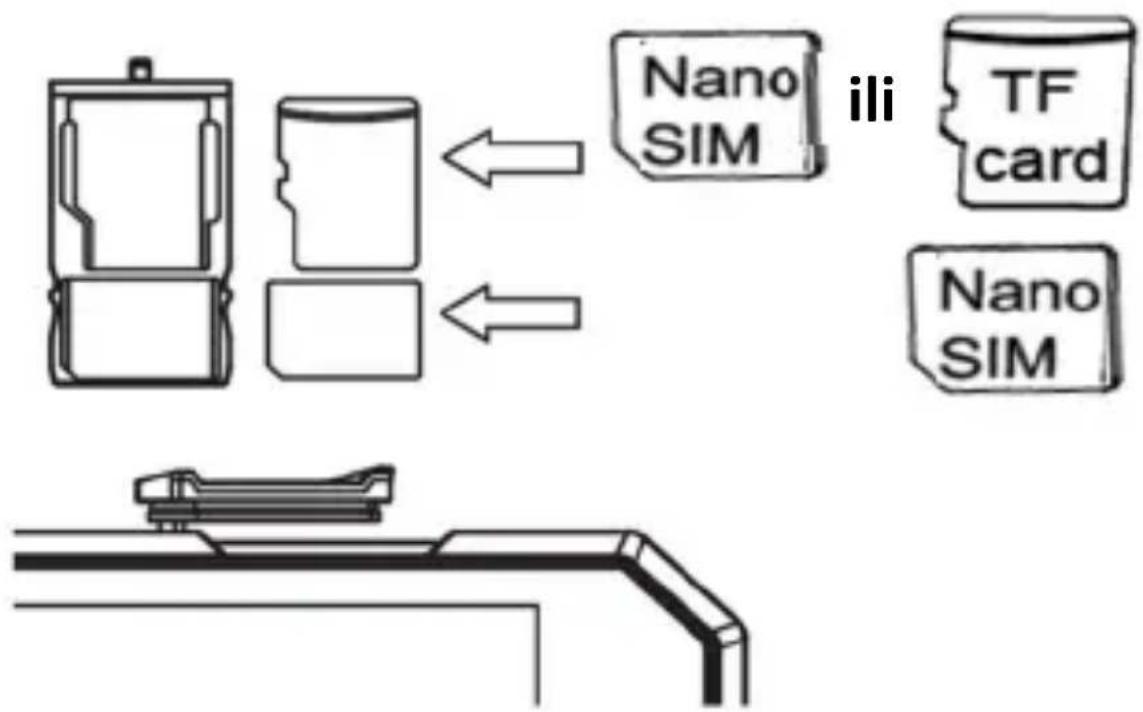
Postavite nano SIM telefonsku karticu (SIM1) i nano SIM karticu ili TF mem. +articu (SIM2) u odgovarajući slot na držaču kartica. +artice pažljivo postavite u slot tako da su kontakti okrenuti prema dole, kao što je prikazano na slici:
flowchart
graph TD
    A["Device with Nano SIM"] -->|←| B["Nano SIM"]
    C["TF card"] --> D["Nano SIM"]
    style A fill:#f9f,stroke:#333
    style B fill:#ccf,stroke:#333
    style C fill:#cfc,stroke:#333
    style D fill:#fcc,stroke:#333
VAŽNO:
a. Nemojte da umećete kartice u slot na silu. Kartica mora da uđe u slot lagano. Ukoliko to nije slućaj, ponovno proverite položaj SIM kartice.
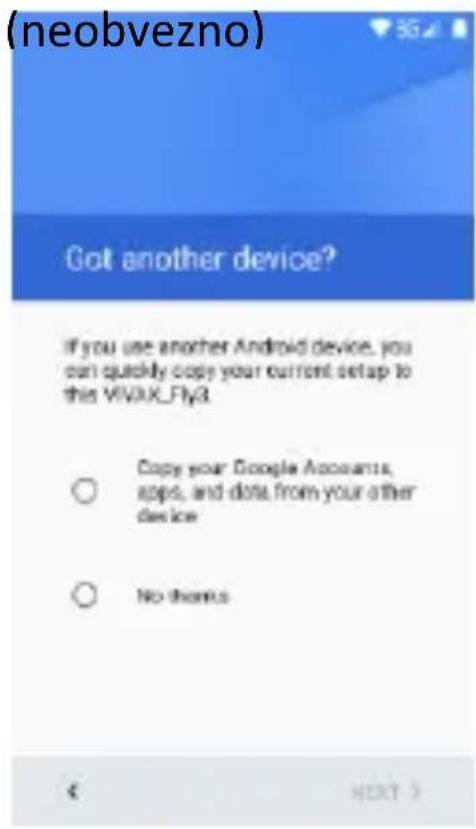
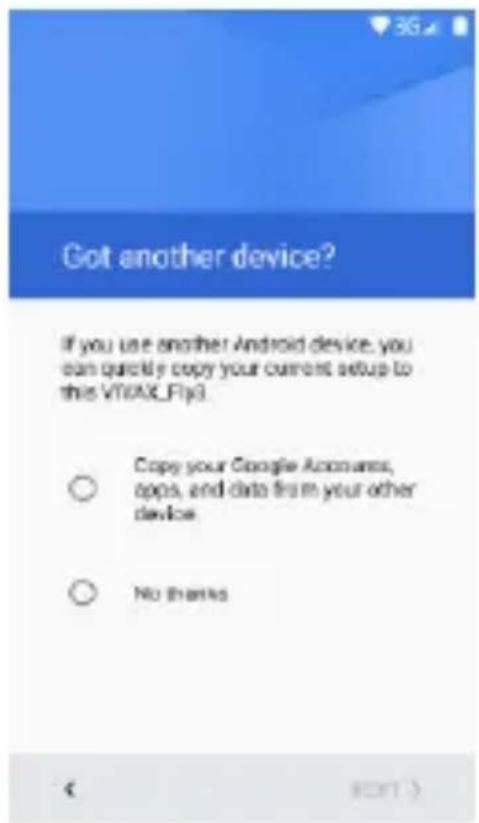
+opiranje sadržaja drugog uređaja (opcija)
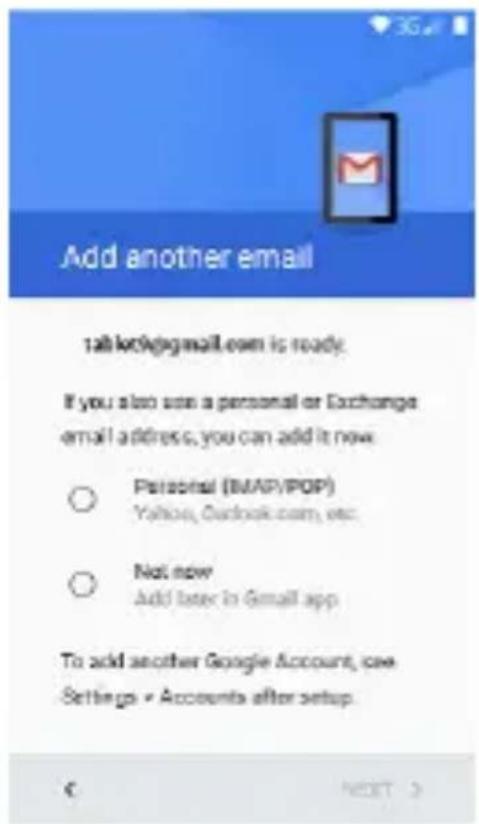
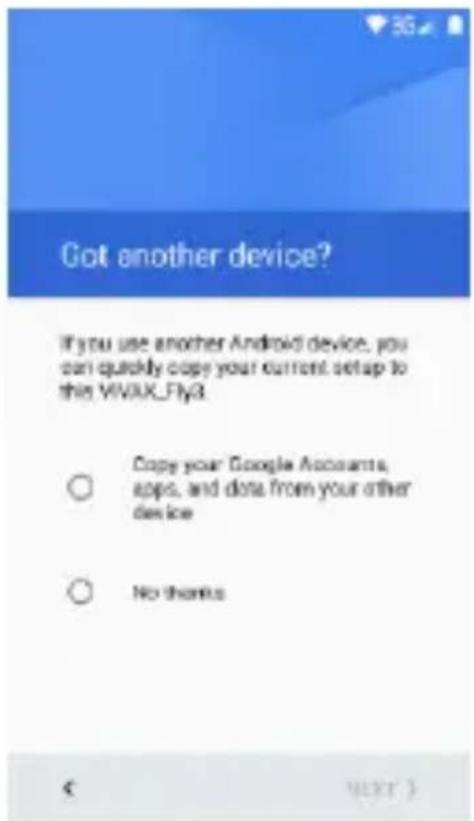
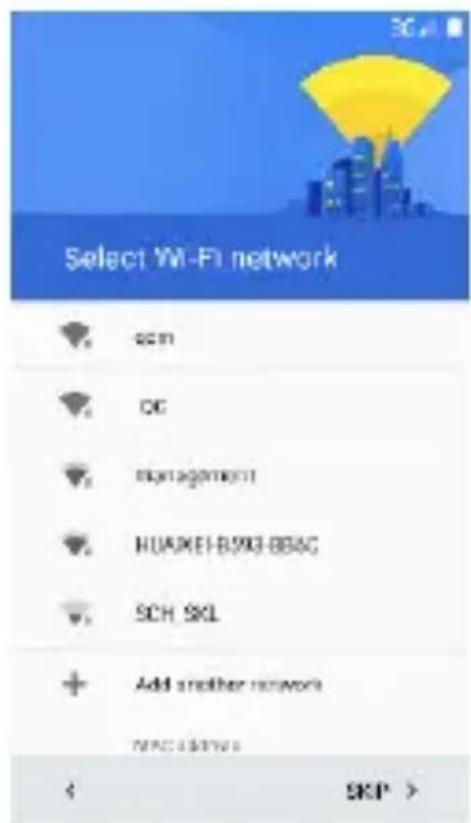
Vodič će da vas vodi kroz podešavanje telefona, prilagođavanje telefona vašoj telefonskoj mreži, Wi-Fi pristup, Google račun, Gmail™, E-mail račun i druga početna podešavanja. +ada završite sa početnim podešavanjem telefona, na ekranu će se pojaviti početni ekran i vaš telefon je spreman za upotrebu.
ili ...
2. Tasteri
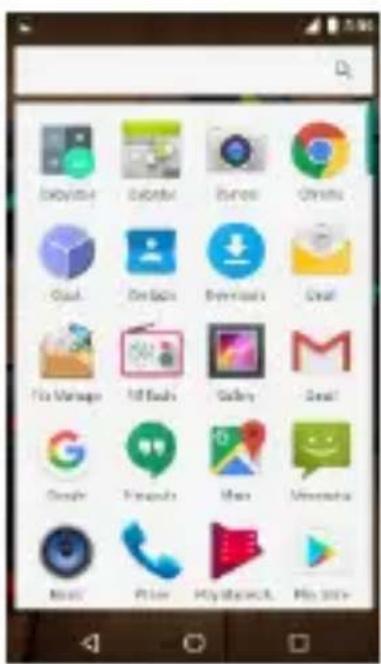
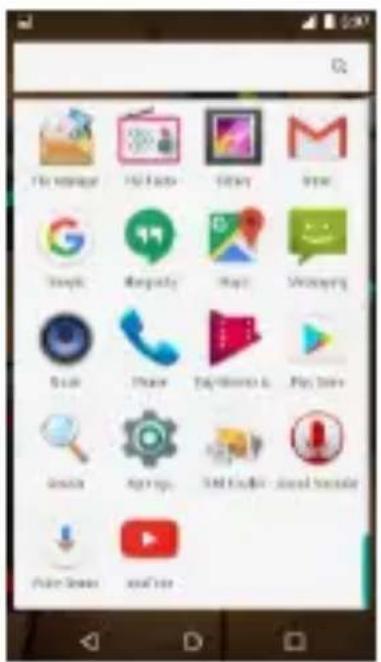
Za pokretanje aplikacije, pritisnite na oznaku aplikacije.
4. Zaključavanje ekrana
Možete da povećate sigurnost vašeg telefona izborom tipa zaključavanja ekrana: Za ulazak u podešavanje izaberite: “Settings” (Podešavanja) > “Security” (Sigurnost) > “Screen lock” (Zaključavanje ekrana).
natural_image
Close-up of four black and teal spherical objects on a wooden surface, with white dots and a watermark 'EMPERCY' at the bottom (no readable text or symbols in the main image)5. >odešavanje početnog ekrana
Dužim pritiskom na prazan deo na početnom ekranu ili izborom ">odešavanja", otvoriće se opcije za podešavanje pozadinske slike (wallpaper), dodavanje "widgets-a" i aplikacija.
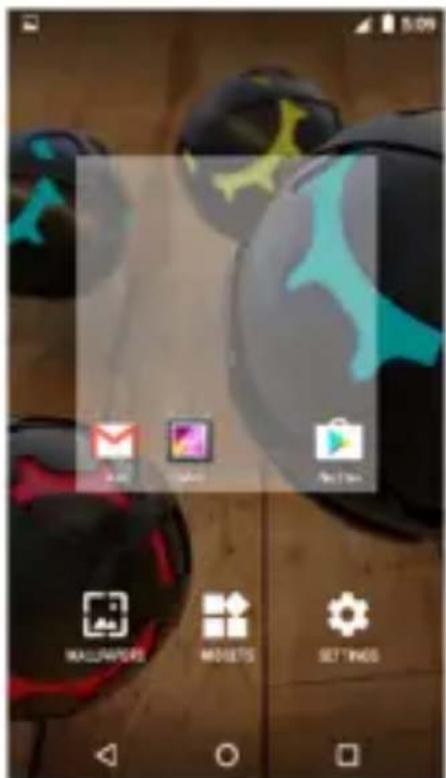
Dužim dodirom na sliku 7plikacije možete da pomerate aplikacije po ekranu, brišete ih iz popisa ili dodajete u popis aplikacija.
6. Widget-i
natural_image
Close-up of black and cyan spherical objects with abstract markings on a wooden surface, displayed in a photo editing interface (no readable text or symbols)7. Kamera
natural_image
Mobile phone interface with status bar, navigation buttons, and a play button (no readable text or symbols)8. Internet
Za pristup i pretraživanje interneta, možete da koristite Google Android aplikacije kao što je Chrome ili druge internet pretraživače.
9. Uspostava poziva
Možete da ostvarite poziv pomoću zapisnika poziva, izborom kontakata, preko poruke koja sadrži tel. broj ili direktnim upisom broja koji želite da pozovete U modu
12. Audio
Vaš telefon podržava različite audio formate, različite zvučne efekte i četiri kategorizacije, tj. filtriranje po izvođaču, albumu, naslovu i listi za reprodukciju.
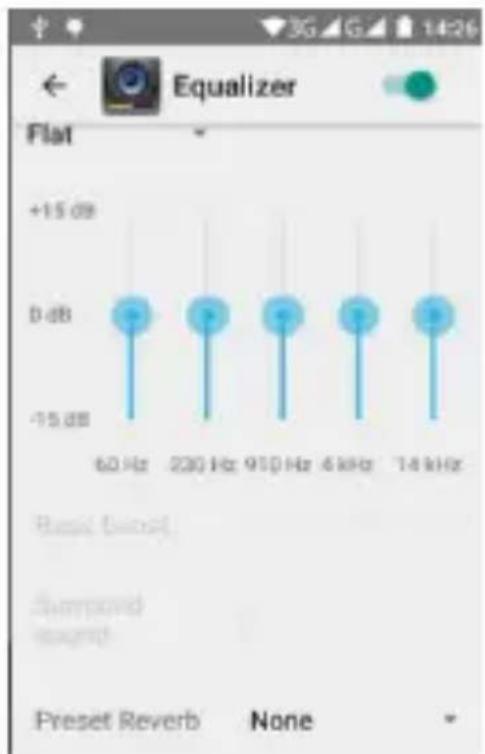
Možete poboljšati kvalitet zvuka u slušalicama uz pomoć Equalizer-a.
bar
| Frequency | Value | |---|---| | 60 Hz | +15 dB | | 230 Hz | +15 dB | | 910 Hz | +15 dB | | 4 kHz | +15 dB | | 14 kHz | +15 dB | Preset Reverb None13. Video
Za reprodukciju različitih video formata, izaberite Video reproduktor 7plikaciju na vašem telefonu.
Možete da reprodukujete video datoteke iz različitih izvora, snimljene kamerom sa telefona, video datoteke sa interneta ili Youtube-a.
14. Slike
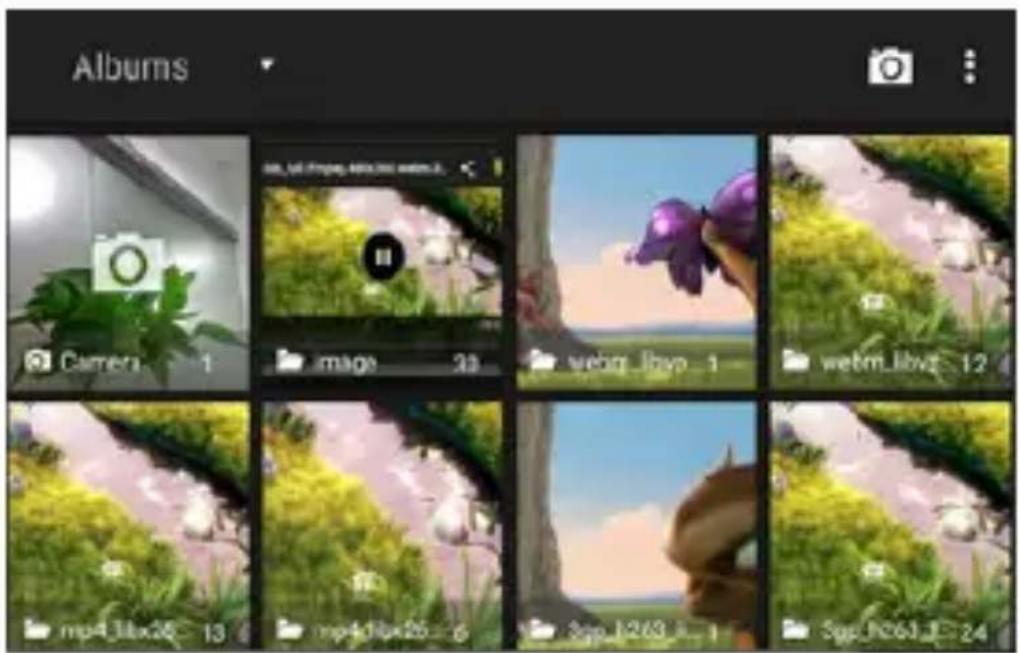
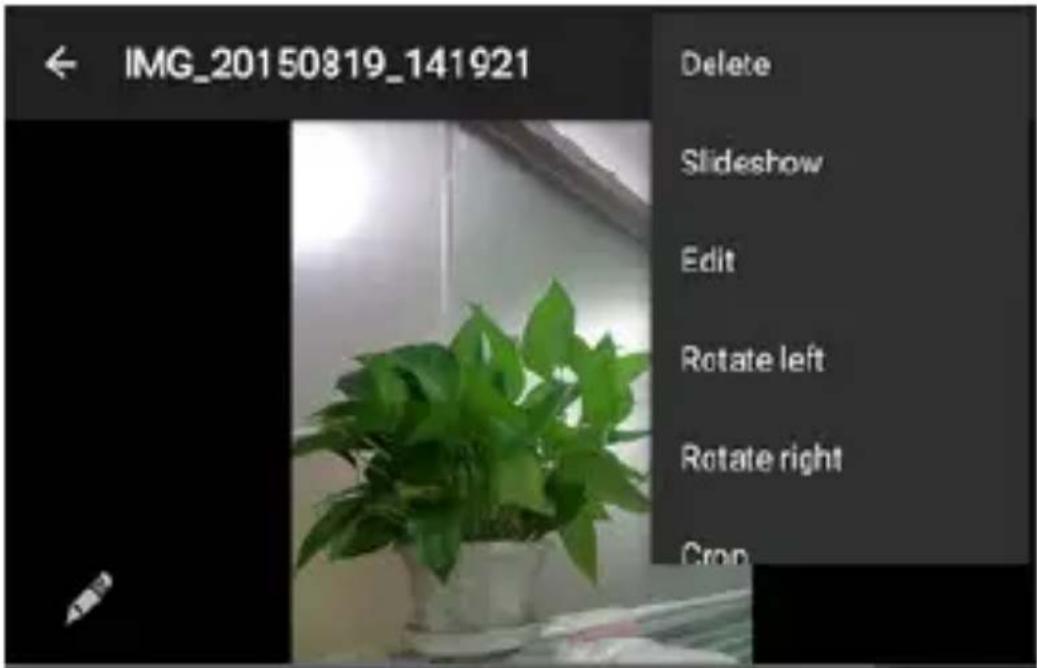
Telefon poseduje alat za lagano i brzo pregledavanje fotografija. Pomerenjem prsta po ekranu desno ili levo možete da pomerate slike. Dodirnite dvaput ili razmaknite dva prsta za uvećanje. Možete da uređujete, delite, šaljete slike i još mnogo toga.
natural_image
Symbol of a trash bin with no text or labelsnatural_image
Symbol of a trash bin with no text or labels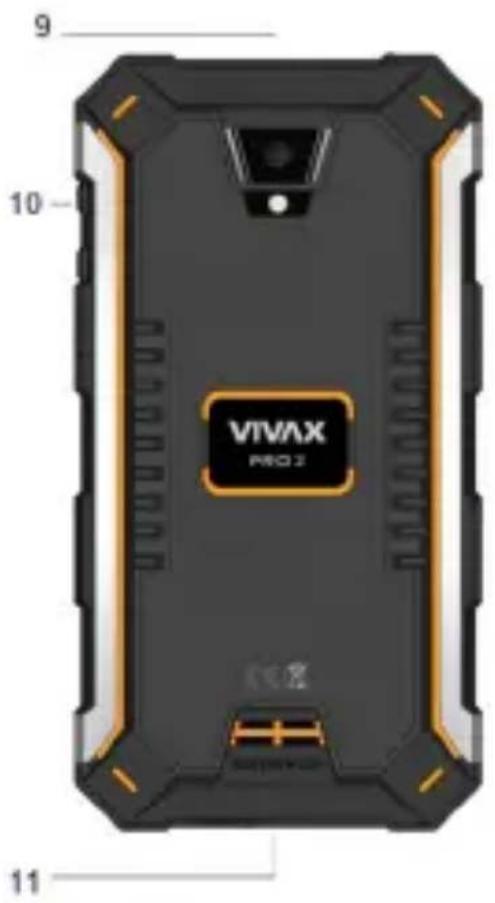
2. Копчиња
natural_image
Close-up of four glossy black and red spherical objects with blue and yellow markings, placed on a wooden surface (no text or symbols visible)natural_image
Close-up of colorful 3D-rendered objects on a wooden surface, no visible text or symbolsnatural_image
Mobile phone interface with status bar, navigation buttons, and a play button (no readable text or symbols)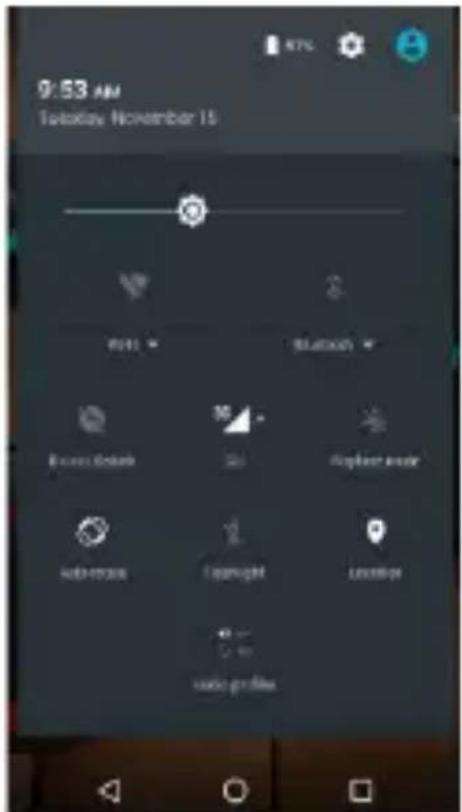
11. E-Mail
12. Аудио
13. Видео
16. Мапи и GPS
Logo Android™2 Google™2 Google Maps™2 Gmail™2 Google™ search2 Android Wear™ Chrome™2 YouTube™2 Google Talk™ ce заштитени брендови на Google2 Inc.
Wi-Fi®2 Wi-Fi Protected Setup™2 Wi-Fi Direct™2 Wi-Fi CERTIFIED™2 i Wi-Fi logo се регистрирани рендирани марки на Wi-Fi Alliance.
natural_image
Warning symbol with a triangle containing a stylized ear and sound waves (no text or numbers)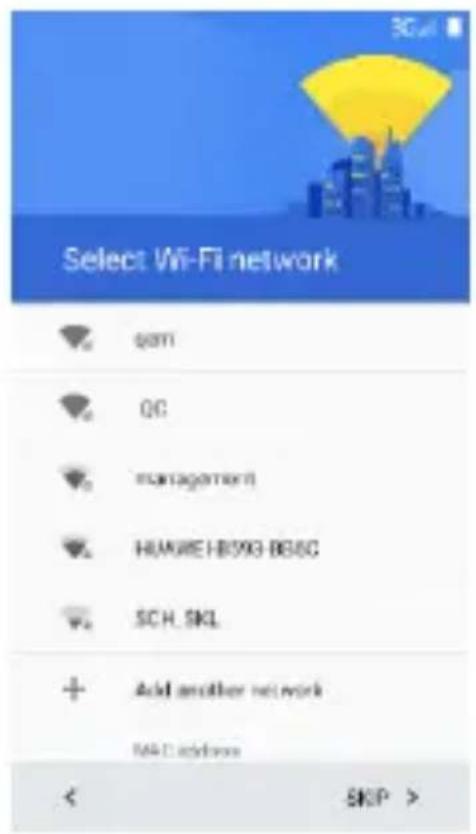
2. Sustat
Susta për kyçje:
natural_image
Close-up of four colorful spherical objects with black, cyan, and red patterns on a wooden surface (no text or symbols visible)6. Widget-at
natural_image
Close-up of colorful 3D-printed spherical objects with glowing patterns on a wooden surface, displayed in a photo editing interface (no readable text or symbols on objects)natural_image
Mobile phone interface with status bar, navigation buttons, and a play button (no readable text or symbols)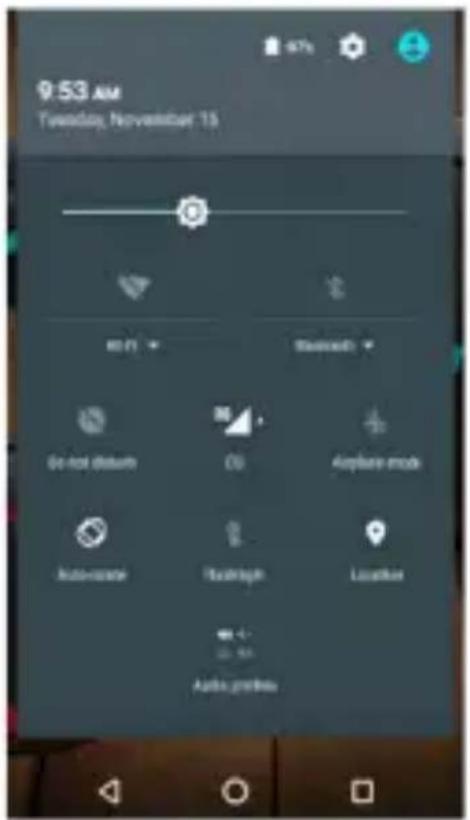
12. 3udio
13. Video
Logoja Android ^TM , Google ^TM , Google Maps ^TM , Gmail ^TM , Google ^TM search, Android Wear ^TM Chrome ^TM , YouTube ^TM , Google Talk ^TM dhe Google Talk ^TM janë marka tregtare të Google, Inc.
Kopiranje nastavitev druge naprave
2. Tipke
Tipka za vklop5
natural_image
Three black and cyan spherical objects with white dots on a wooden surface, no visible text or symbols.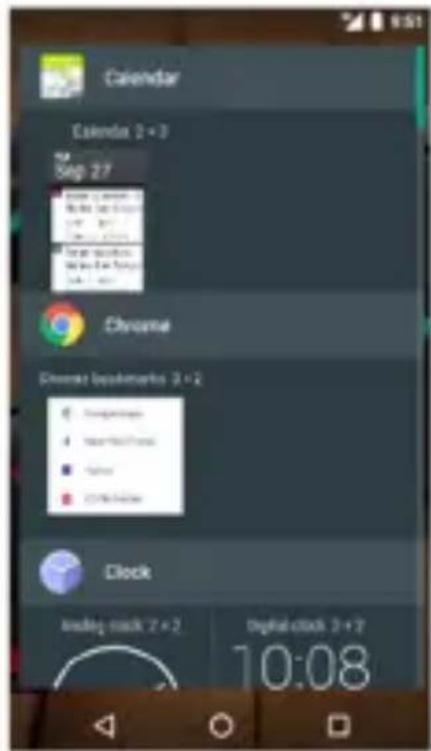
natural_image
Close-up of colorful 3D-rendered objects on a wooden surface, no visible text or symbols7. Kamera
natural_image
Mobile phone interface with status bar, navigation buttons, and a play button (no readable text or symbols)8. Internet
11. 2-pošta
12. Avdio
16. Zemljevidi in +PS
8
Logo88Android™,88Google™,88Google88Maps™,88Gmail™,88Google™8 search,88Android88Wear™88Chrome™,88YouTube™,88Google88Talk™88sc blagovne8znamke8Google,8Inc.8
Wi-Fi®,8Wi-Fi8Protected8Setup™,8Wi-Fi8Direct™,8Wi-Fi8CERTIFIED™8in8logotip8Wi-Fi8so8registrirane8blagovne8znamke8Wi-Fi8Alliance.88
Google,8 Android,8 Google8 Play8 so8 registrirane8 blagovne8 znamke8 Google8LLC.8
PRO 2
Smartphone
CZ
Návod k použití
natural_image
Symbol of a trash bin with no text or labelsnatural_image
Symbol of a trash bin with no text or numbers, crossed by diagonal lines (no readable text)
2. 5lačítka
natural_image
Close-up of four black and cyan spherical objects with white dots on a wooden surface, no visible text or symbols.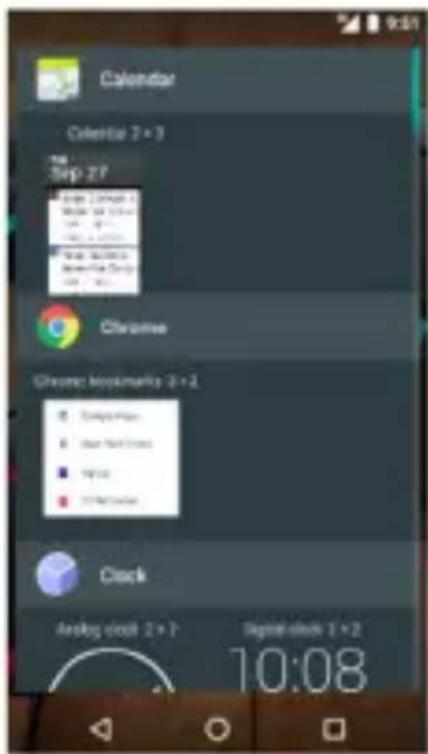
natural_image
Close-up of colorful 3D-rendered spheres with blue and red highlights, displayed on a wooden surface (no text or symbols visible)7. Fotoaparát
natural_image
Mobile phone interface screenshot showing a blank screen with control buttons and navigation icons (no readable text or symbols)8. Internet
12. Audio
16. Mapy a GP9
natural_image
Symbol of a trash bin with crossed lines indicating no waste or discharge (no text or labels)natural_image
Symbol of a trash bin with crossed lines indicating no waste or discharge (no text or labels)Nastavenie Google ^TM účtu
2. Tlačidla
Tlačidlo pr> zapínani>:
natural_image
Close-up of four glossy black and red spherical objects with abstract markings, placed on a wooden surface (no text or symbols visible)
natural_image
Close-up of colorful 3D-rendered objects with blue and yellow highlights on a wooden surface, displayed in a mobile app interface (no readable text or symbols on objects)7. Kam>ra
natural_image
Mobile phone interface with status bar, navigation buttons, and a play button (no readable text or symbols)8. Int>rn>t
12. Audio
bar
| Frequency | Value (dB) | |---|---| | 80 Hz | +15 | | 230 Hz | 0 | | 910 Hz | 0 | | 4 kHz | 0 | | 14 kHz | 0 | Base Offset Semound spound Preset Reverb None13. 9id>0
16. Karty i GPS
Android™ logo, Google™, Google Maps™, Gmail™, Google™ search, Android Wear™ Chrome™, YouTube™ a Google Talk™ sú obchodné značky Google, Inc.
Wi-Fi®, Wi-Fi Protected Setup™, Wi-Fi Direct™, Wi-Fi CERTIFIED™, a Wi-Fi logo sú obchodné značky Wi-Fi Alliance.
Thank you for purchasing VIVAX phone.
Operating Instructions provides the most detailed information to operate your Smartphone.
Before using your new phone for the first time, read the safety instructions in “Safety ±otice” chapter.
To get the most from your phone, please be sure to read all instructions thoroughly and keep them where they will be read by all who use the product.
PROTECTION IP68 – IMPORTANT!
Your device is resistant to falls, shock and water, under IP68 protection class.
What exactly does that mean? Phone is designed as a much more robust than just a regular mobile phone, however it is not indestructible! This does not mean that it is completely resistant to all mechanical damages and it is completely waterproof.
All protective original caps for closing ports on the device (USB, headphones, etc.) must always be inserted correctly!
Any mechanical damage of your phone still subject to the standard warranty terms. The warranty does not cover Glass damage caused by improper handling.
The following conditions may effect on the water and damage resistance of your phone and should be avoided:
a.) Dropping or throwing your phone or subjecting it to other impacts
b.) Submerging your phone in water for long periods of time, swimming or bathing with your phone
c.) Exposing your phone to pressurized water or high velocity water
IP68 digits means:
The first digit “6”: ±0 ingress of dust; complete protection against contact (dust tight) following an 8-hour test, resist on dropping on flat surface up to 1,5m hight.
The second digit “8”: Immersion into water up to 1m in short period, up to 30mins in idle-non usage conditions.
S5)(TY NOT"4(S
Read these safety instructions before using your device and store them for possible future reference. Always follow these basic safety precautions when using your phone. This reduces the risk of fire, electric shock, and injury.
25TT(RY, 4H5R"(R, 5N+ OTH(R 544(SSOR"(S
If the charger cord is damaged, have it repaired by the manufacturer, its service or a similarly qualified person in order to avoid any hazard.
The charger is not intended for use by persons (including children) with reduced physical, sensory or mental capacity. Persons who have not read the manual, unless they have received explanations by a person responsible for their safety and supervision should not use this unit. Children should be monitored to ensure that they do not play with the charger.
The charger should always be readily accessible. The device should not be exposed to dripping or splashing
water. ±o objects filled with liquids such as vases shall be placed on the device. Always leave a minimum distance of 10 cm around the unit to ensure sufficient ventilation. ±aked flame sources, such as candles, should not be placed on top of the device. The device is intended for use only in a temperate climate. Do not dismantle or modify the charger; otherwise, personal injury, electric shock, fire and charger may occur.
Do not use the charger in such places with high humidity such as bathroom, etc., otherwise, electric shock, fire and charger damage may occur.
Do not touch the charger, electric wire and power socket with wet hand; otherwise, electric shock may occur.
45UT"ON: Danger of explosion if battery is incorrectly placed or not replaced by the same type or equivalent. The battery should not be exposed to excessive heat such as sunshine, fire or similar conditions. The battery must be disposed of safely.
SW"T4H O)) "N R(STR"4T(+ 5R(5S
Switch the mobile device off where the use of mobile devices is not allowed or where there is a risk of causing interference or danger, for example on board an aircraft, near medical equipment, fuel, chemicals or blasting sites.
5UTHOR”S(+ P(RSONN(L: Only qualified people are authorized to install or repair this product
544(SSOR"(S: Only use batteries, chargers and other accessories which are compatible with this equipment. Do not connect incompatible products.
((P TH( (QU"PM(NT +RY: This equipment is water proof, but it not means that you can leave your phone in the water. +eep it dry.
4H"L+R(N: +eep your mobile device in a safe place, out of the reach of young children. The mobile device contains small parts that may present a choking hazard.
Radio frequency interference
Radio frequency output from electronic devices can interfere with other electronic equipment and cause malfunctions. Although this mobile device has been designed in accordance with EU regulations on radio frequency emission, mobile device wireless transmitters and electrical circuits can cause interference with other electronic equipment. We therefore recommend taking the following precautions:
5ircraft: Wireless equipment can cause interference in aircraft. Turn off your mobile device before boarding the aircraft. Do not use on the ground until allowed to do so by the flight crew.
Vehicles: Mobile device radio frequency emissions can affect the electronic systems of motor vehicles. In relation to your vehicle, check with the manufacturer or dealer.
Medical implants: Medical equipment manufacturers recommend a minimum distance of 15 centimeters
between a wireless device and an implanted medical device such as a pacemaker or defibrillator to avoid any interference with the medical device. It is recommended that people fitted with such devices:
- Always keep wireless equipment more than 15cm away from the medical device.
- ±ever carry wireless equipment in a breast pocket.
- Place such equipment at the opposite ear to the medical device.
- Turn off the wireless equipment if they think it is interfering with their device
- 7ollow the instructions provided by the medical implant manufacturer.
If you are fitted with a medical implant and have any questions related to the use of your mobile/wireless equipment, you should consult your doctor.
Other medical devices: Radio transmitting equipment including mobile devices may interfere with the proper operation of insufficiently protected medical equipment. Consult a doctor or the medical equipment manufacturer to find out whether the equipment is sufficiently protected from external radio wave signals. Turn off your device where required by regulations, particularly in hospitals.
Health facilities: Hospitals and health facilities may be using equipment which is particularly sensitive to external radio frequency emissions. Turn off the mobile device when staff or notices tell you to.
Hearing: Warning: Using a headset risks not be able to correctly hear outside sounds. Do not use a headset when it could endanger your safety. Some mobile devices can interfere with the proper operation of hearing aids.
2 lasting sites and marked areas: Turn off your device in potentially explosive areas. 7 follow all official instructions. Sparks in such areas can cause an explosion or a fire, resulting in serious injury or death. Turn off your equipment in petrol/gas stations, especially when near the fuel pumps. Strictly follow usage restrictions in fuel depots, chemical plants or in places using explosives. Potentially explosive areas are often, but not always, clearly signed. These include areas where it is normally considered advisable to turn of vehicle engines, the area below deck on ships, chemical storage or transfer plants, and areas where the air contains chemical products or particles, such as grain, dust and metal powder. All our mobile devices conform to international standards and regulations, and if need be national ones, with a view to limiting user exposure to electromagnetic fields. These standards and regulations were adopted after the completion of extensive scientific research. This research established no link between the use of the mobile device and any adverse effects on health if the device is used in accordance with standard practices. However, if you would like to reduce the level of exposure to radio frequency radiation you can limit
your use of wireless, because the time in contact with is a factor of exposure for a person, and you can move away the device from you, because the exposure level decreases with a smaller distance
GENER5L S5FETY PRE45UTIONS 5N+ 5+VI4ES
Read and retain these instructions for future reference.
Warnings: On the product and User 9uide instructions should always be adhered to.
4leaning: Do not use liquid cleaners or aerosol cleaners. Use a damp soft cloth for cleaning.
5dapters: Use certified adapters recommended by producer. Other adapters may be hazardous or void your warranty.
Moisture & Water: Do not use near water such as near bath tub, kitchen sink, laundry tub, or swimming pool. Ventilation: Should there be slots and openings in the mobile device, they are provided for ventilation to ensure reliable operation of and protection from overheating. These openings should never be blocked by placing the product on a bed, sofa, rug, or other similar surface.
Power Sources: This mobile device should be operated from the type of power source indicated on the rating label. Consult your product dealer or our website for more information. For products intended to operate from battery power or other sources, refer to the operating instructions.
Overloading: Do not overload wall outlets, extension cords, or integral convenience receptacles as this can result in a risk of fire or electric shock.
Object and Liquid (ntry: ±ever put objects of any kind on to or into this product through openings as they may touch dangerous voltage points or short out parts that could result in a fire or electric shock. ±ever spill liquid of any kind on the product.
Servicing: Do not attempt to service this product yourself as opening or removing covers may expose you to dangerous voltage or other hazards and will void your warranty. Refer all servicing to qualified service personnel.
+amage Requiring Service: Unplug this product from the wall outlet and refer servicing to qualified service personnel:
a) when the power-supply is damaged
b) if liquid has been spilled
c) if the product has been exposed to rain or water
d) if the product does not operate normally
e) if the product has been dropped or damaged in any way (voids warranty)
zeat: The product should be kept away from heat sources such as a radiator, heat register, stove, or other products that generate heat.
Replacement Parts: Unauthorized substitutions when service this product may result in fire, electric shock, or other hazards. Make sure your service technician has used parts specified by the manufacturer.
(nergy Save: To save energy, unplug the USB power adapter when not in use. The USB power adapter does not have a power switch, so you must unplug the USB power adapter from the electrical socket when not in use to avoid wasting power. The device should remain close to the electrical socket while charging.
Excessive sound pressure from earphones and headphones can cause hearing loss. If you notice any disturbance or hum noise in your ears, stop using the headset or earphones.
45UT"ON WH(N +R"V"N"
- Do not handle the mobile device when driving. Concentrate fully on the driving.
- Radio signals could affect some of the car's electronic systems such as the audio stereo and alarm systems.
- If the car is equipped with an airbag, do not hinder its deployment with fixed or wireless equipment. This could result in serious injury due to inadequate performance.
"NT(R)(R(N4(): All wireless devices are susceptible to interference which may affect their performance.
)ile and 5plication +download: Files you download from the Internet can include viruses that will damage your device. To reduce this risk, only download files from sources you trust. The descriptions in this manual are based on the default settings of your device. The images and screenshots used in this manual may differ from the actual product.
If the device receives an unstable power supply while charging, the touch screen may not function properly. If this happens, unplug the USB cable from the device. The device may heat up while charging. This is normal and should not affect your device's lifespan or performance.
Precautions for use – S5R Values
This mobile device meets guidelines concerning the exposure to radio waves. Your mobile device is a radio transmitter and receiver. It was designed to meet the limits recommended by international guidelines to limit the exposure to radio waves. These guidelines were developed by and independent scientific organization, The IC±IRP; and include safety margins designed to ensure the protection of all, regardless of age and health.
The recommendations on exposure guidelines for mobile devices employ a unit of measure known as the Specific absorption rate or SAR. The SAR limit defined in the IC±IRP recommendations is 2.0 watts/kilogram (W/kg) averaged over 10 grams of tissue. In tests to determine the SAR, the equipment is used in standard usage positions at its highest certified power level in all tested frequency bands. The actual SAR level of a device in use may be lower than the maximum value because the equipment is designed to only use the necessary power required reaching the network. That amount changes depending on a number of factors such as the distance from a network base station.
SAR VALUES: HEA+: 0,713 W/kg 10g
BO+Y: 0,950 W/kg 10g
This device meets RF exposure guidelines when used either in the normal use position against the ear or when positioned at least 5 mm away from the body.
Working conditions:
Working Temperature: -20 \~ 40°C
Working humidity: 65+/-20%RH
EU +eclaration of Conformity
Hereby, M SA± Grupa d.d. declares that the radio equipment type SmartTelephone is in compliance with Directive 2014/53/EU.

The full text of the EU declaration of conformity is available at the following internet address:
Instructions for using your device you can find on http://hr.vivax.com/, Select :
PROIZVODI→Smart, Choose Model → Documents → Korisnički priručnik
RF frequency data:
Power supply: DC 3.85V, Li-polymer Battery or DC 5V Adapter.
Frequency:
Bluetooth: 2402MHz-2480MHz, 880.2MHz-914.8MHz
GSM/GPRS 900: 1710.2MHz-1784.8MHz
WCDMA: 1922.4MHz-1977.6MHz
IEEE 802.11 b, g.n/HT20: 2412MHz-2472MHz
IEEE 802. 11 n/HT40: 2422MHz-2462MHz
GPS: 1.57542G ±1.023MHz
Modulation:
Antenna type: Integrated Antenna, Maximum Gain:
BT i WLAN: -1.0dBi; GSM: 1.0dBi; WCDMA: 1.0dBi
Max. Power:
BT4.0: -2.5±1 dBm
GSM/GPRS 850/900: 33.0±1 dBm
DSC/GPRS 1800/1900: 33.0±1dBm
WCDMA: 23.0±1 dBm MHz
IEEE 802.11 b/HT20: 13.0±1 dBm
IEEE 802.11 g/HT20: 11.0±1 dBm
IEEE 802.11 n/HT20: 9.0±1 dBm
IEEE 802. 11 n/HT40: 9.0±1 dBm
The frequency can be used in Europe without restriction.
5adapter shall be installed near the equipment and shall be easily accessible.
The 54 plug considered as disconnect device of adapter.
Software updates will be released by the manufacturer to fix bugs or enhance functions after the product has been released( All software versions released by the manufacturer have been verified and are still compliant with the related rules(
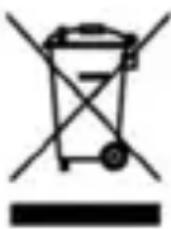
Information on +isposal for Users of Waste Electrical & Electronic Equipment (private households)
natural_image
Symbol of a trash bin with no text or labelsThis symbol on the product(s) and / or accompanying documents means that used electrical and electronic products should not be mixed with general household waste. 7or
proper treatment, recovery and recycling, please take this product(s) to designated collection points where it will be accepted free of charge. Alternatively, in some countries you may be able to return your products to your local retailer upon purchase of an equivalent new product. Disposing of this product correctly will help save valuable resources and prevent any potential negative effects on human health and the environment, which could otherwise arise from inappropriate waste handling. Please contact your local authority for further details of your nearest designated collection point. Penalties may be applicable for incorrect disposal of this waste, in accordance with your national legislation.
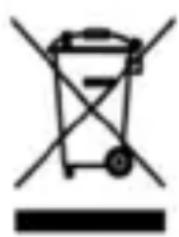
+isposal of waste batteries
natural_image
Symbol of a trash bin with no text or labelsCheck local regulations for disposal of waste batteries or call your local customer service in order to get instructions on the disposal of old and used batteries. The batteries in this product should not be disposed of with household waste. Be sure to dispose of old batteries in special places for disposal of used batteries that are found in all retail shops where you can buy batteries
Instructions for the Use of 4harger:
Insert charger cable terminal into charging jack of the mobile phone. When battery icon flashes, it shows mobile phone charging is completed
IMPORTANT:
Due to the strength of the phone, the phone cabinet is thicker than standard devices, so that the USB and headphone jack is located "deeper" than standard phone.
It is recommended that always use the original cable for charging and original headphones, because it can happen to other USB cable and headphones will not be able to fully fit into the phone jack.
To ensure water resistance and resistance to external influences or dust, all openings and connectors (headphone jack, SIM/TF 4ard slot) when not in use, must be tightly sealed with original rubber protections caps.
MAIN PARTS AN+ FUNCTIONS
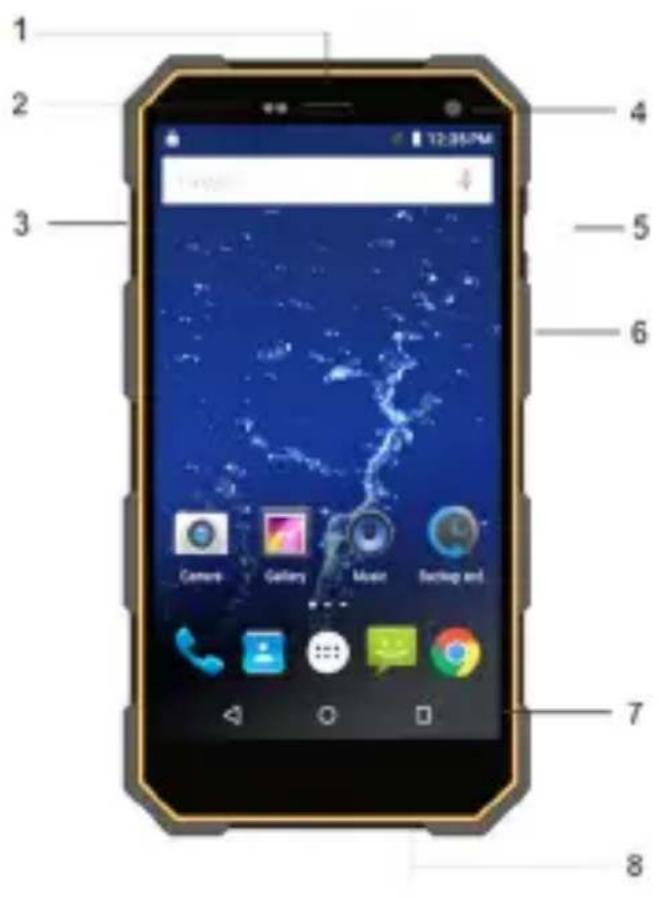
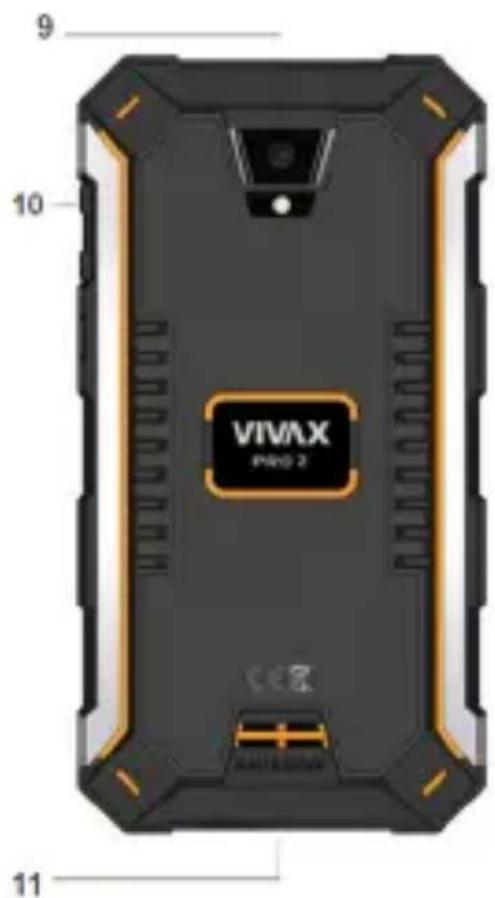
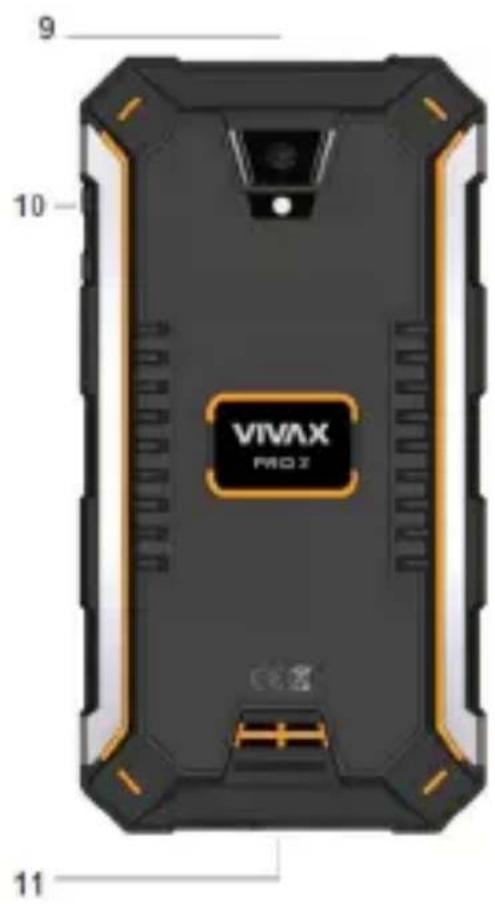
- 3,5mm Earphone port
- Sensors
- SIM/TF Card Slot
- Front Camera
- Volume keys
- Power key
-
Navigation keys
-
USB port for Charging and PC connection
- Rear camera
- Rear LE+ flash
- Speaker
IMPORT5NT
To ensure water resistance and resistance to external influences or dust, all openings and connectors (headphone jack, SIM/TF 4ard slot) when not in use, must be tightly sealed with original rubber protections caps.
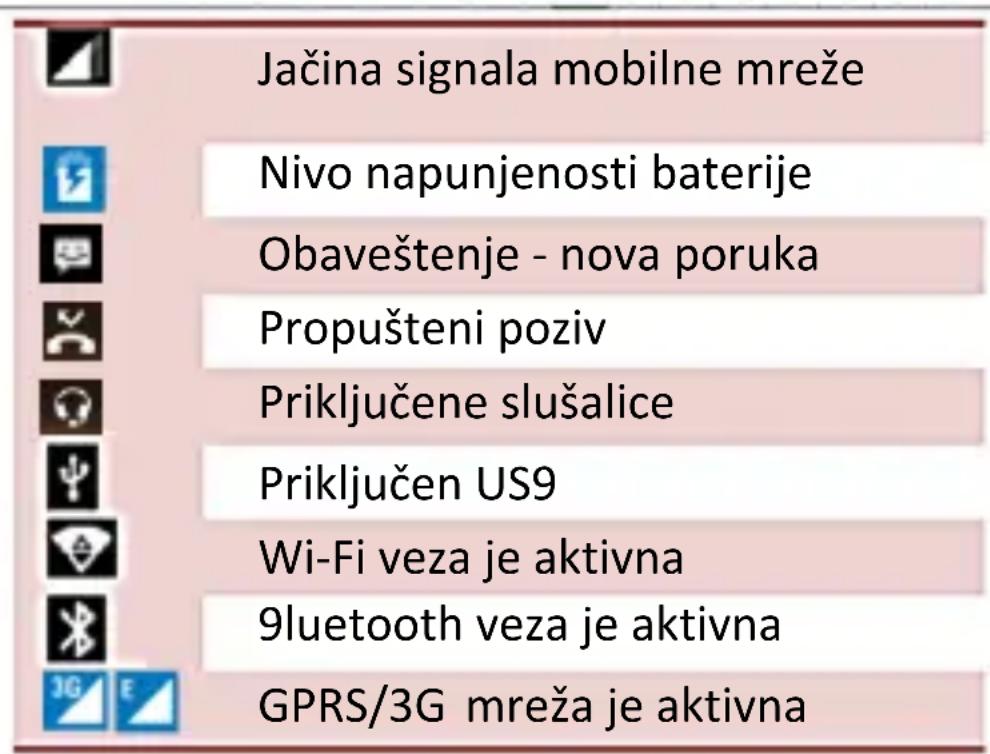
+ISPL5Y NOTIFI45TIONS
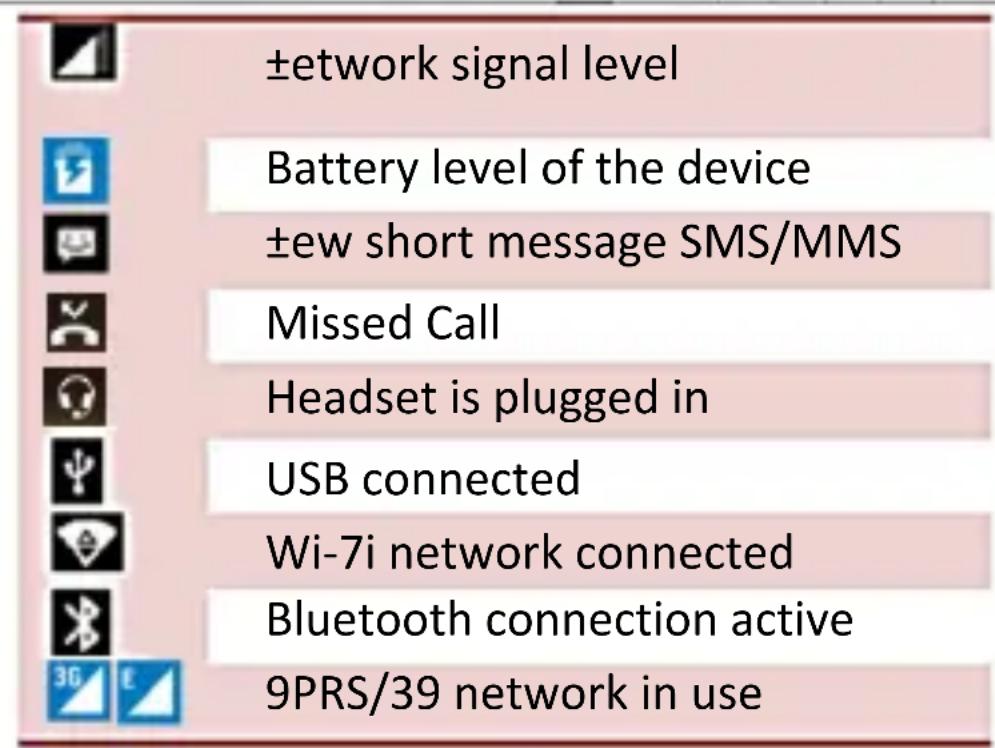
FIRST USE
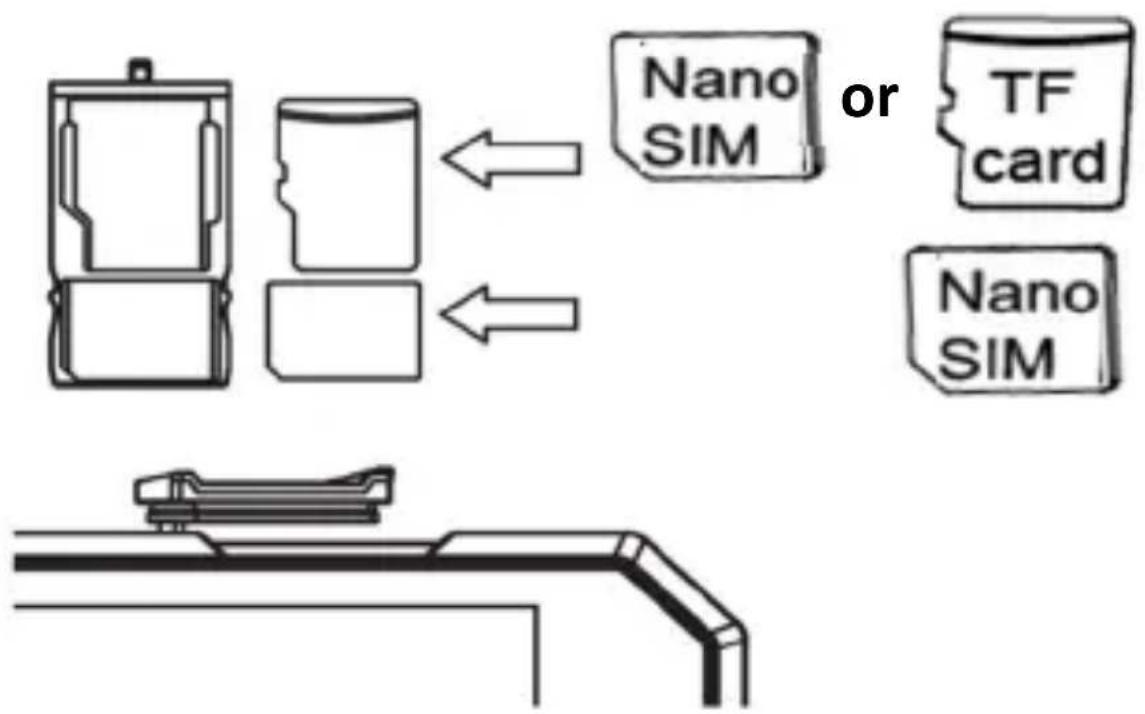
Please switch Off your device before inserting or removing the SIM card and memory card
- Open the SIM card Slot-Cradle (3); and pull it out.
- Insert the ±ano SIM phone card (SIM1) and ±ano SIM card (SIM2) or T7 Memory card into the
appropriate slot, and then carefully put the Slot-Cradle back into slot.
Card carefully insert into the slot trays with the contacts facing to the outside of the Credle slot, as shown in Figure:
flowchart
graph TD
    A["Device with Nano SIM"] --> B["TF card"]
    C["Device with Nano SIM"] --> D["Nano SIM"]
a. SIM B (2) slot share SIM2 card or TF memory card. You cannot simultaneously use SIM and TF card inserted in SIM2 slot. b. Before inserting or removing a Card, turn Off your phone. Never insert or remove a Card while the phone is switched on, as this may damage your card or phone.
"MPORT5NT:
a. Do not insert the card into the slot with force. The card must be inserted slightly. If this is not the case, re-check the SIM card orientation.
b. Before inserting or removing a Card, turn Off your phone. Inserting or removing a Card while the phone is switched on may damage your card or phone.
3. To turn on Smartphone, press and hold more than 3 seconds the Power button (6).
4. Your phone will be turned on for a few moments (after the boot operating system) and it will display the image of the home screen.
5. ±ow it is necessary to adjust the basic settings of your Phone in order to access applications with 9oogle Play™ Store, Wi-Fi™ wireless network and other services.
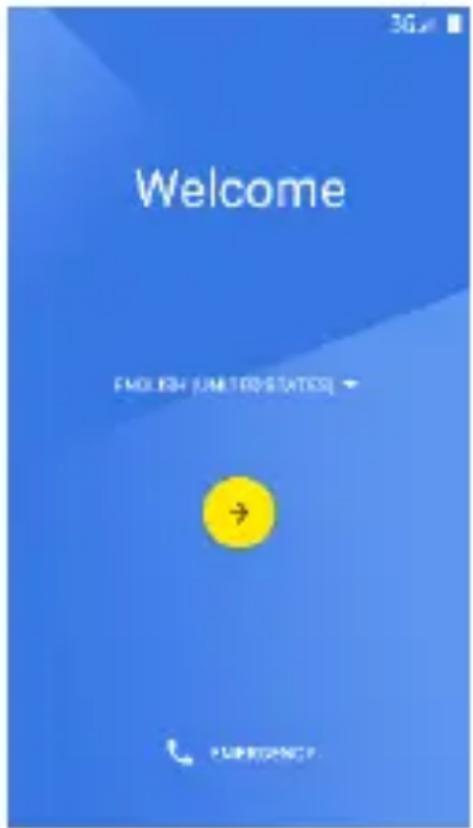
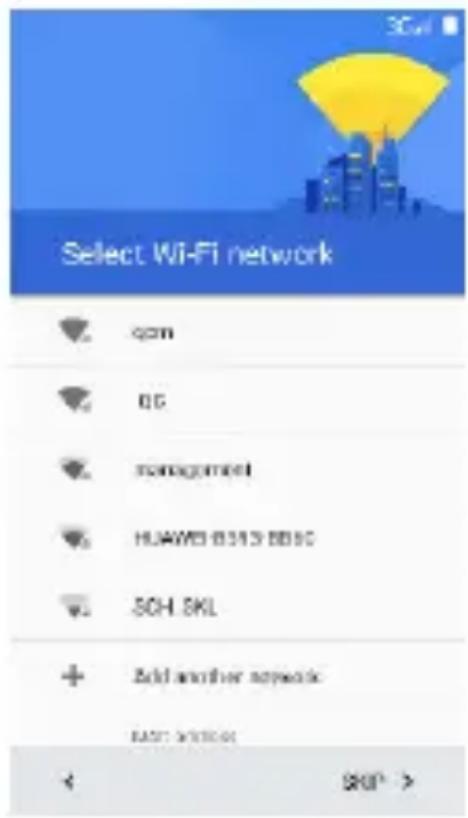
A) Follow the instructions that are shown in the "Wizard - Setup Guide phone":
OSD %anguage: Wi-Fi network setup:
Copy your setup from some other device (opt)
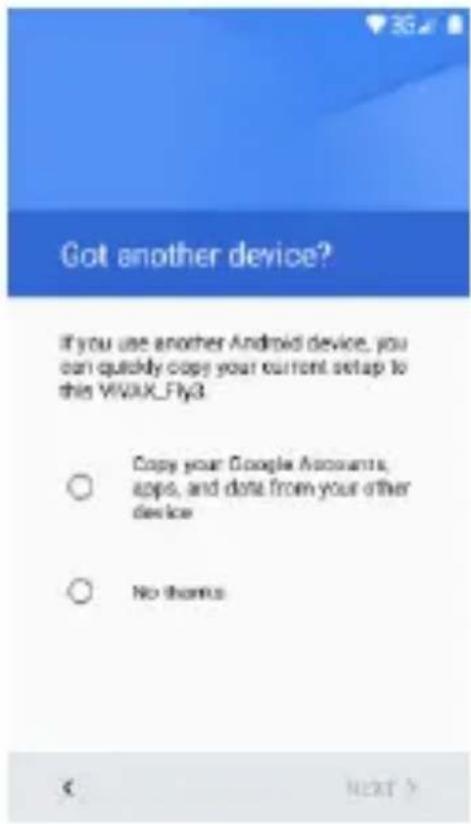
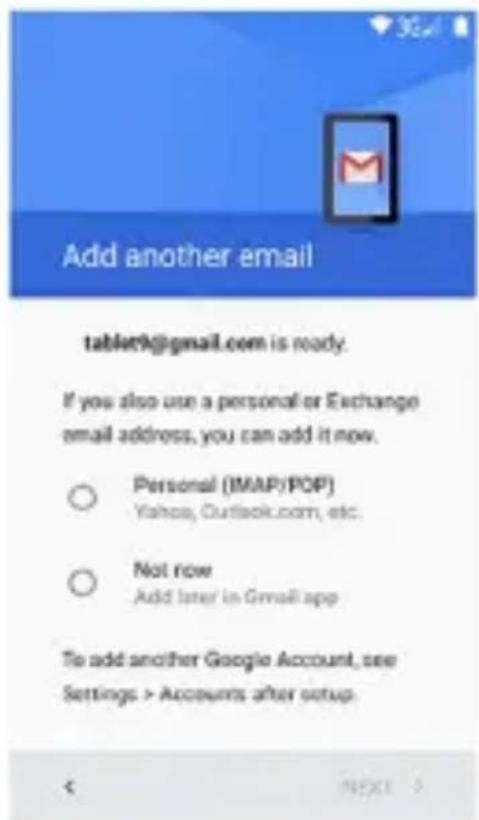
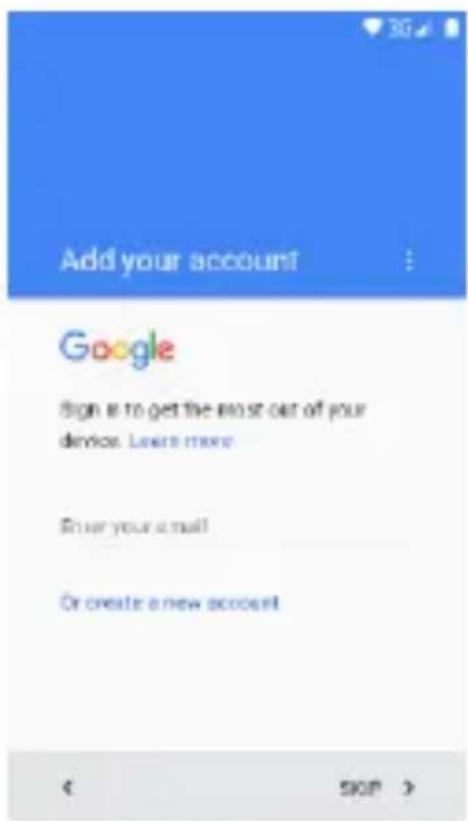
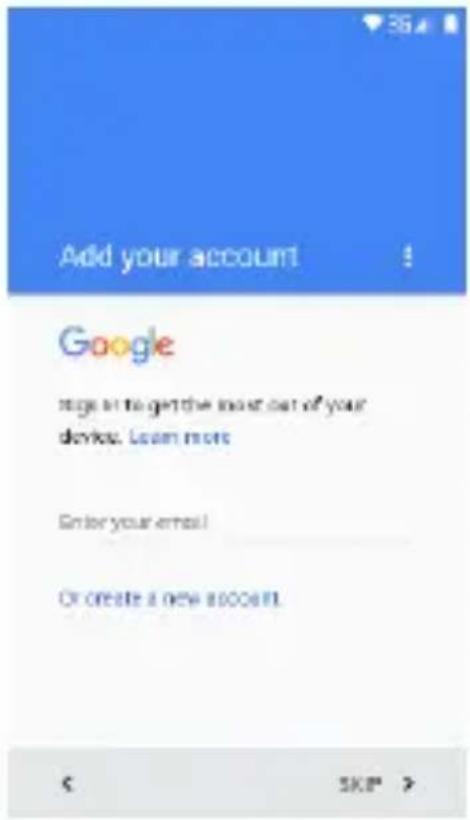
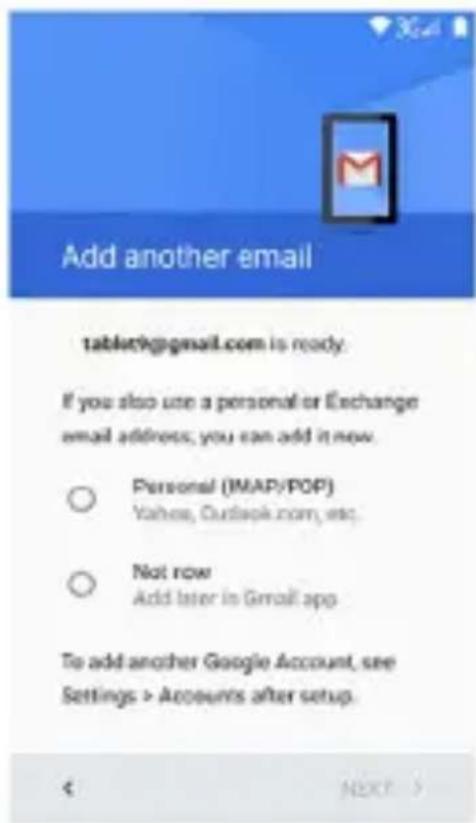
Google ^TM account setup
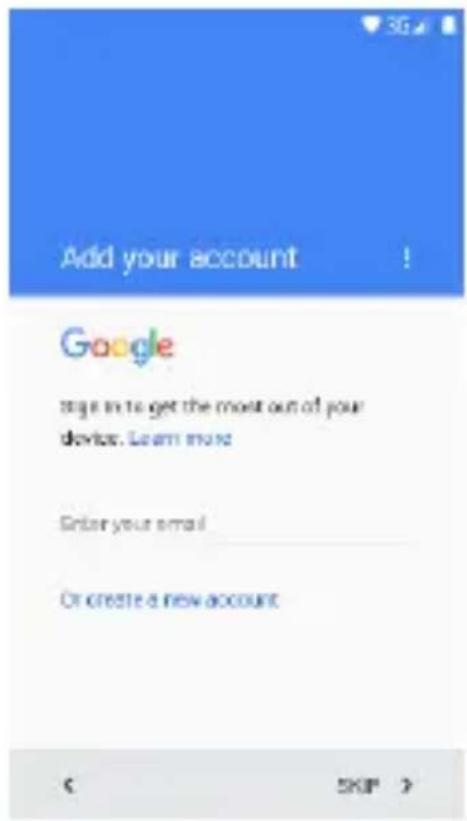
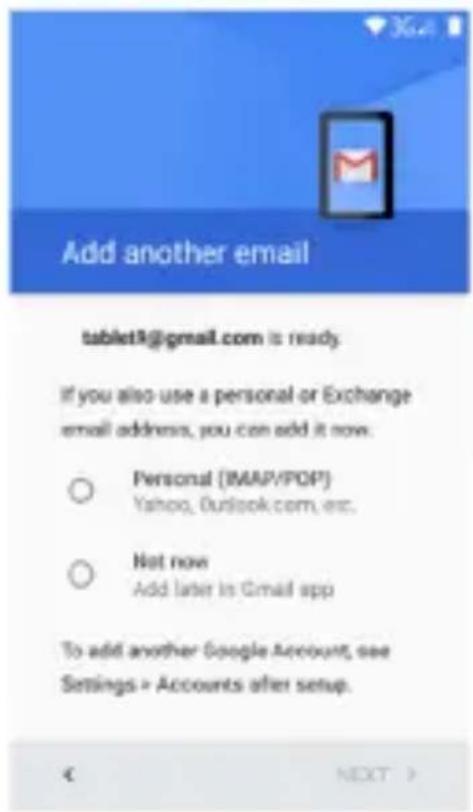
The wizard will guide you through setting up your phone and customize your phone to the telephone network, Wi-Fi access, a Google account, Gmail™, E-mail accounts and other setups.
When finished with the initial setup of the phone, the display will show the home screen and your phone is ready for use.
Or ...
B) To open and adjust the settings, follow the steps below:
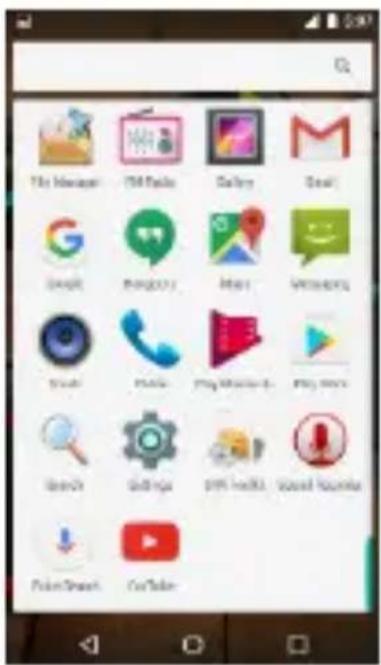
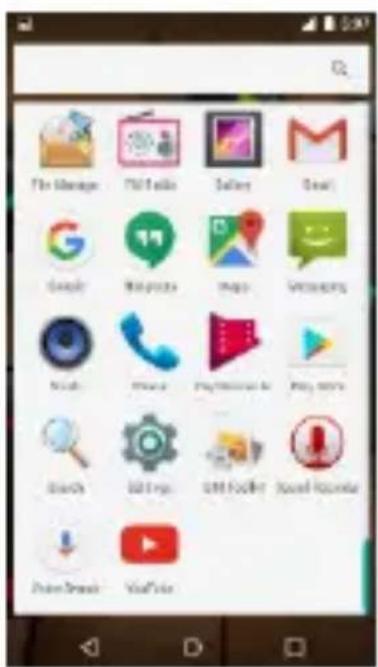
a. On the home screen, to open the list of applications, press the icon:
b. Press the icon Settings:
c. To select the display language, select "Language and Input" and choose language from the list.
d. To login to a Wi-Fi network and adjust the settings, select "Wi-Fi" and follow the onscreen instructions.
e. To log in to a Google account, without these settings you will not be able to download applications from the Google Store, select "Accounts".
BATTERY CHARGING
In most cases, your phone comes with a pre-charged battery with approximately 50% charge, so it is ready for use. When the battery level falls below 10%, connect the charger to the phone.
a. Connect the mini USB plug from the charger into the USB port (8) on your Phone.
b. Plug the charger into a power outlet. On the device, along with the battery sign is marked lightning icon.
c. Leave your phone connected to the charger until the battery symbol not show full charge.
d. Disconnect your phone and charger from the supply.
OPEN THE INSTRU4TIONS ON THE PHONE +ISPL5Y
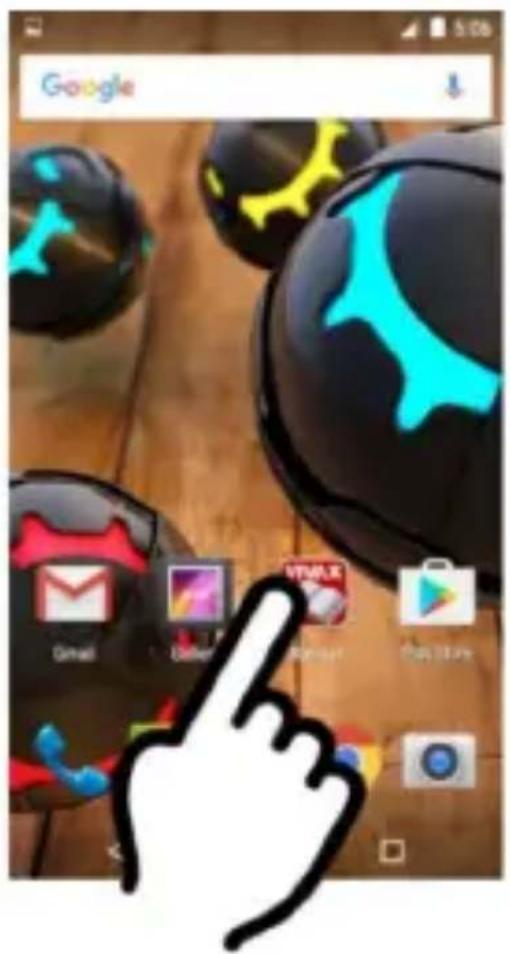
7or more information and access to the Instruction manual on the phone screen, press the icon "Manual"
By pressing the Icon "Manual", the display will show the Electronic version of the Instructions with more information about settings and using your phone.
SWIT4H OFF
+eep press the turn-on button (6)
The display window will appear with options to turn off, press the Power Off icon
a
4ONT(NTSa
a
- Phone overview 23
- Buttons 23
- Screen 24
- Screen lock 24
- Customize home screen 25
- Widgets 26
- Camera 27
- Internet 27
- Make a call 28
- Messaging 29
- Email 29
- Music 30
- Videos 31
- Photos 32
- Cut, Copy, and Paste 33
- Maps and GPS
33
Getting Started
1. Telephone overview
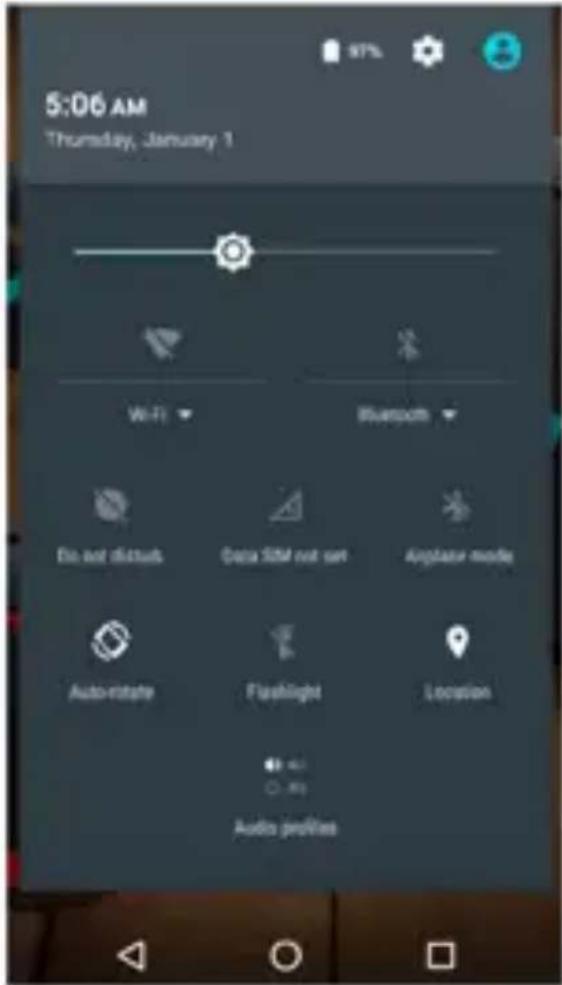
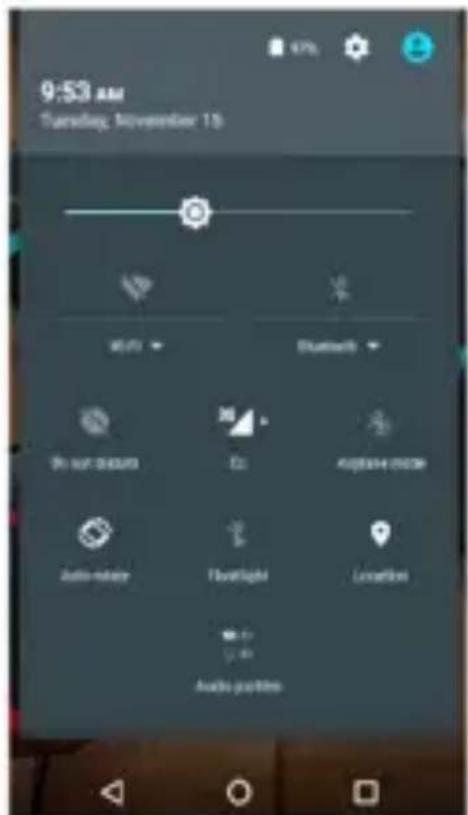
On the Home screen, swipe from the top to the bottom of the screen to open and display the quick menu to adjust:
- Screen brightness
- Wi-7i access
- Mobile access
- Bluetooth connection
- Airplane mode
-%ocations eg...
2. Buttons
On/Off button:
To turn On the phone, press the power button for a few seconds.
When the phone is switched on, briefly press the button to switch On or Off the screen.
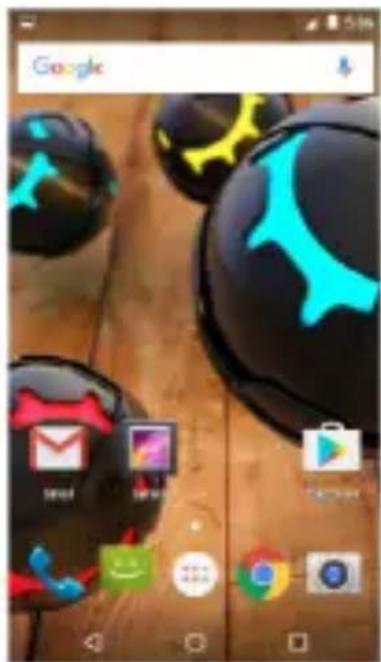
At the bottom of the screen you can find the buttons for navigation:
-
Home key ( 🔒) Touch the key to return to the home screen. In idle screen, touch and hold the key to view recently accessed features.
-
Menu key ( ) in standby mode, touch the button to set the wallpaper, add widgets, view settings, enter the system setup.
-
Back key ( 🔵 Touch to go back to the previous menu
3. Screen
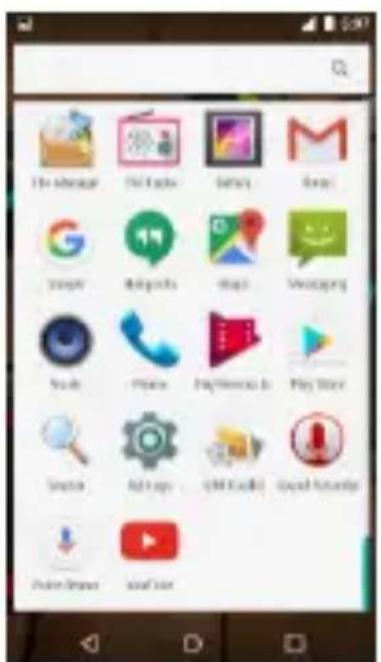
On the home screen, to open the list of applications, press the icon: :It will be shown a list of all applications installed on your phone.
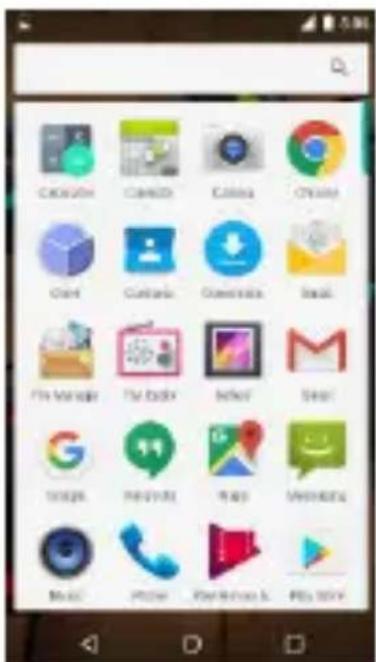
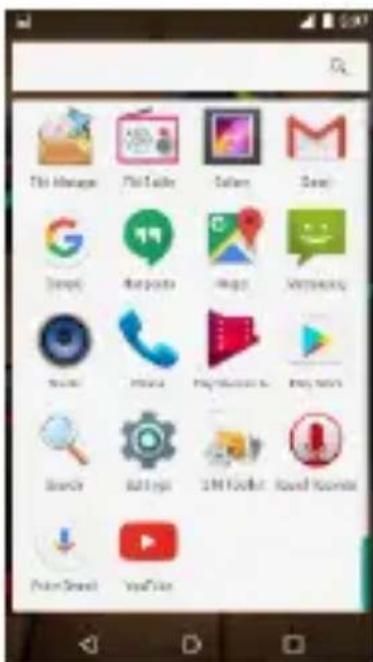
To launch the Applications, press on Icon.
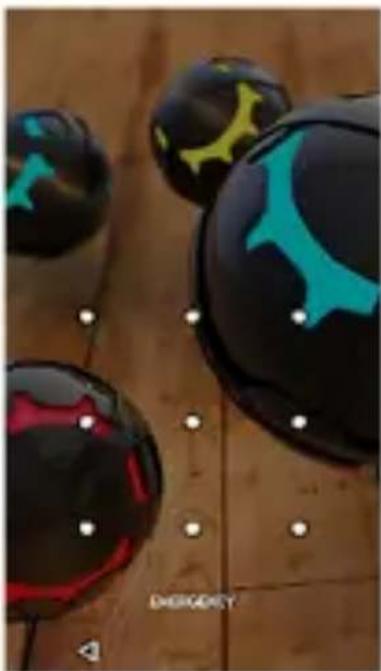
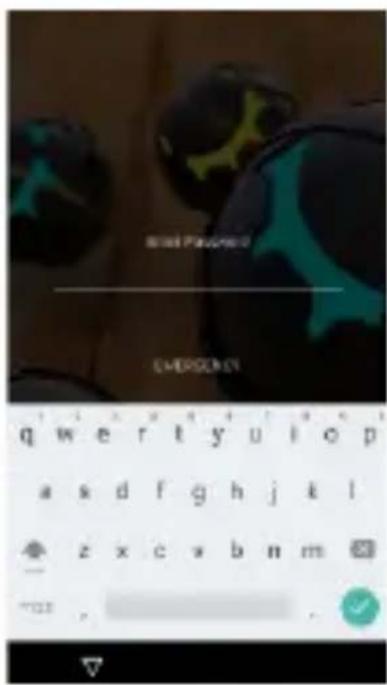
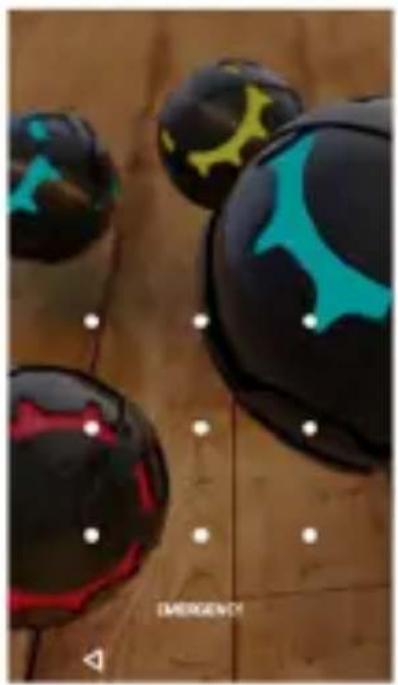
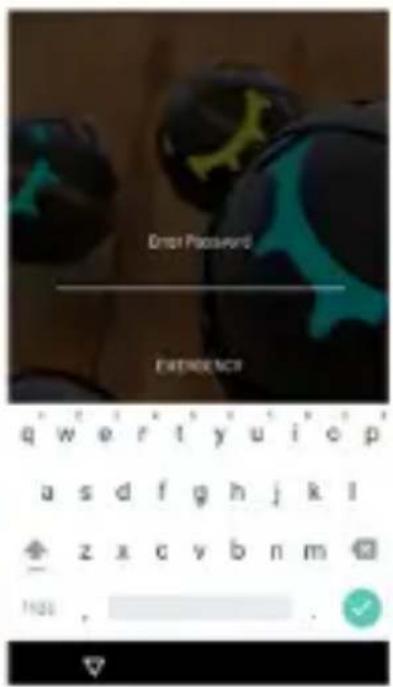
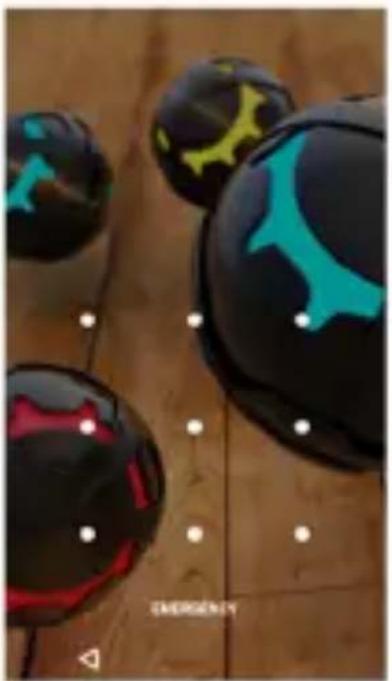
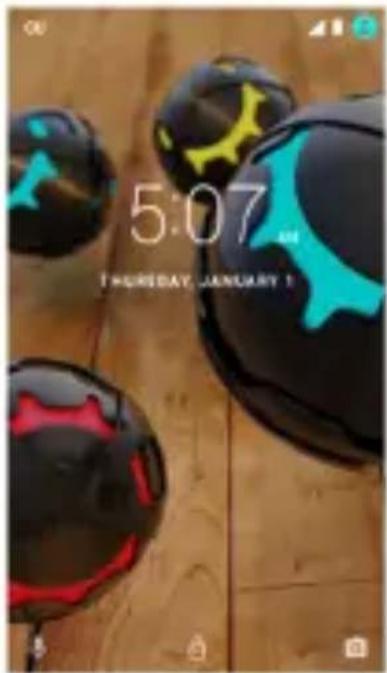
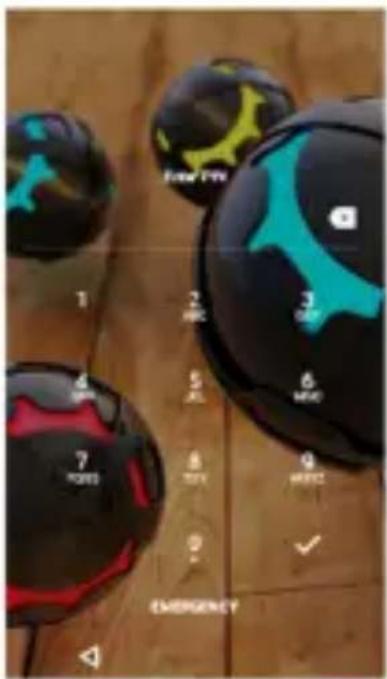
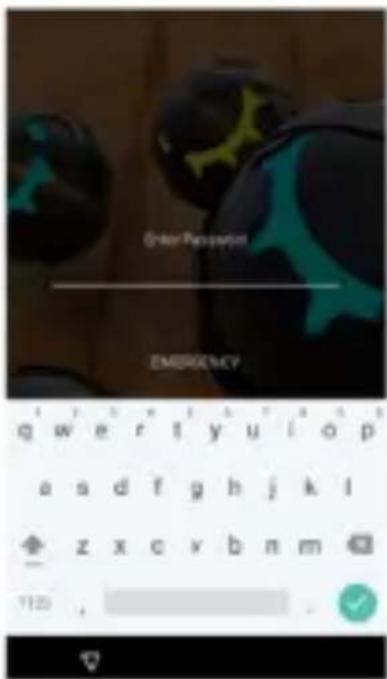
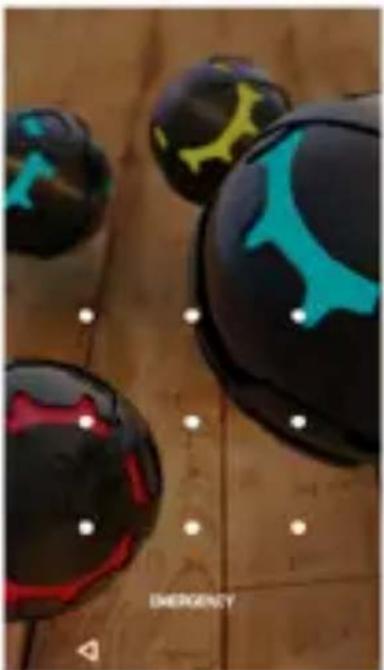
4. Screen lock
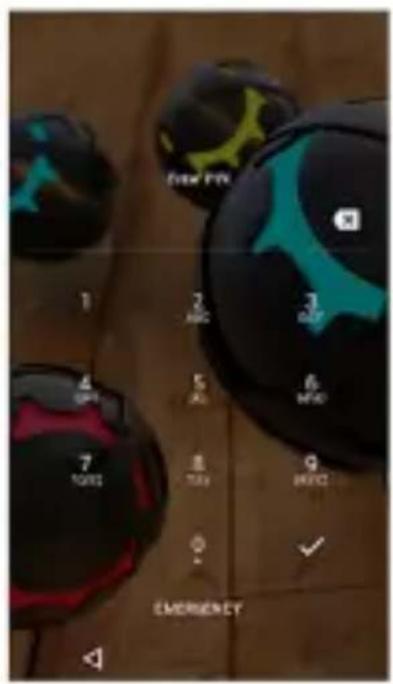
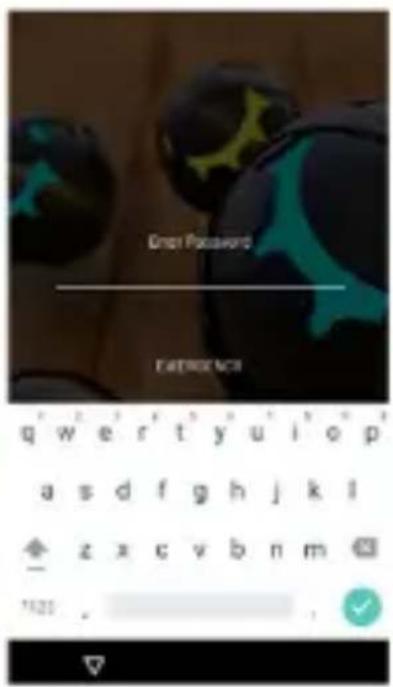
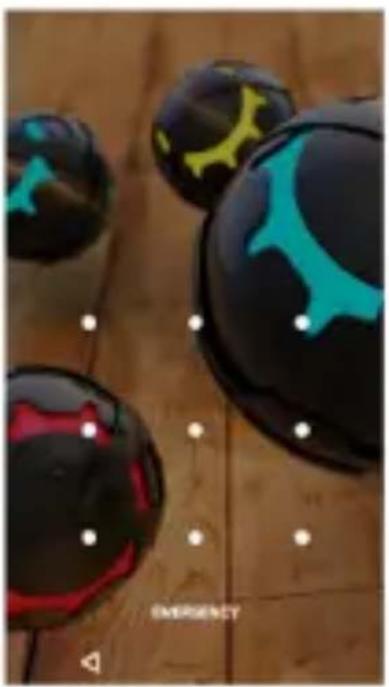
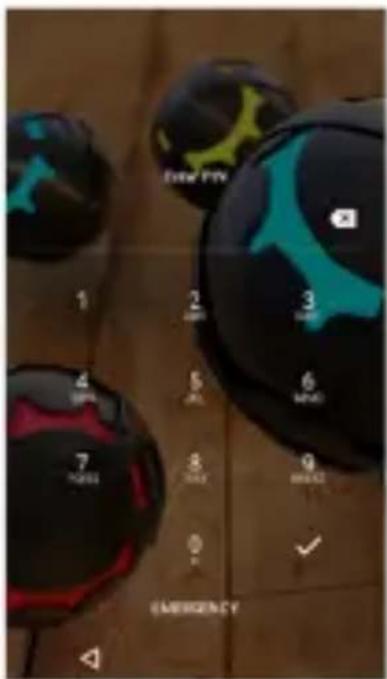
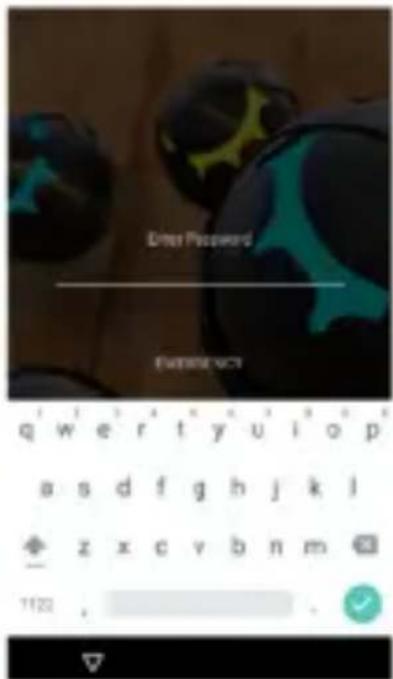
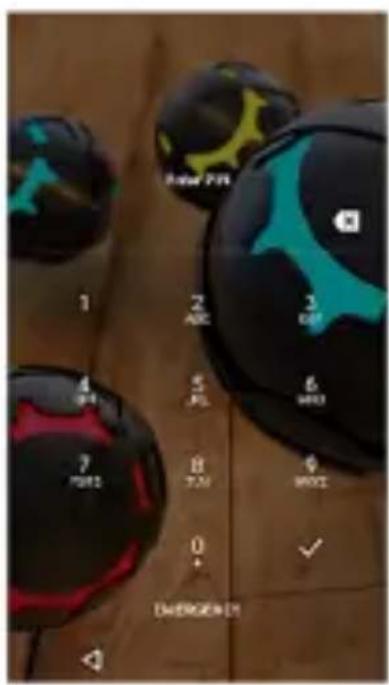
You can increase the security of your phone by selecting screen lock. Screen lock settings can be found under “Settings”>“Security”>“Screen lock”.
You can set your screen lock with the different security levels:
- ±0 %ock
- 7inger Slide
- Pattern
- PI±
- Password
natural_image
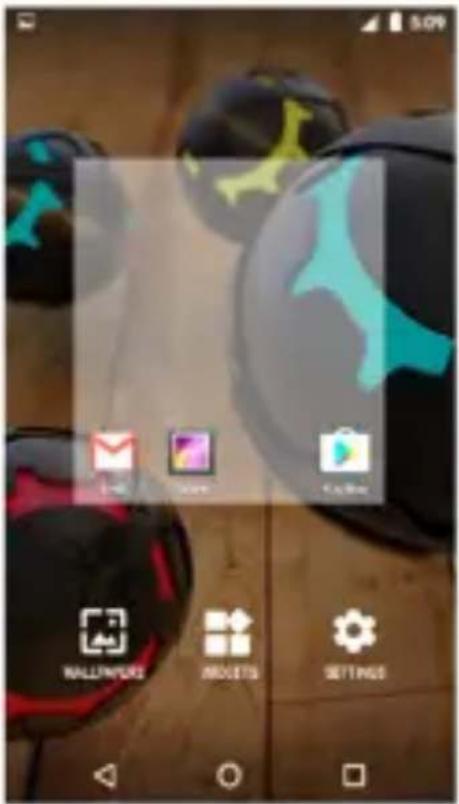
Close-up of four glossy black and red spherical objects with blue and yellow markings, placed on a wooden surface (no text or symbols visible)5. Customize Home Screen
In standby mode, press and hold an empty area or press the menu button to set the wallpaper. In addition, you can also delete items from the Home screen, Move
items, add items to the main screen to customize the home screen
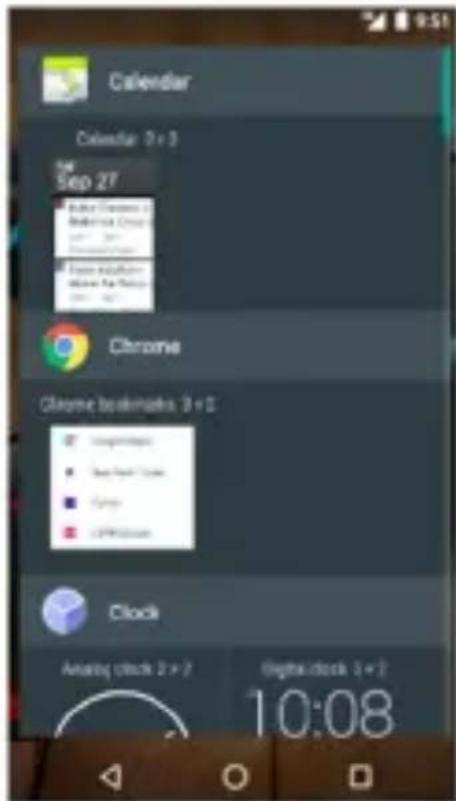
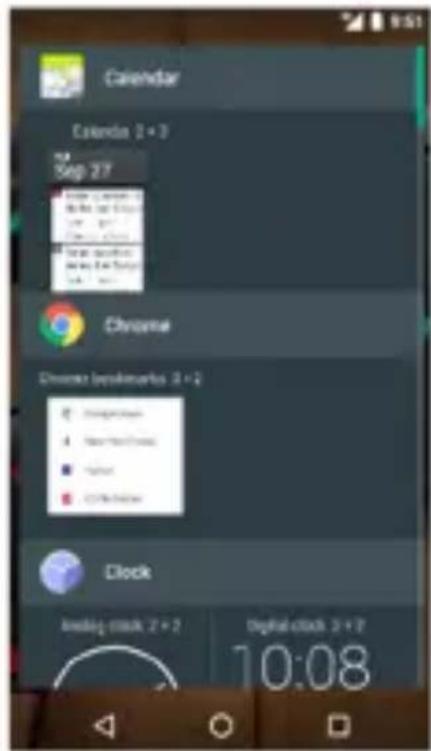
Widgets
You can add widgets to home screen.
Widgets allows you that on easy and fast way you can see information's and notifications on your home screen, like Time, Weather forecast, E-mail status, Task and so on.
natural_image
Close-up of black and cyan spherical objects with abstract patterns, displayed on a wooden surface (no text or symbols visible)6. Camera
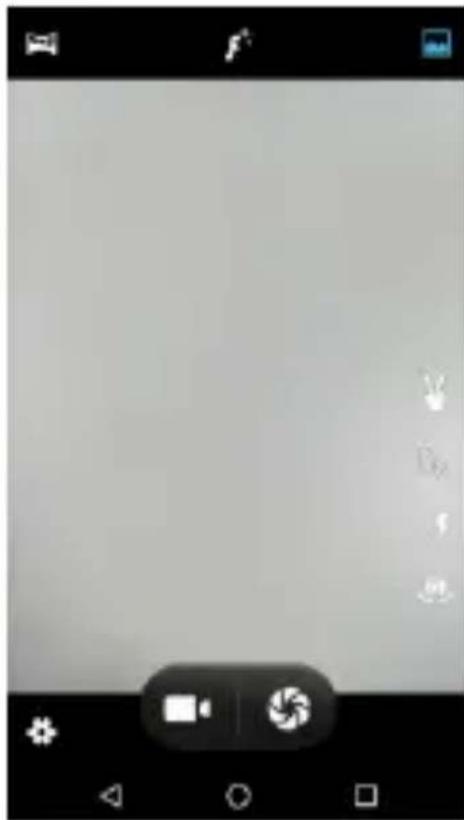
PHO±E is equipped with high resolution cameras and a camcorder, which are designed for you to share wonderful moments with friends and family.
Adjust focus, flash, zoom in or zoom out, switch between cameras and switch between the functions by flipping the icon on the screen
natural_image
Grayscale image editing interface with tool icons and control buttons (no readable text or symbols)7. Internet
You can connect to the Internet network by selecting 39/49 broadband, W%A±. Enjoy music, videos, Apps and news anywhere and anytime as you like.
You can switch On/Off any kind of connection through Fast menu or Settings.
For internet browsing, launch 9oogle Android Apps or Internet Apps.
8. Make a Call
You can make a call under the interface of Call log, Contacts, Message (which contains a phone number) or with direct input of the telephone number.
In the standby mode, touch a number to make a call. To dial Direct telephone number:
Press icon: . Dial number and press Green button to make a call. When the call is finished, press Red button.
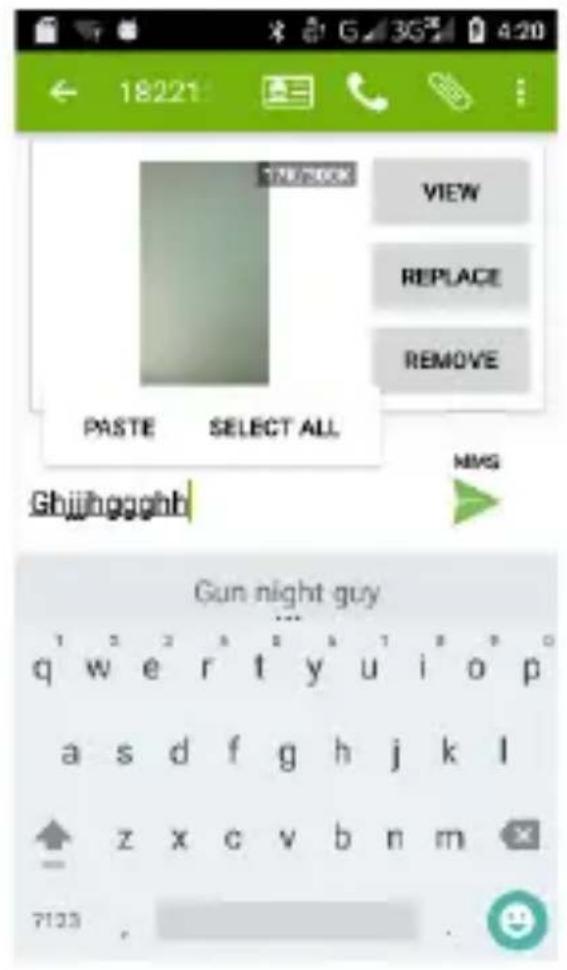
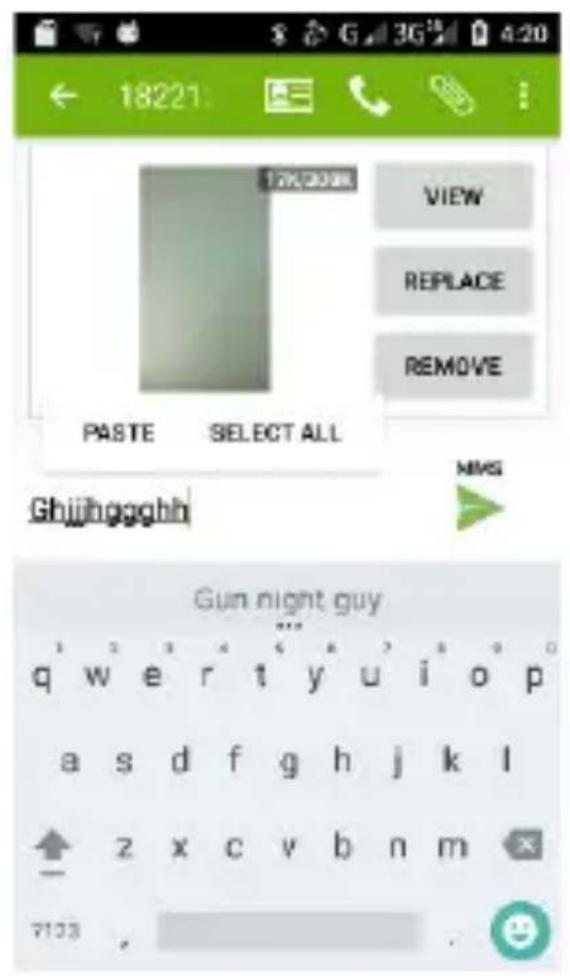
9. Messaging
Touch and hold the text box to select an input method. You can insert smiley, picture, audio or video files and send to multiple recipients.
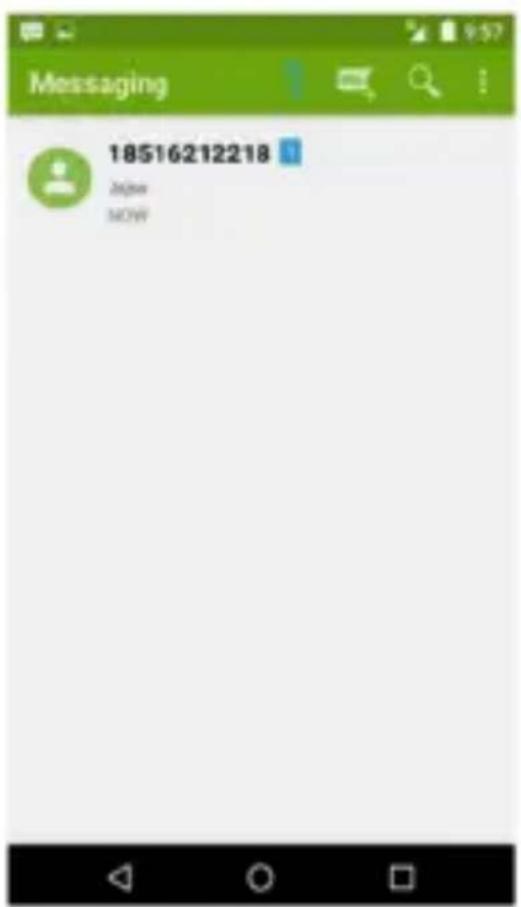
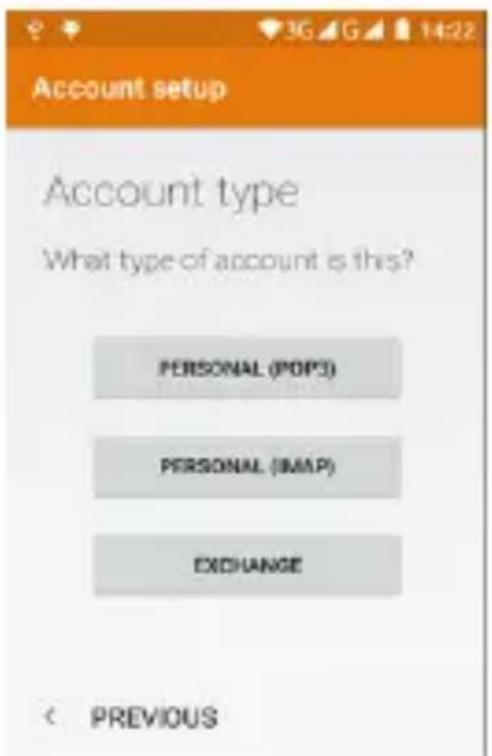
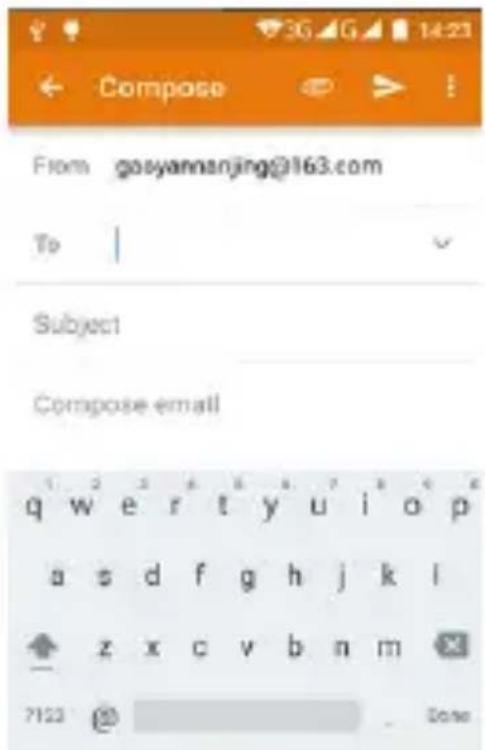
10. E-Mail
The email App enables you to read, compose and send emails, and is configured to work with all the major email
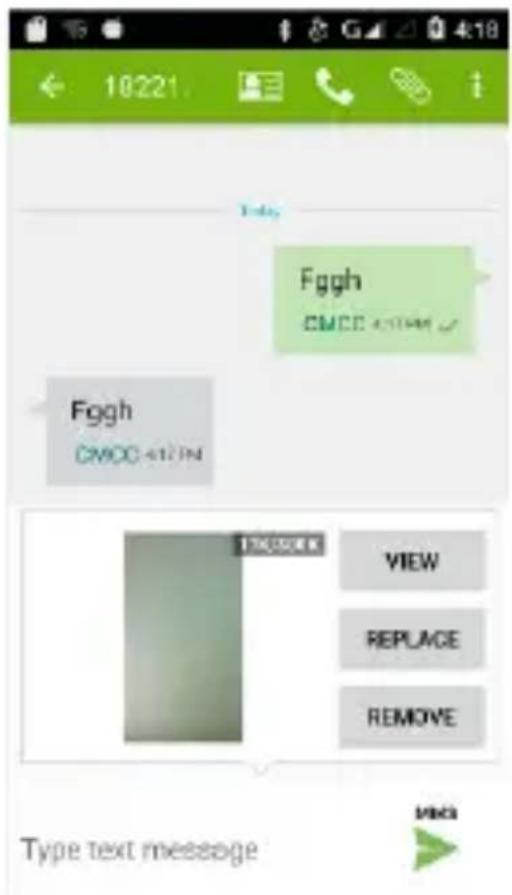
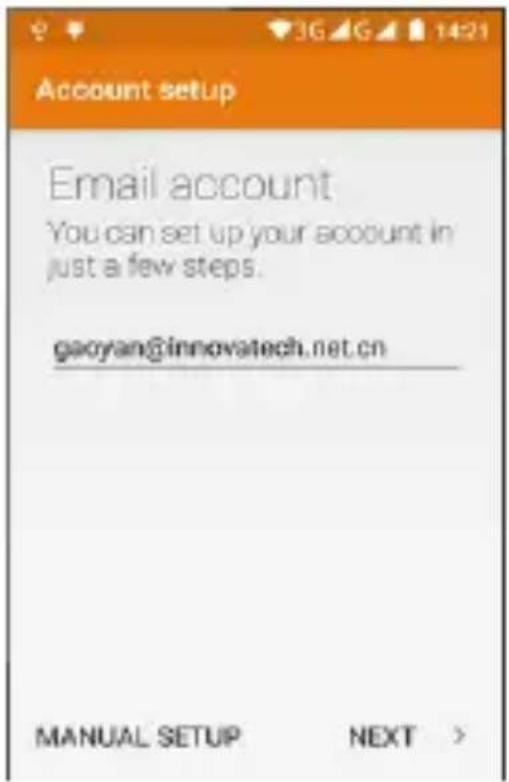
providers. Phone supports multiple account mode, and you won't miss any email.
11. Music
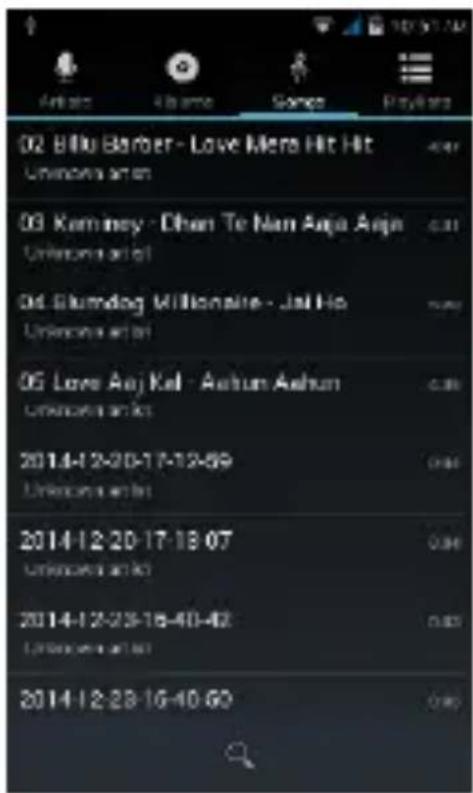
Your Phone supports various music formats, different sound effects, and 4 categorizing, i.e. Artists, Albums, Songs and Playlists.
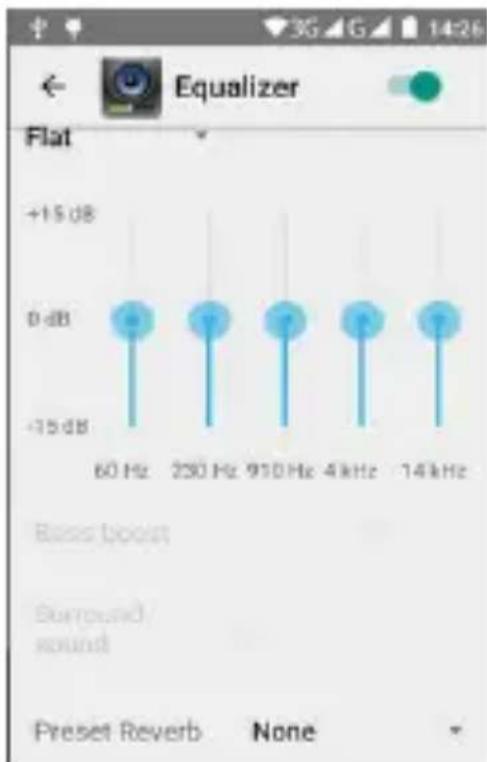
You can improve your earphone sound quality to adjust Equalizer settings.
bar
| Frequency | Value | | :--- | :--- | | 60 Hz | +15 dB | | 230 Hz | 0 dB | | 910 Hz | 0 dB | | 4 kHz | 0 dB | | 14 kHz | 0 dB |12. Video
Enjoy a visual feast in a variety of video formats, please choose Video player on your Phone.
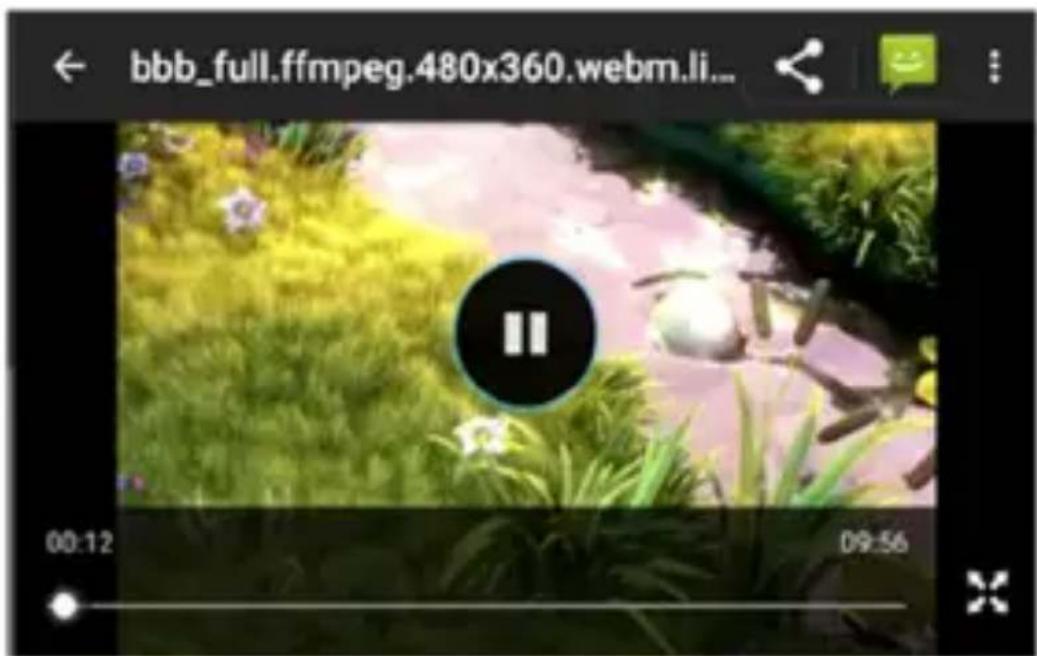
You can play Video files from different sources, Recorded Videos with your Camera, Video files from Internet or YouTube.
13. Photos
You will find it very easy to view all the photos. 7lick right or left to move among images. Double-tap or pinch the photo to zoom. You can edit, share, print, and more.
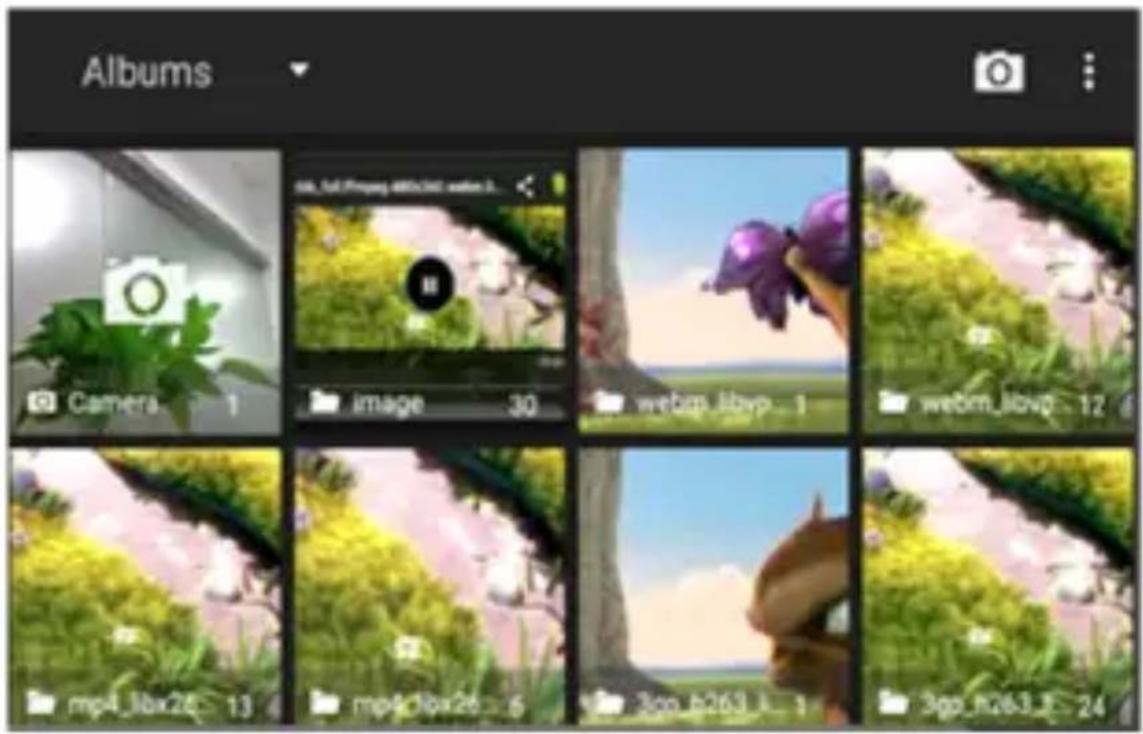
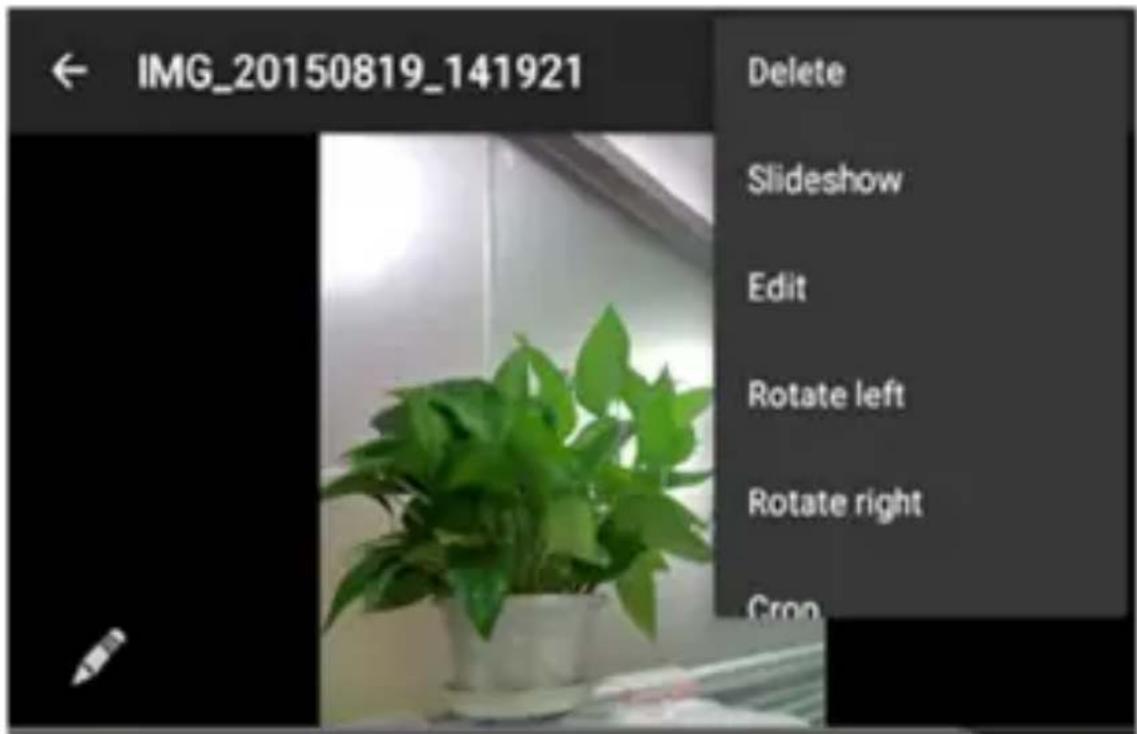
14. Cut, Copy and Paste
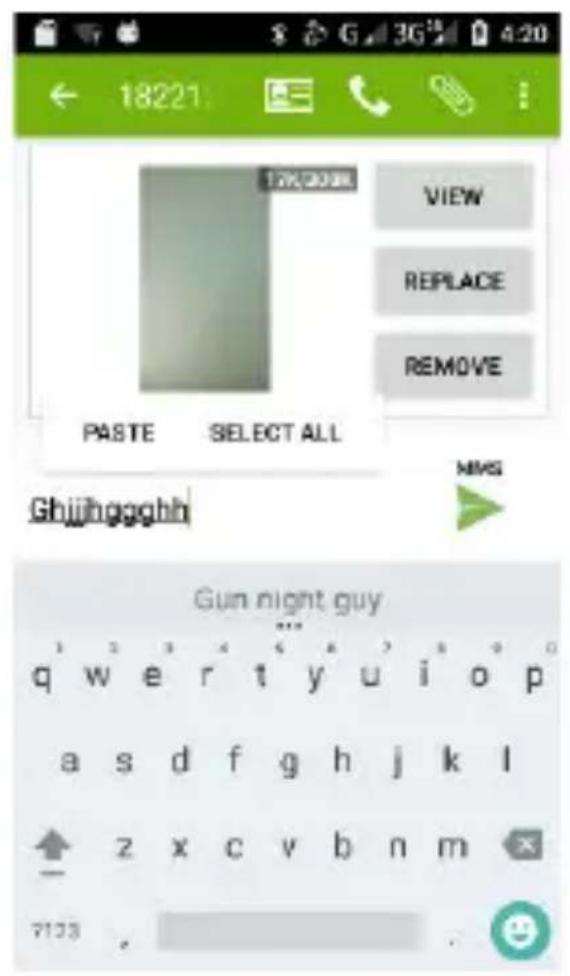
Touch and hold text content to bring up the magnifying glass, and then slide your finger to move the insertion points. Then tap to cut, copy, or paste. It is very easy to copy text from web pages, email, or text messages.
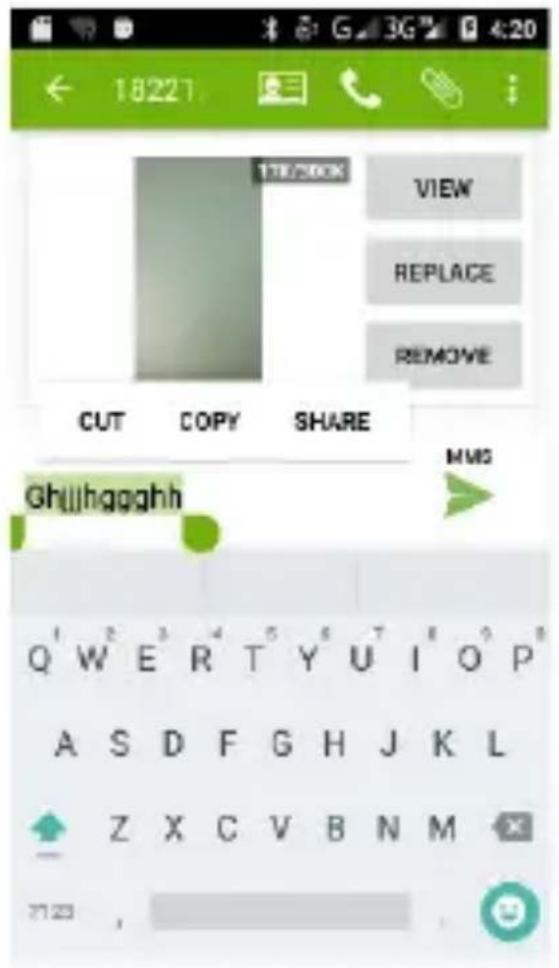
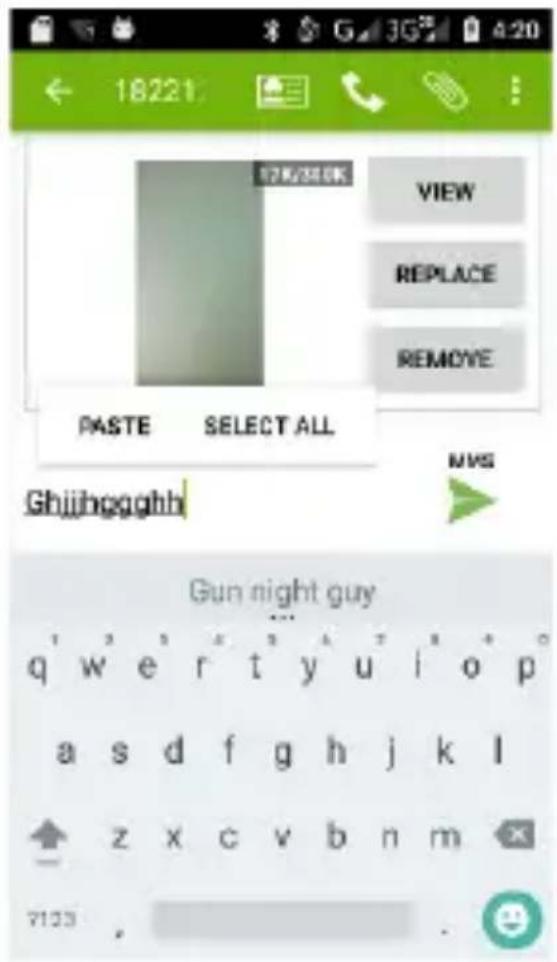
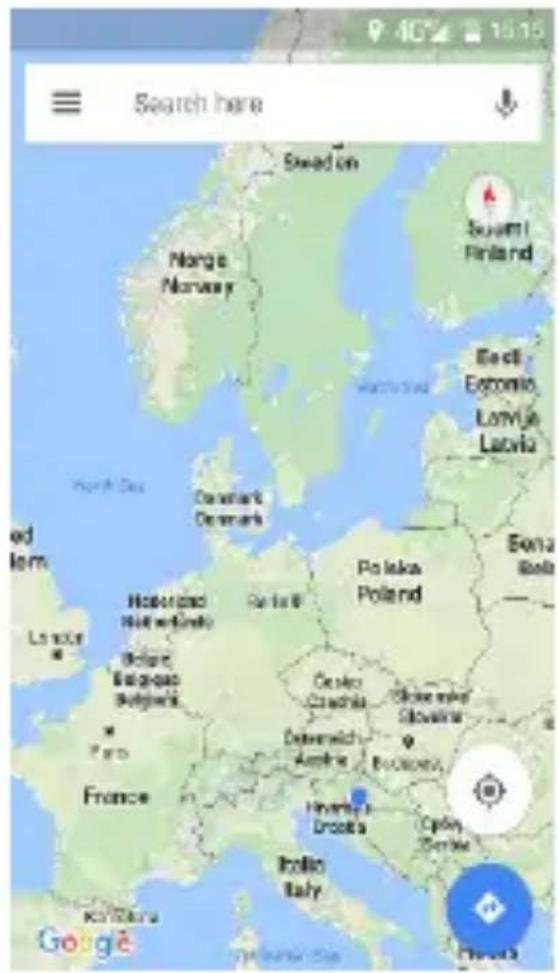
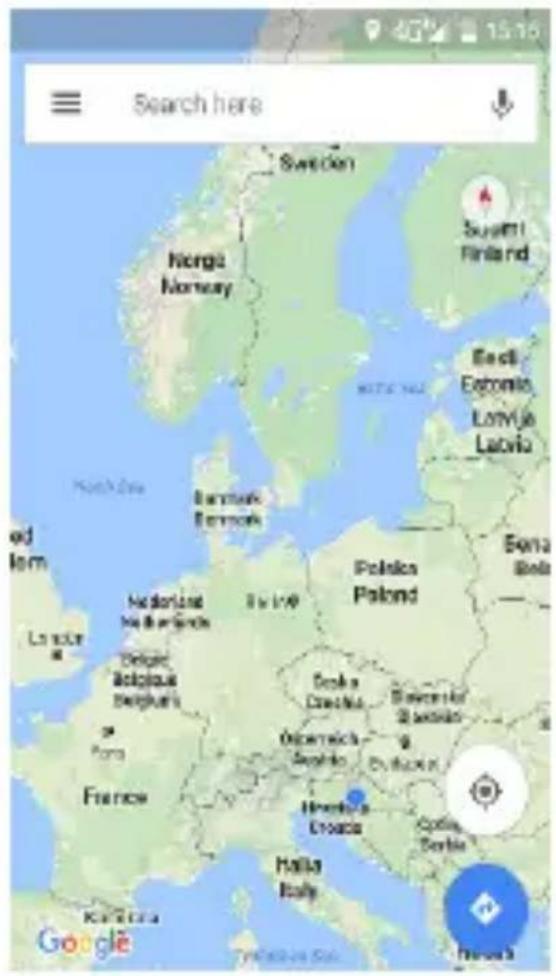
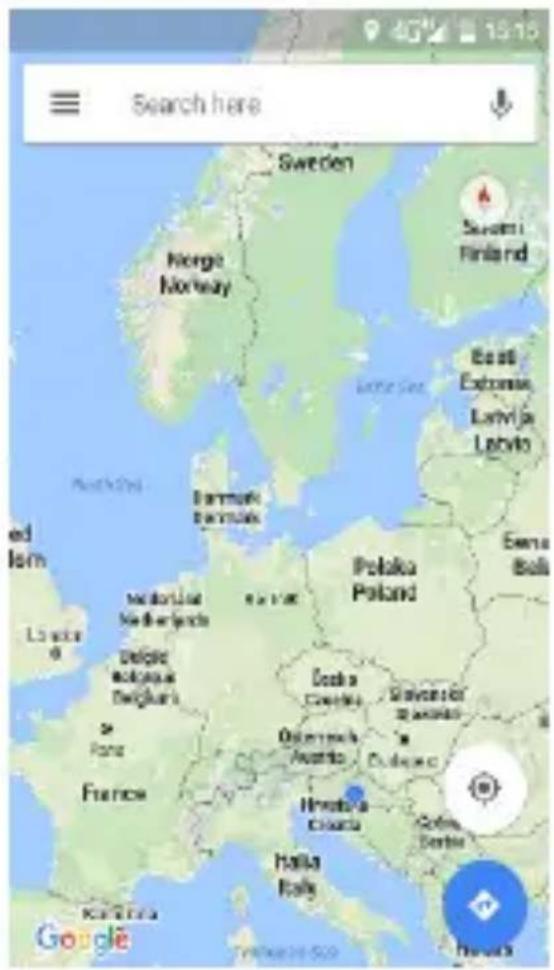
15. Maps and GPS
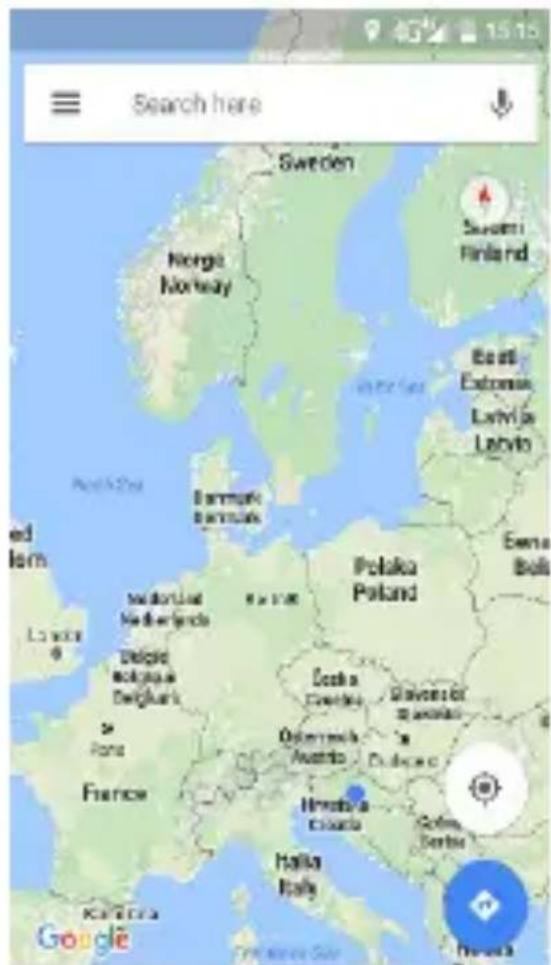
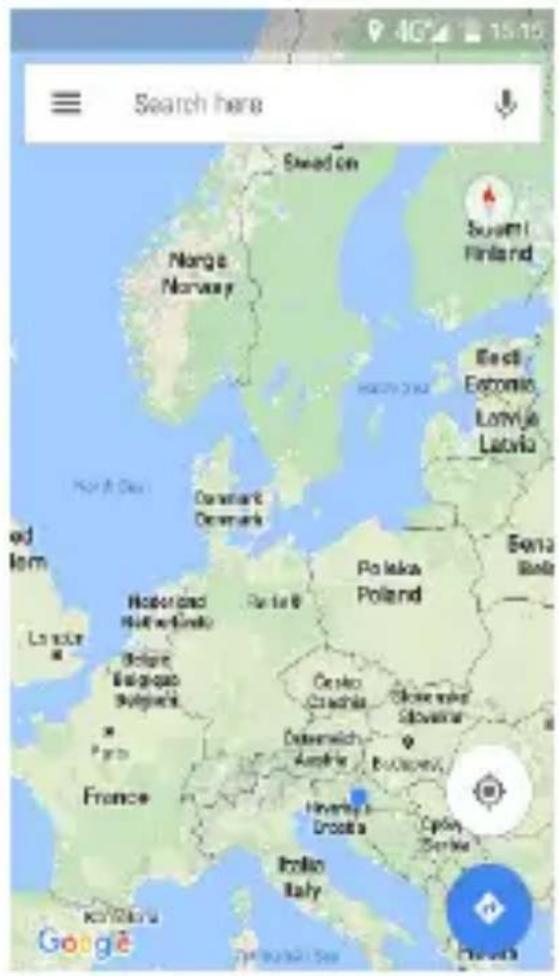
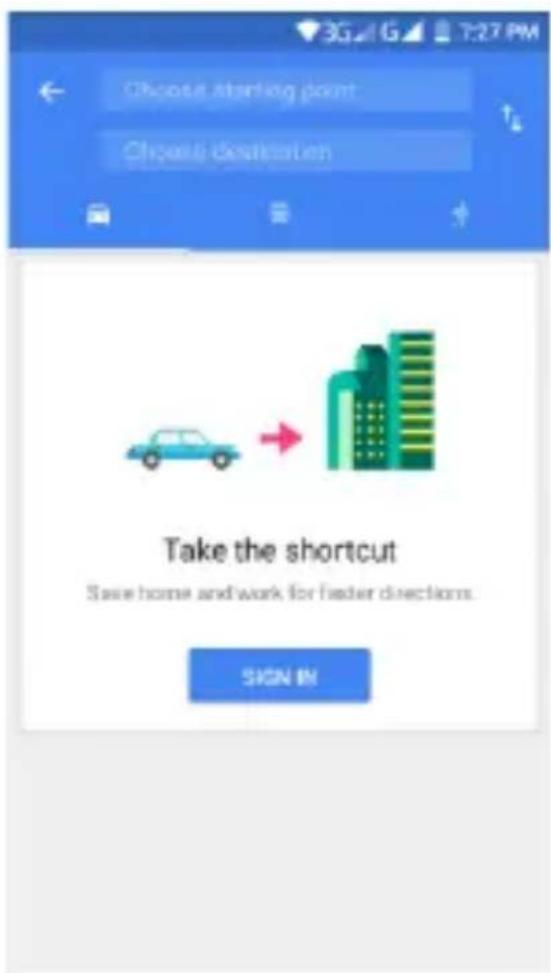
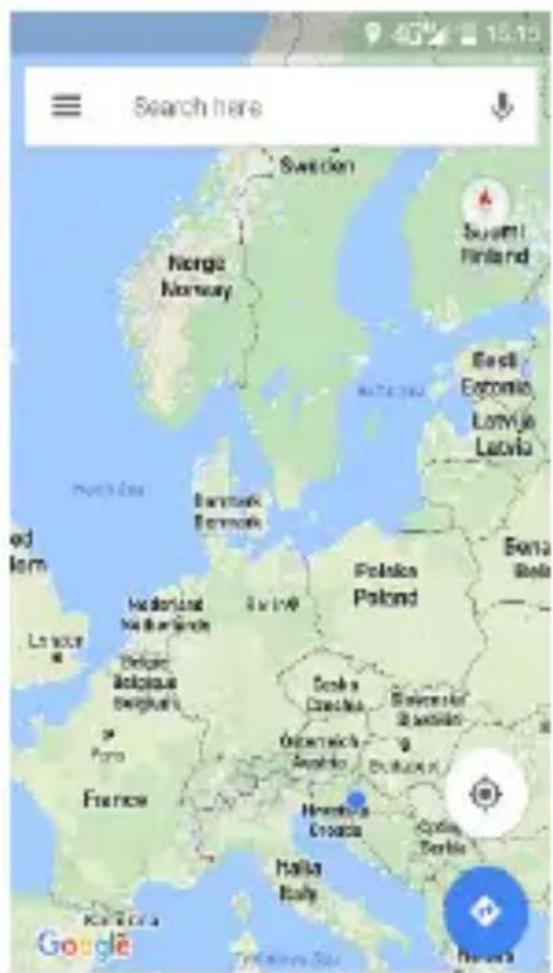
You can view satellite images or street map with detailed route instructions just as you are walking in the street. The Map App can be used to locate yourself, view real-time traffic conditions, pedestrian, bus routes or car driving route instructions. Available 9oogle maps
depends about your Internet connection and 9PS settings.
Also, you can download a various 9PS Route maps from 9oogle Play Store.
Logo Android™, Google™, Google Maps™, Gmail™, Google™ search, Android Wear™ Chrome™, YouTube™, Google Talk™ are Trademarks from Google Inc.
Wi-Fi ^® , Wi-Fi Protected Setup ^™ , Wi-Fi Direct ^™ , Wi-Fi CERTIFIED ^™ , and Wi-Fi logo are registered Trademarks from Wi-Fi Alliance.
Google, Android, Google Play and other marks are trademarks of Google LLC; Oreo is a trademark of Mondelez International, Inc. group.
POSTOVANII
Zahvaljujemo na kupnji Vivax uređaja i nadamo se da ćete biti zadovoljni odabirom. Ako u jamstvenom periodu bude potreben popravak proizvoda, molim savjetujte se sa ovlaštenim prodavačem koji Vam je proizvod prodao ili nas kontaktirajte na dolje navedene brojeve i adrese. MOLIMO VAS DA PRIJE UPOTREBE PROIZVODA PAŽLJIVO PROČITATE TEHNIČKU DOKUMENTACIJU I UPUTE KOJI SU PRILOŽENI UZ PROIZVODI
- brigade 1B, (Mejaši) HR-21000 Split
Tel. (021) 684 000, Fax. (021) 684 001
Radno vrijeme: 9:00 do 17:00 sati, pon-pet
POŠTOVANII
POTPIS I PEČAT PRODAVATELJA
natural_image
Solid gray vertical rectangle with no text, symbols, or discernible features
natural_image
Two vertical lines with no text or symbols, one extending left and the other on the right (no additional text or symbols)POSTOVANI!
Zažvalujemo na kupovini Vivaxuređaja i nadamo se da čete bili zadovolni odabirom. Ako u garantnom periodu bude potreban popravak proizvoda, molim savjetuje se s ovlaštenim prodavačem koji Vam je proizvod prodzo ili nas kontaktirajte na dole navedene brojeve i adrese. MOLIMO VAS DA PRIJE UPOTREBE PROIZVODA PAŽLJIVO PROČITATE TEHNIČKU DOKUMENTACIJU I UPUTSTVA KOJI SU PRILOŽENI UZ PROIZVODI
IZJAVA O SAOBRAZNOSTI
| MODEL UREDAJA |
| SERIJSKI BROJ |
| DATUM PRODAJE |
| BROJ RAČUNA PRODAVAOCA |
| POTPIS I PEČAT PRODAVAOCA |
INFORMACIJE POTROŠAČIMA
Poštovani,
natural_image
Solid dark gray vertical bar with no text or symbols

natural_image
Vertical gray gradient bar with no text or symbols