
FXFS2GSE - Beard trimmer BABYLISS - Free user manual and instructions
Find the device manual for free FXFS2GSE BABYLISS in PDF.


| Product Type | Rechargeable double foil shaver / Beard trimmer |
| Brand | BaByliss |
| Model | FXFS2GSE |
| Power supply | Mains adapter model CA78M (100-240V) or rechargeable Ni-MH battery |
| Charging time | 3 hours (first charge); full charge after 3 discharge/charge cycles |
| Battery life | Not specified, but battery reaches full capacity after 3 cycles |
| Noise level | LpA < 70 dB(A) |
| Vibrations | < 2.5 m/s² |
| Blade material | Stainless steel (double metal foil) |
| Daily maintenance | Brush the blades with the provided brush after each use |
| Weekly maintenance | Rinse the shaving head under water (do not immerse the appliance) and let it dry |
| Lubrication | Regularly lubricate the internal blades for proper operation |
| Charge indicator | LED indicator (lights up during charging) |
| Spare parts | Replaceable shaving head and internal blades |
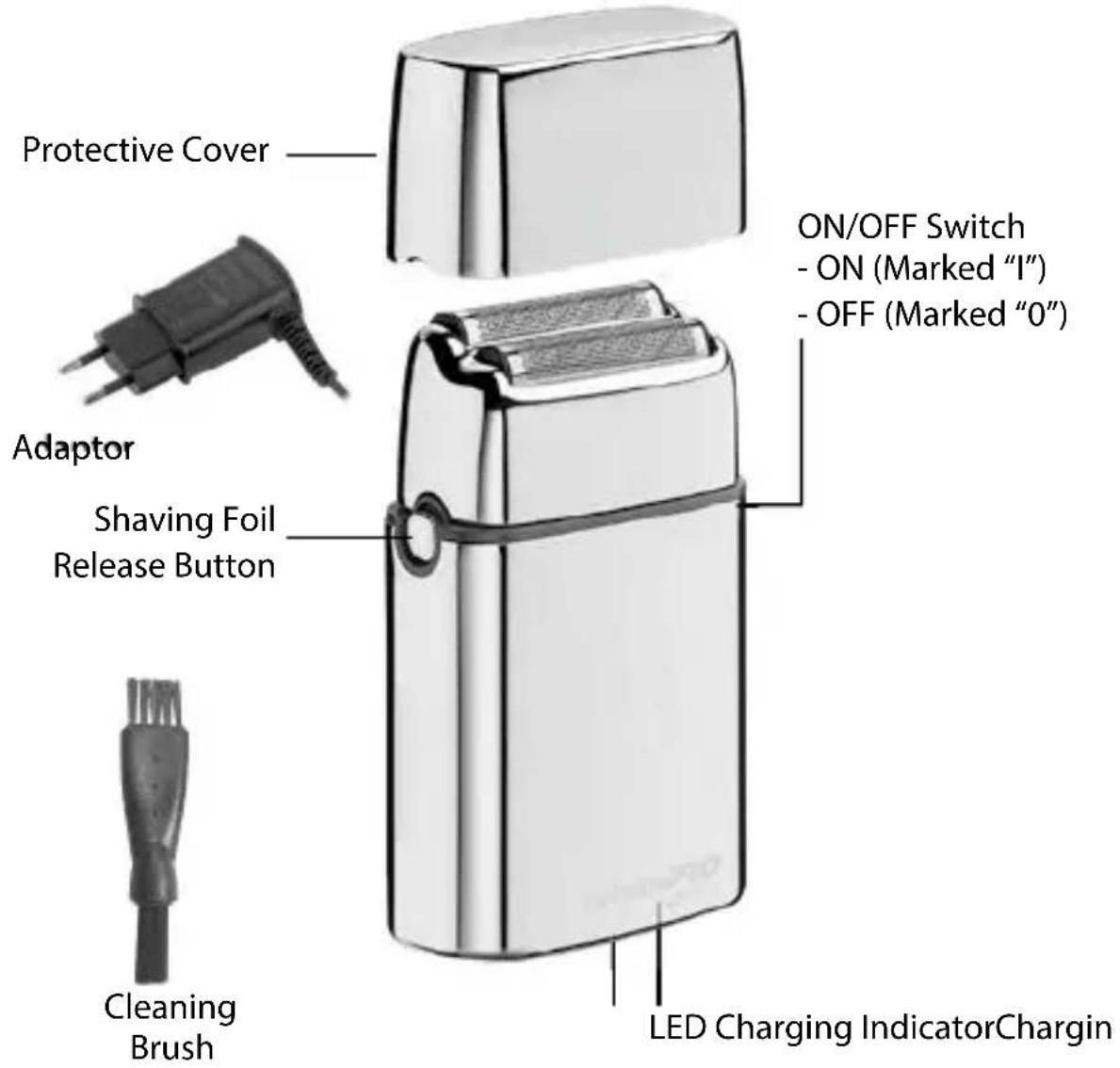
| Included accessories | Mains adapter, cleaning brush, protective cover |
| Safety | Do not use in humid environment or immerse; do not clean with hairdryer |
| Approximate weight | 200 g |
| Approximate dimensions | 15 x 5 x 3 cm |
Frequently Asked Questions - FXFS2GSE BABYLISS
User questions about FXFS2GSE BABYLISS
0 question about this device. Answer the ones you know or ask your own.
Ask a new question about this device
Download the instructions for your Beard trimmer in PDF format for free! Find your manual FXFS2GSE - BABYLISS and take your electronic device back in hand. On this page are published all the documents necessary for the use of your device. FXFS2GSE by BABYLISS.
USER MANUAL FXFS2GSE BABYLISS
BaBylissPRO® 4artists
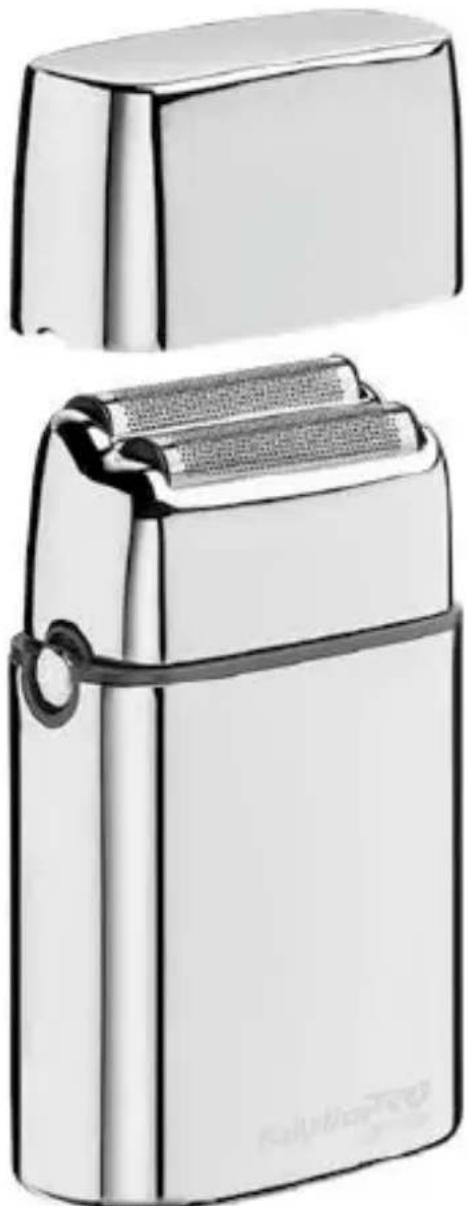
natural_image
Illustration of a silver and silver electronic device with a flat lid and handle (no text or symbols visible)RASOIR DOUBLE GRILLE RECHARGEABLE CORD/CORDLESS METAL DOUBLE FOIL SHAVER
FRANCAIS
natural_image
Technical line drawing of a mechanical component with two views (top and side), showing internal structure and assembly (no text or symbols)Fig. 1 Fig. 2
natural_image
Technical line drawing of a mechanical assembly with four views (top, front, side, and top) showing internal components and directional arrows (no text or symbols)Fig. 3 Fig. 4
natural_image
Close-up of a mechanical device with a cylindrical component inserted, showing internal components and motion lines (no text or symbols visible)RETRAIT DES PILES
RASOIR DOUBLE LAME AVEC/SANS FIL FXFS2E - FXFS2GE - FXFS2GSE - FXFS2IE
Please carefully read the safety instructions before using the appliance.
Adaptor CA78M
Vibrations < 2,5 m/s ^4
LpA (dB(A)) < 70
CORD/CORDLESS METAL DOUBLE FOIL SHAVER
FXFS2E - FXFS2GE - FXFS2GSE - FXFS2IE
OPERATING INSTRUCTIONS
- Before using the shaver for the first time, charge continuously for 3 hours. Maximum battery capacity will only be reached after 3 charging and discharging cycles.
- Make sure the switch on the shaver is in the OFF (O) position. Connect the charging jack into the receptacle on the bottom of the shaver. Plug the adapter into any electrical outlet (at the voltage listed on the label affixed to the adaptor). The charging indicator will light up to indicate that the charging has begun. Charging is complete after 3 hours.
- The adapter may become warm while charging. This is normal.
- Preserving the batteries: In order to maintain the optimum
capacity of the rechargeable batteries, the shaver should be recharged for 3 hours approximately every 6 months.
- Make sure the switch is in the OFF (O) position when the shaver is not operating.
WARNING: Changes or modifications to this unit not expressly approved by the party responsible for compliance could void the user's authority to operate the equipment. This device complies with Part 15 of the FCC Rules.
Operation is subject to the following two conditions: (1) This device may not cause harmful interference, and (2) this device must accept any interference received, including interference that may cause undesired operation.
NOTE: This equipment has been tested and found to comply with the limits for a Class B digital device, pursuant to Part 15 of the FCC Rules. These limits are designed to provide reasonable protection against harmful interference in a residential installation. This equipment generates, uses and can radiate radio frequency energy and, if not installed and used in accordance with the instructions, may cause harmful interference to radio communications.
However, there is no guarantee that interference will not occur in a particular installation. If this equipment does cause harmful interfe-
rence to radio or television reception, which can be determined by turning the equipment off and on, the user is encouraged to try to correct the interference by one or more of the following measures:
- Reorient or relocate the receiving antenna.
- Increase the separation between the equipment and receiver.
- Connect the equipment into an outlet on a circuit different from that to which the receiver is connected.
- Consult the dealer or an experienced radio/TV technician for help.
Caution: Any changes or modifications not expressly approved by Conair Corporation, the manufacturer of this product and the party responsible for compliance, could void the user's authority to operate the equipment.
Make sure shaver is off. Connect charging jack into the receptacle at the bottom of shaver and plug the adapter into power outlet.
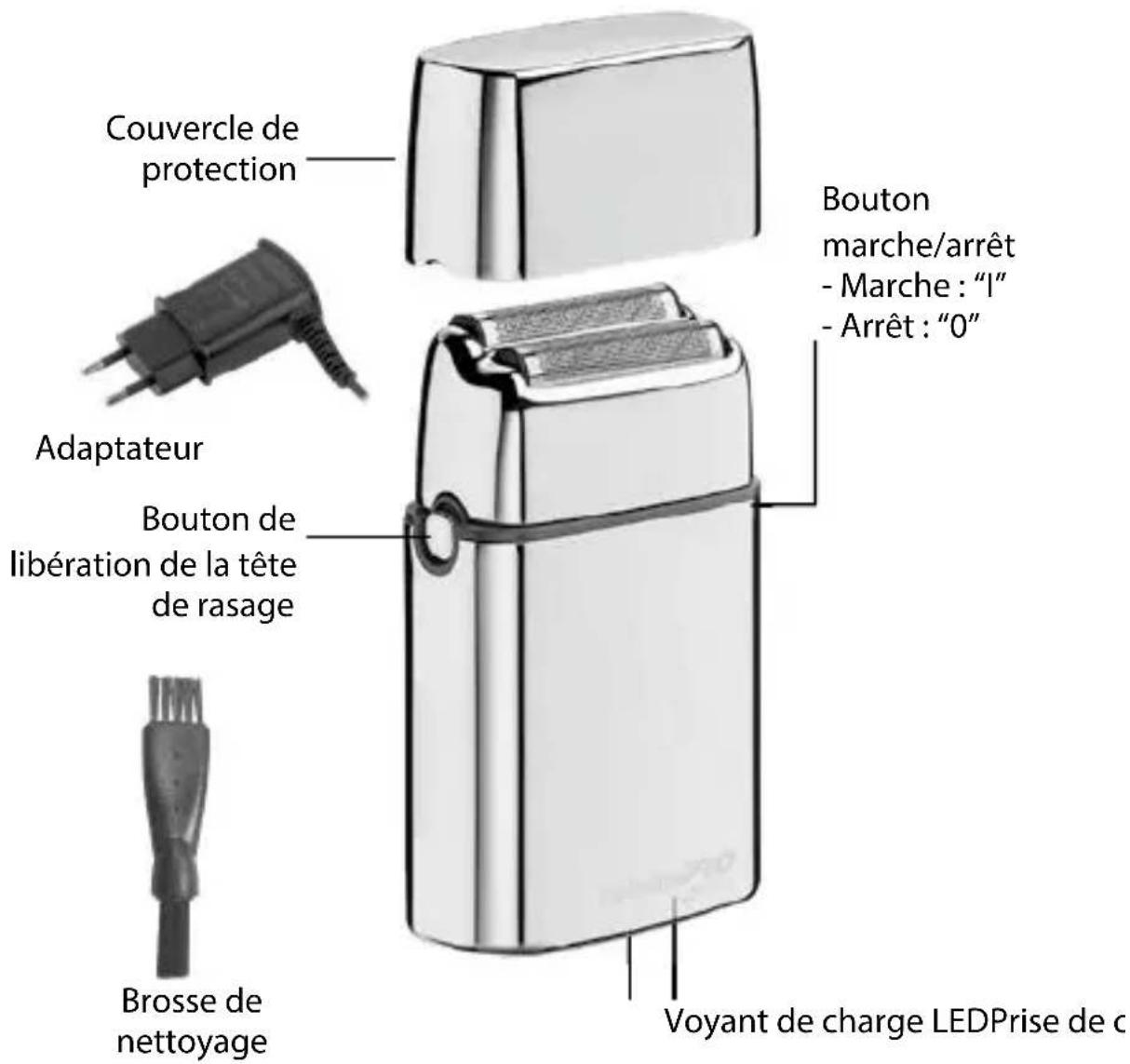
ON/OFF SWITCH
To operate, simply slide switch to the ON (I) position. To stop operation, set to the OFF (O) position.
VERY IMPORTANT: Cutters must be cleaned and oiled on a regular basis for proper functioning. Failure to regularly clean and oil the cutters will void the warranty.
BASIC INSTRUCTIONS FOR USE
- Men whose skin is sensitive or easily irritated by shaving, or who suffer from a skin allergy, should test one section on the leg or arm before using the shaver.
-
Remove the protective cover and turn on the unit to start shaving. Hold the shaver at a right angle to the area that you want to shave and run the double shaving foil carefully along your skin. Tip: In general, we recommend that you shave against the direction of hair growth, as this is the best way to trim the hair. Pull your skin tight, with your fingers in inaccessible areas, to achieve optimum results.
-
Switch the shaver off each time after shaving and clean it.
-
Do not push the shaver on the skin too hard as it could cause irritation, make the shaver warm and prevent a perfect shave.
-
Please note that it takes 2 to 4 weeks for your skin to adapt to a shaver, so please do not change shaving instruments in this period of time.
-
If hair is longer than 1mm begin by cutting the hair down first with a trimmer, than use shaver for a smooth close shave.
USER MAINTENANCE INSTRUCTIONS
TAKING CARE OF YOUR SHAVER
Do not remove the shaving foil unit while the shaver is switched on. Always switch the shaver off!
Ensure that no water gets into the inside of the shaver to avoid the risk of an electric shock when it is back in operation.
Never press on the cutting blades or the shaving foil and do not touch them with hard objects as this can cause irreparable damage to the shaver or parts.
Be careful when dealing with the blades, as they are very sharp. Risk of injury!
When cleaning, do not apply any detergents or scouring agents and do not use any abrasive or sharp objects. They can cause irreparable damage to the shaver.
NOTE: When cleaning your shaver, make sure the unit is turned off.
CAUTION!
- DO NOT run shaver or cutters under water. Use only the small brush (included) to clean.
• To clean the external surfaces of the shaver, use a damp cloth. Do not use strong detergents or other chemicals. - To dry, wipe the surface of the shaver with a dry towel. Do not use a hair dryer or heater to dry the shaver.
• The shaver should not be used
until it has completely dried.
- Be sure voltage is correct before plugging in. For connection to power supply not in the U.S.A.abroad use an attachment plug adapter of the proper configuration for power outlet. The included adapter automatically adjusts to the input voltage.
DO NOT USE A VOLTAGE CONVERTER.
TO REPLACE FOIL HEAD ASSEMBLY
- Remove the foil head assembly by pressing the round release button located on the side of the shaver. Hold the foil head assembly on both sides and lightly pull away from shaver unit.
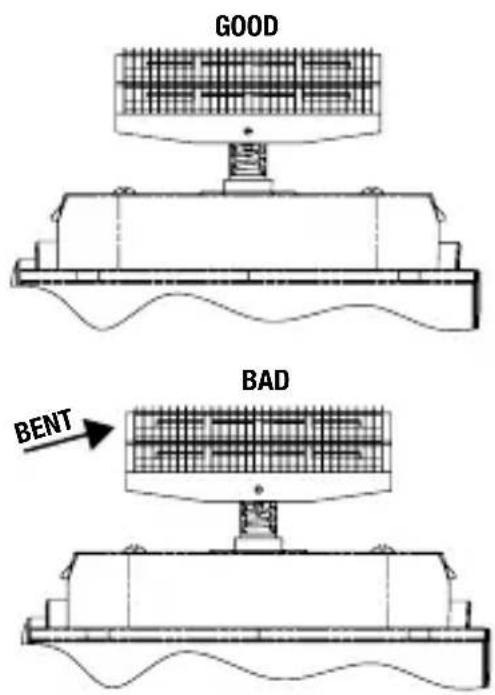
- Take the replacement foil head assembly out of package. Align the replacement foil head assembly over the cutters. Carefully move the replacement foil head assembly down towards the shaver unit until it firmly snaps into place. BE CAREFUL NOT TO DAMAGE THE FOILS OR CUTTERS WHILE INSTALLING.
TO REPLACE CUTTERS
NOTE: Always replace the cutters and foil head assembly at the same time.
-
To remove cutters, place your fingers on each side and gently pull up and away from drive shaft.
-
To replace cutters, remove the new cutters from their packaging. Align cutter about the drive shaft and lightly push down until it snaps into place.
-
Replace the foil head assembly, turn shaver on to ensure it is working properly.
Daily Maintenance:
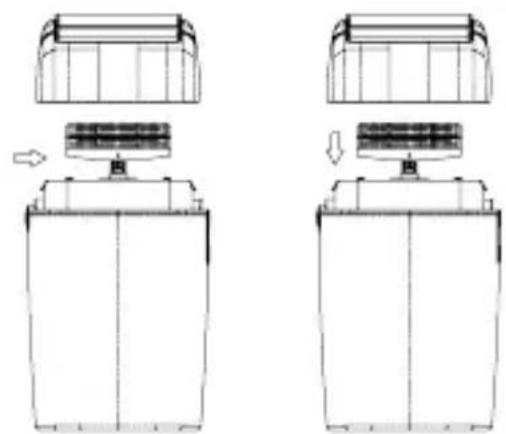
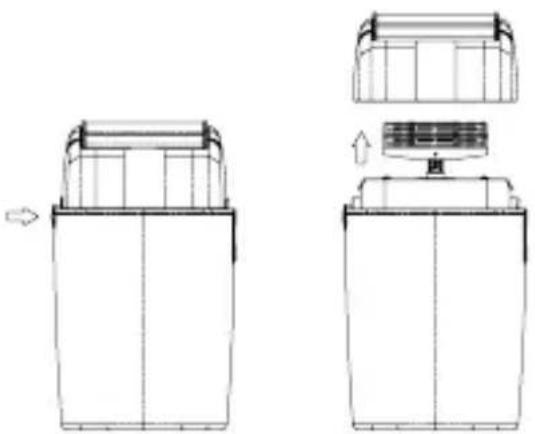
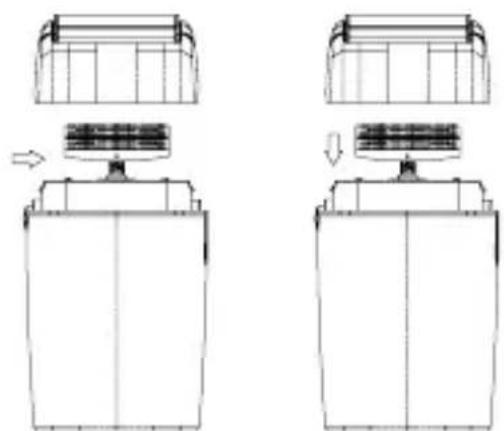
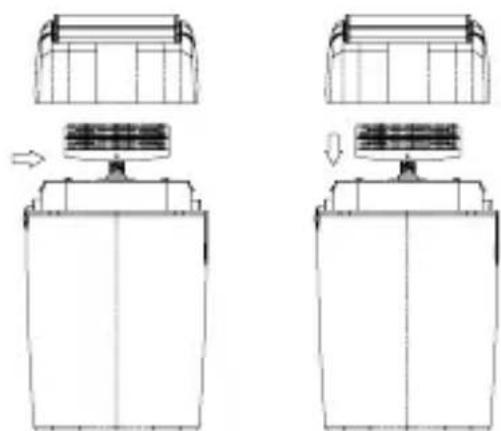
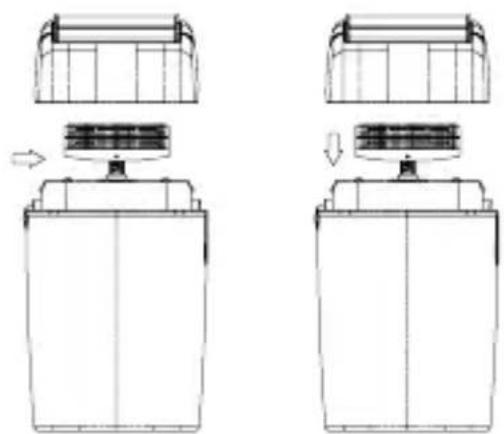
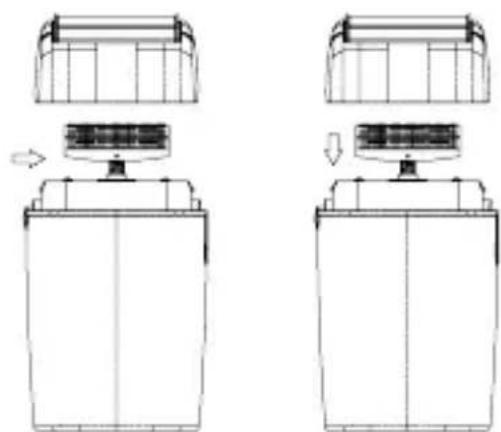
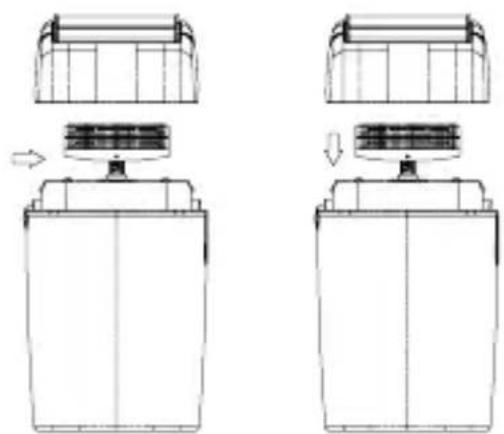
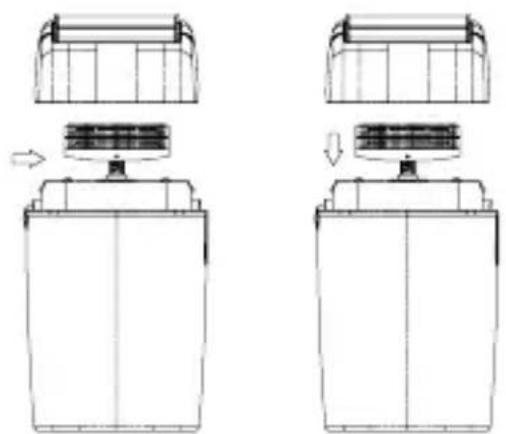
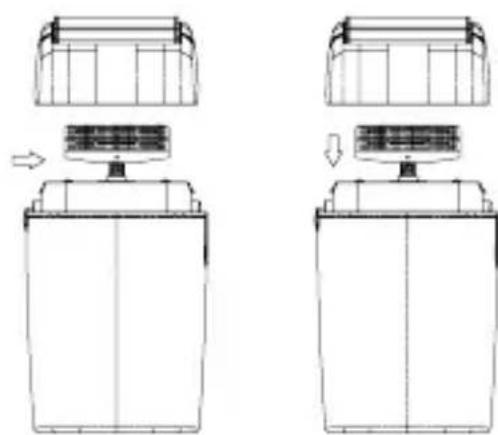
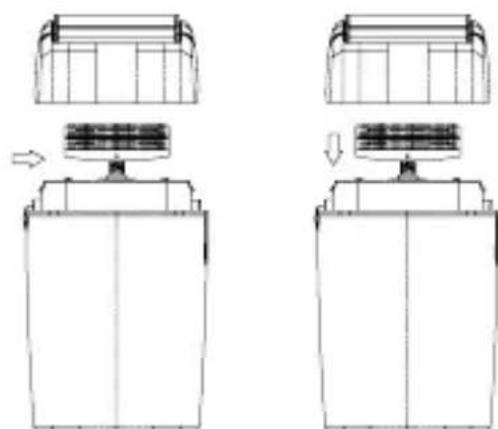
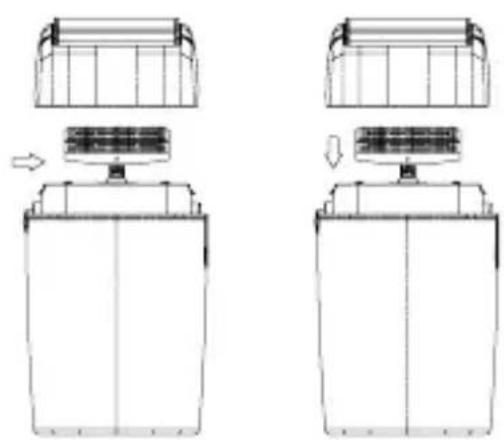
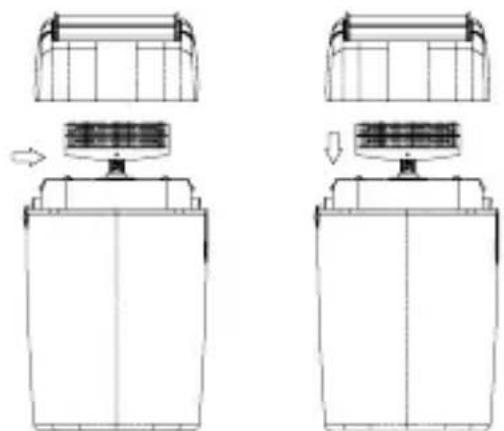
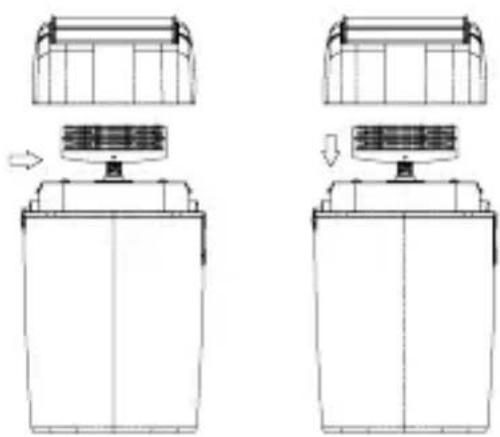
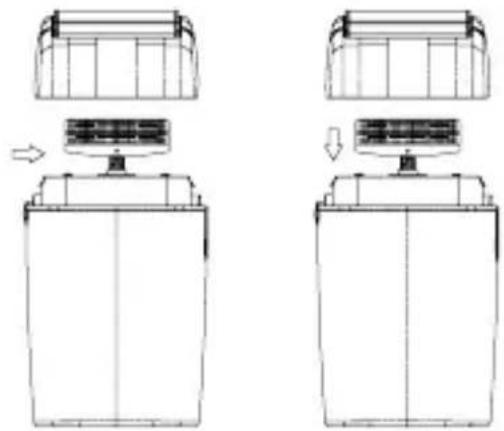
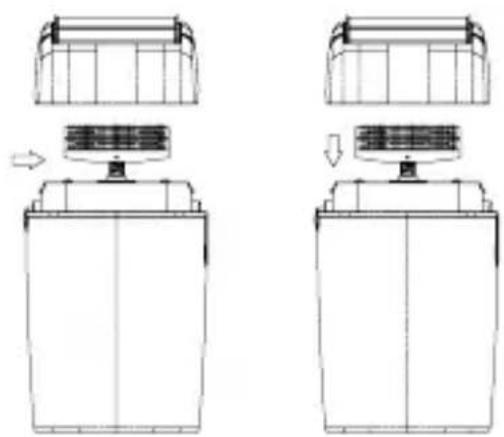
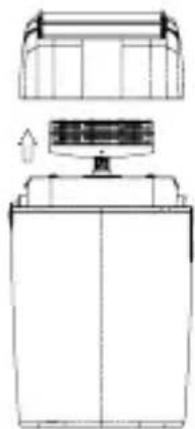
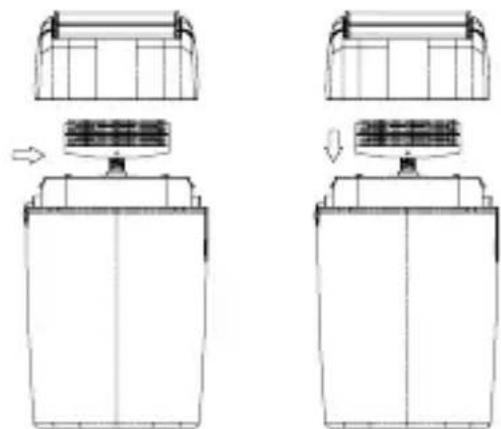
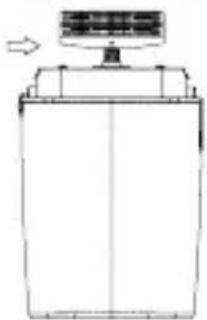
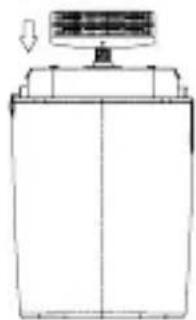
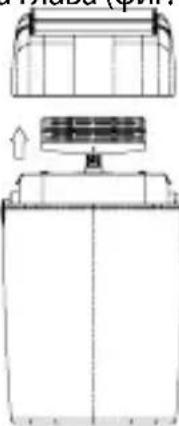
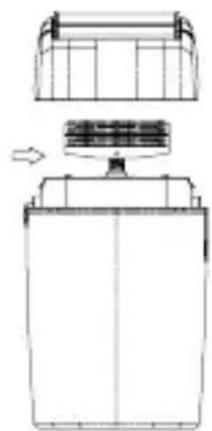
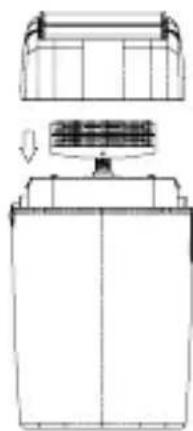
- Press the release button on the sides of shaver and remove the head assembly (see Fig. 1 & 2).
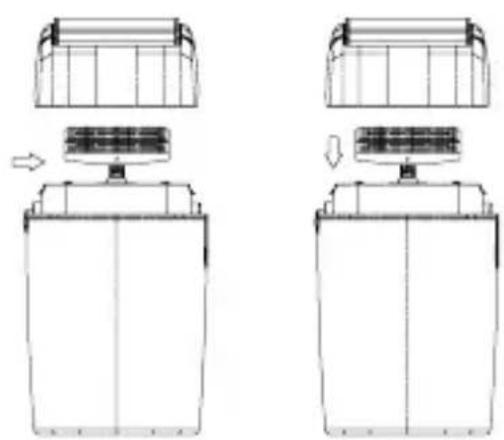
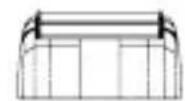
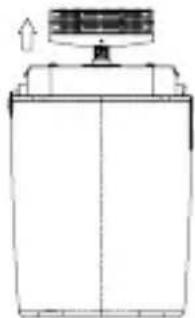
- Use cleaning brush to whisk away any debris on and around cutter (See Fig. 3).
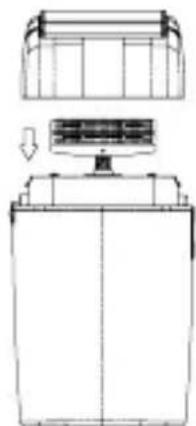
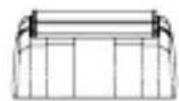
- Snap the head assembly closed (see Fig. 4)
natural_image
Technical line drawing of a mechanical component with two views and a top view, showing internal structure and assembly (no text or symbols)Fig. 1 Fig. 2
natural_image
Technical line drawing of a mechanical assembly with two views showing internal components and directional arrows (no text or symbols)Fig. 3 Fig. 4
Weekly Maintenance:
- Repeat steps 1 – 3 from the Daily Maintenance cleaning steps.
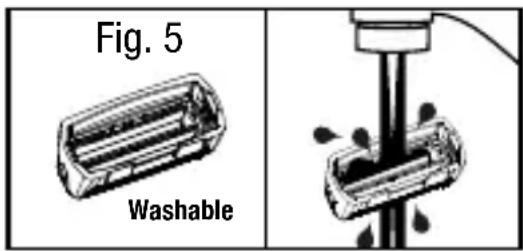
- Rinse the head of the shaver under running water (see Fig. 5).
NEVER submerge the shaver in water. - Leave head open for drying.
- Press the shaver head back into place (see Fig. 4).
BATTERY REMOVAL
When your rechargeable shaver reaches the end of its useful life, the Ni-MH batteries must be removed from the shaver and be recycled or disposed of properly in accordance with your state and local requirements. If this is not required by law, you may elect to dispose of the shaver with the batteries.
To remove the rechargeable battery:
- Unplug the shaver.
- Run shaver until motor stops.
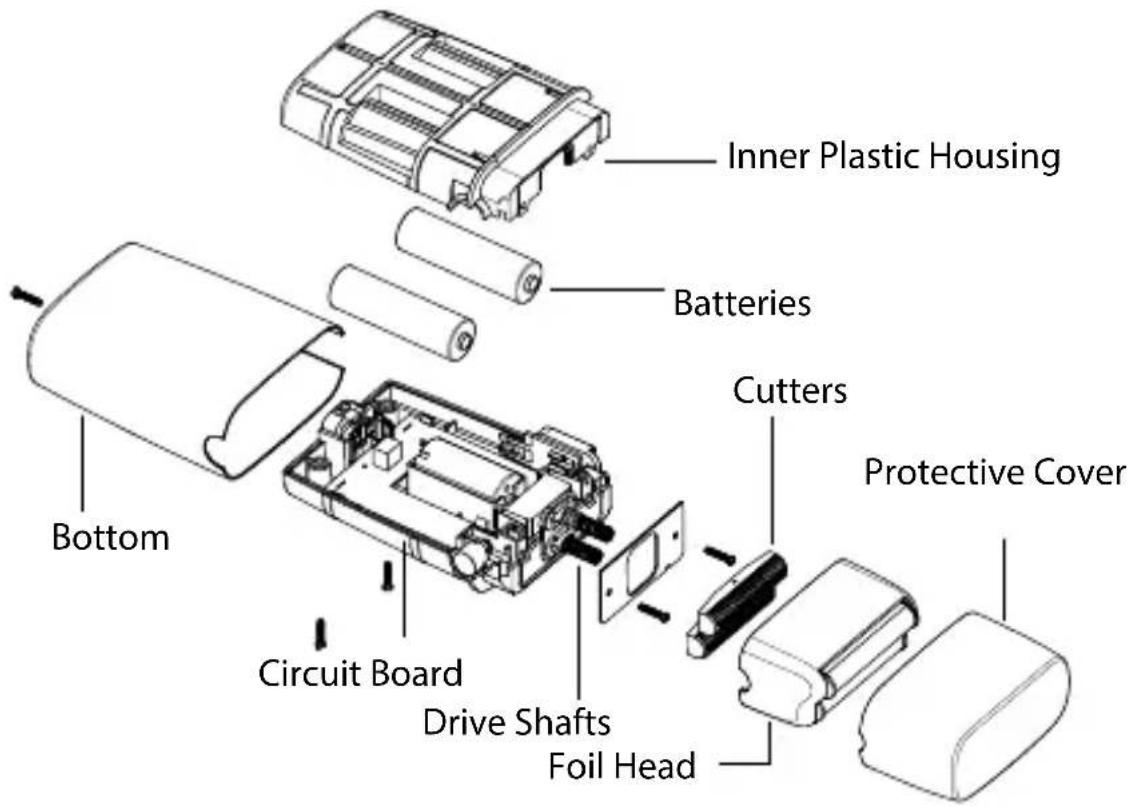
- Remove foil head from shaver (press release button and pull head away from shaver body).
- Remove screw from bottom housing. Remove 2 screws from metal plate under cutters.
- Remove cutters by pulling away from drive shafts.
- Remove on/off switch and re-
lease button by lightly prying free with a small screw driver.
- Slide off metal cover.
- Remove screws holding inner plastic casing together.
- Pry batteries free from circuit board and cut wires.
- Dispose batteries.
CONTAINS NICKEL METAL HY-DRIDE BATTERY. MUST BE COLLECTED, RECYCLED OR DISPOSED OF PROPERLY. DO
NOT DISPOSE OF IN THE MUNICIPAL WASTE.
CAUTION: ALL RECHARGEABLE BATTERIES MUST BE RECYCLED OR DISPOSED OF IN ACCORDANCE WITH APPLICABLE STATE AND LOCAL REGULATIONS. DO NOT PUT IN FIRE OR MUTILATE, AS THE BATTERY MAY BURST OR RELEASE TOXIC MATERIALS. DO NOT SHORT-CIRCUIT, AS THIS MAY CAUSE BURNS.
FXFS2E - FXFS2GE - FXFS2GSE - FXFS2IE CORD/CORDLESS DOUBLE FOIL SHAVER
DEUTSCH
natural_image
Technical line drawing of a mechanical component with two views showing internal structure and assembly (no text or symbols)Fig. 1 Fig. 2
natural_image
Technical line drawing of a mechanical component with two views showing assembly or assembly steps (no text or symbols)Fig. 3 Fig. 4
natural_image
Technical line drawing of a mechanical component with two views showing internal structure and assembly (no text or symbols)Fig. 1 Fig. 2
natural_image
Technical line drawing of a mechanical component with two views showing assembly or assembly steps (no text or symbols)Fig. 3 Fig. 4
natural_image
Technical line drawing of a mechanical component with two views and directional arrows indicating assembly (no text or symbols)Fig. 1 Fig. 2
natural_image
Technical line drawing of a mechanical component with two views showing assembly or assembly steps (no text or symbols)Fig. 3 Fig. 4
natural_image
Technical line drawing of a mechanical component with three views (top, front, side), showing internal structure and assembly (no text or symbols)Fig. 1 Fig. 2
natural_image
Technical line drawing of a mechanical component with two views showing internal structure and directional arrows (no text or symbols)Fig. 3 Fig. 4
natural_image
Technical line drawing of a mechanical component with two views and a top view, showing internal structure and assembly (no text or symbols)Fig. 1 Fig. 2
natural_image
Technical line drawing of a mechanical assembly with two views showing internal components (no text or symbols)Fig. 3 Fig. 4
Limpeza semanal:
ANVEND IKKE APPARATET MED EN SPÆNDINGSOMFORMER.
UDSKIFTNING AF BARBERHO- VED
natural_image
Technical line drawing of a mechanical component with two views and a top view showing internal structure (no text or symbols)Fig. 1 Fig. 2
natural_image
Technical line drawing of a mechanical assembly with two views showing internal components (no text or symbols)Fig. 3 Fig. 4
natural_image
Technical line drawing of a mechanical component with two views and a central component, showing internal structure and assembly (no text or symbols)Bild 1 Bild 2
natural_image
Technical line drawing of a battery pack assembly (no text or symbols)Bild 3 Bild4
Veckounderhåll:
BRUK MED STR∅M TILKOPLET
Kontroller at apparatet er slått av. Koble ledningen direkte til apparatet, og koble strømadapteren til en stikkontakt.
PÅ/AV-BRYTER
VEDLIKEHOLD AV BARBERMAS- KINEN
natural_image
Technical line drawing of a mechanical component with two views showing internal structure and assembly (no text or symbols)Fig. 1 Fig. 2
natural_image
Technical line drawing of a mechanical assembly with two views showing internal components (no text or symbols)Fig. 3 Fig. 4
natural_image
Technical line drawing of a mechanical component with two views and top view, showing internal structure and assembly (no text or symbols)Kuva 1 Kuva 2
natural_image
Technical line drawing of a mechanical assembly with two views showing internal components (no text or symbols)Kuva 3 Kuva 4
natural_image
Line drawing of a container with an arrow indicating direction (no text or symbols)Eik. 1 Eik. 2
natural_image
Technical line drawing of a mechanical device with no visible text or symbols
natural_image
Technical line drawing of a mechanical assembly with no visible text or symbolsEik. 3 Eik. 4
natural_image
Technical line drawing of a mechanical component with two views and directional arrows indicating assembly (no text or symbols)- ábra 2. ábra

natural_image
Technical line drawing of a mechanical component with two views showing assembly or assembly steps (no text or symbols)- ábra 4. ábra
Heti karbantartás:
natural_image
Technical line drawing of a mechanical component with two views and directional arrows indicating assembly (no text or symbols)Rys. 1 Rys. 2
natural_image
Technical line drawing of a mechanical component with two views showing assembly or assembly steps (no text or symbols)Rys. 3 Rys. 4
Týdenní údržba:
natural_image
Technical line drawing of a mechanical component with two views and directional arrows indicating assembly (no text or symbols)Рис. 1 Рис. 2
natural_image
Technical line drawing of a mechanical component with four views showing assembly or assembly steps (no text or symbols)Рис. 3 Рис. 4
Еженедельный уход:
natural_image
Technical line drawing of a mechanical device with two views and internal components (no text or symbols)Şekil. 1 Şekil. 2
natural_image
Technical line drawing of a mechanical assembly with two views showing top and side views (no text or symbols)Şekil. 3 Şekil. 4
Haftalık Bakım:
natural_image
Technical line drawing of a mechanical component with two views and directional arrows indicating assembly (no text or symbols)1 pav. 2 pav.
natural_image
Technical line drawing of a mechanical assembly with four views showing internal components and directional arrows (no text or symbols)3 pav. 4 pav.
natural_image
Technical line drawing of a mechanical component with no visible text or symbolsFig. 1 Fig. 2
natural_image
Technical line drawing of a mechanical device with top and side views (no text or symbols)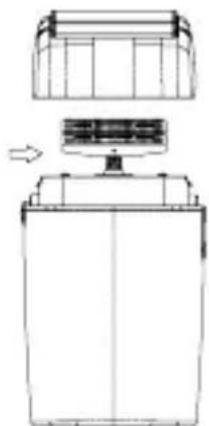
natural_image
Technical line drawing of a mechanical device with a top component and internal components (no text or symbols)Fig. 3 Fig. 4
natural_image
Technical line drawing of a mechanical device with a top panel and internal components (no text or symbols)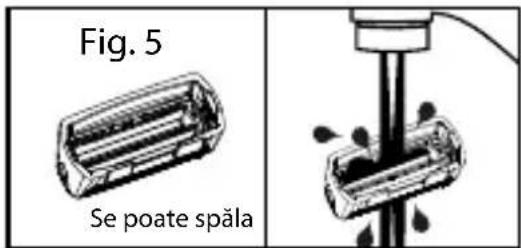
LIETOŠANA, PIESLĖDZOT ELEKTRĪBAS TĪKLAM
natural_image
Technical line drawing of a mechanical component with two views showing internal structure and assembly (no text or symbols)Att. 1 Att. 2
natural_image
Technical line drawing of a mechanical component with two views showing assembly or assembly steps (no text or symbols)Att. 3 Att. 4
Iganädalane hooldus:
natural_image
Technical line drawing of a mechanical component or housing (no text or symbols)slika 1
natural_image
Simple line drawing of a rectangular container with a top lid and an arrow pointing upward (no text or symbols)slika 2
natural_image
Simple line drawing of a cylindrical container with a top lid and an arrow pointing to it (no text or symbols)slika 3
natural_image
Simple line drawing of a rectangular container with a top handle and an arrow pointing downward (no text or symbols)slika 4
Tjedno održavanje.
natural_image
Technical line drawing of a mechanical component with two views showing internal structure and assembly (no text or symbols)фиг. 1
natural_image
Technical line drawing of a mechanical device with top and side views (no text or symbols)фиг. 2
natural_image
Technical line drawing of a mechanical component with top and side views (no text or symbols)фиг. 3
natural_image
Technical line drawing of a mechanical device with a top component and a base, showing internal components and an arrow indicating motion (no text or symbols)фиг. 4